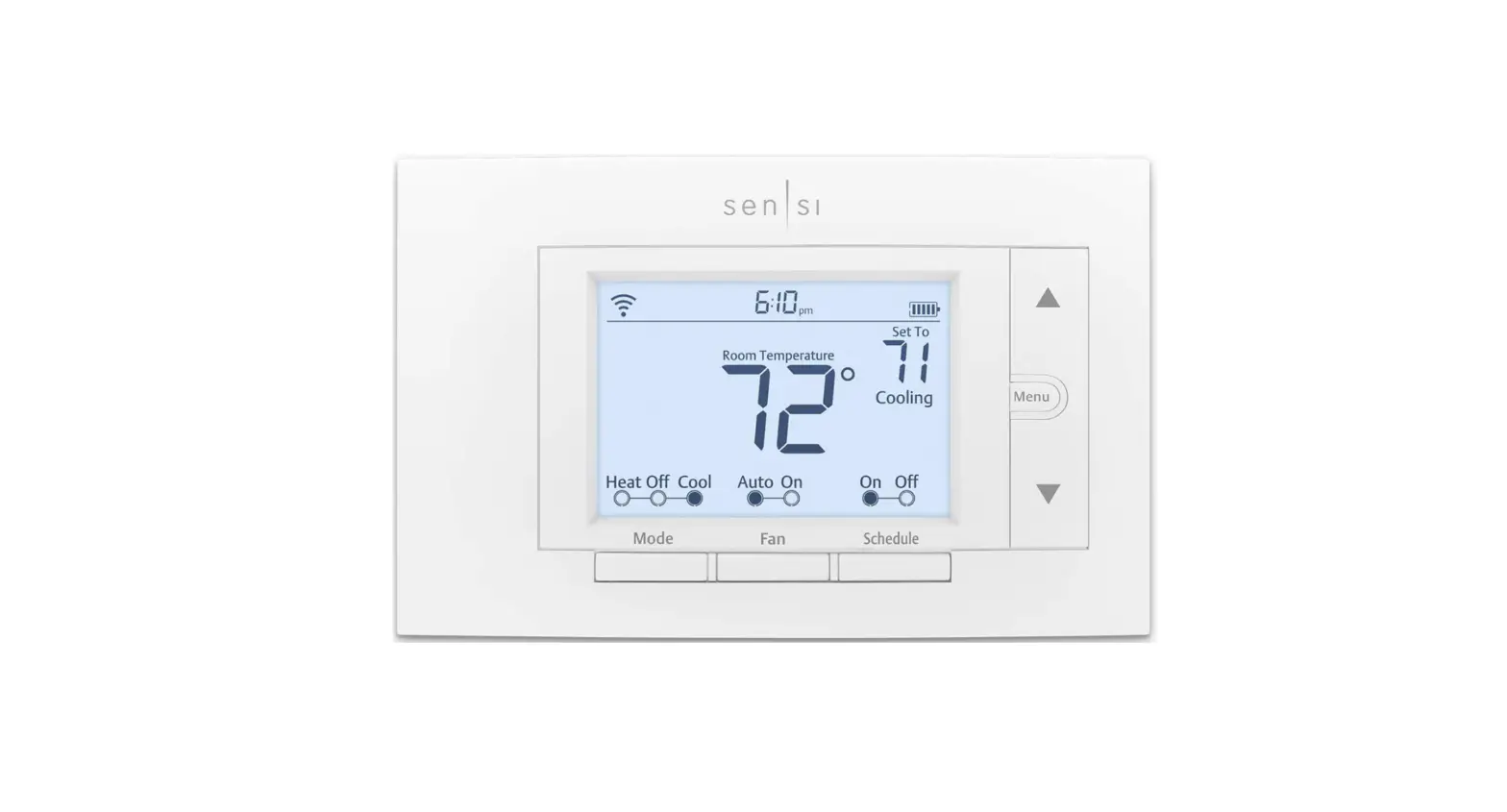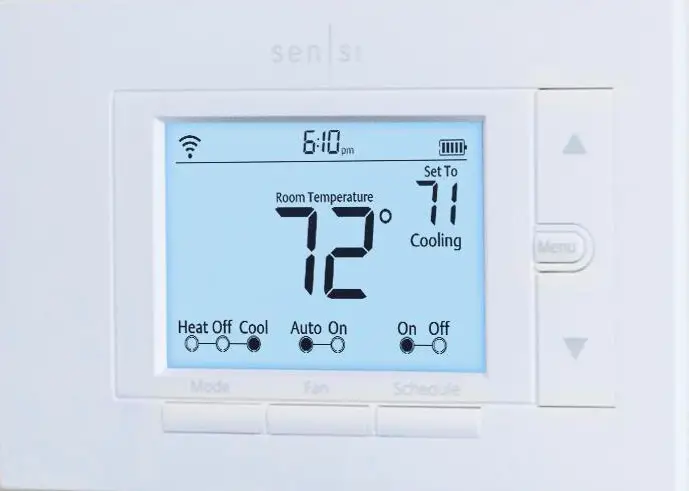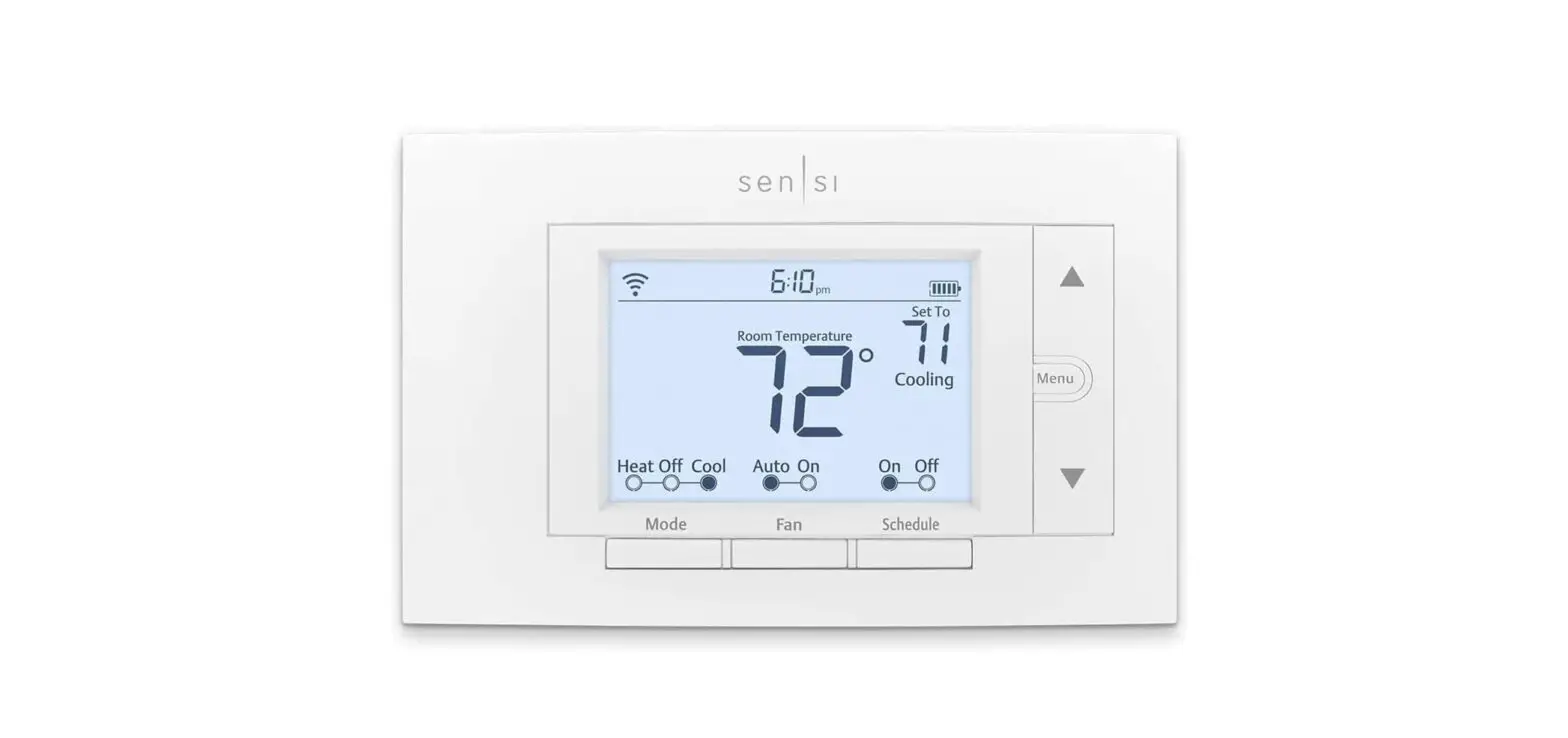


Sensi™
Smart Thermostat
1F87U-42WF Installation Training
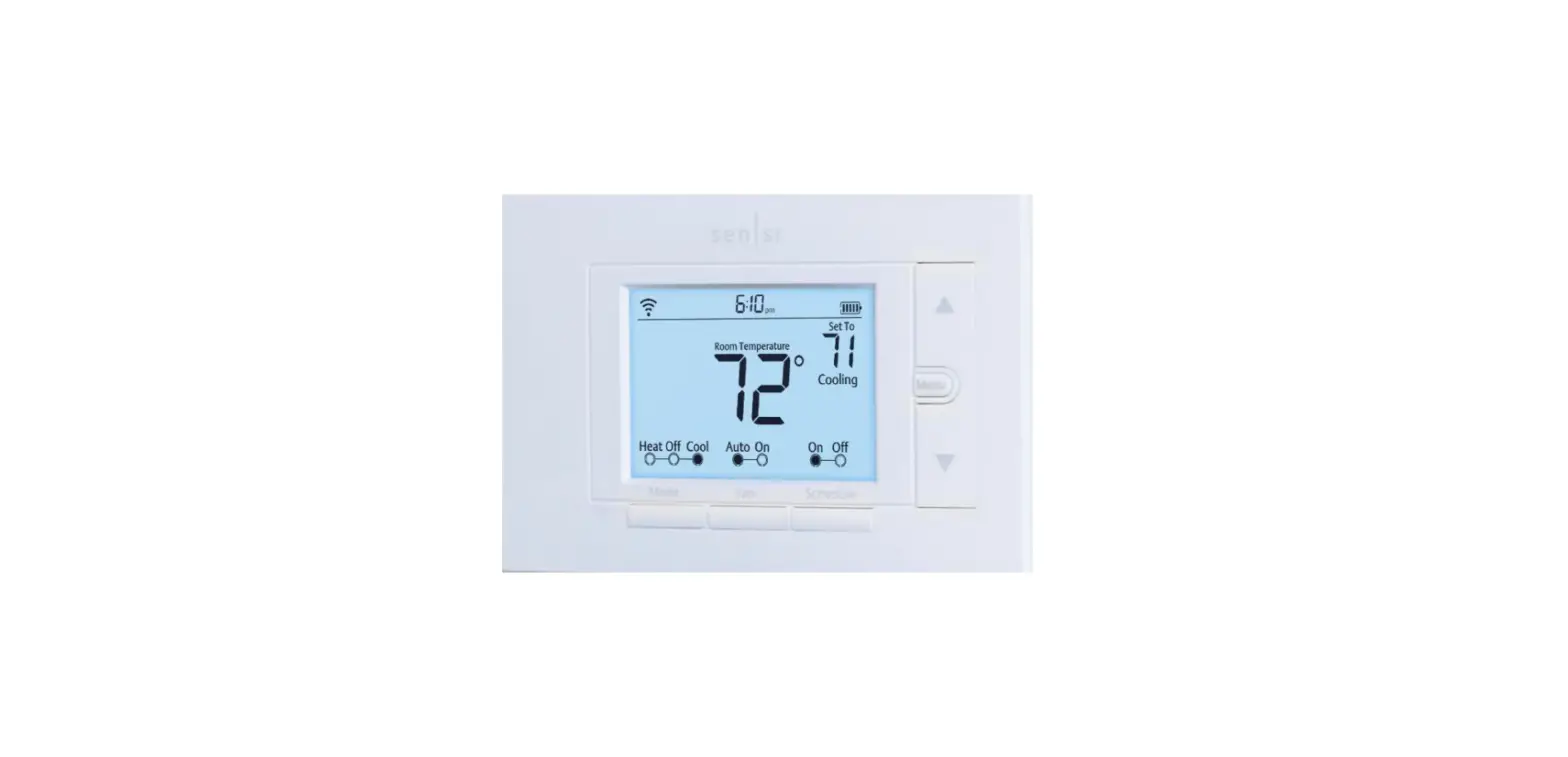
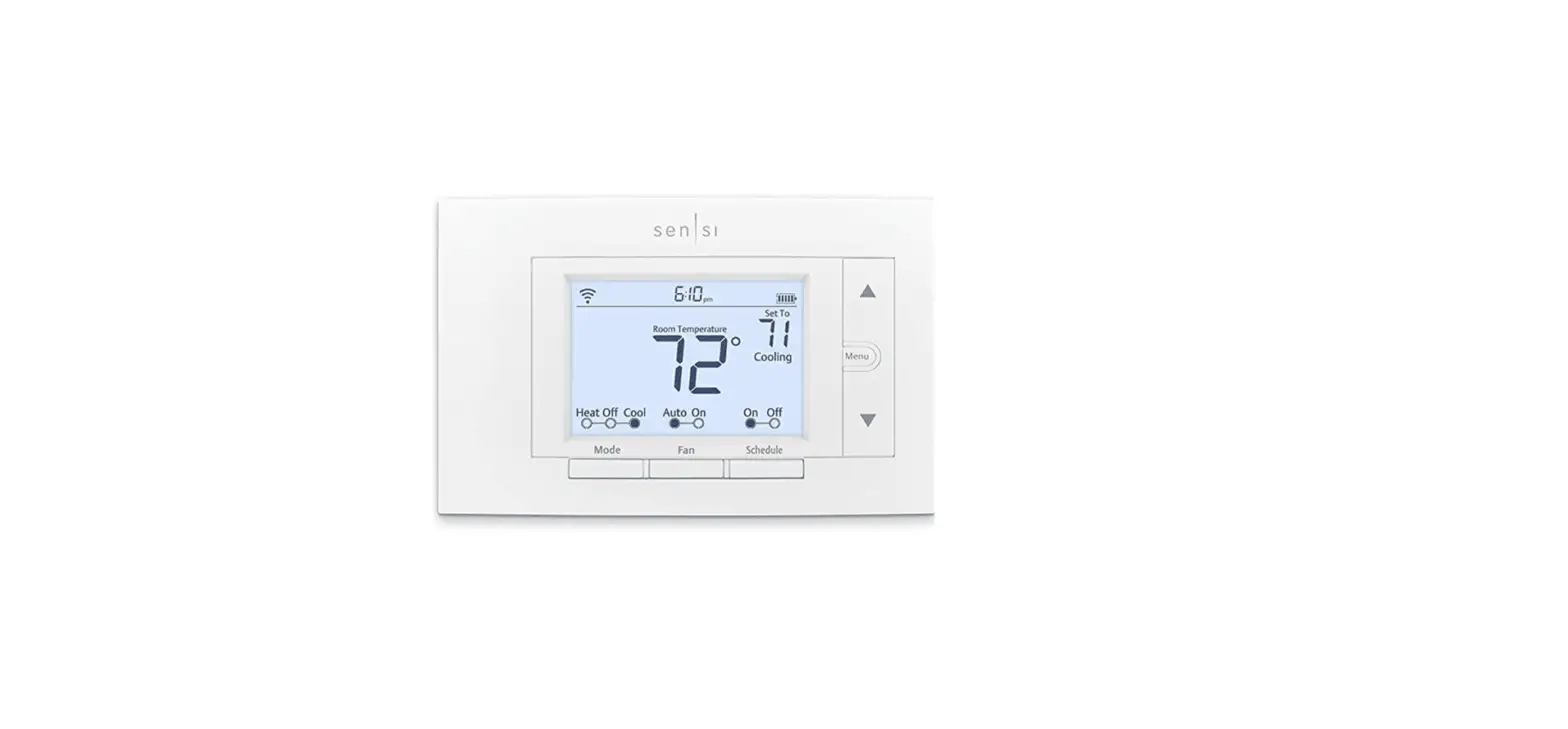
Sensi Smart Thermostat Best Value

Overview
- Home comfort control – Anytime. Anywhere.
- Intuitive app and hardware design validated by research and reviews
- A traditional look that covers 90% of existing thermostat footprints
- Extensive compatibility: heat, cool, heat pump, dual fuel
- No c-wire is required in most cases (except HomeKit)
Features
- Remote app control
- Auto changeover
- Large backlit display
- Humidity control
- Usage reports in-app for heating, cooling, and fan run time
- Contractor branding on device and in-app
- Popular smart home platform integrations – Amazon Alexa, Google Assistant, Apple HomeKit, SmartThings and Wink
- Geofencing smart feature and flexible scheduling options for energy savings
- Multi thermostat control capable for light commercial applications
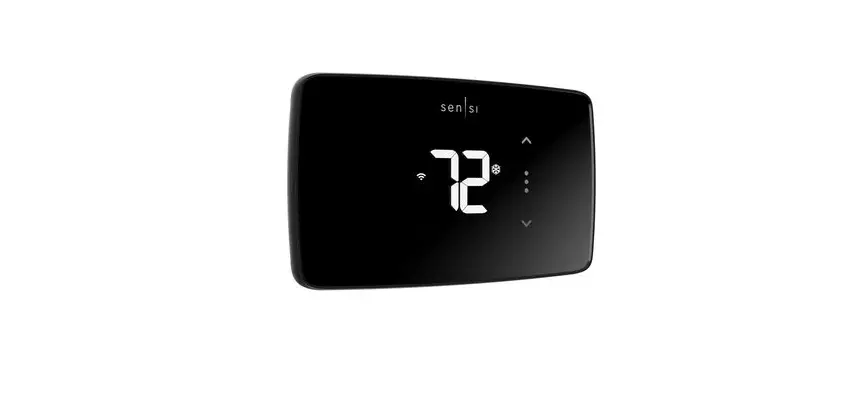
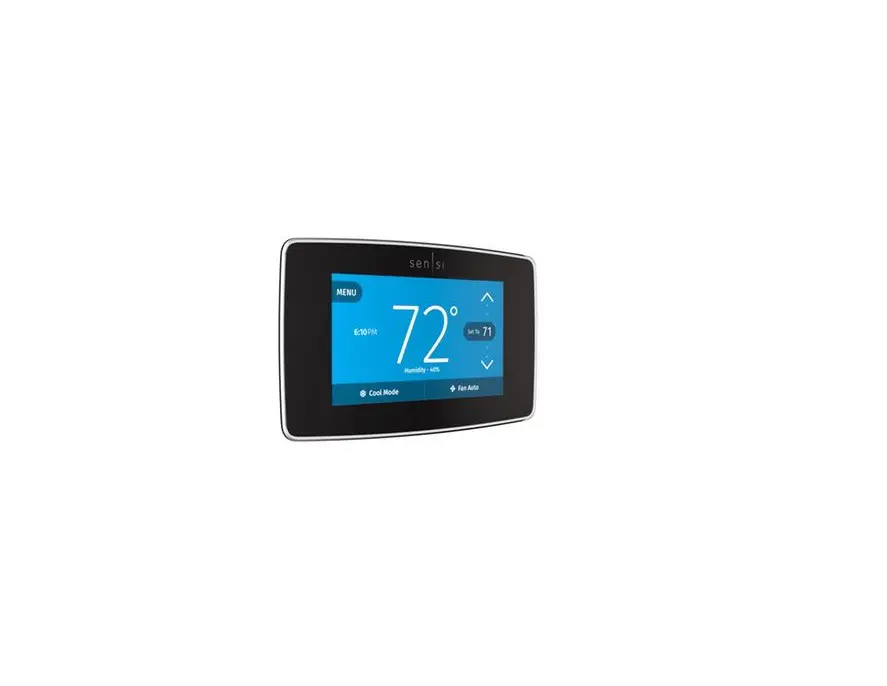
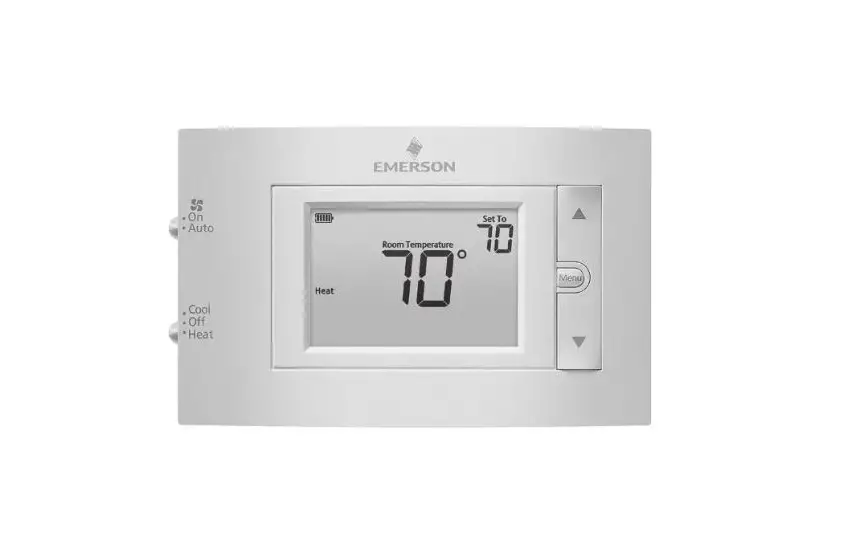
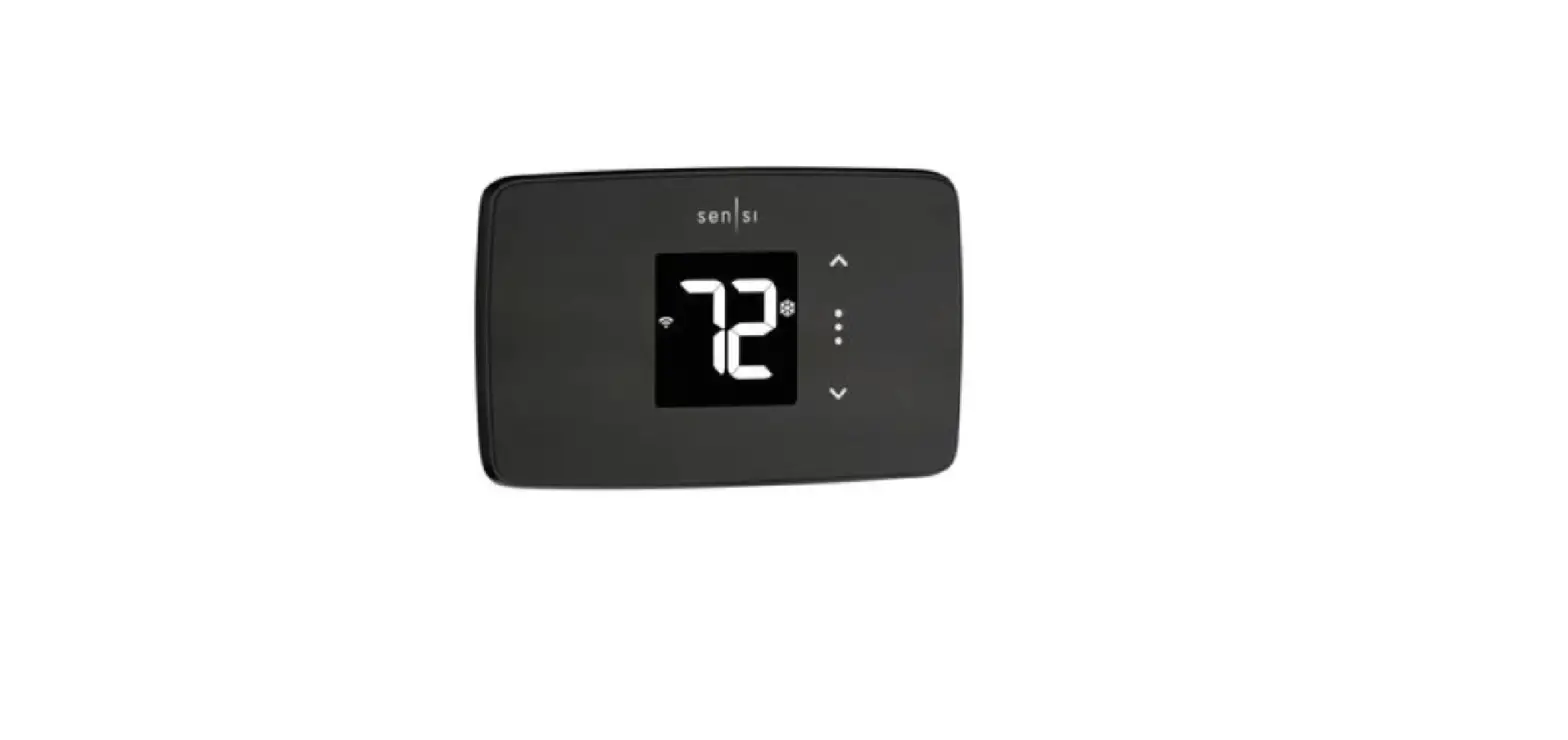
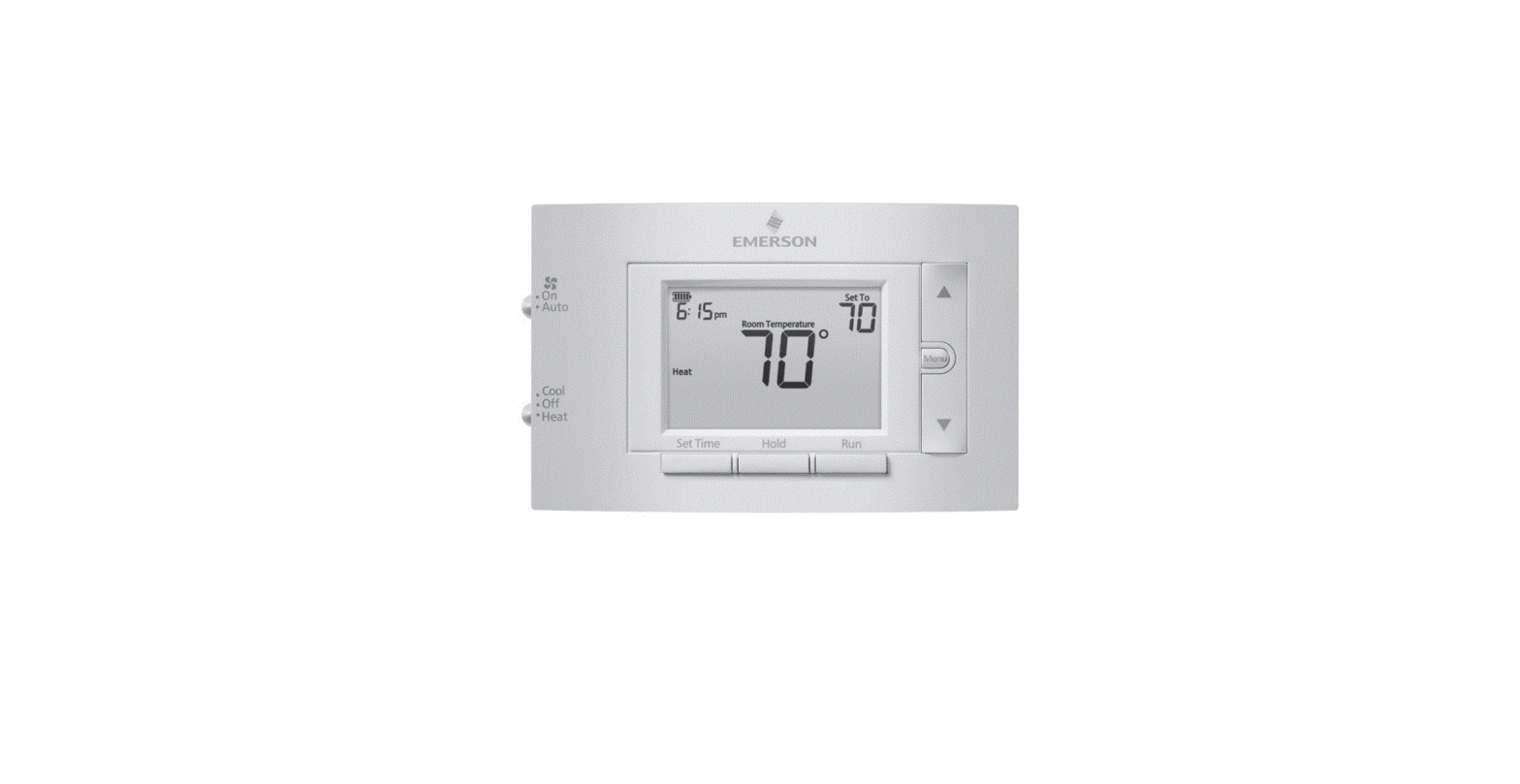
Sensi Smart Thermostat Comparison
| THERMOSTAT FEATURE | 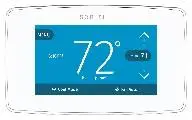 | 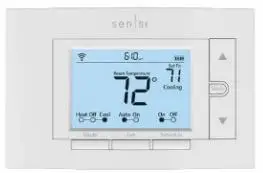 |
| MSRP | $169 | $129 |
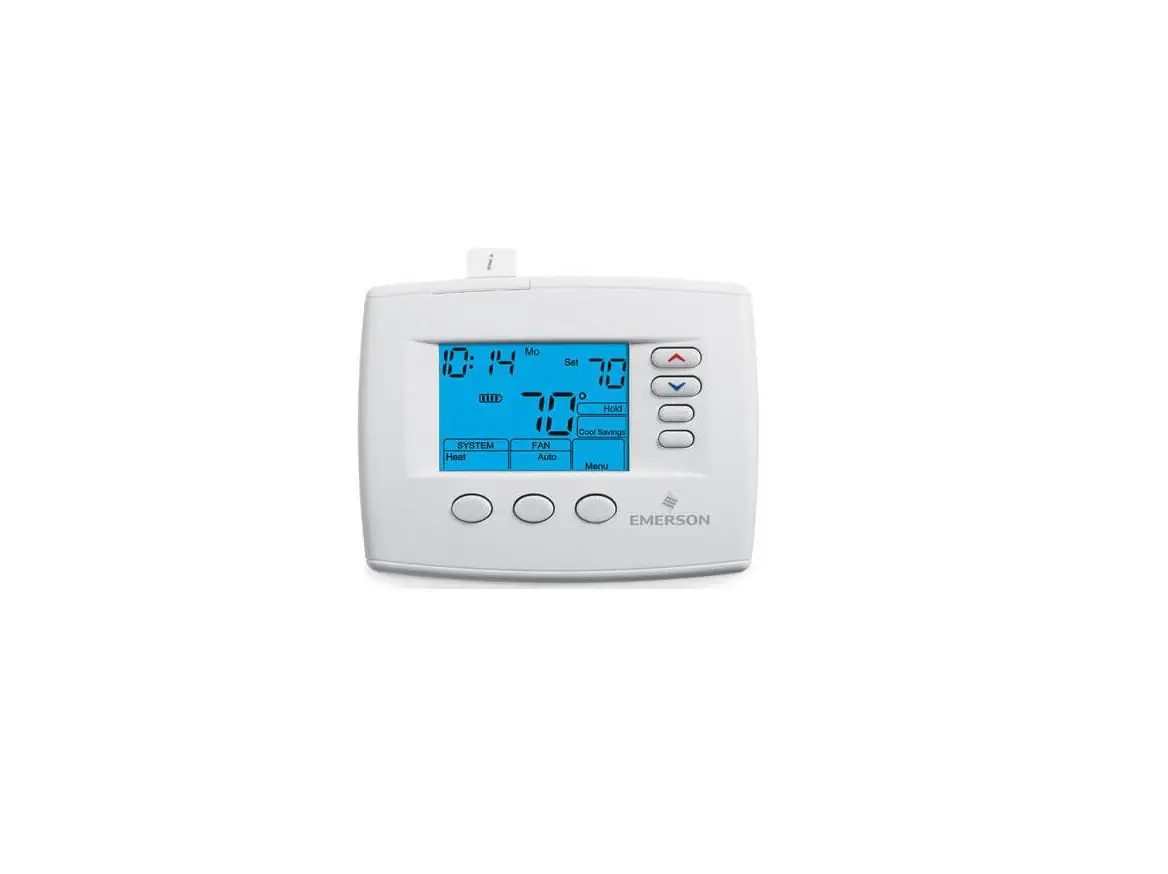
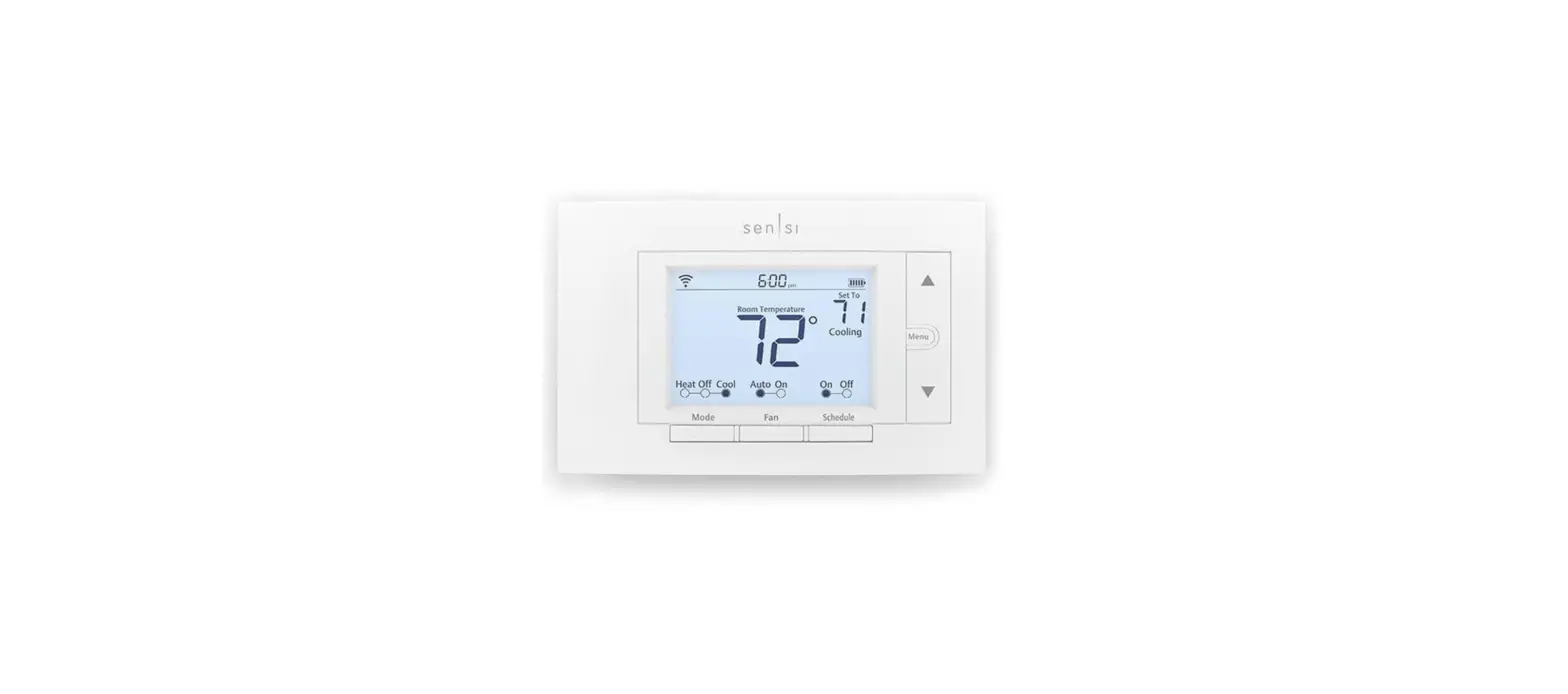
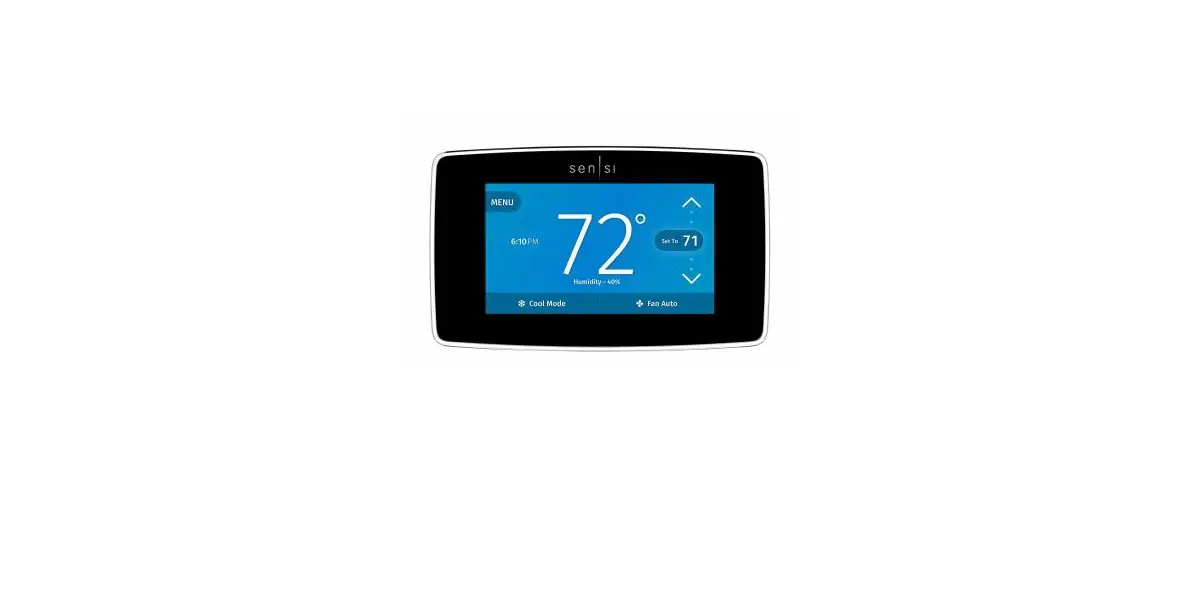
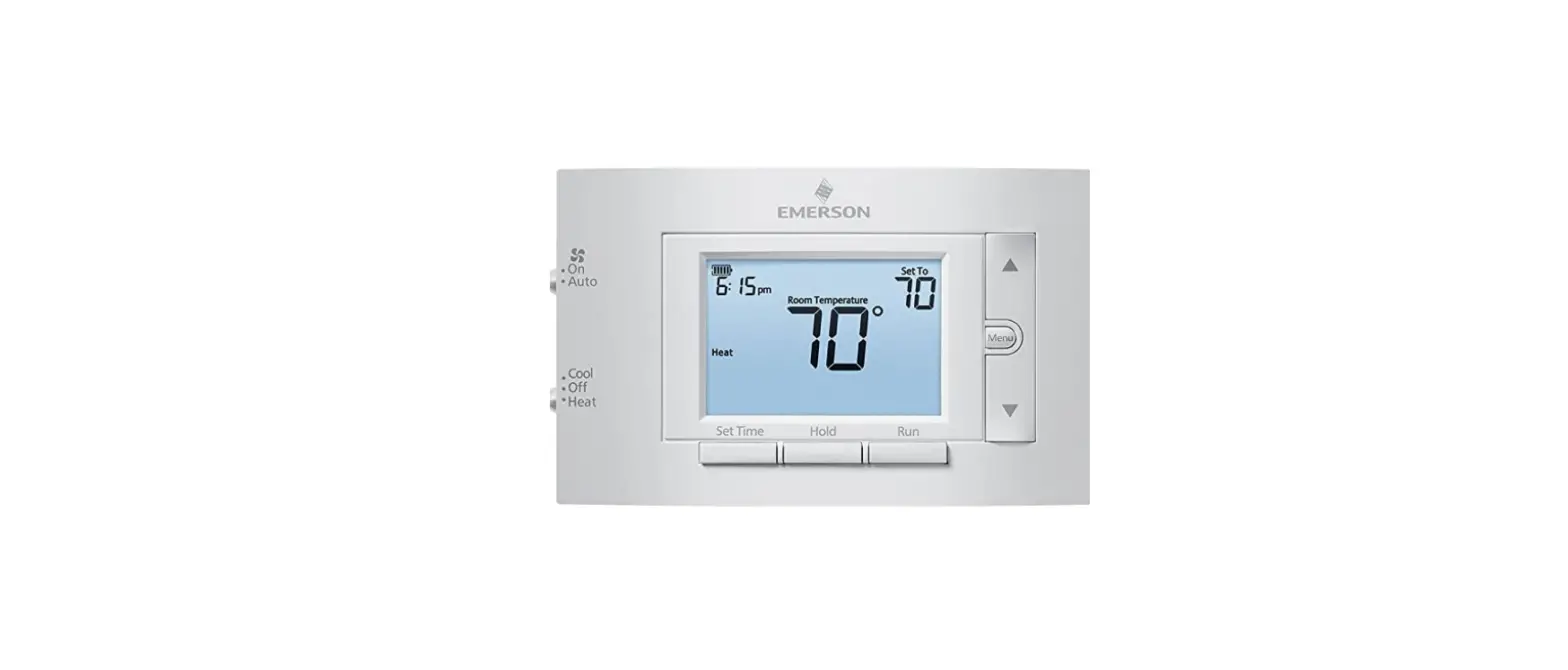
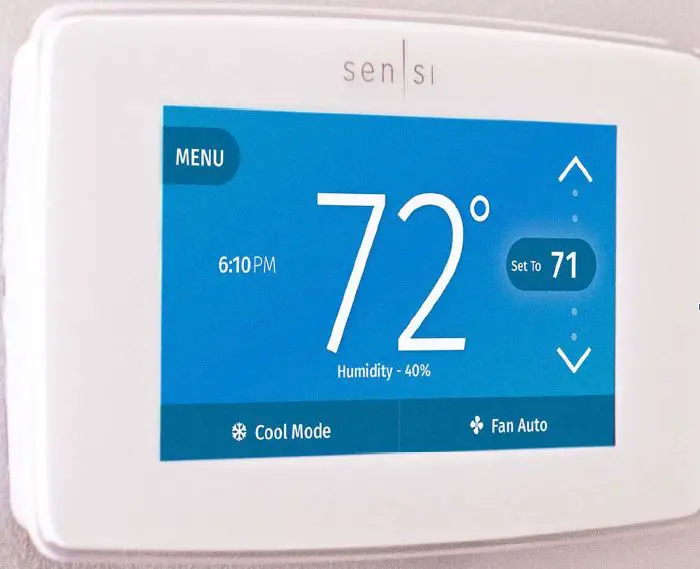
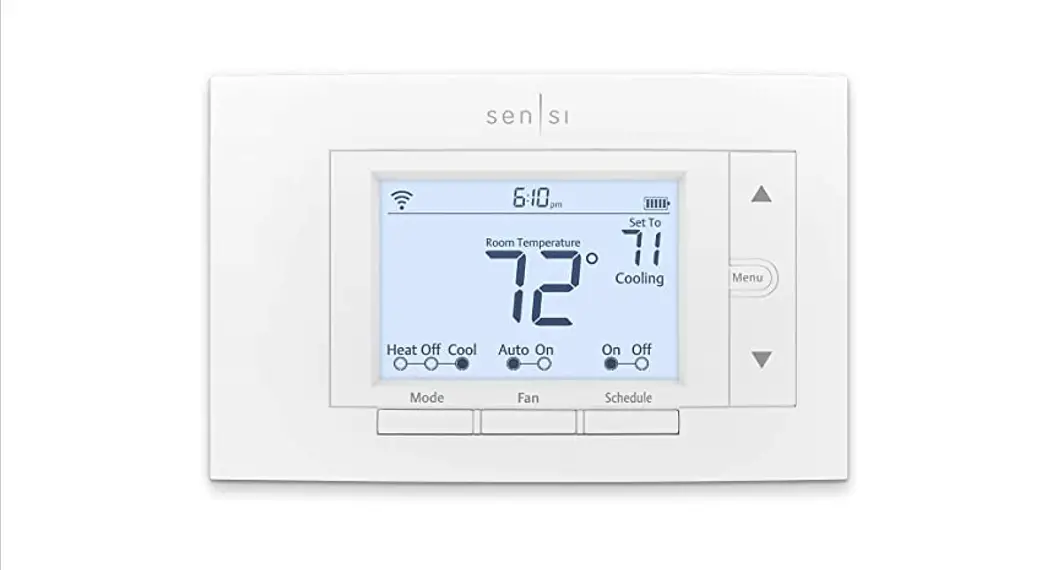
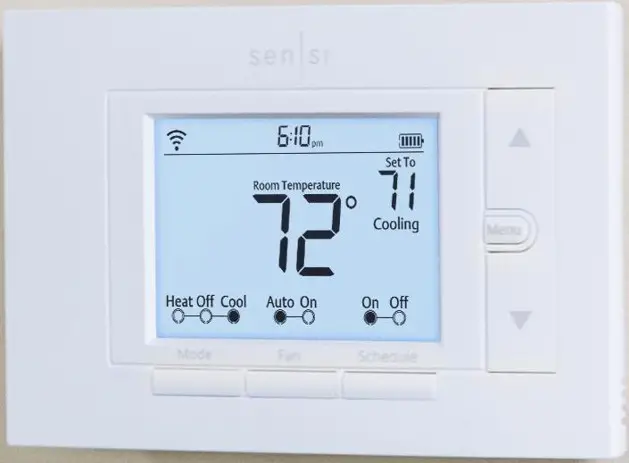
| Aesthetics | Modern / Simple / Sleek | Traditional / Approachable |
| Interface | Capacitive Touchscreen | Buttons |
| System Type | Universal 4H/2C | Universal 4H/2C |
| Contractor branding | App-only | Device & App |
| C-Wire Required | Yes | No |
| Humidity Control |  | |
| Dual Fuel | | |
| Smart Feature – Geofencing | | |
| Keypad Lockout | | |
 | | |
 | | |
 | | |
 | | |
Compatibility and common wire (c-wire) requirement
No common wire required
- Conventional heating and cooling systems
Common wire required
- Apple HomeKit
- Heat only or Cool only (2 wire)
- Heat pumps
Not compatible
- Millivolt systems
*External 24 VAC Transformer is an option - Communicating systems
- Line voltage systems
- Accessory control 4
SYSTEM TYPE | COMPATIBILITY | MODIFICATIONS |
| Conventional heating and cooling • Gas furnace • Air conditioner • Electric furnace • Boiler | Yes | None |
| Heat only • Gas furnace • Electric furnace • Boiler | Yes | Requires a common wire (c-wire) |
| Cool only • Air conditioner | Yes | Requires a common wire (c-wire) |
| Heat pump | Yes | Requires a common wire (c-wire) |
| Communicating proprietary | systems | No Needs for standard HVAC wiring |
| Line voltage | No | Requires low voltage (20-30VAC) |
| Millivolt systems | No | Requires 20-30VAC |
Terminal outputs
| OLD THERMOSTAT | SENSI THERMOSTAT | CONVENTIONAL SYSTEM | HEAT PUMP SYSTEM |
| RH | RH’ | Power for heating, 24V | |
| RC, R | RC’ | Power for cooling, 24V | |
| C, X, B | ** C | Common wire, 24V | |
| Y, Y1 | Y | 1st stage cool | 1st outdoor stage heat |
| Y2 | Y2/* | 2nd stage cool or humidifier | 2nd indoor stage 2nd stage auxiliary/ emergency heat or dehumidifier |
| W, Wl, Aux/E, E | W/E, | 1st indoor stage heat | 1st stage auxiliary/ emergency heat |
| W2 | W2/* | 2nd outdoor stage heat and cool or humidifier | 2nd indoor stage 2nd stage auxiliary/ emergency heat or dehumidifier |
| G | G | Indoor blower (fan) | |
| L | L | no function | “L” terminal connection |
The common wire could be labeled “C”, “B” or “X” on the old thermostat. Please refer to the owner’s manual of the old thermostat.|
What if I don’t have a common wire and need one?
There are a few options if the application does not have or will not allow the pulling of a common wire (c-wire) through the wall.
- Look for an unused wire in the thermostat cable bundle
- Video: Using an extra, unused wire as a common wire - Use the “G” (Fan wire)
Video: Using a g-wire (fan wire) as a common wire - Install an Emerson Thermostat Common Wire Kit
Video: Using an Emerson Thermostat Common Wire Kit
Do I need an RC/RH jumper?
No jumpers required
- Sensi Thermostat has a built-in RC/RH jumper, no need to field install a jumper
- If you have separate wires to RC and RH terminals (two transformer systems)
-Label the wires RC and RH separately and then clip the jumper wire on the back of the Sensi faceplate.
RC/RH jumper location
- Sensi Thermostat has a jumper built-in on the back of the thermostat

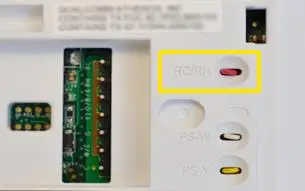
No jumpers are required when installing the Sensi Smart Thermostat
Heat pump jumper wires
- Some thermostats will have additional jumpers installed
- Remove the jumper and label as shown below
JUMPER WIRE LABELING | |||
Old thermostat jumper terminals | Label wire from wall | ||
| Y | W | Y | |
| Y2 | W2 | Y2 | |
| W2 | E | W/E | |
Wiring – two transformer – conventional single-stage or two-stage systems
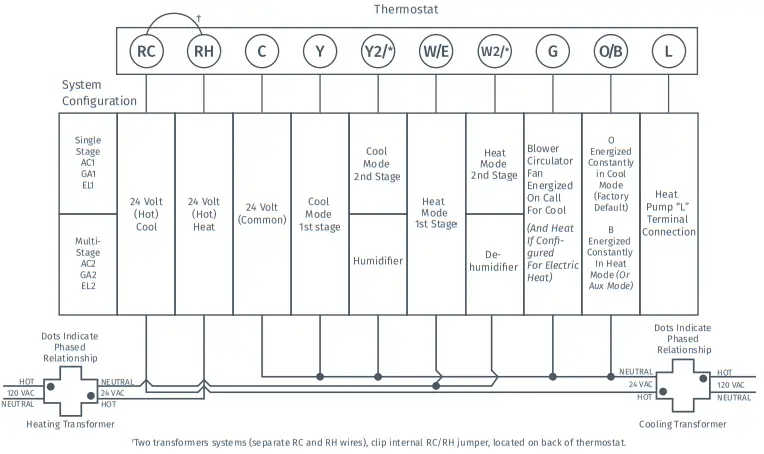
A quick tip: Thermostat wiring does not follow a standardized color code.
Take a picture with your smartphone and label thermostat wires before removing the old thermostat from the wall.
Wiring – heat pumps single-stage or multi-stage systems
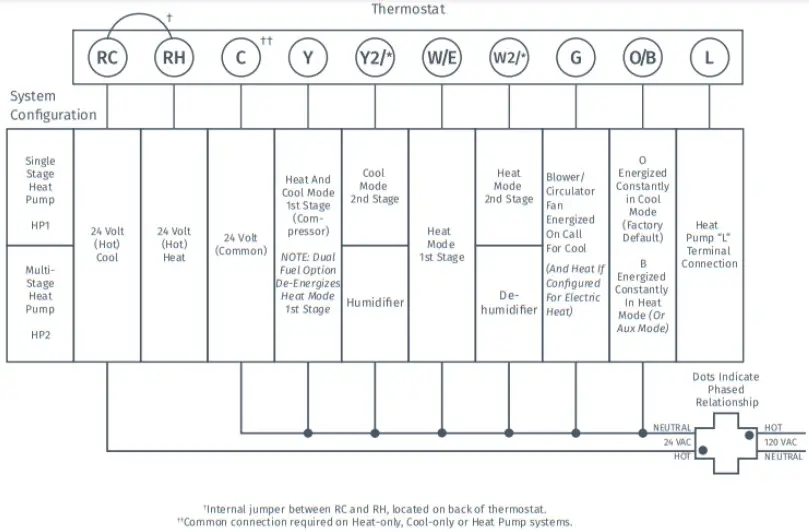
A quick tip: Thermostat wiring does not follow a standardized color code.
Take a picture with your smartphone and label thermostat wires before removing the old thermostat from the wall.
Heat pump wiring exceptions
Separate W2 and E Wires
- Both wires will be labeled W/E and attached to the same terminal.
HEAT PUMPS WITH SEPARATE WIRES ON W2 AND E | |||
| Old thermostat | Label wire from wall | ||
| W2 | Separate wire | W/E | Both wires will be attached to the W/E terminal |
| E | Separate wire | W/E | |
B Terminal Wires
- “B” terminal can be used for more than one. Here is the solution to cross.
-If there is a wire on the “O” terminal, label the B wire C
-If there is no wire on the “O” terminal, label the B wire O/B
B TERMINAL LABELING | ||
| Old thermostat | Label wire from wall | |
| B | Wire on “O” terminal | C |
| B | No wire on “O” terminal | O/B |
Terminal outputs
| OLD THERMOSTAT | SENSI THERMOSTAT | CONVENTIONAL SYSTEM | HEAT PUMP SYSTEM |
| RH | RH’ | Power for heating, 24V | |
| RC, R | RC’ | Power for cooling, 24V | |
| C, X, B** | ** C | Common wire, 24V | |
| Y, Y1 | Y | 1st stage cool | 1st outdoor stage heat |
| Y2 | Y2/* | 2nd stage cool or humidifier | 2nd indoor stage 2nd stage auxiliary/ emergency heat or dehumidifier |
| W, Wl, Aux/E, E | W/E, | 1st indoor stage heat | 1st stage auxiliary/ emergency heat |
| W2111 | W2/* | 2nd outdoor stage heat and cool or humidifier | 2nd indoor stage 2nd stage auxiliary/ emergency heat or dehumidifier |
| G | G | Indoor blower (fan) | |
| 0,B,” 0/8 | 0/B | Changeover (reversing valve) connection for heat pump or zone panel systems | |
| L | L | no function | “L” terminal connection |
Note that Y2/* and W2/* are being used for wired humidification or dehumidification, respectively
System configuration
CONFIGURATION MENU ITEMS REFERENCE | |||
| Display Code | Menu item | Default | Options |
| Wireless Setup Connects Thermostat to Wi-Fi network | – | Connect | |
| Fahrenheit or Celsius | F | F C | |
| Outdoor Equipment Configuration Cooling or heat pumps | AC2 | AC1 – Conventional Cooling 1 (Single Stage) AC2- Conventional Cooling 2 (Two-Stage) HP1- Heat Pump 1 (Single Stage) HP2- Heat Pump 2 (Two-Stage) ACO- No Cooling | |
| Indoor Equipment Configuration for Gas or Electric heat | EL2 | ELF1 Electric 1 (Single Stage) EL2- Electric 2 (Two-Stage) FAn GA1 Gas 1 (Single Stage) GA2 Gas 2 (Two-Stage) | |
| Reversing Valve Position O Selects “0” or ‘Er Setting For Heat Pumps Only | 0 | O B 2 | |
| Fn | Circulating Fan | OFF | Off/10% – 100% (5% increments) |
| H AA | Humidification Add Accessory | OFF | Off/On |
| H SP | Humidification SetPoint | OFF | Off/5% – 50% (5% increments) |
| DH AA | Dehumidification Add Accessory | Od | Od/Oc Od – Optimal dehumidification (overcool to dehumidify) Oc – Optimal comfort (Wired dehumidification) |
| DH SP | Dehumidification SetPoint | OFF | Off/40% – 95% (5% increments) |
| Wireless Radio ON Turns Wi-Fi Radio On/Off | ON | On/Off | |
System Compatibility List – Humidity Control
- Heat only: Humidifier only
- Cool only: Dehumidifier only
- 1 stage heat, 1 stage cool: Humidifier and Dehumidify
- 1 stage heat, 2 stages cool: Dehumidifier only*
- 2 stage heat, 1 stage cool: Humidifier only*
- 2 stage heat, 2 stages cool: None*
* Note: if the staging on a 2 stage heat or 2 stages cool system can be handled by the furnace/air handler board, that will open up the Y2 or W2 terminal for hum/dehum use.
How to Set Up Humidity Control on the Sensi Thermostat Installation
- Install humidifier/dehumidifier equipment
– Wire the whole-house humidifier to the Y2/* terminal
– Wire the whole-house or standalone dehumidifier to the W2/* terminal - New menu items H AA and DH AA (Additional Accessory)
 – For wired dehumidification, select OC (Optimal Comfort)
– For dehumidification through overcooling, select Od (Optimal Dehumidification) - Depending on installed equipment, select the appropriate configuration
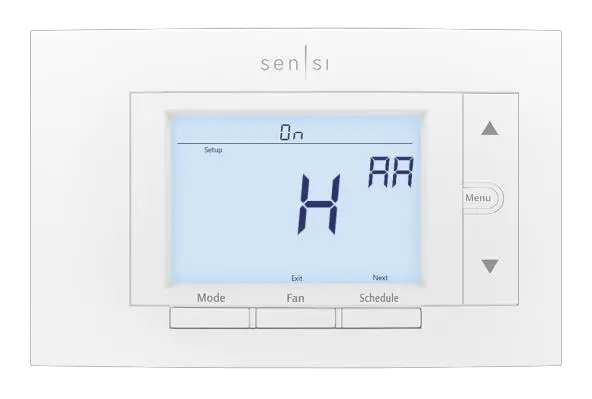 – For wired dehumidification, select OC (Optimal Comfort)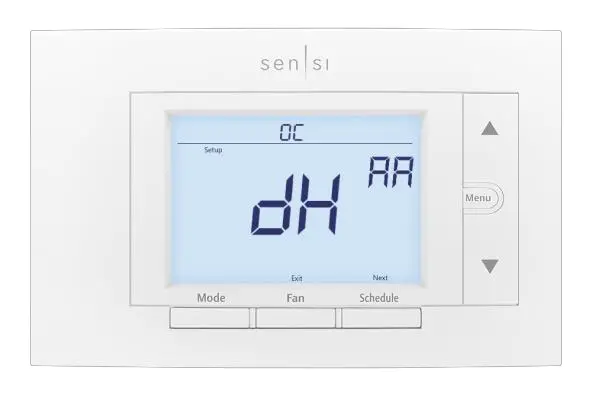
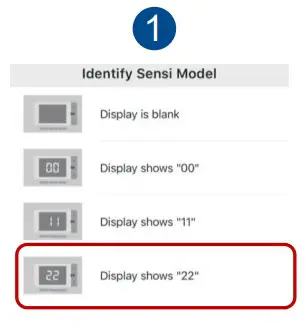
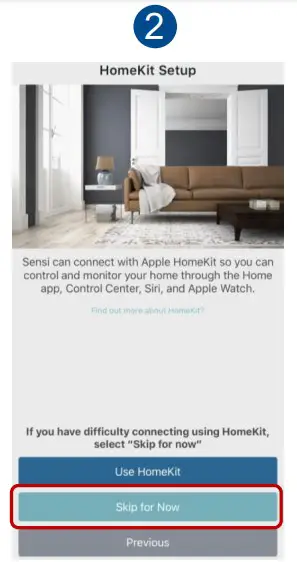
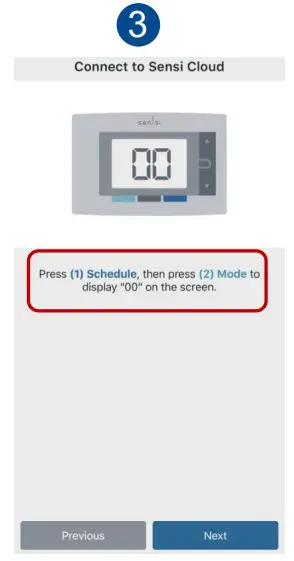
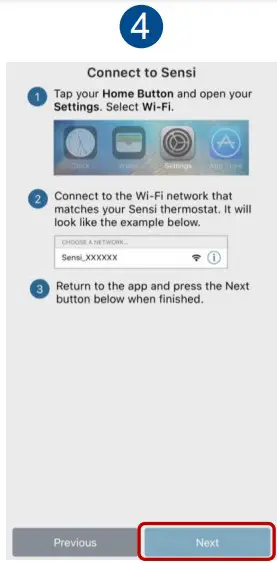
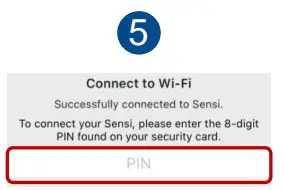
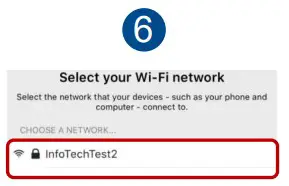
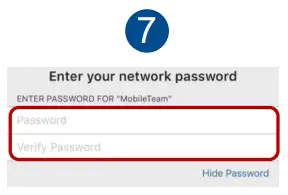
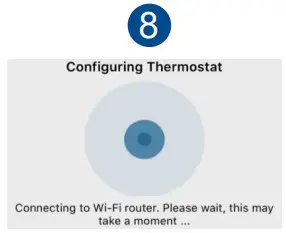
Connecting to Wi-Fi is simple
 |  |
 |  |
 |  |
 |  |
Connect with your customers – Anytime. Anywhere.
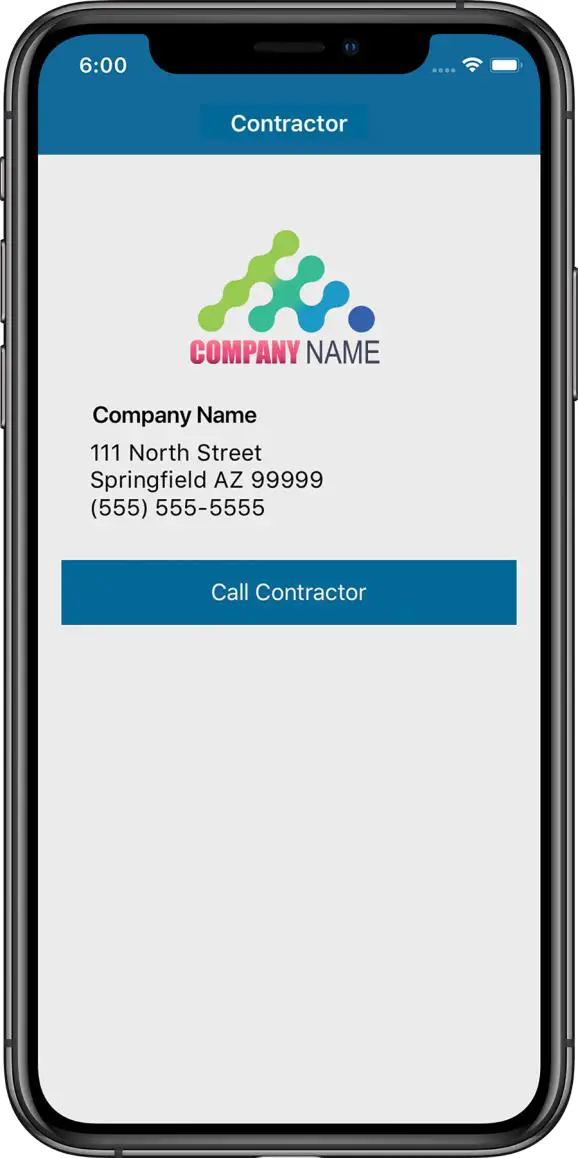
- Register your company at www.SensiRegistration.com
– Upload your logo which will be displayed on your customer’s phone - During installation, enter your registered phone number in the Sensi app
– The Sensi app stores your contact information in your customer’s phone. - When your customer needs service, you’re just a tap away.
– Also, if your customer receives a smart alert due to a system issue, your contact information will be included
Grow your business with a light commercial solution from Sensi
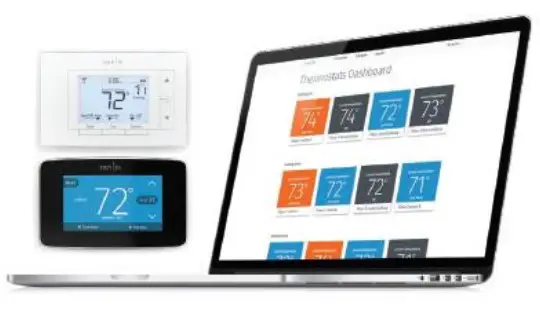
Sensi Multiple Thermostat Manager offers a simple, affordable solution for property-wide comfort control, connected in one place.
Learn more and take a FREE test drive at sensi.emerson.com/mtm Total Comfort Control
Monitor multiple commercial thermostats from anywhere through the intuitive portal featuring dragand-drop functionality.| Keypad Lockout & Temperature Limits
Maintain total control of your thermostat settings by setting temperature limits or disabling changes made outside of the online control portal. Group Scheduling Monitor
Easily consolidate and customize settings across multiple thermostats by grouping and sorting. Energy Saving Features
Remote control and flexible batch scheduling can minimize energy waste and help you save money. Extensive Compatibility*
Works with HVAC systems in most facilities. All you need are our highly-rated Sensi Smart Thermostats. Smart Alerts
Enable optional notifications that let you know when and where extreme temperature or humidity changes are detected in your building(s).
Learn more at emerson.com/sensipro
Sensi™
Smart Thermostat
1F87U-42WF Installation Training
References
 Sensi for Professionals | Emerson US
-
Sensi Multiple Thermostat Manager | Unlimited Thermostat Control | Sensi US
 Join the Sensi™ partner program
-
Join the Sensi™ partner program
-
Sensi Multiple Thermostat Manager | Unlimited Thermostat Control | Sensi US
 Sensi installation: Using a g-wire (fan wire) as a common wire - YouTube
-
Sensi installation: Using an extra, unused wire as a common wire - YouTube
-
Sensi installation: Emerson Thermostat Common Wire kit - YouTube
 Sensi for Professionals | Emerson US
 Sensi Multiple Thermostat Manager | Unlimited Thermostat Control | Sensi US
 Join the Sensi™ partner program
 Sensi installation: Using a g-wire (fan wire) as a common wire - YouTube