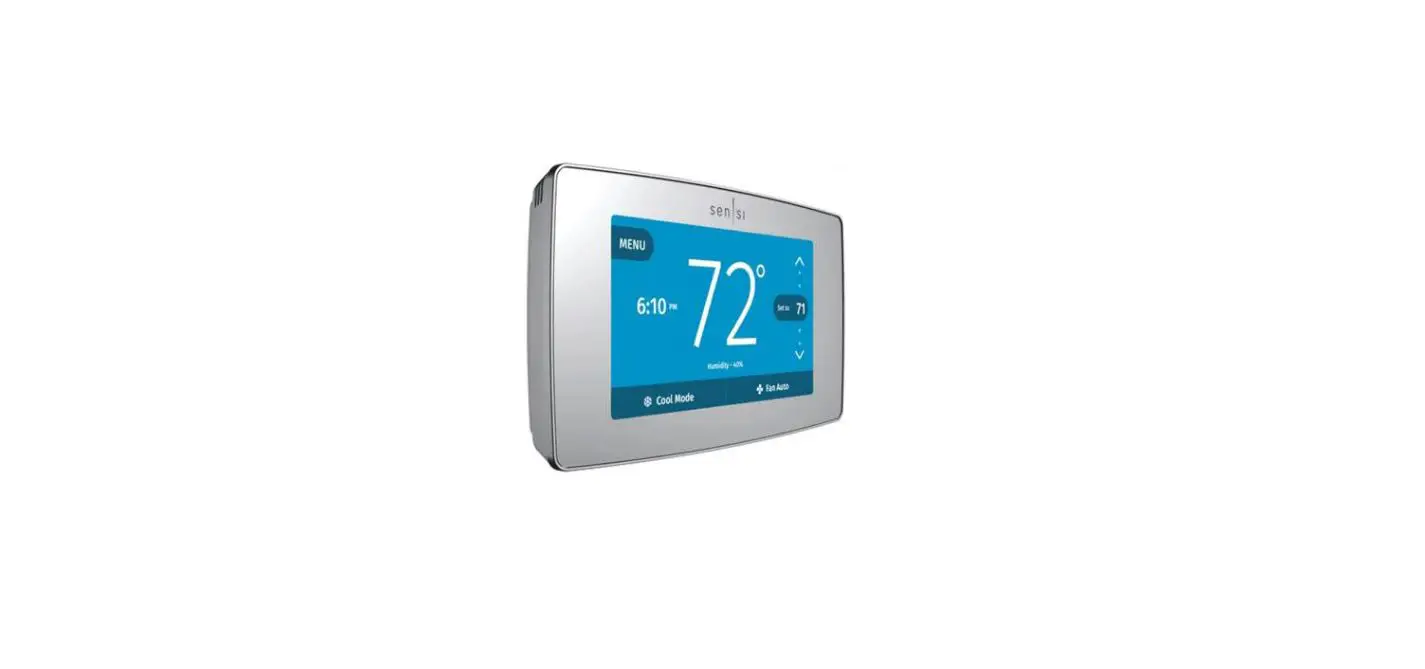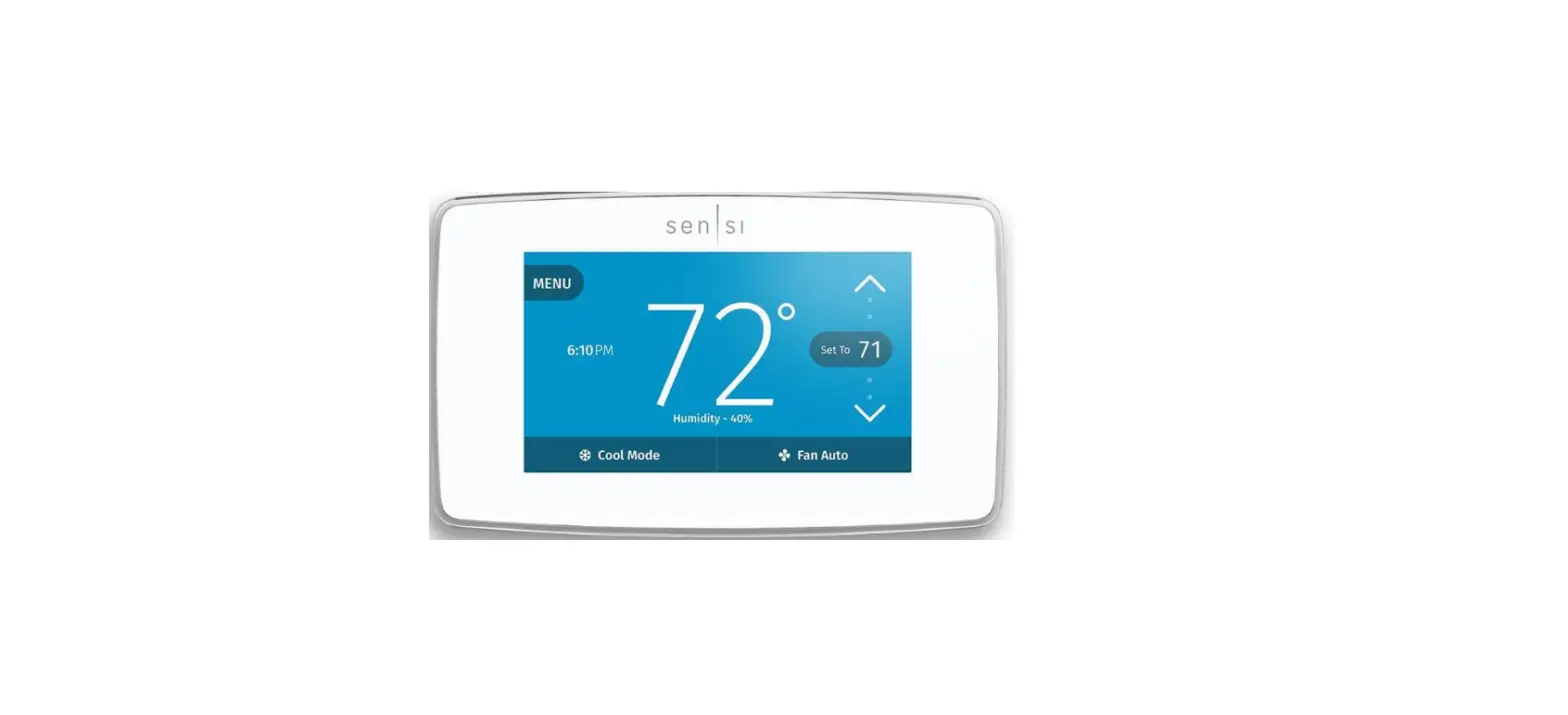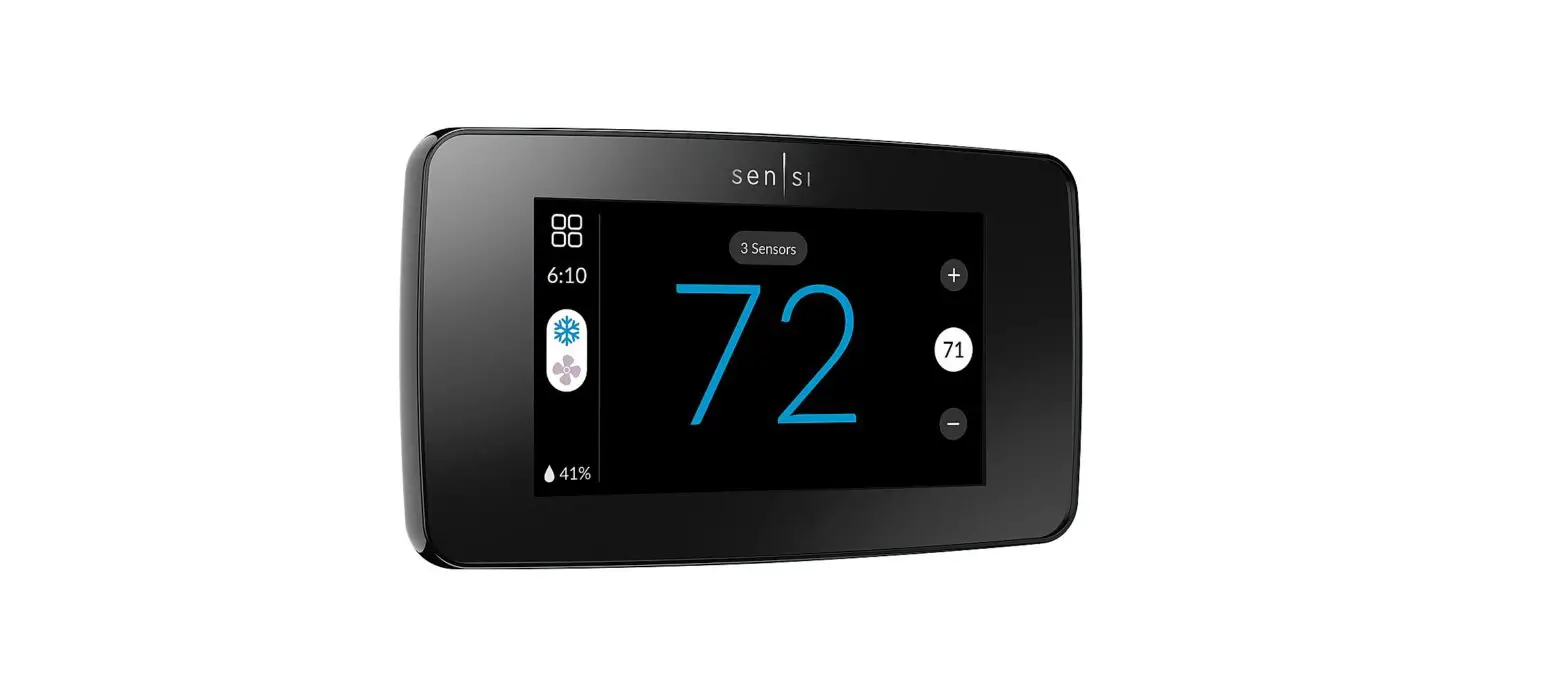
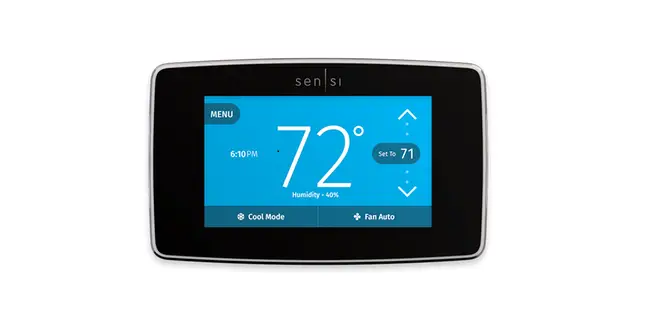
EMERSON Sensi Touch Smart Thermostat
Installation Guide
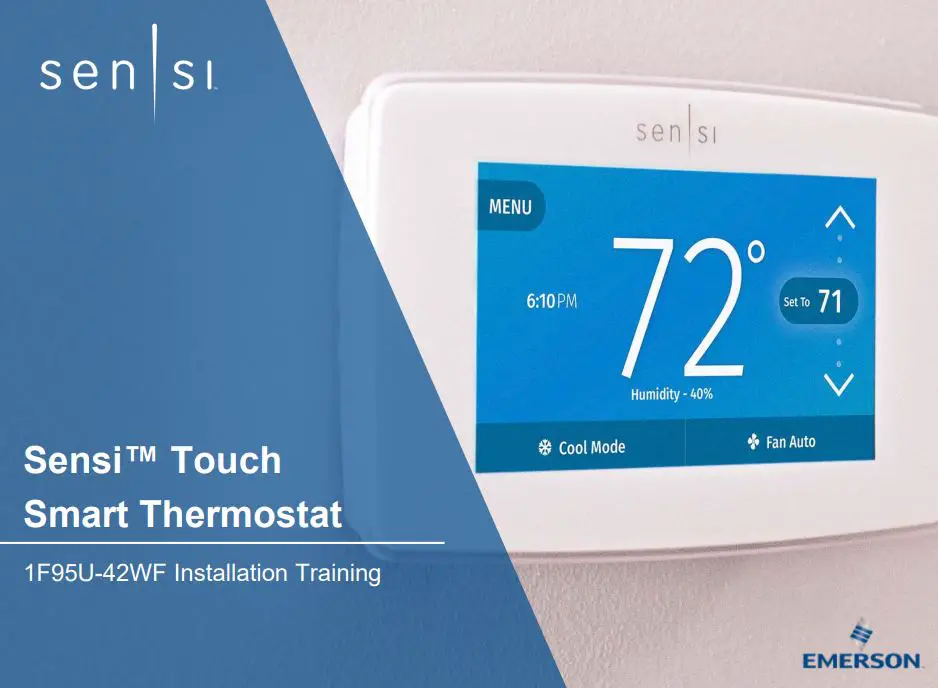
Sensi Touch Smart Thermostat
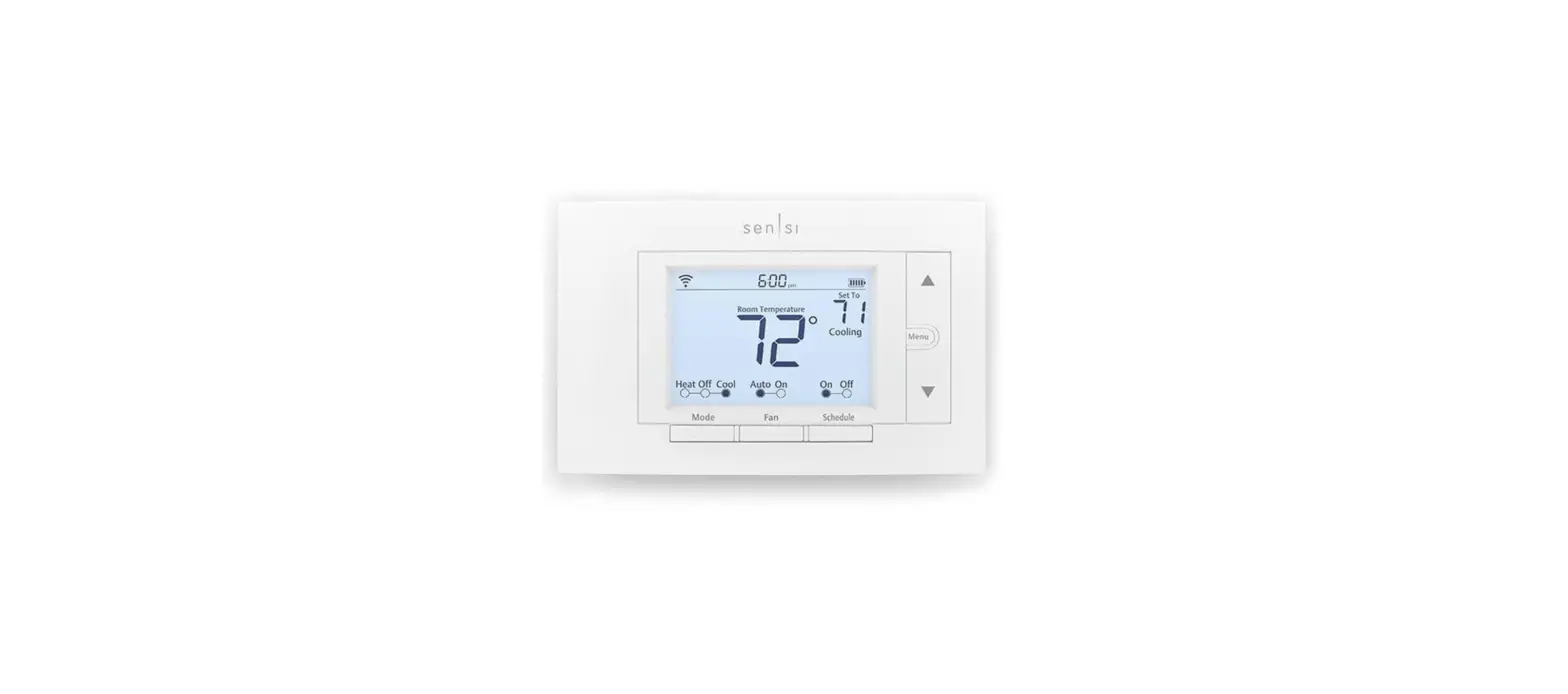
Overview
- Home comfort control – Anytime. Anywhere.
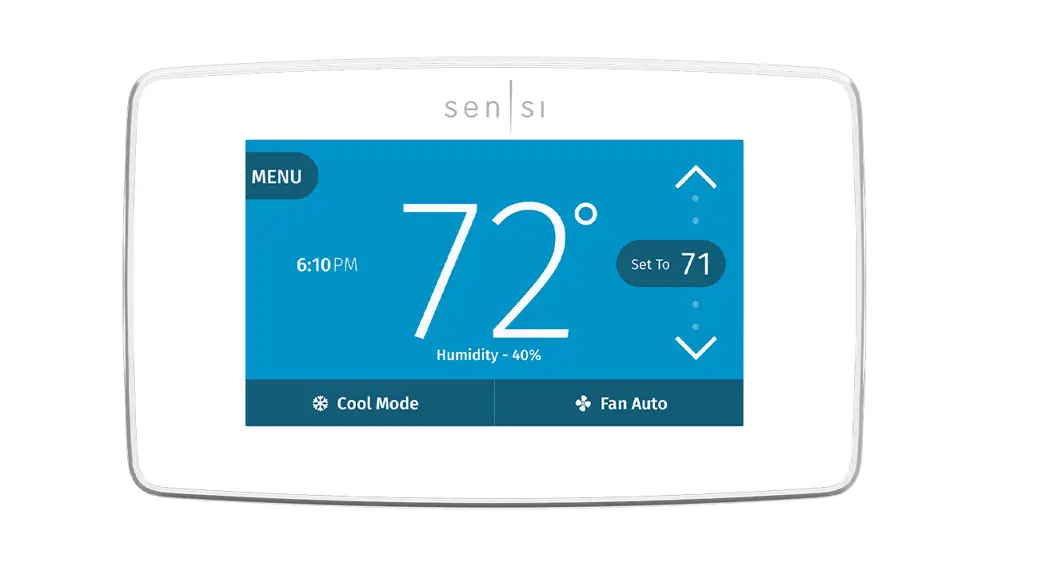
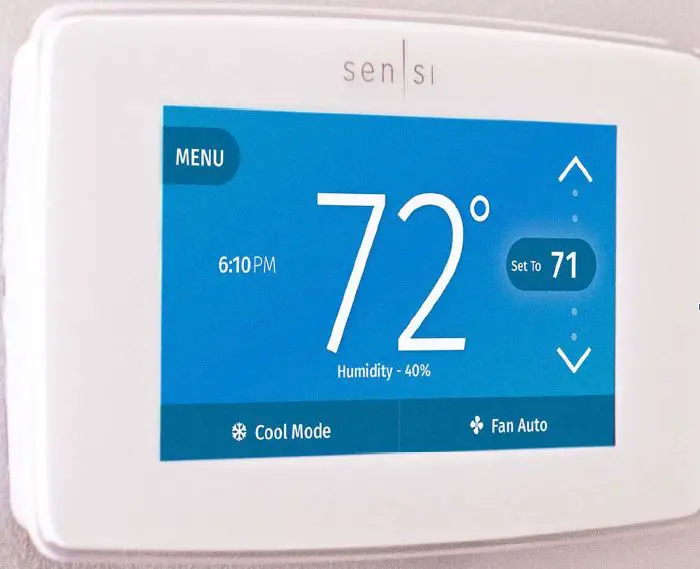
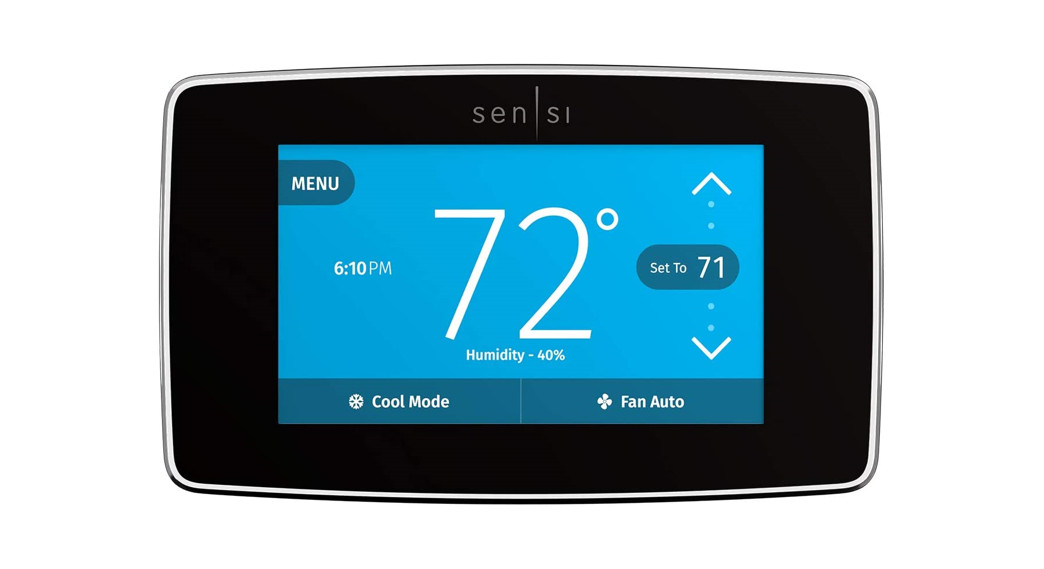
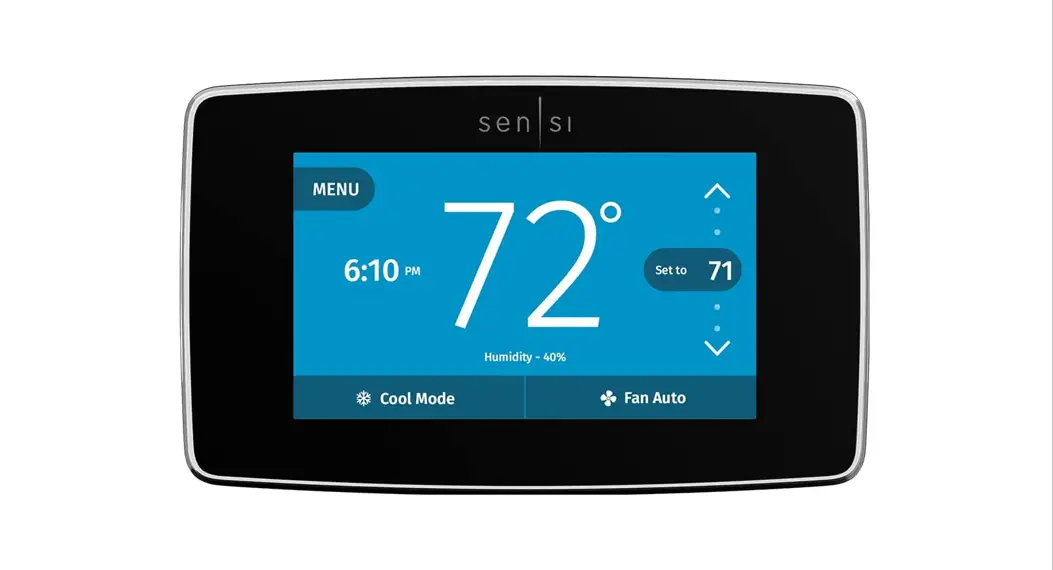
- Customizable HD color touchscreen
- Distinct, clean design with a bold lens to fit the modern home
- Intuitive app and hardware design – validated by research
- Flexibility to select options and programs that fit your lifestyle
Features
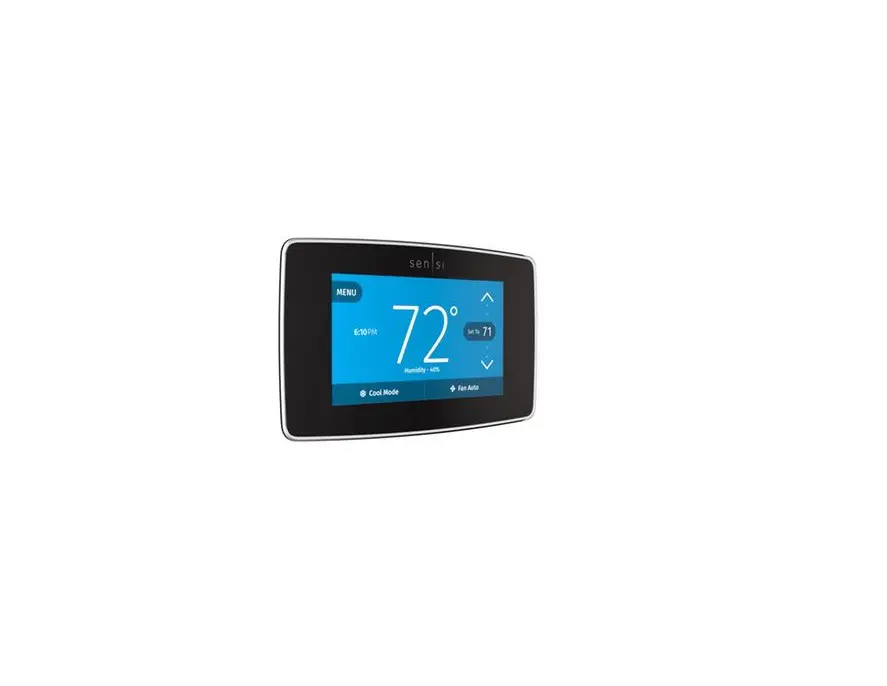
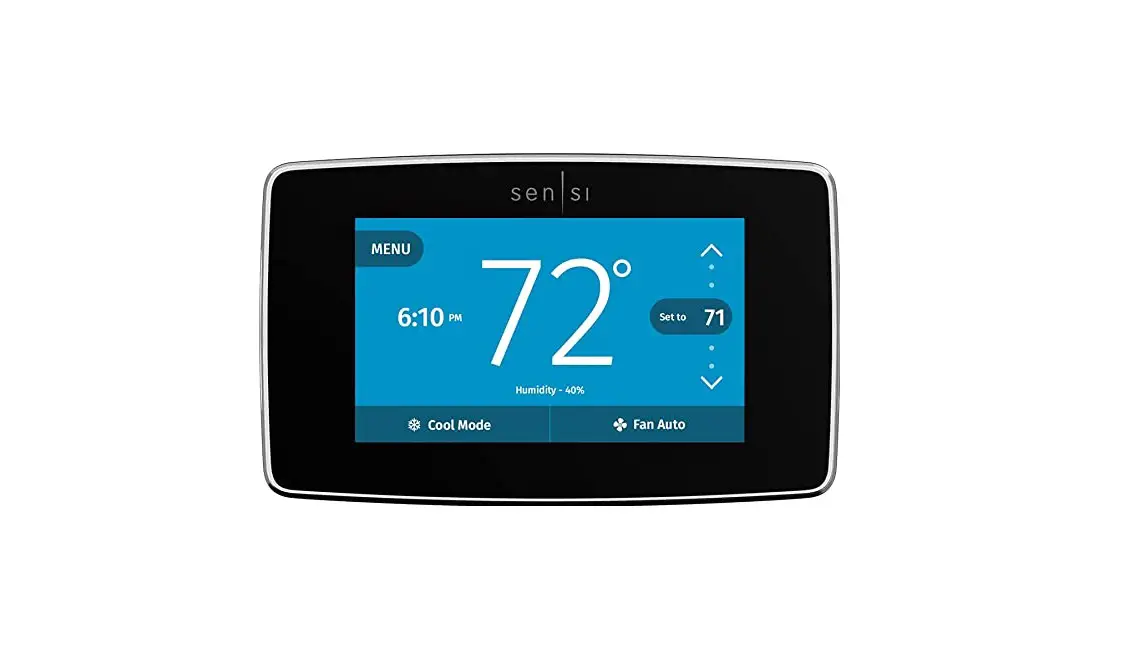
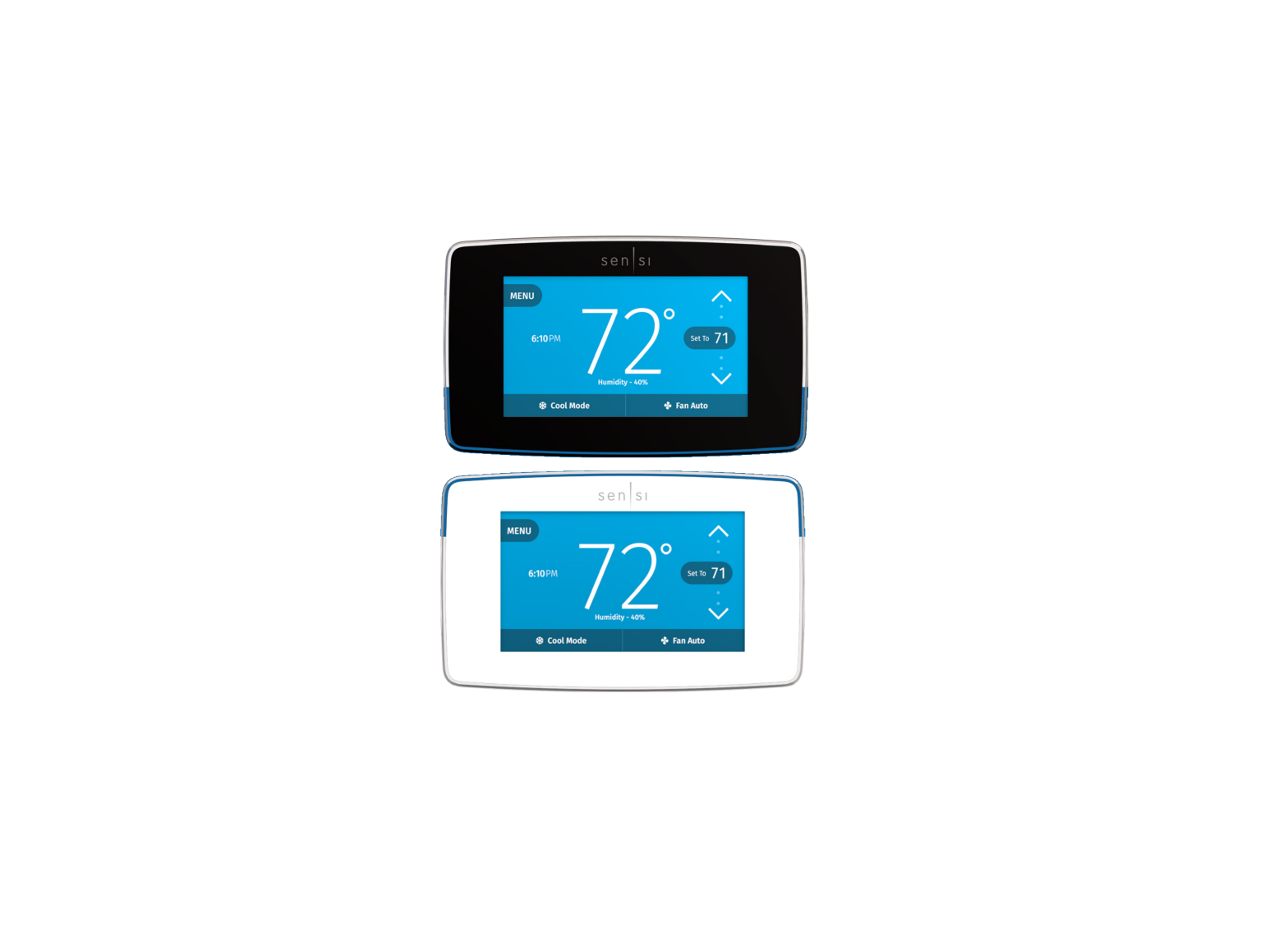
- Available in White or Black
- Color touch screen with unmatched clarity and usability
- Remote app control
- Geofencing smart feature and flexible scheduling options for energy savings
- High/Low temperature text alerts
- Extensive compatibility: heat, cool, heat pump, dual fuel
- Popular smart home platform integrations – Amazon Alexa, Google Assistant, Apple Home Kit, SmartThings and Wink
- Back glow with custom setting options
- Multi thermostat control capable for light commercial applications
- Auto changeover
- Humidity control
Easy install. Designed with you in mind.
Key Features
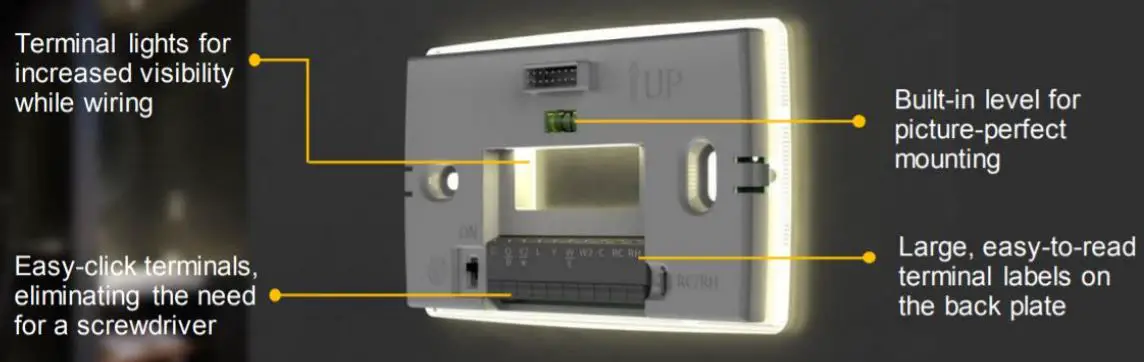
- Terminal lights for increased visibility while wiring
- Built-in level for picture-perfect mounting
- Easy-click terminals eliminating the need for a screwdriver
- Size that covers the existing footprint of most thermostats.
- Large, easy-to-read terminal labels on the back plate
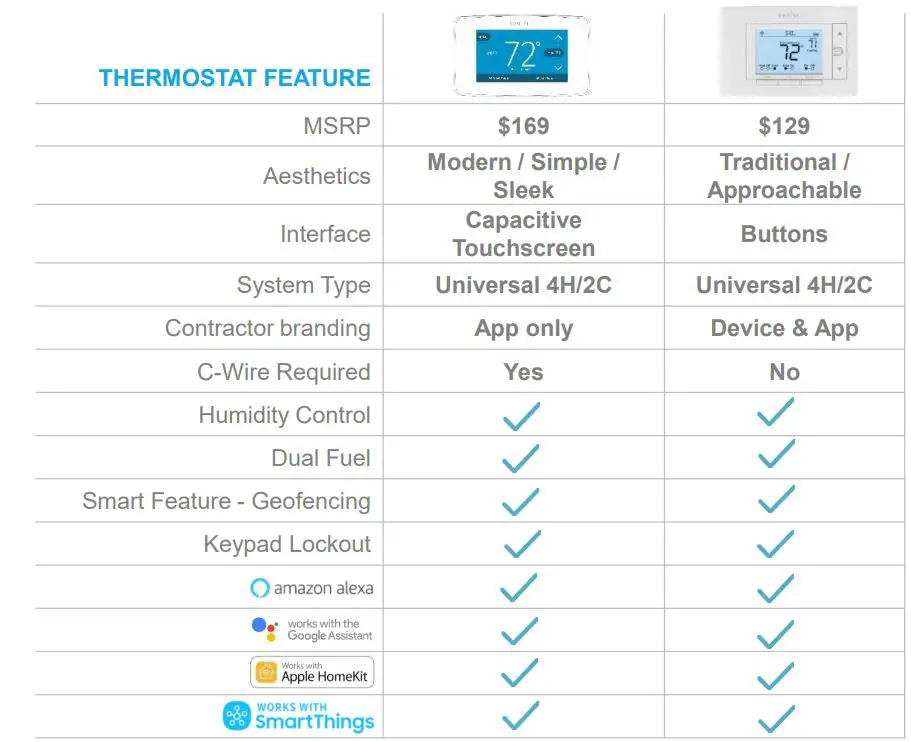
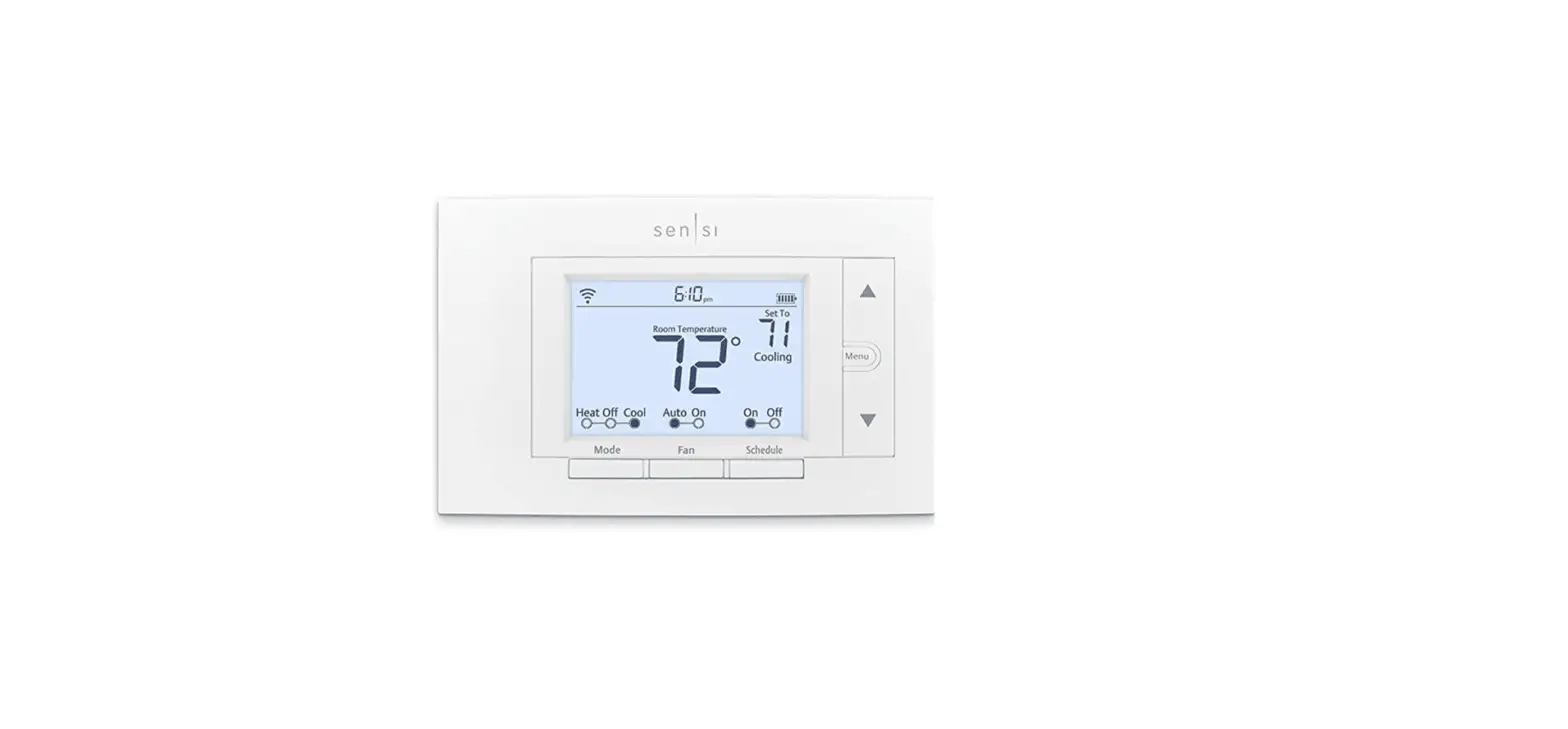
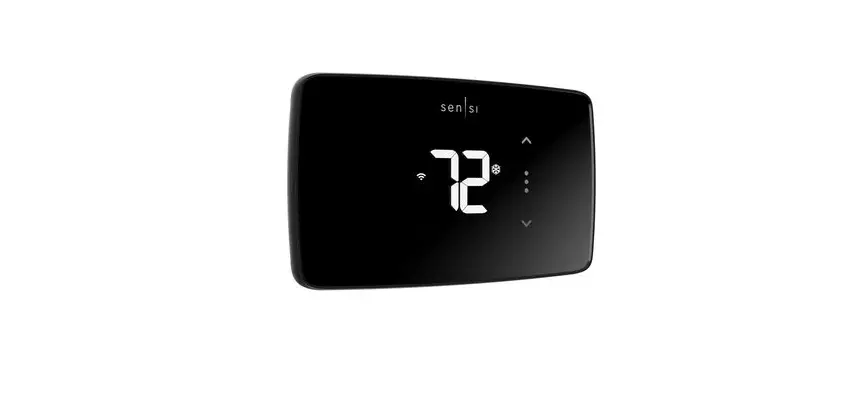
Sensi Smart Thermostat Comparison
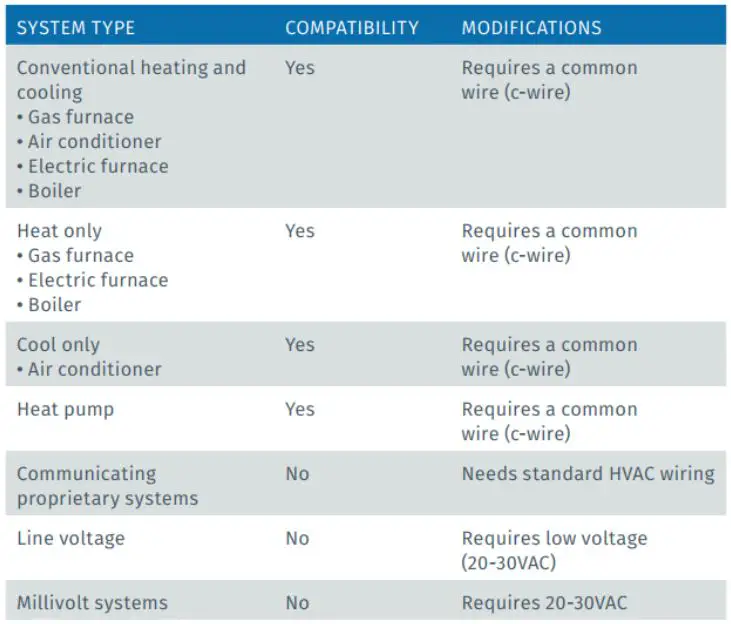
Compatibility and common wire (c-wire) requirement
Common wire is required for
- Conventional heating and cooling systems
- Heat only or Cool only applications
- Heat pumps
Not compatible with
- Millivolt systems
*External 24 VAC transformer is an option. - Communicating systems
- Line voltage systems

Terminal outputs and common wire (c-wire) requirement
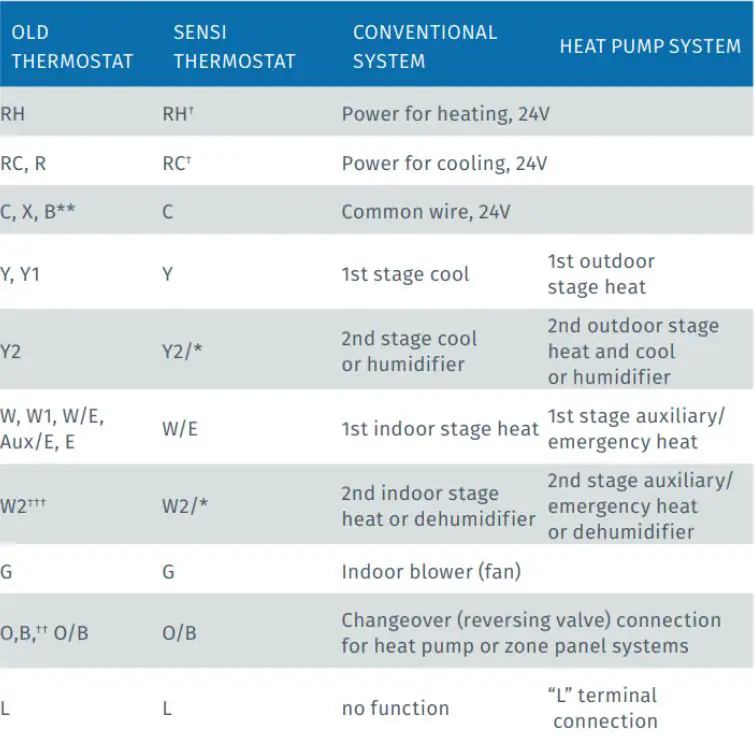
The common wire could be labeled “C”, “B” or “X” on the old thermostat. Please refer to the owner’s manual of the old thermostat.
What if I don’t have a common wire (c-wire)?
There are a few options if the application does not have or will not allow the pulling of a common wire (c-wire) through the wall.
- Look for an unused wire in the thermostat cable bundle
Video: Using an extra, unused wire as a common wire - Use the “G” (Fan wire)
Video: Using a g-wire (fan wire) as a common wire - Install an Emerson Thermostat Common Wire Kit
Video: Using an Emerson Thermostat Common Wire Kit
Do I need a RC/RH jumper?
No jumpers required
- Sensi Touch Smart Thermostat has a built in RC/RH jumper, no need to field install a jumper
- If you have separate wires to RC and RH terminals (two transformer systems)
— Label the wires RC and RH separately and then clip the jumper wire on the Sensi back plate.
RC/RH jumper location
- RC/RH jumper built-in on the back of the thermostat
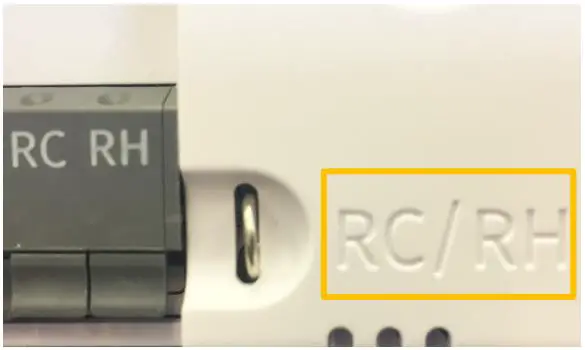
No jumpers are required when installing the Sensi Touch Smart Thermostat
Wiring – two transformer – conventional single stage or two stage systems
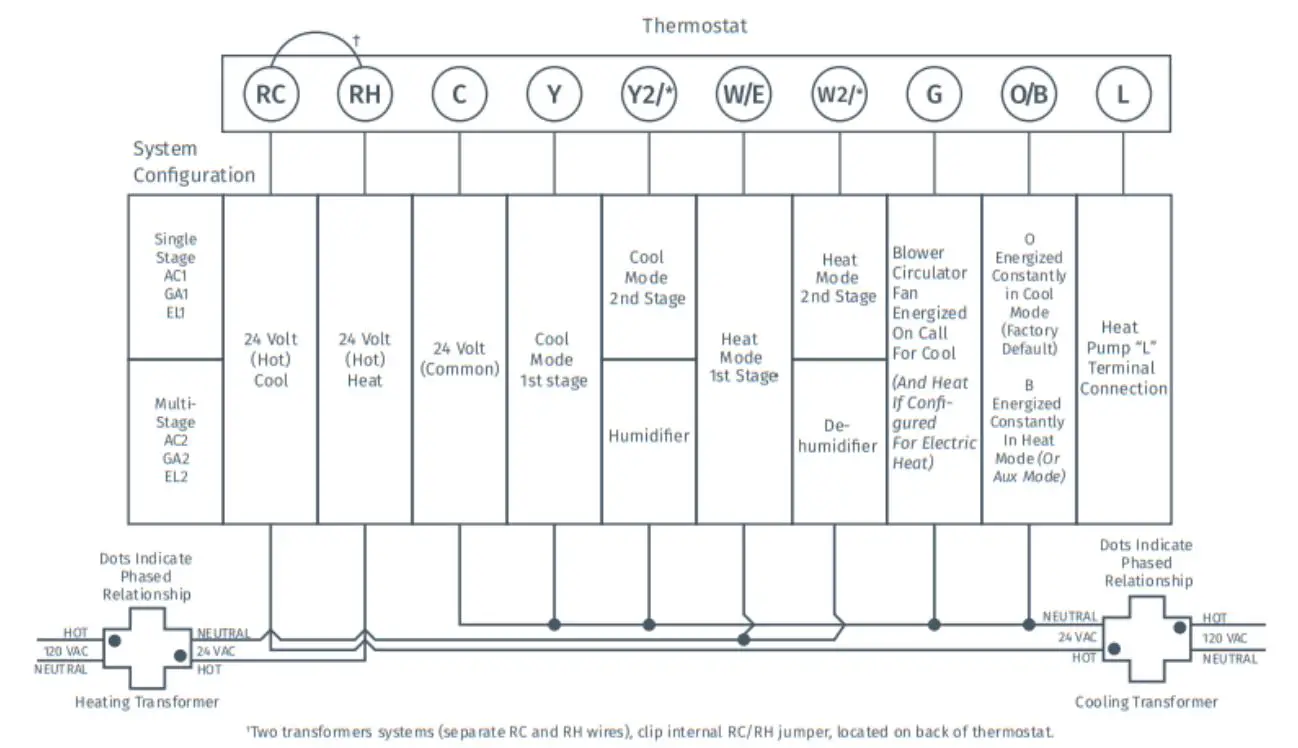
Quick tip: Thermostat wiring does not follow a standardized color code. Take a picture with your smart phone and label thermostat wires before removing old thermostat from the wall.
Wiring – heat pumps single stage or multi-stage systems
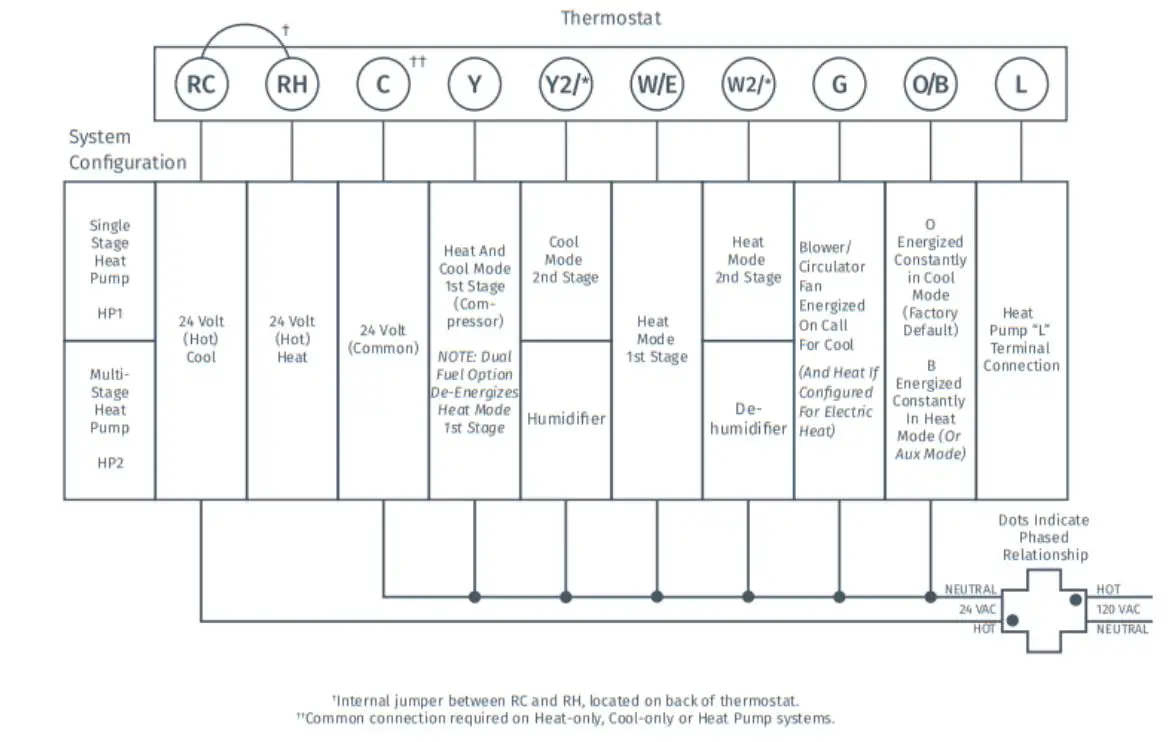
Quick tip: Thermostat wiring does not follow a standardized color code. Take a picture with your smart phone and label thermostat wires before removing old thermostat from the wall.
Heat pump wiring exceptions
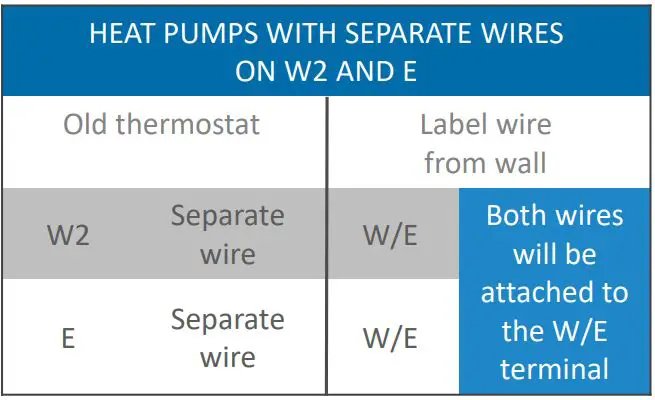
Separate W2 and E Wires
- Both wires will be labeled W/E and attached to the same terminal.
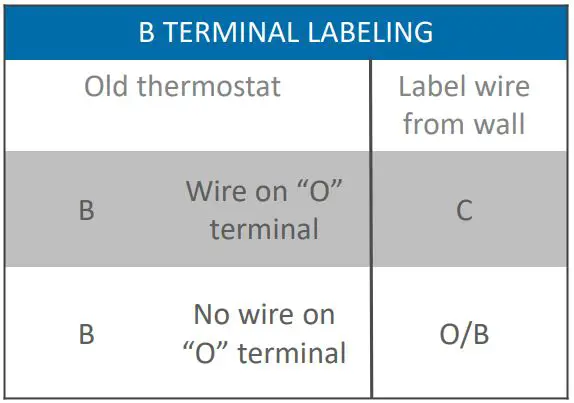
B Terminal Wires
- “B” terminal can be used for more than one. Here is the solution to cross.
— If there is a wire on the “O” terminal, label the B wire C
— If there is no wire on the “O” terminal, label the B wire O/B
System configuration and system type setup
- Sleep Mode
- Back glow
- Home Screen Content
- Schedule
- Wi-Fi
- About Thermostat
- Advanced Setup
- Setup HVAC
- Fan Mode Options
- Humidify
- Dehumidify
Once configured, Sensi Touch Wi-Fi Thermostat operates like traditional thermostat until it is connected to Wi-Fi via a smartphone

System Compatibility List Humidity Control
- Heat only: Humidifier only
- Cool only: Dehumidifier only
- 1 stage heat, 1 stage cool: Humidifier and Dehumidifier
- 1 stage heat, 2 stage cool: Dehumidifier only*
- 2 stage heat, 1 stage cool: Humidifier only*
- 2 stage heat, 2 stage cool: None*
* Note: if the staging on a 2 stage heat or 2 stage cool system can be handled by the furnace/air handler board, that will open up the Y2 or W2 terminal for hum/dehum use.
How to Set Up Humidity Control on the Sensi Thermostat
Installation
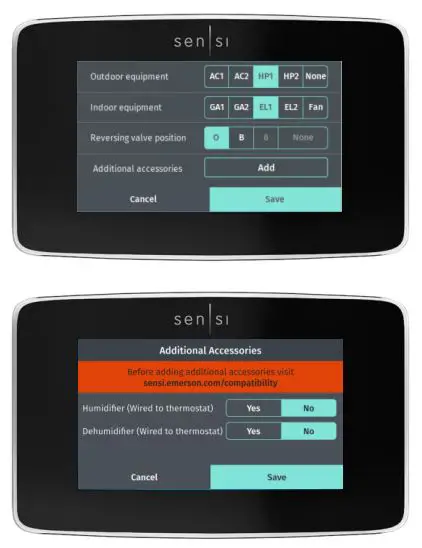
- Install humidifier/dehumidifier equipment
— Wire the whole-house humidifier to the Y2/* terminal
— Wire the whole-house or standalone dehumidifier to the W2/* terminal - On Sensi Touch, go to Advanced Setup in the menu and select Additional Accessories
- Depending on installed equipment, select appropriate configuration

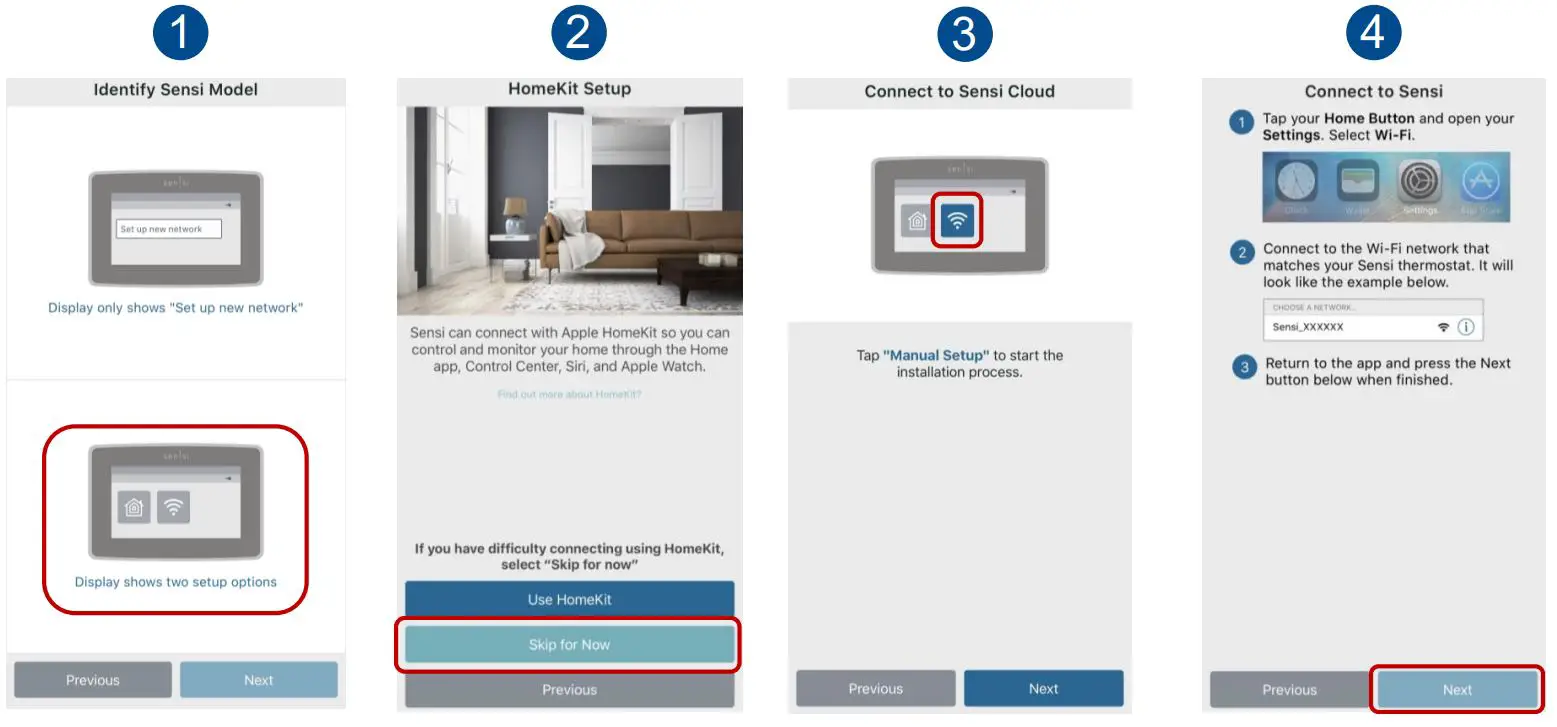
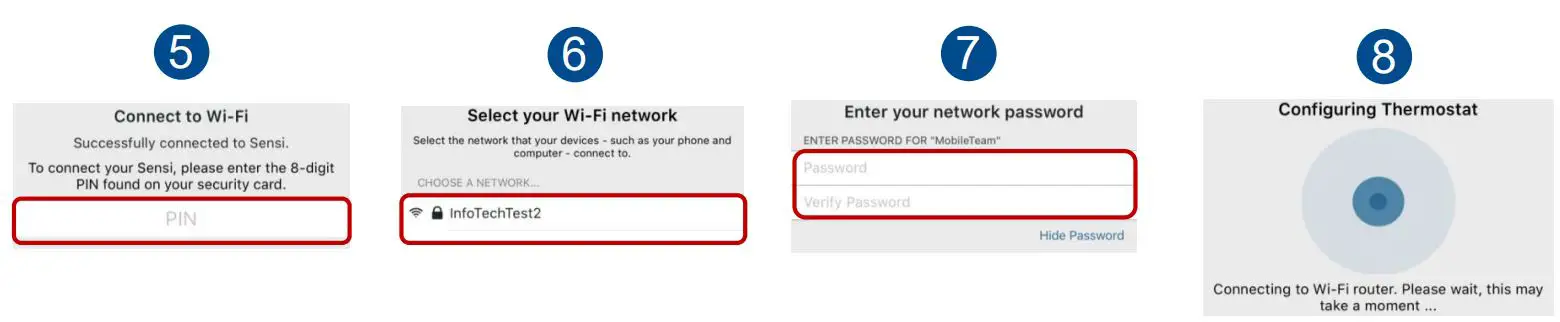
Connecting to Wi-Fi in simple
Connect with your customers Anytime. Anywhere.
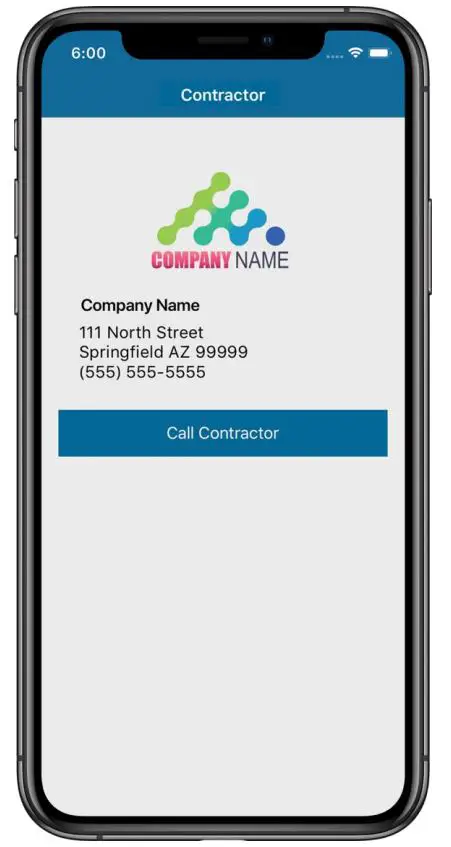
- Register your company at www.SensiRegistration.com
— Upload your logo which will be displayed in your customer’s phone - During installation, enter your registered phone number in the Sensi app
— The Sensi app stores your contact information in your customer’s phone. - When your customer needs service, you’re just a tap away.
— Also, if your customer receives a smart alert due to a system issue, your contact information will be included
Grow your business with a light commercial solution from Sensi
Sensi Multiple Thermostat Manager offers a simple, affordable solution for property-wide comfort control, connected in one place.
Learn more and take a FREE test drive at sensi.emerson.com/mtm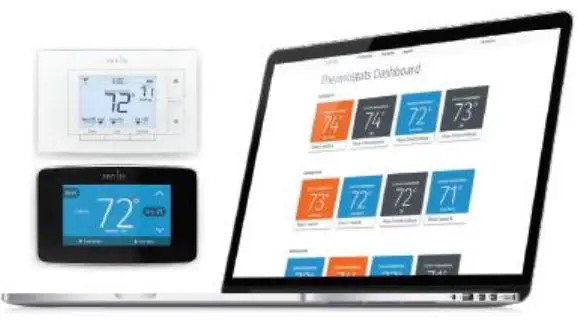
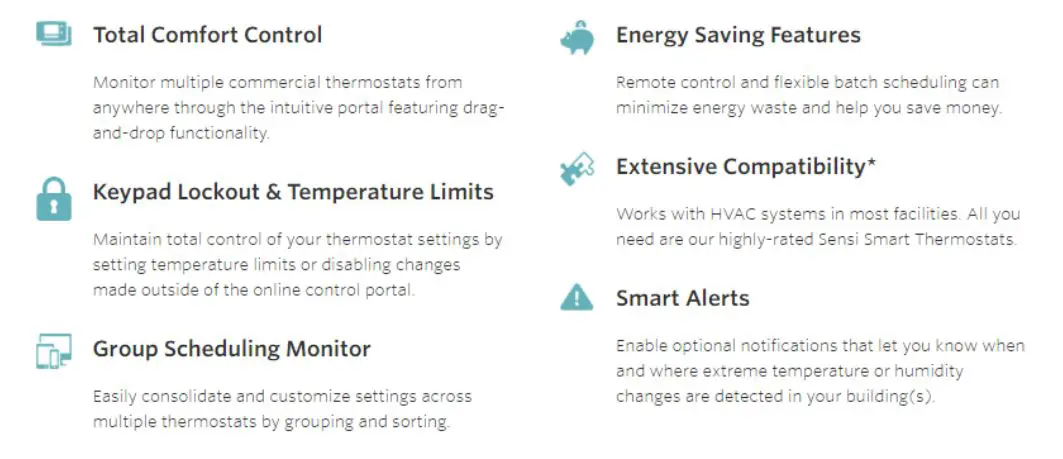
Learn more at emerson.com/sensipro
Sensi™ Touch
Smart Thermostat
1F95U-42WF Installation Training
References
 Sensi for Professionals | Emerson US
-
Sensi Multiple Thermostat Manager | Unlimited Thermostat Control | Sensi US
 Join the Sensi™ partner program
-
Join the Sensi™ partner program
-
Sensi Multiple Thermostat Manager | Unlimited Thermostat Control | Sensi US
 Sensi installation: Using a g-wire (fan wire) as a common wire - YouTube
-
Sensi installation: Using an extra, unused wire as a common wire - YouTube
-
Sensi installation: Emerson Thermostat Common Wire kit - YouTube
 Sensi for Professionals | Emerson US
 Sensi Multiple Thermostat Manager | Unlimited Thermostat Control | Sensi US
 Join the Sensi™ partner program
 Sensi installation: Using a g-wire (fan wire) as a common wire - YouTube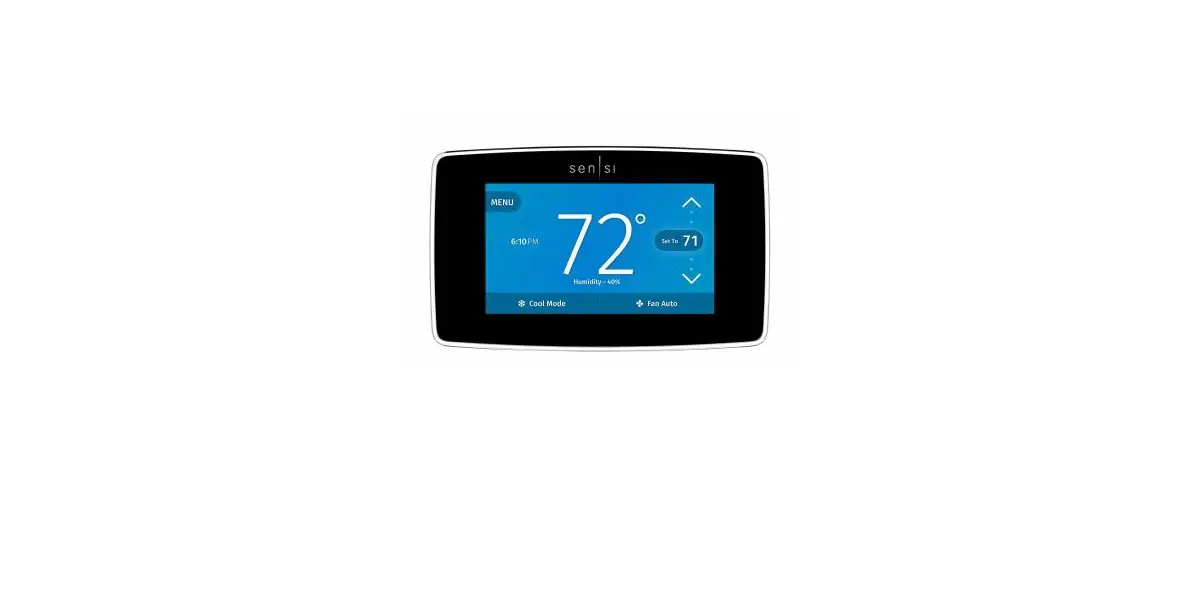
![Sensi Touch Smart Thermostat Installation Manual [1f95u-42wf Series, St75 Series, Nh-awifi, Oh-awifi]](https://static-data1.manualsee.com/1/img/437/74820/2021/02/Sensi-Touch-Smart-Thermostat-Featured.jpg "Sensi Touch Smart Thermostat Installation Manual [1f95u-42wf Series, St75 Series, Nh-awifi, Oh-awifi]")