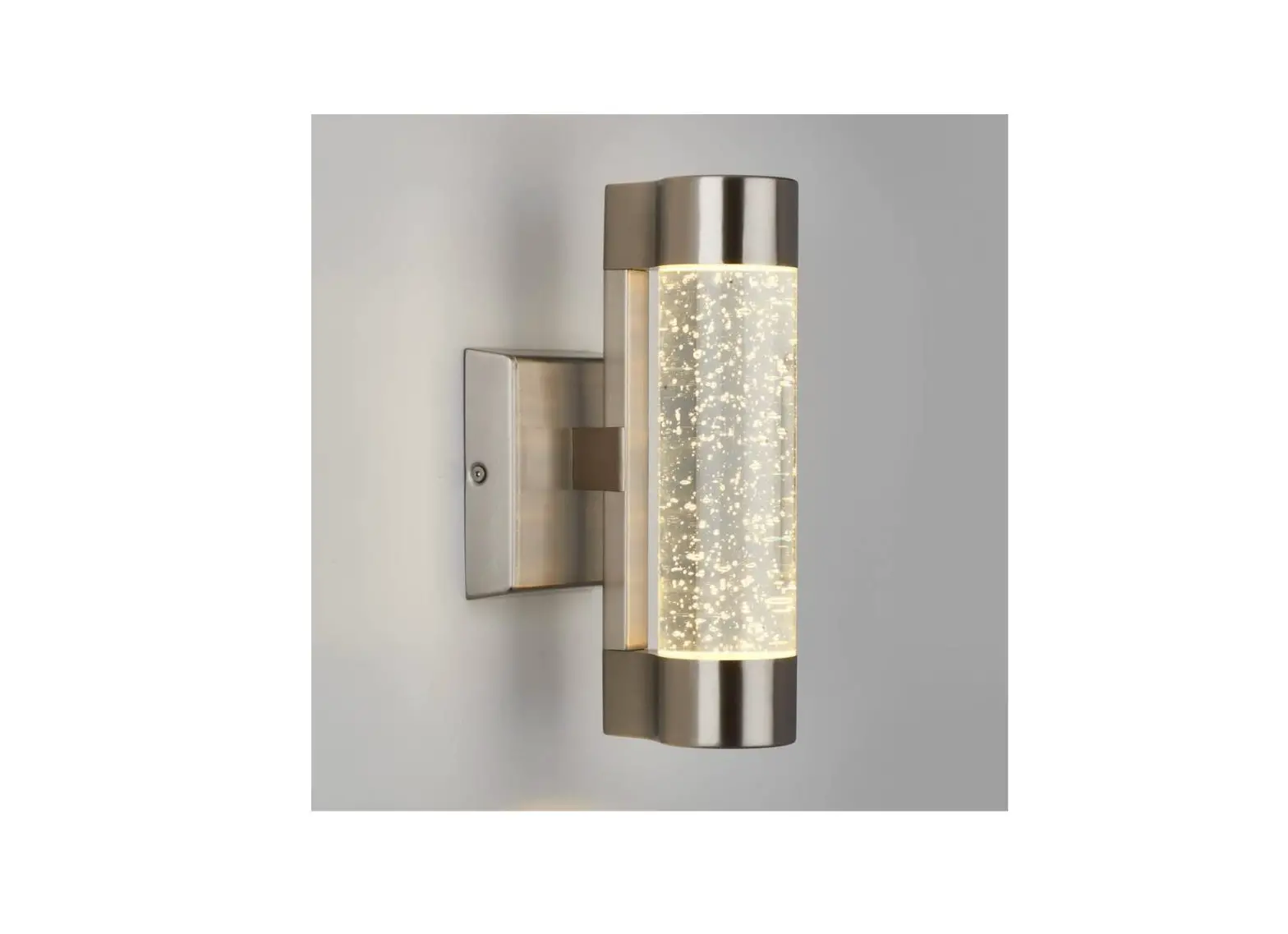
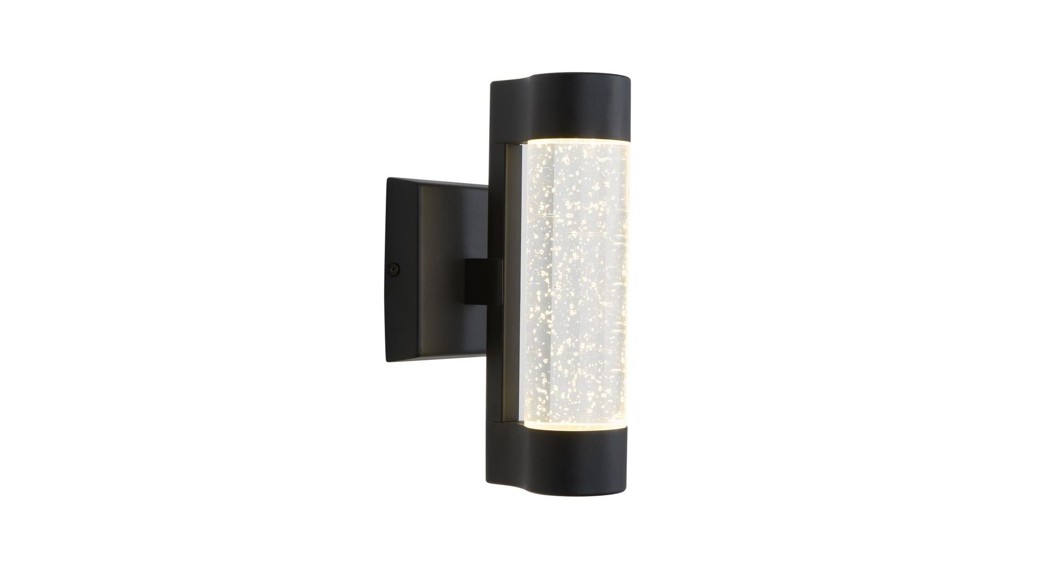
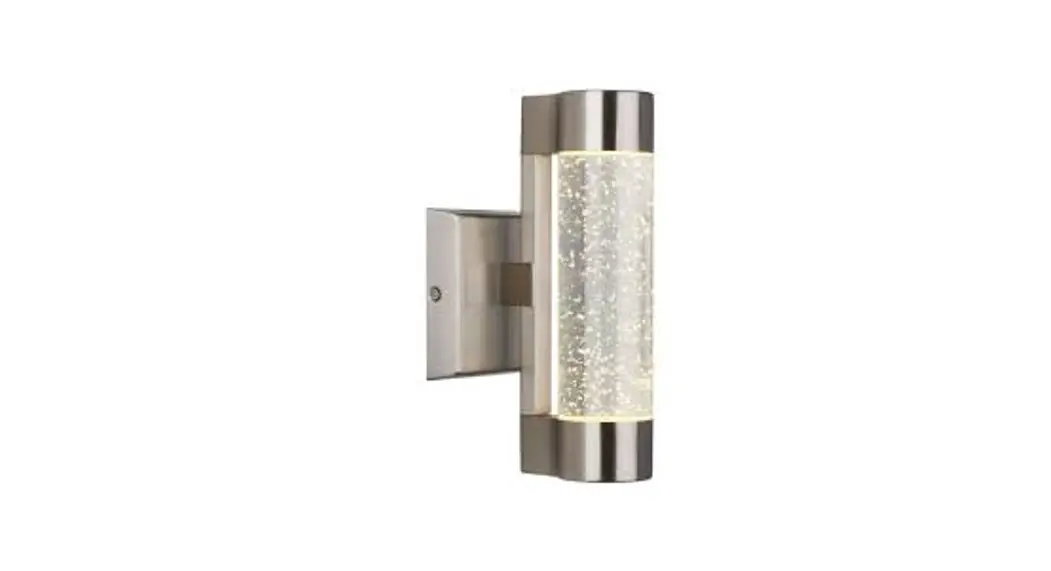
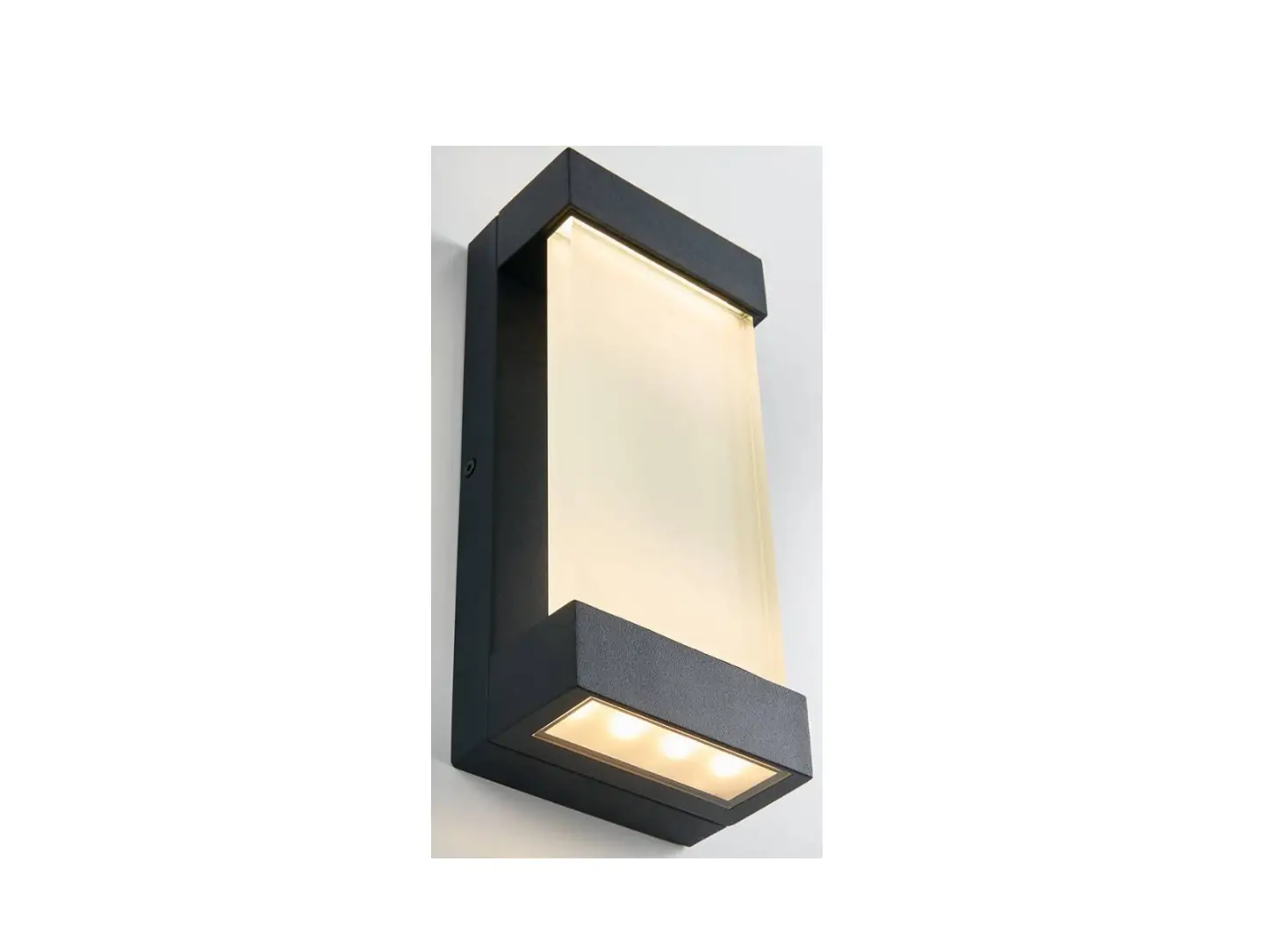
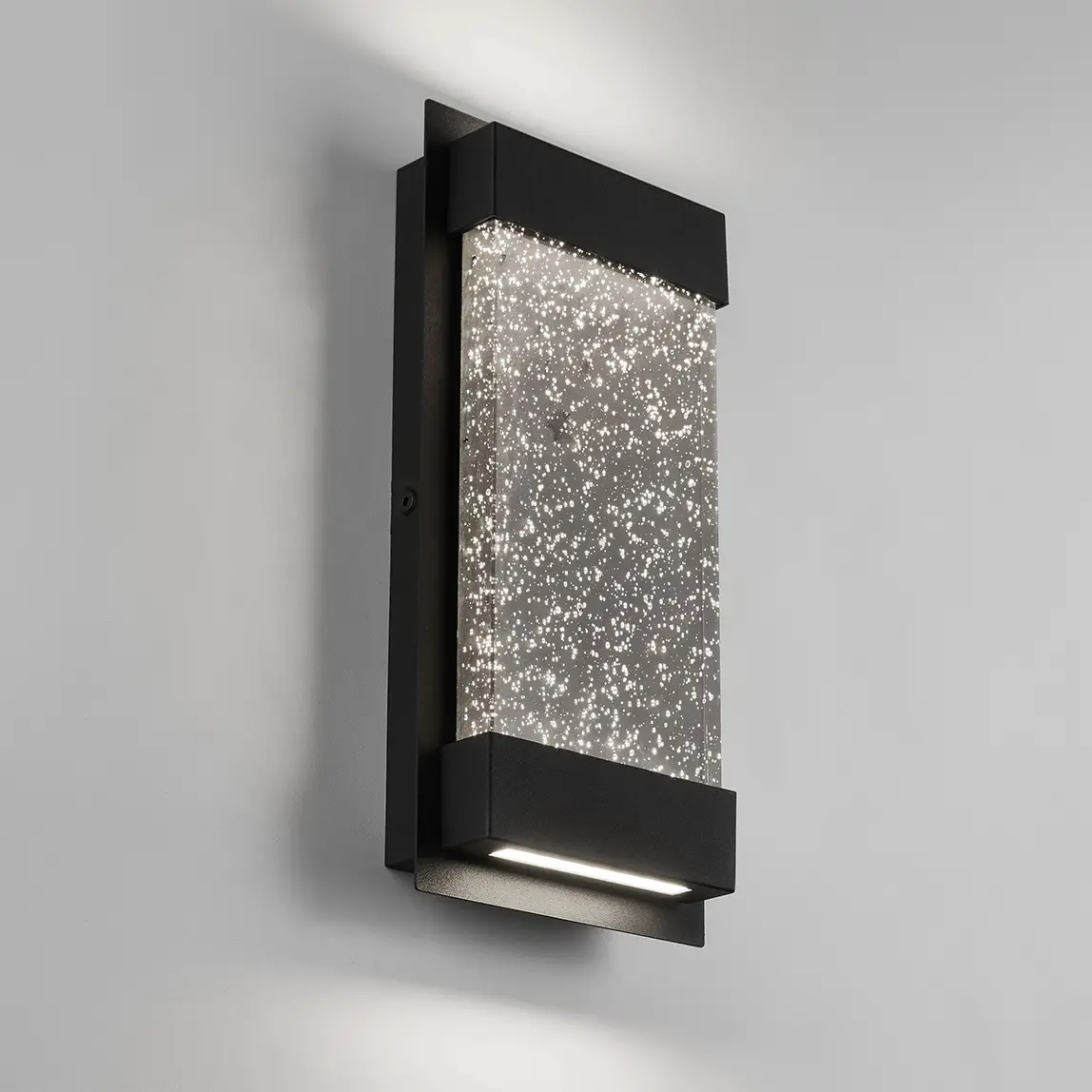
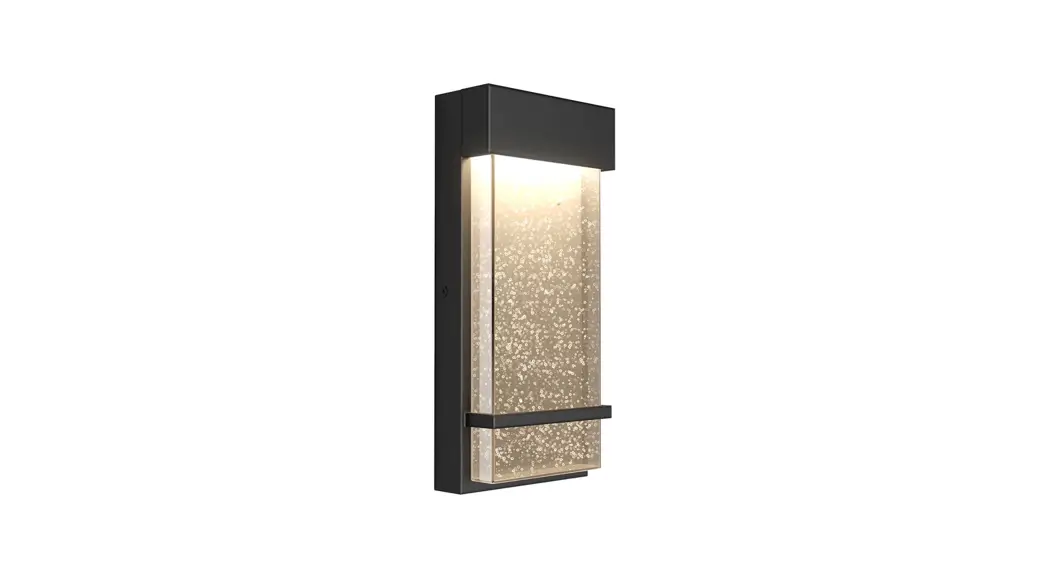
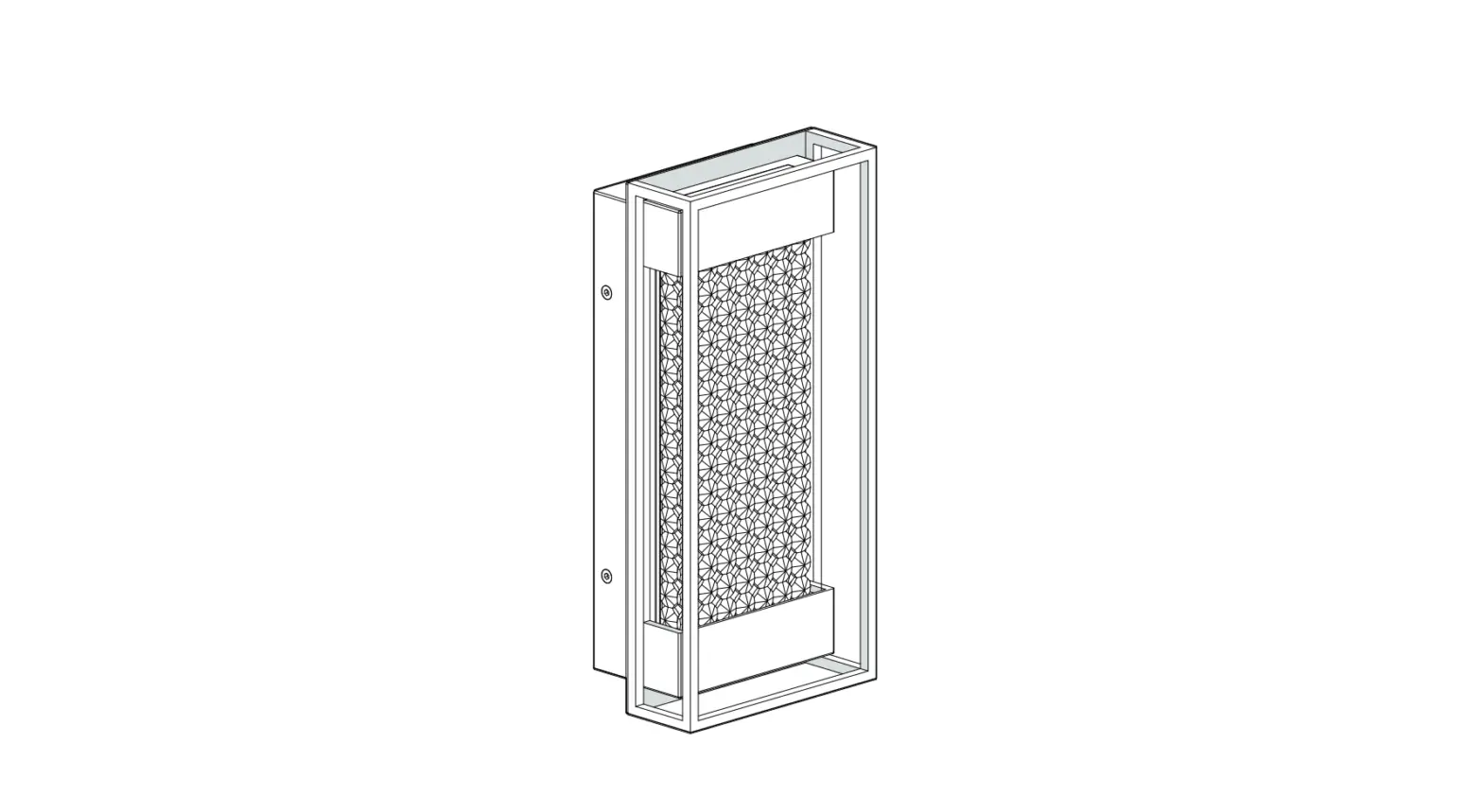
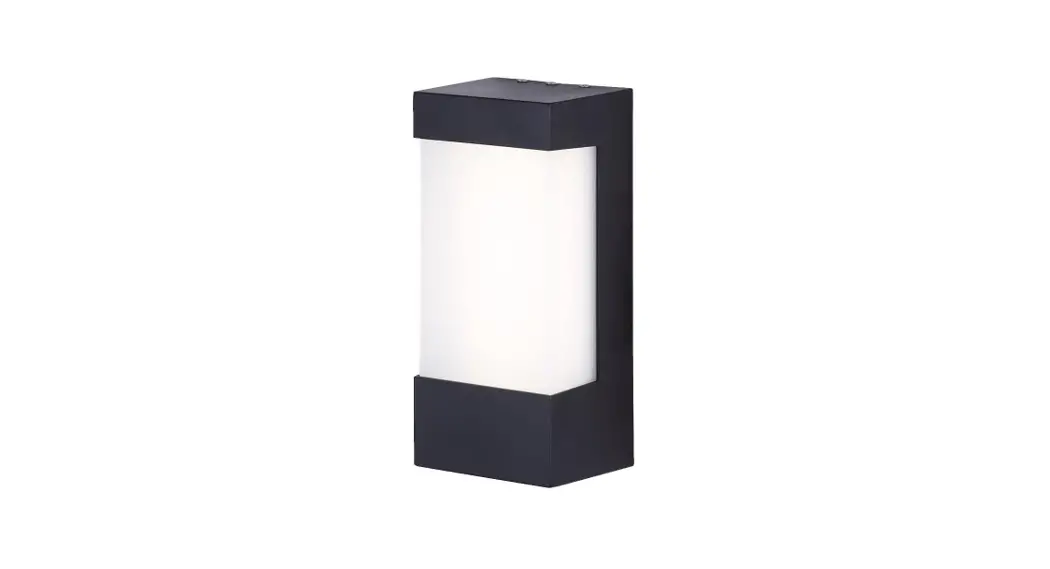
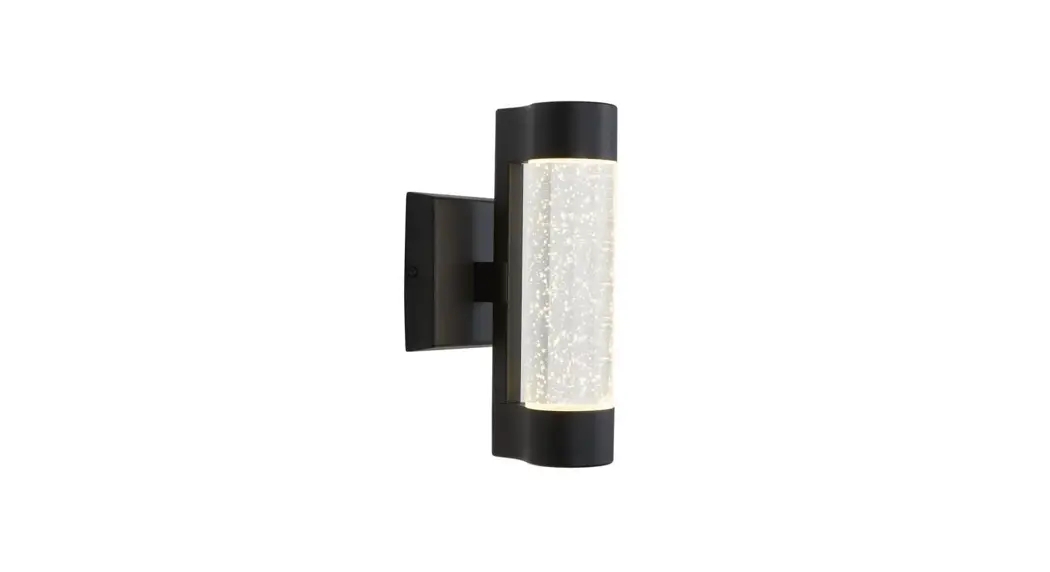
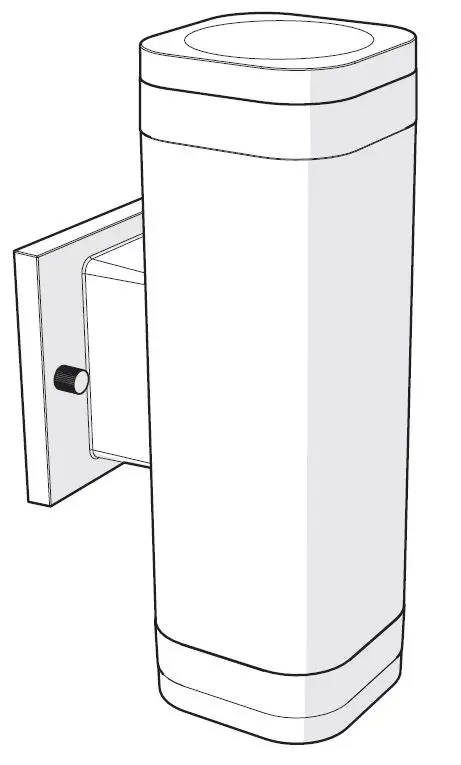
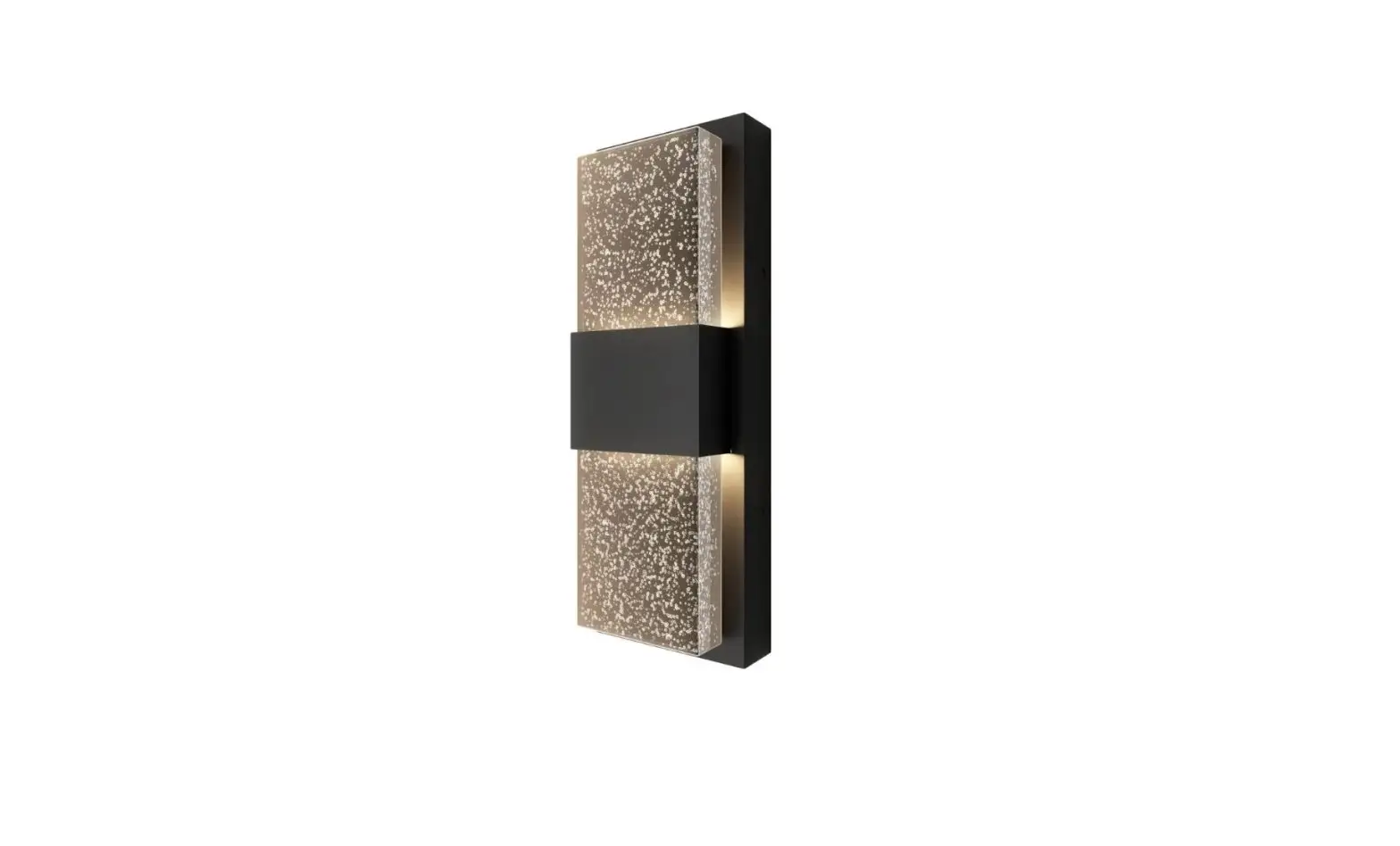
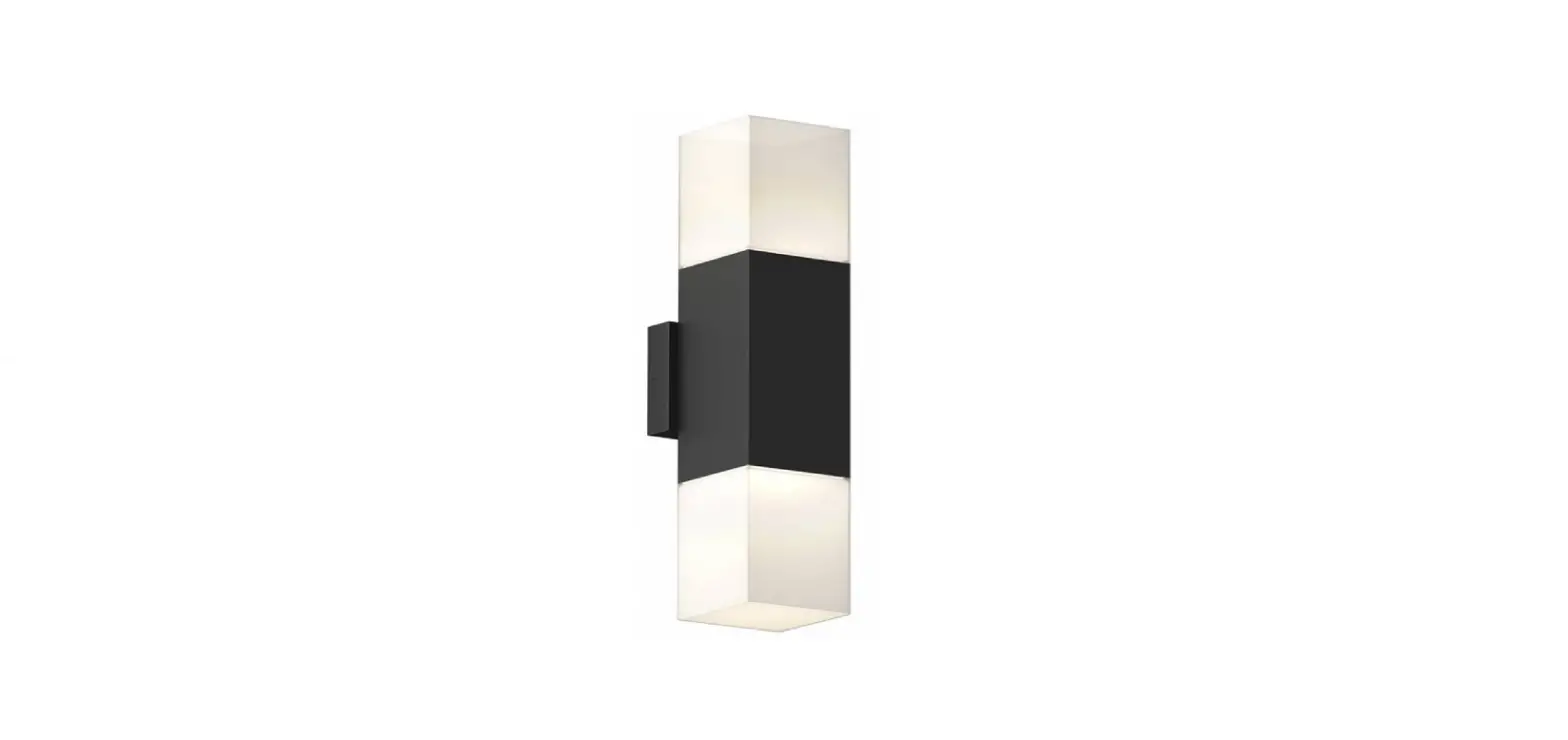
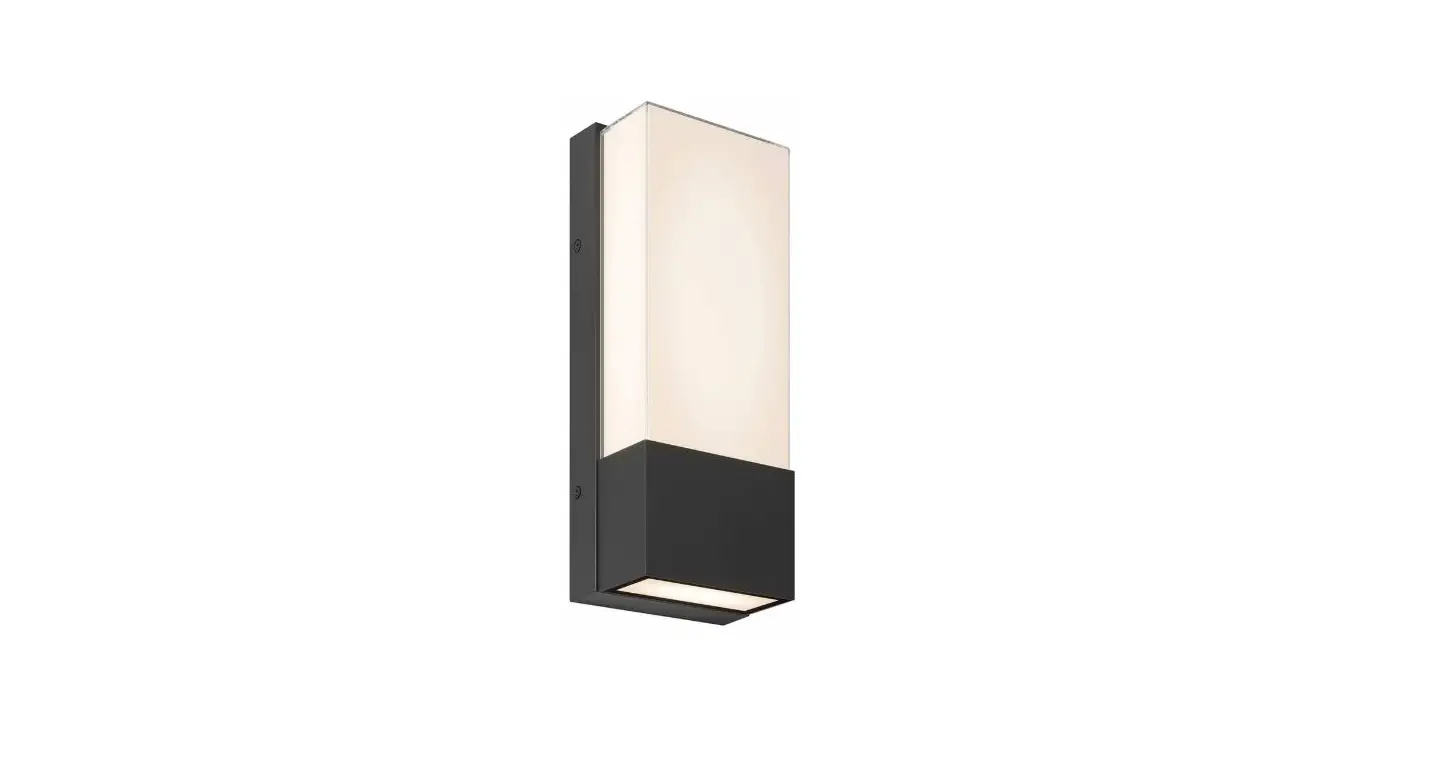
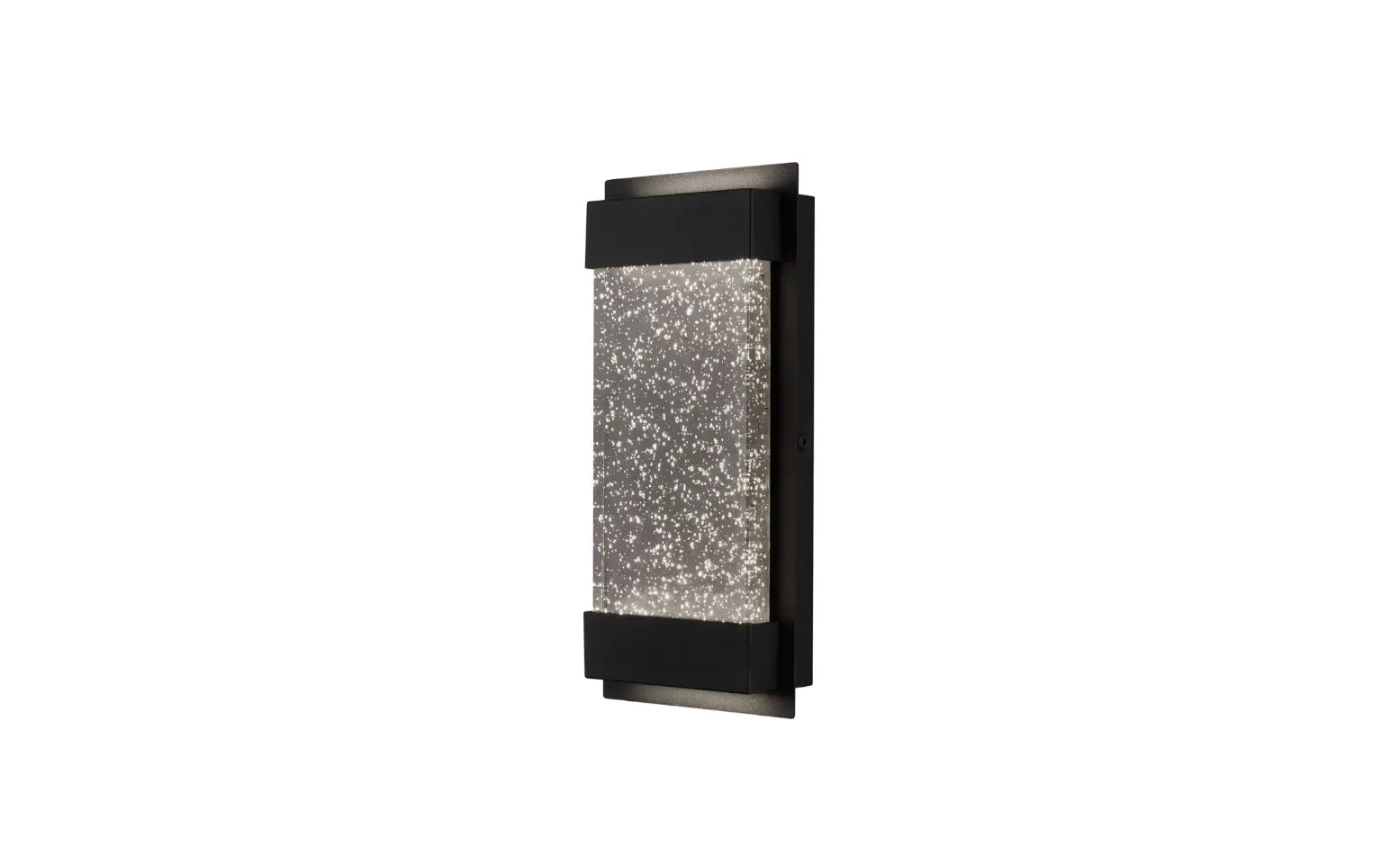
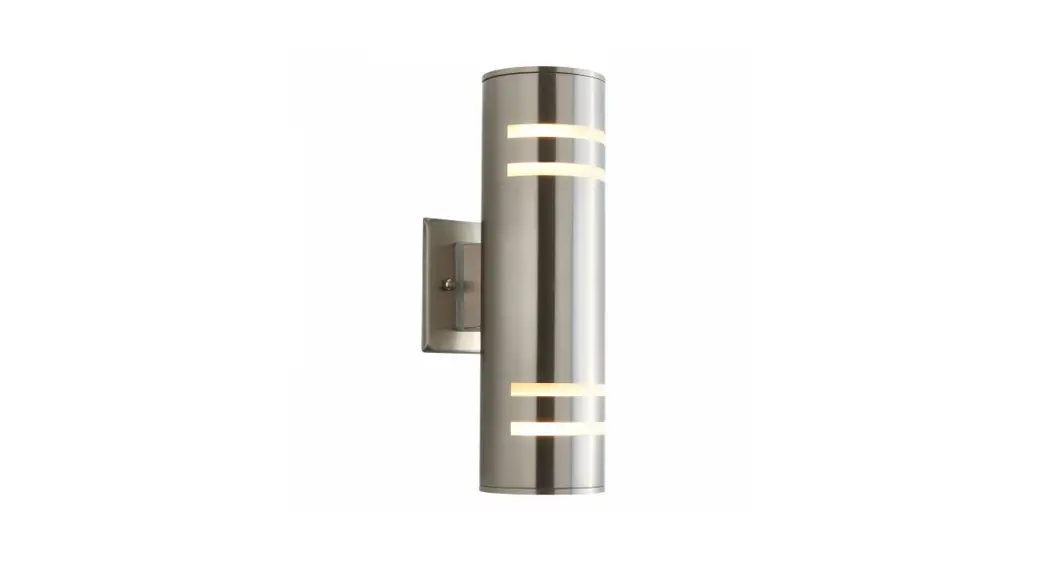
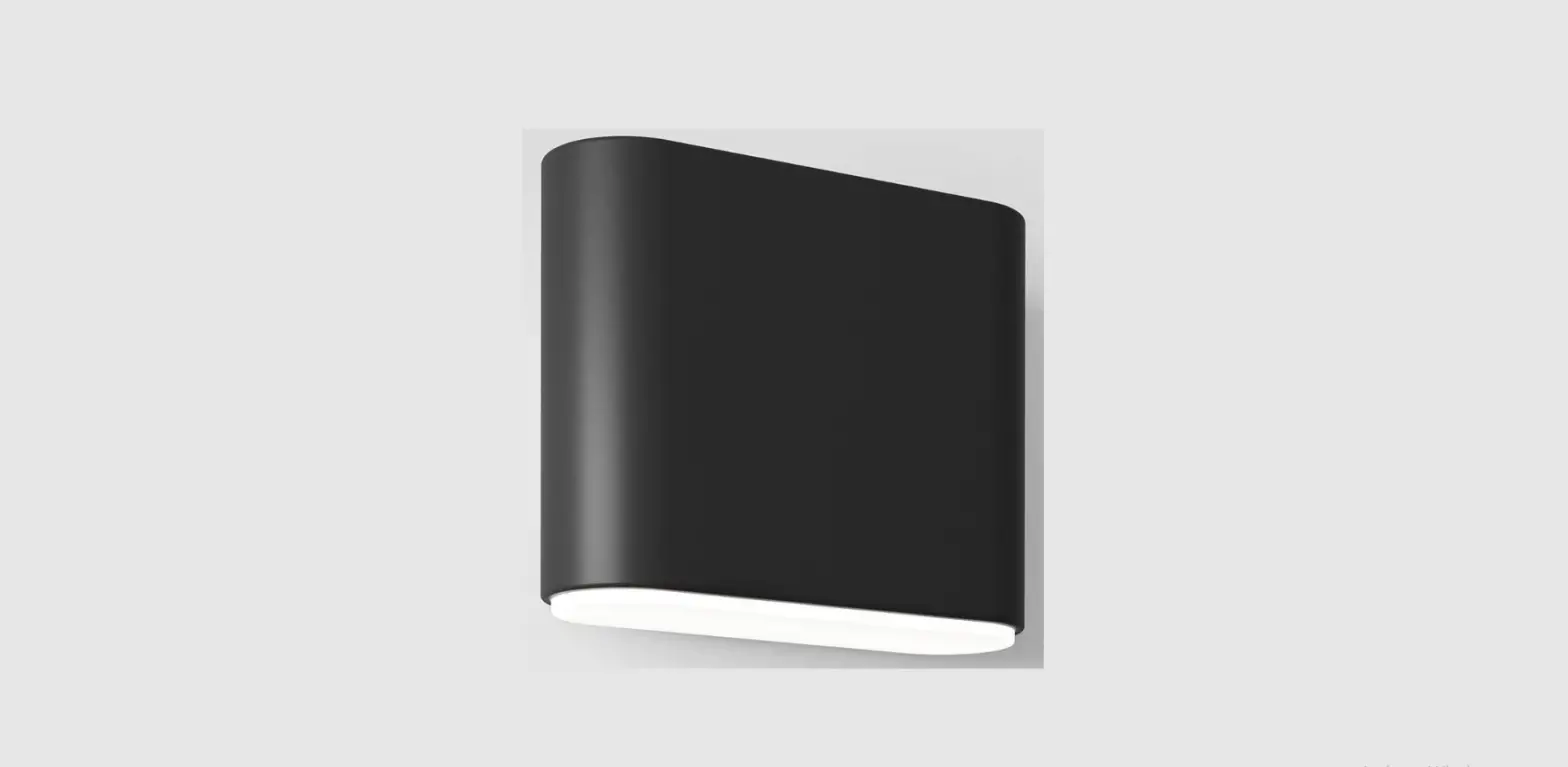
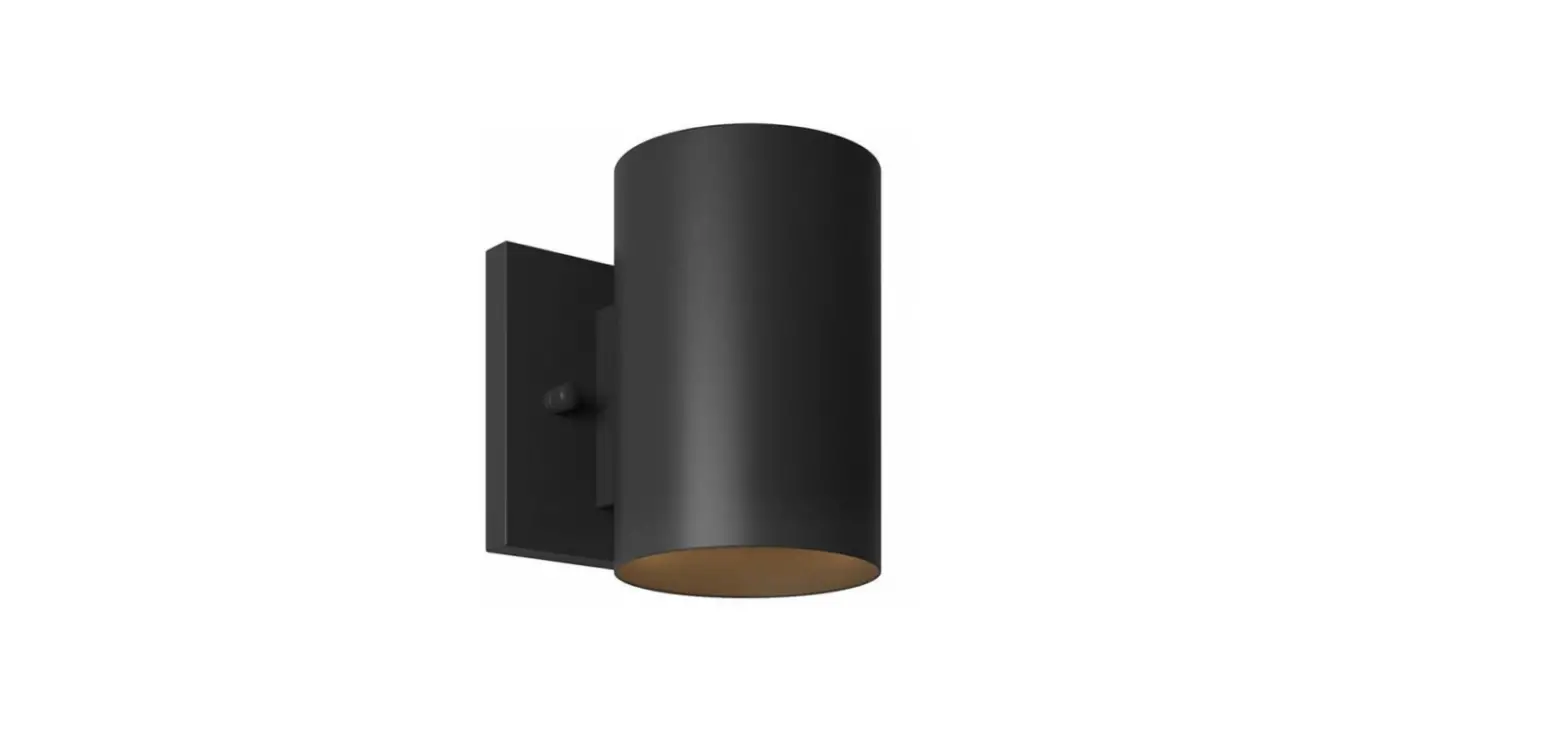
0375-WD Bloom LED Wall Light
Product Information
The product is called Bloom Bloom and it is identified by the
code 0375-WD. It comes with four units of the Bloom item.
Product Usage Instructions
- Step A: Using a screwdriver, install the first Bloom unit by
securely attaching it to the designated area. - Step B: Proceed to install the second Bloom unit following the
same process as Step A. - Step C: Install the third Bloom unit using the provided
screwdriver. - Step D: Securely attach the fourth Bloom unit to the designated
area using the screwdriver. - Step E: Apply sealant around each Bloom unit to ensure proper
sealing and protection. - Step F: Repeat Steps A to E for all remaining Bloom units.
Note: The product also includes a screwdriver labeled
“Tournevis” and “Destornillador” for non-English users.
Additionally, a sealant labeled “Scellant” and “Sellante” is
provided for proper installation and sealing of the Bloom
units.
0375-WD
Bloom Bloom
Bloom
x 4 x 4
STEP-BY-STEP INSTALLATION
1 INSTALLATION DÉTAILLÉE INSTALACIÓN ETAPA POR ETAPA
A
B
C
WHAT YOU WILL NEED VOUS AUREZ BESOIN LO QUE NECESITARÁ
F
E D
Screwdriver
Tournevis
Destornillador
2
Sealant Scellant Sellante
A
B
F C
F
E D