
YOUNG FOREVER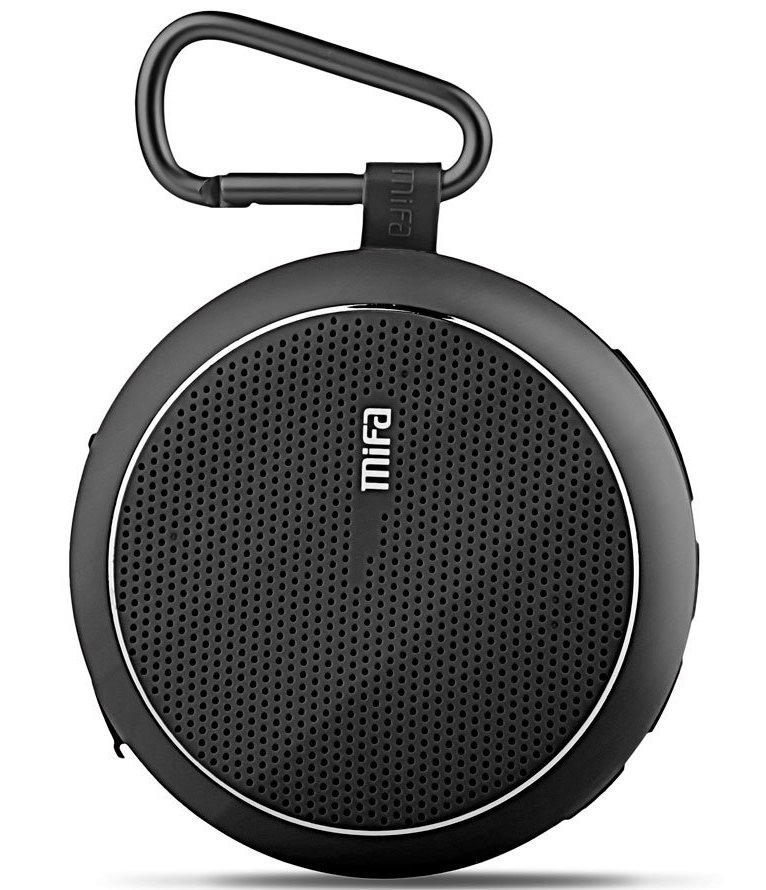
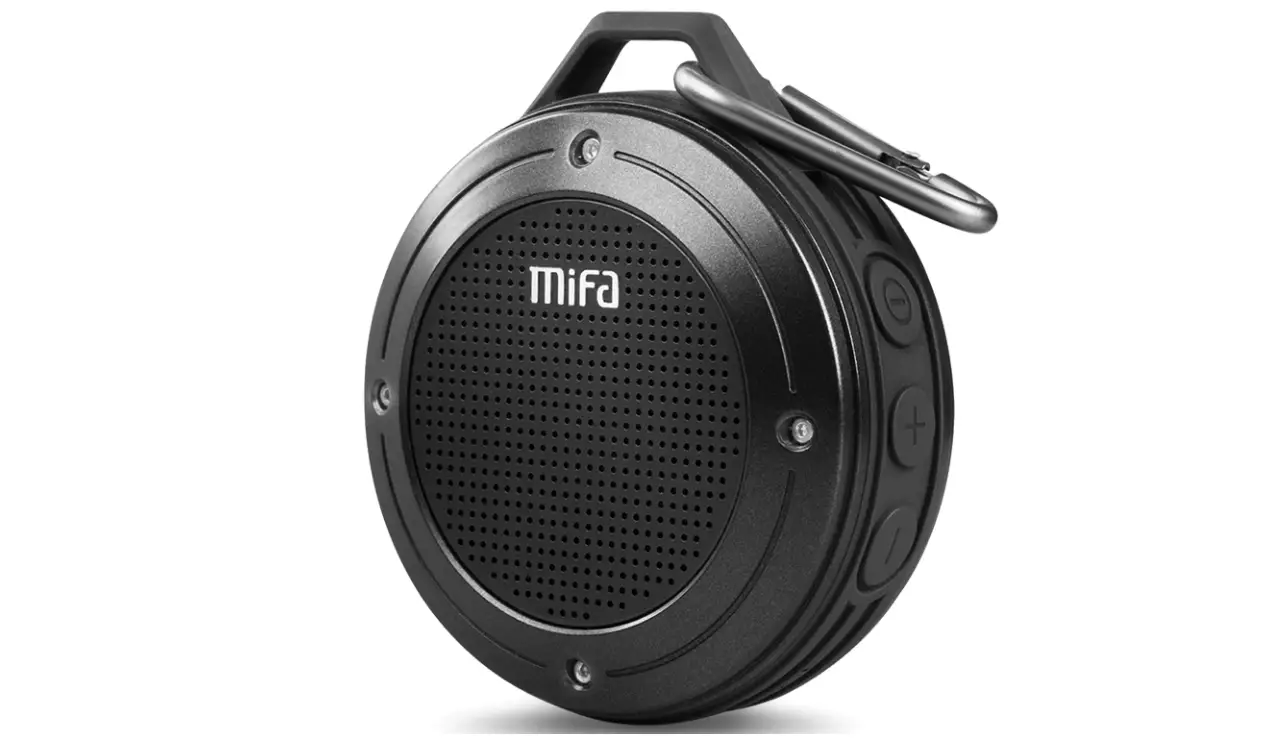
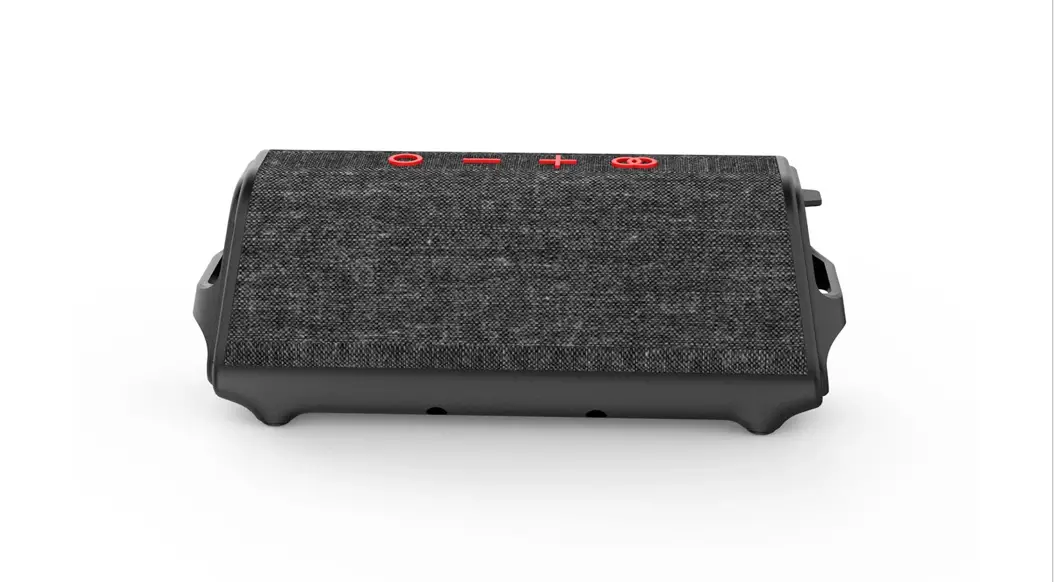
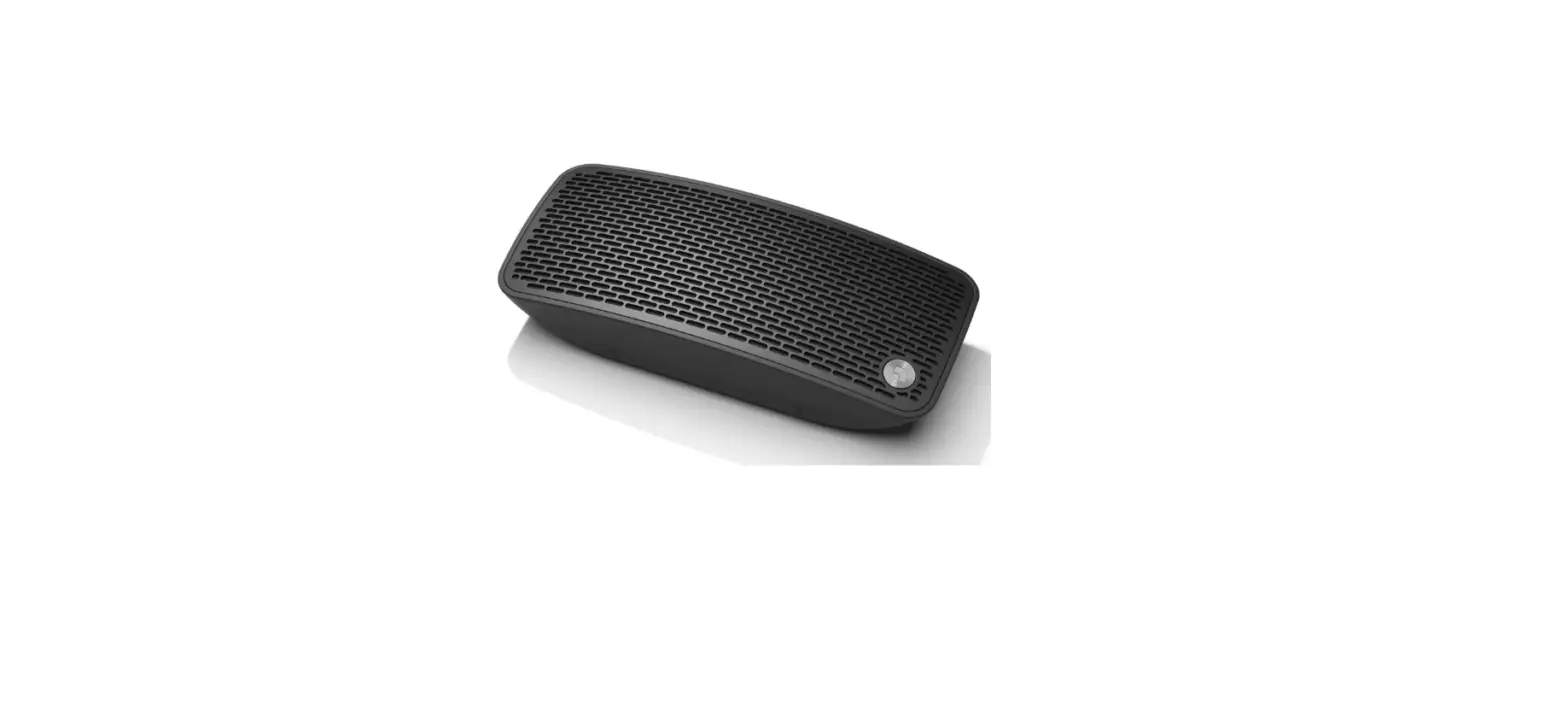
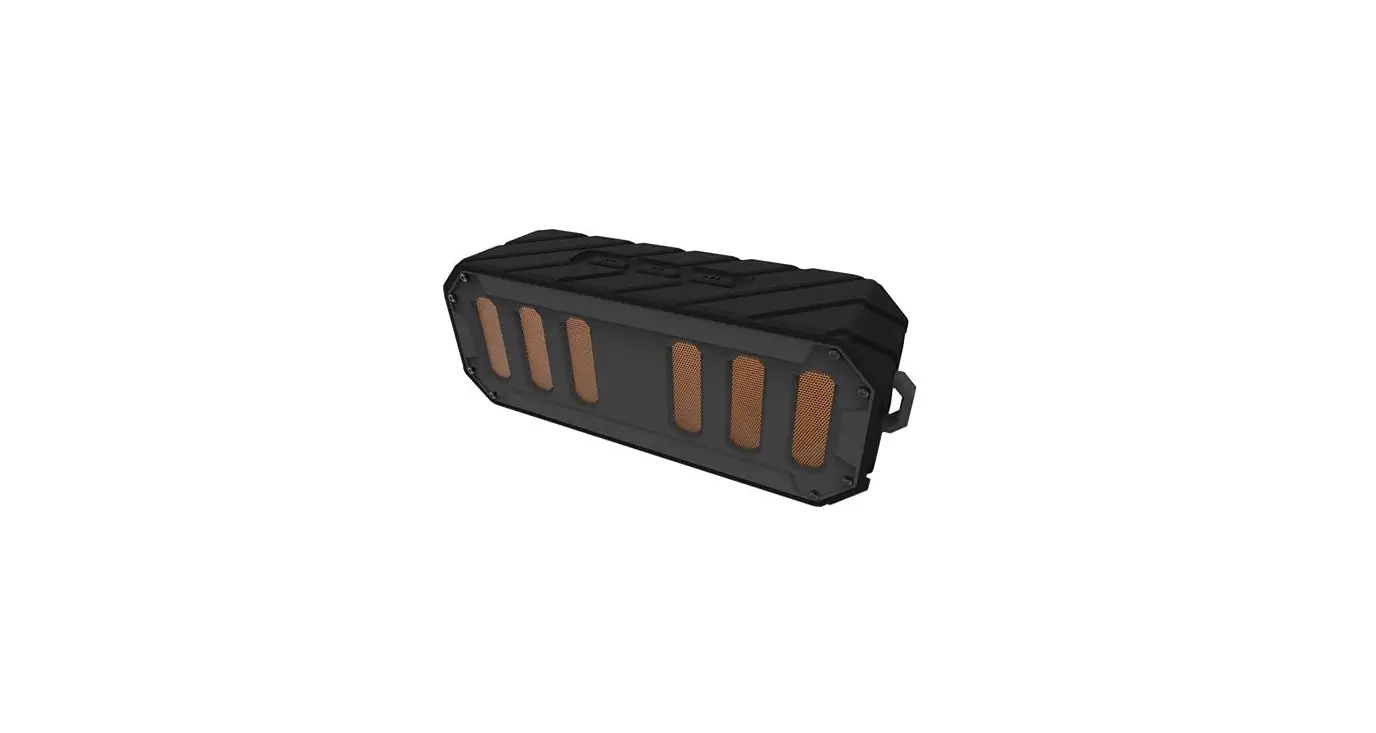
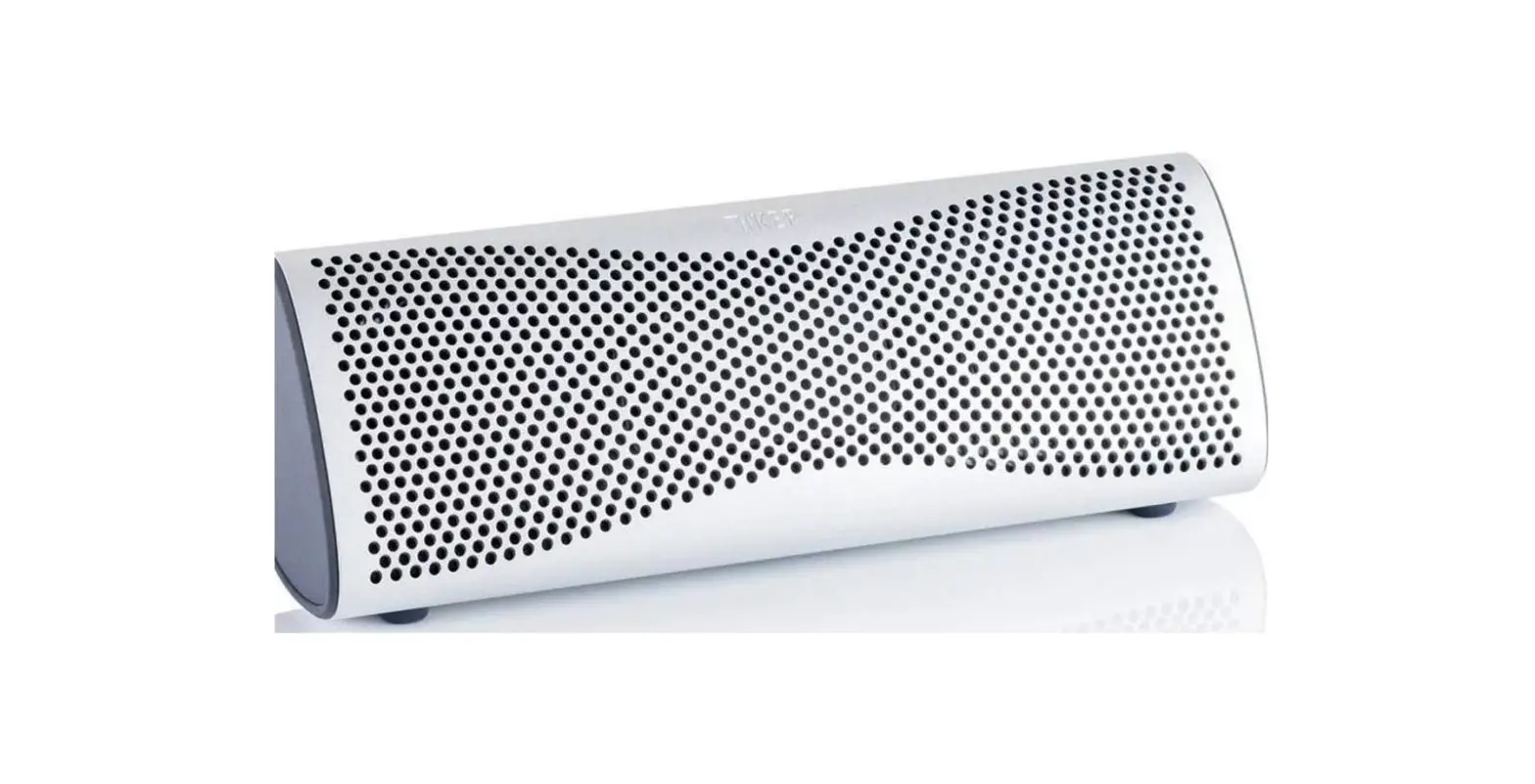
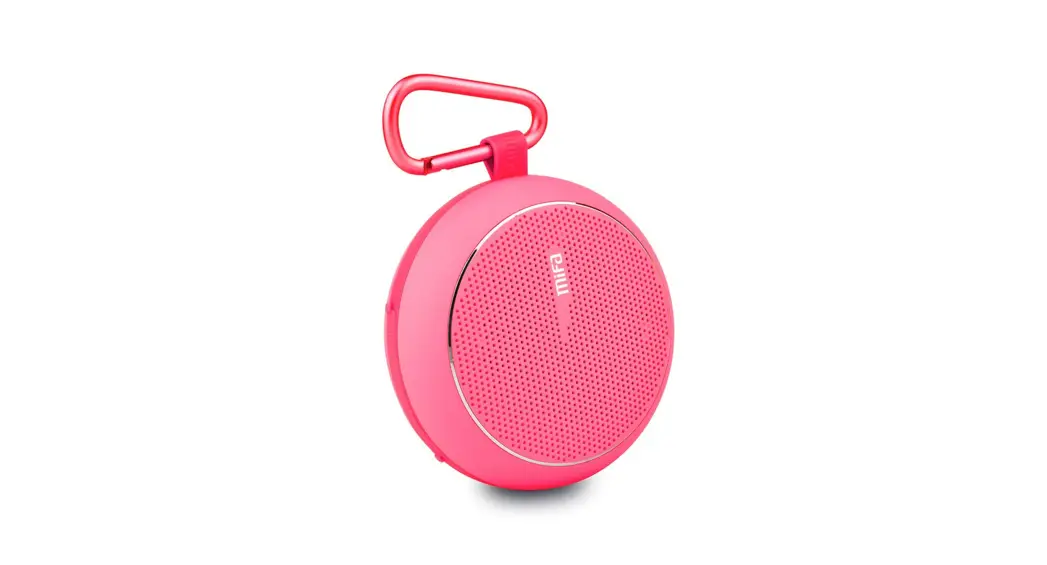
F1 Bluetooth Speaker
USER MANUAL
www.mifalife.net
LISTEN.MIFA THE MUSIC POWER TO
YOUR DEEP HEART!
 JUST ENJOY
http://weixin.qq.com/r/z0zXz9XEOohFrZGs9xnd
Warnings

- Please use and store this product at room temperature
- Do not expose this product to rain or wet conditions
- Do not throw and drop this product to avoid product damage
- Do not self-dismantling, repair and transform the product
- Do not use chemical solvent cleaning the product
- Please don’t arbitrarily discarded or placed the lithium battery in the fire in order to avoid the risk of explosion
Product Features
- With wireless Bluetooth technology, support handsfree function
- Support one button Bluetooth reconnection
- Play APE/FLAC format high-quality audio files stored in
- SD card Play MP3/WMA/WAV format audio files stored in SD card
- SD card reader function and USB sound card.
- Automatically power off when there is no operation in 10 minutes in SD card mode, except for Bluetooth mode.
- Support IOS system ringtone playing, others are default tone
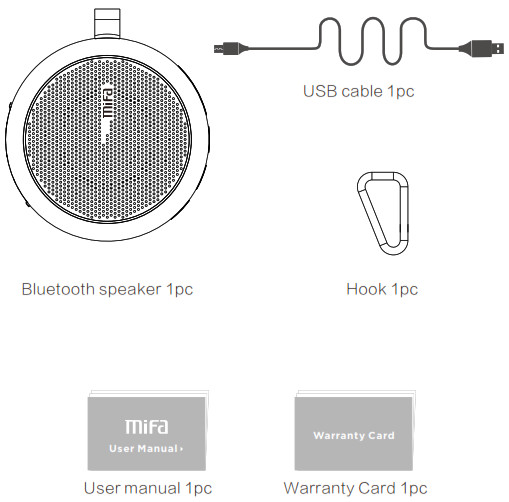
Packing Content
Key Functions
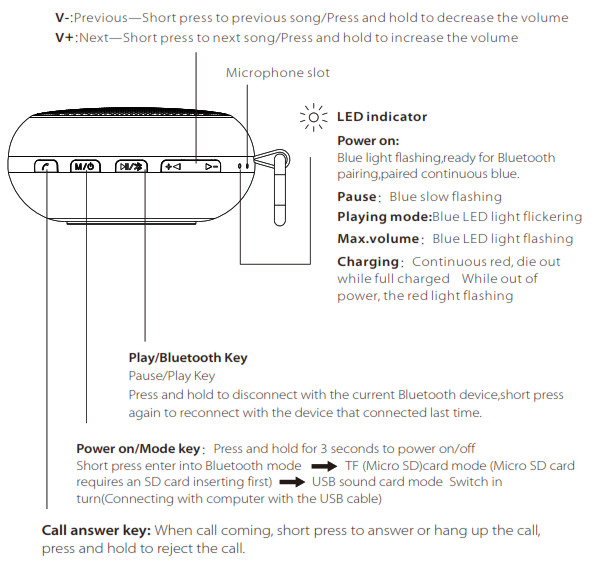
Interface function
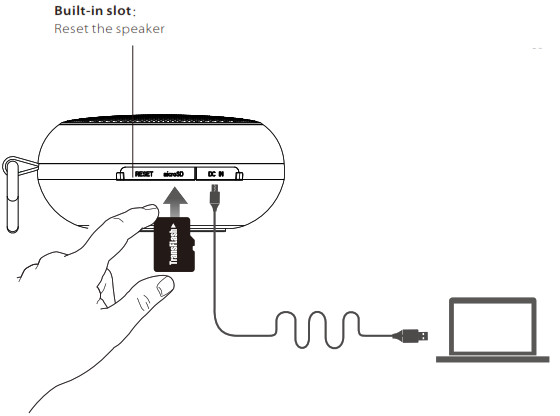
 Data transfer
When the speaker power off, insert micro SD card, connect the speaker to computer, it says” Card Reader enabled” then can copy or delete files from the micro SD card.
USB sound card
When the USB cable connected to the computer, short press the “M”key switch in turn until voice prompt, it turns to USB sound card mode, then the music in the computer can be played.
 Charging: To charge the battery, connect the power supply to the speaker with a DC5V~500mA adaptor, or connect to USB outlet.
Micro SD card slot
When the speaker power on, insert micro SD card, there is a voice prompt”SD card enabled”, then it will play the music stored in micro SD card.
If needed, short press”M” key to switch to other modes.
Bluetooth Connection
Pairing with the devices that with Bluetooth function.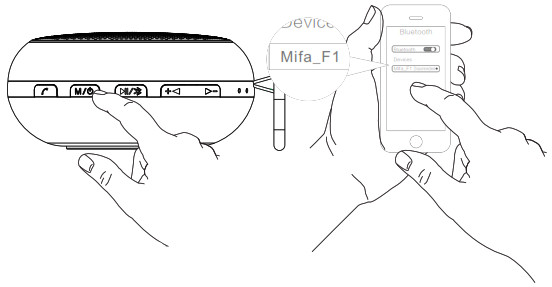
Power on the speaker after “Dingdong” sound and “Bluetooth enabled”, blue light flickering, allow pairing a Bluetooth device.
Turn on the Bluetooth device, set it to “discover” the Mifa_F1, then locate the Bluetooth device list, select the device named”Mifa_F1″ and then start to connect.
When pairing is complete, blue LED light remains steadily on
 Wireless range up to 10M, environment causes the difference.
Notes:
- The default passward is “0000”
- The speaker will auto-connect the last paired device when it powers on.
- If want to connect other devices, press and hold “
 “to disconnect first, and then the speaker is discoverable and ready to pair a new device.
 “to disconnect first, and then the speaker is discoverable and ready to pair a new device.
Technique Parameters
| Basic parameters | |
| Speaker type | Portable Bluetooth Speaker |
| Speaker system | Mono |
| Active/Passive | Active |
| Operate mode | Button |
| Main Features | Wireless Bluetooth music playing,Hands free, One button Bluetooth reconnection, Micro SD card music playing, USB sound card, Card reader |
| torage type | Max.32GB micro SD card |
| Power supply | Built-in 1100mAh lithium battery |
| DC5V-500mA USB adaptor | |
| Technique Parameters | |
| Loudspeaker | 2 inch + Suspended passive radiator |
| Output power | 4Ω 3W |
| Frequency Response | 80Hz~18KHz |
| Bluetooth version | 2.1+EDR |
| USB specification | USB2.0 compatible with USB1.1 |
| Playing function | |
| File format | APE、FLAC、WAV、WMA、MP3 |
Product size : W81×D81×H38mm
Product weight : 202g(including the lithium battery)
FAQ
| Paired Bluetooth device will not connect | 1. Restart the speaker |
| 2. 1f need password, please input ‘0000* | |
| Music play hang up | Please check the Bluetooth connection valid distance or if something cut off the signal |
| File format fault | 1. Check if theSD card format is right (the speaker just can support FAT 32 format SD card ) |
| 2. Check if the music file format store in TF card is right ,the speaker just can support APE/FLAC/WAV/WMA/MP3 format files | |
| Speaker indicates a connection ,but is not playing music | 1. Check the volume of speaker |
| 2. Check if the speaker is in mute or pause | |
| Speaker will not turn on | Check if the battery is low |
| System halted | Reset the speaker |
| Bit Rate | MP3: 8Kbps-320Kbps WMA: 32Kbps-384Kbps |
| APE: 600Kbps-1400Kbps FLAC: 600Kbps-1400Kbps | |
| WAV: 32Kbps-1200Kbps |
MIFA INNOVATIONS LLC Hotline 4007-881-899
www.mifalife.net Designed in US Made in China
©2014 MIFA all rights reserved.The product and the packaging trademarks or registered trademarks of MIFA INNOVATIONS LLC in the united states or other countries. All rights reserved. Other trademarks and trade names are registered mark of their respective owners. MIFA INNOVATIONS LLC for any errors that may occur in this manual does not undertake any responsibility. The information contained in this manual are subject to change no prior notice.