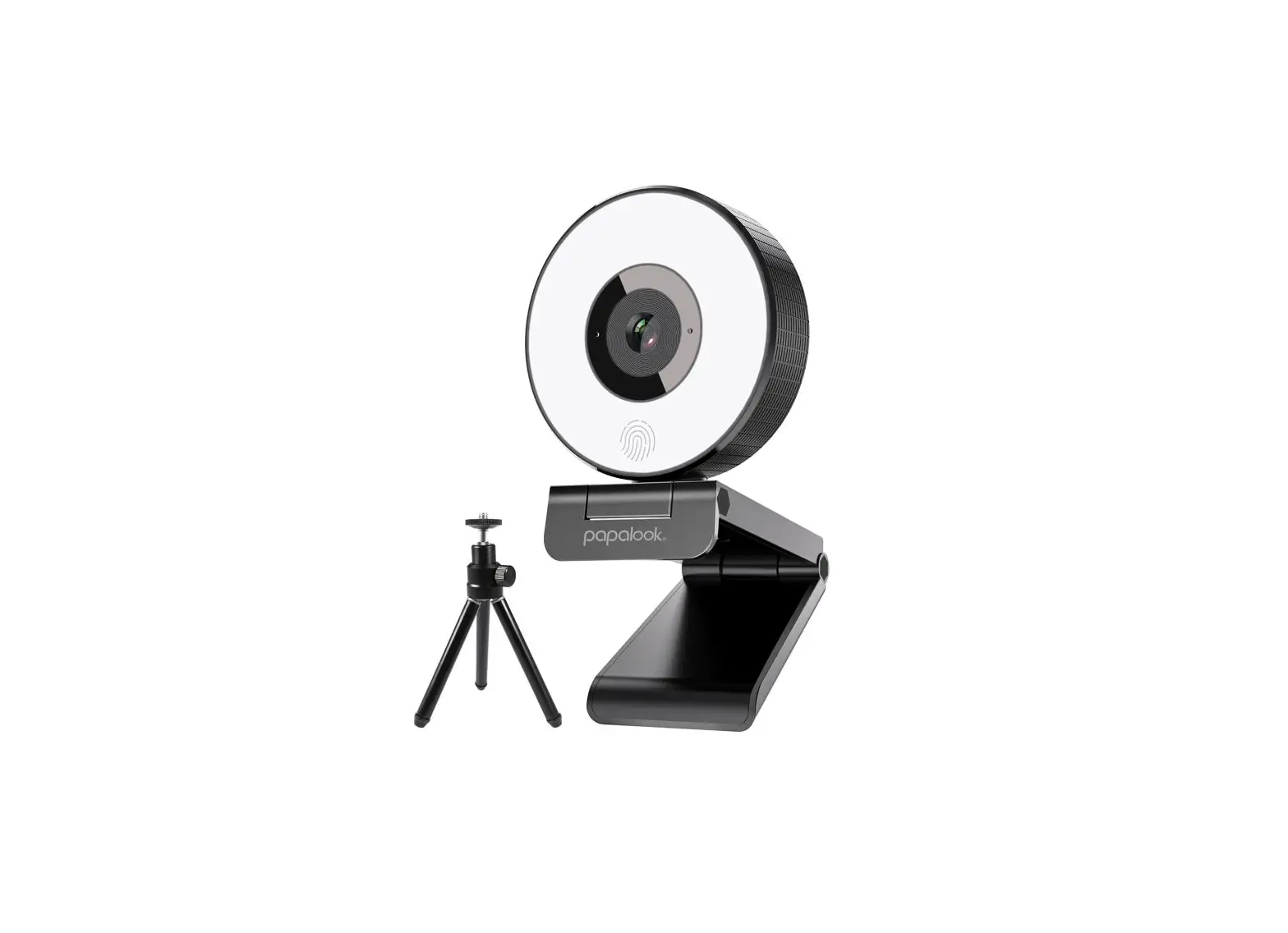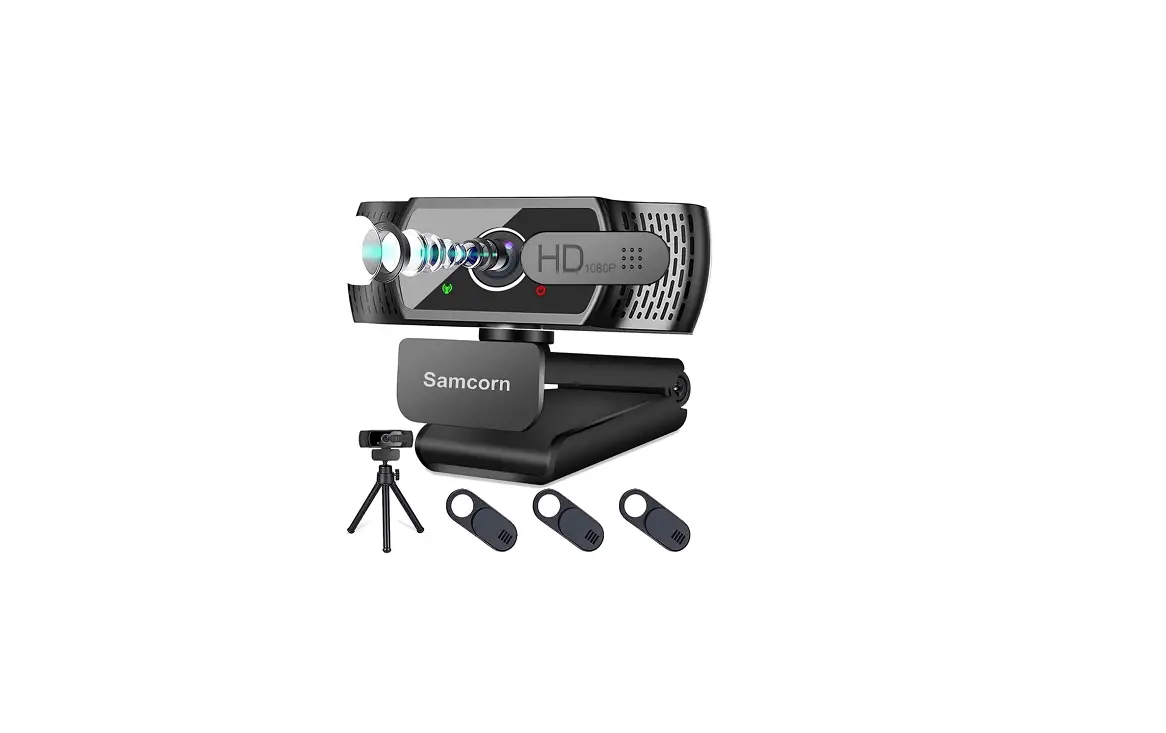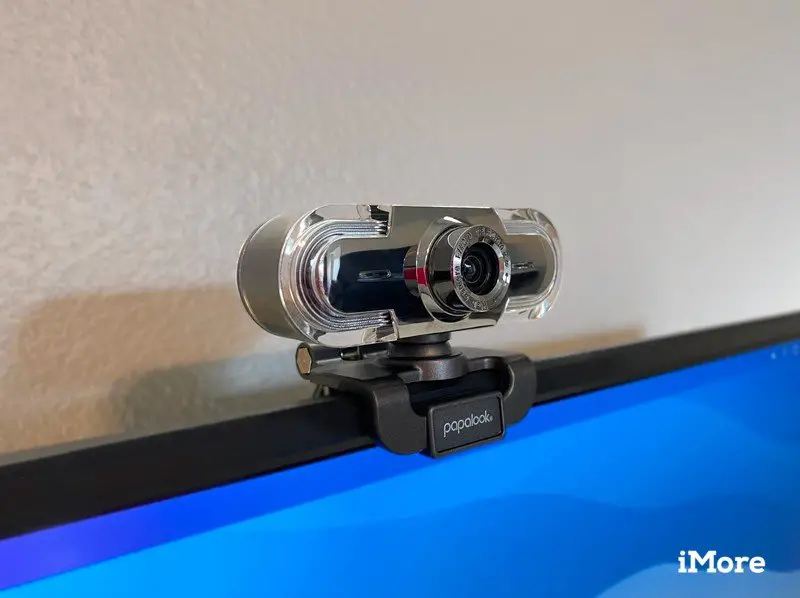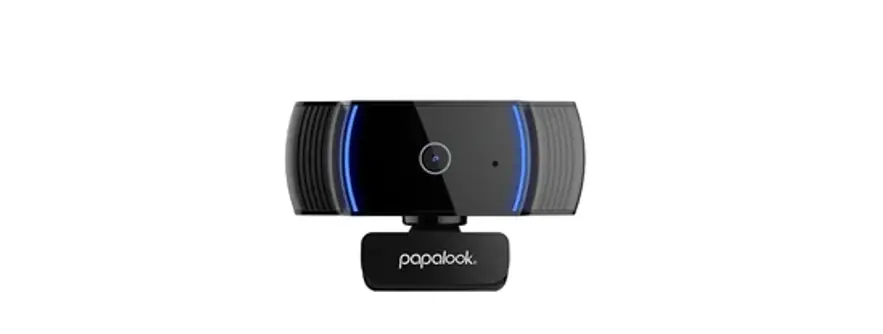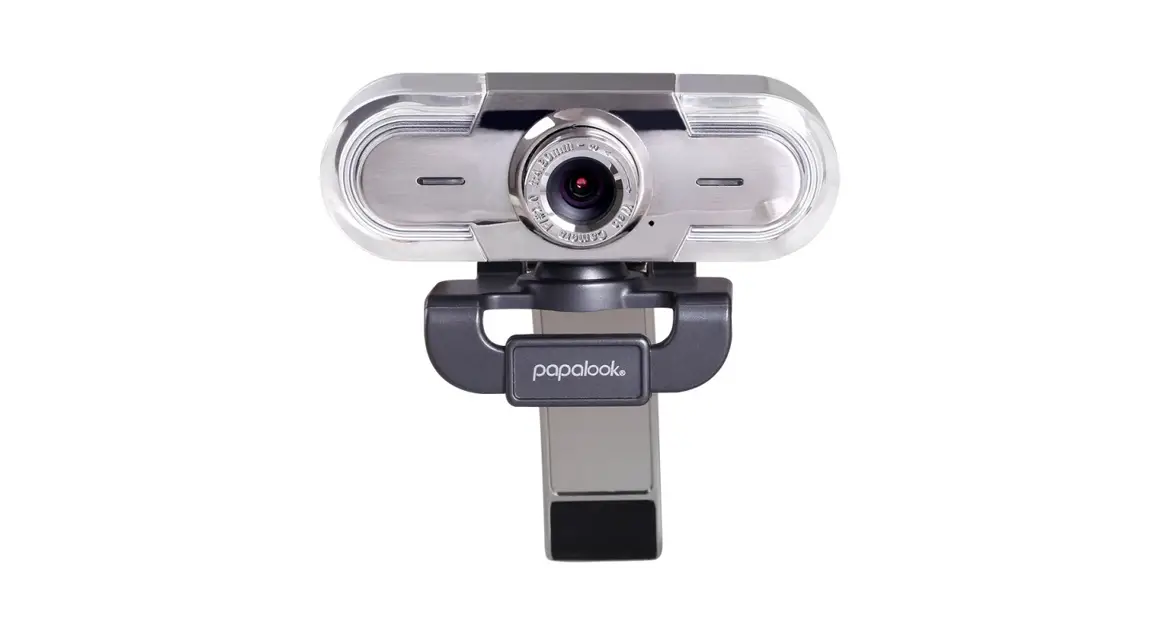

PA452 Pro Webcam with Mic for Live Stream
User Guide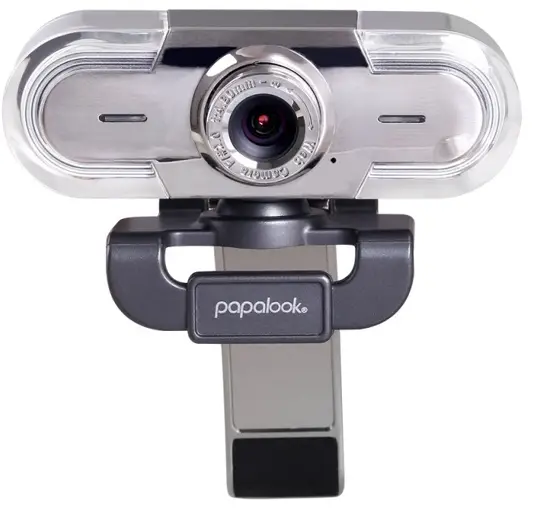
START YOUR PA452 Pro LIVE STREAMING
QUICK START GUIDE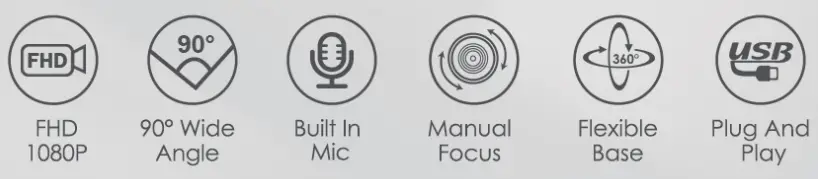
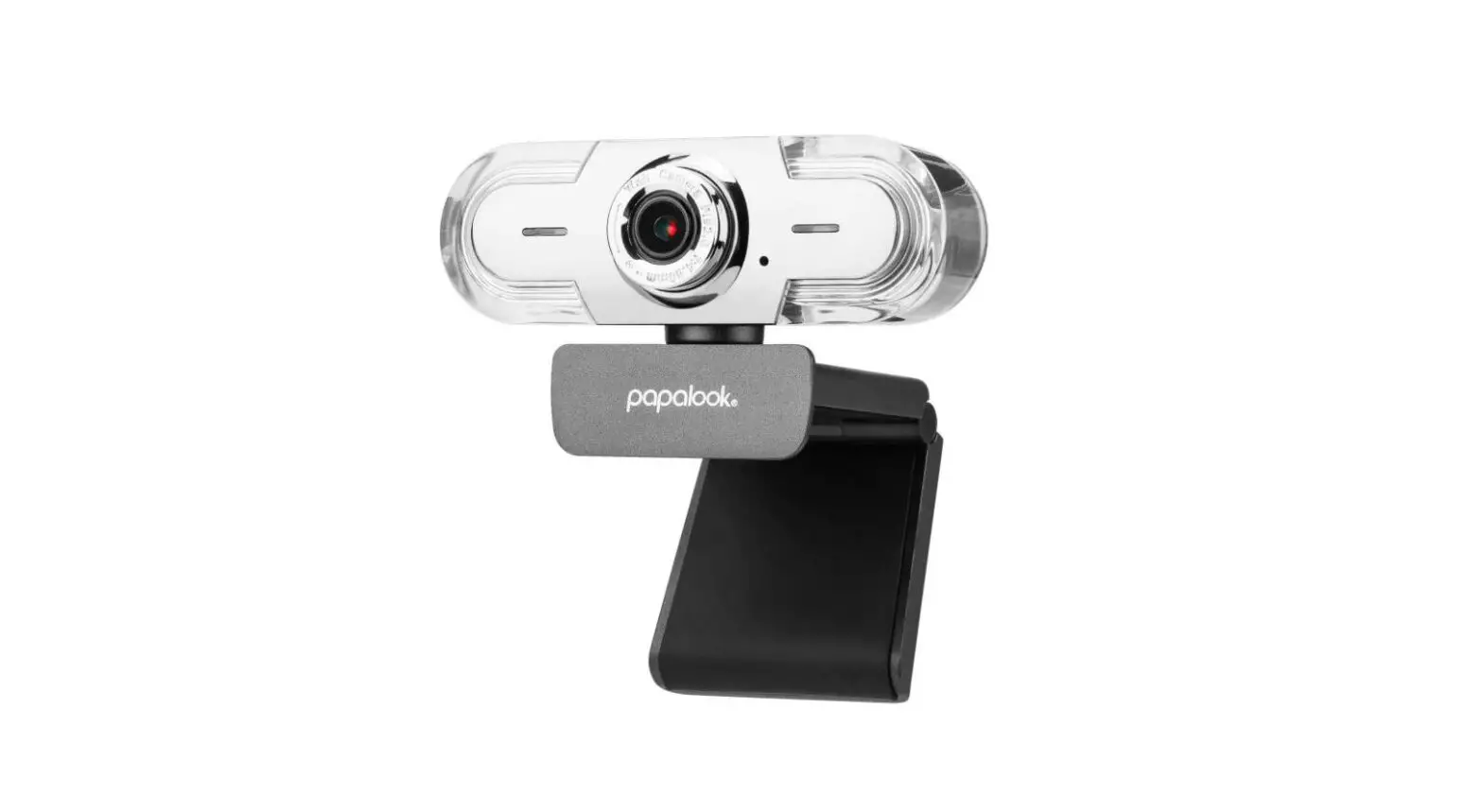
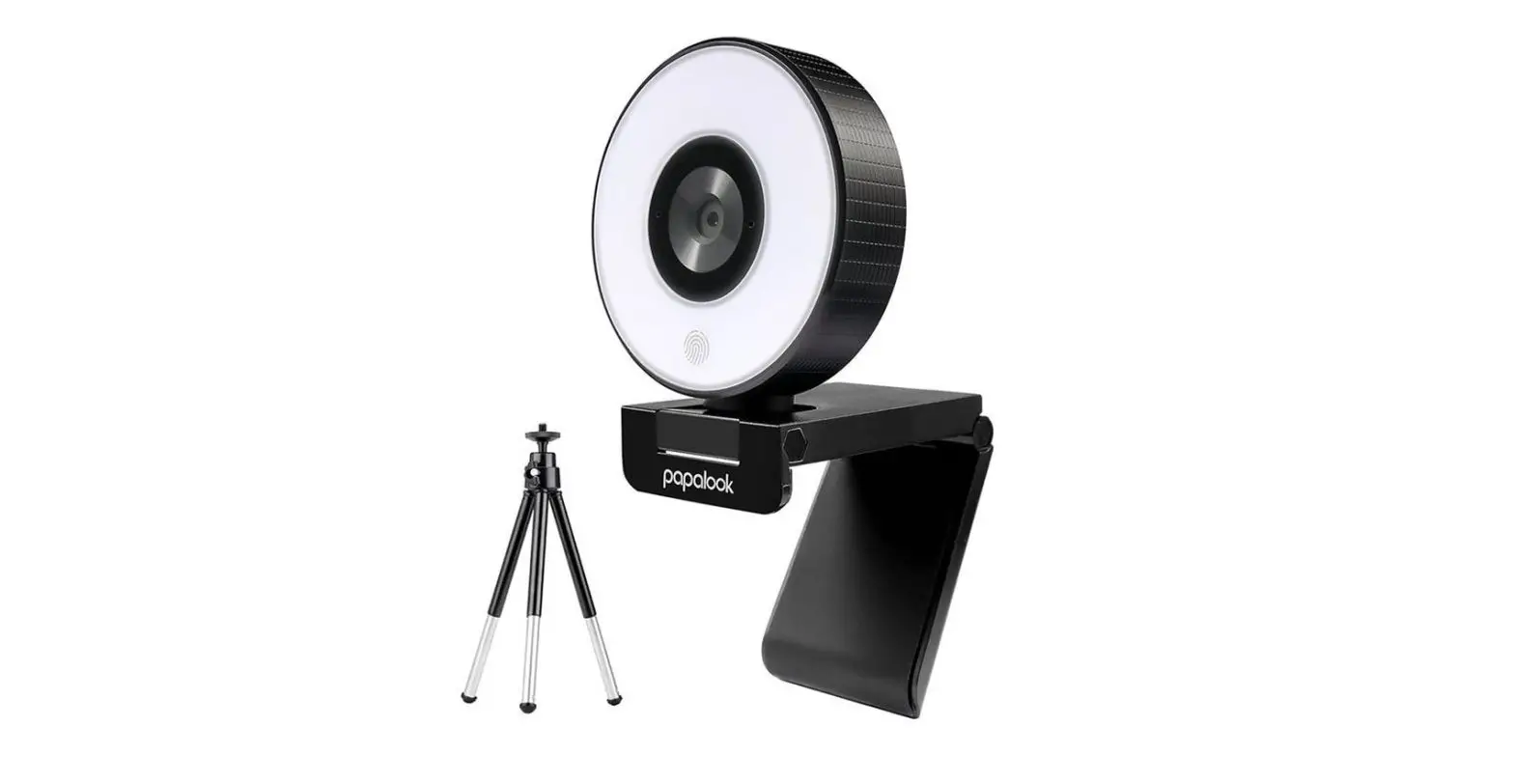
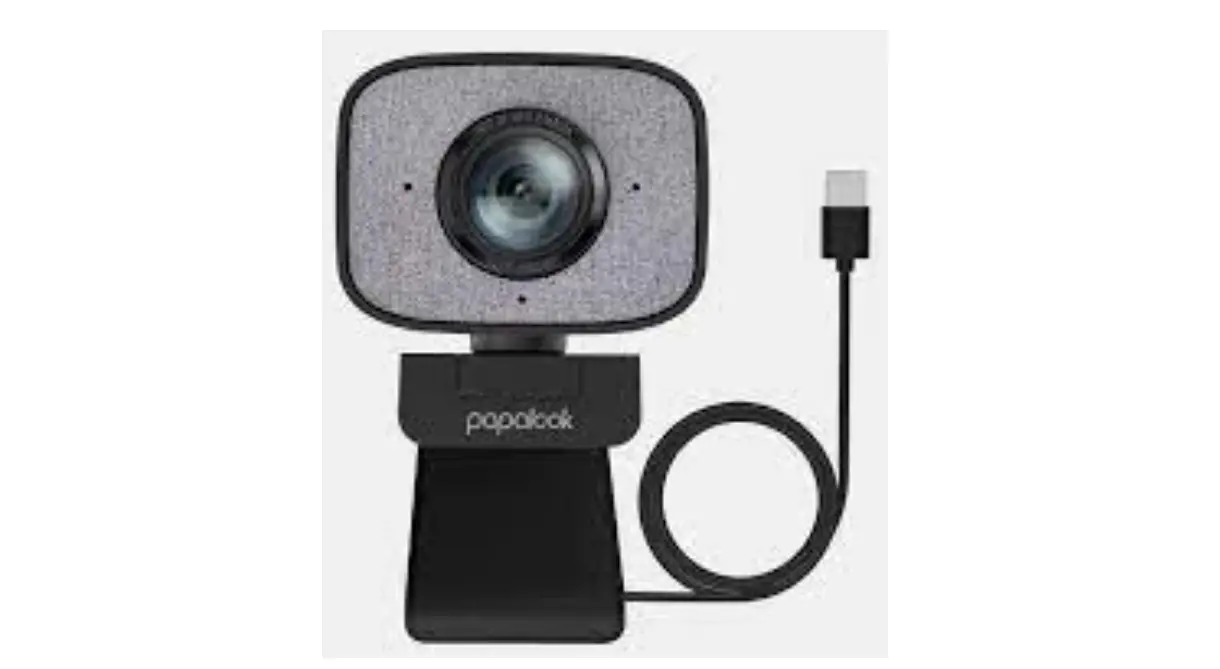
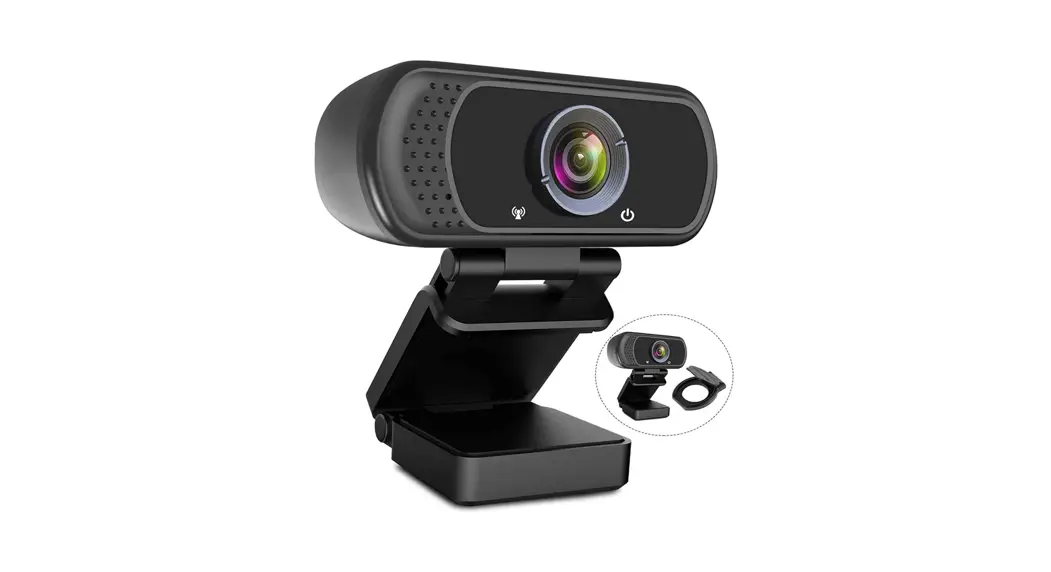
Product Overview
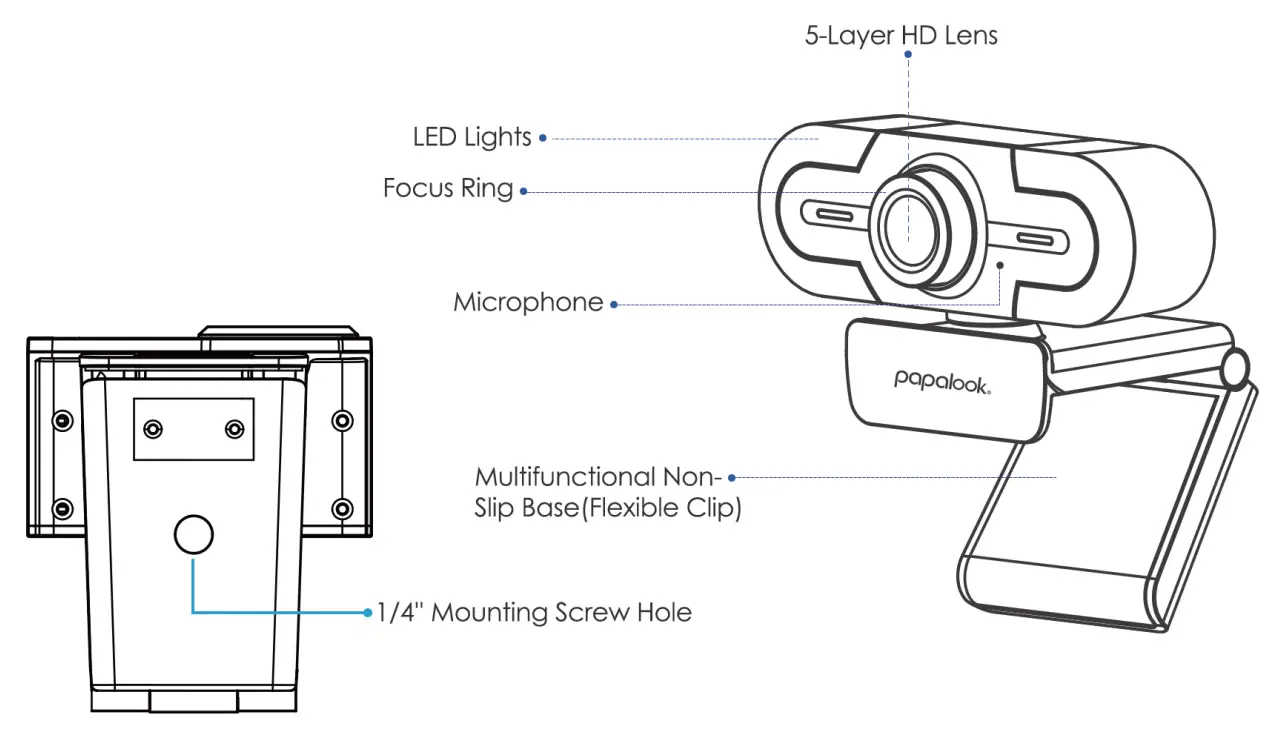
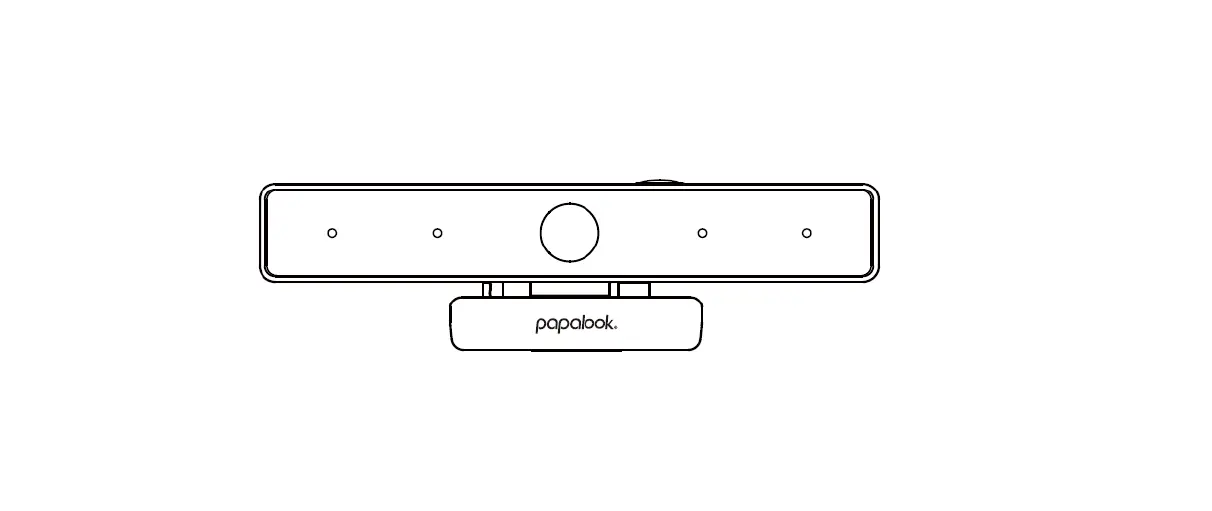
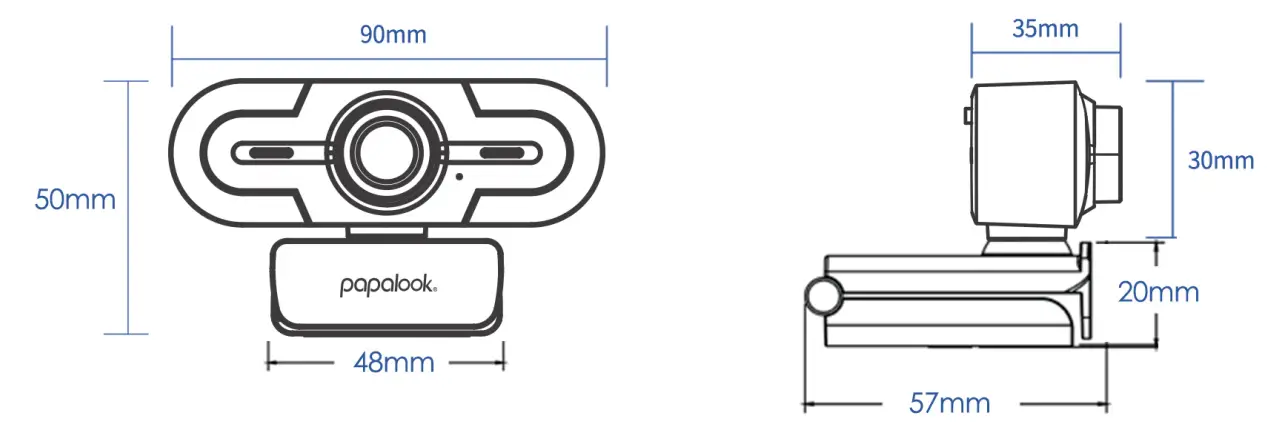
Product Size
Installation Display
Alternative Desktop Setup:
Stand on Surface/Clip-on Laptop/ Use Tripods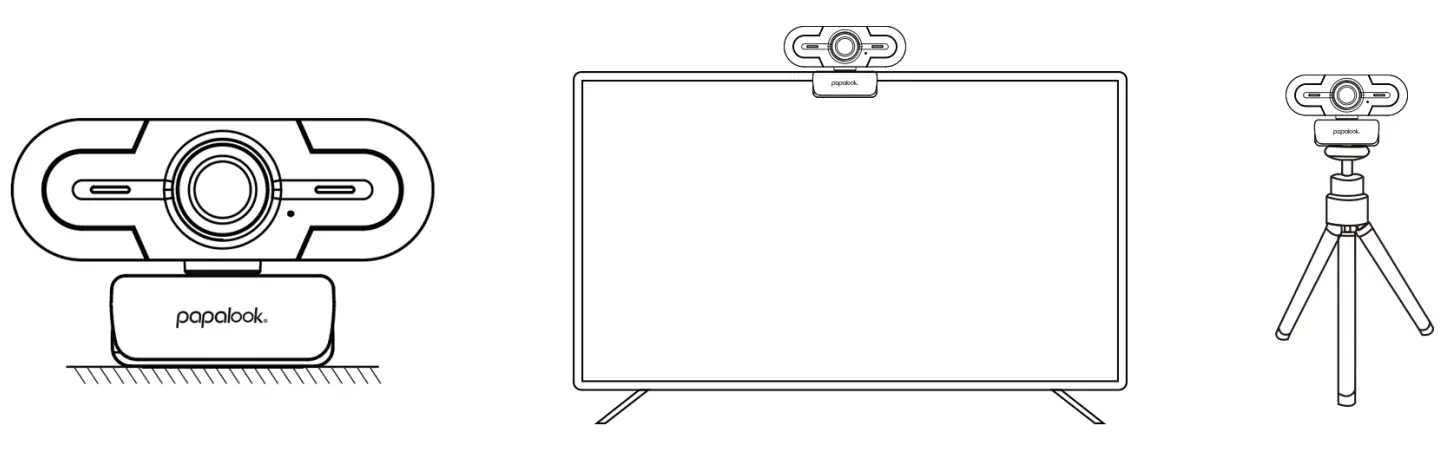
Installation Steps
Device Fixing and Connection:
Easy Insta Iat on/ PlJg&Ploy
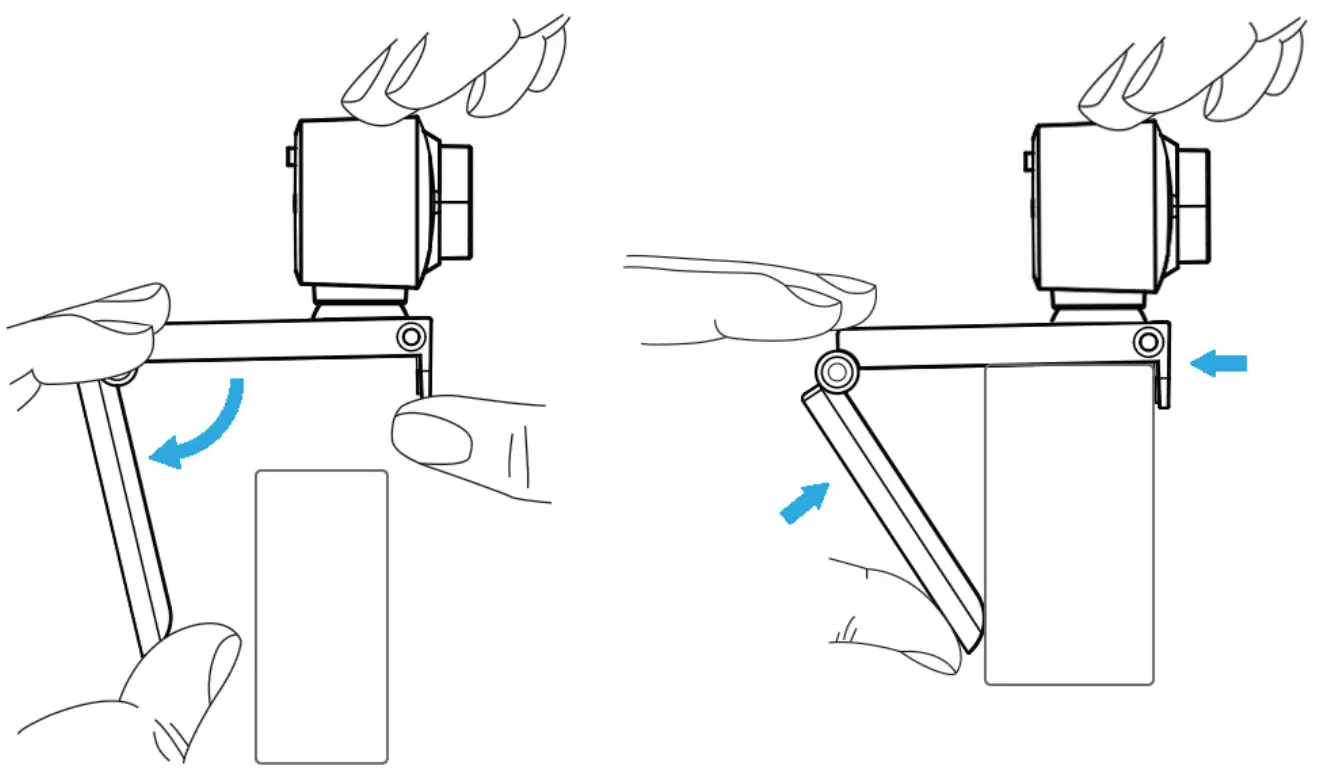
- Open the Webtom Base. Place
- Clomp the webcam Base and fan

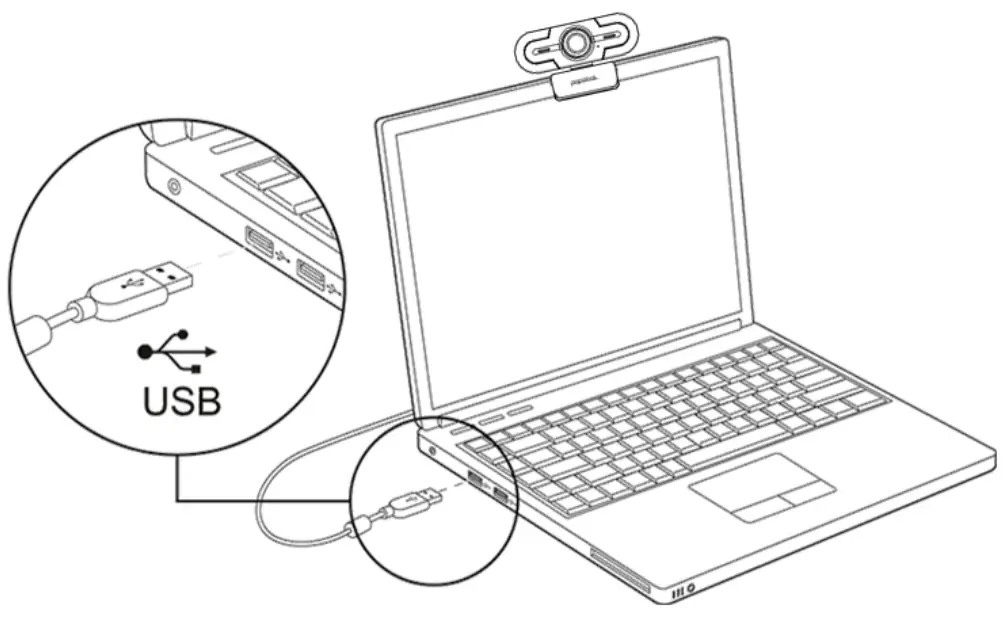
- Inert Me USB Interface no Computer for Webccrn on a Computer monitor and the Device at Other USB Devices. then Open the Software to Use with 71as Webcam
Specification
| Resolution Ratio | 1080P | Tips | 30FPS |
| Viewing Angle | Horizontal 90° | Encoding Format | MJPG/YUY2 |
| Focus | 30CM To Infinity | Interface Type | USB 2.0 |
| Directivity | Omni-Directional | S.P.L | -3632dB |
| Support OS | Windows7/8/10 or updated version, MAC 0510.6 or updated version, Chrome OSTM, Android V5.0 or an updated version | ||
Common Usage Problems and Solutions
| Question | Possible Causes | Solution |
| The Webcam Does Not Work Properly | The USB Cable is not Connected Property | Reconnect the USB Cable |
| Try Another USB Interface | ||
| The Software is not Working Properly | Reopen the Software | |
| Restart the computer,TV and Other Connected Devices |