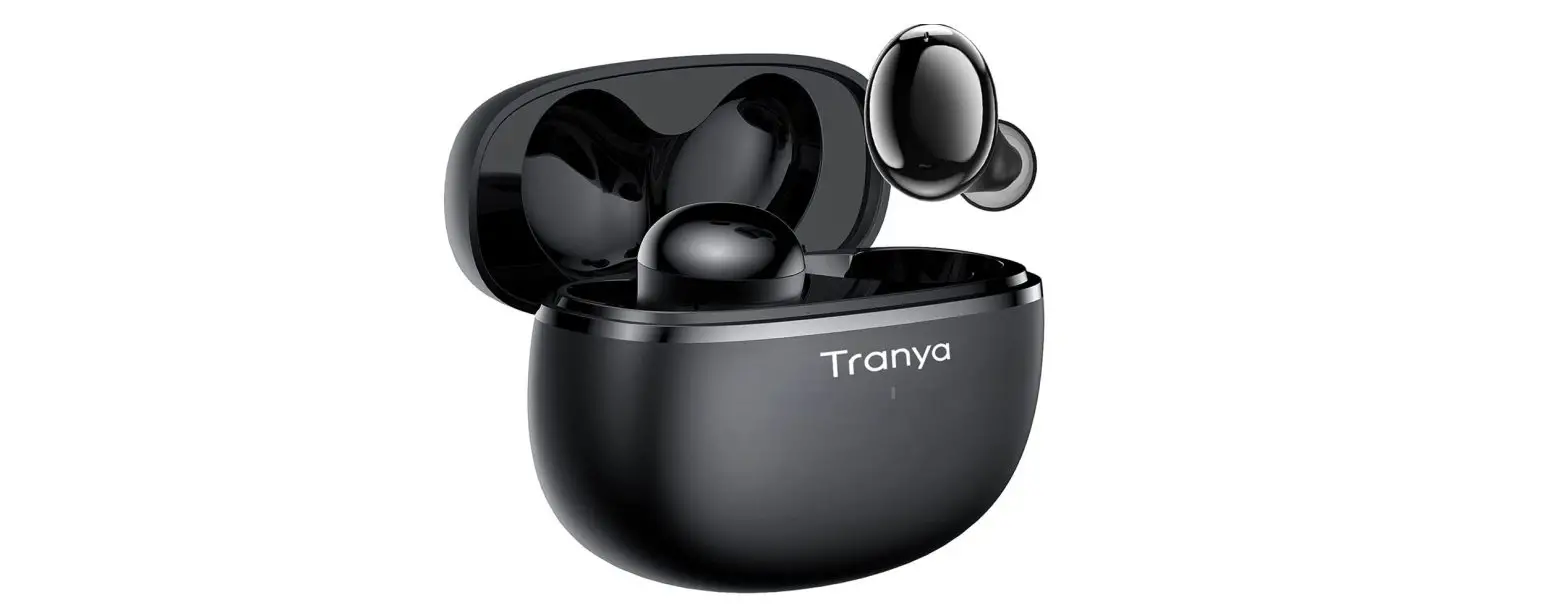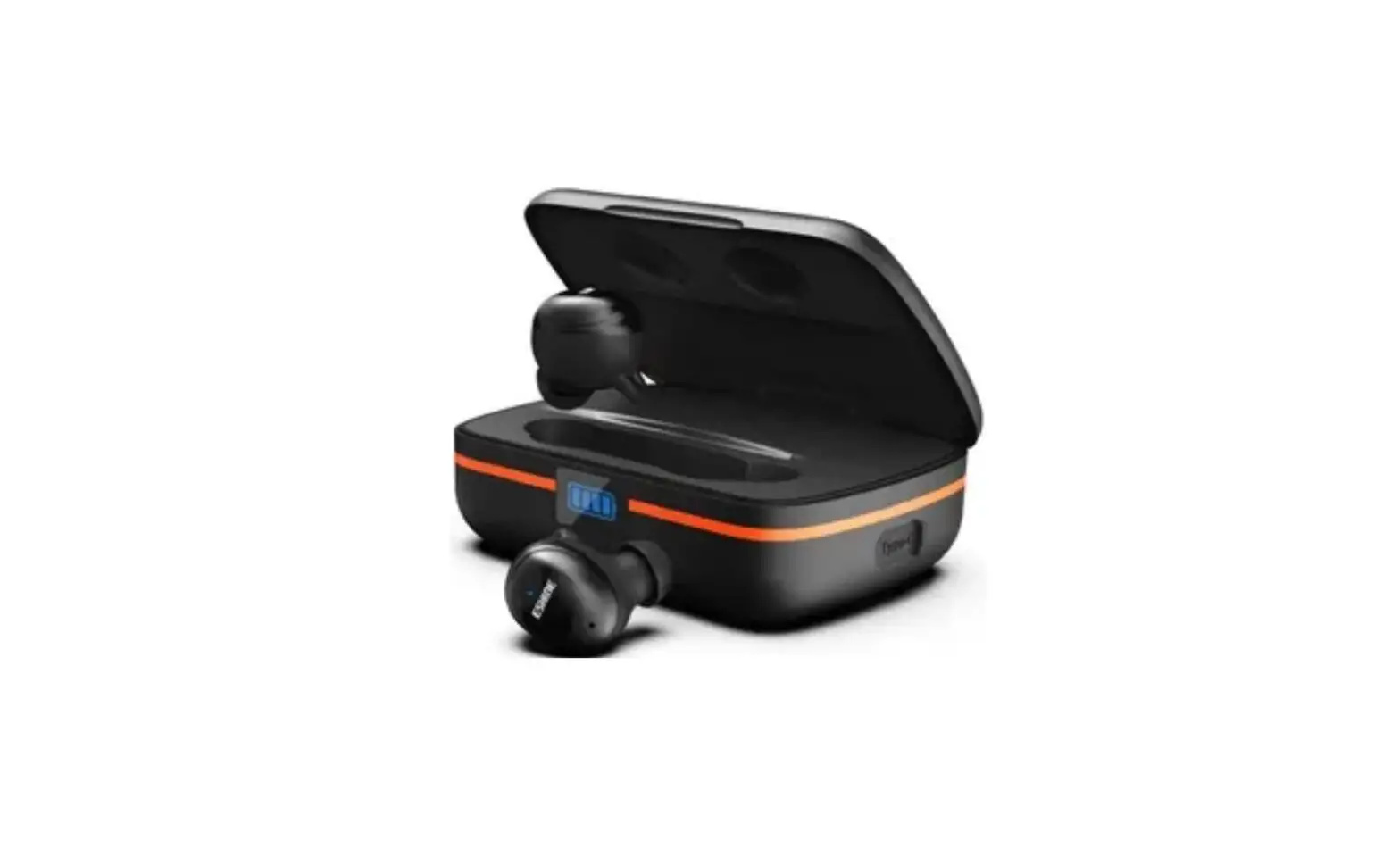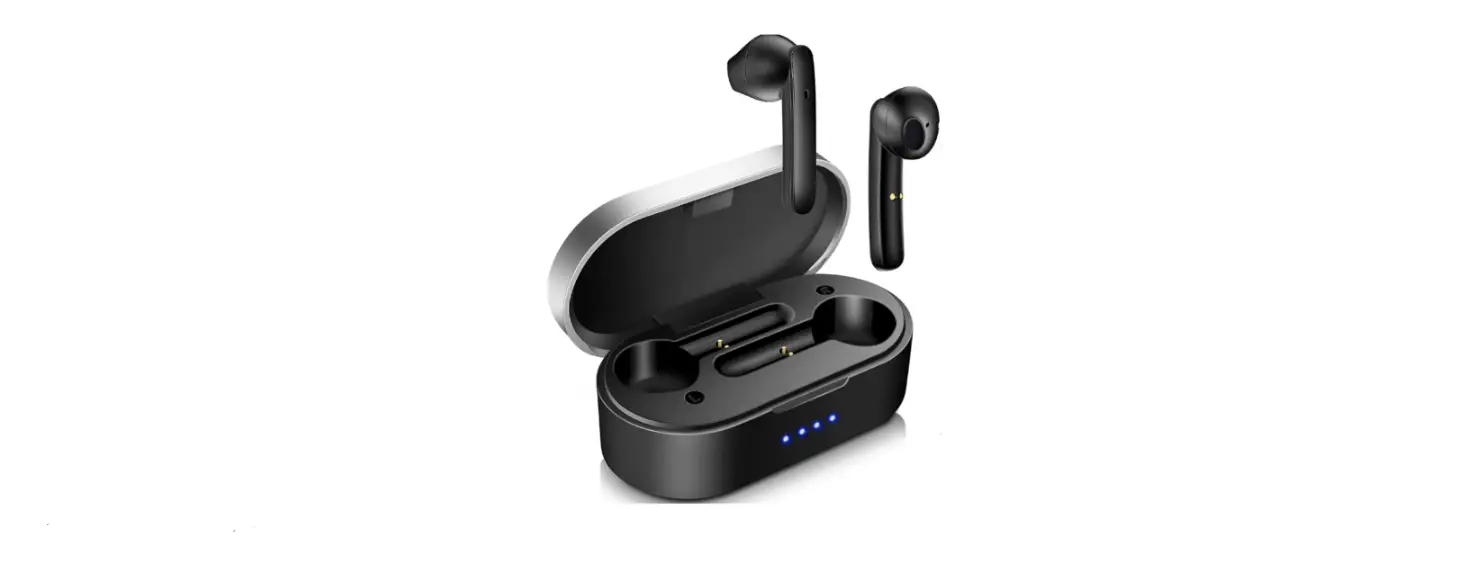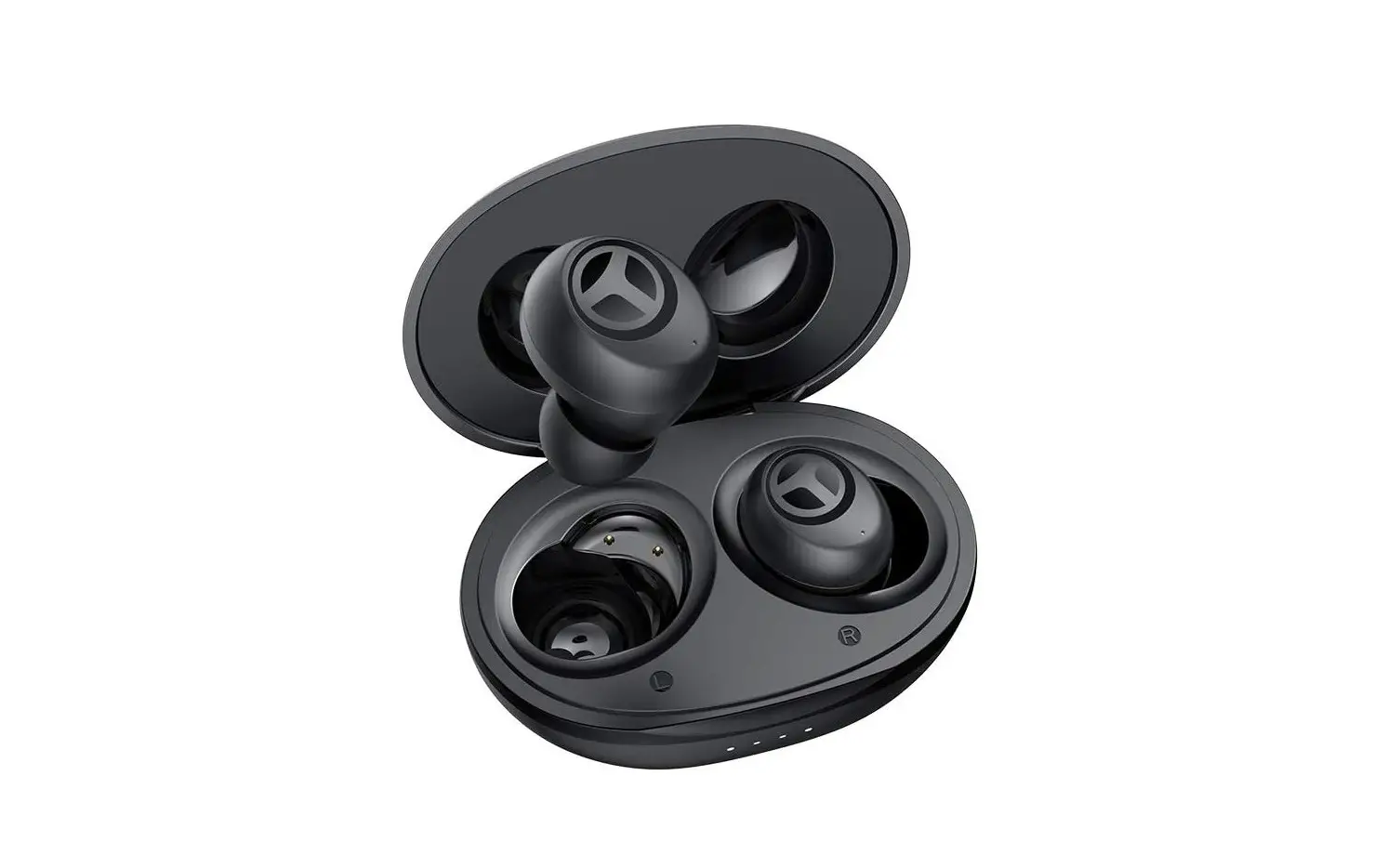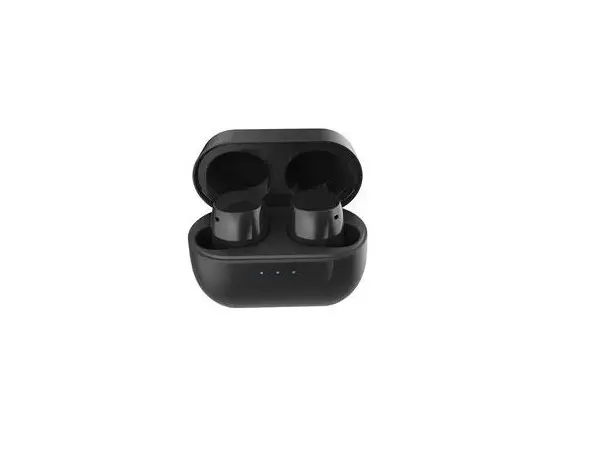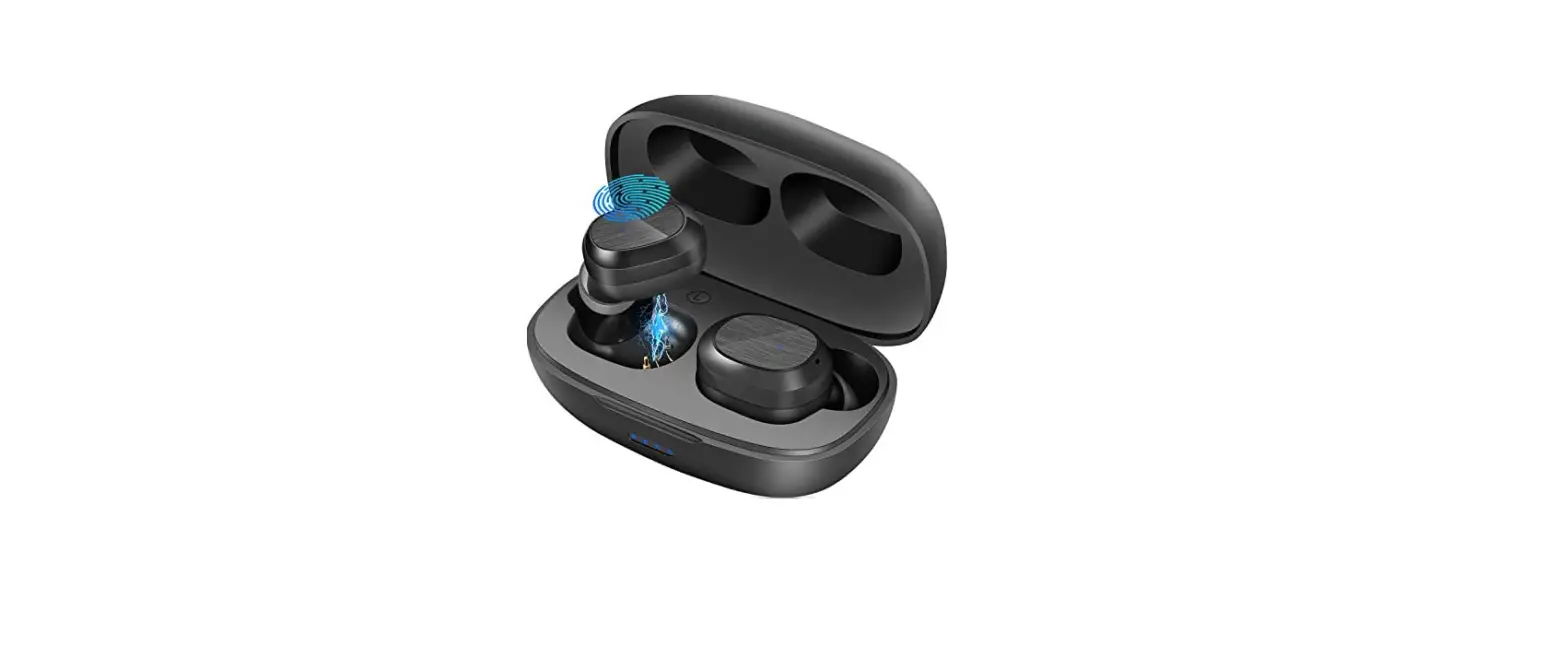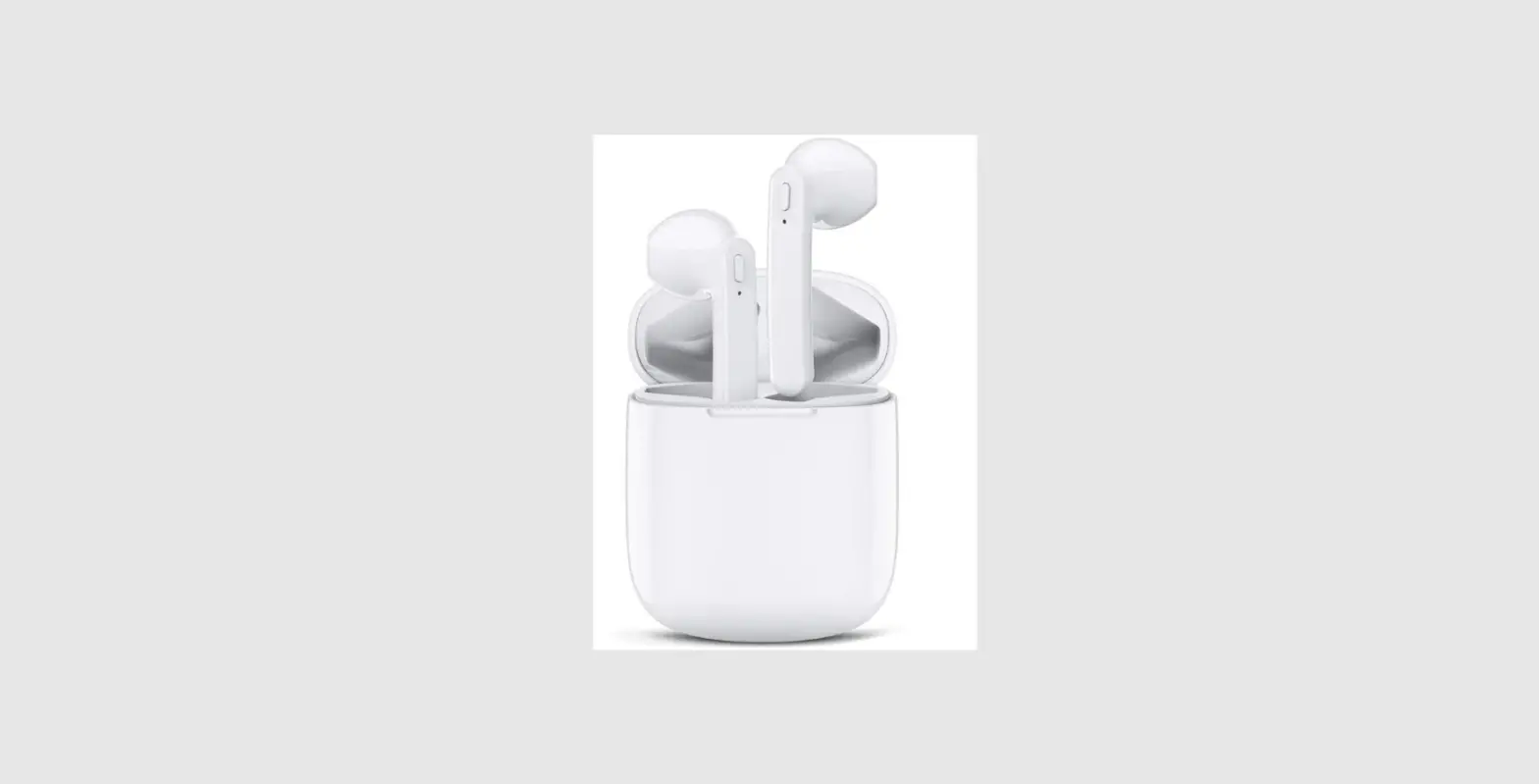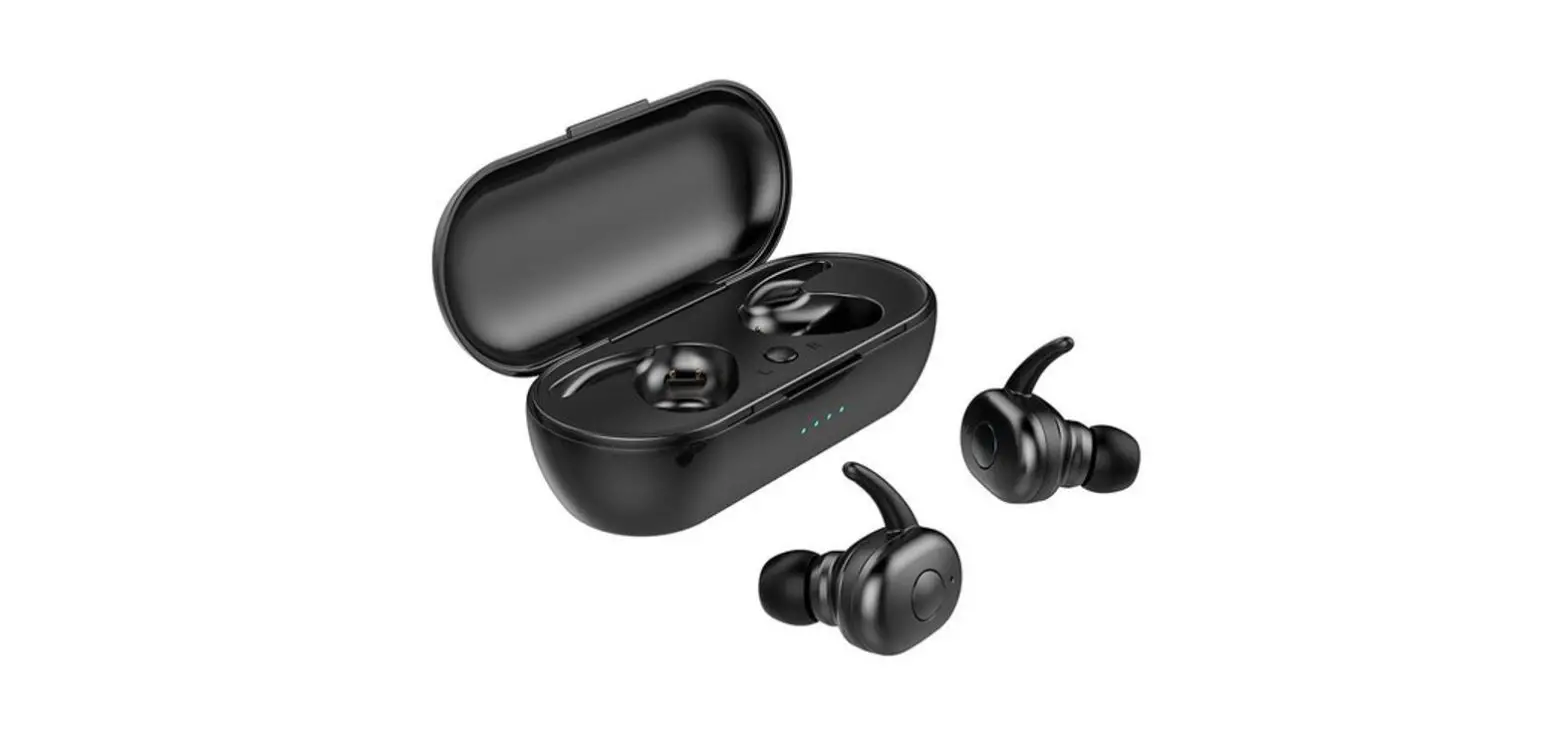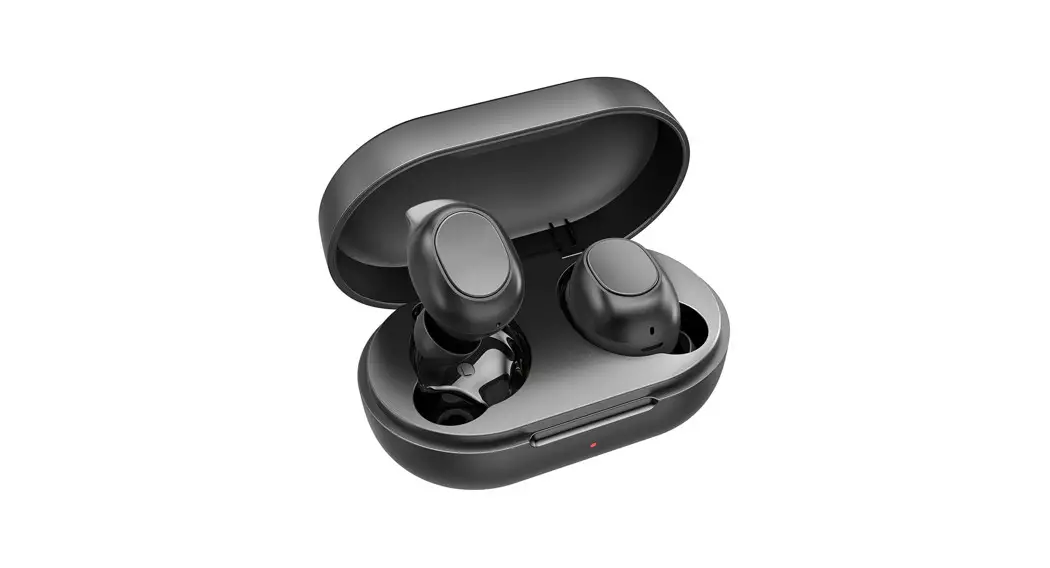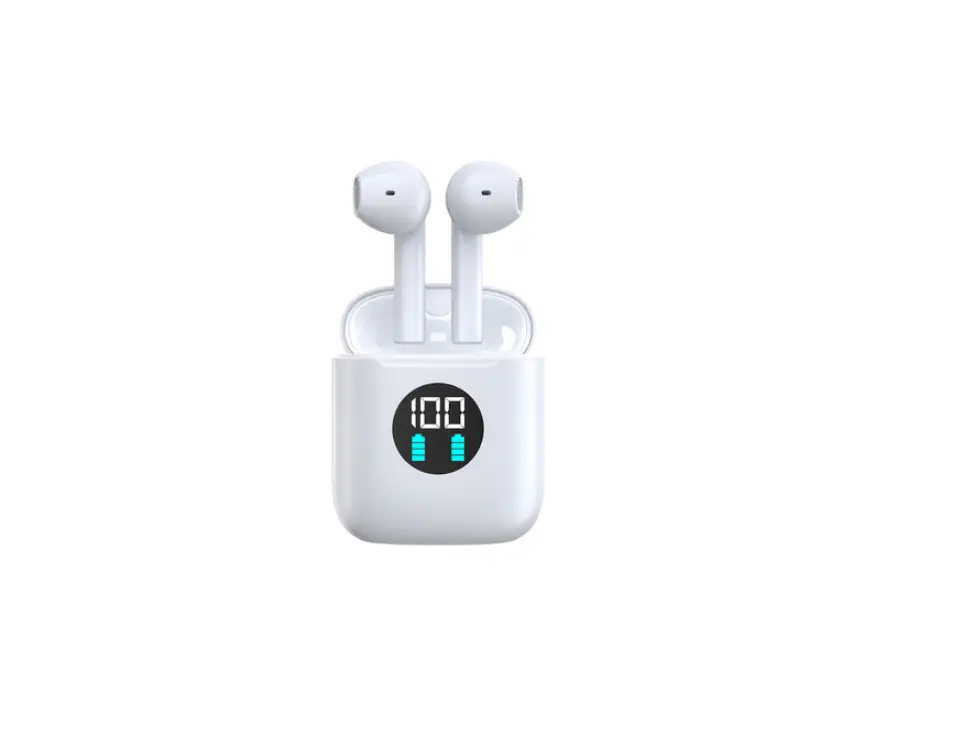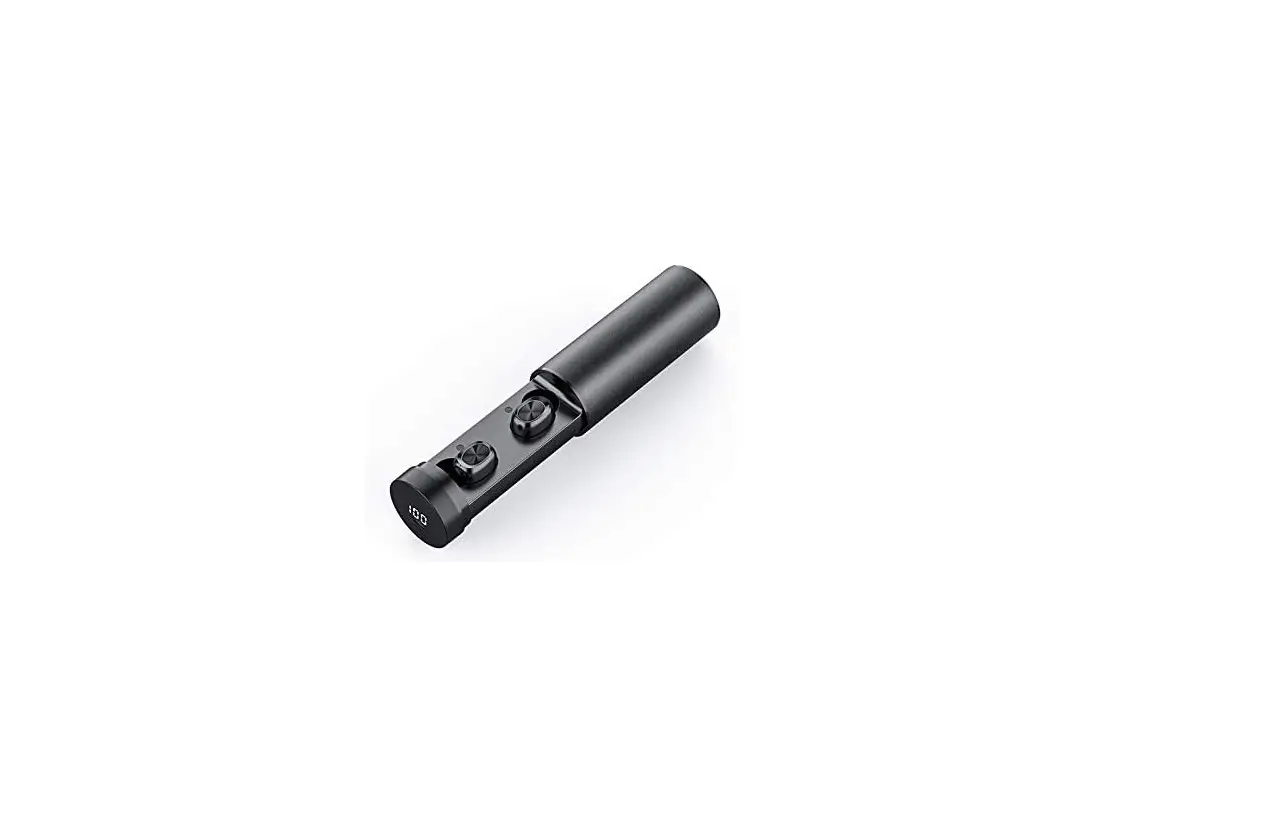
 Shenzhen Quanya Trading T10B True Wireless Earbuds
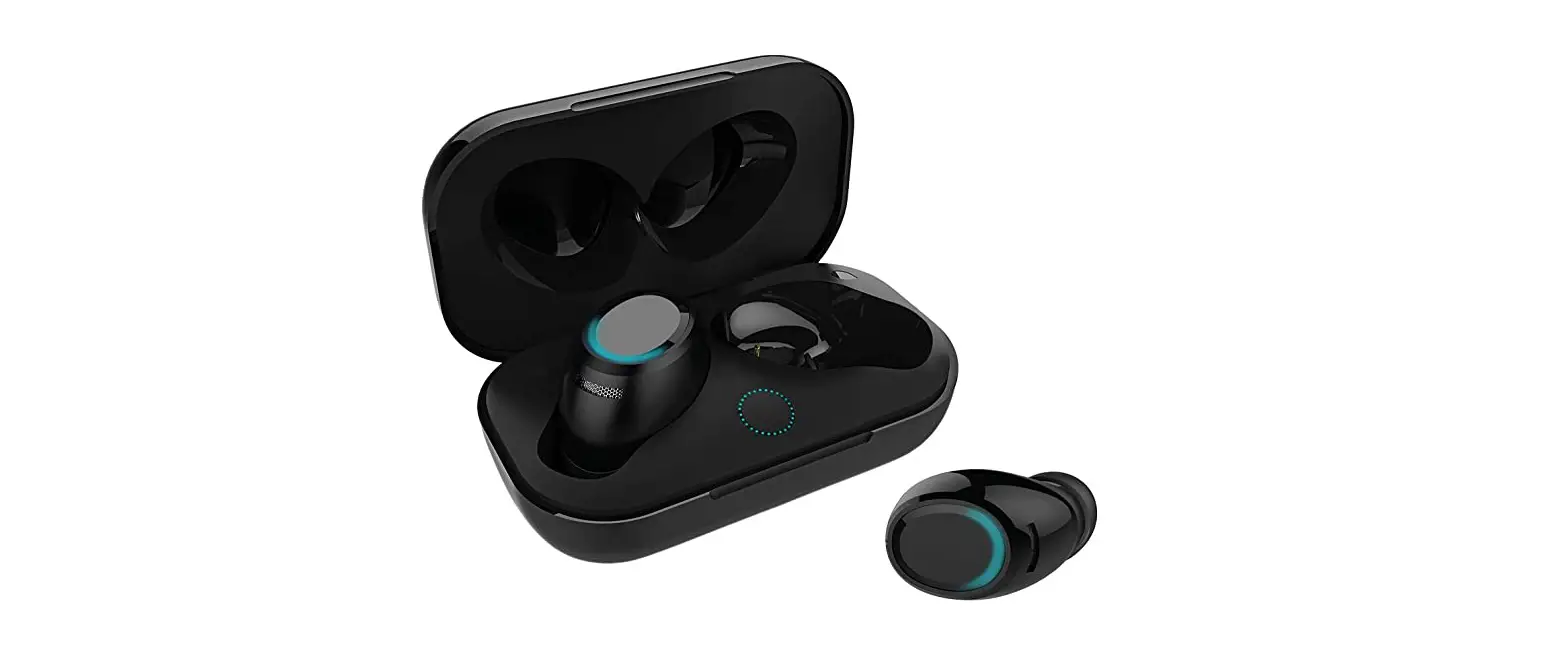
 Shenzhen Quanya Trading T10B True Wireless Earbuds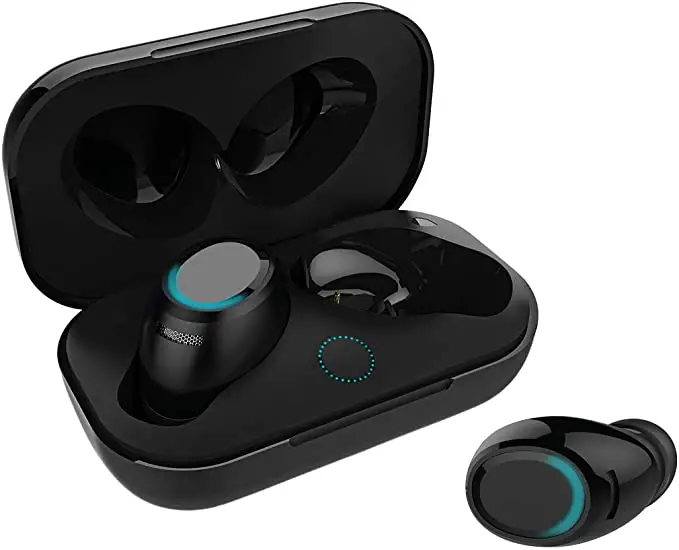
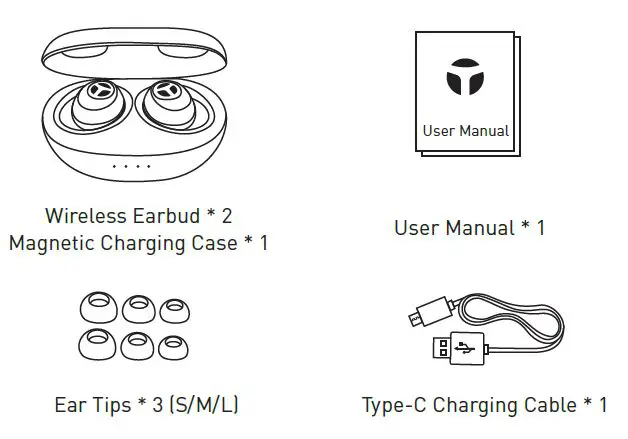
PACKAGE LIST
IMPORTANT NOTES
- Register your product on www.tranya.com to get an EXTRA three-month warranty for free.
- Before using the T10 wireless earbuds, please charge both the case and earbuds.
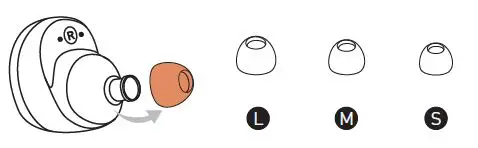
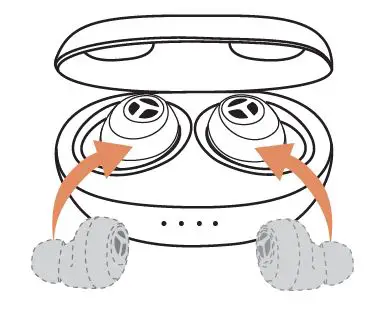
- We provide 3 paris of rubber eartips (including the set installed on the earbuds), please choose the best fit for you.

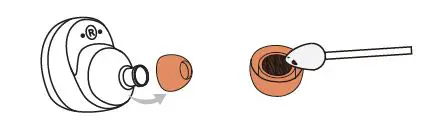
And headphones burn-in will elimiate the consistency of sound on left and right, enhances bass and treble. All you have to do is continuously play music through the headphones and it’s recommended to play for at least 30 minutes. - There may be dusts and wax on the earbuds after a while of use, and causes 40% of the inconsistency sound, please clean the eartips often to keep good sound quality

- If the right and left earbud don’t sync, please reset the earbuds.
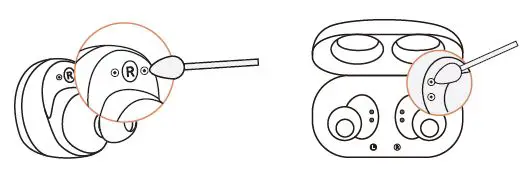
- If the earbuds don’t charge, please clean the charging slot on the case and the connecting face on the earbuds.

WEARING
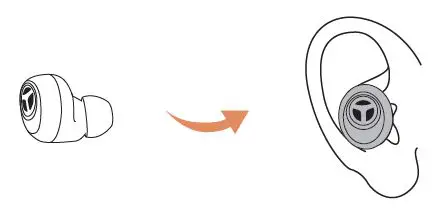
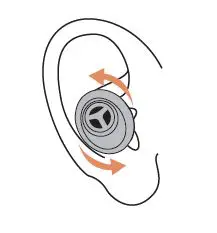
- Put the earbuds into your ear.

- Rotating the earbuds to auricle side to fit snugly.

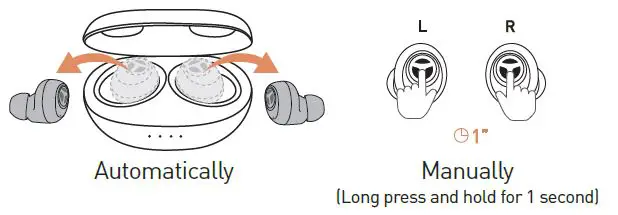
POWER ON
POWER OFF
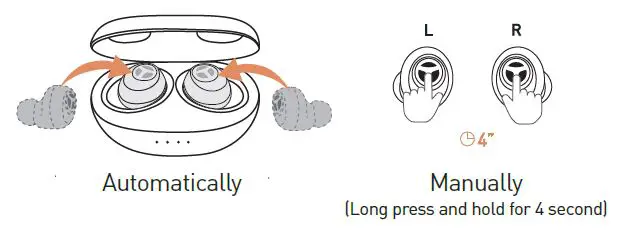
Note: When the charging case is at low power or out of power, the earbuds will not automatically power on/off when returned to the case, please power them on/off manually.
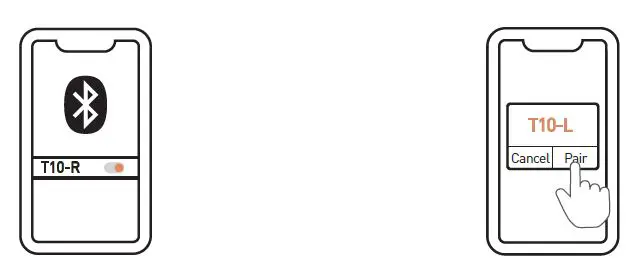
PAIR THE EARBUDS WITH YOUR PHONE
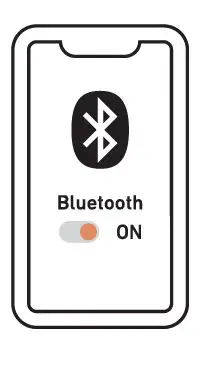
- Power on the earbuds and turn on Bluetooth.

- Connect T10
- Select “T10-R” to connect
- Wait for 2-10s and you will see a “Bluetooth Pairing Request” pop-up, then click “Pair” to confirm. (If you don’t click “Pair”, you are not allowed to use “Mono Mode”.)

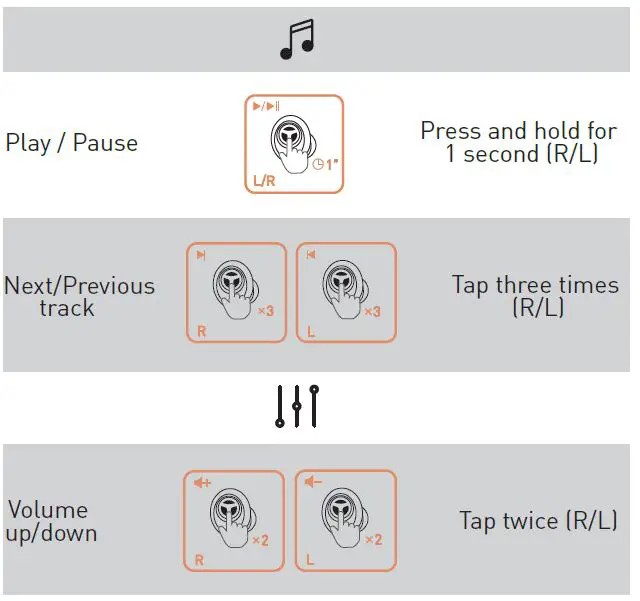
TOUCH CONTROL

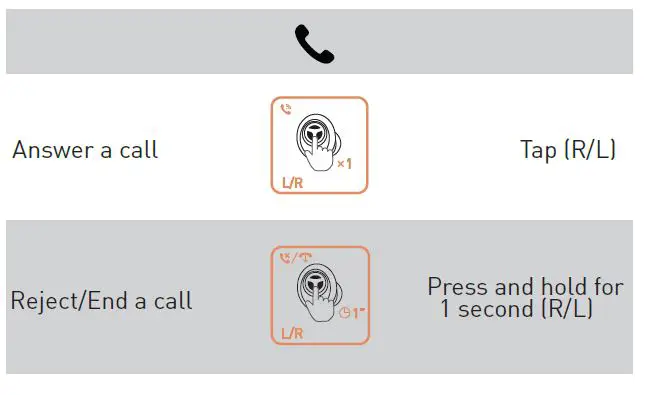
HOW TO RESET THE EARBUDS
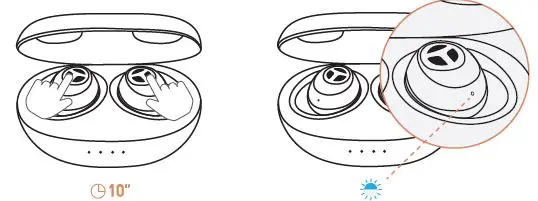
If you can’t get the two earbuds sync, please reset the earbuds to solve the issue.
- Put the earbuds back to the charging case.
- When you see the white indicator light on, long press both earbuds for 10 seconds until you see the blue light blinks.

- 3 Pick up the earbuds and reconnect it to your device.
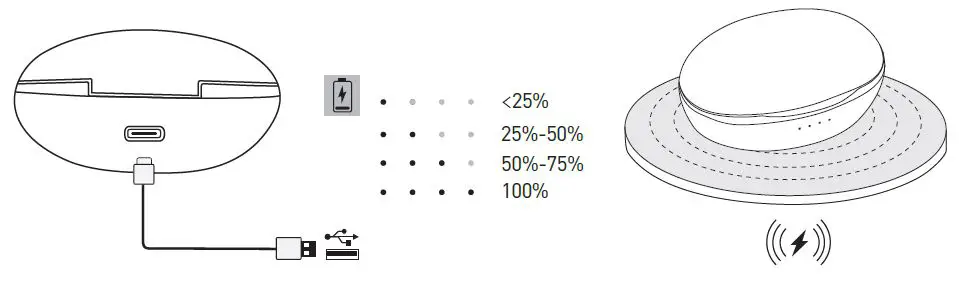
CHARGING
- Charging the Earbuds

- Charging the Case
- Charge it with the included Type-C cable.
- Charge it with a wireless charging pad.

GUIDES
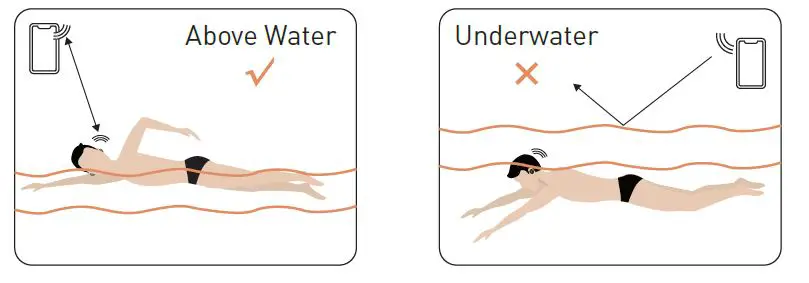
- You can wear it on when swimming, but cannot dive.(as illustrate)

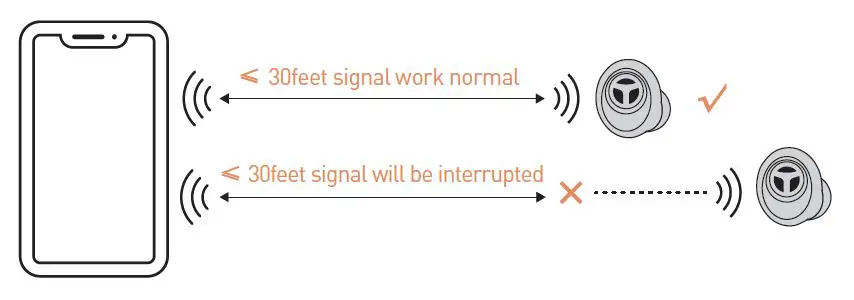
- It supports a transmission range of 30 feet, signal will be interrupted if over 30 feet.

FAQ
Q: Is there latency when watching video from a laptop or mobile phone?
A: It depends not only on the earbuds, but aslo the laptop, mobile phone, and the apps. With the latest Bluetooth 5.0 and high sensitivity antenna, the latency is hardly noticed on iOS devices, such as iPhone and iPad. For Android and Windows devices, the latency may be noticed when using some apps, but can hardly be noticed while watching videos on YouTube.
Q: Why my earbuds don’t power on/off automatically?
A: The earbuds would not power off automatically when the case is at low power or out of power. Please recharge the case. And you can long-press for one second to power on and long press for 4 seconds to power off the earbuds
Q: Why does signal interruption occur in some places, such as along railways, in airports?
A: They’re usually lots of cables underlying in the places mentioned above, so are more likely to produce electromagnetic interference and result in a signal interruption. And if you are using a Bluetooth mouse while connecting the earbuds to your PC, it may have signal interference. If the earbuds cut in and out frequently during routine use, you may have a defective item. Please contact us. We do our best to respond to all inquiries within 12 hours.
Q: My earbuds don’t charge, what can I do?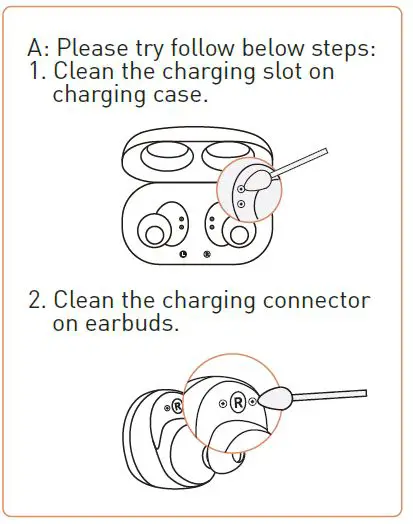
This device complies with Part 15 of the FCC Rules and with Industry Canada licence-exempt RSS standard(s). Operation is subject to the following two conditions:(1)this device may not cause harmful interference, and (2)this device must accept any interference received, including interference that may cause undesired operation Changes or modifications to this unit not expressly approved by the party responsible for compliance could void the user’s authority to operate the equipment.
NOTE: This equipment has been tested and found to comply with the limits for a Class B digital device, pursuant to Part 15 of the FCC Rules. These limits are designed to provide reasonable protection against harmful interference in a residential installation. This equipment generates, uses, and can radiate radio frequency energy and, if not installed and used in accordance with the instructions, may cause harmful interference to radio communications. However, there is noguarantee that interference will not occur in a particular installation. If this equipment does cause harmful interference to radio or television reception, which can be determined by turning the equipment off and on, the user is encouraged to try to correct the interference by one or more of the following measures:
- Reorient or relocate the receiving antenna.
- Increase the separation between the equipment and receiver.
- Connect the equipment into an outlet on a circuit different from that to which the receiver is connected.
- Consult the dealer or an experienced radio/TV technician for help.
This device meets the exemption from the routine evaluation limits in section 2.5 of RSS 102 and compliance with RSS 102 RF exposure, users can obtain Canadian information on RF exposure and compliance. This equipment complies with Canada radiation exposure limits set forth for an uncontrolled environment.
Radiation Exposure Statement
The device has been evaluated to meet general RF exposure requirements. This equipment should be installed and operated with a minimum distance 0mm between the radiator & your body.