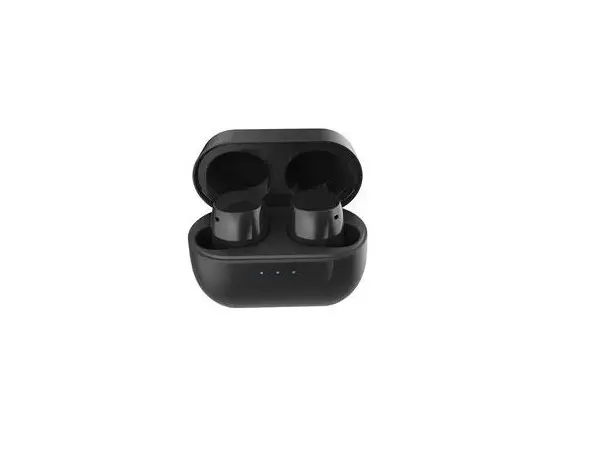
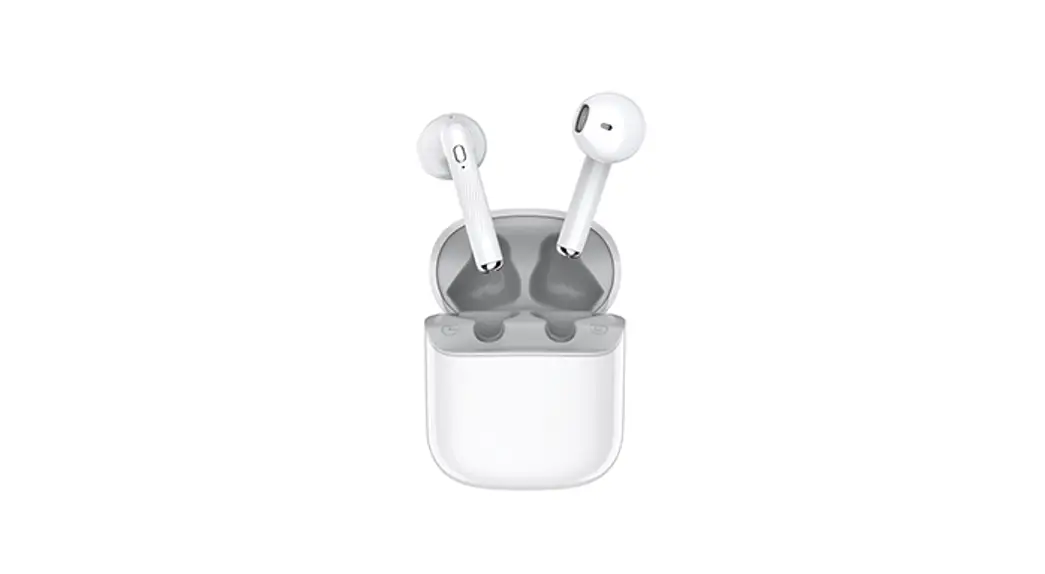
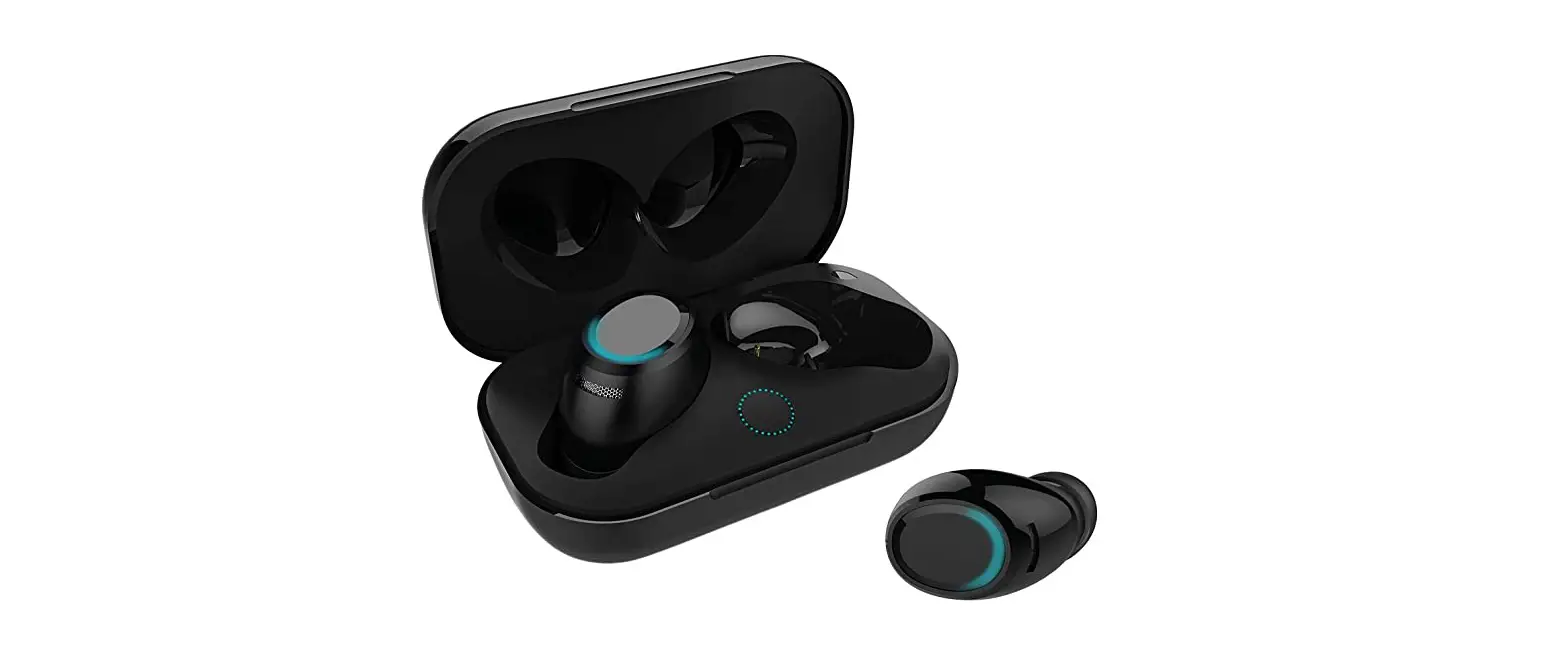
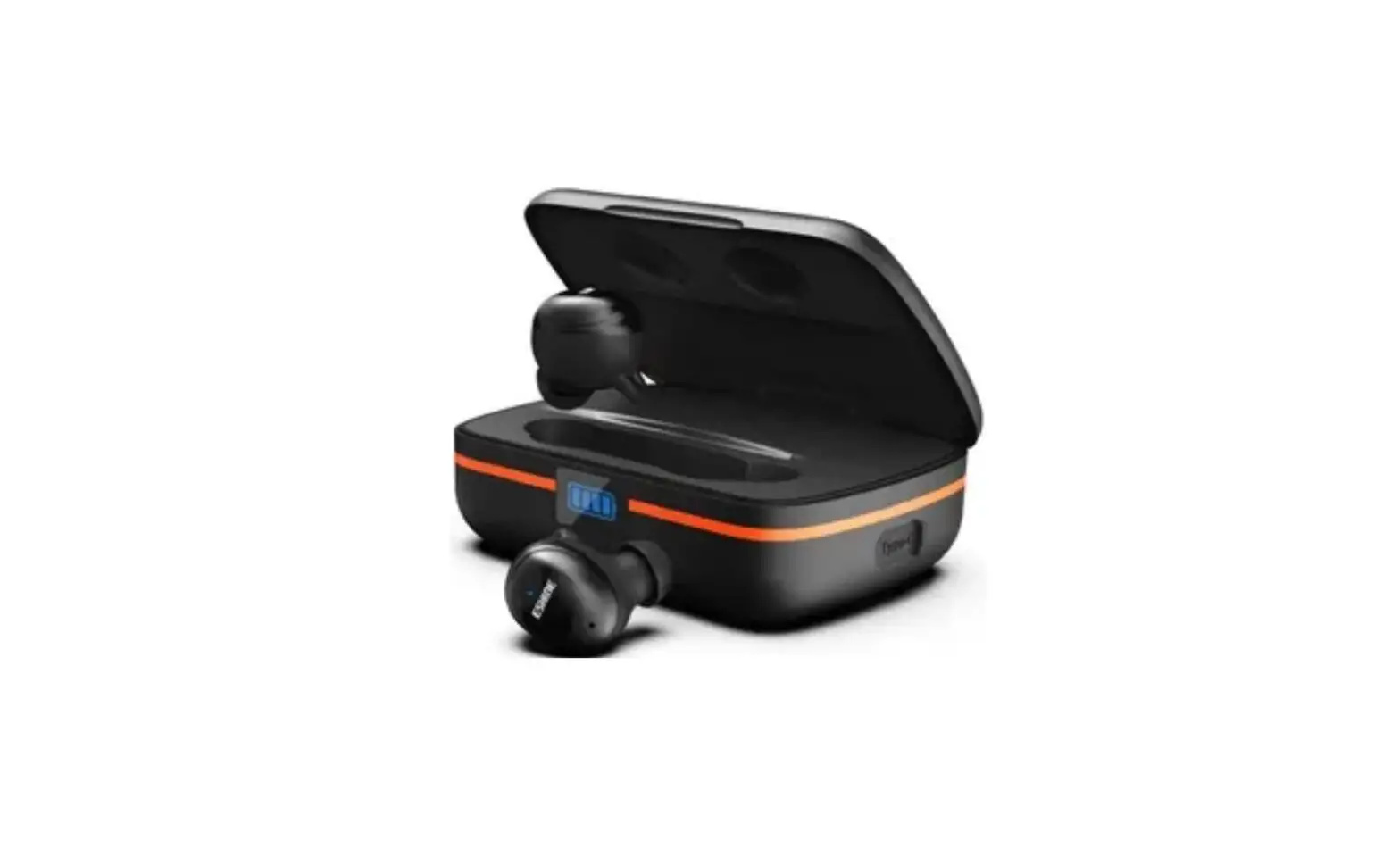
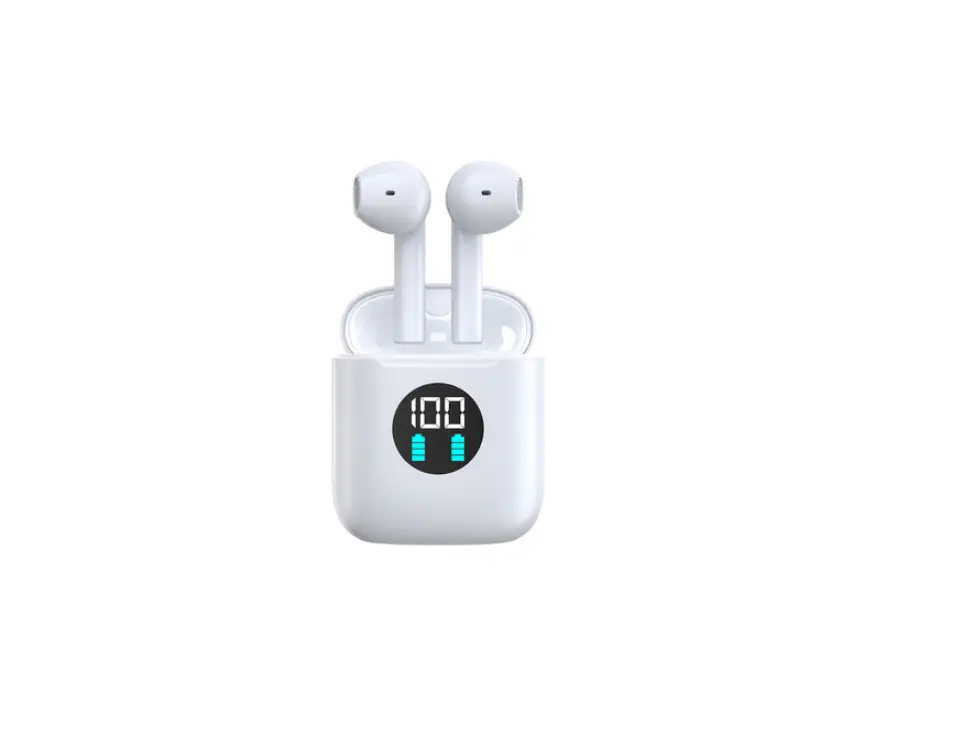
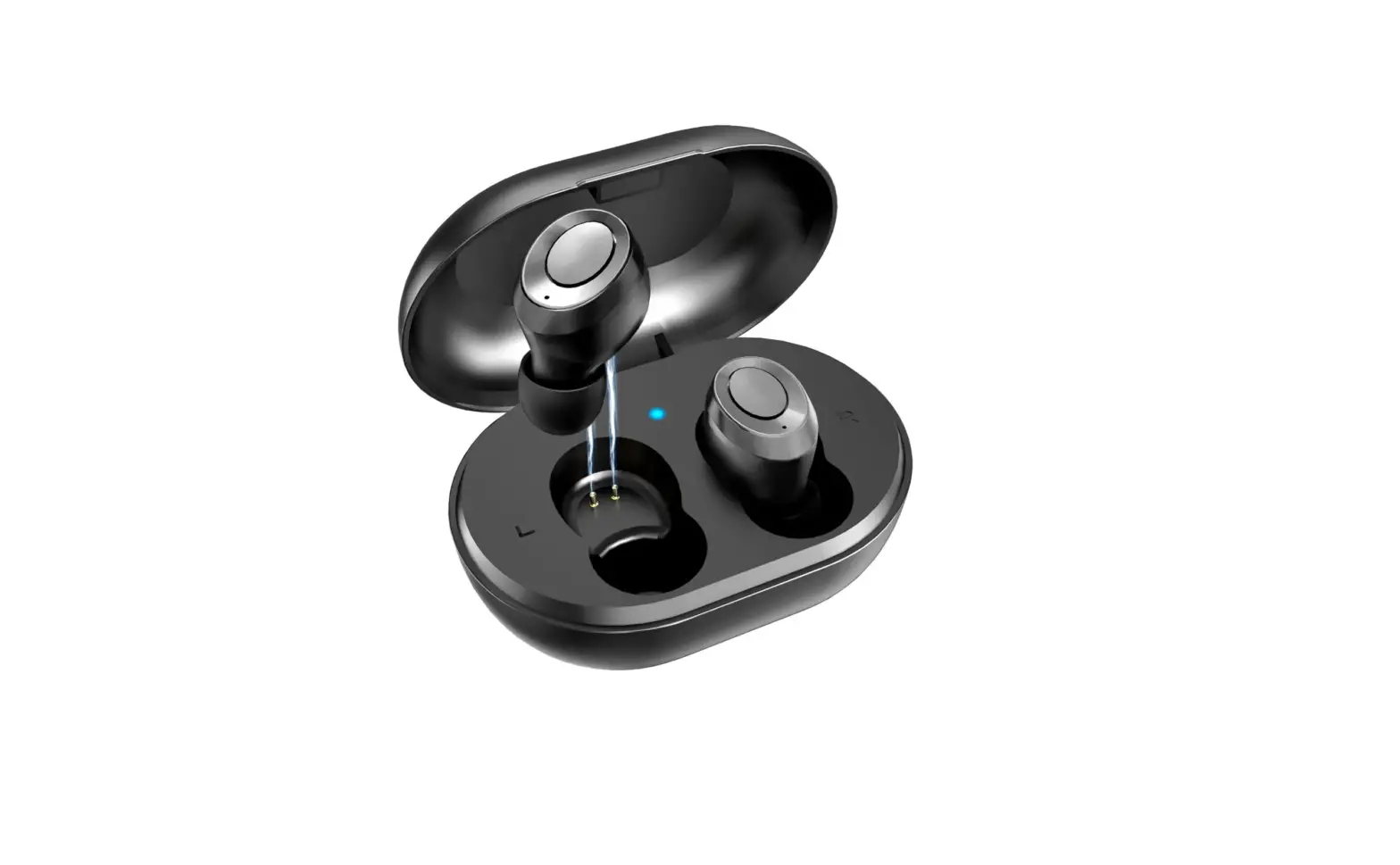
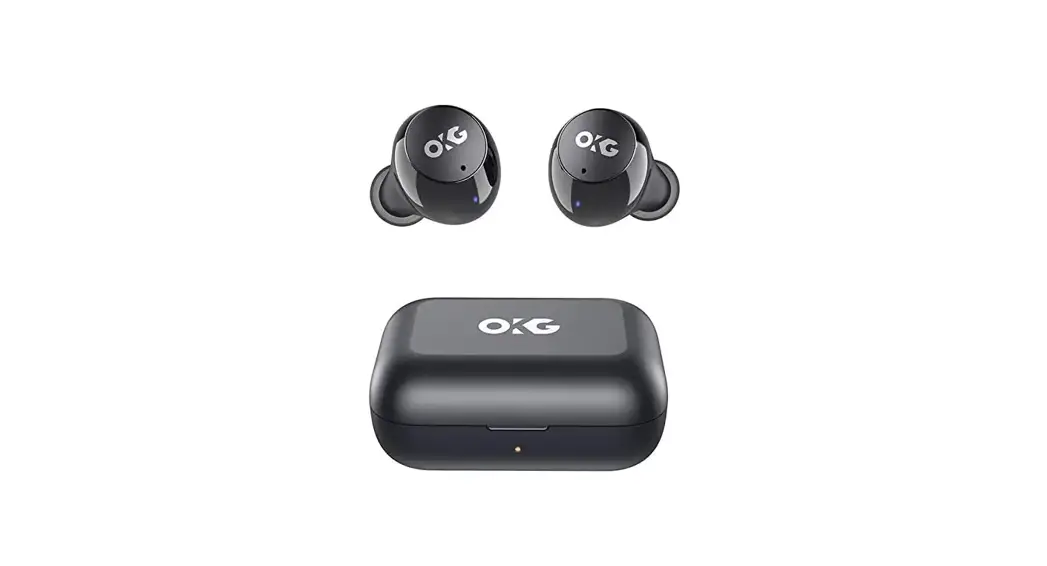
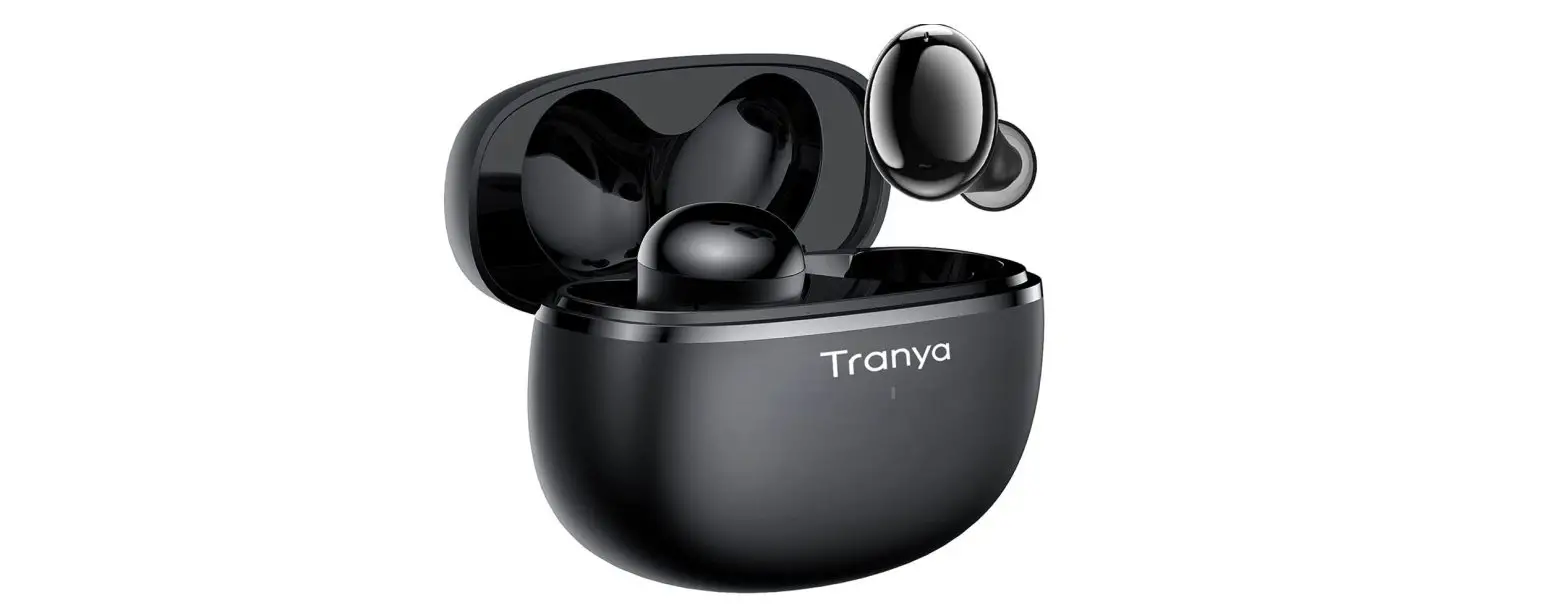
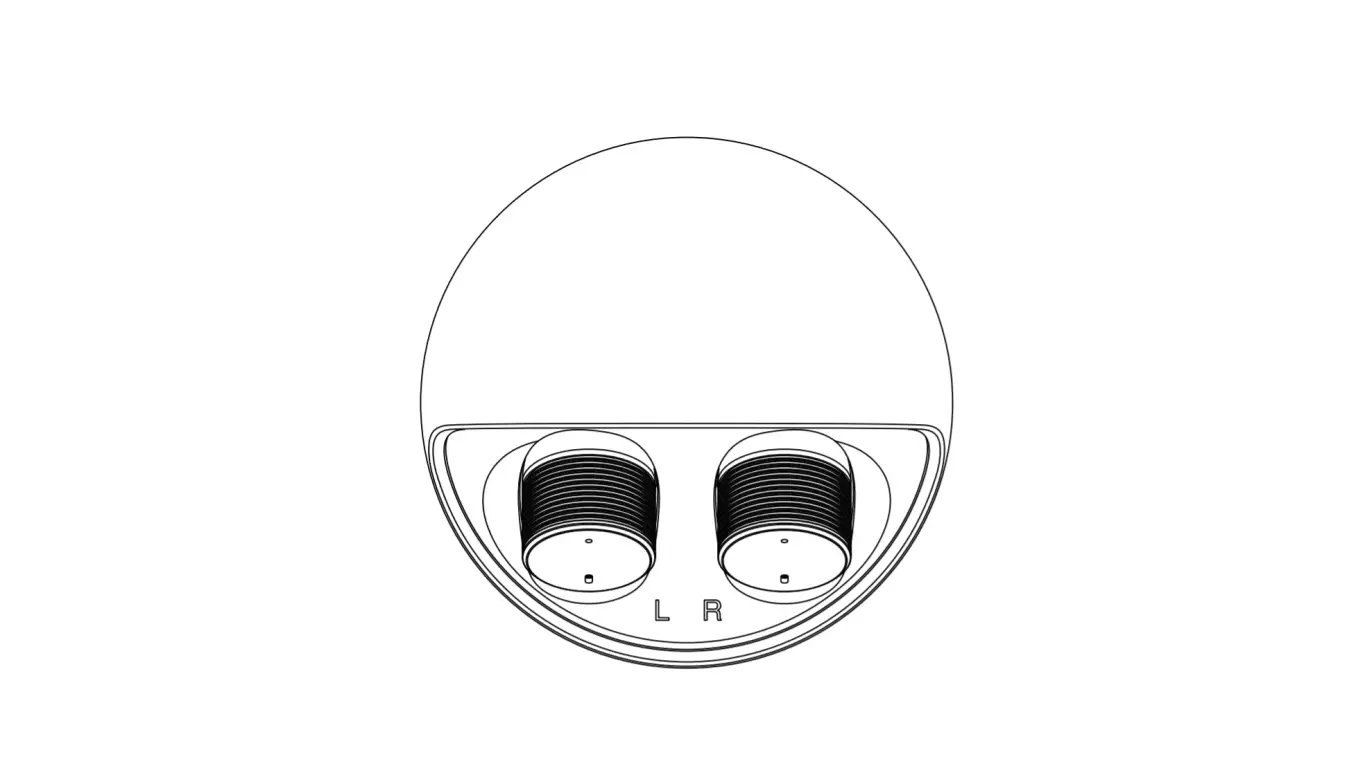
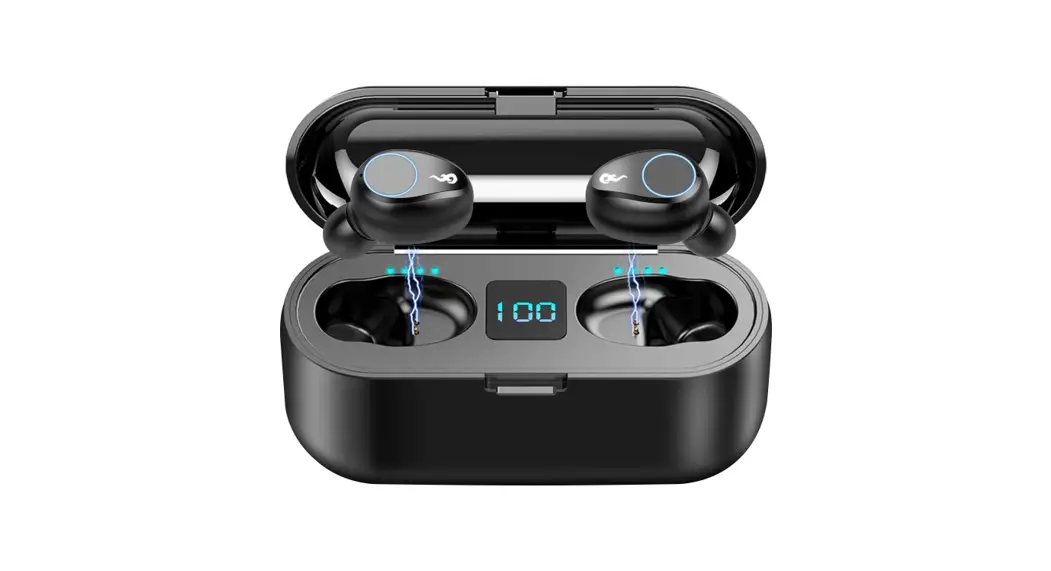
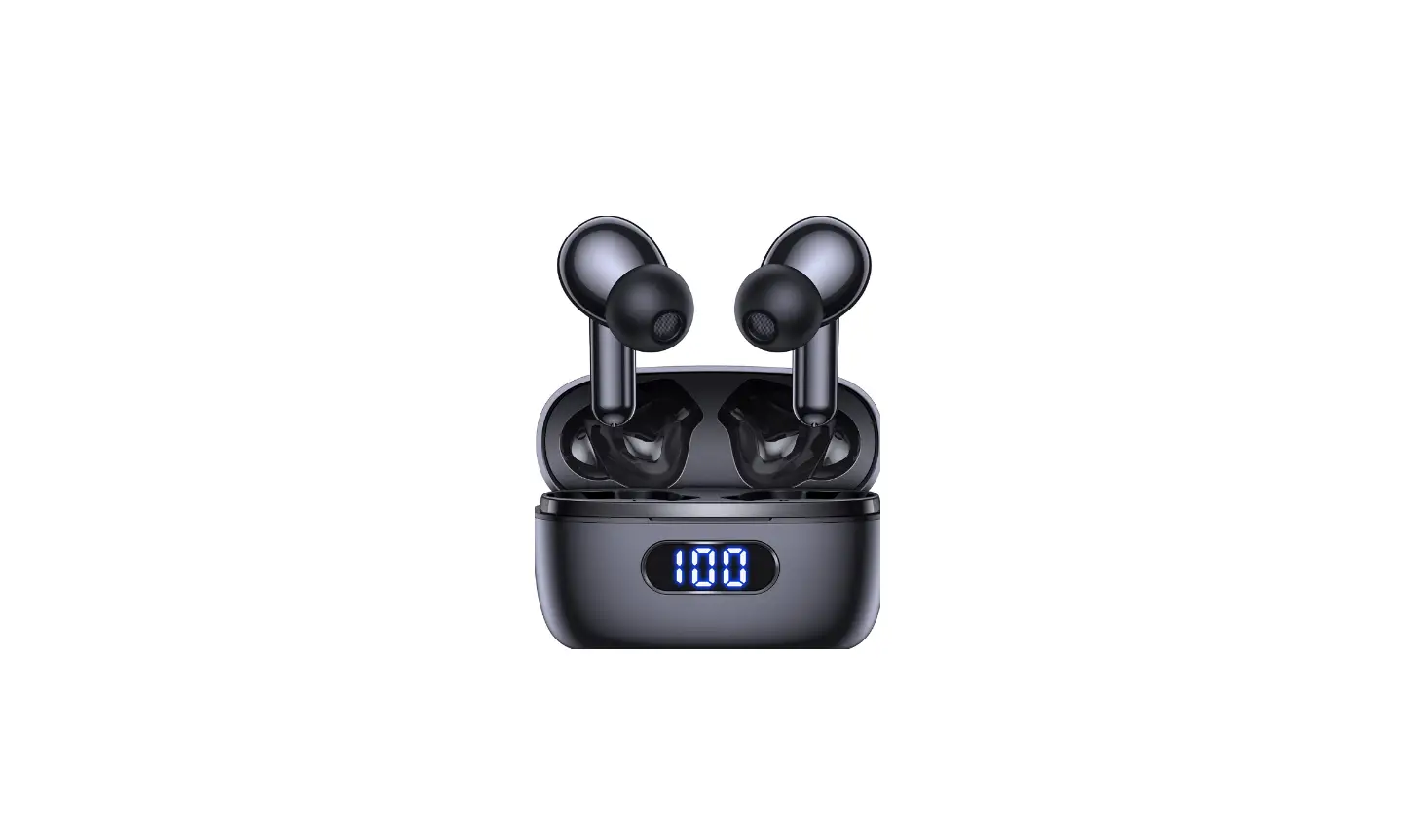
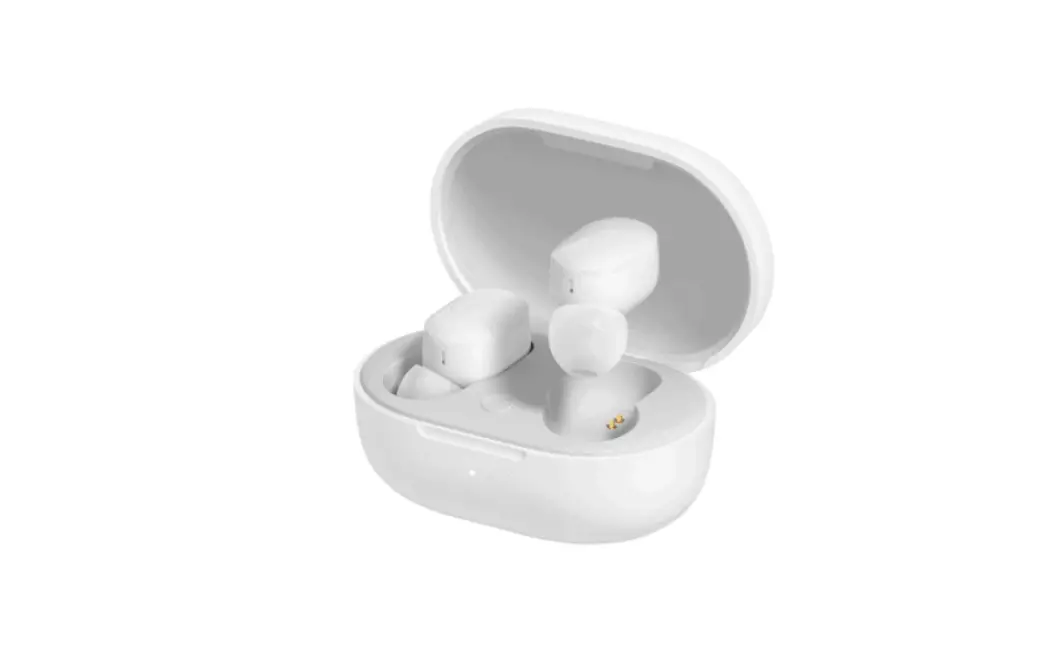
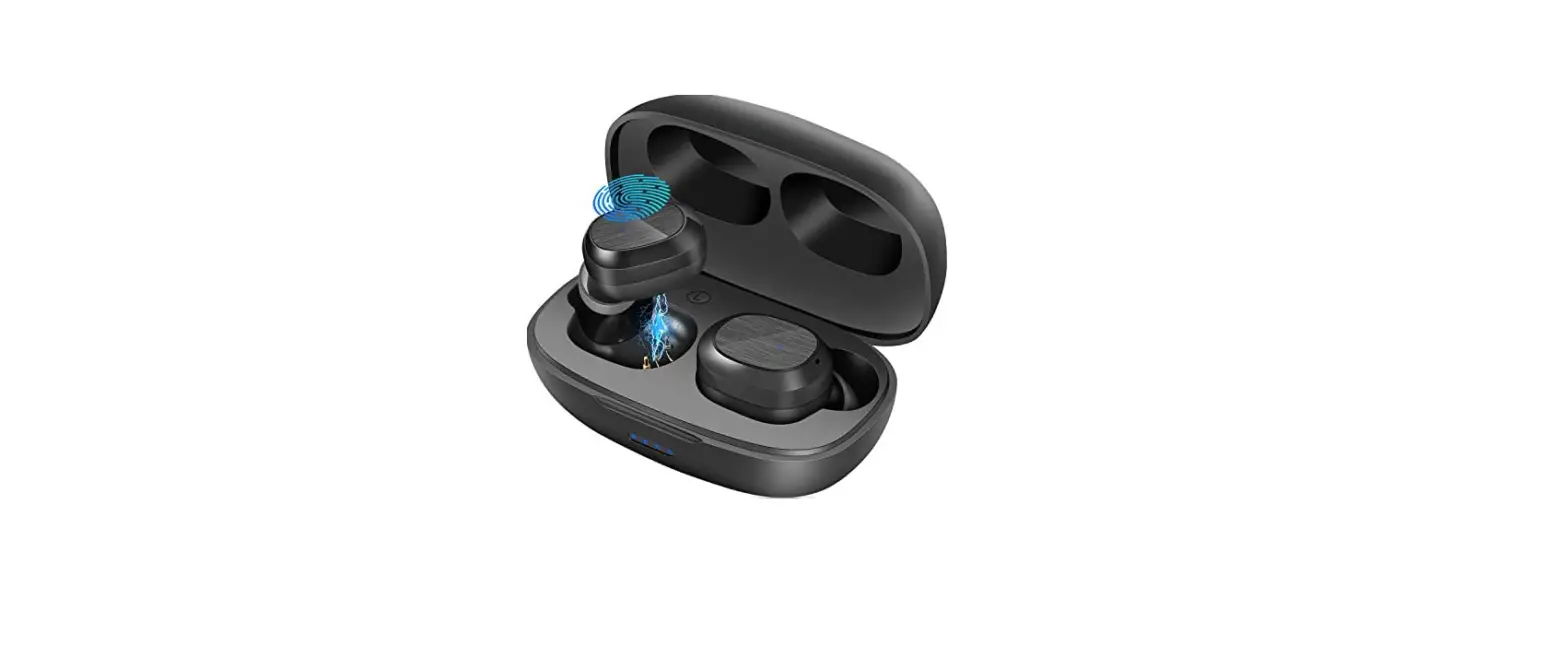
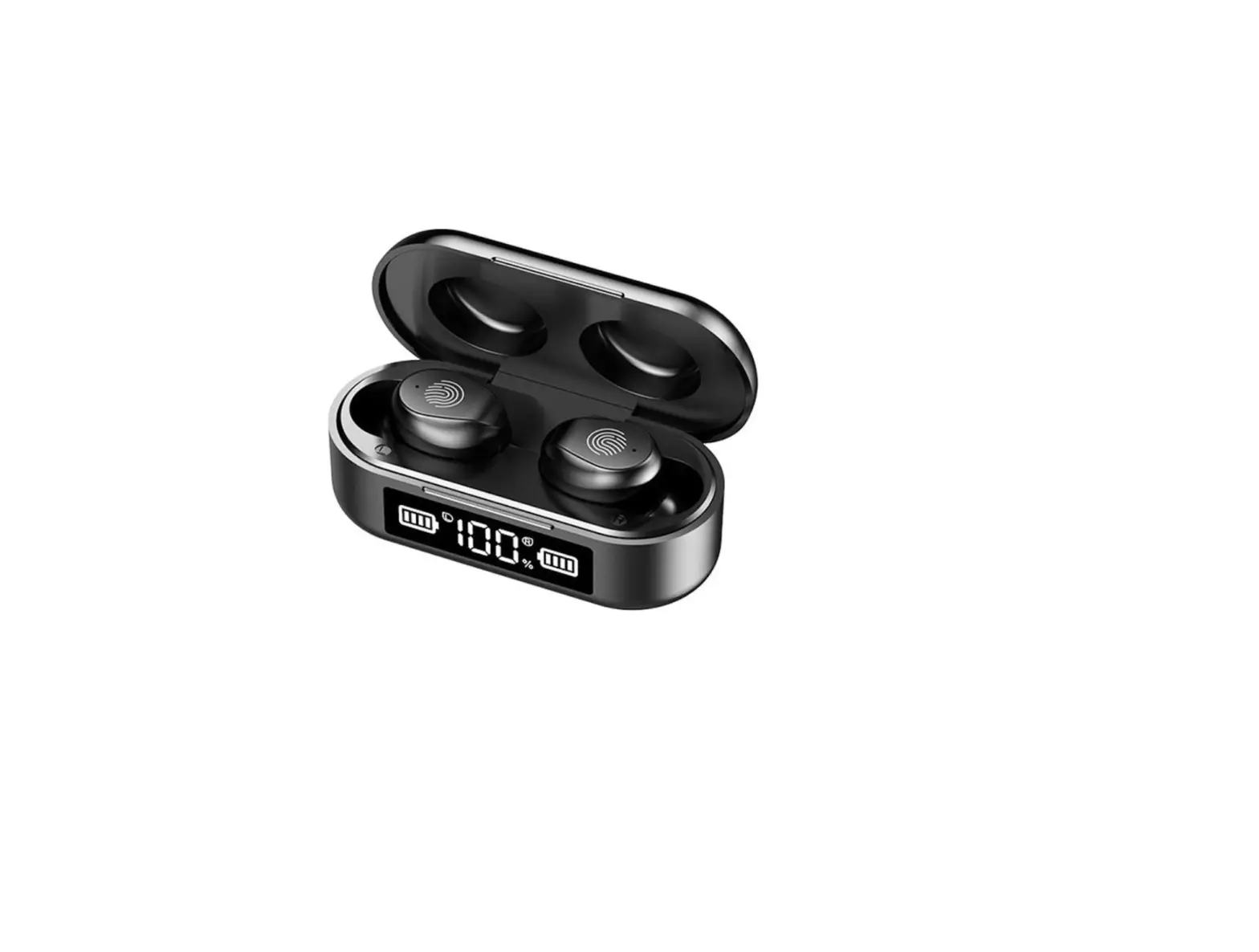
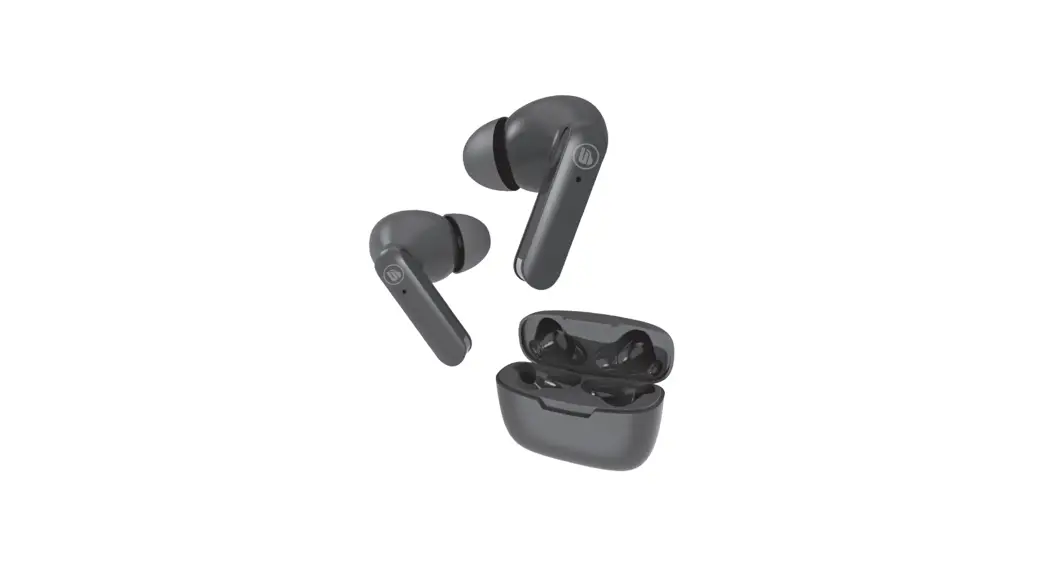
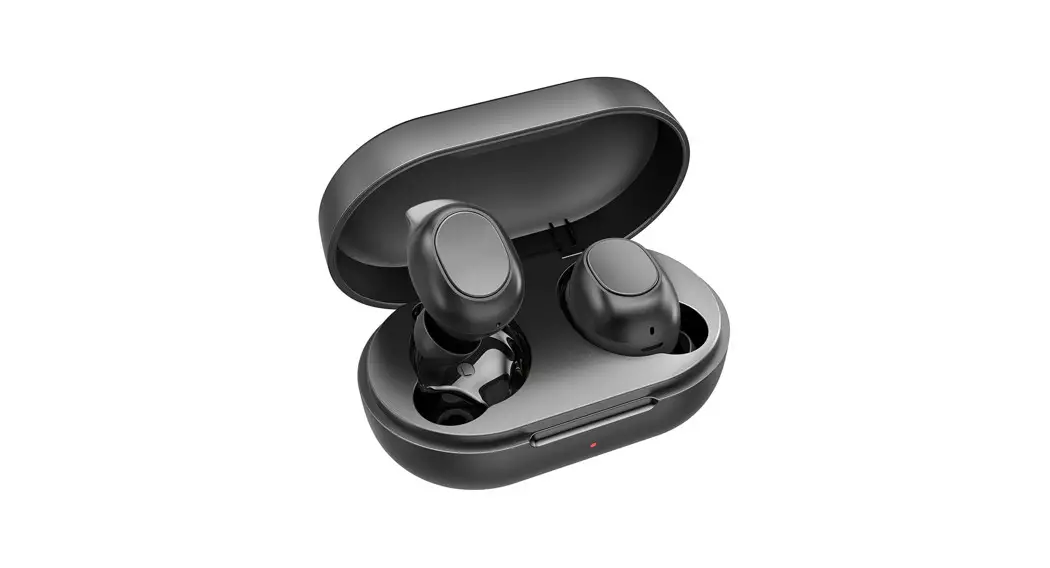
BE1039 True Wireless Earbuds
Product Information
| Label | Information |
|---|---|
| Page | 1 of 1 |
Product Usage Instructions
To use the product, please follow the instructions below:
- Ensure that you have read and understand the user manual before
using the product. - Make sure the product is properly assembled and all components
are securely attached. - Connect the product to a power source using the provided power
cord. - Turn on the power switch located on the product.
- Adjust the settings according to your preferences using the
control panel. - Once the product is ready for use, place the desired item onto
the designated area. - Follow the specific instructions for operating the product
based on its intended purpose. - After using the product, turn off the power switch and
disconnect it from the power source. - Clean and maintain the product as per the instructions provided
in the user manual.
Please note that failure to follow these instructions may result
in improper usage of the product and potential damage or injury.
For any further questions or concerns, please refer to the user
manual or contact our customer support.
Label and Information
FCC Label Sample FCC Label Specifications Text is Black in color and is justified. Labels are printed in indelible ink on permanent adhesive backing or silk-screened onto the EUT or shall be affixed at a conspicuous location on the EUT. Where the EUT is constructed in two or more sections connected by wires and marketed together, the above statement is required to be affixed only to the main control unit. When the EUT is so small or for such use that it is not practicable to place the statement on it, the above information shall be placed in a prominent location in the instruction manual or pamphlet supplied to the user or, alternatively, shall be placed on the container in which the device is marketed. FCC Label Location
Page 1 of 1