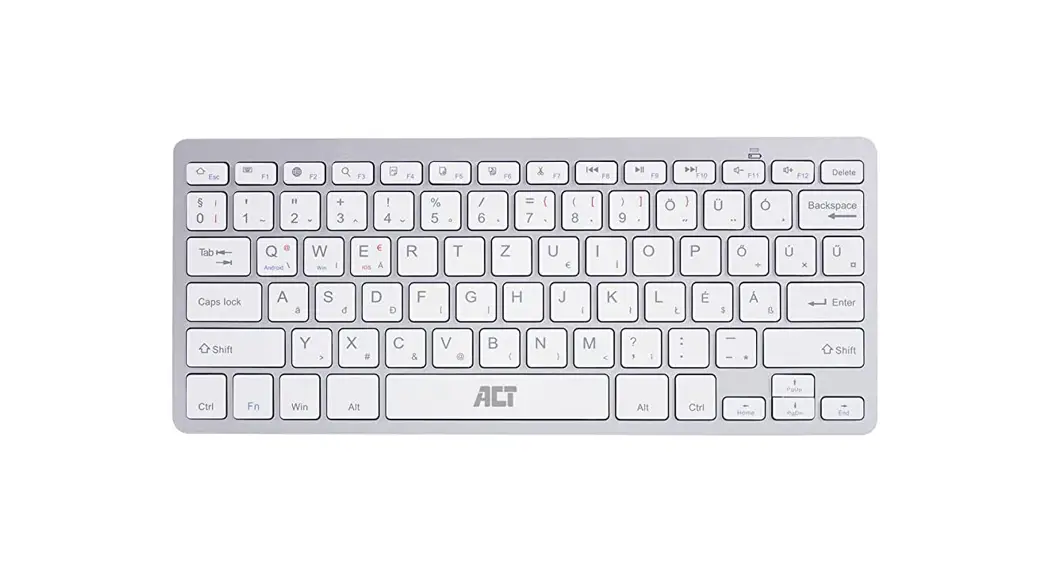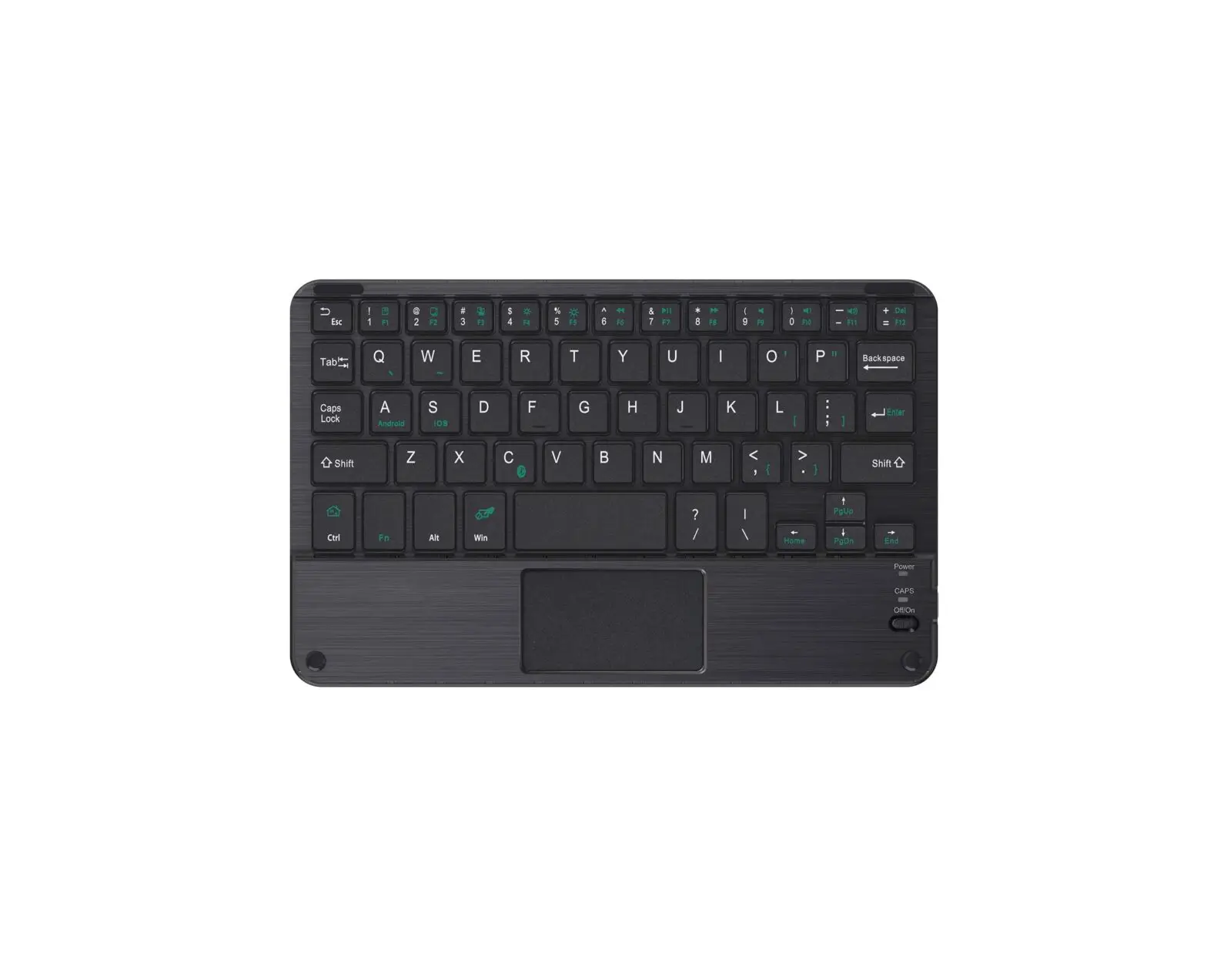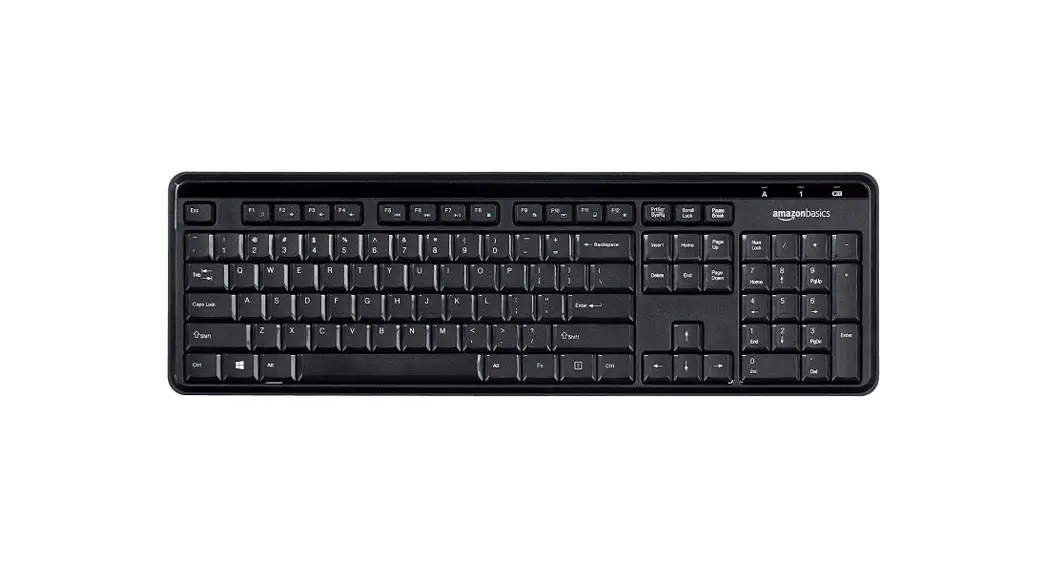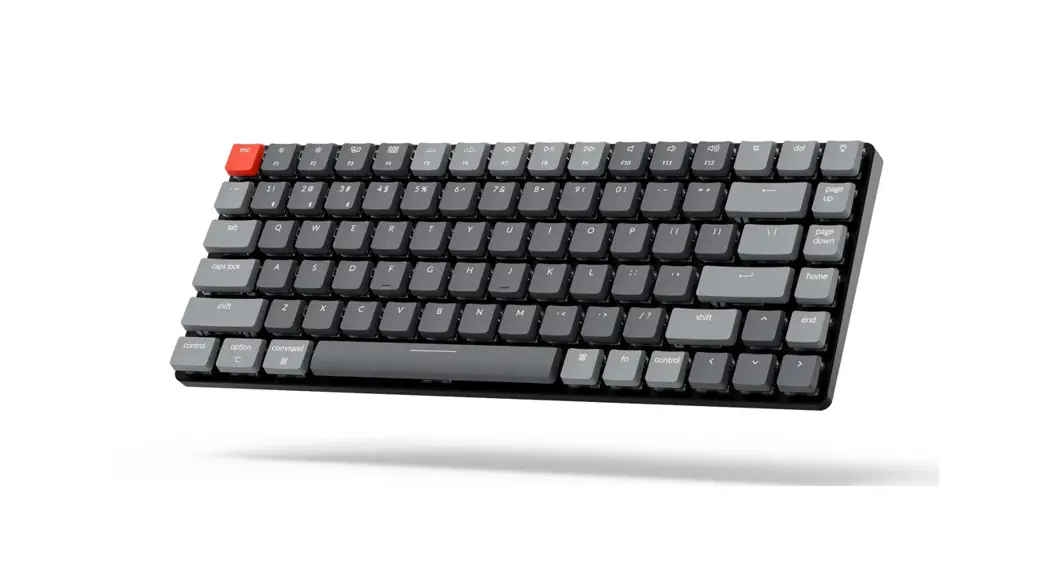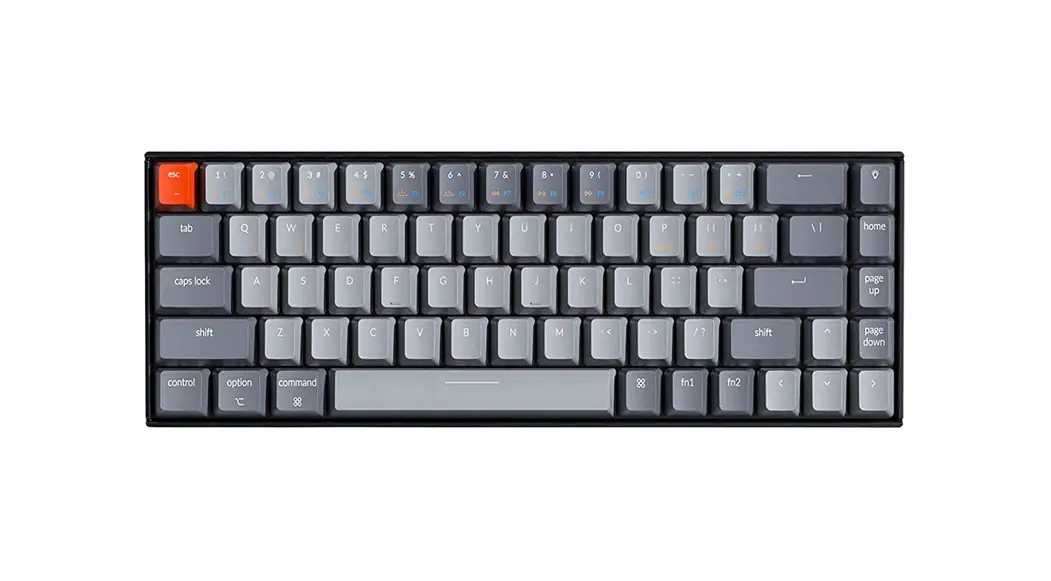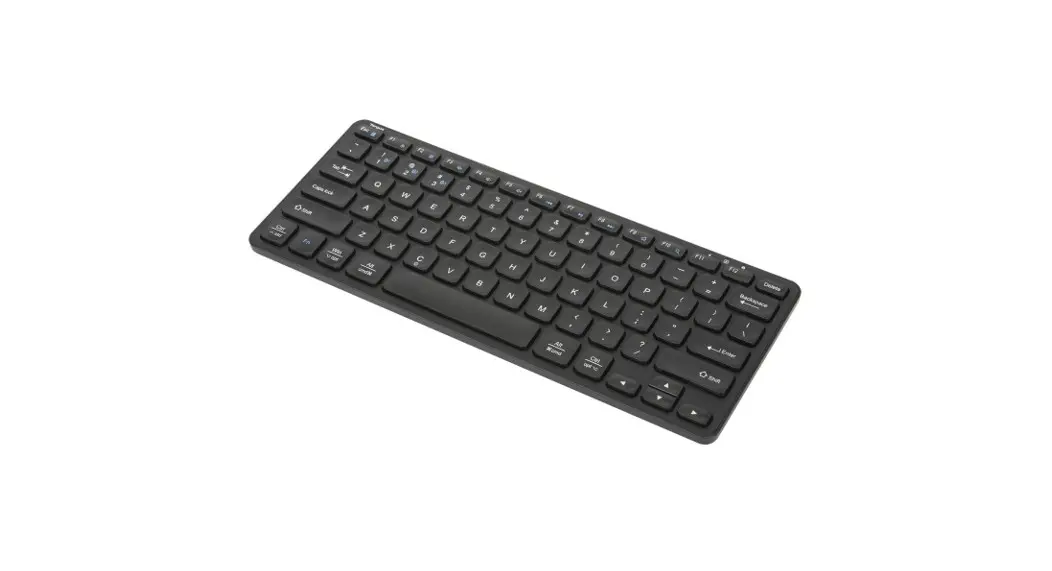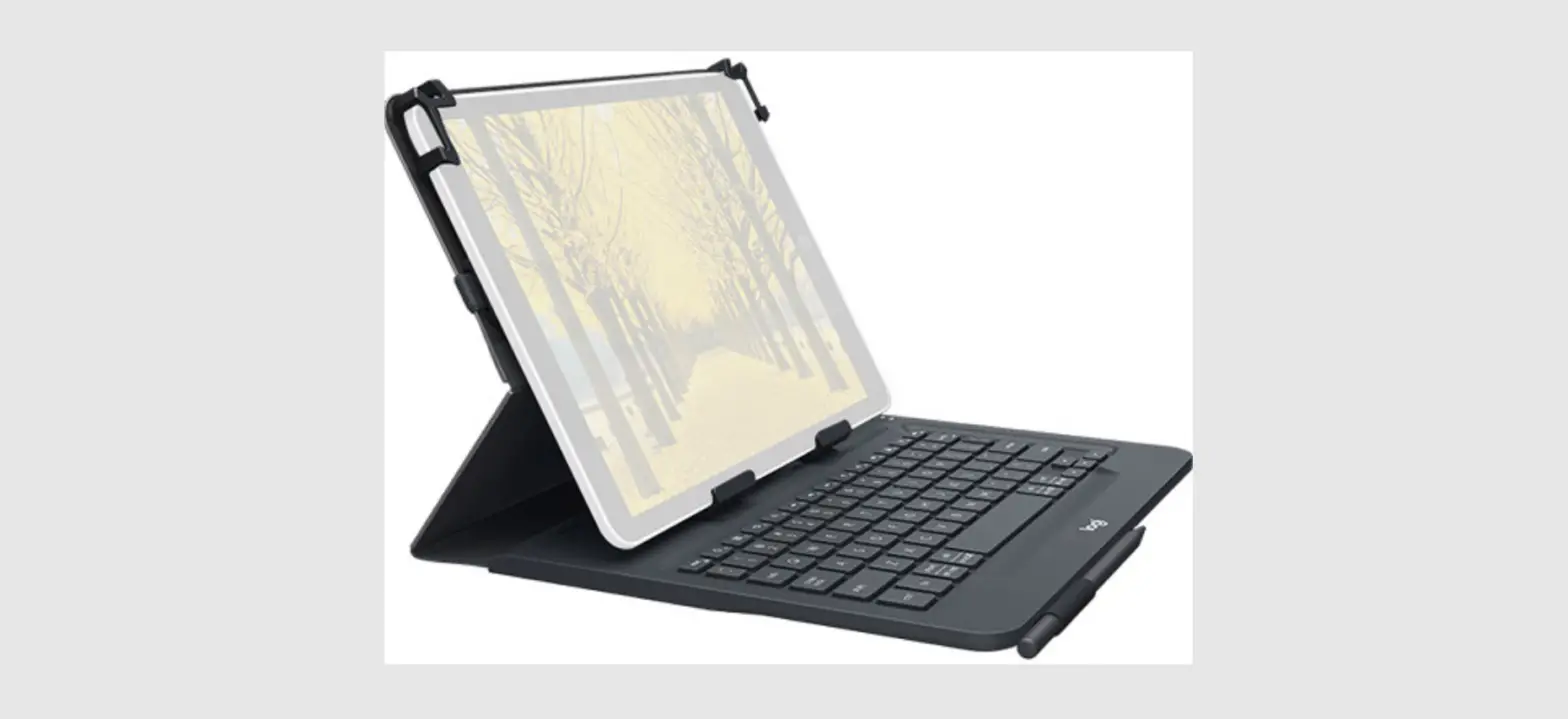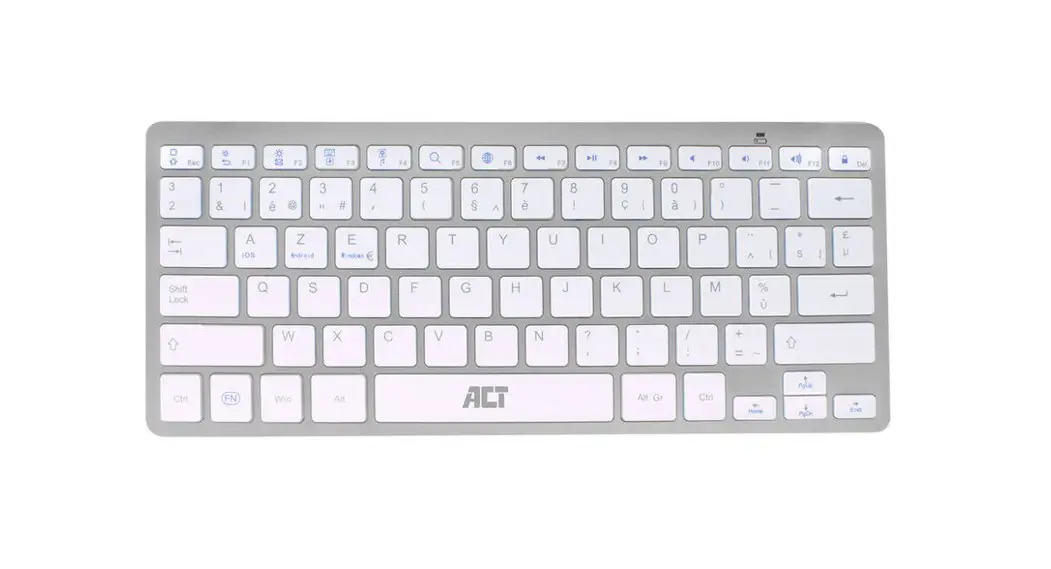

Compact Bluetooth Keyboard (BE Layout)
Quick Install
AC5605
AC5605 Compact Bluetooth Keyboard
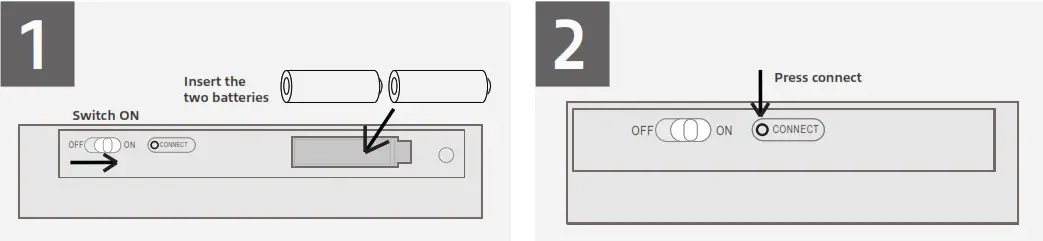
3 Option A: Windows Device
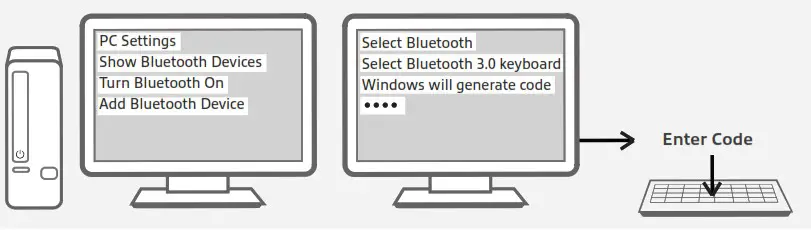
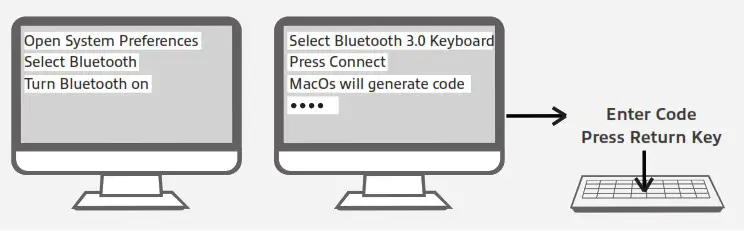
4 Option A: Apple Device
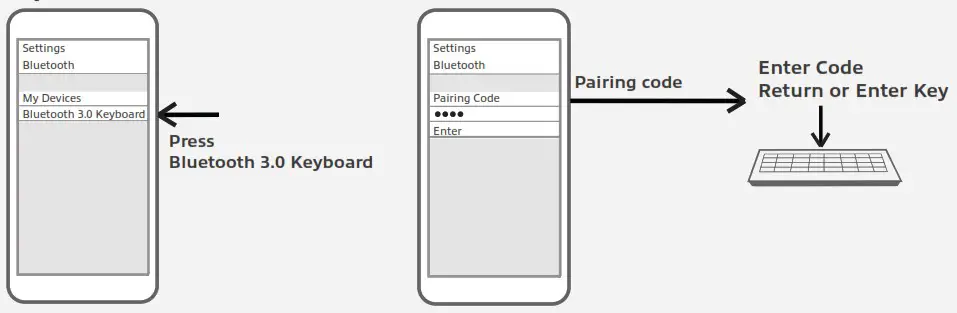
5 Option C: iOS / Android Device
For service, manuals, firmware or updates visit www.act-connectivity.com
You can find safety information at www.act-connectivity.com/safety
Made in China
2 Year Warranty
ACT, Koolhovenstraat 1E, 3772 MT Barneveld, The Netherlands

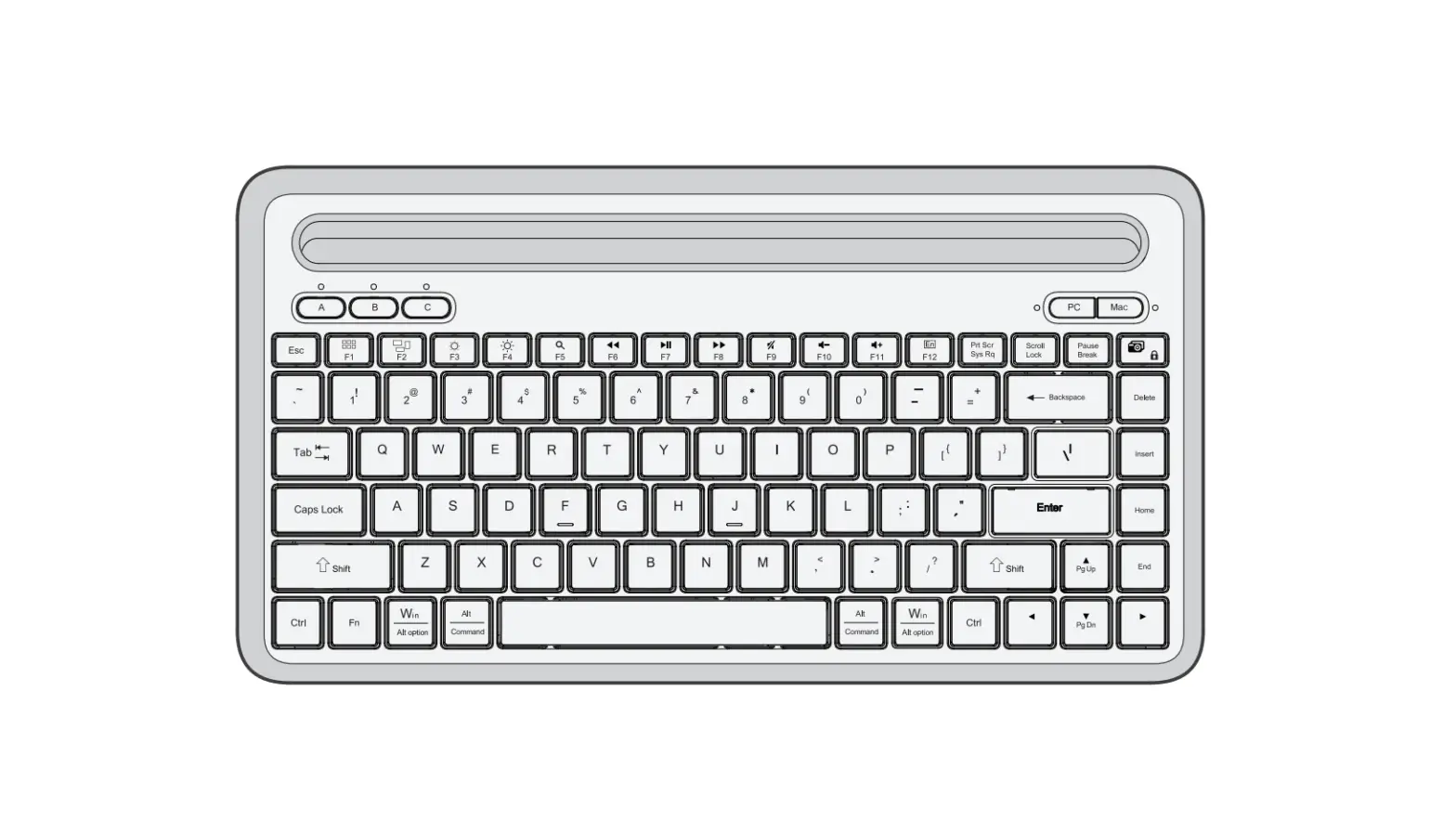
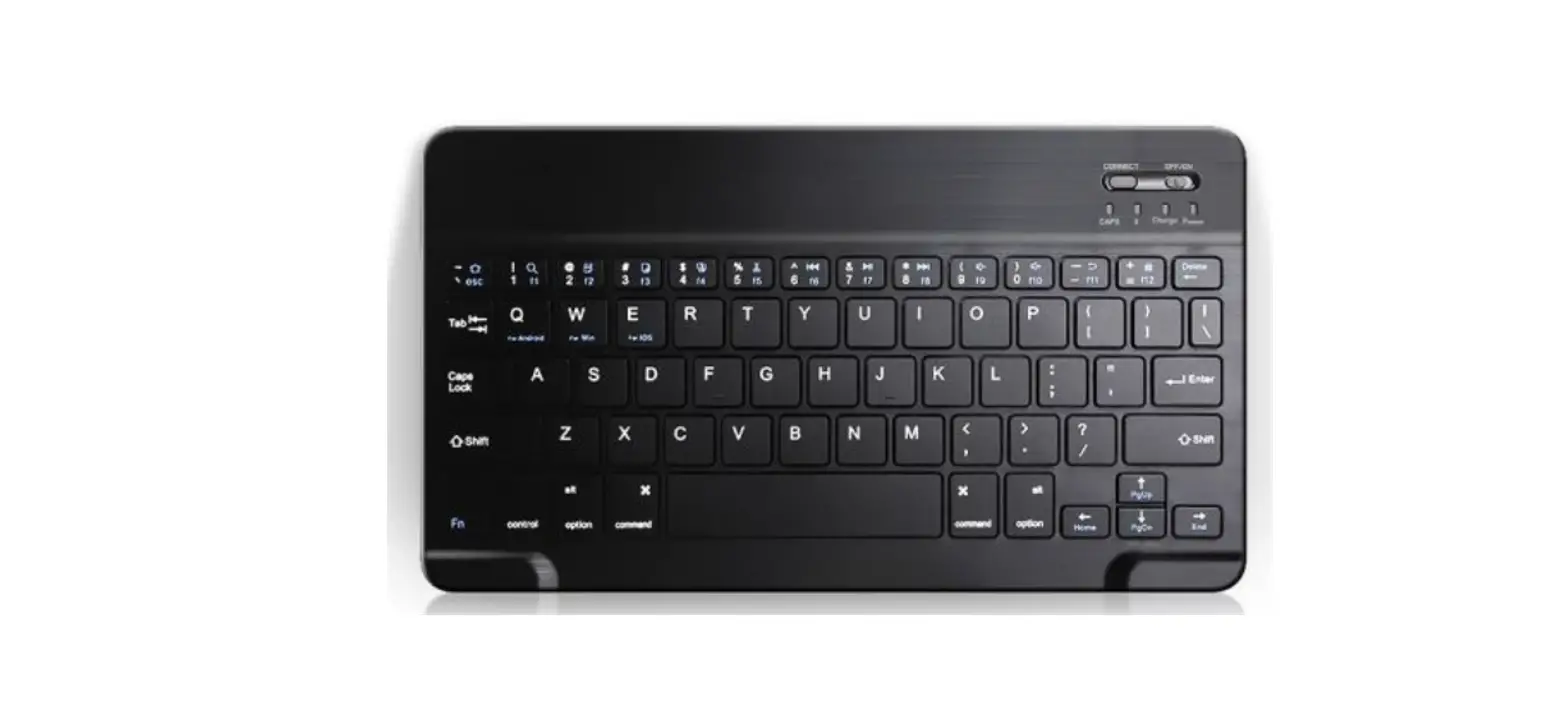
Function Key Overview
For Windows
| FN + Windows | Activate Window Functions |
| FN + ESC | Homepage default web browser |
| FN + F1 | Help |
| FN + F2 | |
| FN + F3 | N/A |
| FN + F4 | Music Player |
| FN + F5 | Search |
| FN + F6 | N/A |
| FN + F7 | Previous Track |
| FN + F8 | Play/Pause |
| FN + F9 | Next Track |
| FN + F10 | Mute |
| FN + F11 | Volume – |
| FN + F12 | Volume + |
For Android
| FN + ESC | Home |
| FN + F1 | Return |
| FN + F2 | |
| FN + F3 | N/A |
| FN + F4 | Music |
| FN + F5 | Search/Web |
| FN + F6 | N/A |
| FN + F7 | Previous Track |
| FN + F8 | Play/Pause |
| FN + F9 | Next Track |
| FN + F10 | Mute |
| FN + F11 | Volume Volume |
| FN + F12 | + |
| DEL | Lock |
For iOS / Mac OS
| FN + iOS | Activate iOS / Mac Functions |
| FN + ESC | Home |
| FN + F1 | Brightness – |
| FN + F2 | Brightness + |
| FN + F3 | Virtual Keyboard |
| FN + F4 | Screenshot Key |
| FN + F5 | Search |
| FN + F6 | Language Switching |
| FN + F7 | Previous Track |
| FN + F8 | Play/Pause |
| FN + F9 | Next Track |
| FN + F10 | Mute |
| FN + F11 | Volume – |
| FN + F12 | Volume + |
| DEL | Lock |
 Safety instructions | ACT
 Online Review & Business Listing Management | Connectivity
 Home | ACT