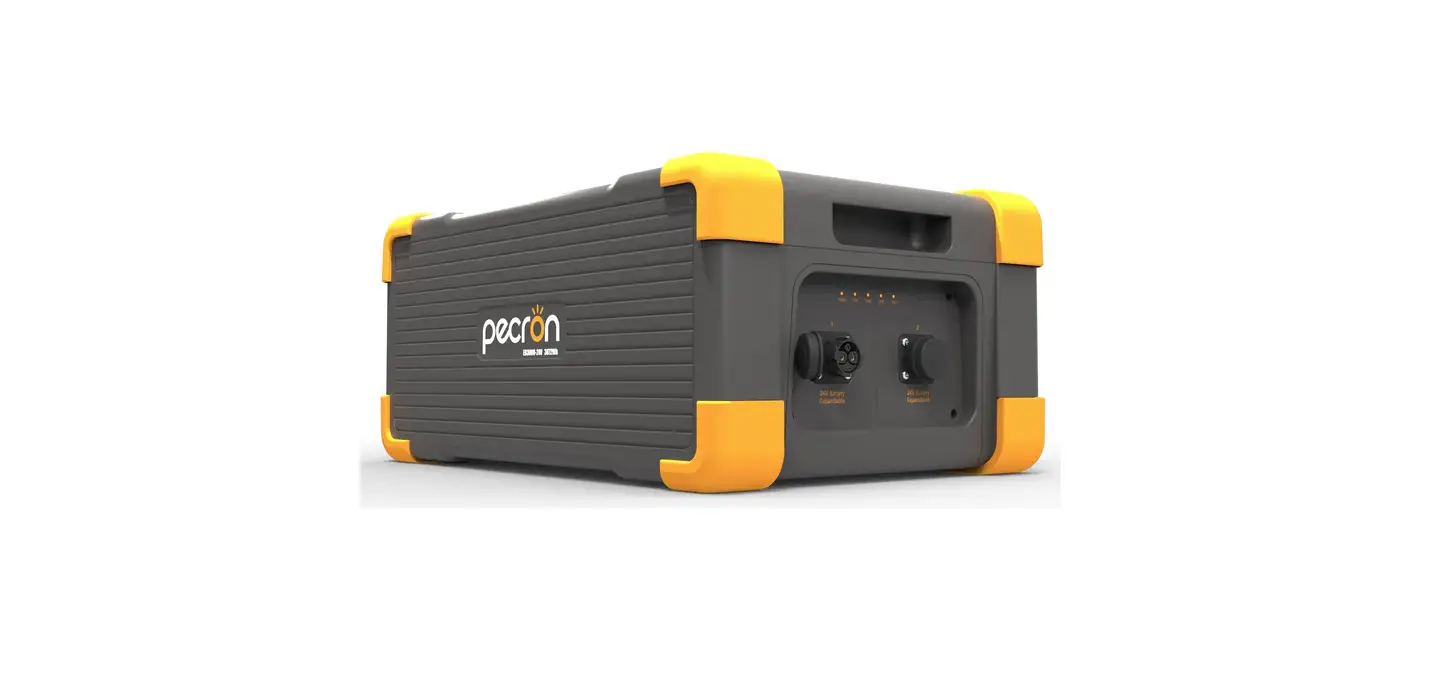
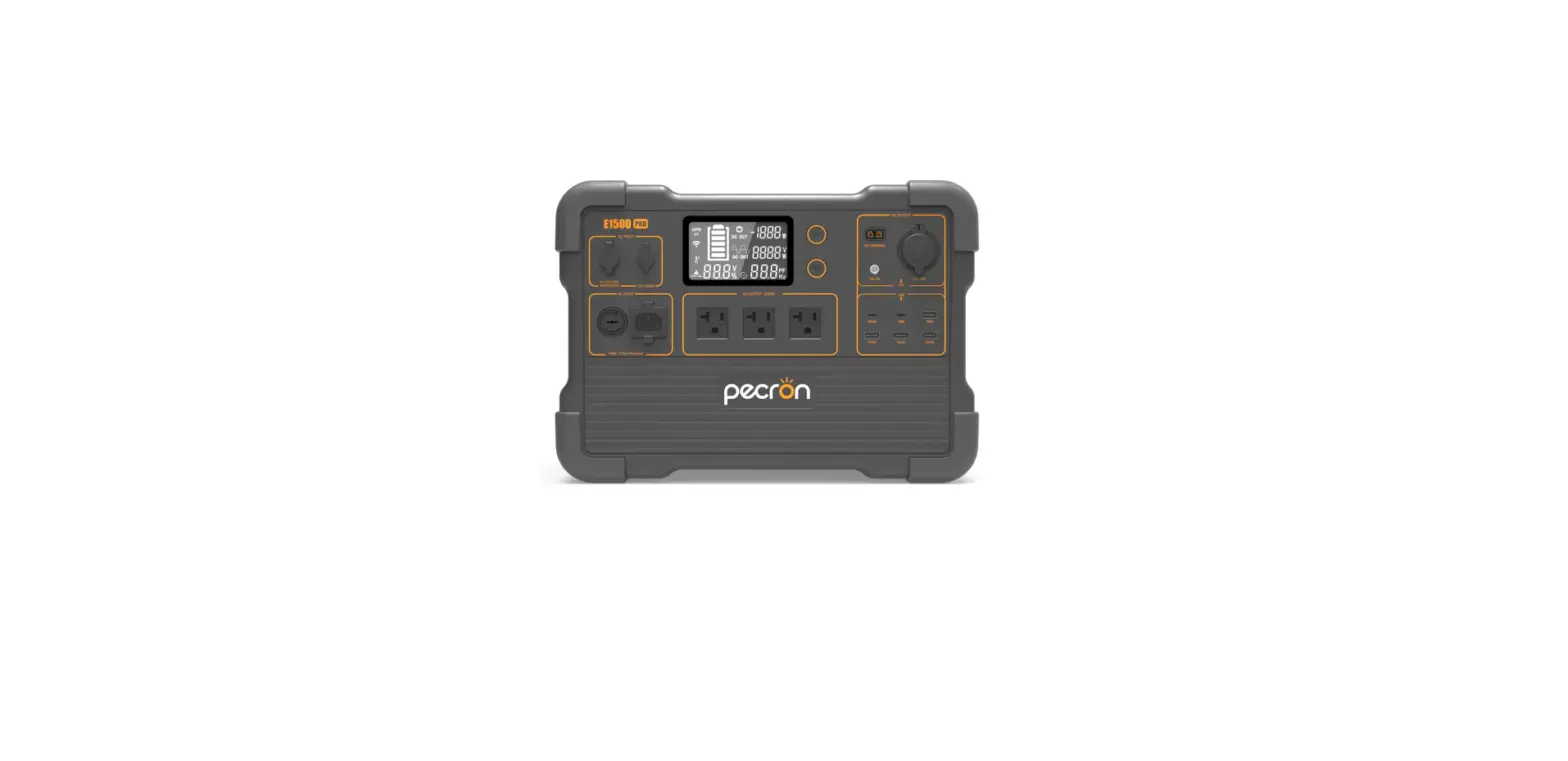
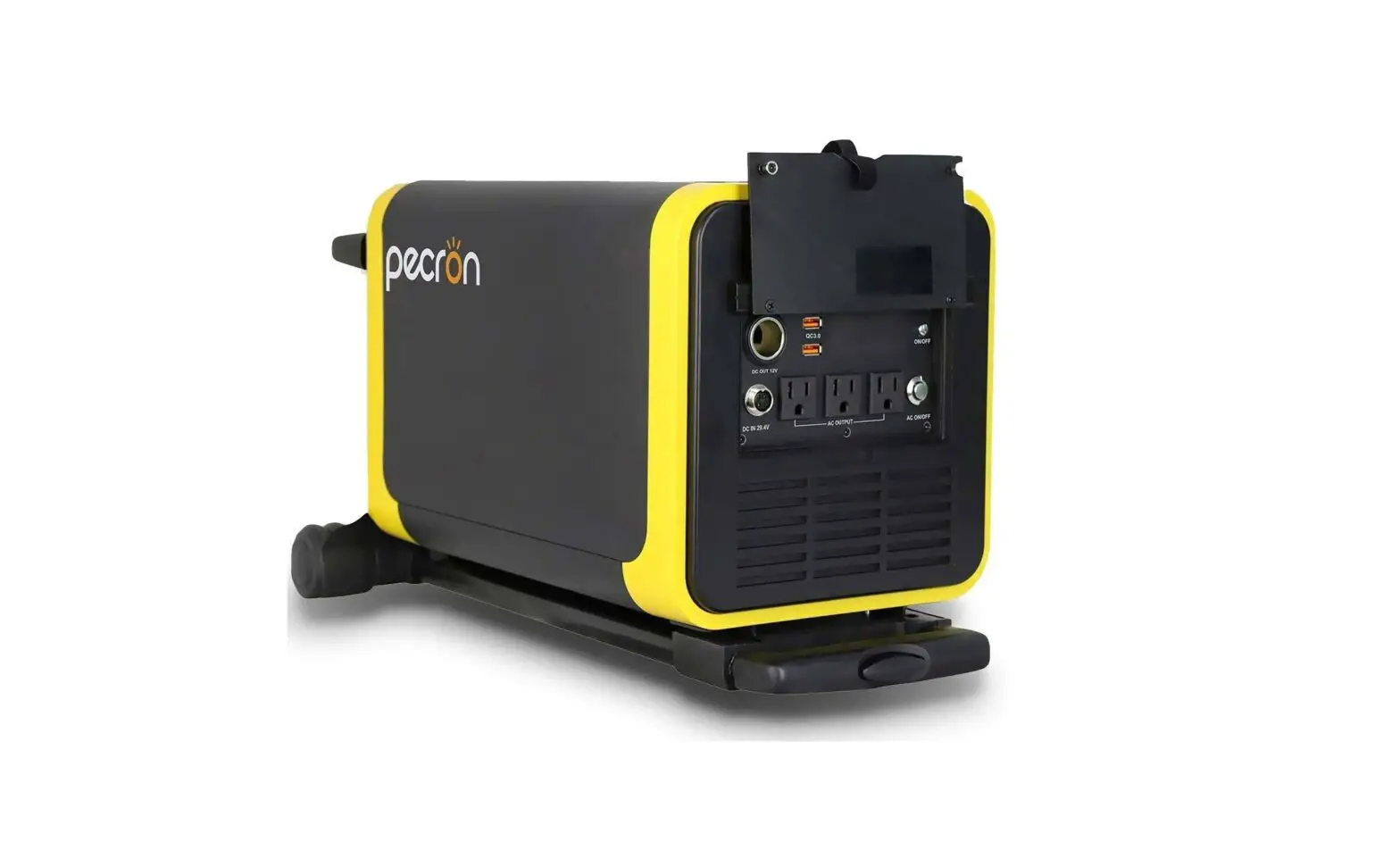
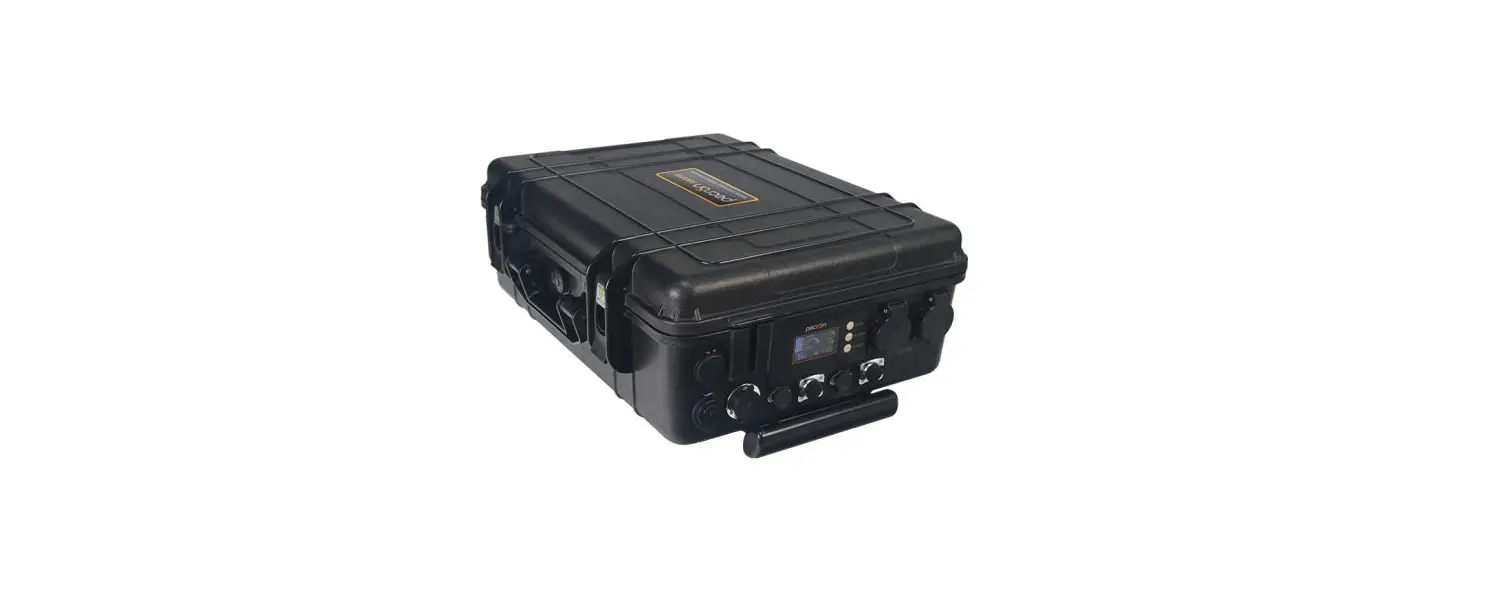
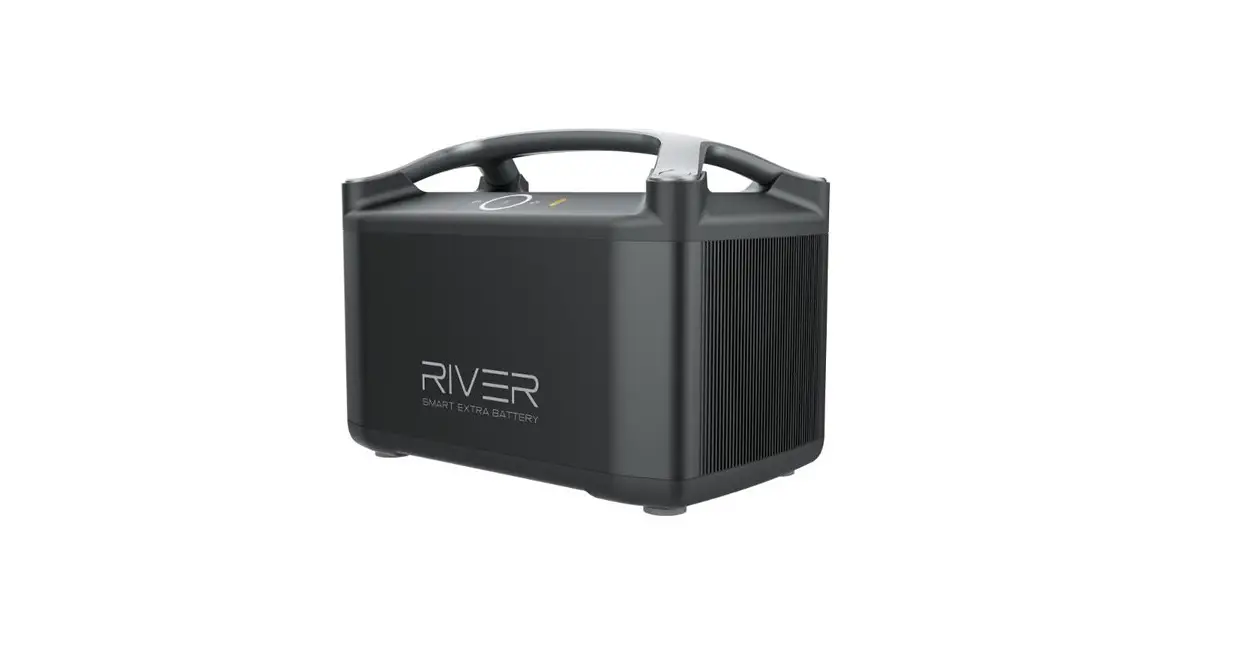
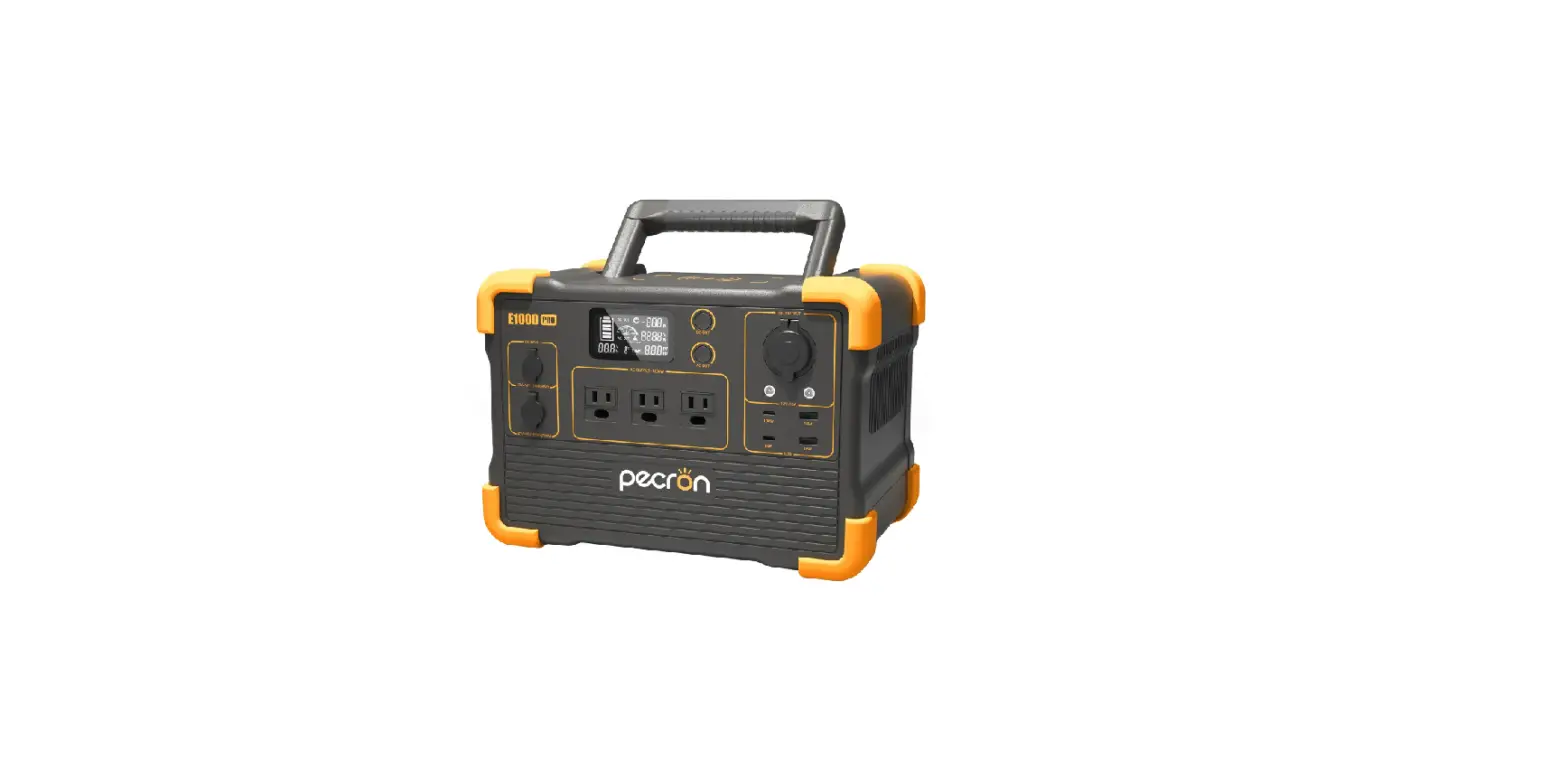
EB3000 Expansion Battery Portable Power Station
Product Information:
The EB3000-24V is a portable power station with a capacity of
3072Wh. It is equipped with LiFePO4 batteries that retain 80% or
more of their original capacity after 3500 cycles. The power
station has various output ports including USB-A, USB-C, DC12V
XT60, and DC 12V~95V charging port. It also has a cascade function
that allows it to be connected with devices that have a DC 24V
cascade port. The EB3000-24V comes with multiple cables and
accessories for convenient usage.
Product Usage Instructions:
1. How to Use the EB3000-24V:
- Lightly press the power display switch to show the battery
capacity. - Long press the power display switch to turn on/off the DC
(USB/XT60 12V) output. - Note: The operating temperature range of the EB3000-24V is
-20°C to 45°C. It will fail to work if the operating temperature is
not within this range.
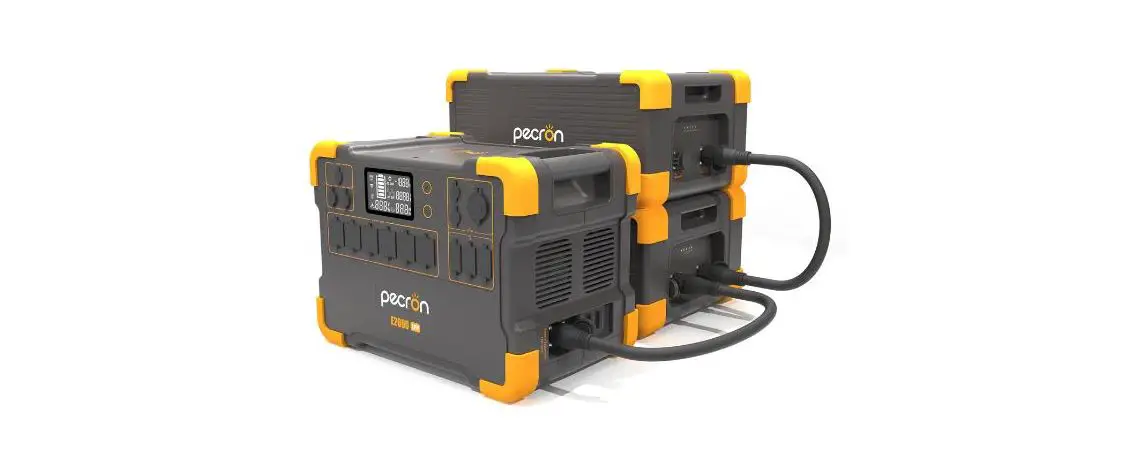
2. How to Connect EB3000-24V with E2000 LFP in Cascade:
- First, confirm the battery volume for both EB3000-24V and E2000
LFP and ensure their volume difference is no more than 10%. If the
difference is too large, it will take longer for cascading to be
successful. - Connect the E2000 LFP with port 1 on the EB3000-24V using a 24V
cascade connecting cable. If you want to connect two external
battery packs, you can connect port 2 on the first battery pack to
port 1 on the second battery pack. - After the connection is completed, the indicator will show red
if the power discrepancy is too large. This indicates that the
battery is being balanced. When the display light turns green, it
means that the cascade is successful and can be used normally. - Adjust the E2000 LFP according to the number of connected
EB3000-24V battery packs. If not adjusted accordingly, the battery
capacity shown on the power station may be inaccurate.
3. How to Use the Cascade Cable:
- To insert the cascading cable, ensure that the side with the
arrow is facing up. Push it inwards according to the hole until you
hear a click. - To pull out the cascading cable, hold the protrusions on both
sides and turn to the left. Then, pull it out simultaneously.
4. How to Calibrate the Power Level of the E2000 LFP after
Cascading:
Solution 1:
- Press and hold the DC button for seven seconds when the power
station is turned off.
Solution 2:
If Solution 1 is not supported, please use Solution 2 (not
provided in the given text).
If you have any further questions or need assistance, please
contact [email protected].
EB3000-24V
EB3000-24V 3072Wh
USER MANUAL
Please read the user manual thoroughly before using [email protected]
FUNCTION INTRODUCTION
LED Capacity Indicator
Power Display Switch USB-A Ports
Indicator Under Cascade Status DC12V XT60 Output DC Button
Battery Expansion Port
USB-C Ports
DC 12V~95V Charging Port
SPECIFICATIONS
Capacity
3072Wh (25.6V120Ah)
Battery Type
LiFePO4 Battery Retain 80%+ Original Capacity At 3500 Cycles
OUTPUT SPECS
Protections
Over-Voltage, Overheat, Overload, Short-Circuit, Self-Recovery
Temperature
Dimension
0~45/32°F~113°F (Charging)
-20~45/-4°F~113°F (Discharging)
L17.3*W12.2*H7.8 in L441*W312*H200
mm
INPUT SPECS
EB3000-24V 3072Wh
Net Weight Around 57lb Around 26kg
XT60 Output*1 DC 12V-30A
USB-A*1
(5V,9V,12V, Max 18W)*1
CASCADE FUNCTION
USB-C*1
(5V,9V,12V,20V, Max 100W)*1
GX16MF-5*1
DC Charging(12V~95V) Max 400W
Port For Cascade *2
It can be connected with devices that come with DC 24V cascade port.
PACKING LIST
EB3000-24V 3072Wh
pecron EB3000-24V *1
Cable from XT60 to Cigar port and 5525 port *1
MC4 Solar Charging Cable(LSMC4-5GX16) *1
M25 Cascade cable *1
Solar Cable with 5521 Connector *1
Anderson Solar Charging Cable *1
Car charge cable with GX16MF-5 connector *1
HOW TO USE THE EB3000-24V
Light press to show battery capacity
12V Alligator Clips *1
Long press to turn on/off DC (USB/XT60 12V)
Note: Operating temperature range of EB3000-24V is -20~45. If the operating temperature is not within this range, it will fail to work.
[email protected]
HOW TO CONNECT EB3000-24V WITH E2000 LFP IN CASCADE
1First confirm battery volume for both EB3000-24V and E2000 LFP and ensure their volume difference is no more than 10%. If the difference is too large, it wil take longer time for cascading successfully.
2Connect the E2000LFP with the port “1” on EB3000-24V with a 24V cascade connecting cable. (If you want to connect two external battery pack, you can connect the port “2” on the first battery pack to the port “1” on the second battery pack as shown on the right:
3After the connection is completed, When the indicator shows red, it means that the power discrepancy is too large, and the battery is being balanced at this time (reducing the battery difference between E2000 LFP and extra battery pack before cascading can reduce the equalization time). When the display light is green, it means that the cascade is successful and can be used normally.
4Adjust E2000 LFP according to the number of connected EB3000-24V battery packs.(If you don’t adjust accordingly , the battery showed on the power station is inaccurate. At this time, the power volume of extra battery pack can be taken as a sum battery volume of the power station and extra battery pack.)
HOW TO USE THE CASCADE CABLE
Insert the cascading cable: the side with the arrow is facing up, push it inwards according to the hole, and insert it in place when you hear a “click”.
Pull out the cascading cable: hold the protrusions on both sides and turn to the left, then pull out at the same time.
[email protected]
HOW TO CALIBRATE THE POWER LEVEL OF THE E2000 LFP AFTER CASCADING
Solution 1 (some machines do not support Solution 1, please use Solution 2) 1: Press and hold DC for seven seconds in the off state
to enter the setting item.
2: Under a number-001, you will see the number of the extra battery packs,which is 0 by default. It can be set according to the number of connected battery packages – shortly press DC to increase the number and shortly press AC to decrease the number.
3: Long press AC to enter the process 002, the default value is L3, this means screen brightness. Shortly press DC can increase the brightness or shortly press AC to decrease the brightness.
4: Long press AC to enter the setting of item 003. The default value is OFF, which means the automatic shutdown time of the machine without any load. Shortly press DC can increase the time or shortly press AC to decrease the time.
[email protected]
5: Long press AC to enter the setting of item 004, the default value is 60Hz. This is the AC output frequency, do not modify it.
6: Long press AC to exit the setting. You will see a word of SUC if the setting is successful.
Solution 2 1: Turn on the power station, screen will light. Then
press the DC and AC buttons at the same time, the battery frame will flash. Then quickly double-click AC button to enter the setting.
2: Setting-001 can be seen at this time, the default value is 10 (this is for voltage calibration, do not modify it)
[email protected]
3: Long press AC to enter 002 (This is for 0-current calibration, do not modify it)
4: Long press AC to enter 003, the default value is 10 (this is for current calibration, do not modify it)
5: Long press AC to enter 004, the default value is 1920Wh. You can modify it to the battery volume after connecting with extra battery packs. Shortly press DC to change the flashing number and short press AC to switch the battery volume.
A power pack is 4992Wh; The two power packs are 8064Wh.
Setting the battery volume when you only connect one extra battery pack
Setting the battery volume when you connect two battery packs.
6: Long press AC to enter 005, the default value is L3, this means screen brightness. Shortly press DC can increase the brightness or shortly press AC to decrease the brightness.
7: Long press AC to enter the setting of item 006, the default value is OFF, which means the automatic shutdown time of the machine without any load. Shortly press DC can increase the time or shortly press AC to decrease the time.
8: Long press AC to enter 007, the default value is 22.0 (the number is for low voltage protection, do not modify it)
9: Long press AC to exit the setting. You will see a word of EEP if the setting is successful.
CONSIDERATIONS DURING CASCADING PROCESS
1Protection may be triggered while you are using high power (higher than 1500W) for a long time under high temperature. In order to meet your needs, please replace with a high-current fuse.
2After cascading of the power station and the battery pack is completed and the capacity of the power station is adjusted, please fully charge it to complete the battery calibration.
[email protected]
HOW TO CHARGE THE EB3000-24V BATTERY PACK BY VEHICL
Car charge cable with GX16MF-5 connector
SOLAR CHARGE TIME
pecron 200W
200W(×1)
Recommended
19~20 Hours
400W(×2)
Recommended
10~11 Hours
MC4 Solar Charging Cable Note: The above data comes from Pecrons laboratory. Actual charging time depends on the weather conditions.
USING SOLAR PANELS TO CHARGE THE EB3000-24V
GX16MF-5 Charging Port: PV(operating voltage) range 12V~95V, 400W maximum; VOC(open circuit voltage) of solar panel/array must be less than 95V, otherwise, it will damage the unit! Do not wire more than two 36V(AKA 24V) solar panels in series.(18V~36V stands for Vmp, the operating voltage, of the solar panel)
GX16MF-5 Charging Port: PV12~95V-400W Maximum Input
USING SOLAR PANELS TO CHARGE THE EB3000-24V
Using the pecron 100W /18V*1100Wto charge the EB3000-24V 18V
pecron 100W pecron 100W*1
Solar charge cable with 5521 connector*1 18V is the operating voltage of the solar panels
Using the pecron 200W /36V*1200Wto charge the EB3000-24V
36V
36V
pecron 200W*1
MC4 Solar Charging Cable*1 36V is the operating voltage of the solar panels
Using the pecron 200W /36V*2400Wto charge the EB3000-24V 36V 72V 36V
pecron 200W*2
MC4 Solar Charging Cable*1 36V is the operating voltage of the solar panels
[email protected]
FAQS
Q1What kind of battery is used in EB3000-24V? AEB3000-24V utilizes high quality UL certified automotive LiFePO4 battery.
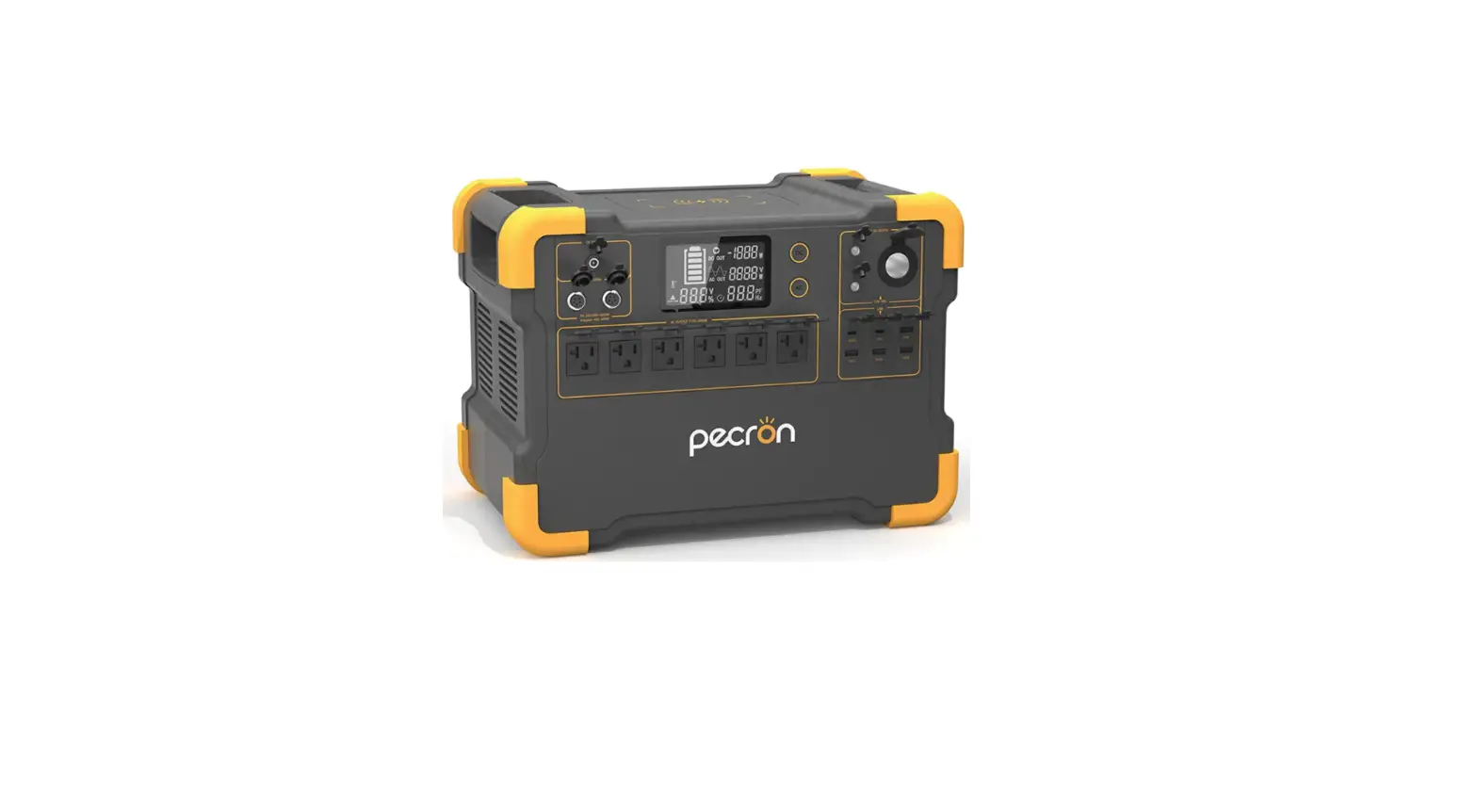
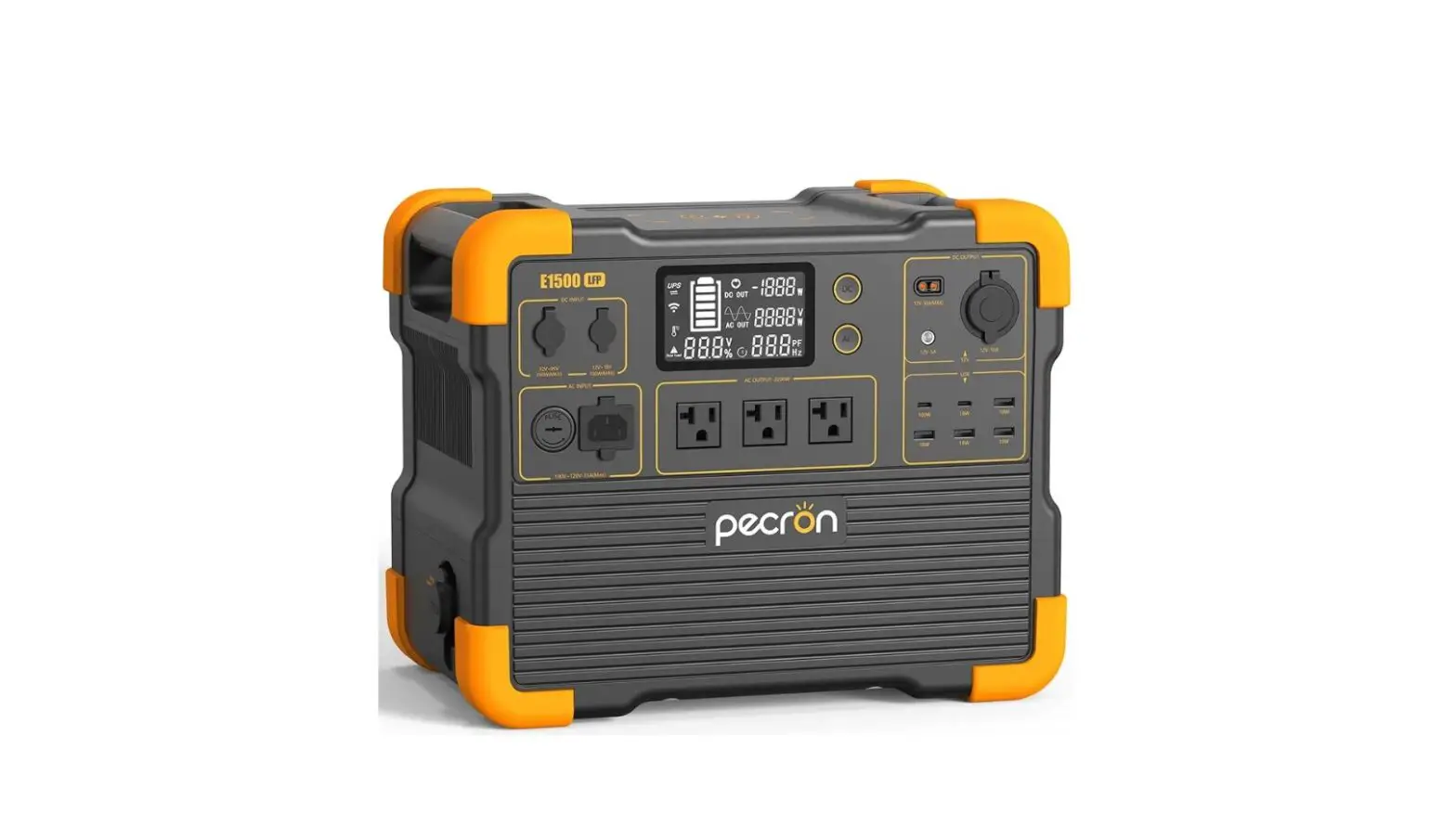
Q2Which models can the EB3000-24V be cascaded to? ACurrently EB3000-24V can only be used to E2000 LFP.
Q3Can the EB3000-24V be charged or discharged separately after cascaded? AYes, but the charging/discharge power will not be shown on the display of E2000 LFP and this will lead to wrong battery volume showed on the battery display.
Q4How to calculate the EB3000-24V running time? ARunning Time=Total Capacity(3072Wh) * 0.85 (Depth of Discharge)/Loading Power(Watts)
Q5Does EB3000-24V have built-in MPPT controller? AYes, EB3000-24V has a built-in MPPT charge controller, which supports 12V-95V(max 400W).
Q6After the EB3000-24V battery pack is cascaded, can the E2000 LFP be used normally without setting? AYes, E2000 LFP can be used normally without battery calibration, but the battery volume showed on the display is inaccurate.
Q7How many EB3000-24V battery packs can be cascaded to E2000 LFP? AMax 2pcs of EB3000-24V can be cascaded to E2000 LFP. With too many battery packs, the internal resistance will become low and the current will become very high. As a result, the fuse of the E2000 LFP will be blown and the battery packs will be damaged.
Q8How to store the EB3000-24V? APlease turn off the unit and then store it in a dry, ventilated place at normal room temperature. Do not place this unit near water sources or a wet/moist environment. For long-term storage, it is recommended to discharge the battery to 30% every three months and recharge it to 60% to prolong the battery life.
[email protected]
DISCLAIMER
Please read the user manual thoroughly before using this product, and keep this manual in a safe place for future reference. Failure to follow the instructions for proper set up, use, and care for the device can increase the risk of serious personal injury, death, or property damage. Once you use this device, you are deemed to have understood, recognized and accepted all terms and contents of this document. The user shall be responsible for his own actions and all consequences arising from failure to use the device in accordance with the “User Manual”, or as authorized in Pecron’s current product literature.In compliance with laws and regulations, Pecron reserves all rights for final explanation, and to change these terms and conditions at any time without prior notice. In the event that any revisions are made, the revised terms and conditions shall be posted on our website immediately, please visit our website to inform yourself of any changes.
WARNING
1 Do not place the device near heat source, such as a fire or a heating furnace. 2 Do not immerse in any liquid, or expose the unit to rain or wet conditions. 3 Do not use the battery in a strong static electricity or electromagnetic environment. 4 Do not disassemble or puncture the product with sharp objects in any way. 5 Short circuits can be caused by: vermin or pests chewing through wires; water or other fluids coming into contact with
electrical wiring. 6 It’s prohibited to be used as car jump starter, only can be used to charge the car battery. 7 Do not use accessories or parts other than those provided by Pecron. Please visit our website www.pecron.com or
reach our support team for a complete list of accessories and parts. 8 When using this product, please strictly follow the ambient temperature for use in the user manual. If the temperature
is too high, the battery can potentially result in self-combustion and will burst into flames, which can cause widespread damage. If the temperature is too low, the performance of the battery will be seriously degraded, and it may even fail to meet the normal use requirements.
[email protected]
9 Do not stack heavy objects on this product. 10Do not block the air vents during use, or leave the device in a non-ventilated or dusty space. 11Please avoid impacts, fall off, and violent vibration. Please turn off the device immediately and stop using it in the
event of major exterior impact. Please fasten the unit firmly during transportation to avoid vibration and impact. 12In the event of immersing the device into the water accidently, please place the unit in a safe open area and keep
away from the unit until it is completely dry. The dried unit should not be reused and should be disposed of properly according to the local regulation. If the device catches fire, use the fire extinguishing equipment in the following recommended order: water or mist, sand, fire blanket, dry chemical, carbon dioxide fire extinguisher. 13Please wipe it with a dry cloth to clean the surface of the device. 14Please place this device with care to prevent the product from being damaged due to fall off. If the product is damaged due to fall off, please turn off the unit immediately and place it in an open area, keep away from combustibles and crowds, and dispose of in accordance with local laws and regulations. 15Please store this device in a place out of reach of children and pets.
DISPOSAL
1When conditions permit, please be sure to completely discharge the battery of this product, and then put the product in the designated battery recycling box. This product contains batteries. Batteries are dangerous chemicals and are strictly prohibited from being disposed of in ordinary trash. For details, please follow local laws and regulations on battery recycling and disposal.
2If the battery cannot be completely discharged due to the failure of the product itself, please do not dispose of the battery directly in the battery recycling box, and contact a professional battery recycling company for further disposal.
3The battery will not be able to start after being over-discharged, please dispose of it according to the principle of disposal.
[email protected]
EXCLUSIONS
Pecron’s warranty does not apply to Misused, abused, modified,damaged by accident, or used for anything other than normal consumer use as authorized in Pecron’s current product literature.
CUSTOMER [email protected]
WEBSITEwww.pecron.com PECRON.LLC
[email protected]
POWER IT POSSIBLE
www.pecron.com
[email protected]
 pecron: Portable Power Station & Best Solar Generator Kit