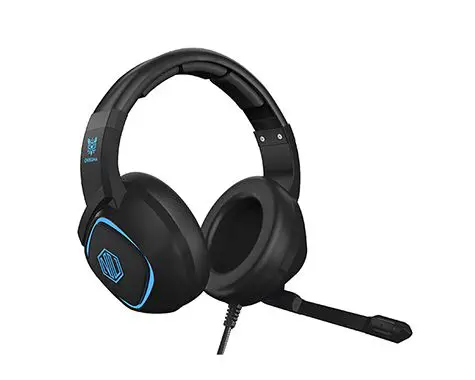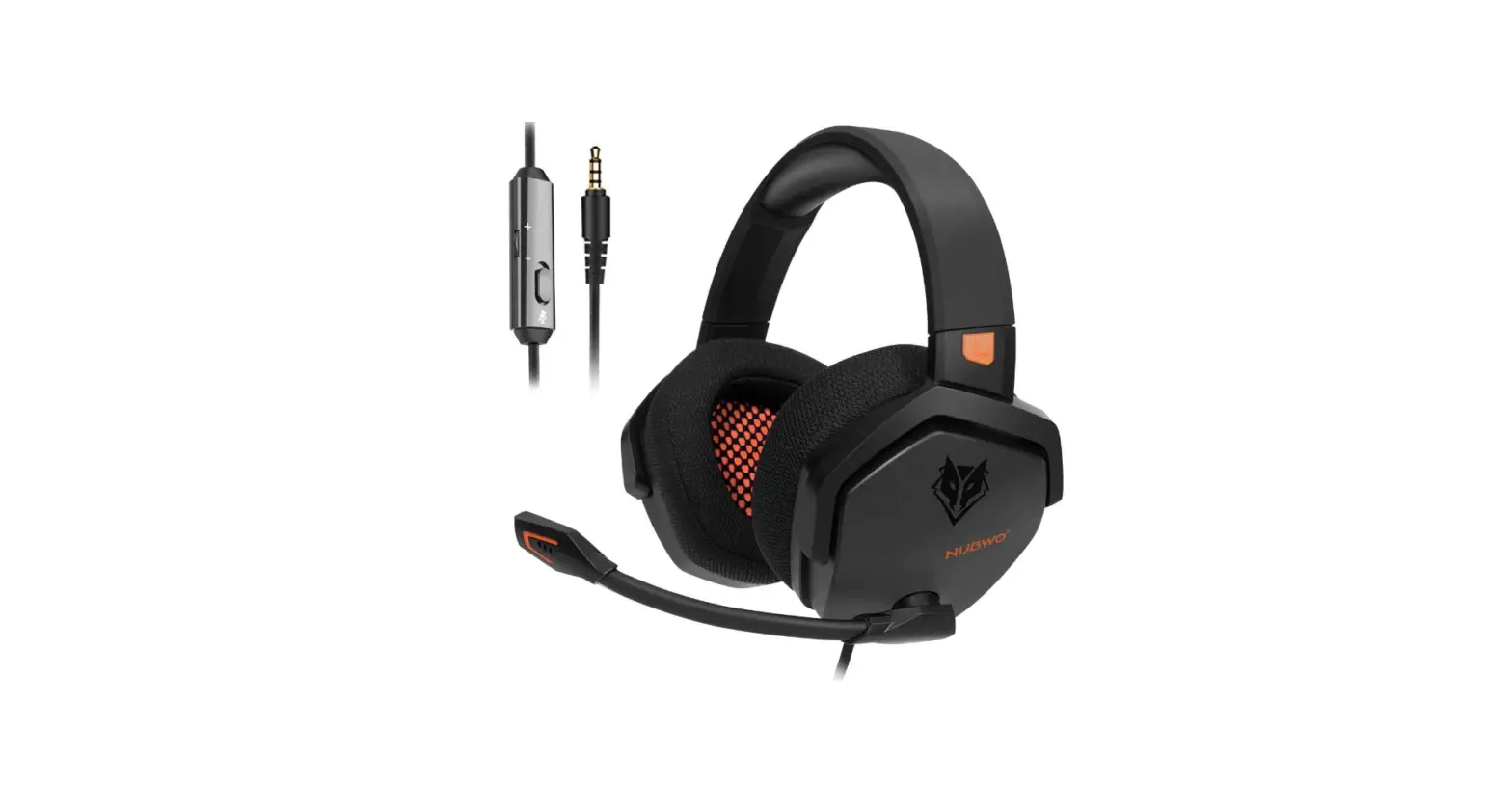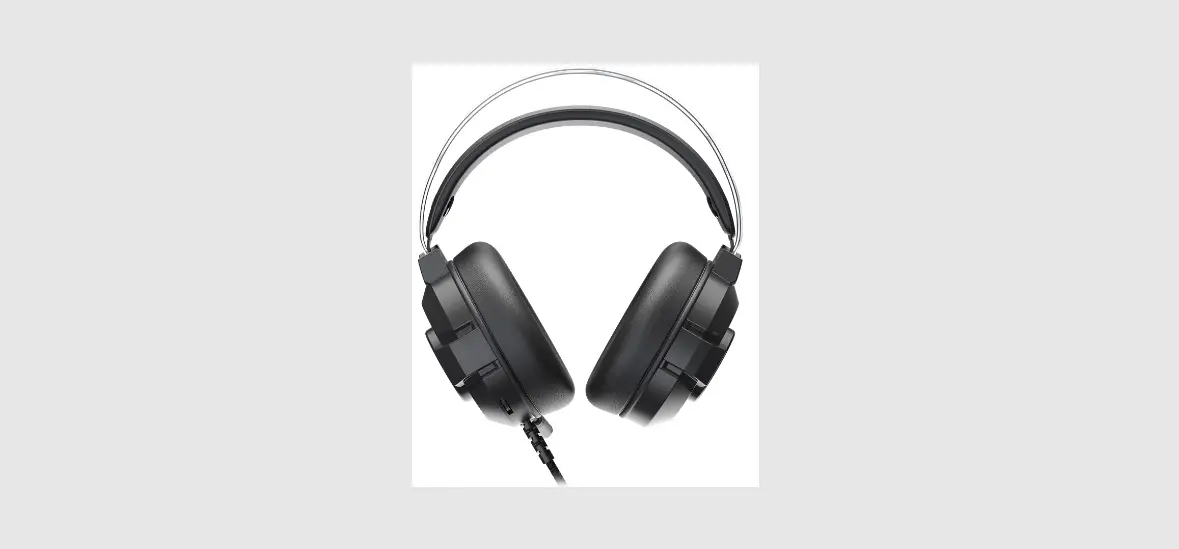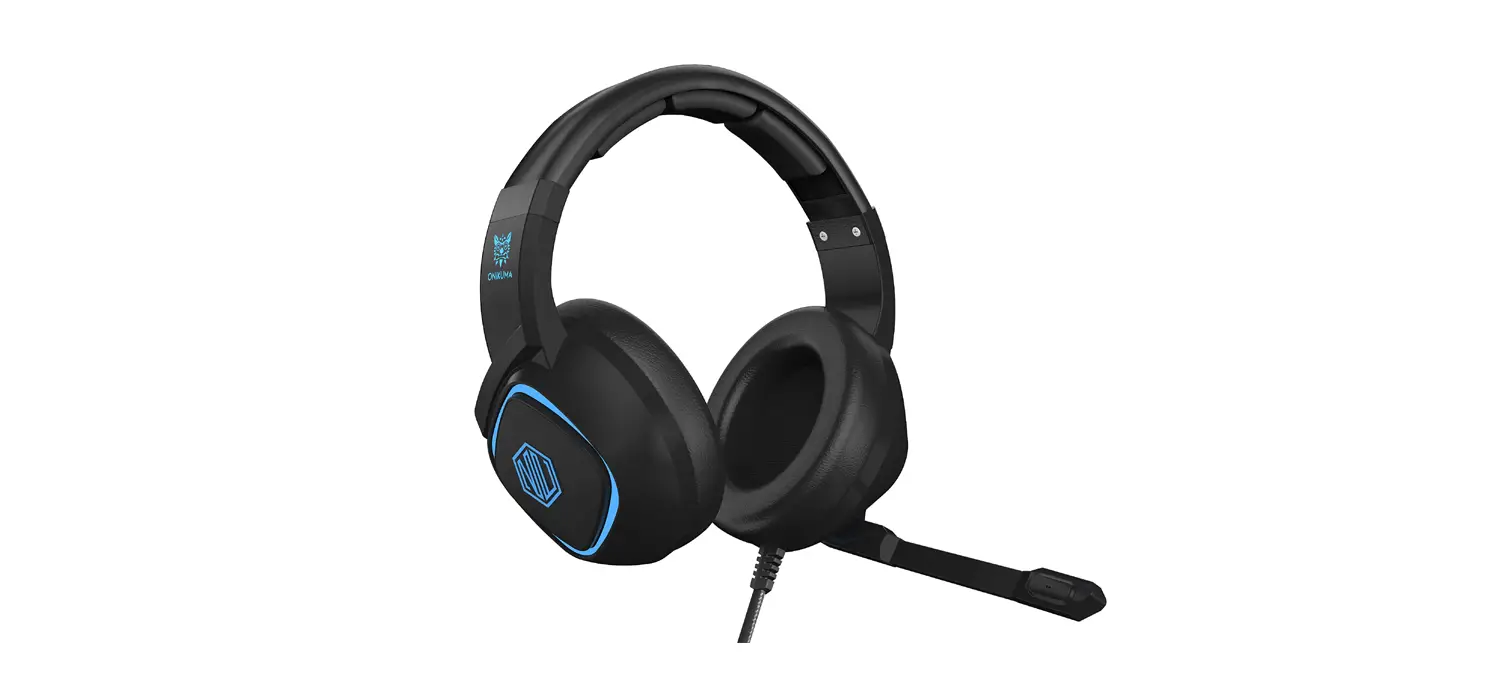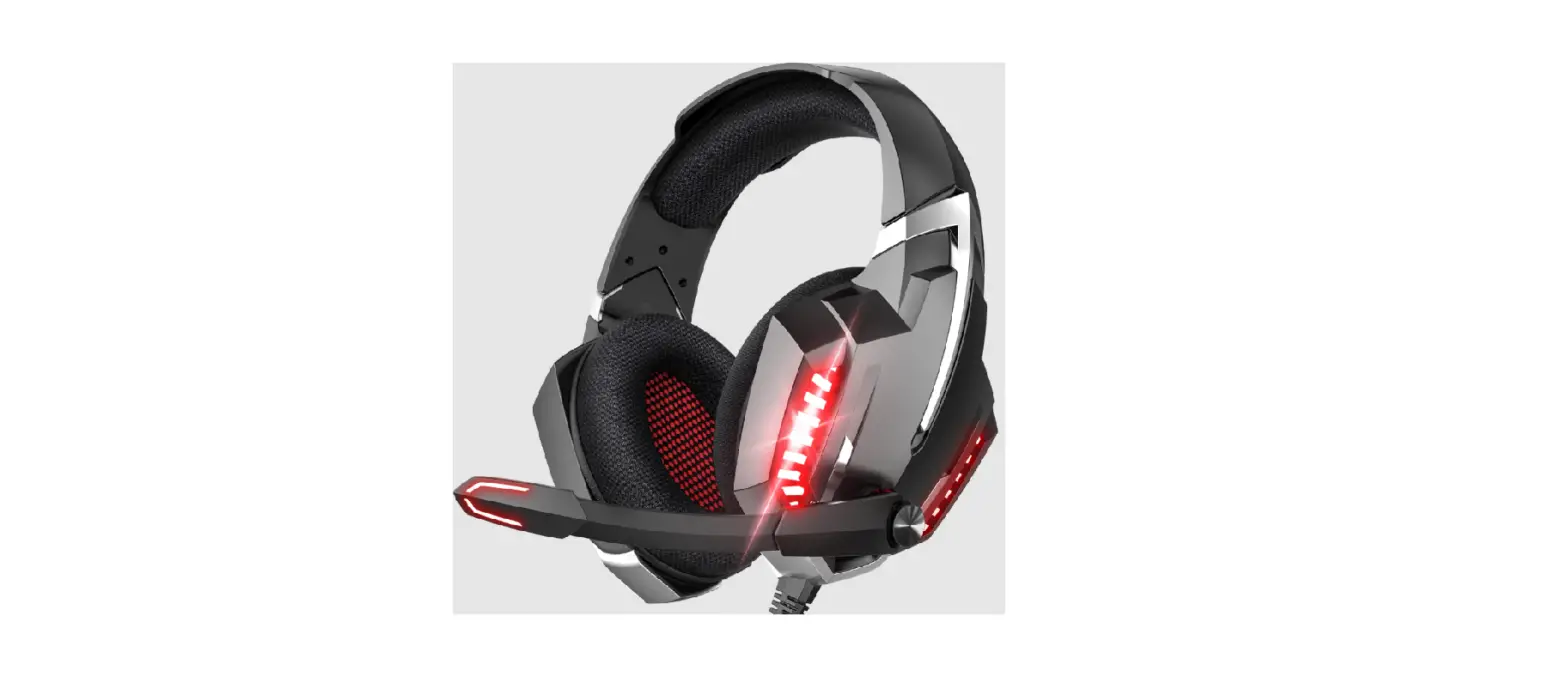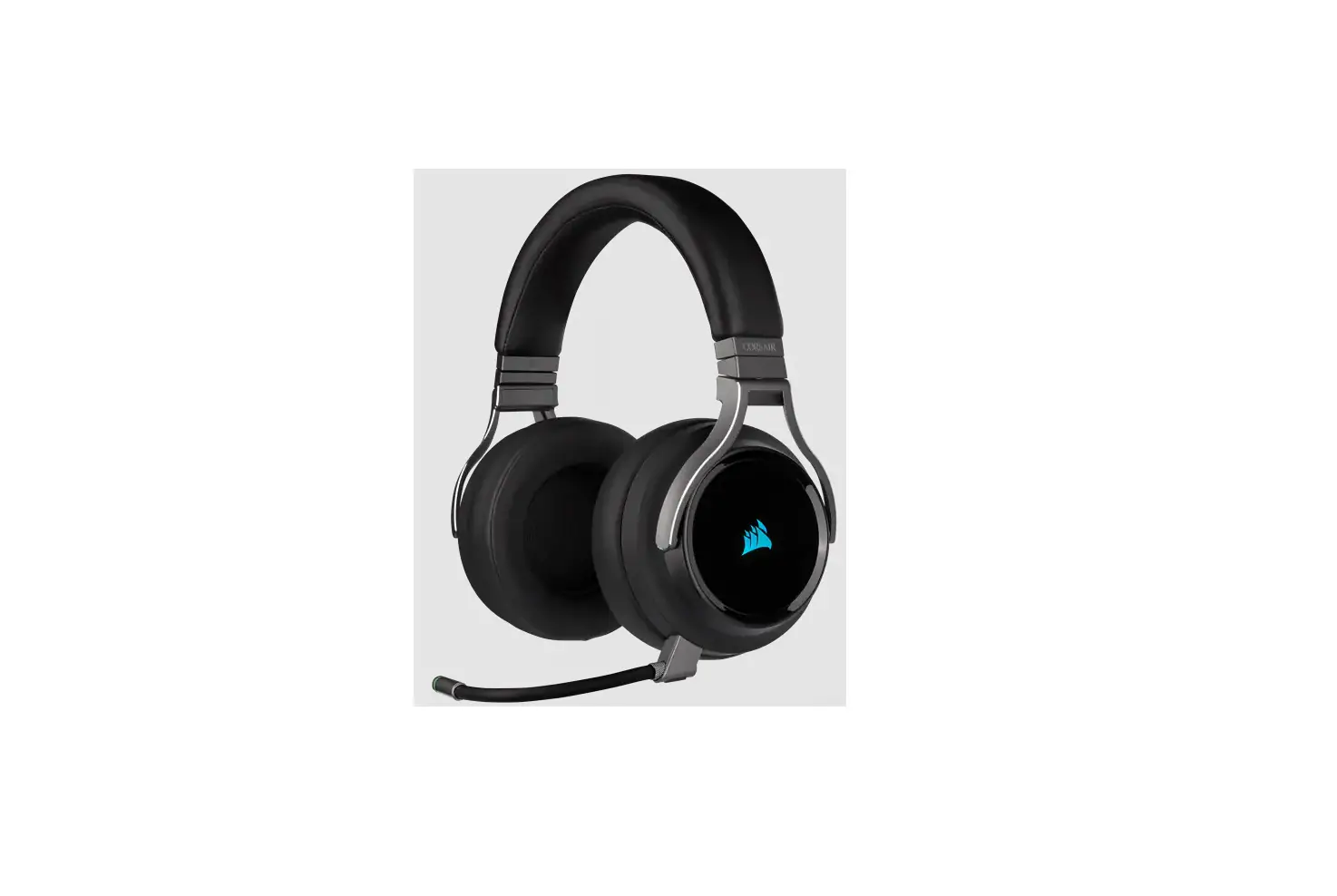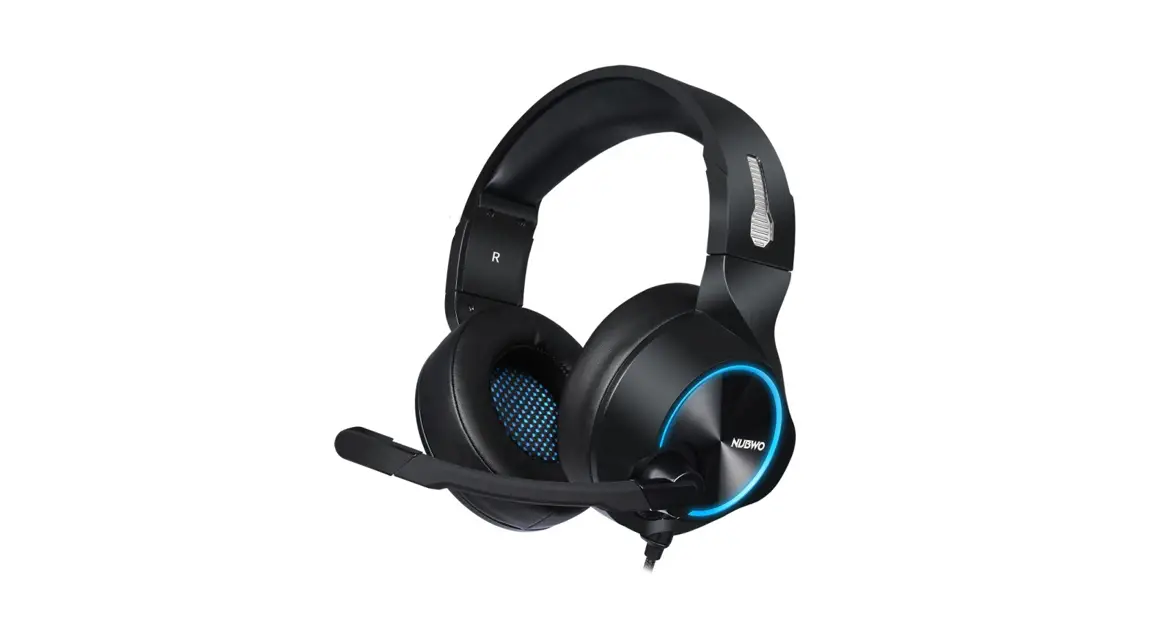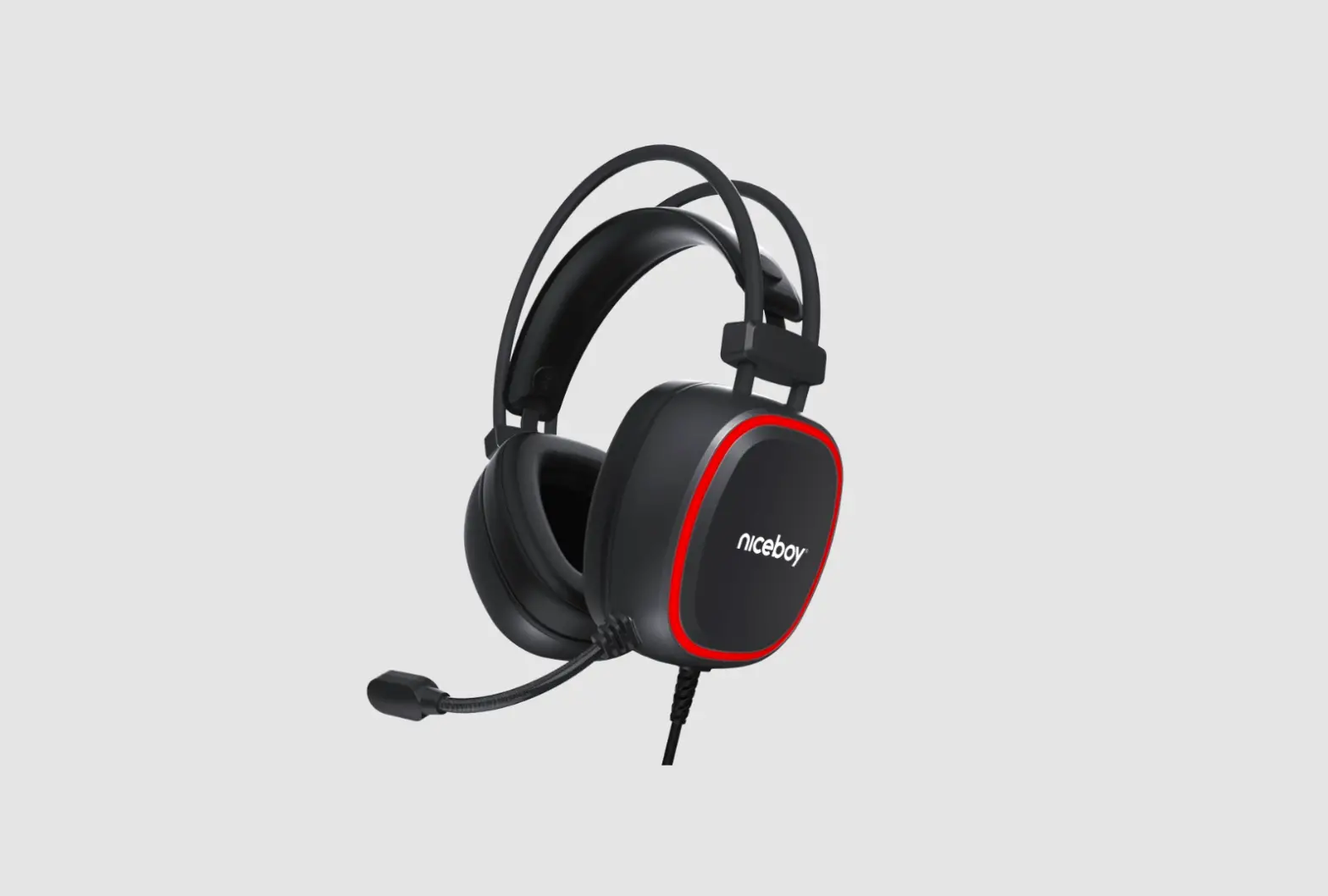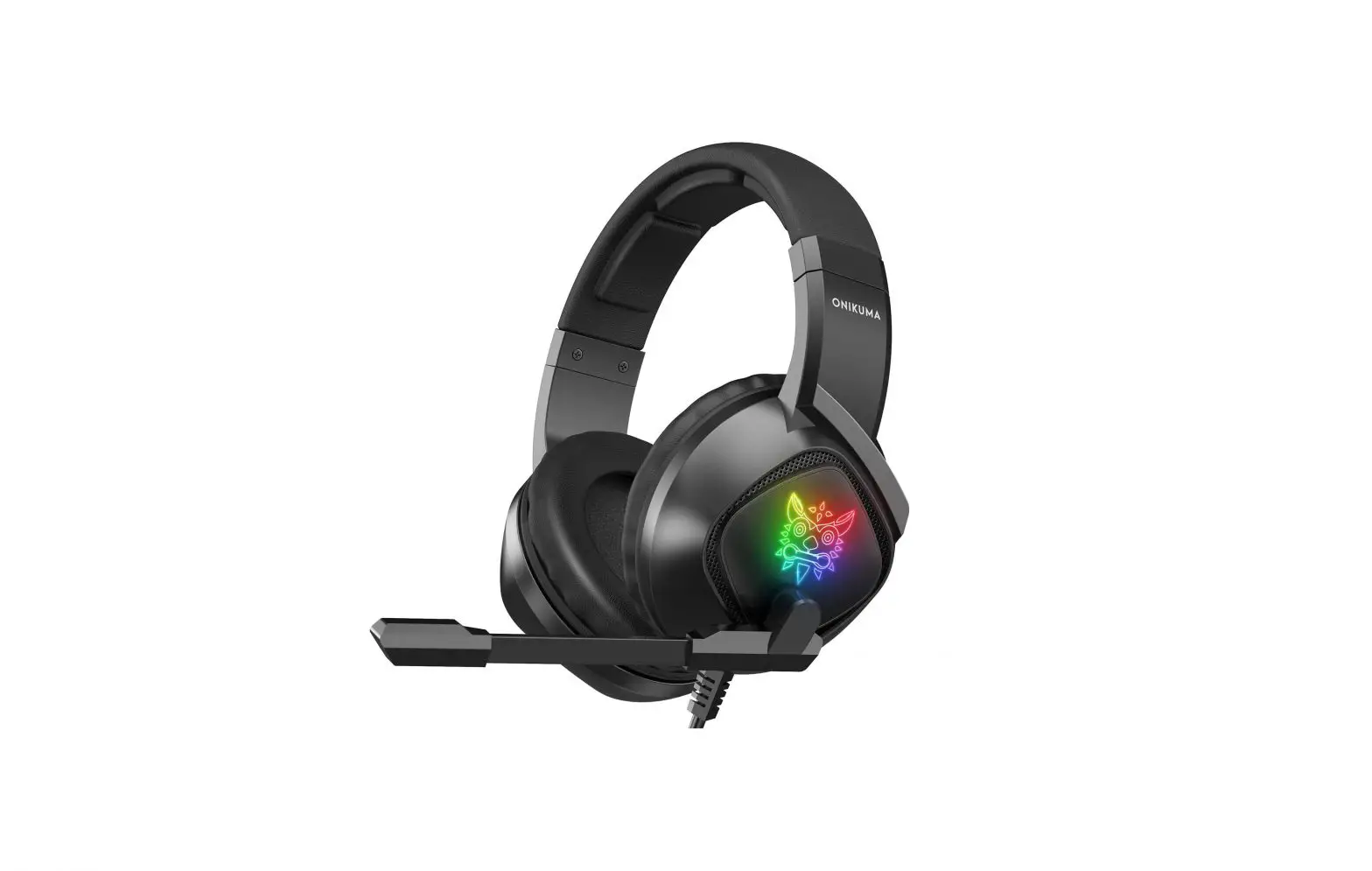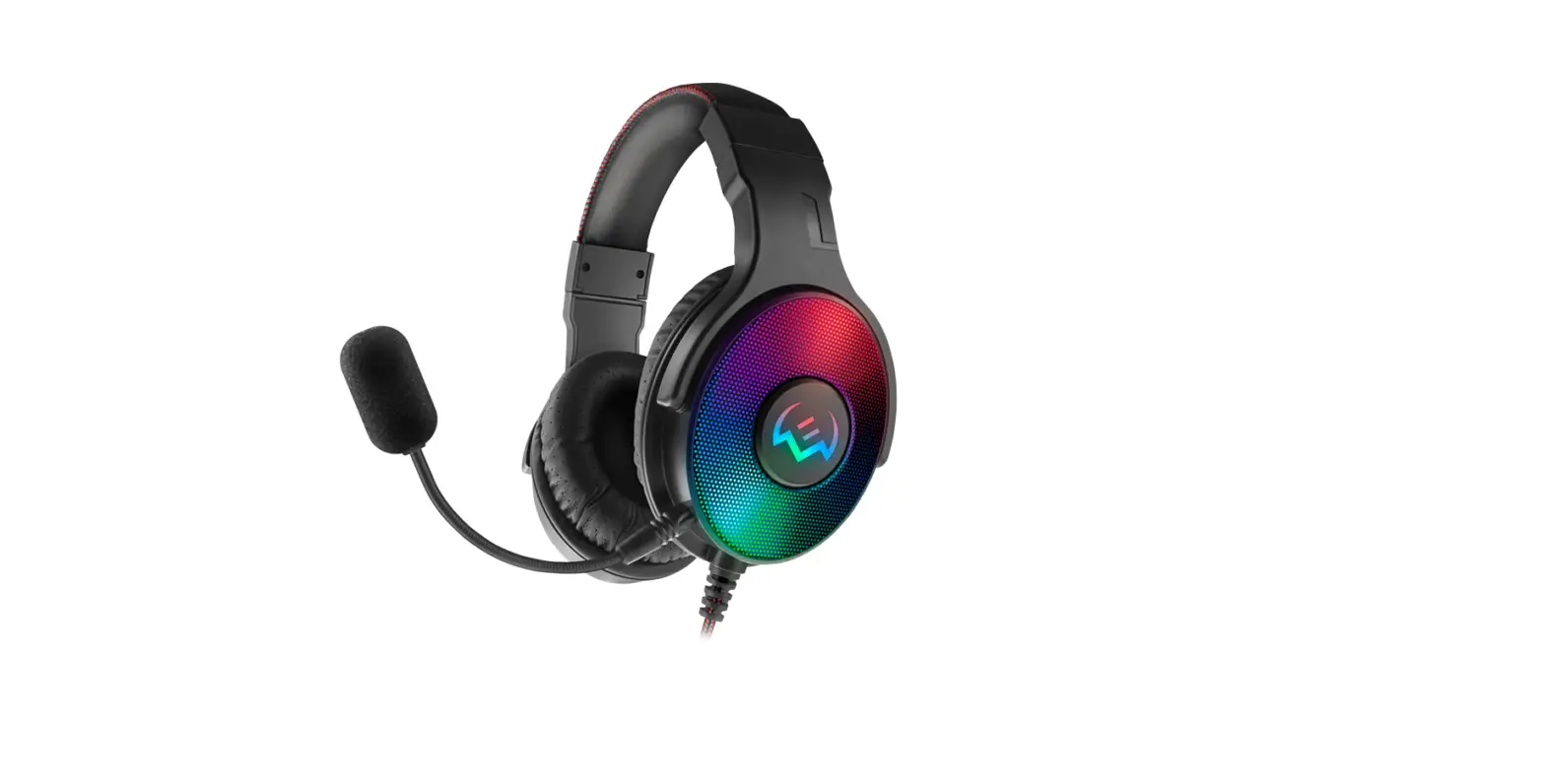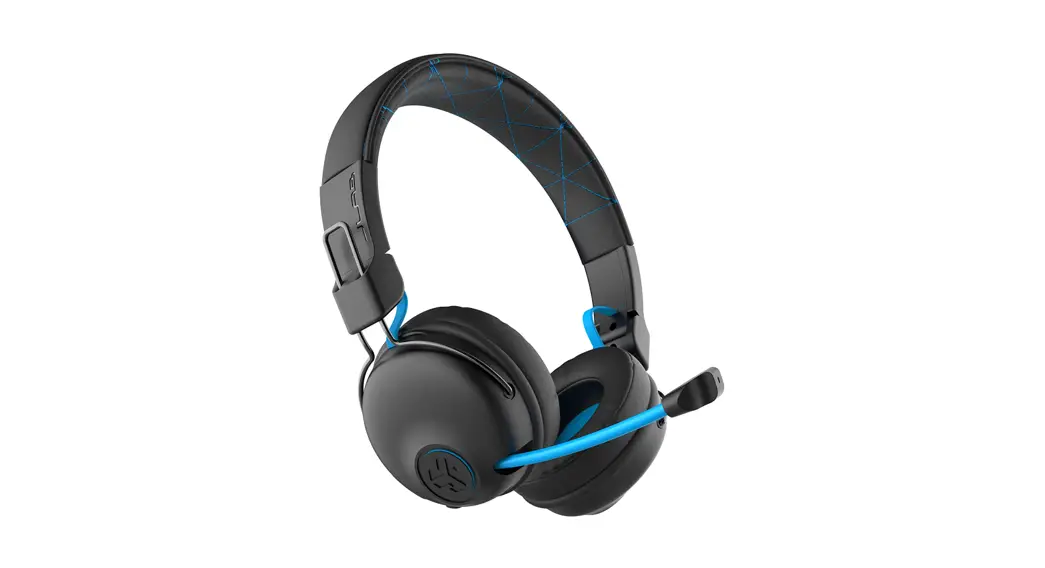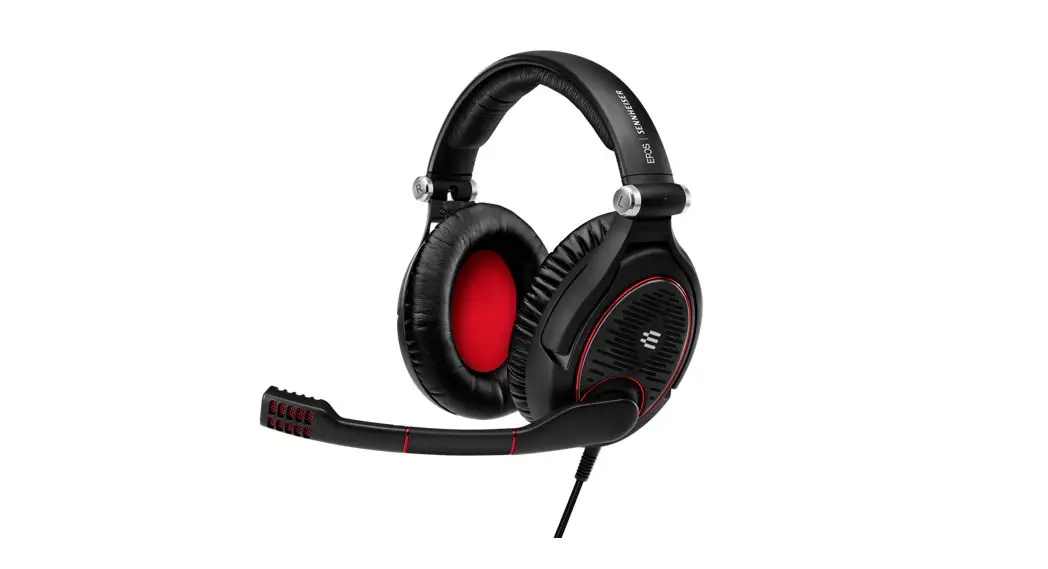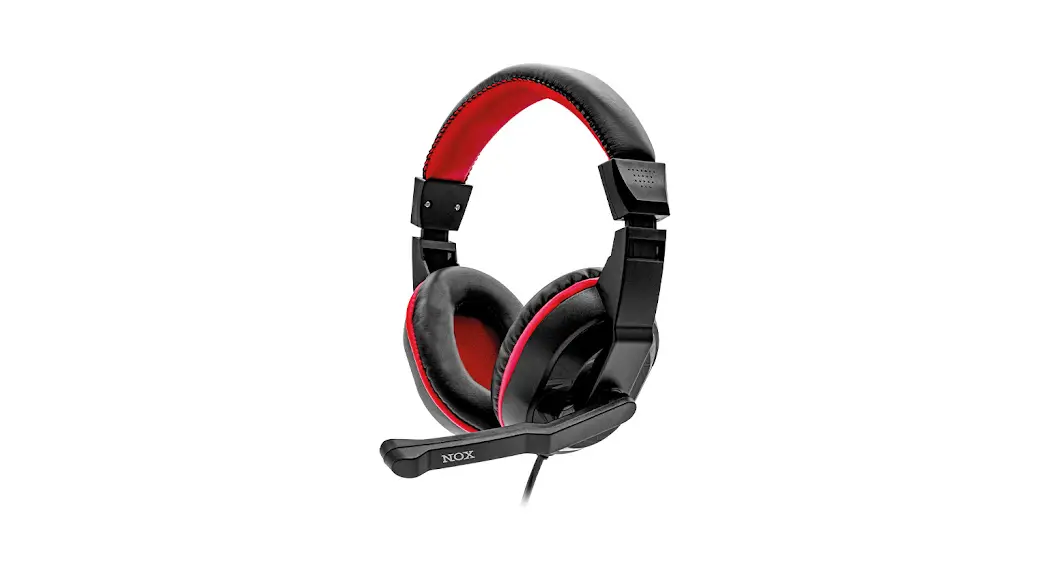

GAMING
HOVEDTELEFONER
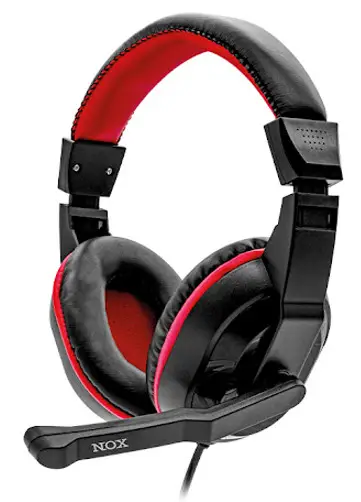
GAMING HEADPHONES
QUICK GUIDE
ATTENTION!
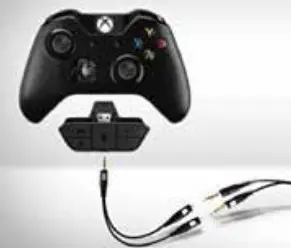
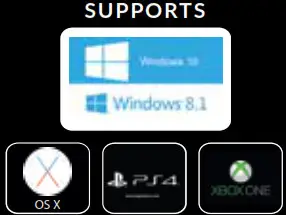
For use with XBOX ONE before medio 2015, you need the official adapter from XBOX (Not included)
Also supporting tablets and smartphones
All registered trademarks belong to their respectful owners and have nothing to do with this product.
PRODUCT INFO
Speaker diameter:……………………………….40 mm
Impedance: …………………………………….. 32 Ω ± 15%
Sensitivity:………………………………… 105 dB ± 3 dB
Frequency range:……………….20 Hz – 20 kHz
Cable length: …………………………………………….1.75 m
PACK CONTENTS
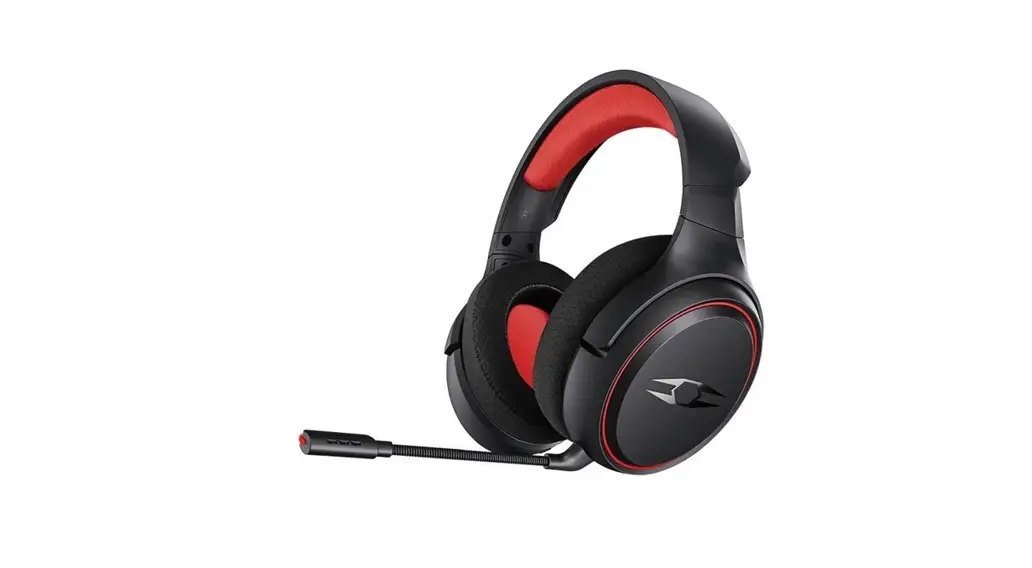
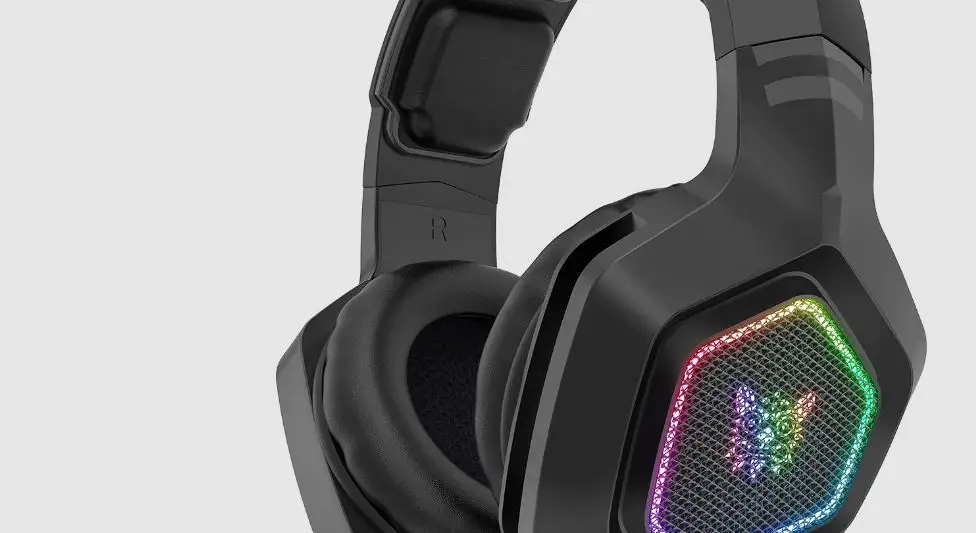
Headset.
2 in 1 audio adapter.
SYSTEM REQUIREMENTS
Unit with 3.5 mm jack input, audio, and microphone inputs.
SAFETY
Adjust the volume to a safe level to avoid hearing damage.
- Connect the products jack for audio to/from your device.
- Turn on your computer/device and adjust if necessary your device to
play the sound in the headset. - To use the microphone move it down in front of your mouth.
- Adjust the volume via the controls on the headset.
- For use with PS4, XBOX ONE, smartphone or tablet, use the supplied adapter.
ATTENTION! In case of problems or questions about the product, please contact the importer at: [email protected] or +45 6913 2121.
CONNECTION
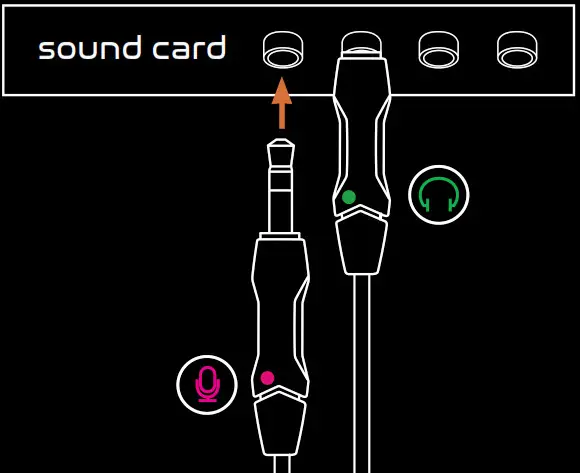
ADAPTER
Use the adapter to connect to PS4. Go to settings -> Devices -> Audio devices.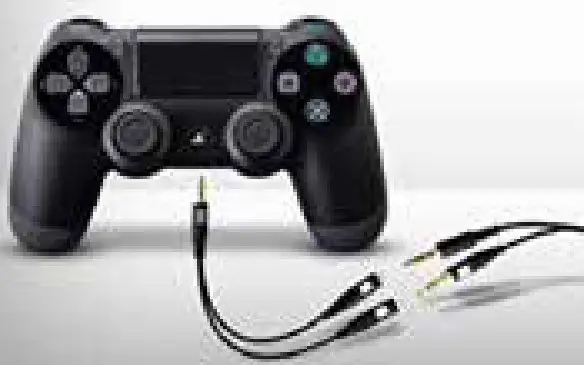 ADAPTER
Use the adapter to connect to XBOX ONE. Go to settings -> Devices & Accessories.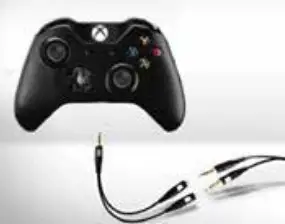
ATTENTION!
For use with XBOX ONE from before medio 2015you need the official adapter from XBOX.