 User Guide
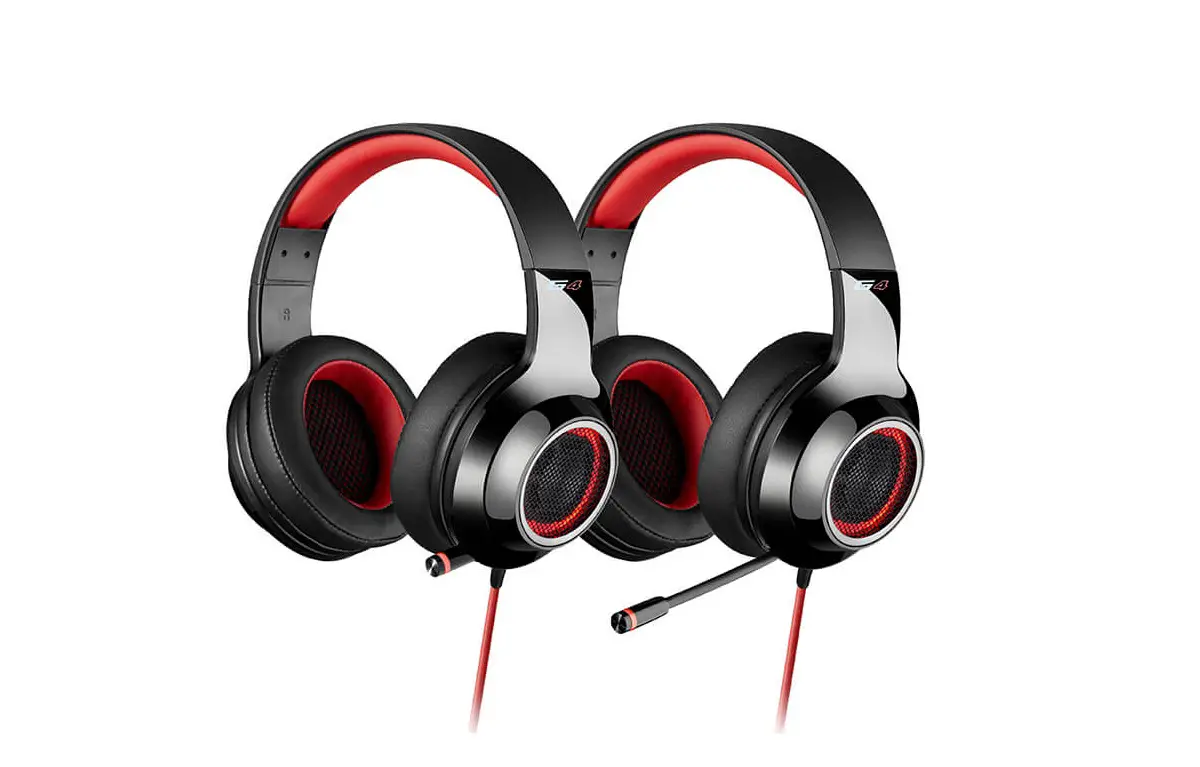
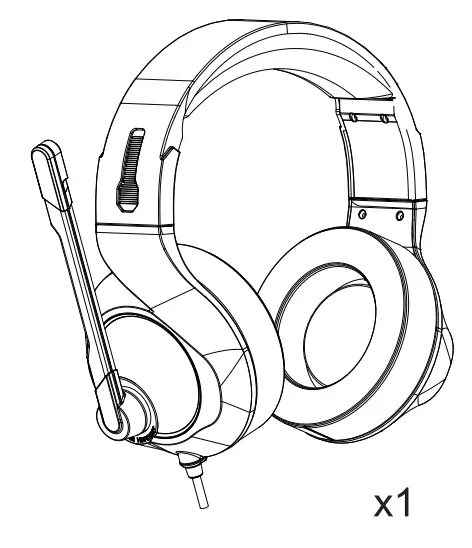
Package Contents
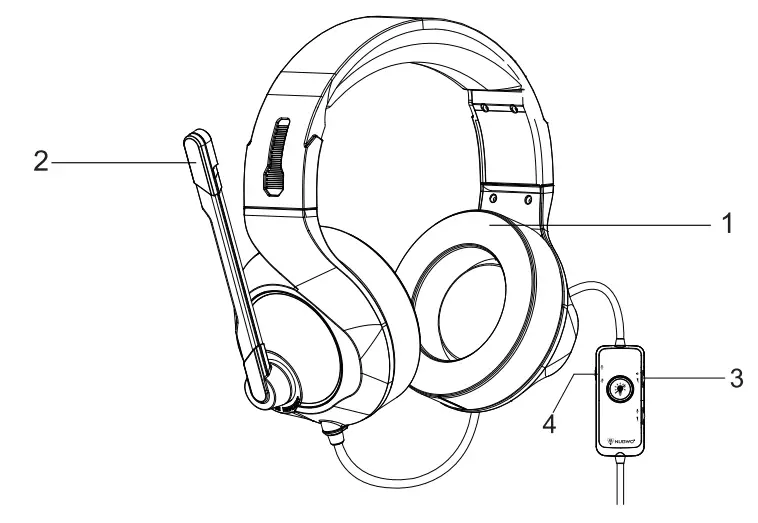
Overview
PC Setup
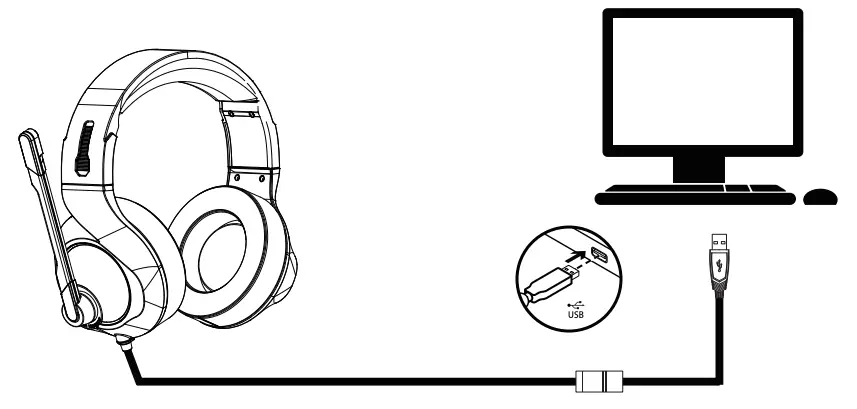
Control Panel>Sound> Set Default Playback and Recording to “USB Audio Device”
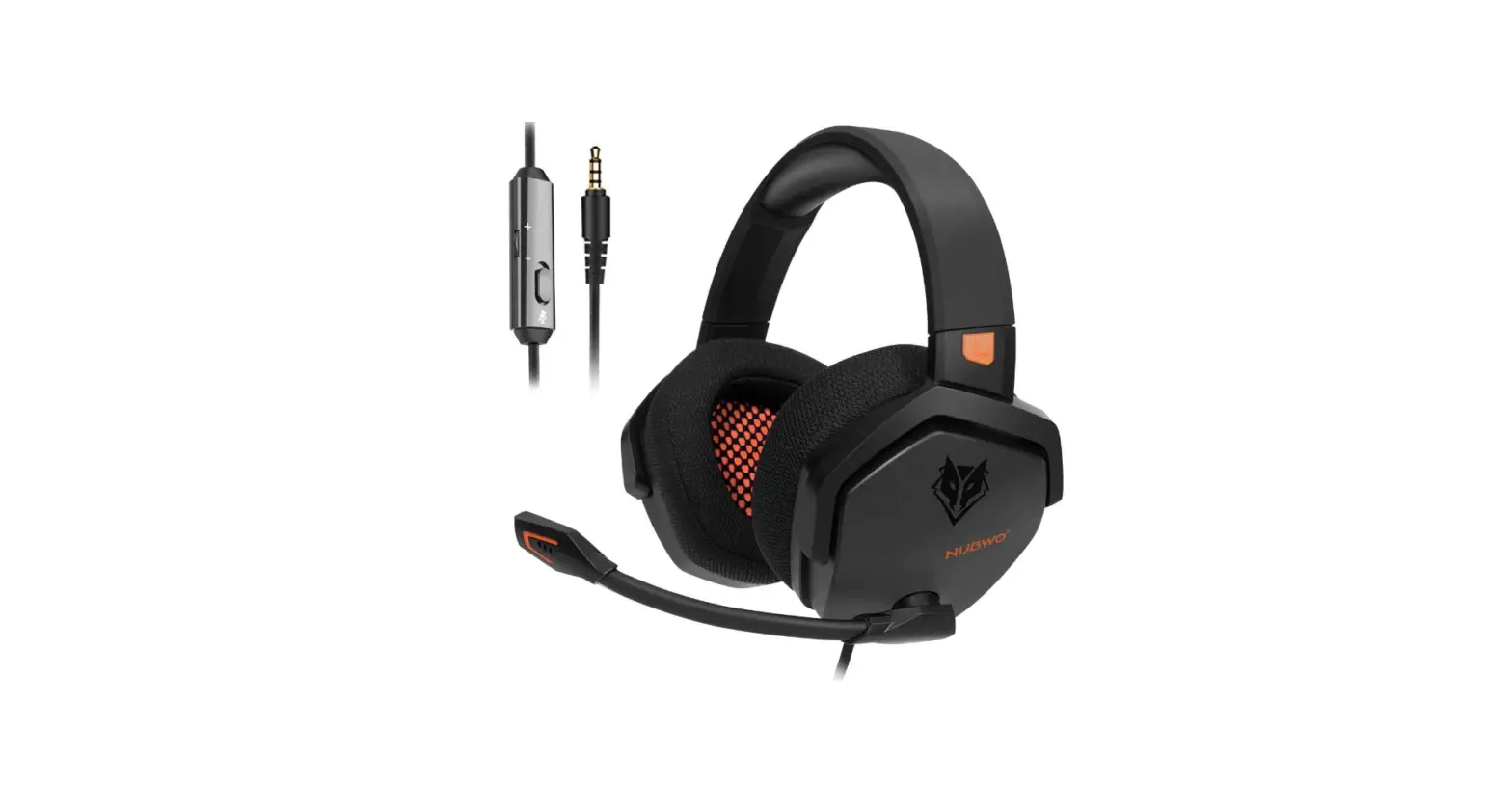
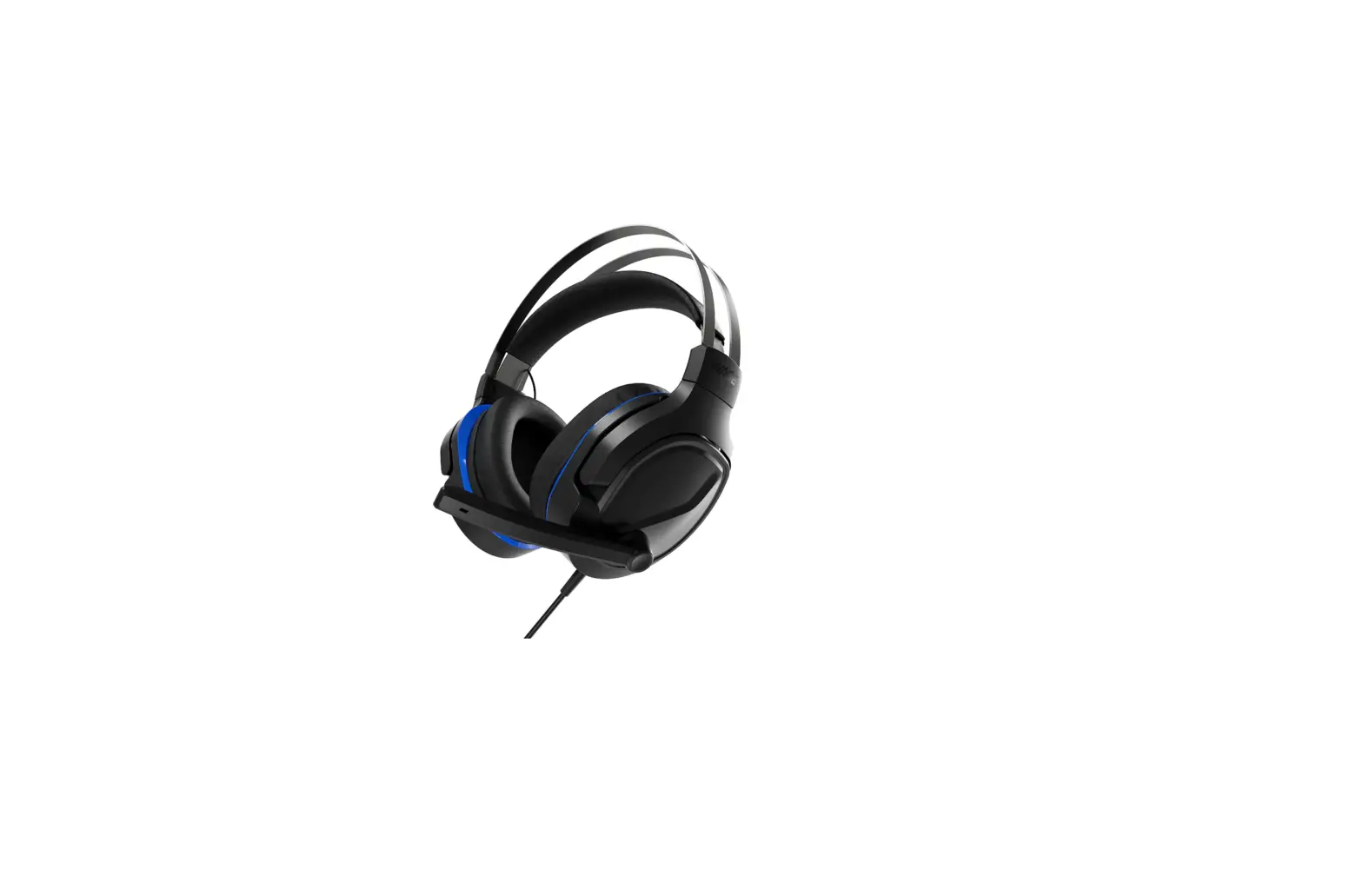
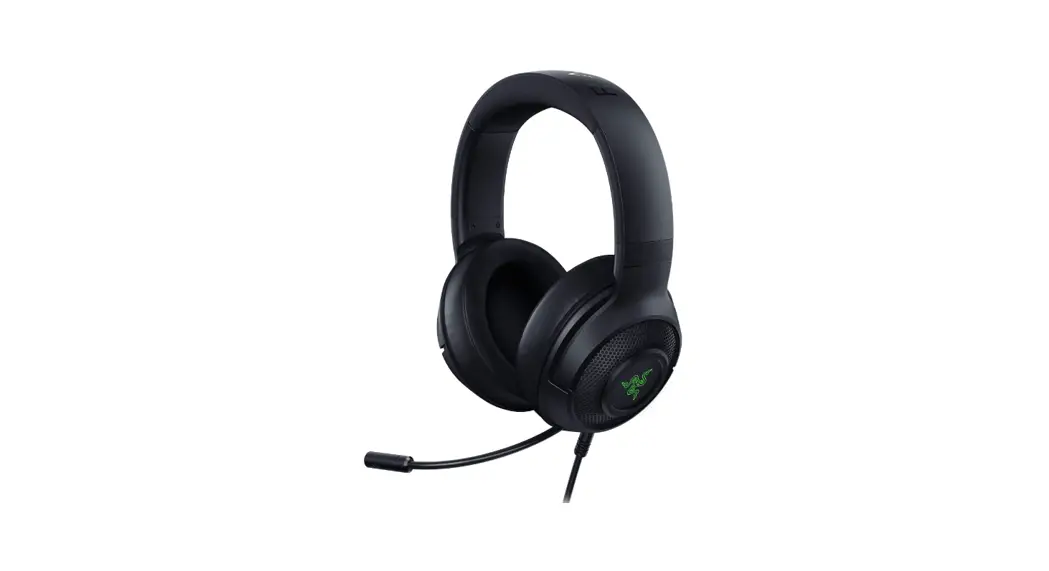
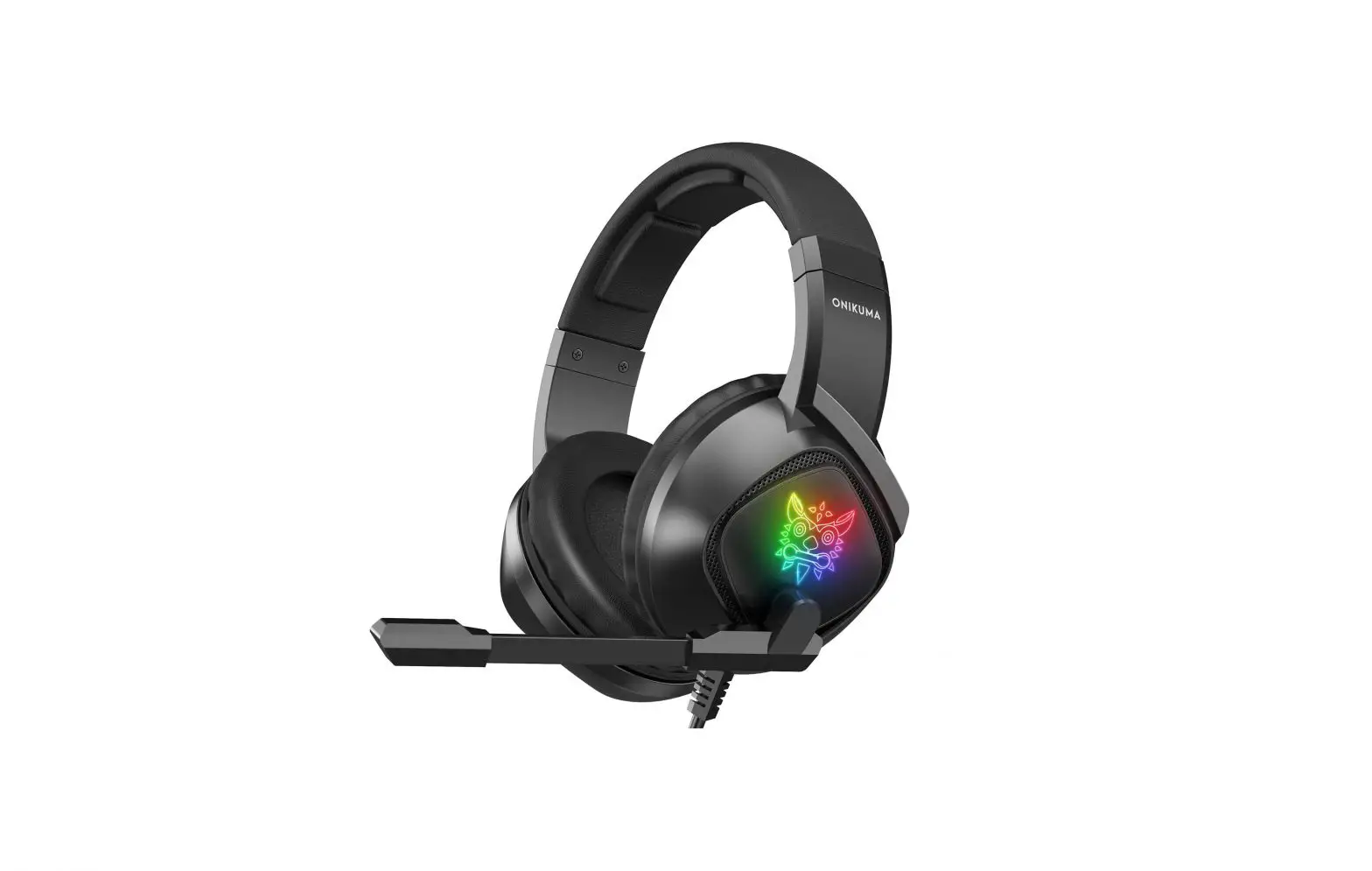
| 1. Earpads | 3. Volume Control |
| 2. Microphone | 4. Microphone Mute switch |
MAC Setup
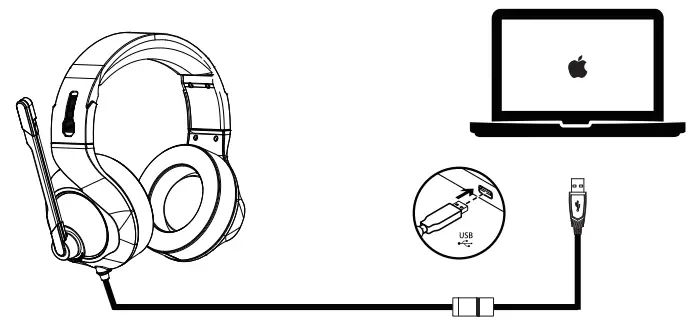
Apple Menu>System Preferences>Sound>Set default output and input to ‘USB Audio Device’
Surround Sound Setup
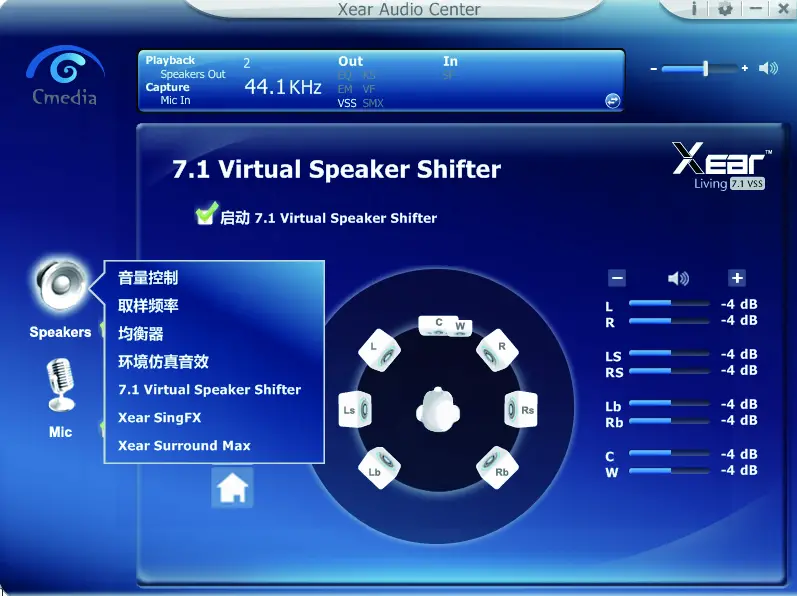
Software Requirement
- Platforms:
- Windows 7- Windows 10
- 120 MB of free hard drive space for installation
- *7.1 Surround available on Windows only. Software installation required
- Software download at www.nubwo.com/download
Troubleshooting
Headset not working
- Adjust the headset volume on the volume control.
- Make sure the headset is not on mute
- Check the USB cable connection to your computer.
Try a different USB port on. your computer. Connect directly to your computer. Do not use a USB hub. - In your application and operating system, check the volume and microphone settings.
- Restart your application
Customer Service
 12- Month warranty
 Lifetime Technical Support
MANUFACTURER
Manufactory: DAKSING ELECTRONIC TECHNOLOGY LIMITED
Address: AS Shizhou Rd, Shipai Town, Dongguan, Guangdong Prov, China. MADE IN CHINA
 驱动下载
驱动下载