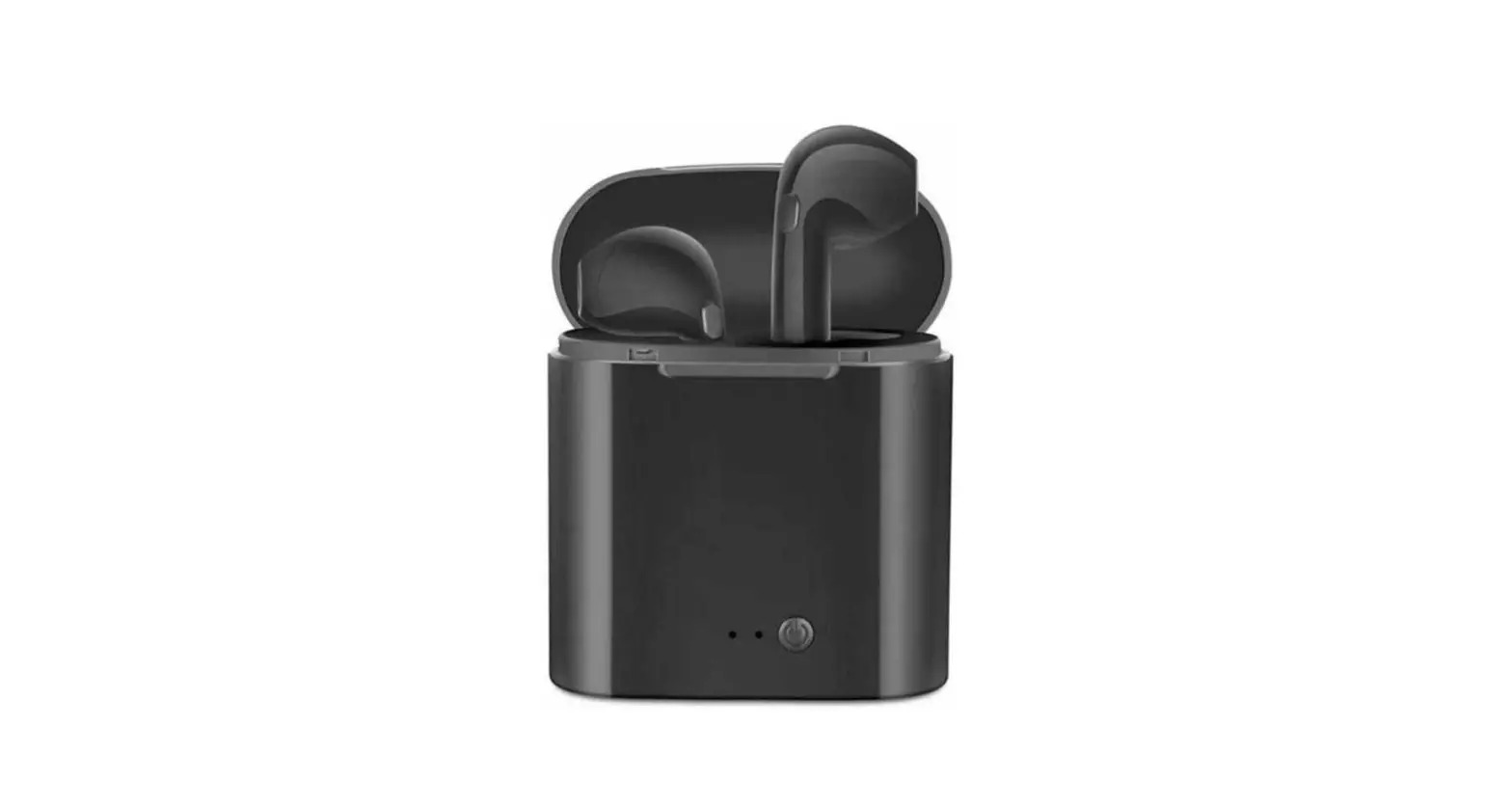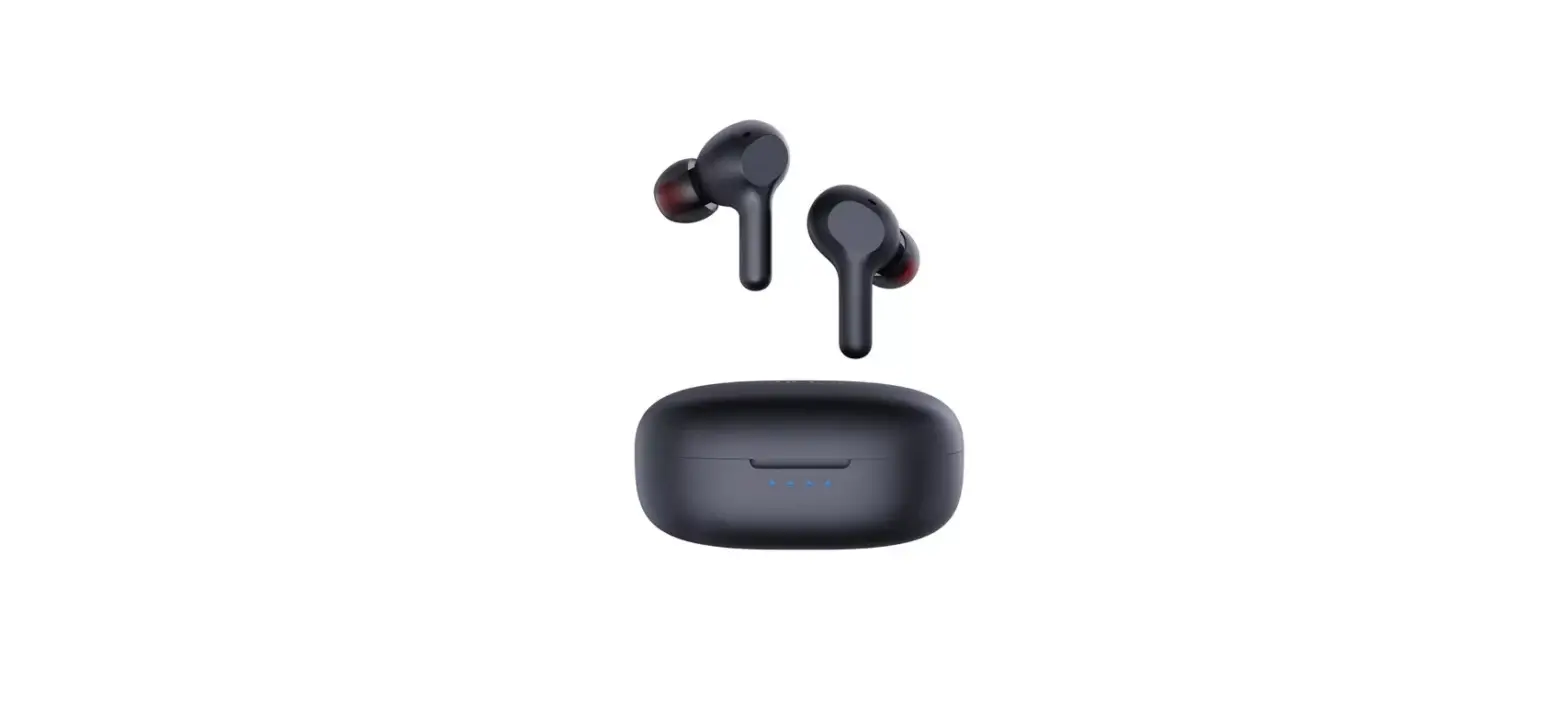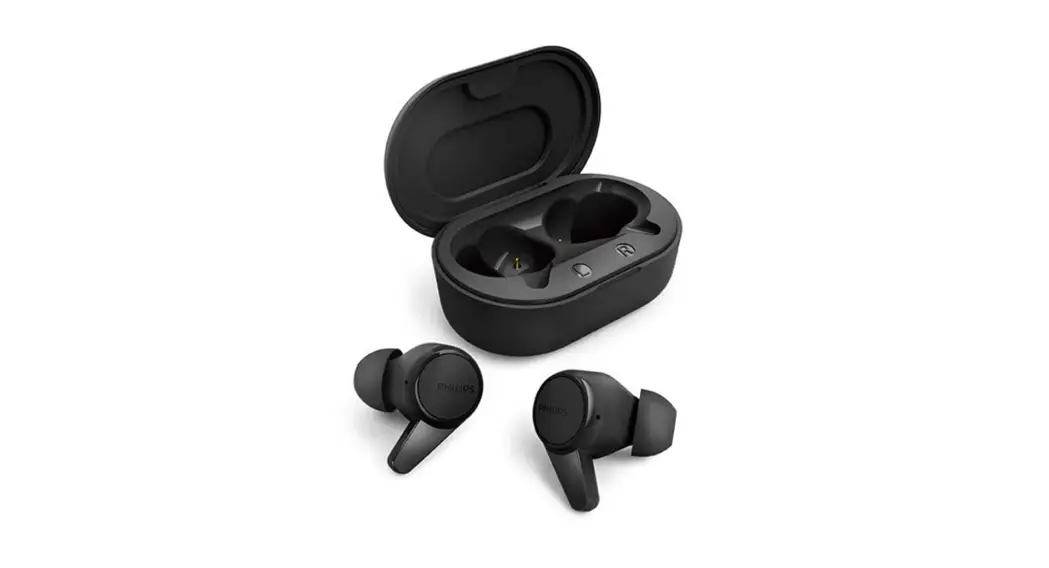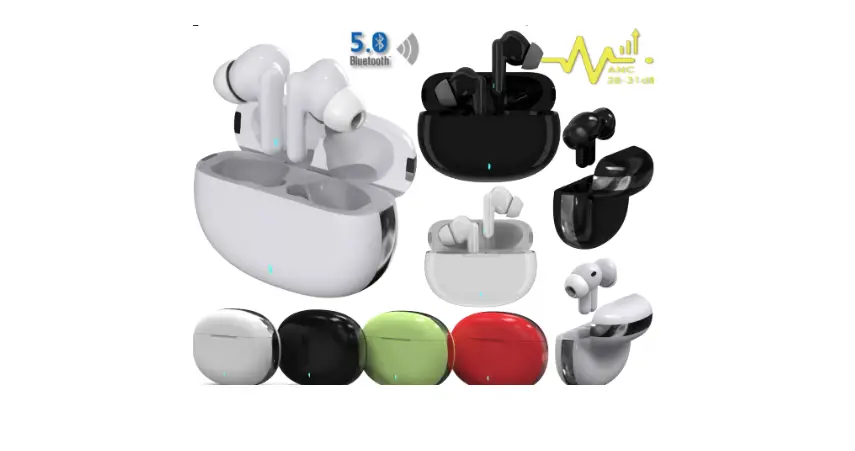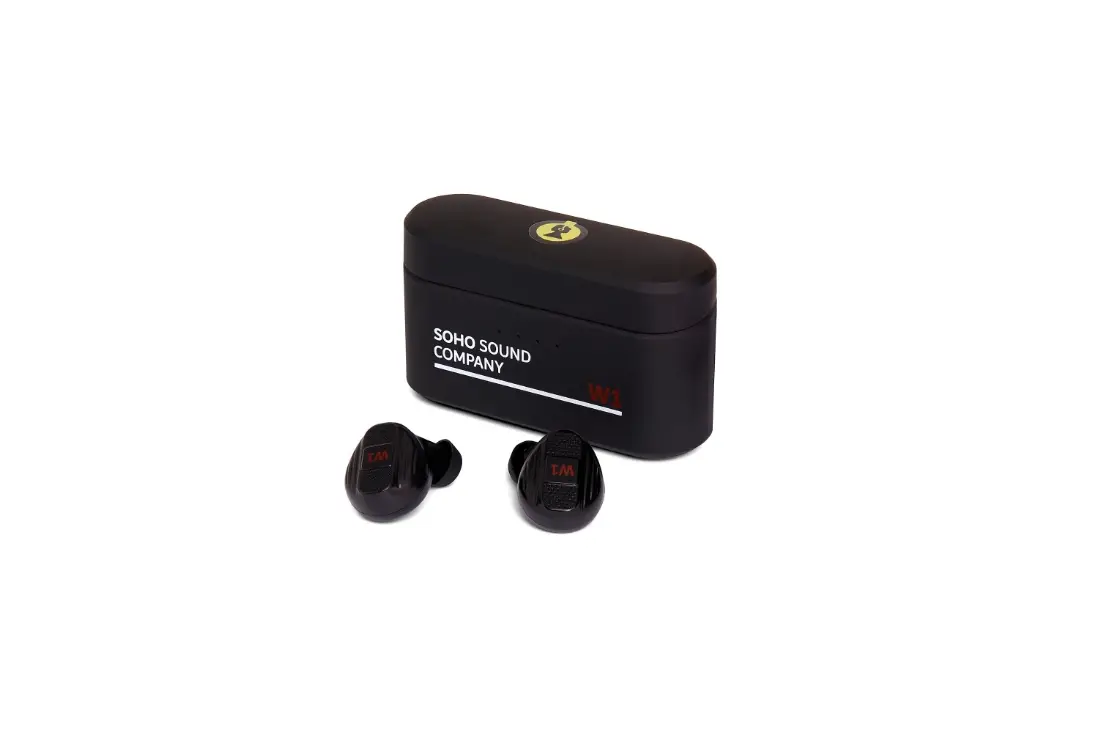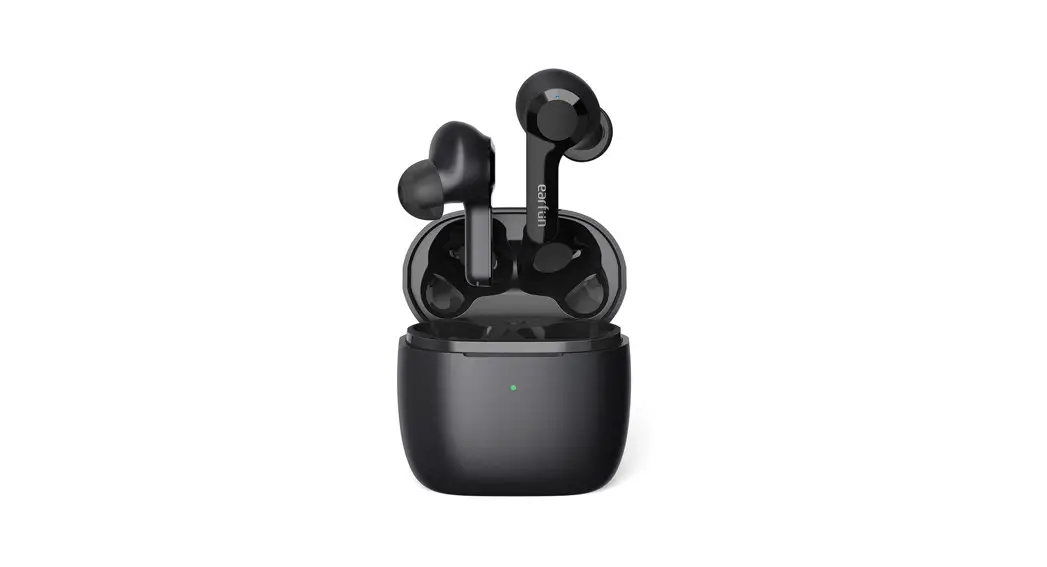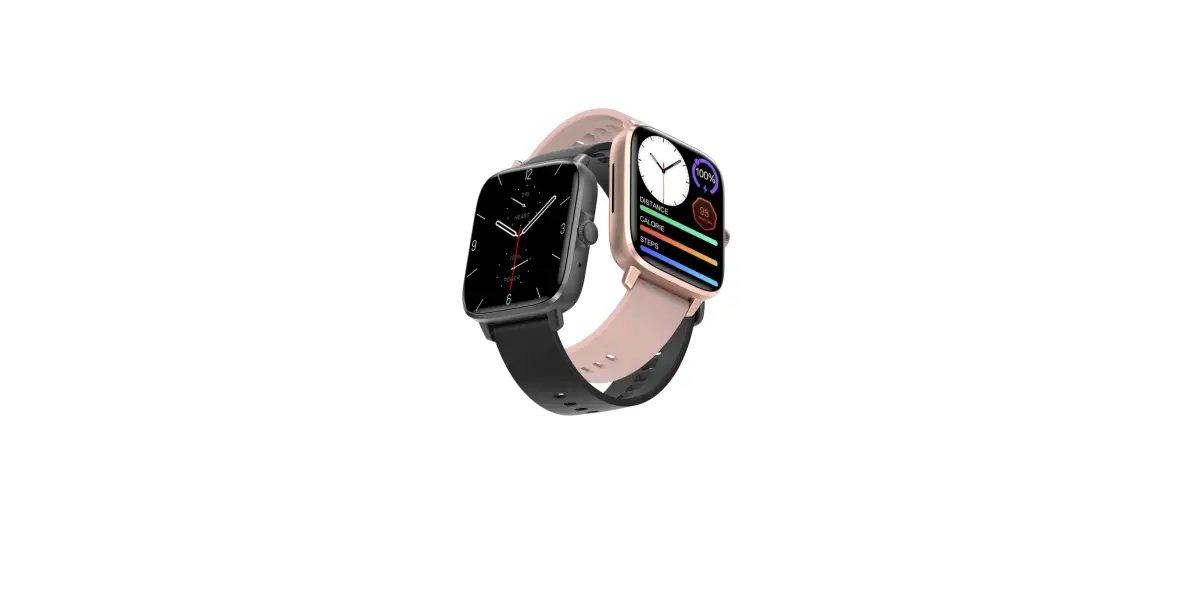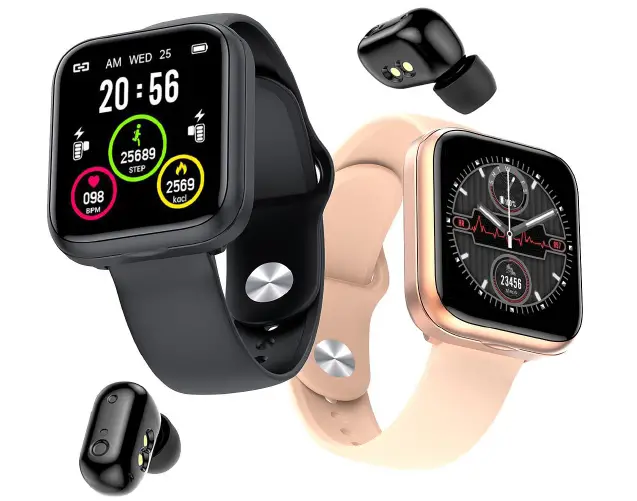
TRD10 TWS Earbuds Smart Watch
Instructions Manual
Shenzhen N+1 Intelligent Technology Co. Ltd.
E001 5th F Jiaan Industrial Park Liuxian 2nd Rd. Baoan District Shenzhen City
Tel.: +86 18138870912
Contact Person: Ms.Juliet
E-mail: [email protected]
Web: www.Smartwatch-N.com
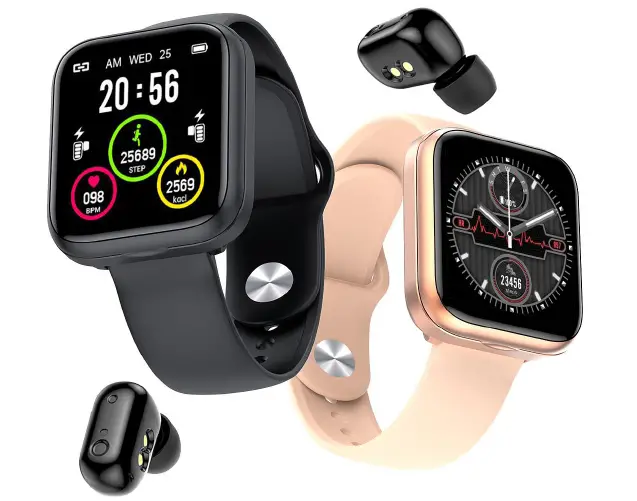
- 24-hour blood pressure monitoring (24-hour continuous exercise blood pressure monitoring);
- 24-hour continuous heart rate monitoring,(24-hour continuous heart rate monitoring, analysis of heart rate changes, will promptly remind when abnormalities are found);
sports monitoring and fitness advice; (step,calories, mileage); - Intelligent sleep monitoring;
- sports mode; (into the sport mode, long press for 3 seconds to activate, start the exercise, monitoring the start to the end of the real-time heart rate, steps, calorie consumption, mileage) ;
- alarm reminder function (no noise wake up; 20 groups of event reminders icon) ;
- call and SMS, information reminder function; (including WeChat, QQ,Facebook,
- WhatsApp, Line,Mail and other social software reminders);
- Voice Assistant (When the single headset is in the state, press and hold the touch button for 3 seconds to activate the mobile phone voice assistant, dial out the phone through the voice assistant operation; currently support the ios siri and assistant Android phones; other secondary developed voices The assistant needs to be supported by the dealer);
- remote control photo (by turning the wrist, hand ring touch button to take pictures);
- countdown, stopwatch function;
- function switch (common function active switch, such as: heart rate, blood pressure, etc.);
- RTC (12/24 hours);
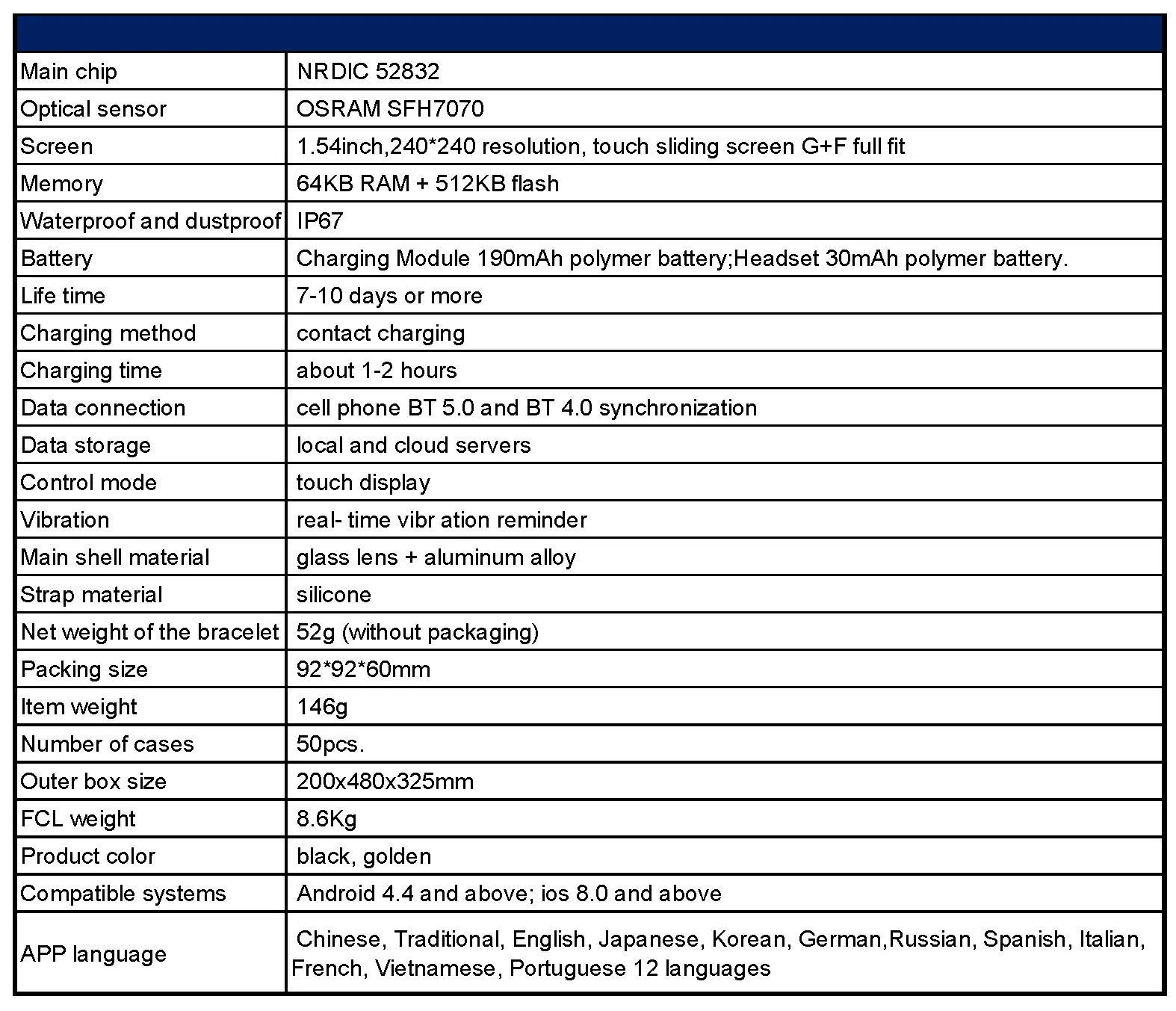
- Cell phone BT 5.0,Data storage BT 4.0 ;
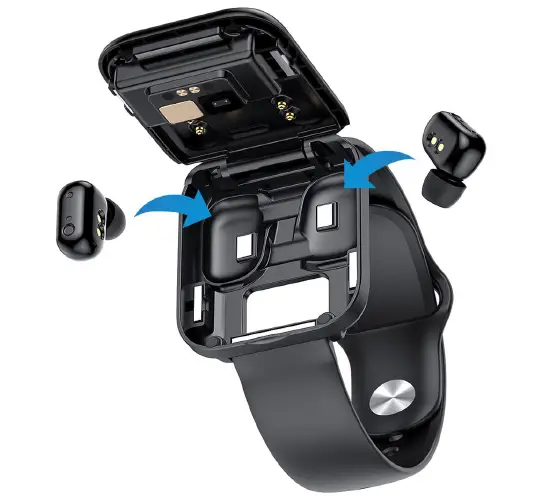
- Charging box function (the main body can charge the earphone for 2-3 cycles time)
Earphone touch button function (1. 5 times of keystrokes before pairing – Chinese and - English switch; 2. Press for 2S to turn on, 1.5S to reject the call, 3S to turn off;3. Double-click the key —Answer/hang up the call;4. 4 times of keystrokes – wake up SIRI;5. Click on the left to increase the volume, click on the right to decrease the volume; 6.
- Double click the key – Play/Pause;7. Triple click on the left: Previous, Triple click on the right: Next).