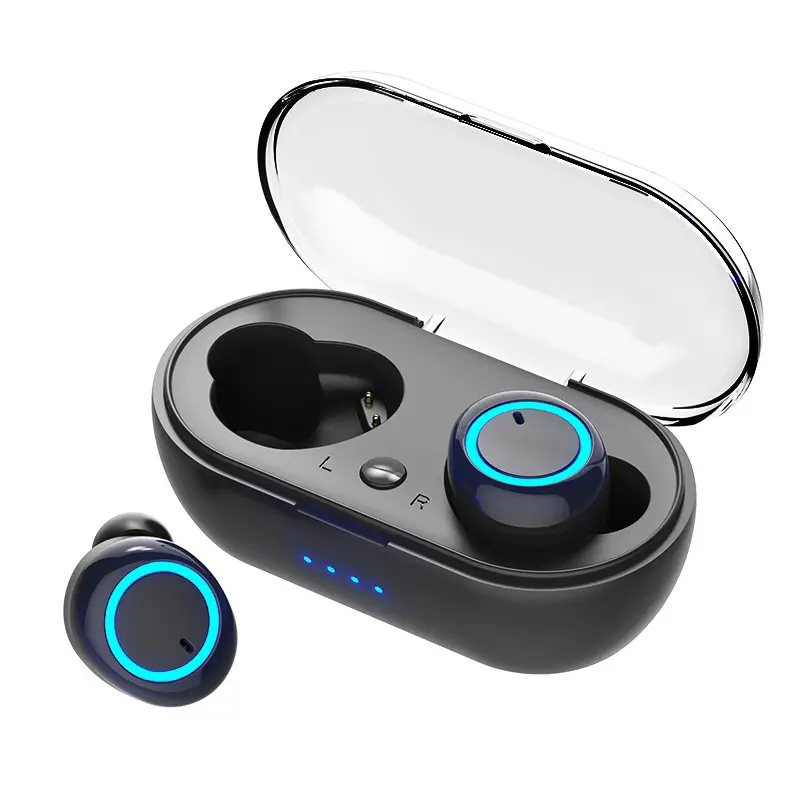
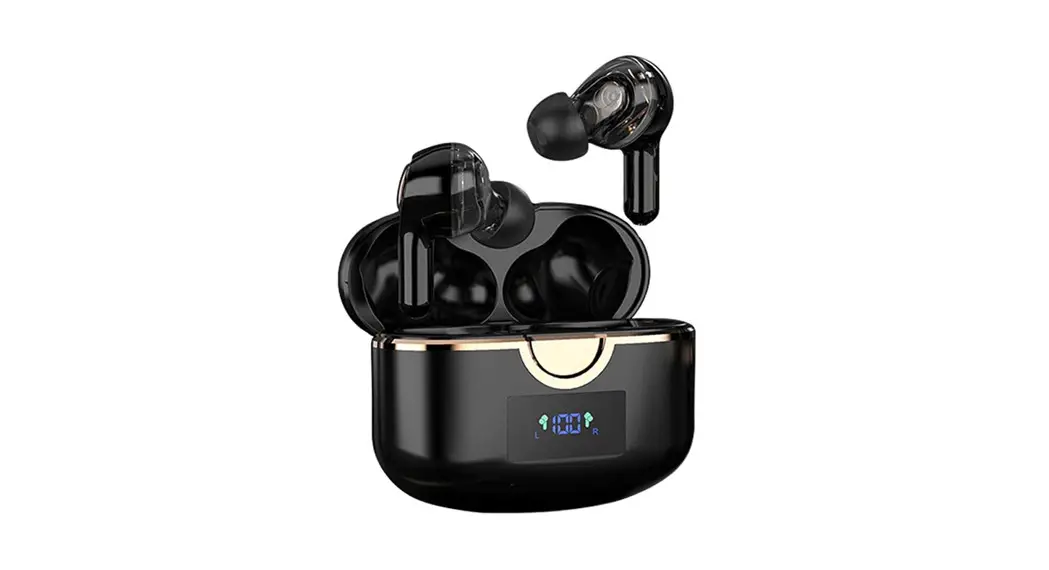
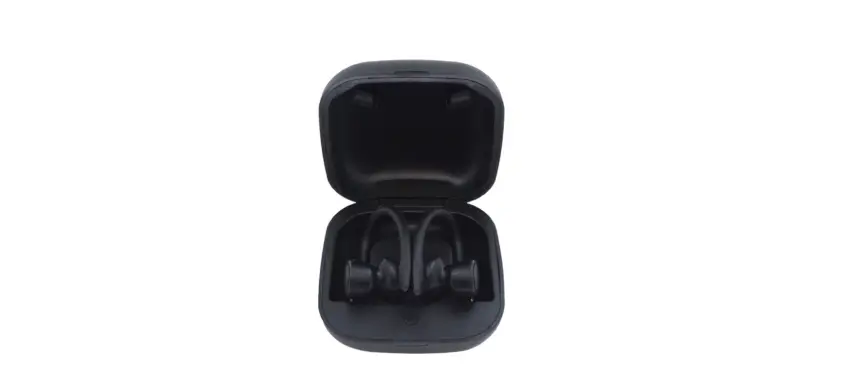
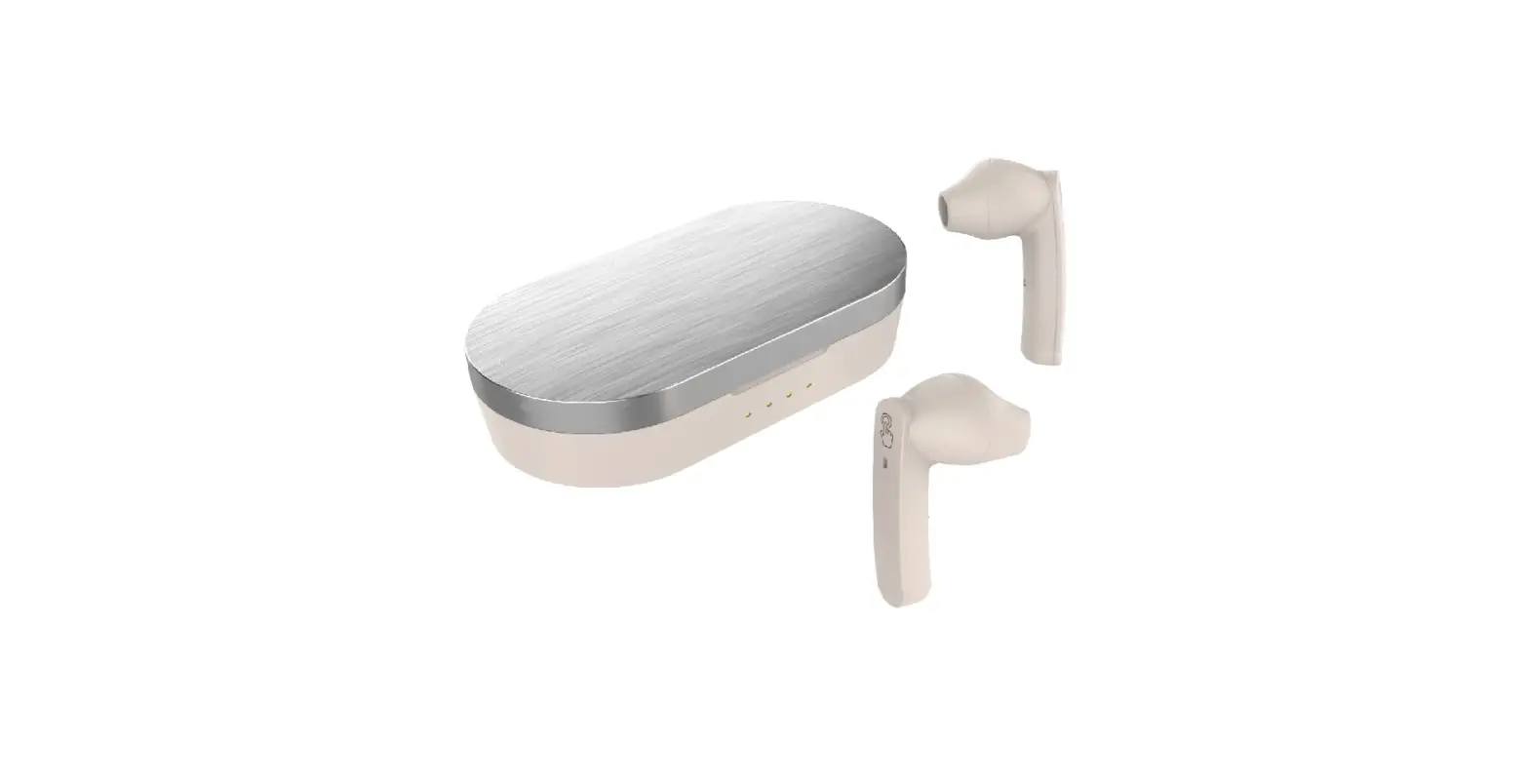
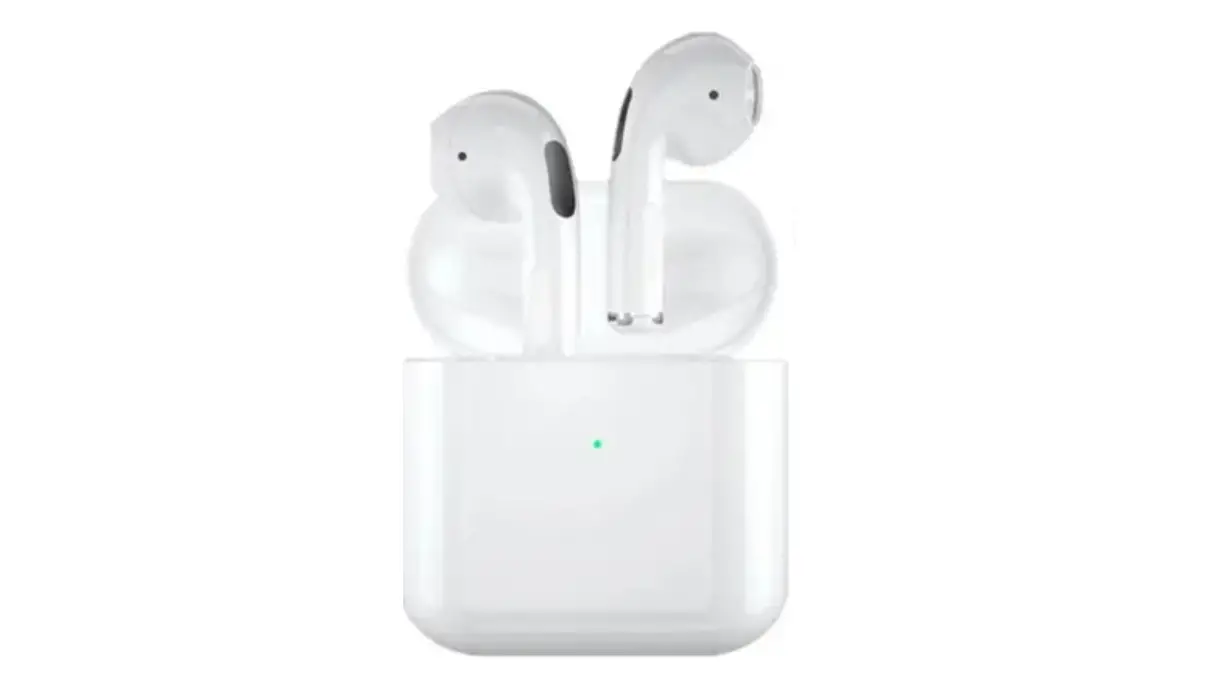
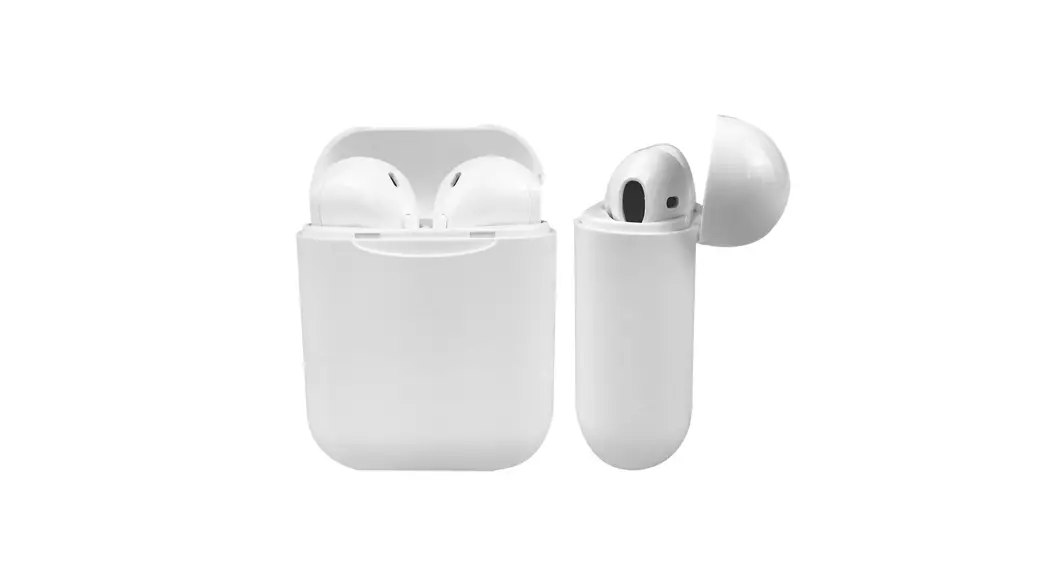
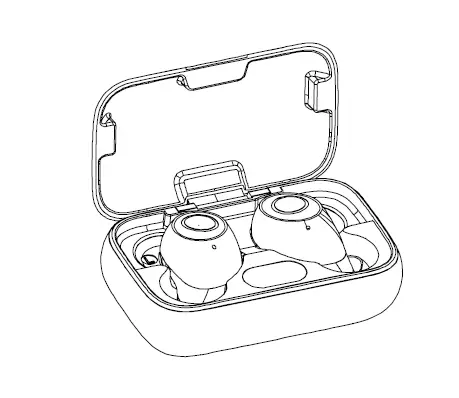
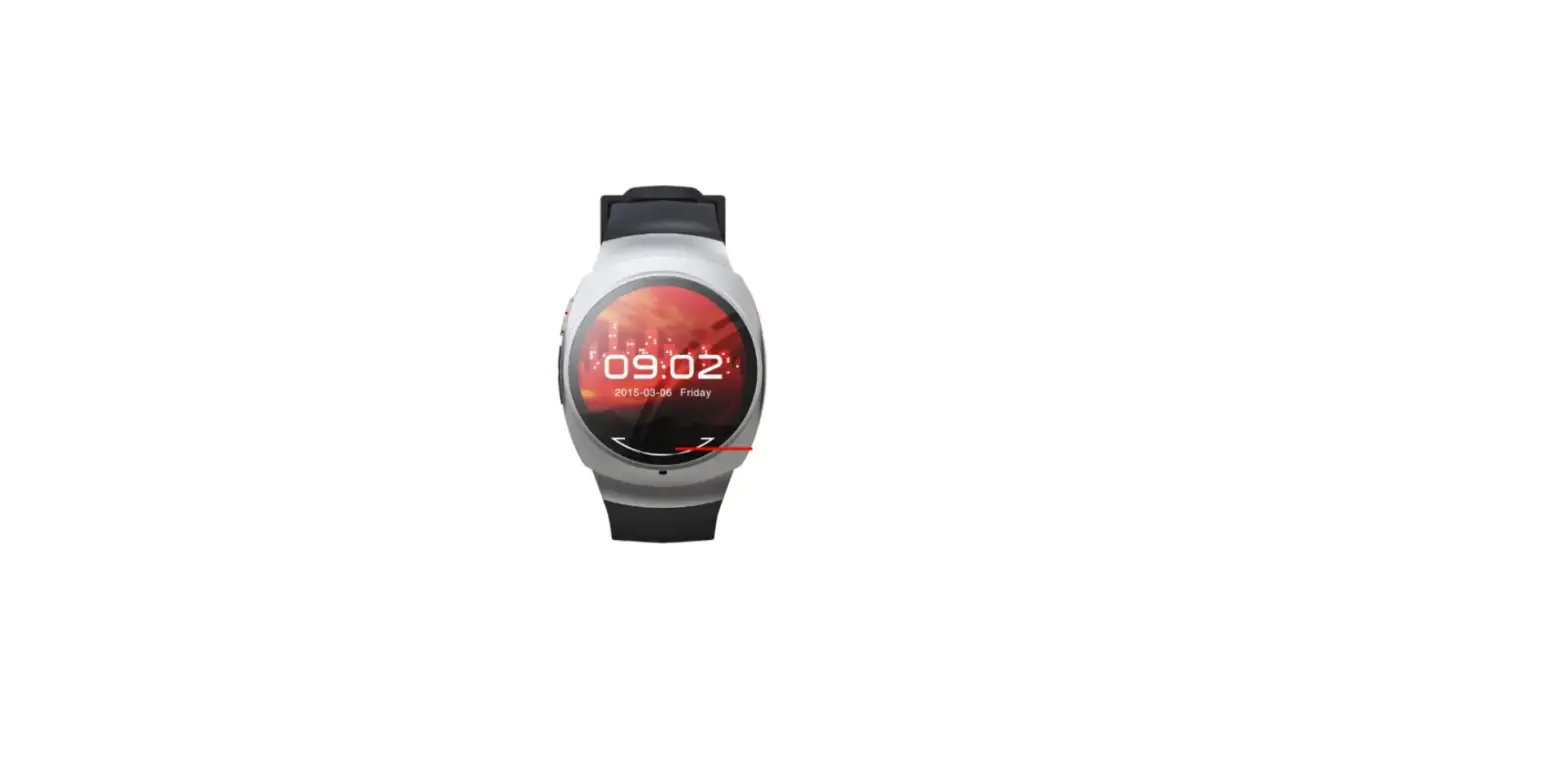
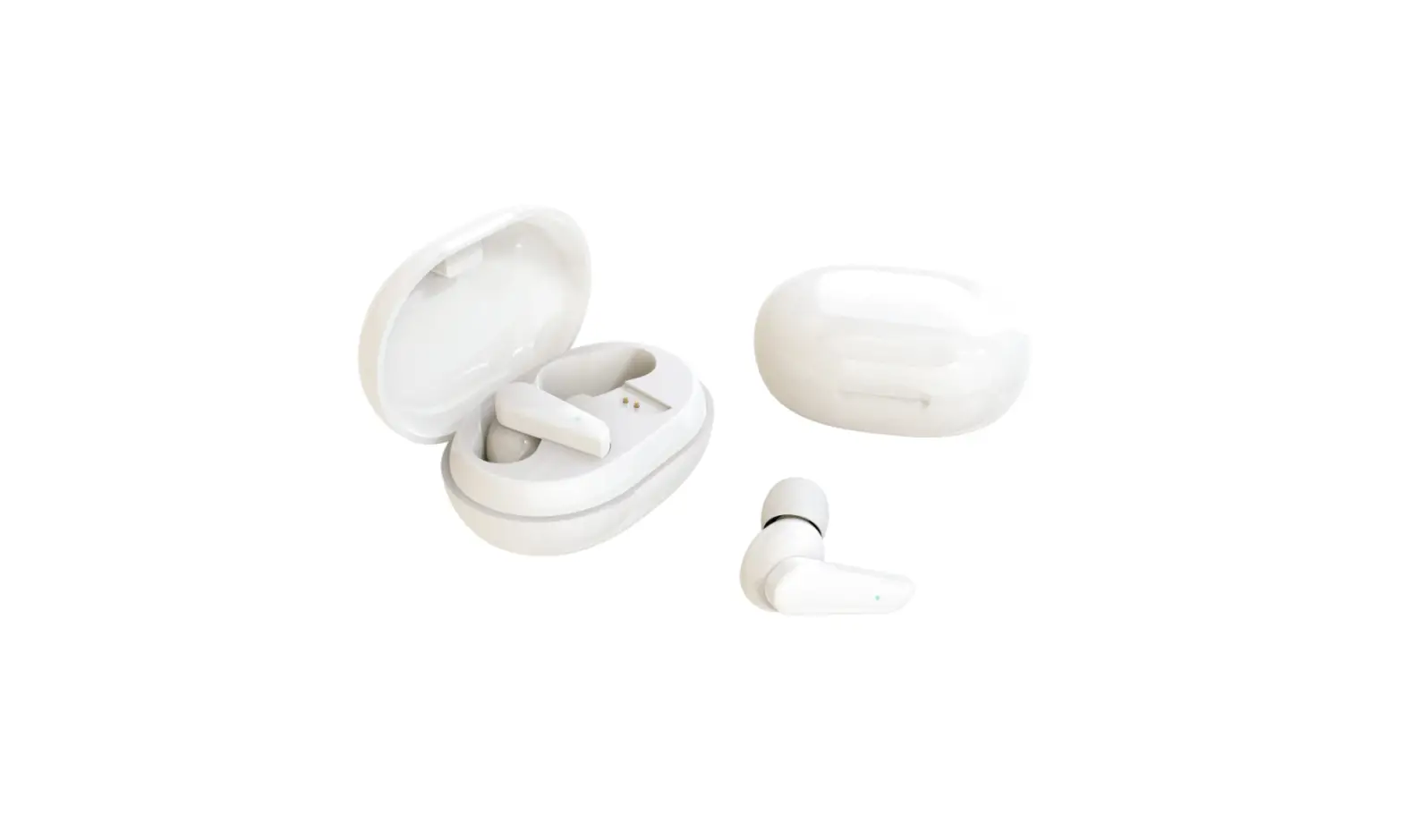
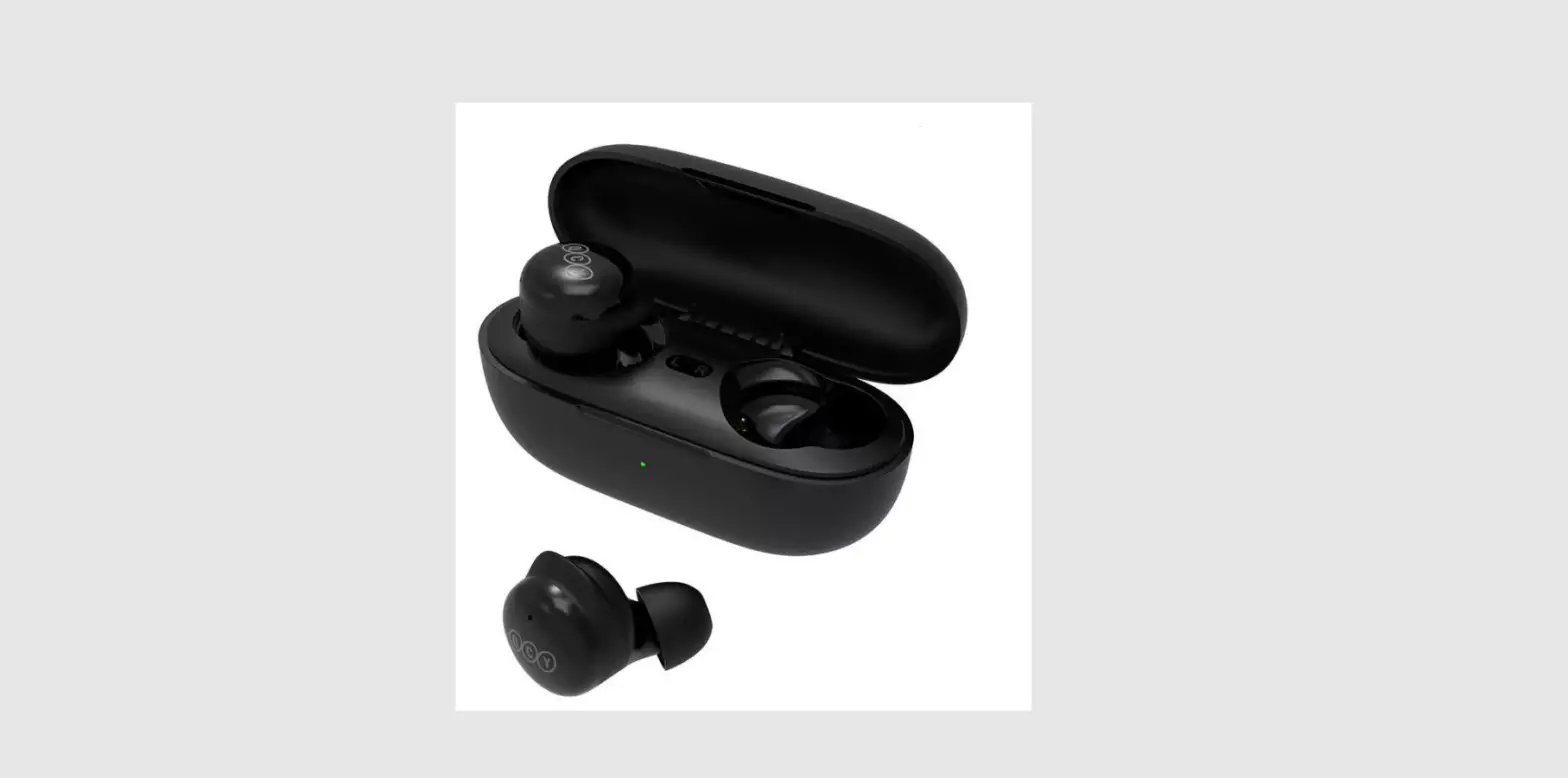
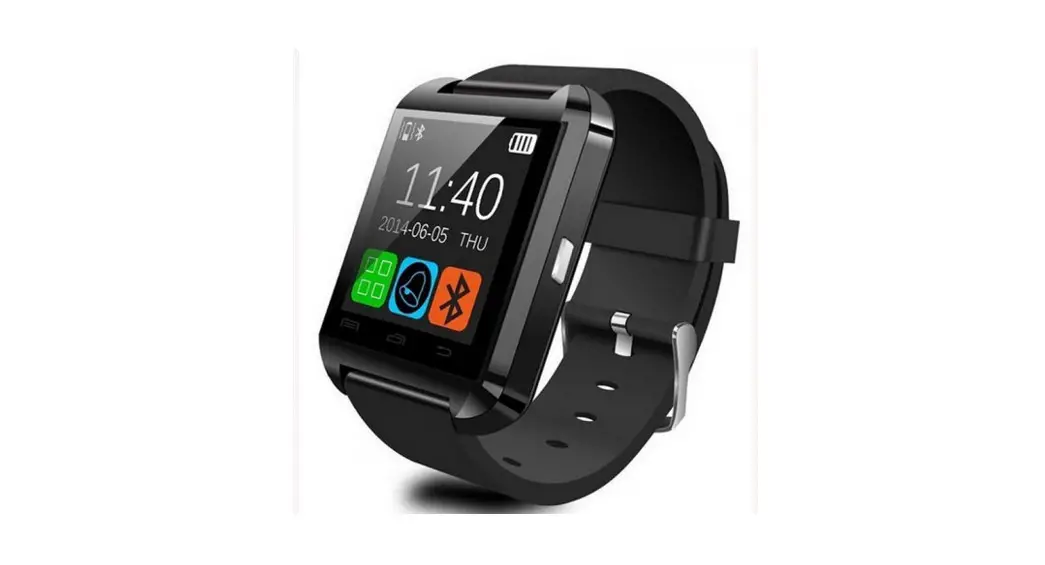
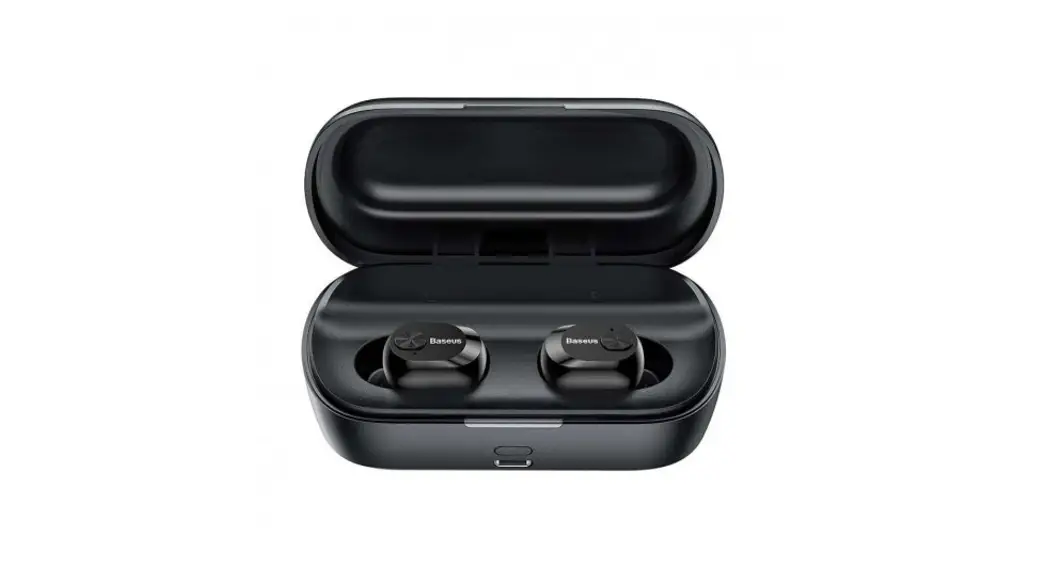
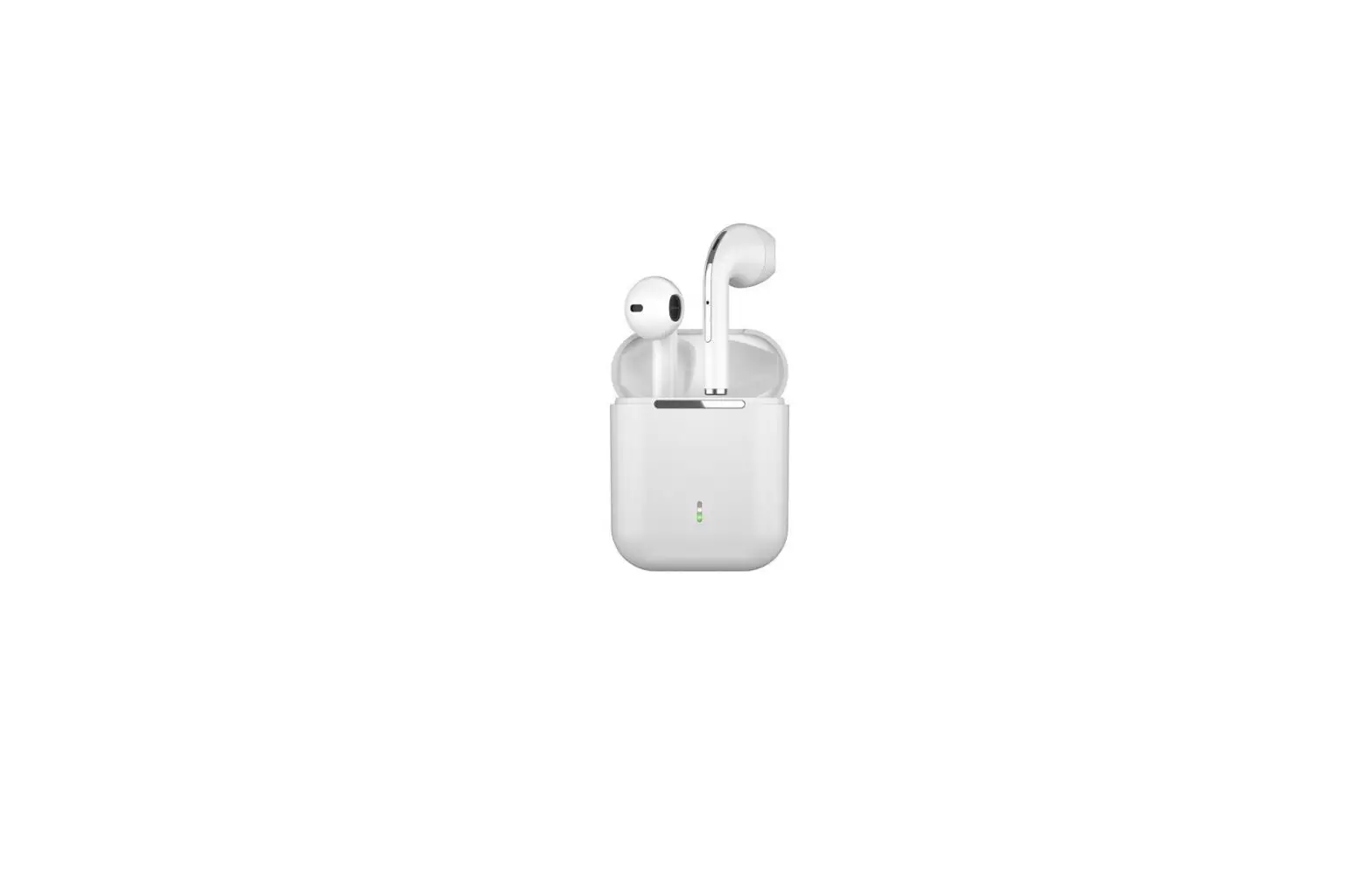
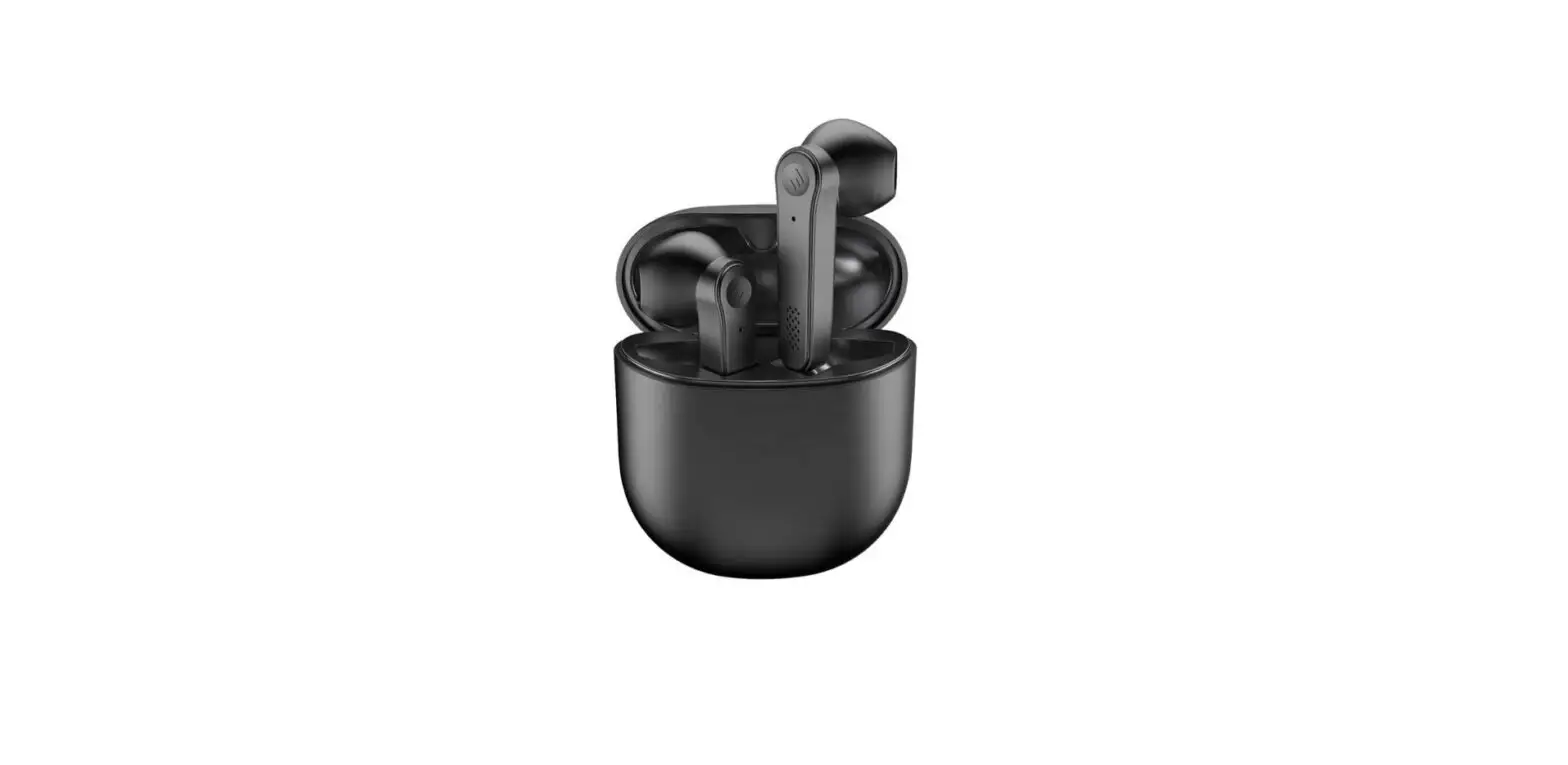
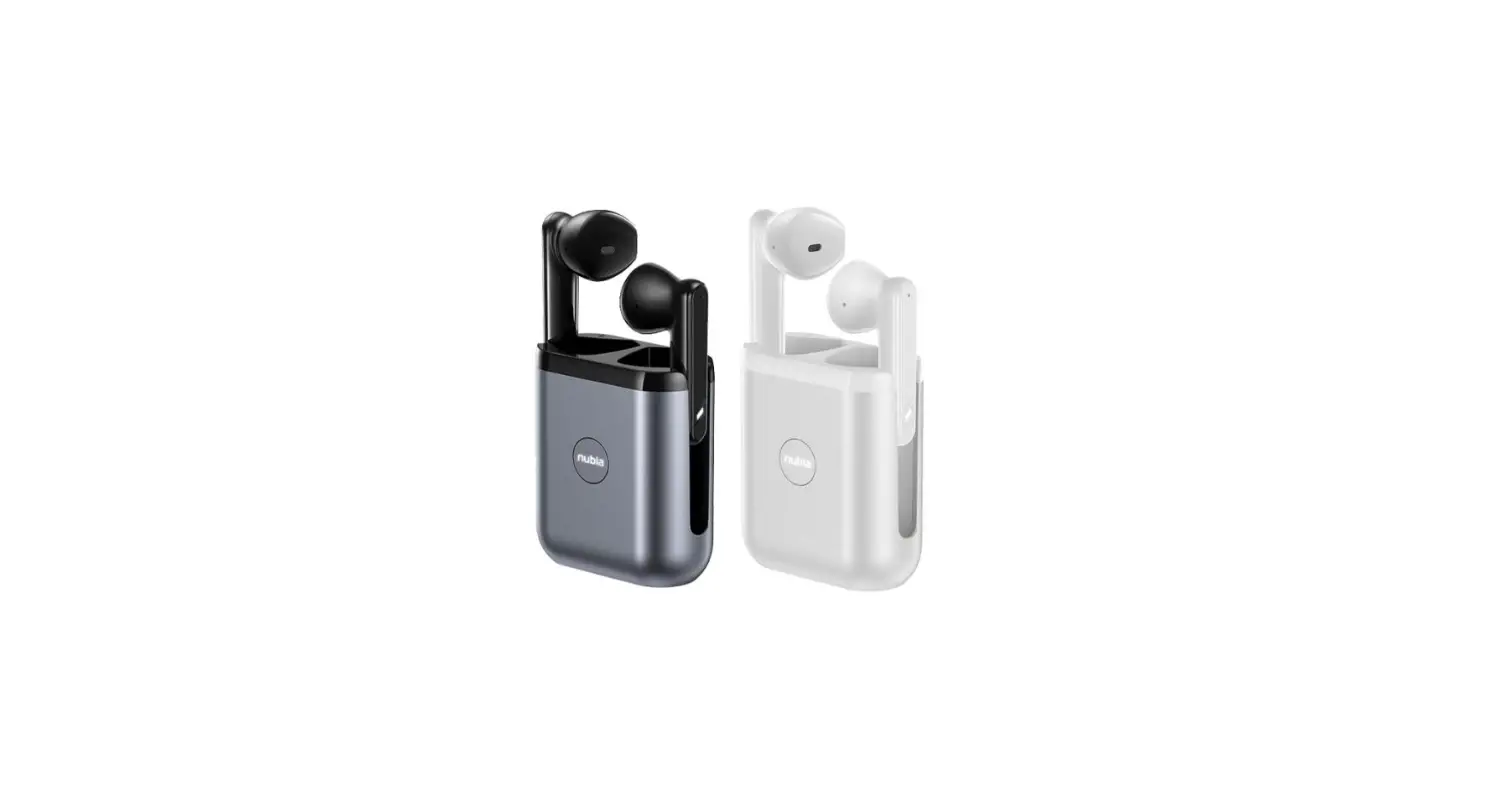
N22 Smart Watch TWS Bluetooth Earphone
Product Information
The product is a wearable device that can be connected to a
smartphone via Bluetooth. It has various functions such as sports
data exercise tracking, heart rate monitoring, female health
reminder, sleep tracking, blood pressure monitoring, blood oxygen
monitoring, weather display, stopwatch, timer, message
notifications, find a phone, and more. The device also comes with a
Bluetooth headset function that can be used for making and
receiving calls.
Product Usage Instructions
Bluetooth Connection and Pairing
- Open the device interface on the APP and click on the immediate
binding device. - Click on the connection button and wait for the successful
connection symbol to appear on the device model under the APP. If
it shows a disconnected symbol, please try again. - After successful connection, the data and time will be
synchronized automatically. - The device will automatically connect after being turned off
and on, or after leaving the signal range and returning to the
vicinity of the host. - If connecting a second or third device, unbind the previous
device on the APP first before connecting the new one.
Bluetooth Headset Function
- Remove the headset from the bracelet host bin to turn it
on. - The power on indicator light will flash once every second. When
connected to a phone, the light will turn off to save power. - To connect to a phone, open Bluetooth in the phone settings and
find the corresponding Bluetooth name to pair. - After successful connection, the product will show as connected
in the settings. - If disconnected manually, reconnect through the phone Bluetooth
settings. - To automatically reconnect, remove the headset from the
charging compartment again after about 5 seconds.
Other Functions
Keep the watch connected to the APP to access other functions
such as female health reminder, sleep tracking, and more. If there
are issues with inaccurate data, try restarting the watch or phone
Bluetooth, and avoid connecting multiple Bluetooth devices at the
same time.
FCC Compliance
This device complies with part 15 of the FCC Rules. It may not
cause harmful interference and must accept any interference
received. Changes or modifications not approved by the party
responsible for compliance could void the user’s authority to
operate the equipment.
Bluetooth connection device and pairing
(1)Bluetooth connection: In the APP device interface, click on the immediate binding device, click on the connection, after successful connection in the APP at the same time under the device model can see the Bluetooth successful connection symbol, if the display has been disconnected symbol indicates that the connection is not successful, please re-operation. After successful connection, the data and time will be synchronized automatically.
2After the first successful connection, the device will be automatically connected after it is turned off and on, disconnected after leaving the signal range and then returned to the vicinity of the host. 3APP connects the second or third ….. device, please unbind on APP first, and then connect the device.
Instructions and precautions for using Bluetooth headset function
1. Indicators
A. Power on indicator: headset from the bracelet compartment after removal, automatic power on, lights flashing, 1 second flashing once, on the connected or cell phone connection successfully lights out (power-saving practices)
B. Charging indicator: the light is on when charging, the light goes off when full.
2. Headset function
A. Headset and cell phone connection: the headset from the bracelet host bin to take out, there is a boot tone, the light flashes, open the Bluetooth in the phone settings, find the corresponding Bluetooth name and pairing connection, after a successful connection inside the settings to see “connected”, that the product is successfully connected.
B. After the first successful connection, remove the headset from the charging compartment again, about 5 seconds will automatically connect.
C. After the headset is successfully connected, if the phone has a manual disconnection, you need to reconnect in the phone Bluetooth settings.
Dial Switching Control Center Sports Data Exercise
Campaign Record
Heart Rate
Female Health Keep the watch connected to the APP, you can open the female health reminder on the App. you can view the female health re -minder information on the watch
Sleep Blood Pressure Blood Oxygen
Weather Clock Stopwatch
Timer Message Find a Phone
Setting Alipay Water Reminder
Sedentary Reminder
Inaccurate Sleep data
Bluetooth is not connected or cannot be connected 1Please try to restart the watch and reconnect 2Please try to connect again after restarting the Bluetooth of your phone 3Do not connect other Bluetooth devices at the same time Inaccurate measurement of heart rate / blood pressure / blood oxygen/cardiogram
FCC Statement This equipment has been tested and found to comply with the limits for a Class B digital device, pursuant to Part 15 of the FCC Rules. These limits are designed to provide reasonable protection against harmful interference in a residential installation. This equipment generates uses and can radiate radio frequency energy and, if not installed and used in accordance with the instructions, may cause harmful interference to radio communications. However, there is no guarantee that interference will not occur in a particular installation. If this equipment does cause harmful interference to radio or television reception, which can be determined by turning the equipment off and on, the user is encouraged to try to correct the interference by one or more of the following measures: — Reorient or relocate the receiving antenna. — Increase the separation between the equipment and receiver. — Connect the equipment into an outlet on a circuit different from that to which the receiver is connected. — Consult the dealer or an experienced radio/TV technician for help.
This device complies with part 15 of the FCC Rules. Operation is subject to the following two conditions: (1) This device may not cause harmful interference, and (2) this device must accept any interference received, including interference that may cause undesired operation.
Changes or modifications not expressly approved by the party responsible for compliance could void the user’s authority to operate the equipment.