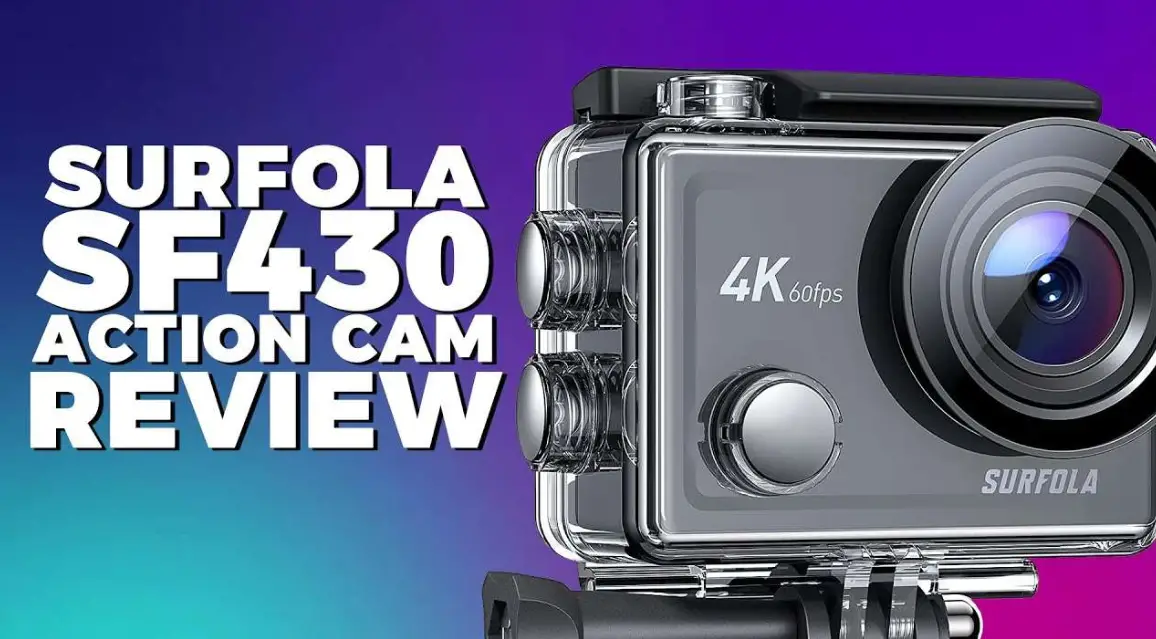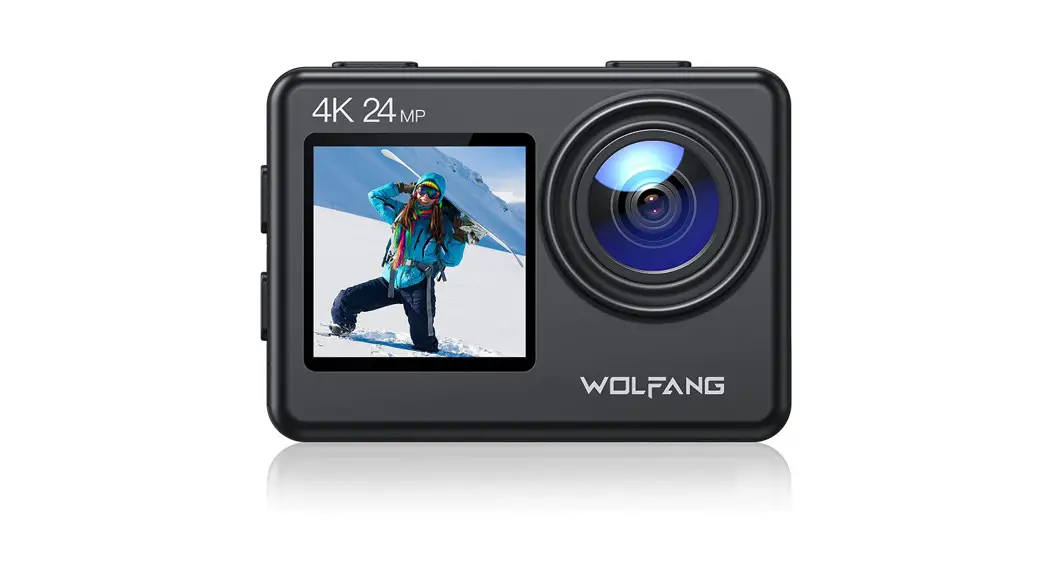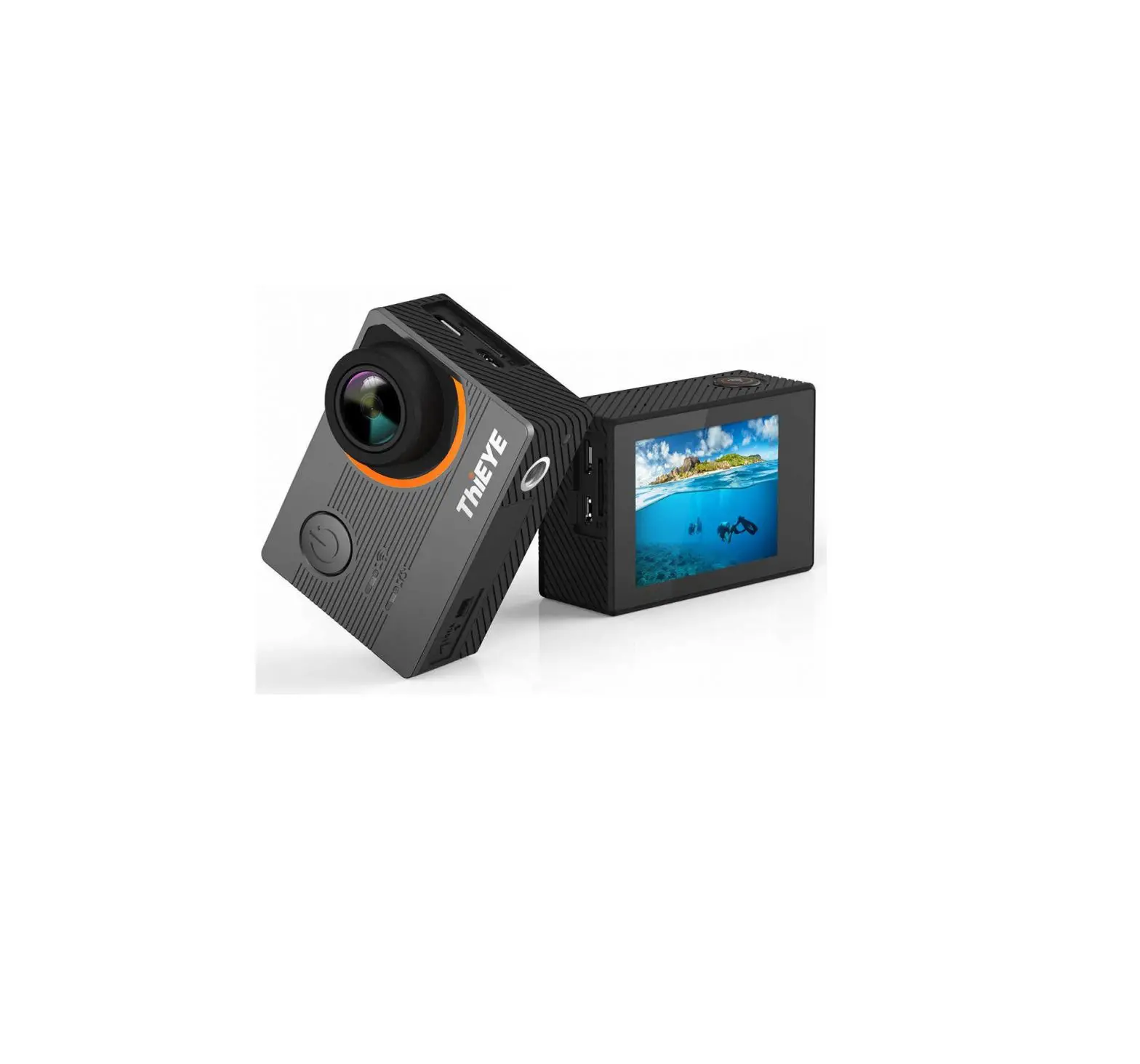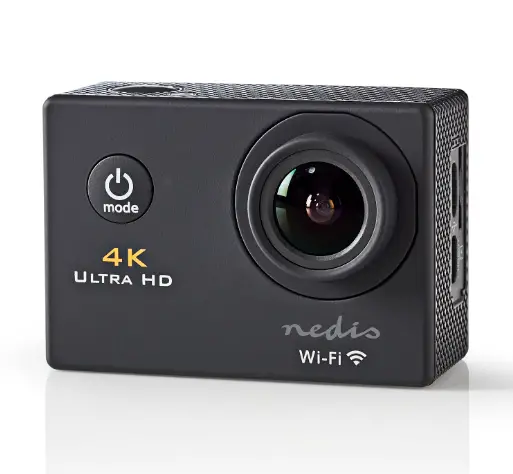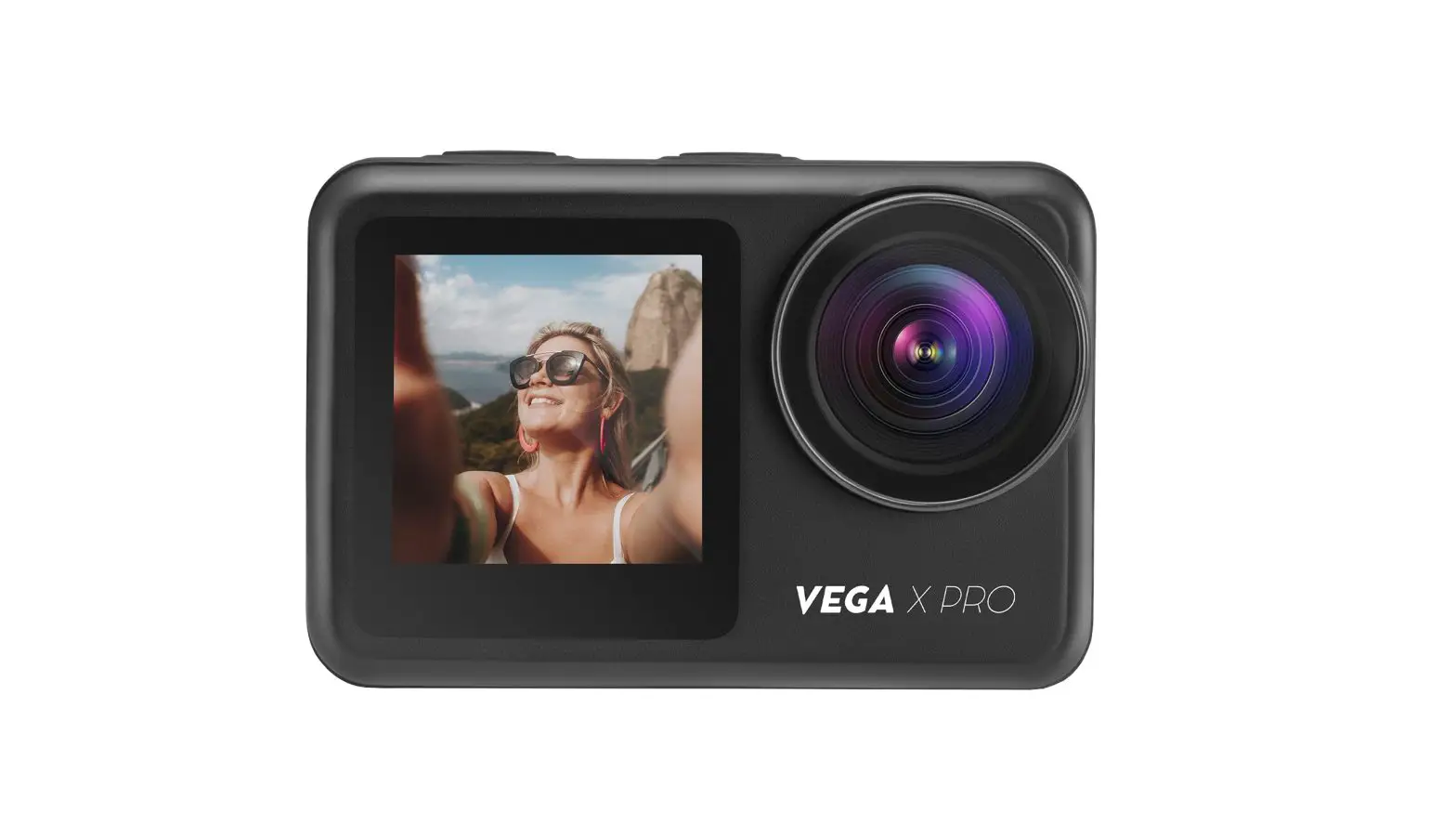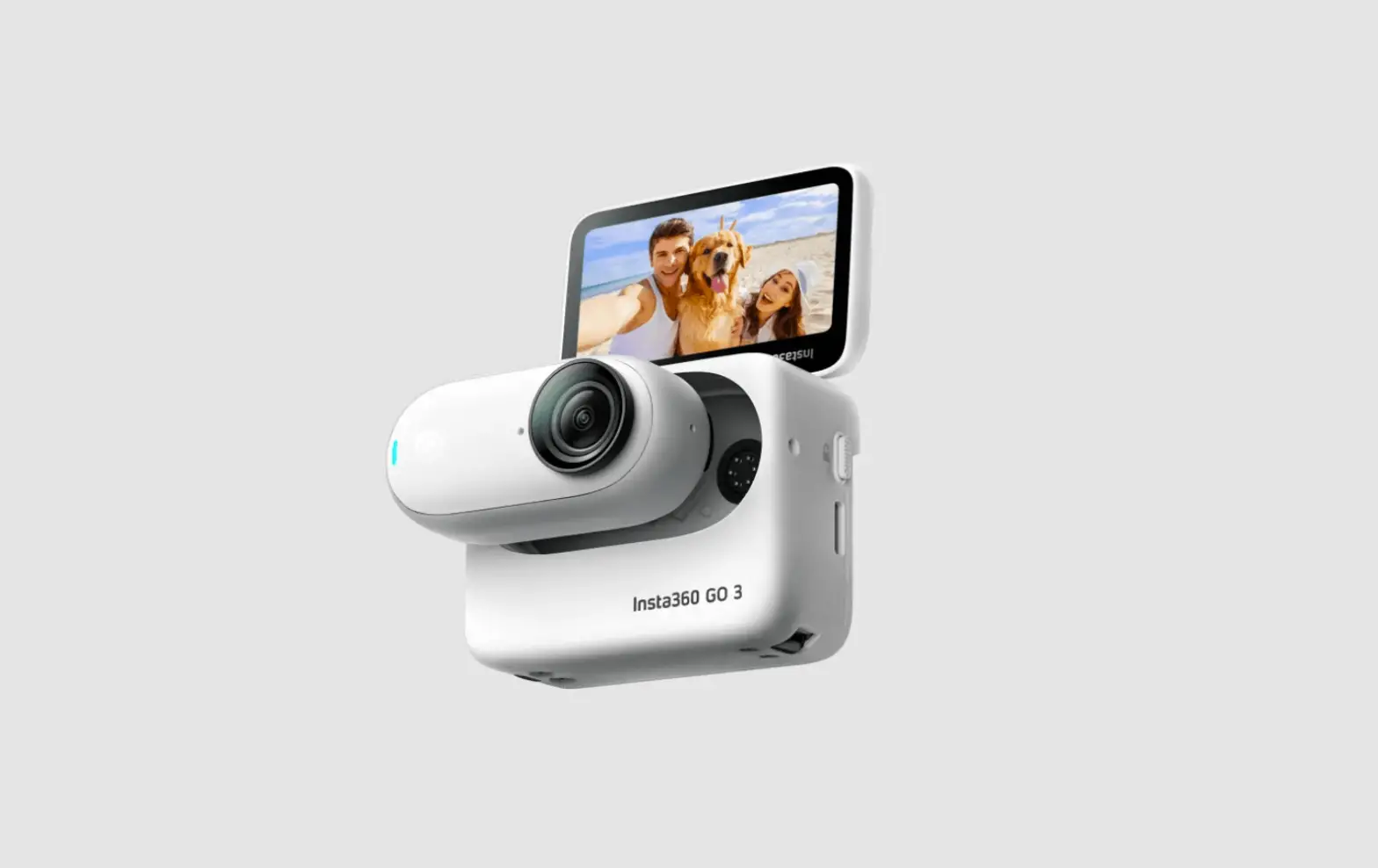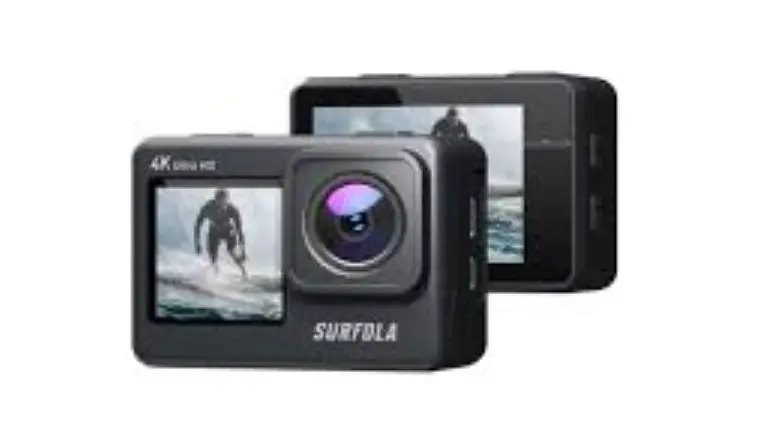
SURFOLA SF530 Action Camera User Manual
Download the app iSmart Dv2
Wi-Fi App available on: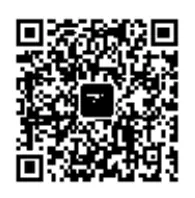


Press the Wi-Fi Button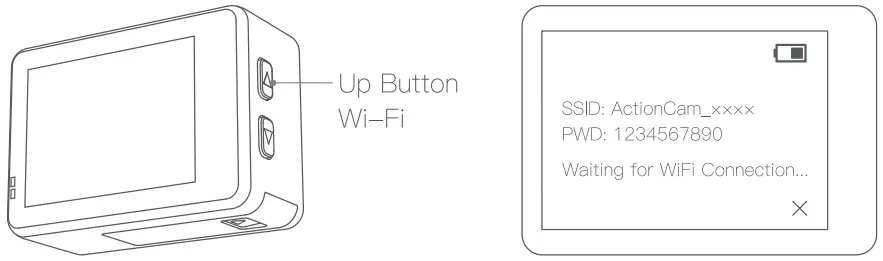
Connect to Wi-Fi with your phone
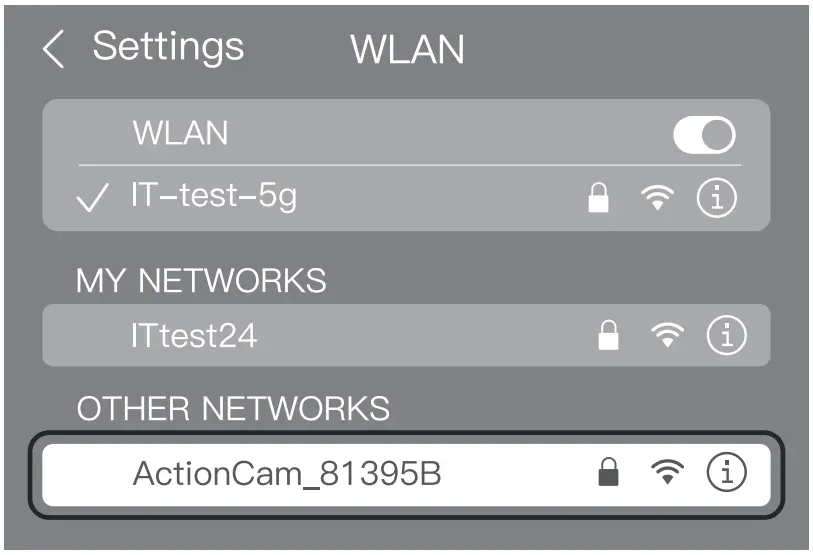
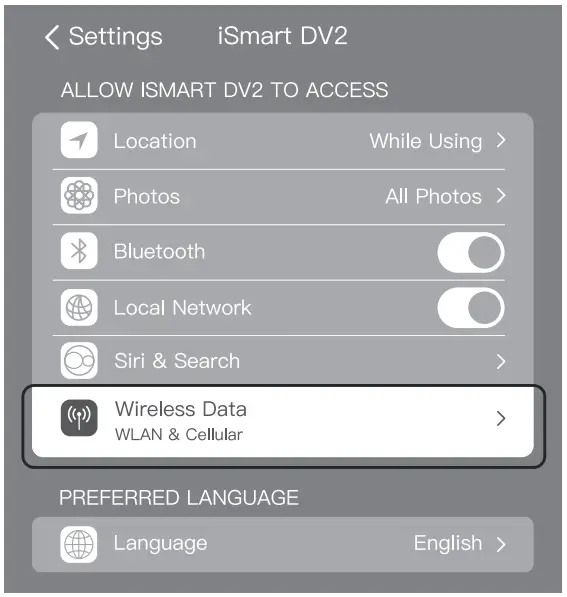
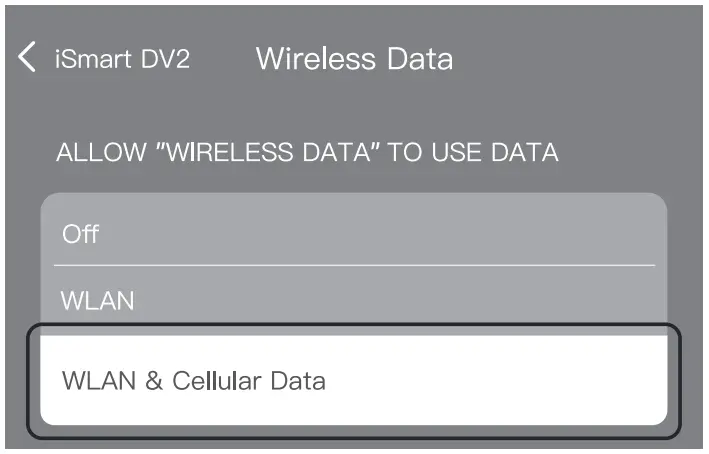
Granting App ALL Permissions
Go to App
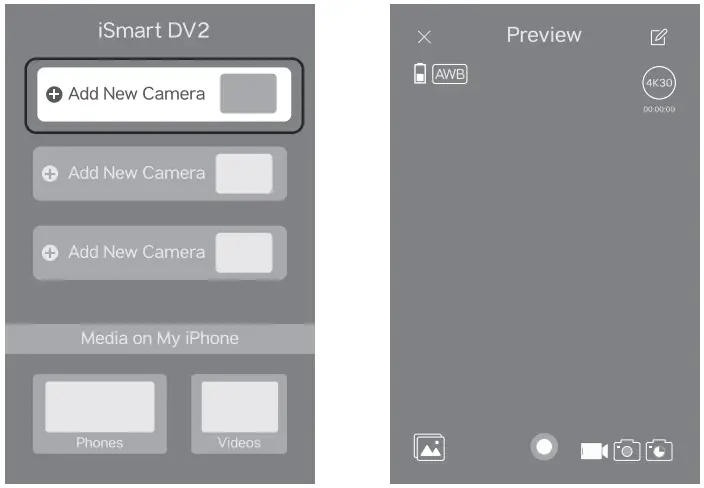
Tips:
- Please grant permission when installing the app iSmart DV2 on your Android phone.
- Please connect to Wi-Fi on your phone before entering the app.
- Please note that a memory card must be inserted in the camera when using Wi-Fi.
- Please turn off mobile data network when connecting to Wi-Fi.
- If the phone prompts wifi no network, whether to switch to the Internet, please click reject.
- If the video file is too large, please use the data cable to transfer.