 Interface Introduction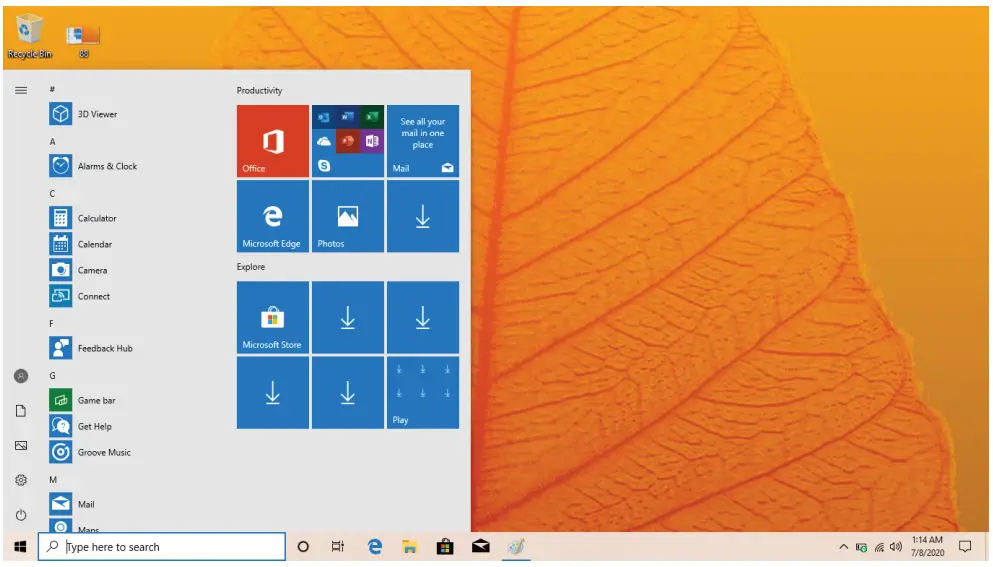
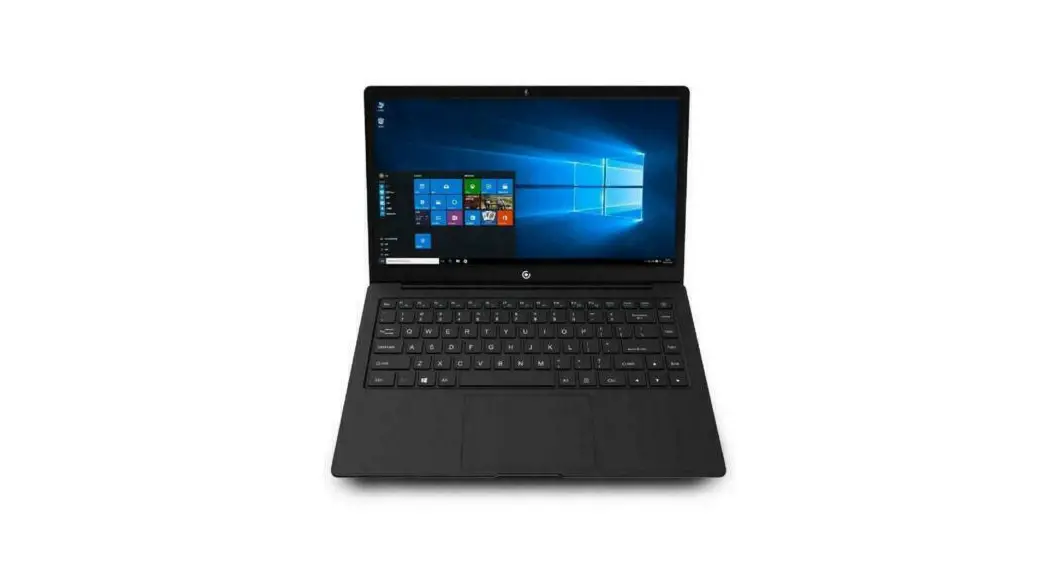
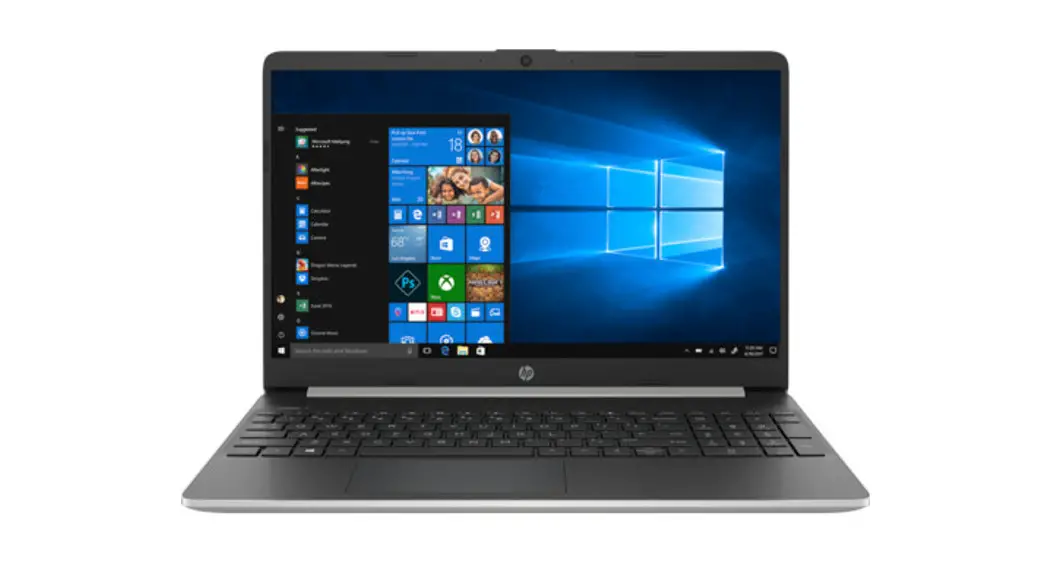
Windows™ 10 S Start Menu
displayed in the form of magnets, allowing you to easily visit programs at the click of a button. You will need to log in to your Microsoft™ account before the applications can fully run.
Learn more about Windows™ 10 S at:
HTTP:/ /www.microsoft.com/en-us/windows/s-mode
Windows™ 10 in S Mode
Microsoft-Verified Security
With WindowsTM 10 in S mode, your favorite applications, such as Office, Evernote, and Spotify are available from the MicrosoftTM Store where they’re Microsoft-verified for security. Feel secure when you’re online. Microsoft Edger”‘ your default browser, gives you more protection against phishing and socially-engineered malware than Chrome or Firefox.
Switching out of S Mode
WindowsTM 10 in S mode is designed for security and performance, exclusively running apps from the MicrosoftTM Store. If you want to install an app that isn’t available in the Microsoft Store, you’ll need to switch out of S mode.
Note: Switching out of S mode is one-way. If you make the switch, you won’t be able to go back to WindowsTM 10 in S mode. You may switch back only if a software upgrade is made available. We recommend that you back up all your files onto an external hard drive before switching OS. Switching out of S mode is free of charge.
To switch out of S Mode, follow these steps: 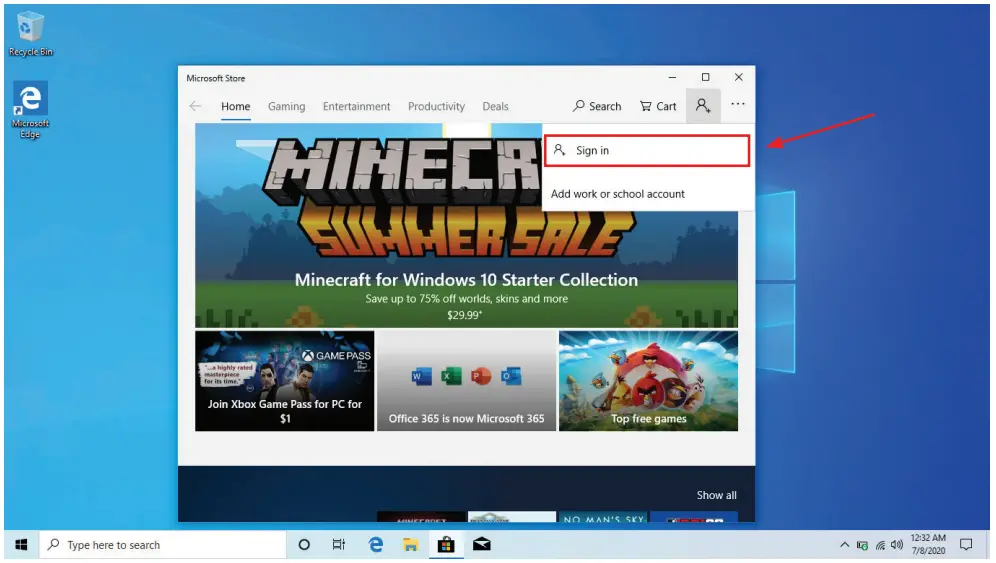
- Make sure you are logged into the MicrosoftTM Store.

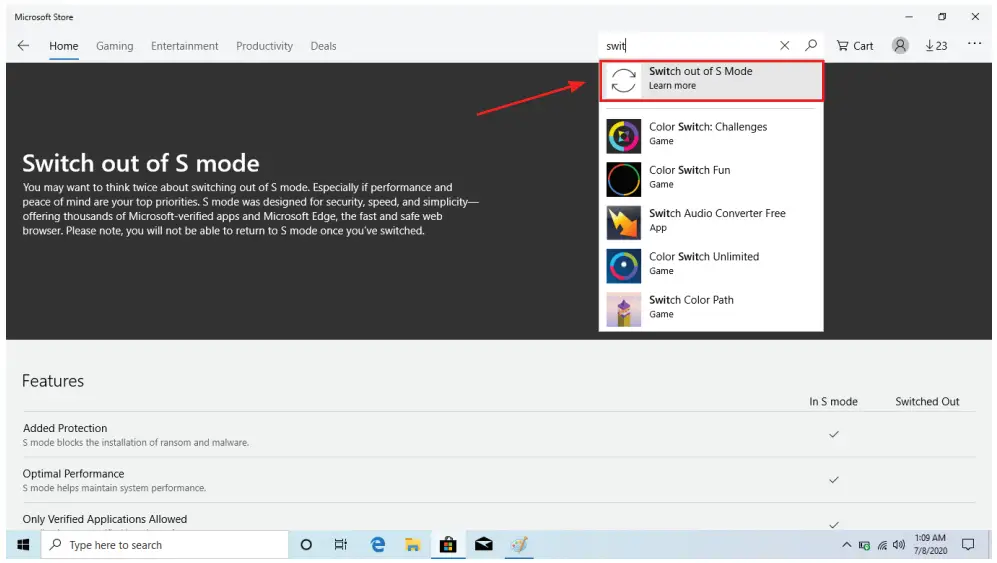
- In the Microsoft™ Store, search for “Switch out of S Mode.”
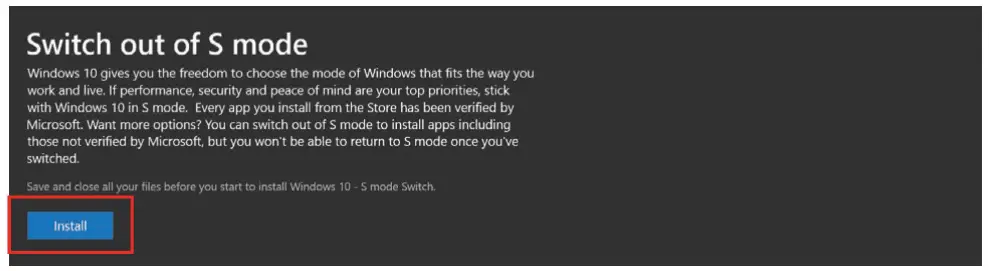
- Click on the Get button. Once the software has been downloaded, click on the Install button and follow the onscreen instructions to complete the setup.
 Windows 10 and Windows 11 in S mode FAQ
 Zendesk: Customer Service Software & Sales CRM | Best in 2023