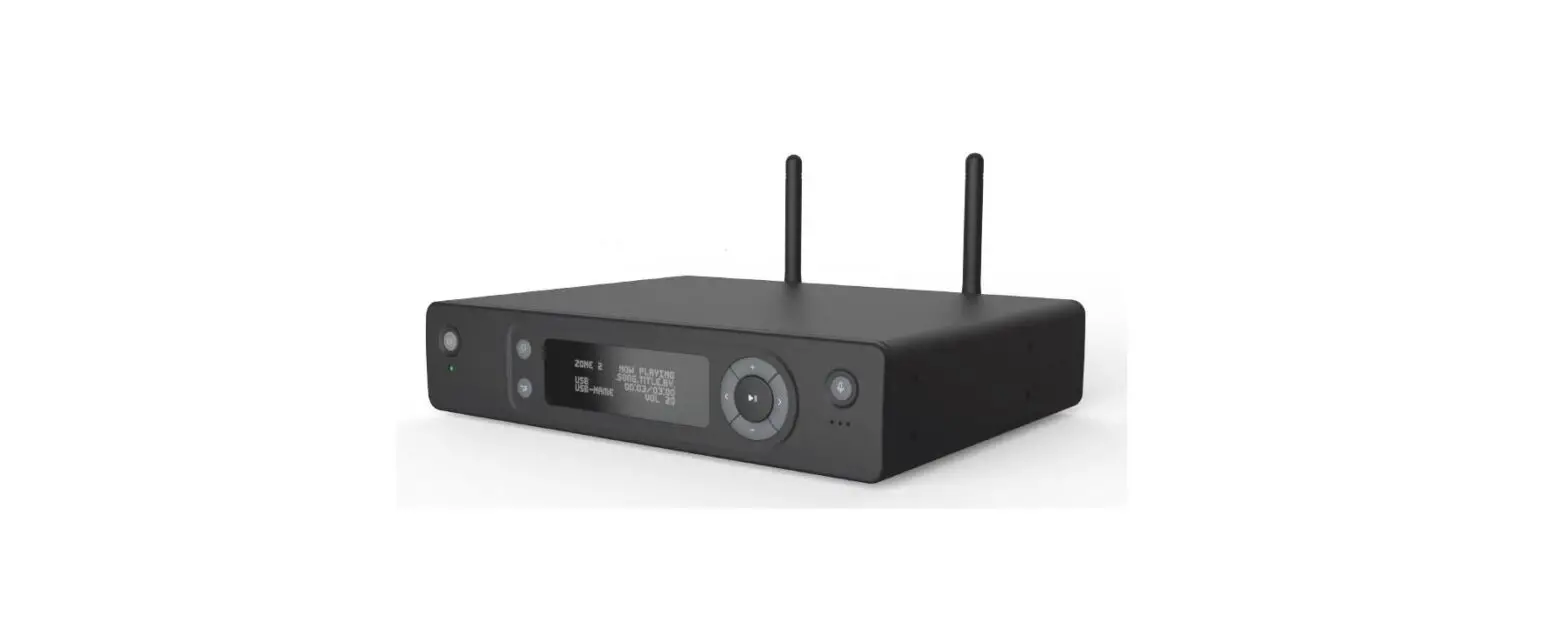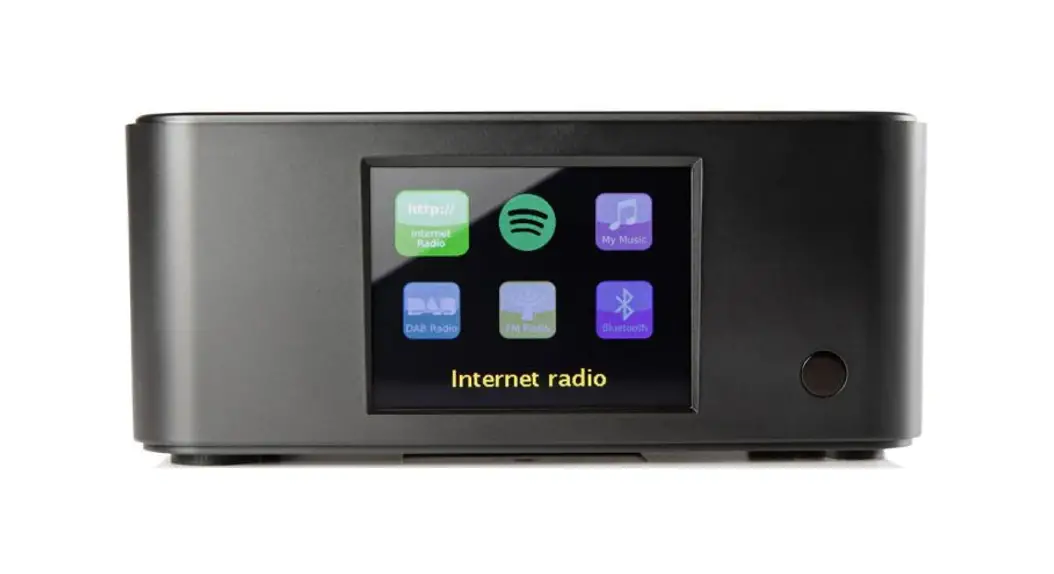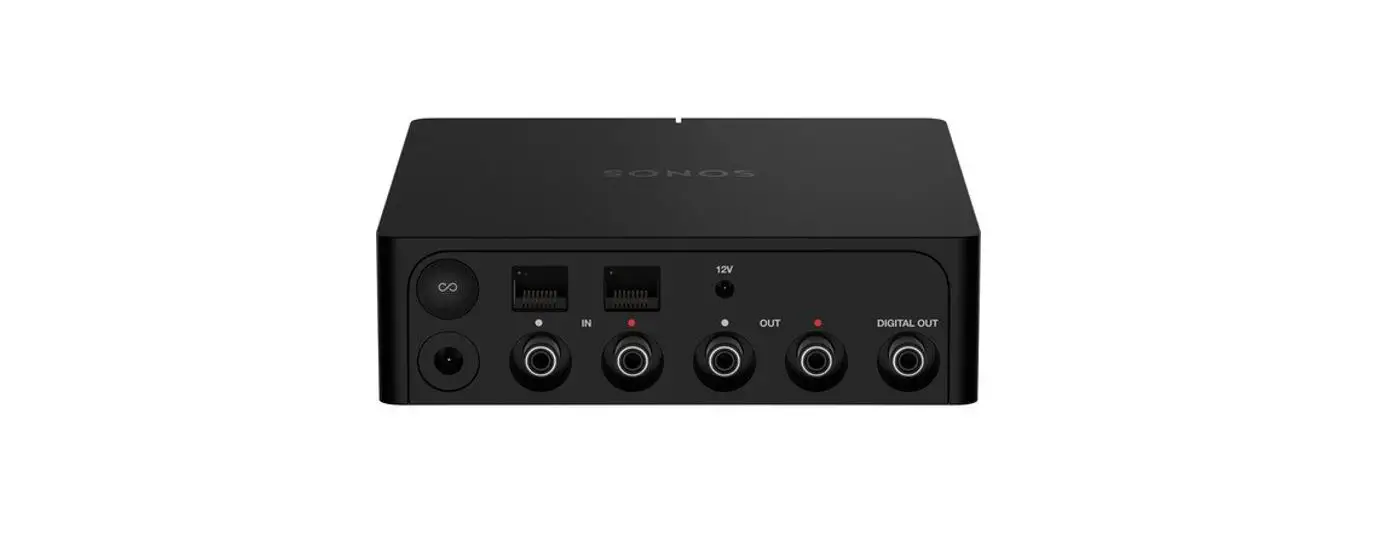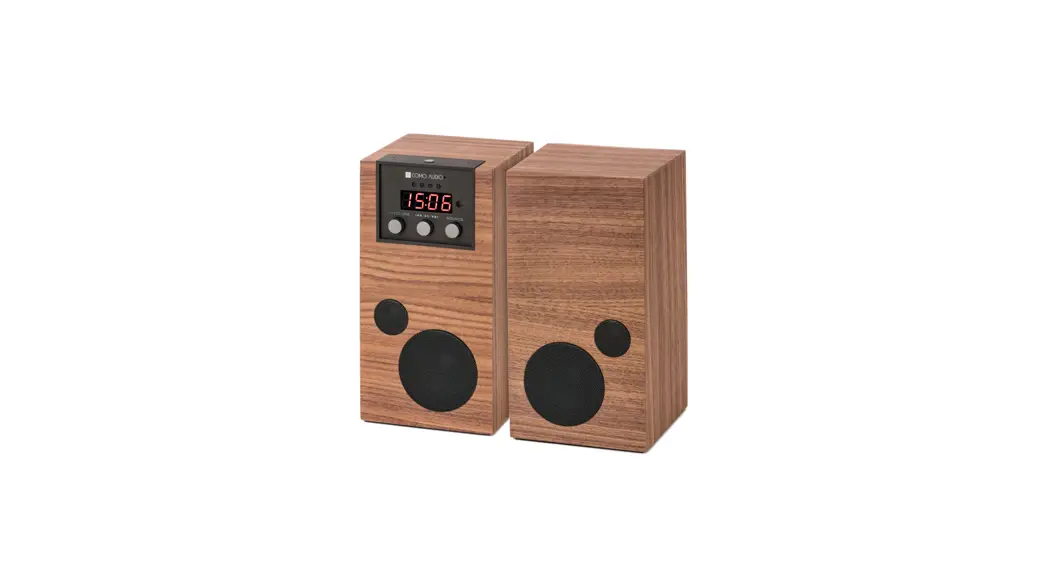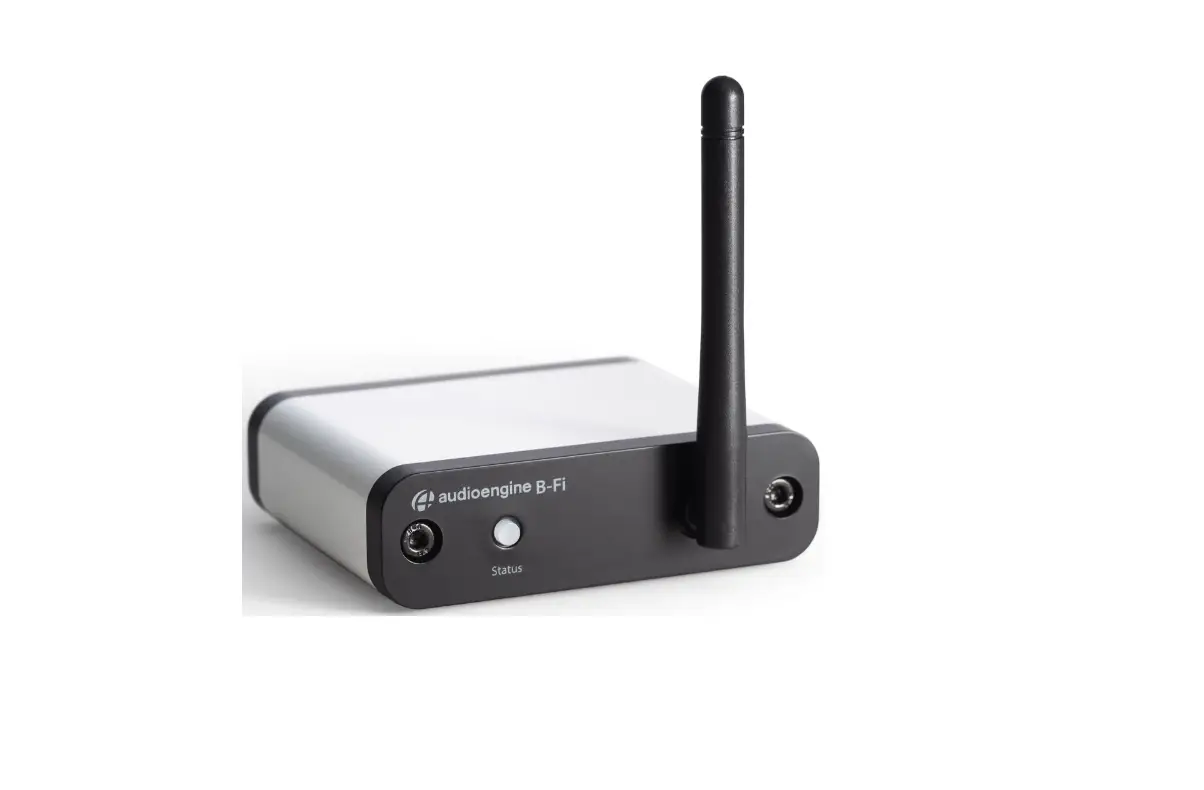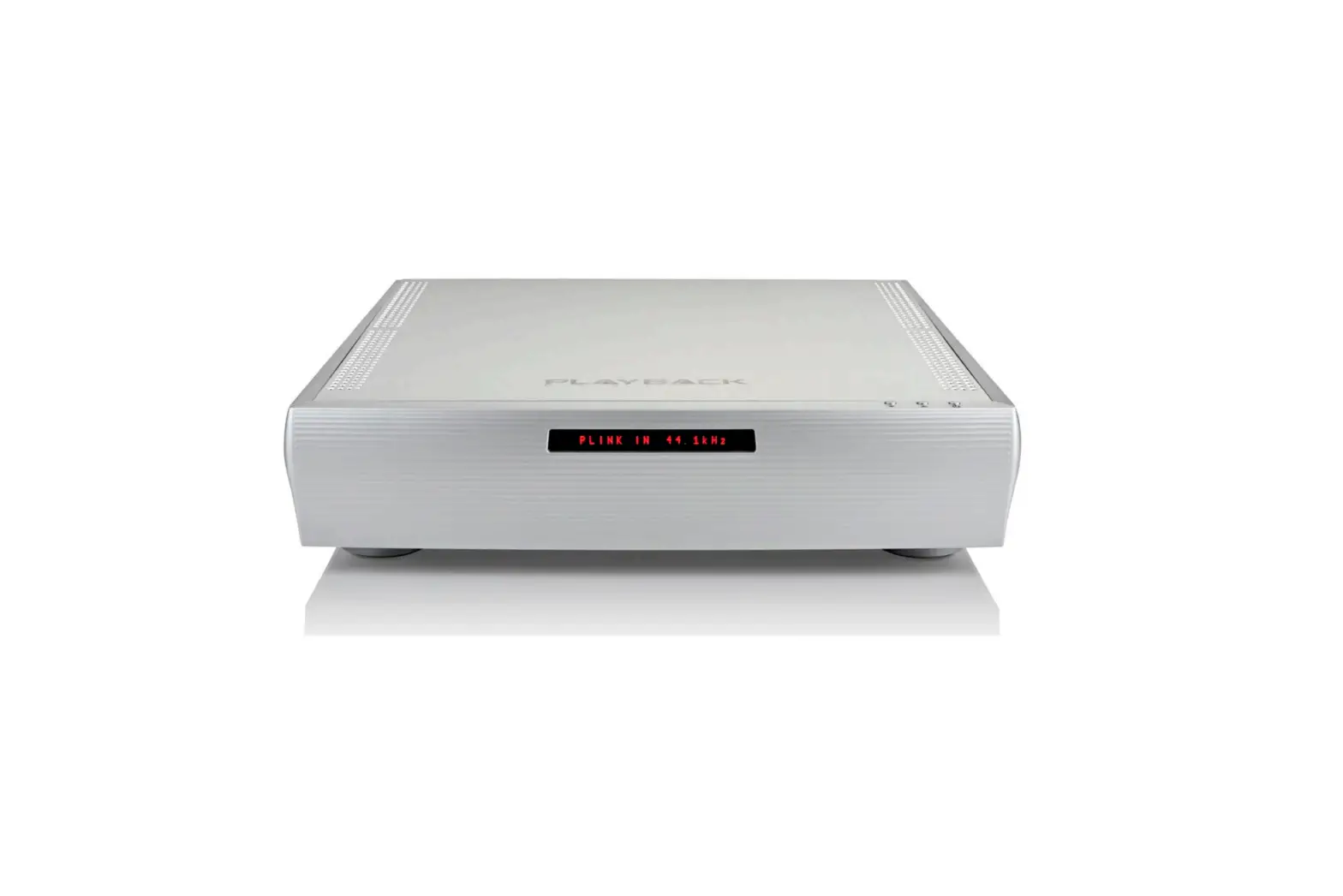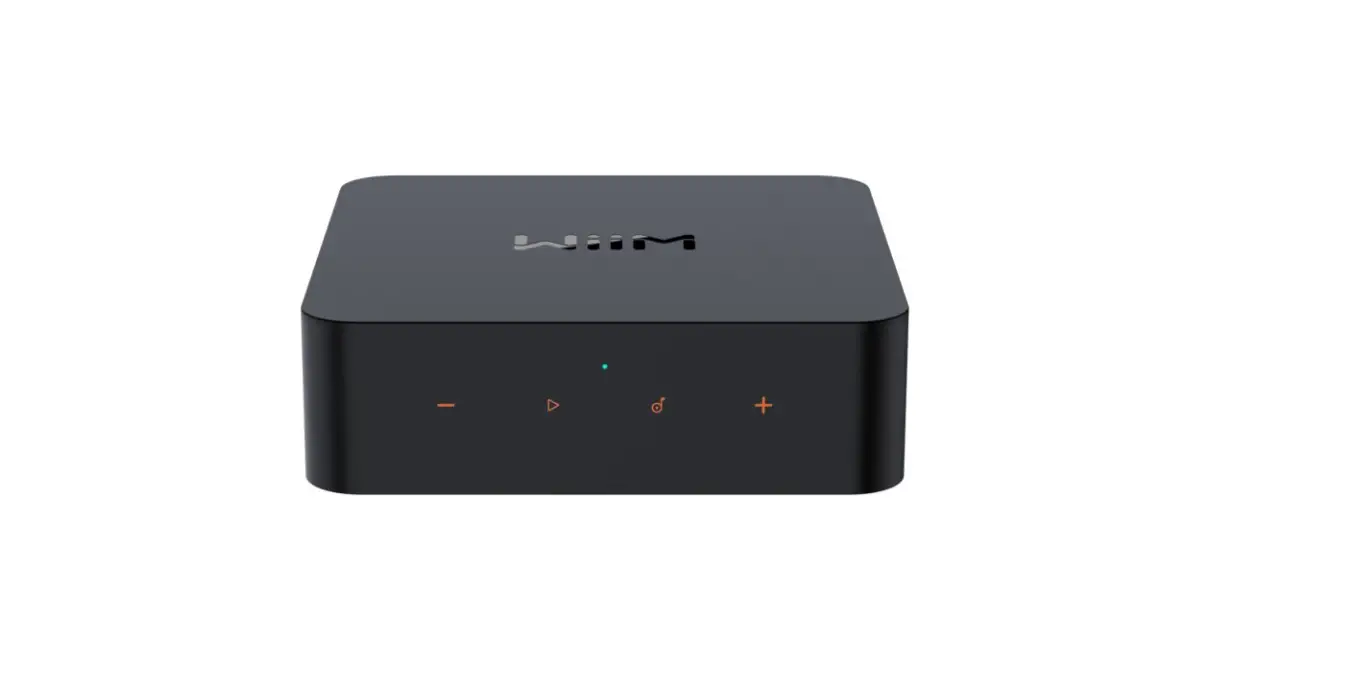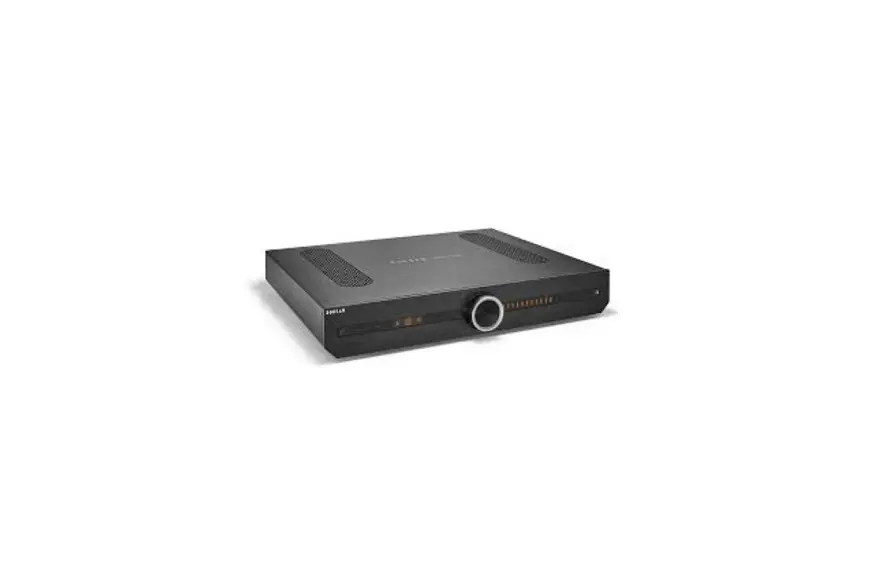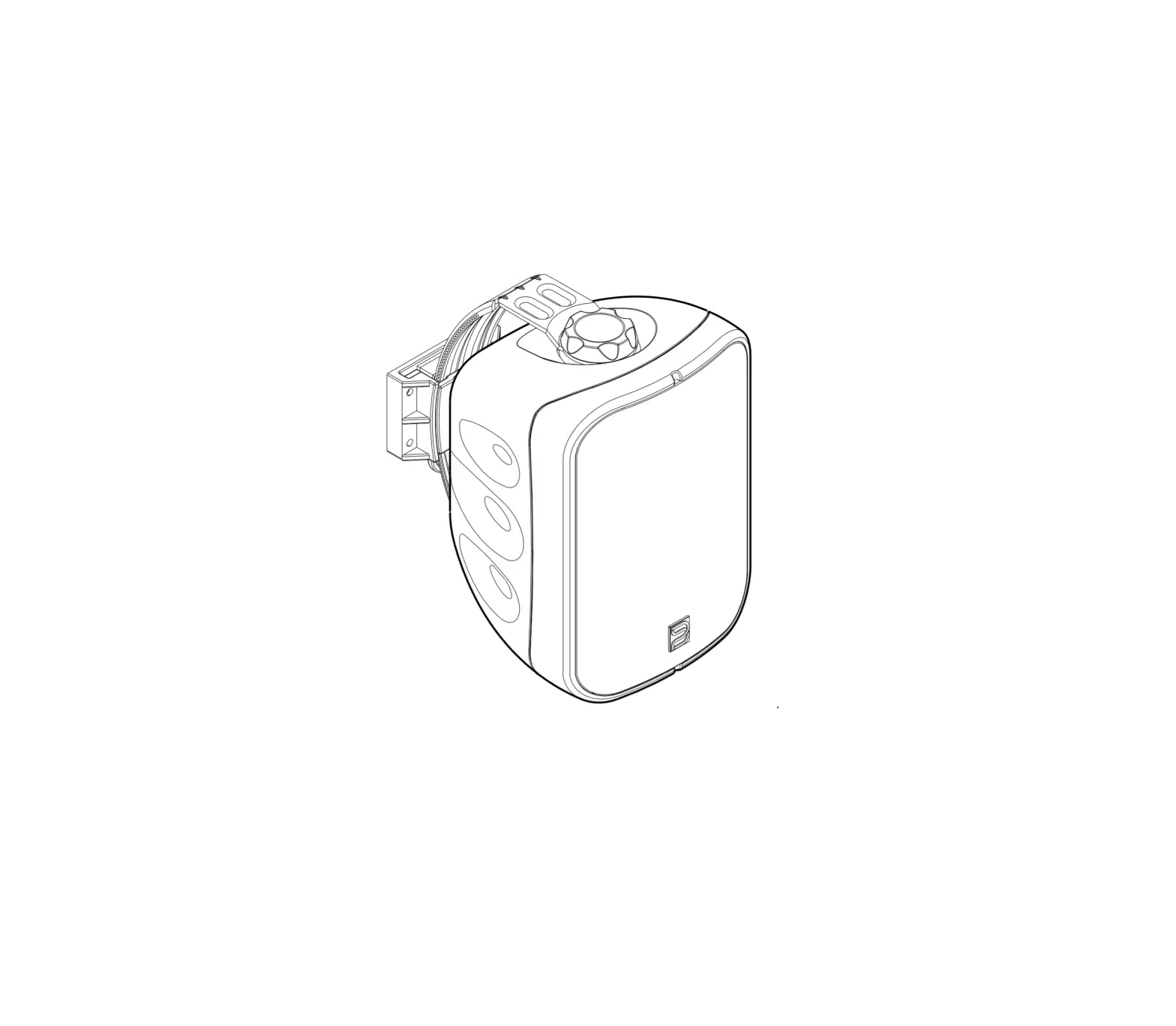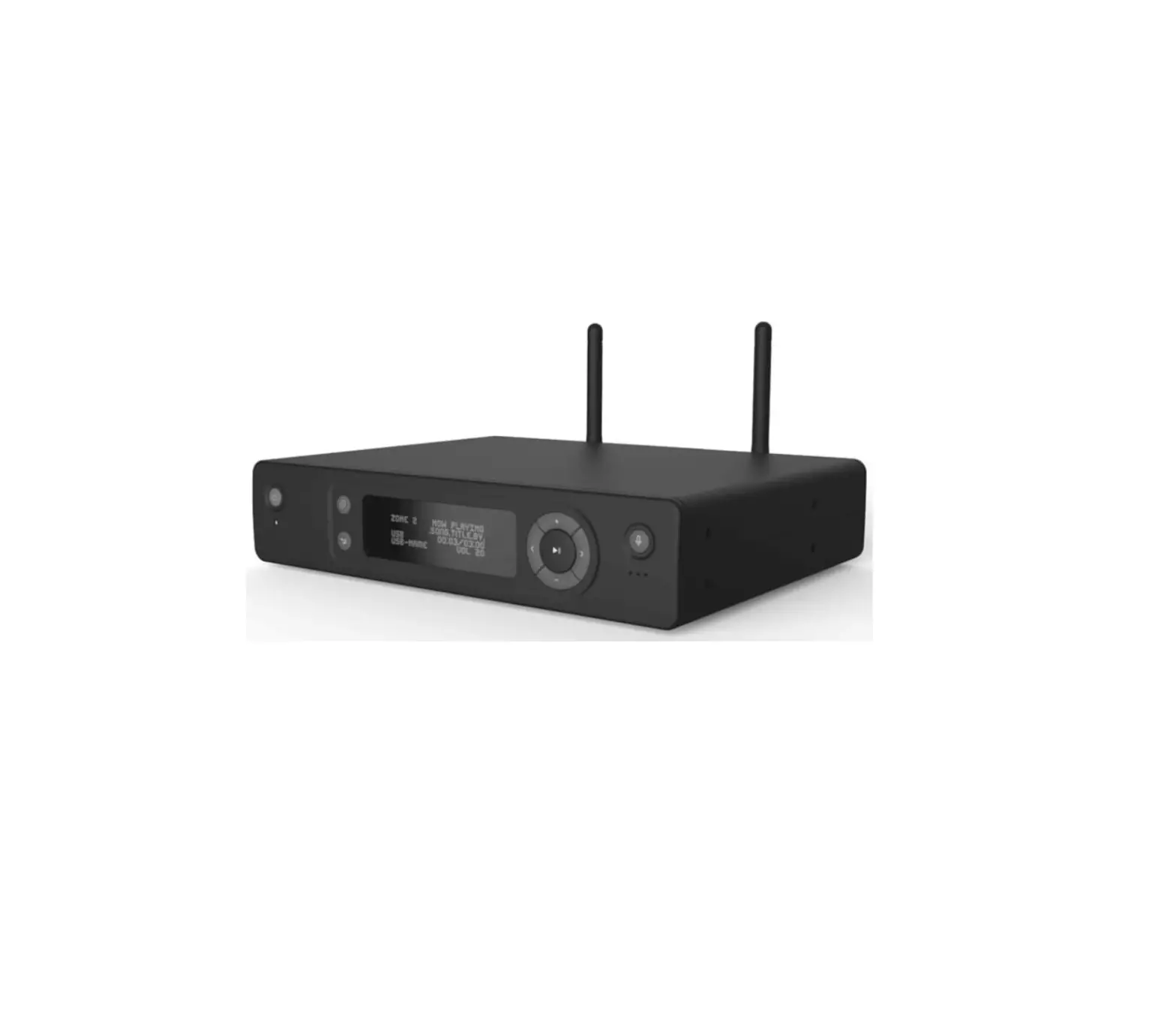
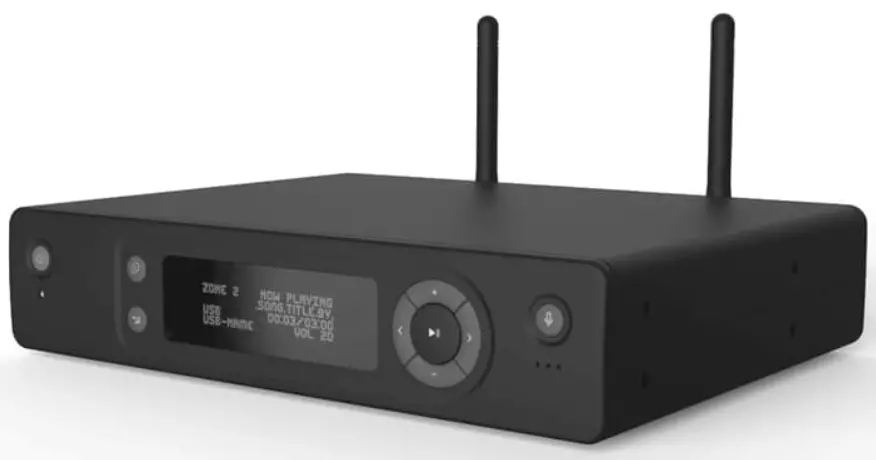
SPOTTUNE SPOS1-F-B200 Stream Audio Streamer
Initial setup – Let’s get it installed
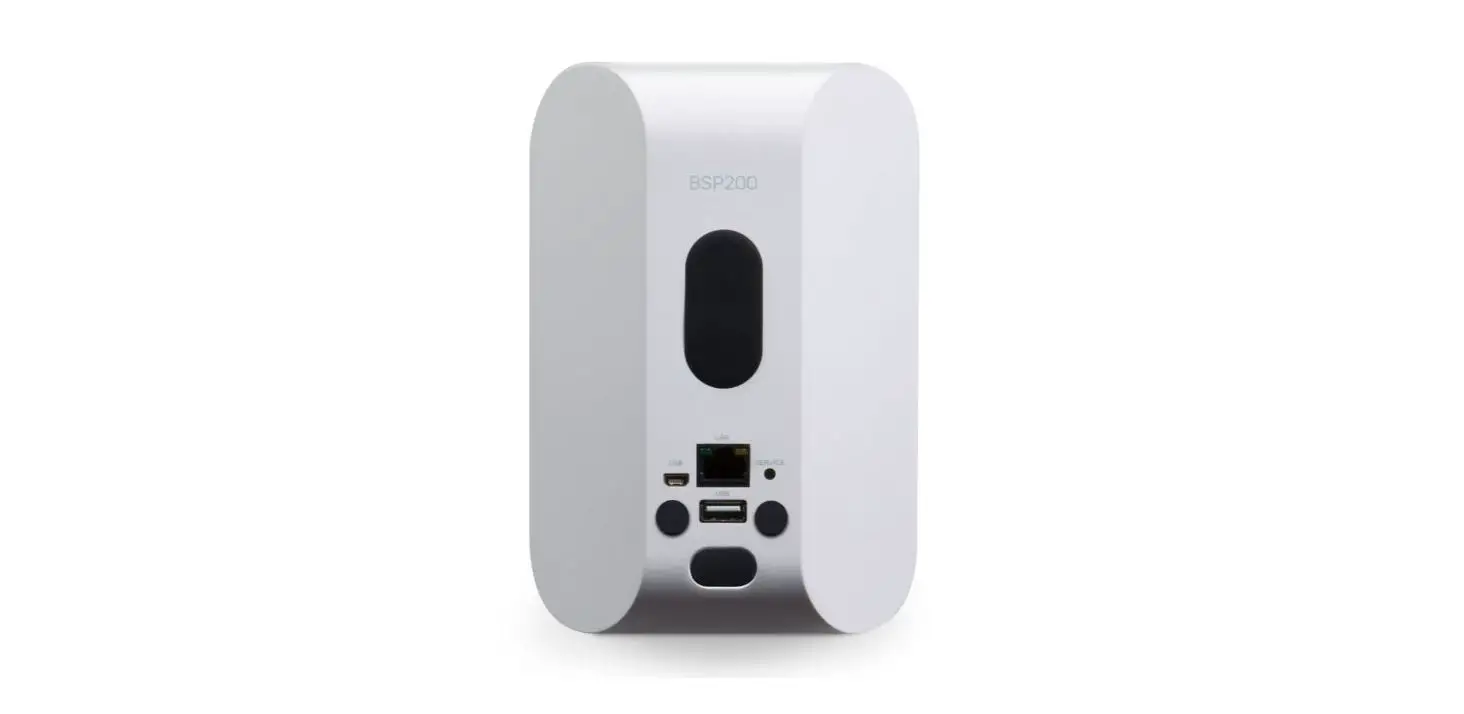
- PLACE & POWER SPOTTUNE OMNI´S
Will blink green after 30 sec
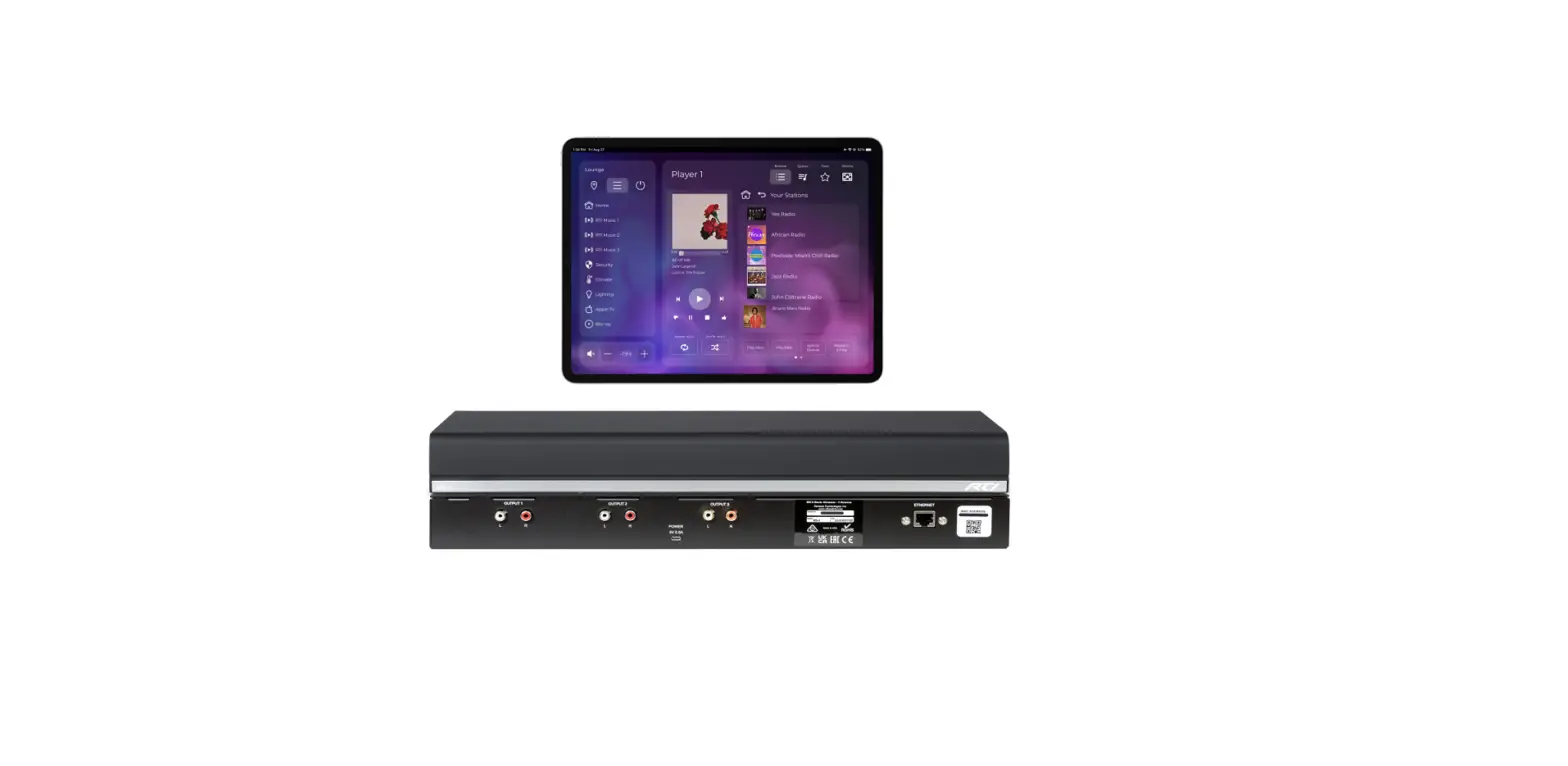
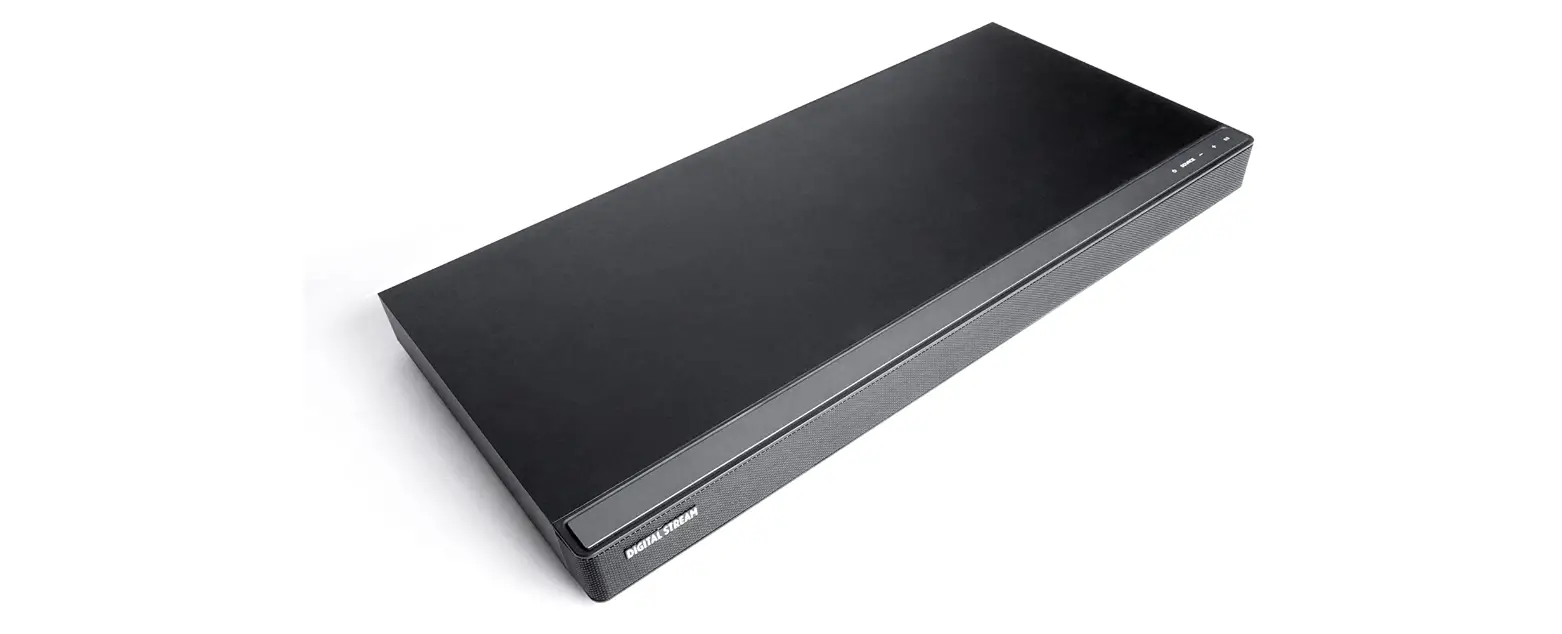
- PLACE & POWER SPOTTUNE STREAM
Wait 2 – 10 min. while auto starting & pairin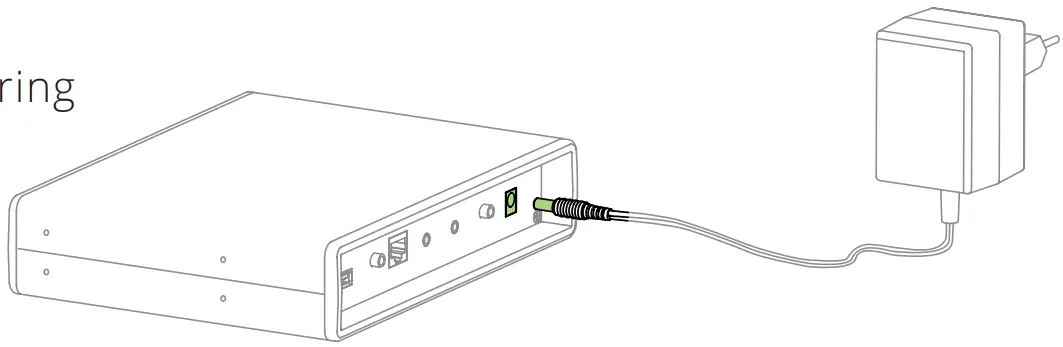
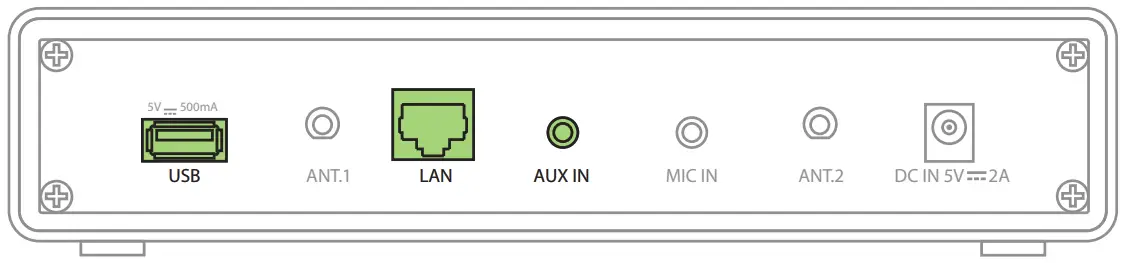
- SPOTTUNE IS READY FOR MUSIC INPUT
AUX or USB or Network

Let’s get it playing
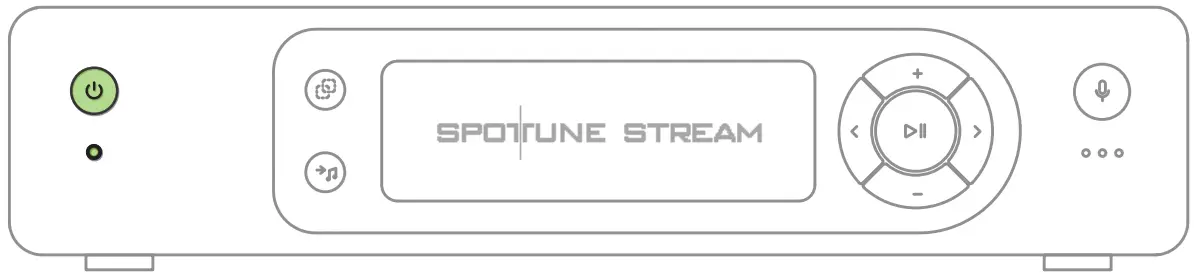
- TURN ON

OFF is pressing for 3 sec
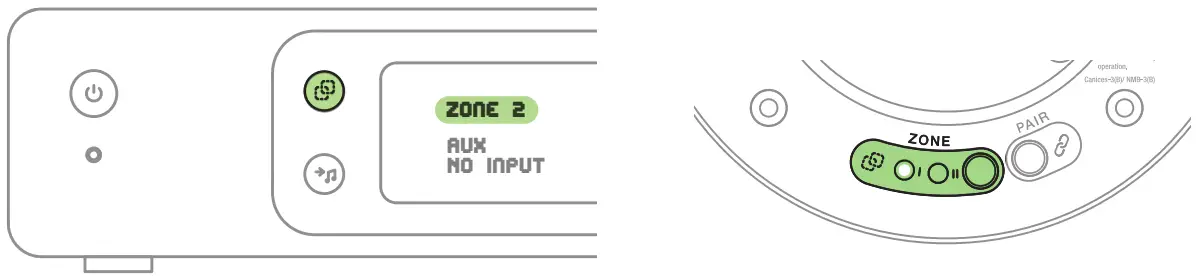
- SELECT ZONE

Zone 1, Zone 2 or Zone 1+2
- SELECT INPUT FOR MUSIC

AUX or USB or Network - ADJUST VOLUME
NB. volume is individual to each zon



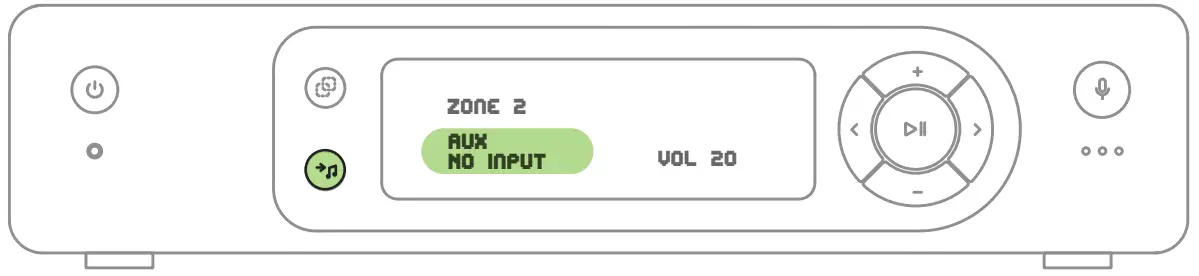
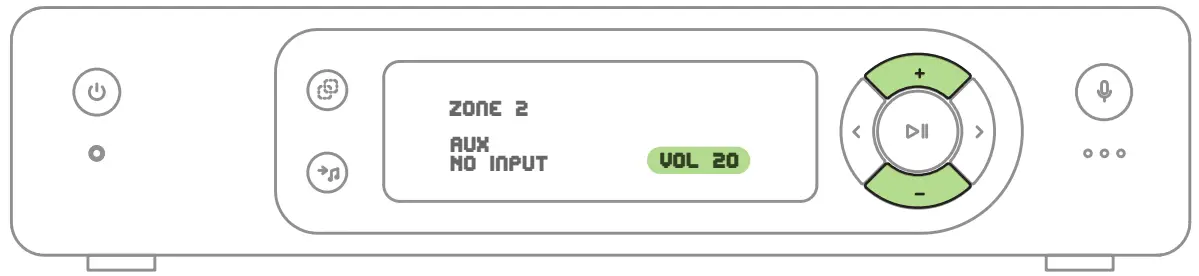
More info: www.spottune.com/FAQ or [email protected]

 spottune.com/FAQ