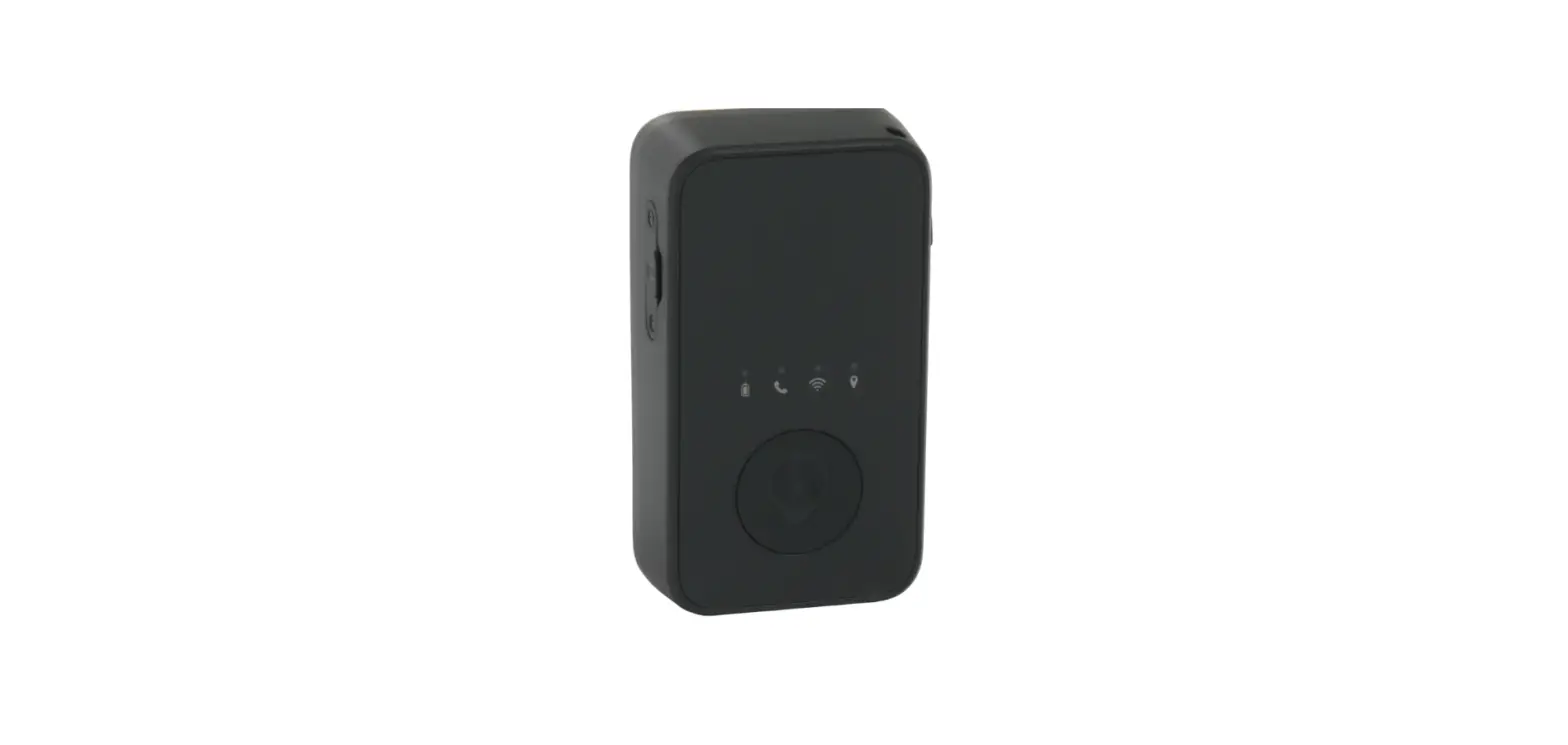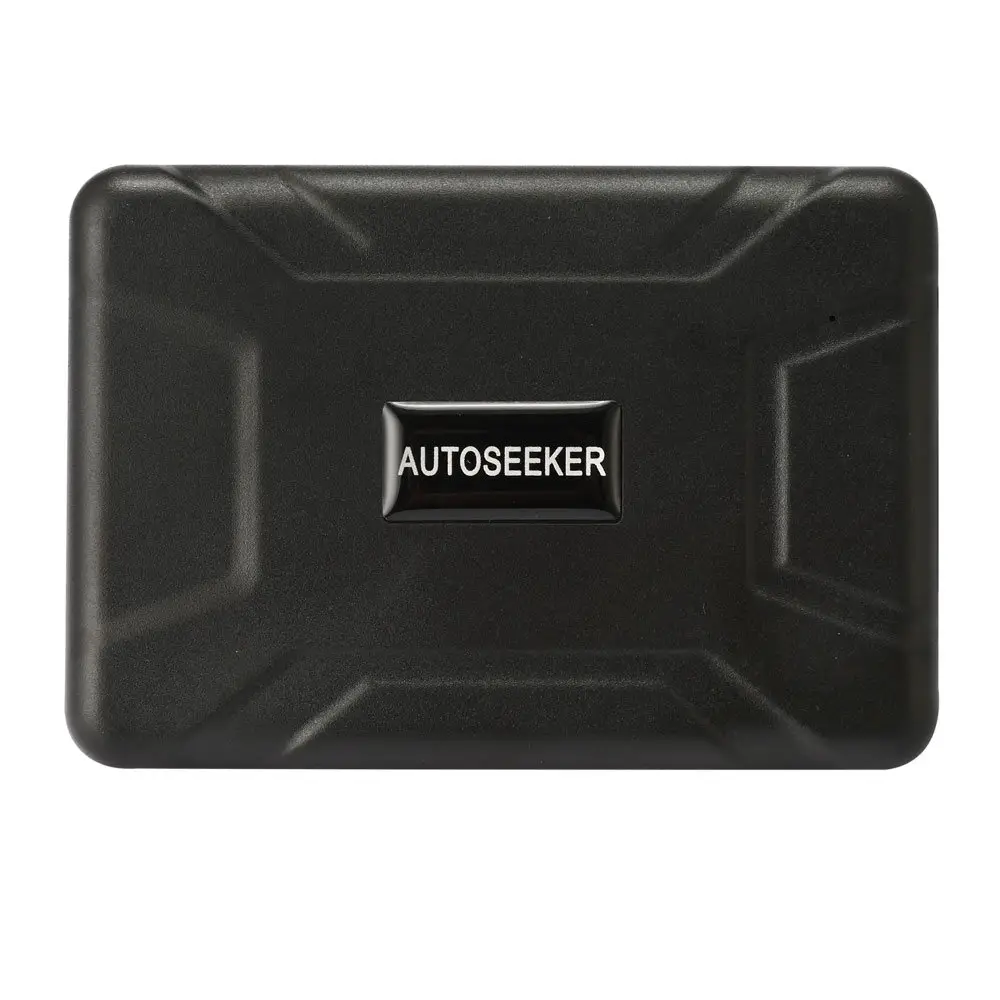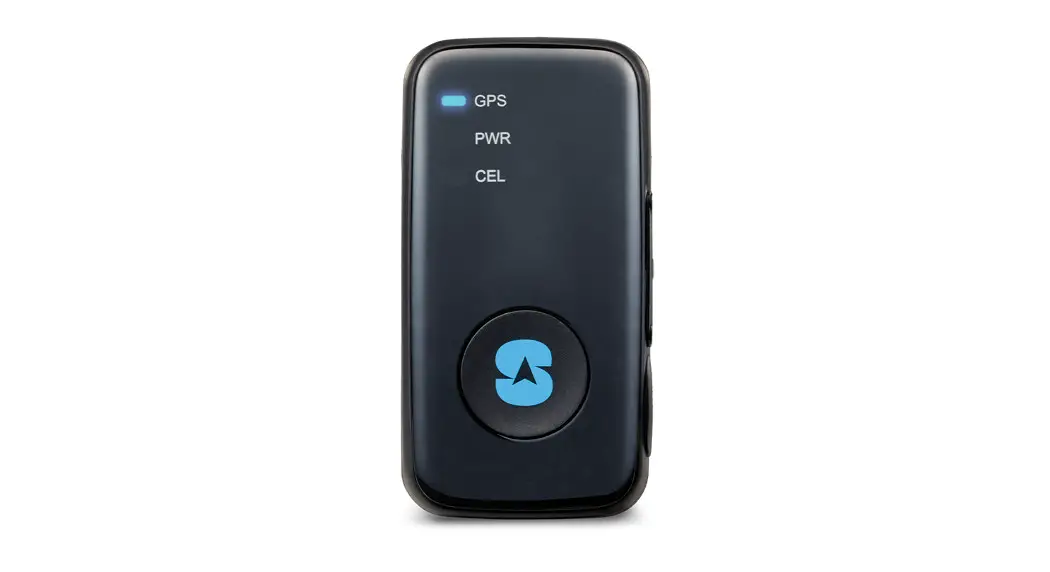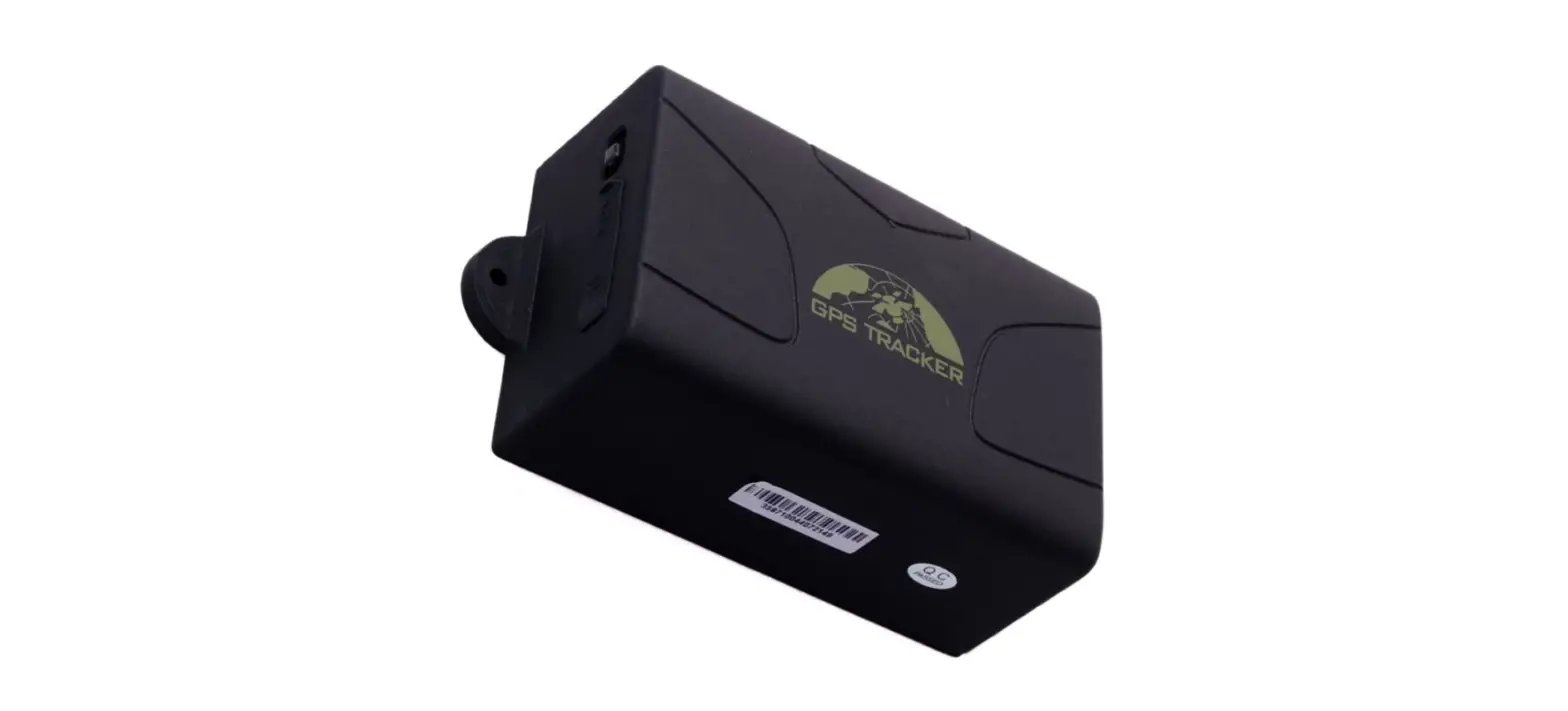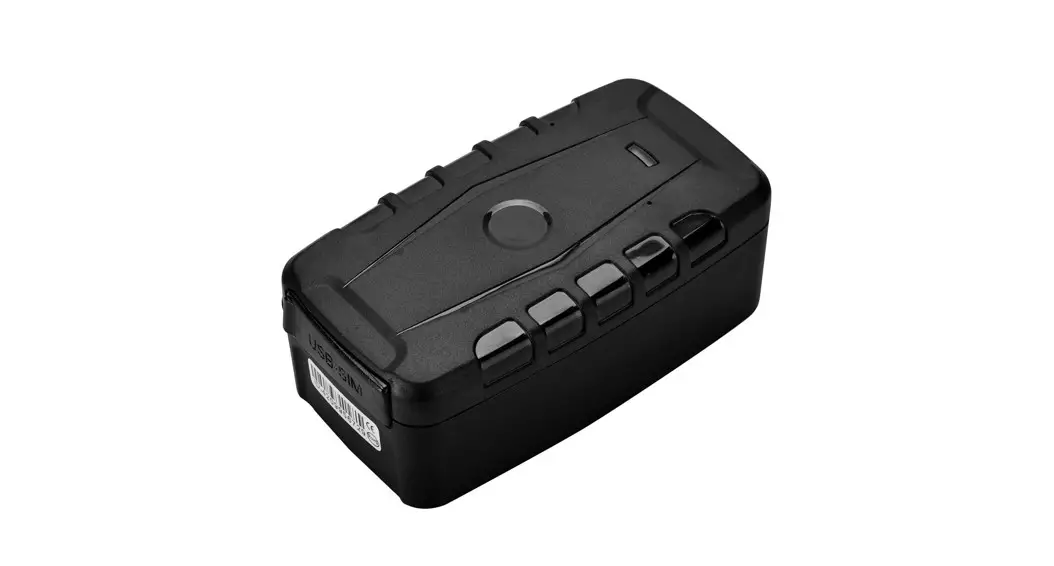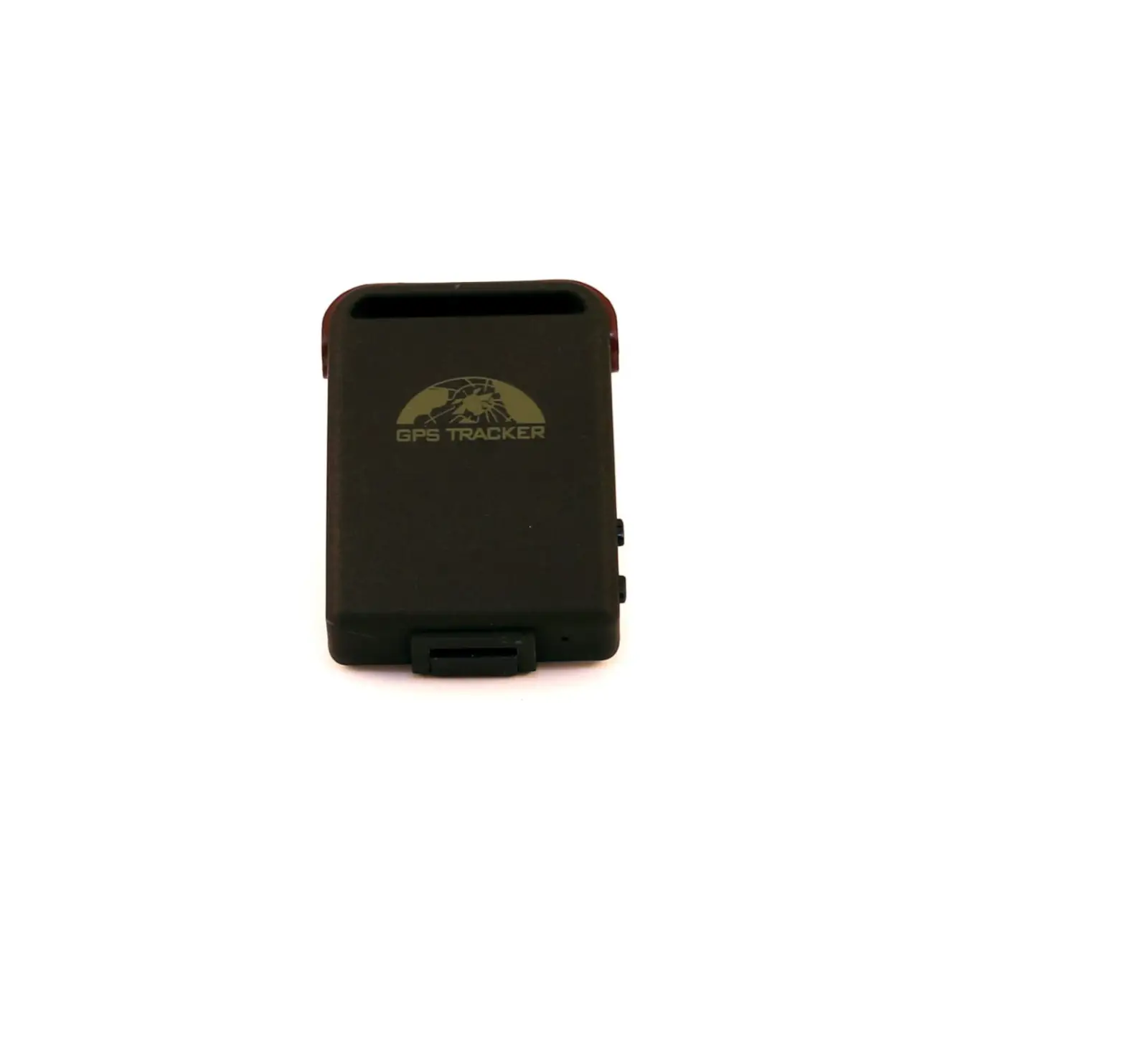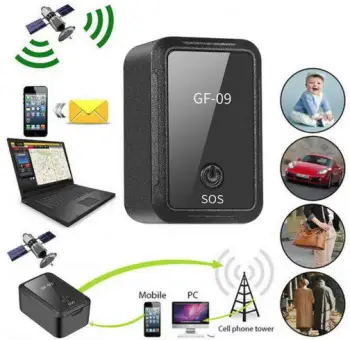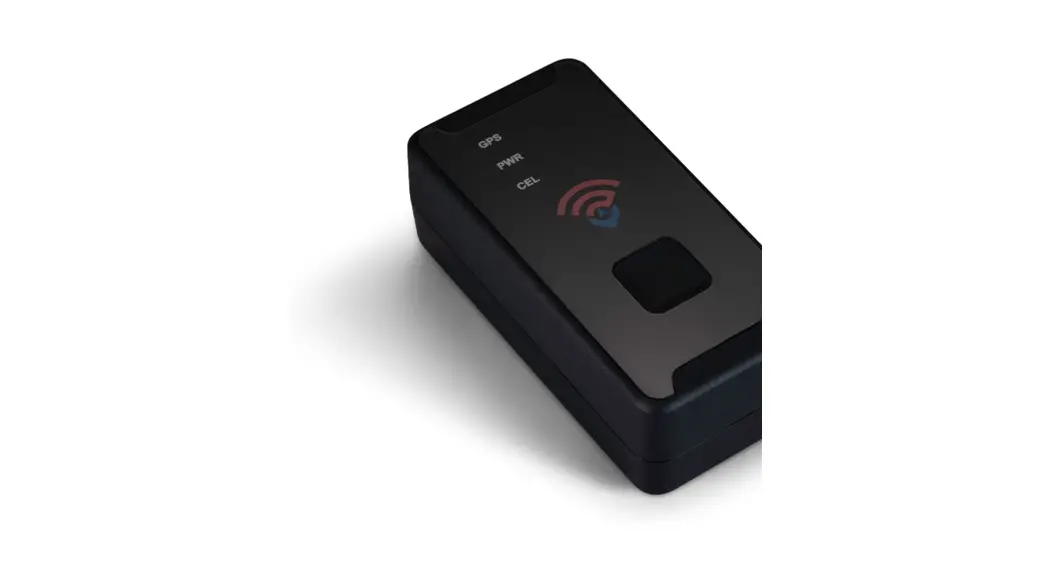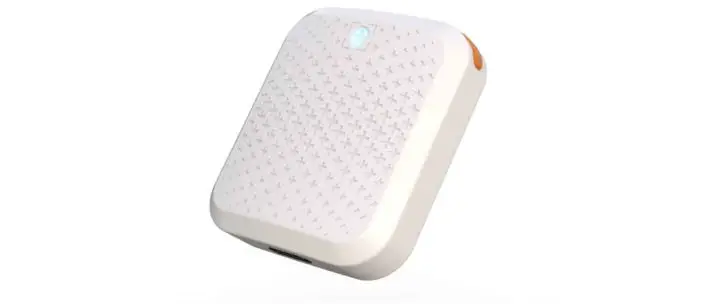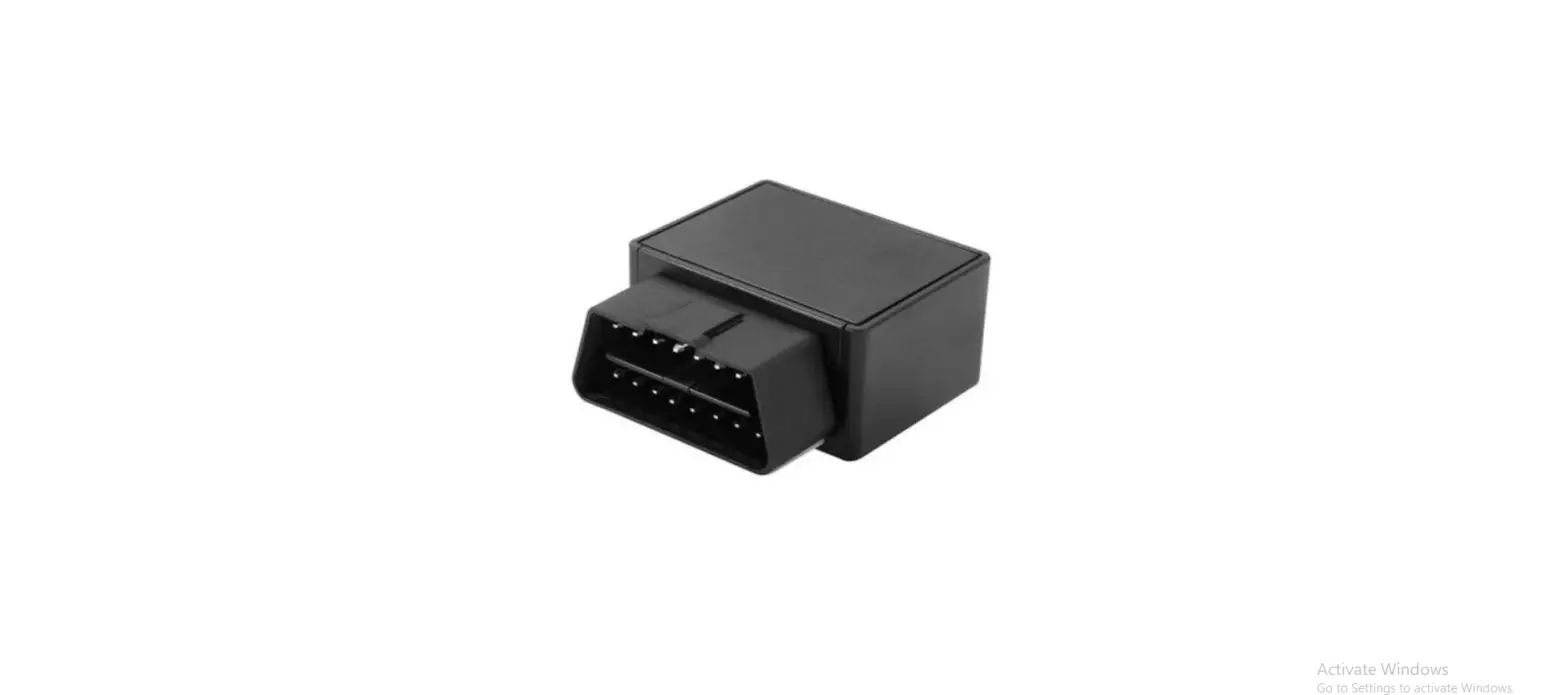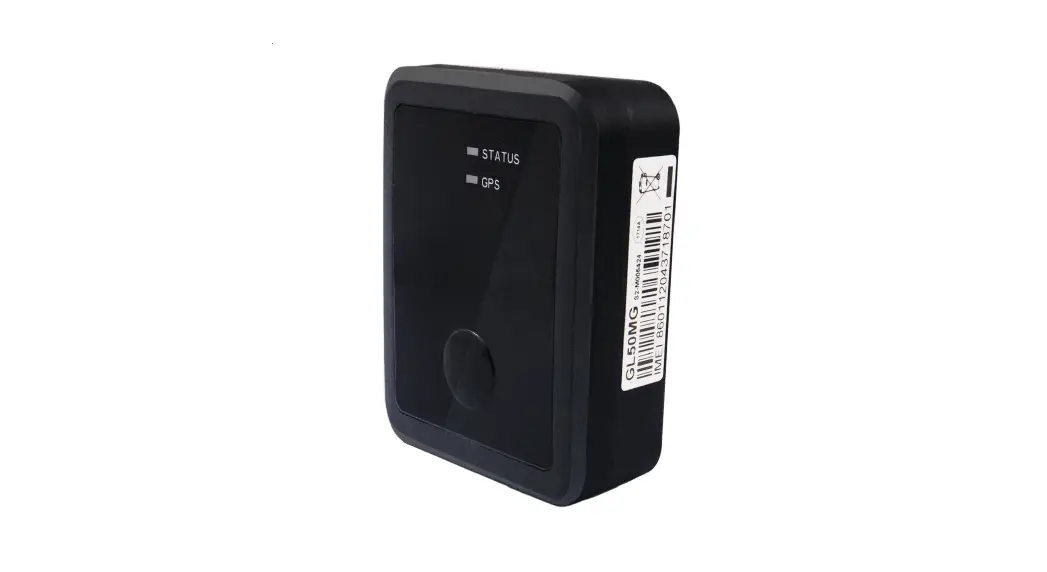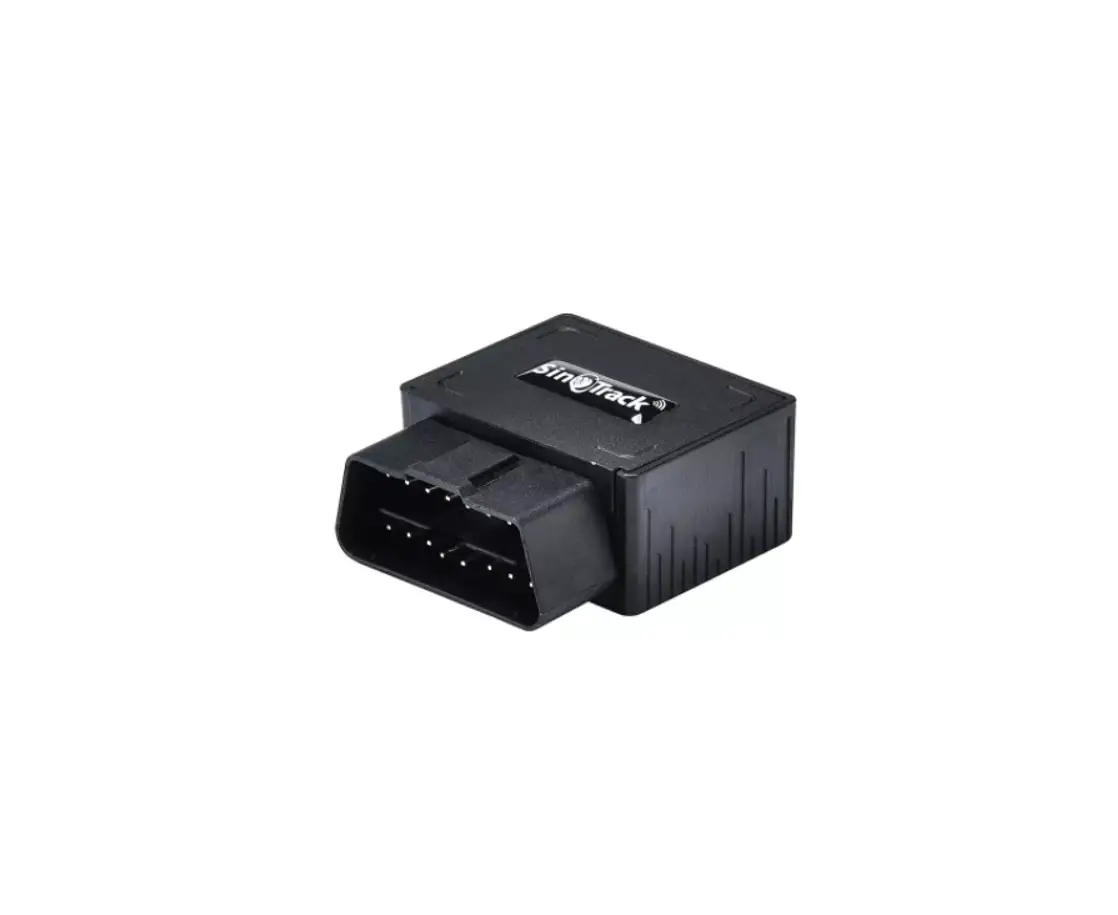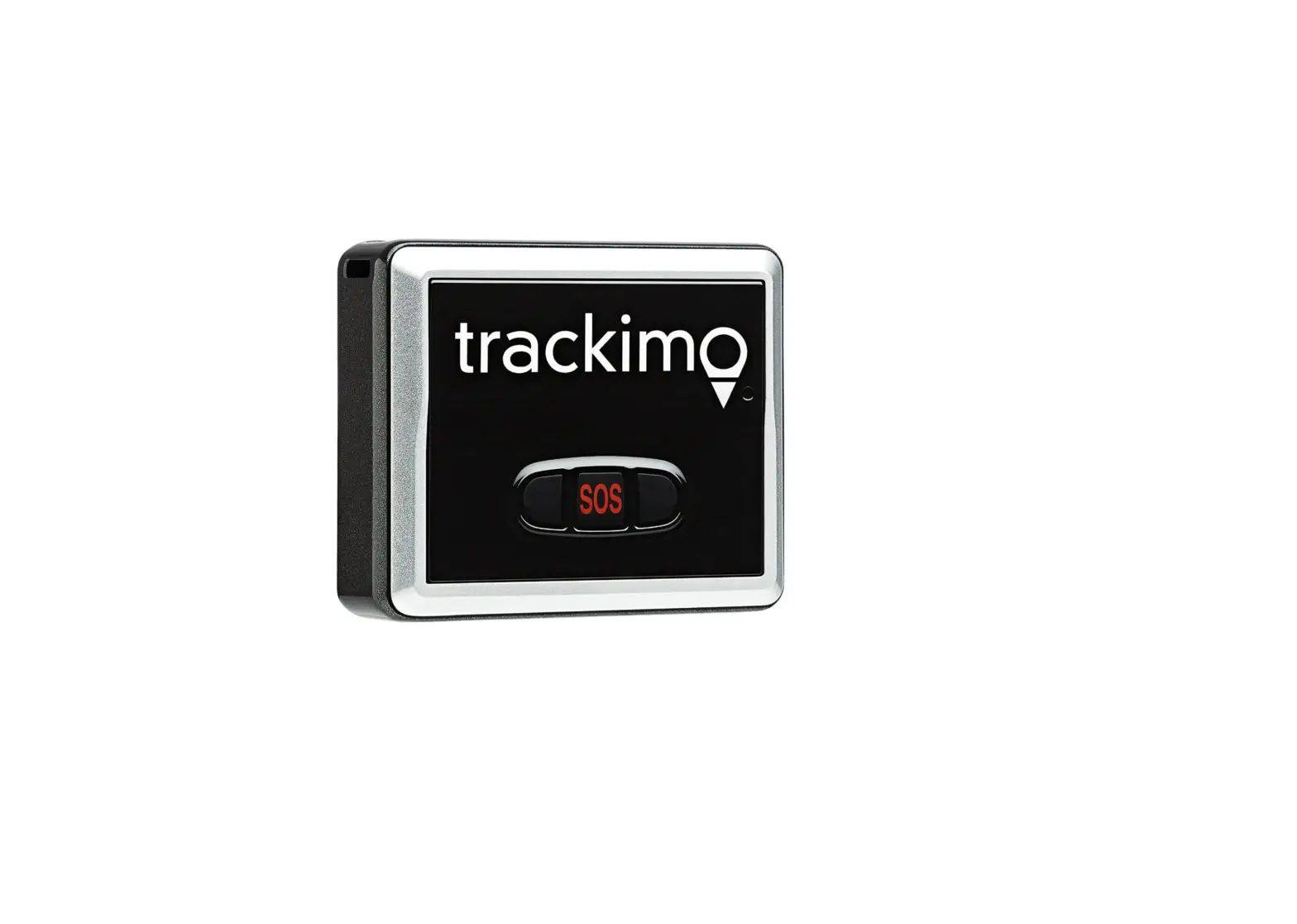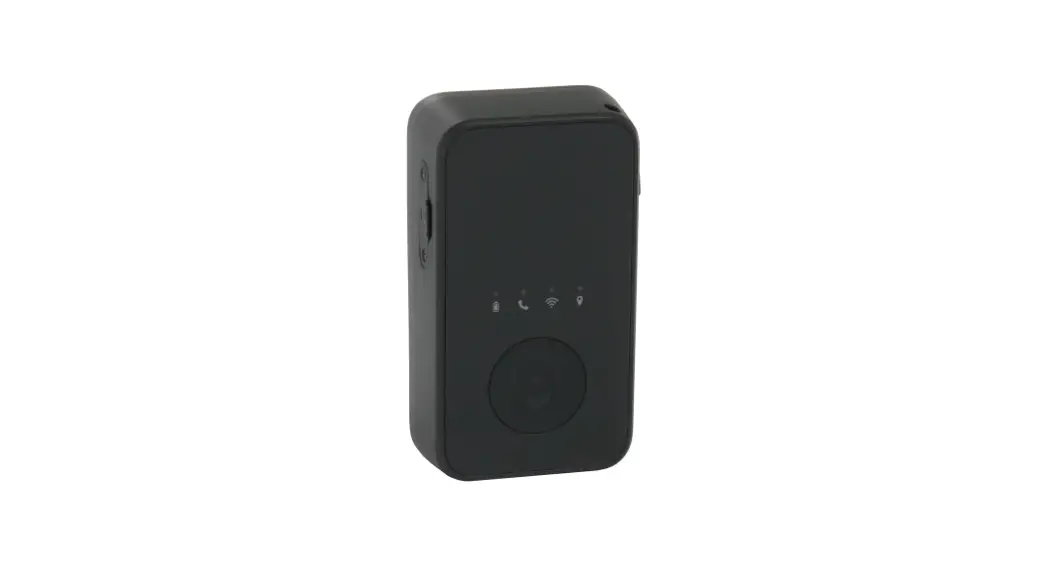
 Outlander GPS Tracker
User Guide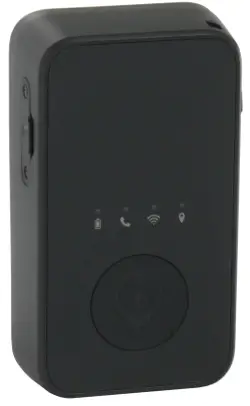
CHARGING
- Plug the charging cable into the GPS tracker and wall charging adapter.
- A full charge typically takes 2-3 hours.
- The battery light will be SOLID RED when it is done charging.
- Turn ON/OFF by holding the power button on the side of the tracker for several seconds until it vibrates.
ACTIVATION
- Complete the registration form at www.spyguy.com/pages/gps-registration.
- Once you are registered, SpyGuy will send you activation instructions.
- Activation is only required when you initially purchase the tracker.
TRACKING
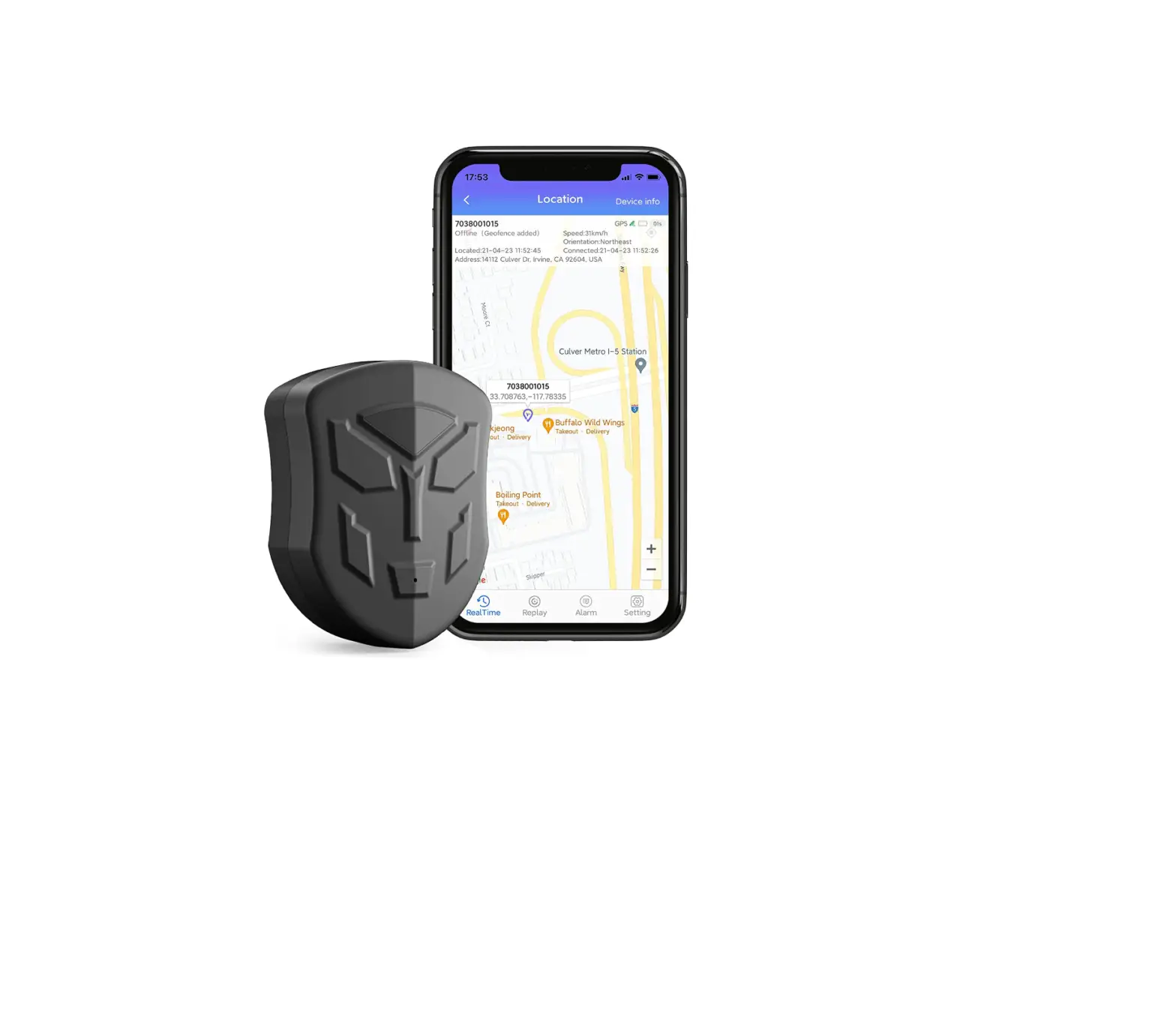
- Visit track.spyguy.com to log in to the tracking interface from your Mac or PC.
- Download “X-GPS Monitor” from the AppStore to tracks from your smartphone.
 ...
... SpyGuy | Covert Audio, GPS Trackers, Hidden Cameras, & Other Spy Gear