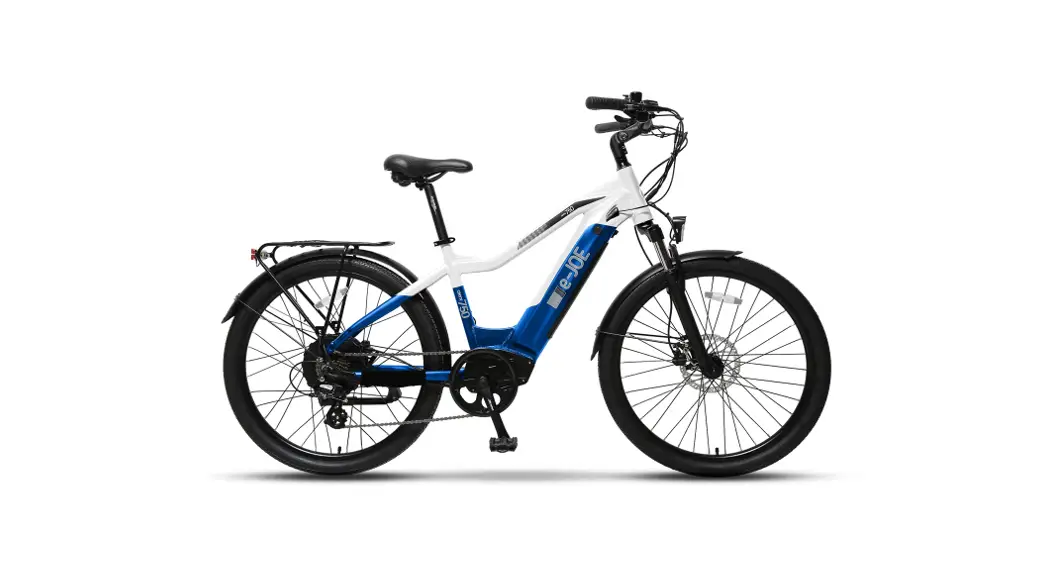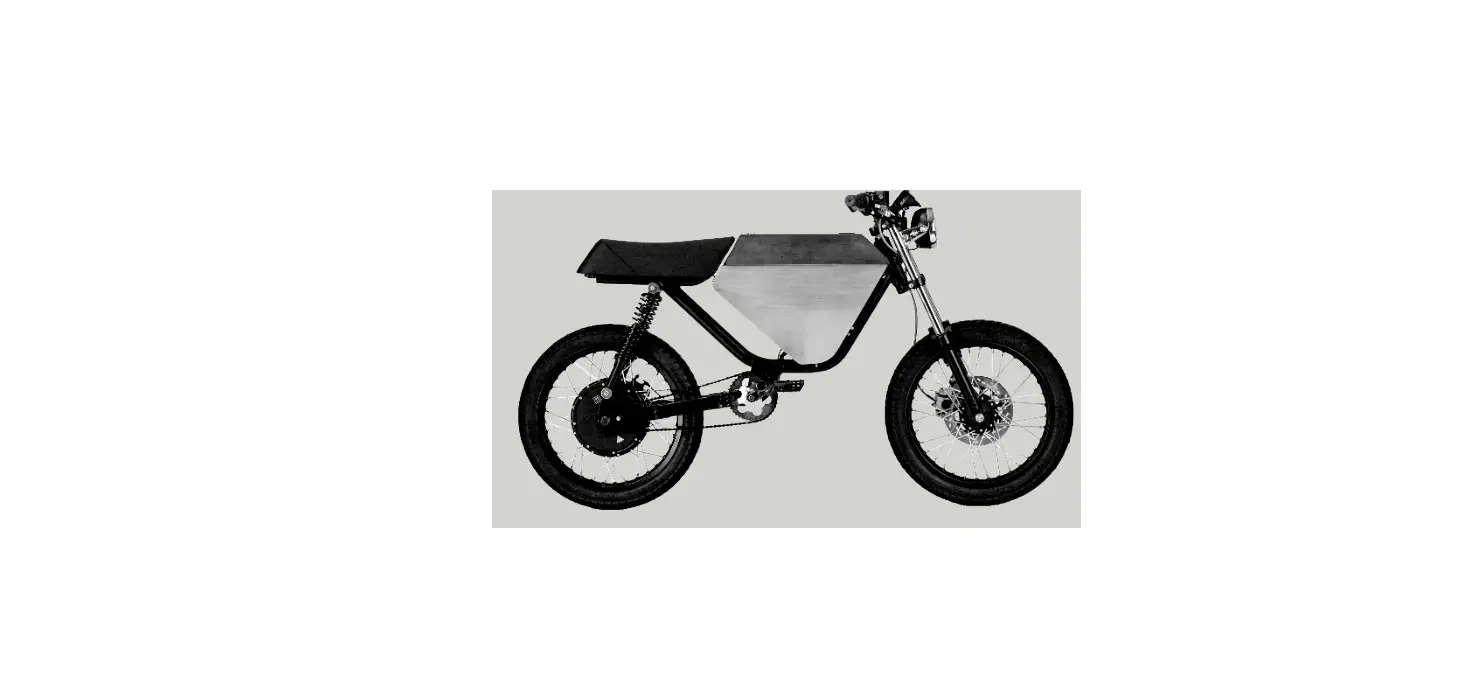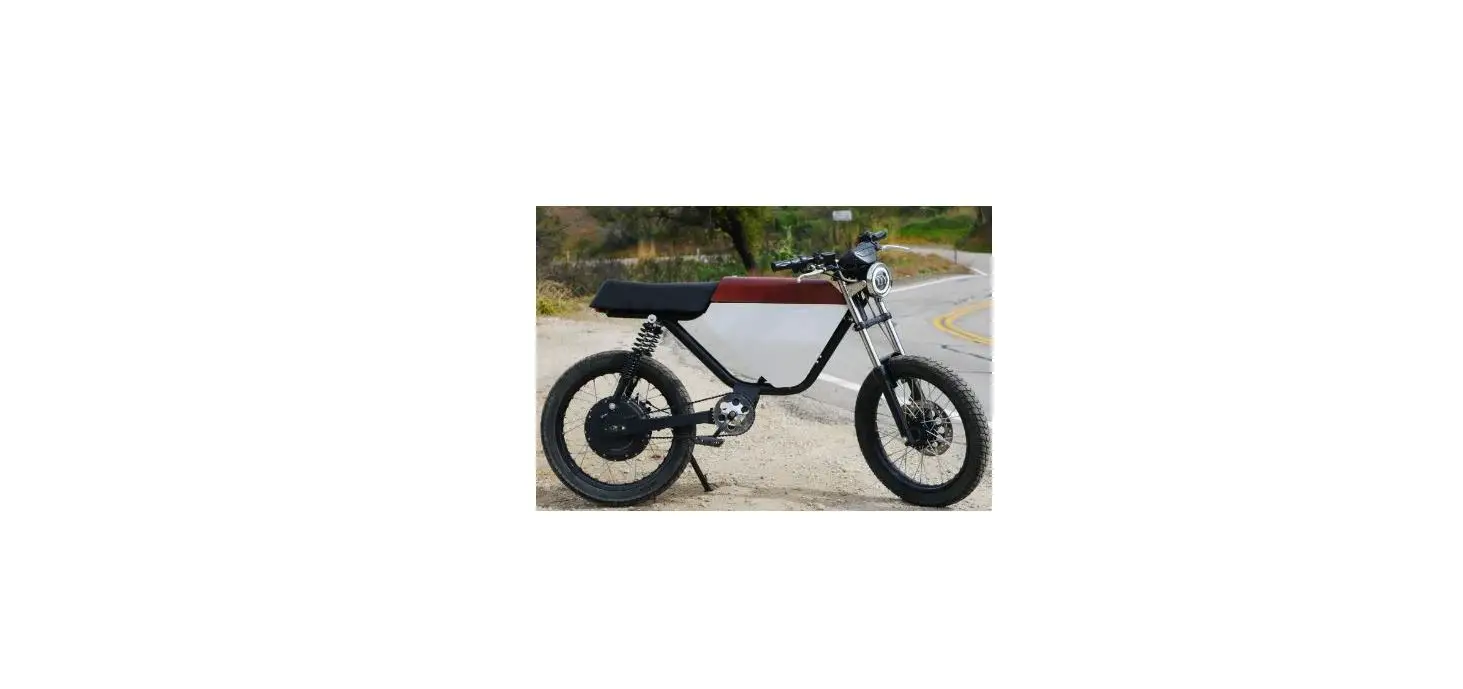

Onyx RCR-72V Electric Bike

Congratulations on upgrading to the Onyx RCR GT 41Ah battery. We have ensured that your battery is charged so it will be ready to ride as soon as you follow the steps below to turn it on via the Bluetooth-enabled Onyx BMS App. Thanks again for your purchase. Get out there and ride farther than ever!
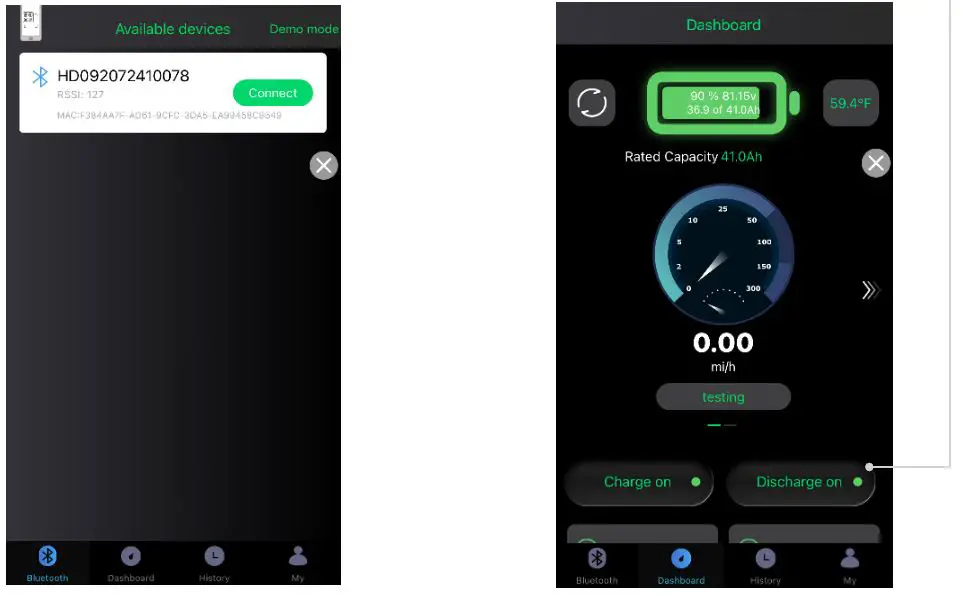
- Install and plug your battery into the bike. Connect to your battery on the Bluetooth tab.
- Turn your battery ON via the “Discharge” button right-side button.

PRO – TIPS
- The 41ah battery’s low volt protection cut off is at 56 volts. When riding, if your voltage drops below 56 the battery will turn off for 10 seconds and then turn back on. Remember that depending on your riding environment and weight, your volts can drop up to 6 volts at full throttle.
- Monitor real time battery data using the “History” tab.
- Track voltage, amperage, current and how many charge/discharge cycles you’ve gone through using the “My” tab.
- Leave “Charge” on during regular usage.
- Before disconnecting the battery from the bike, always shut your battery OFF via the “Discharge” button.
- If you completely drain your battery, the battery will shut off to protect itself. You will need to power cycle