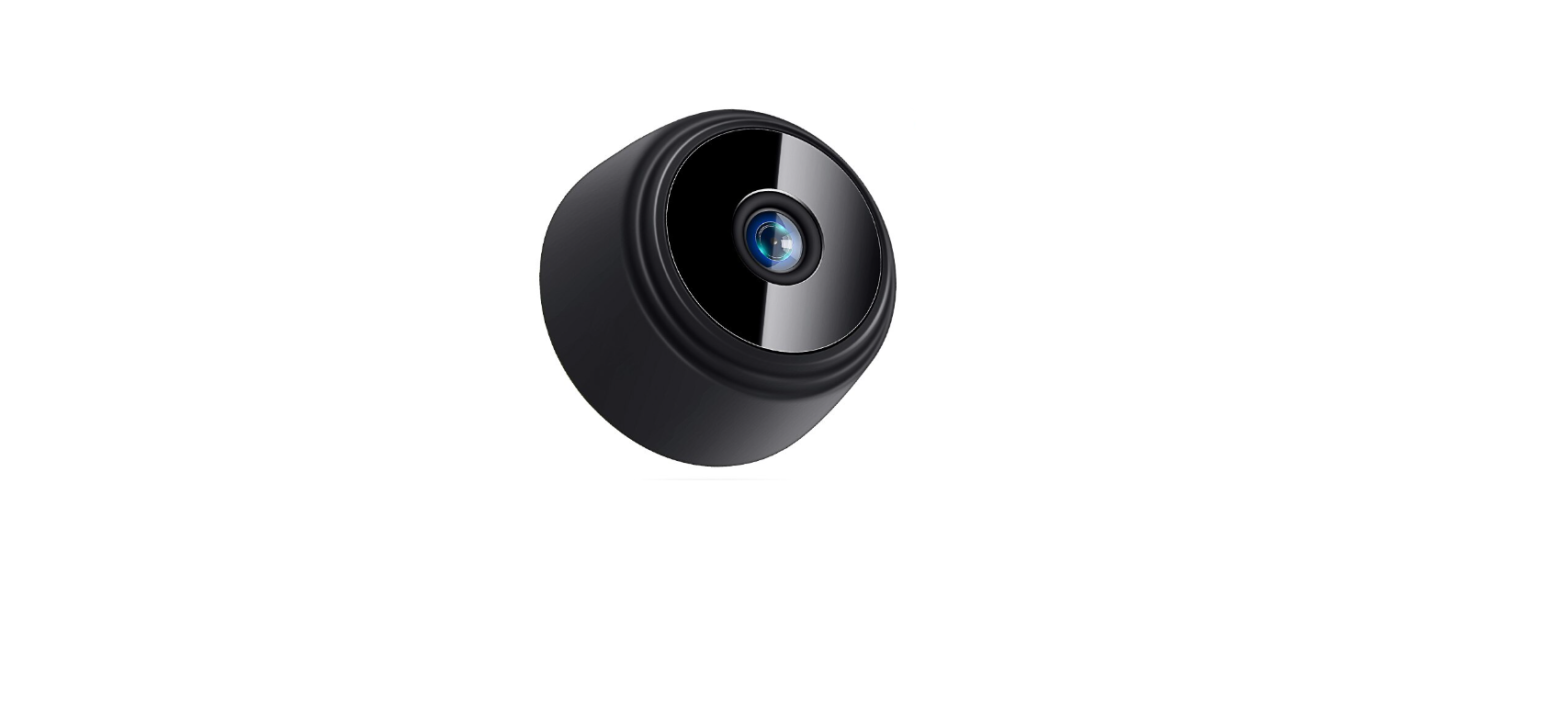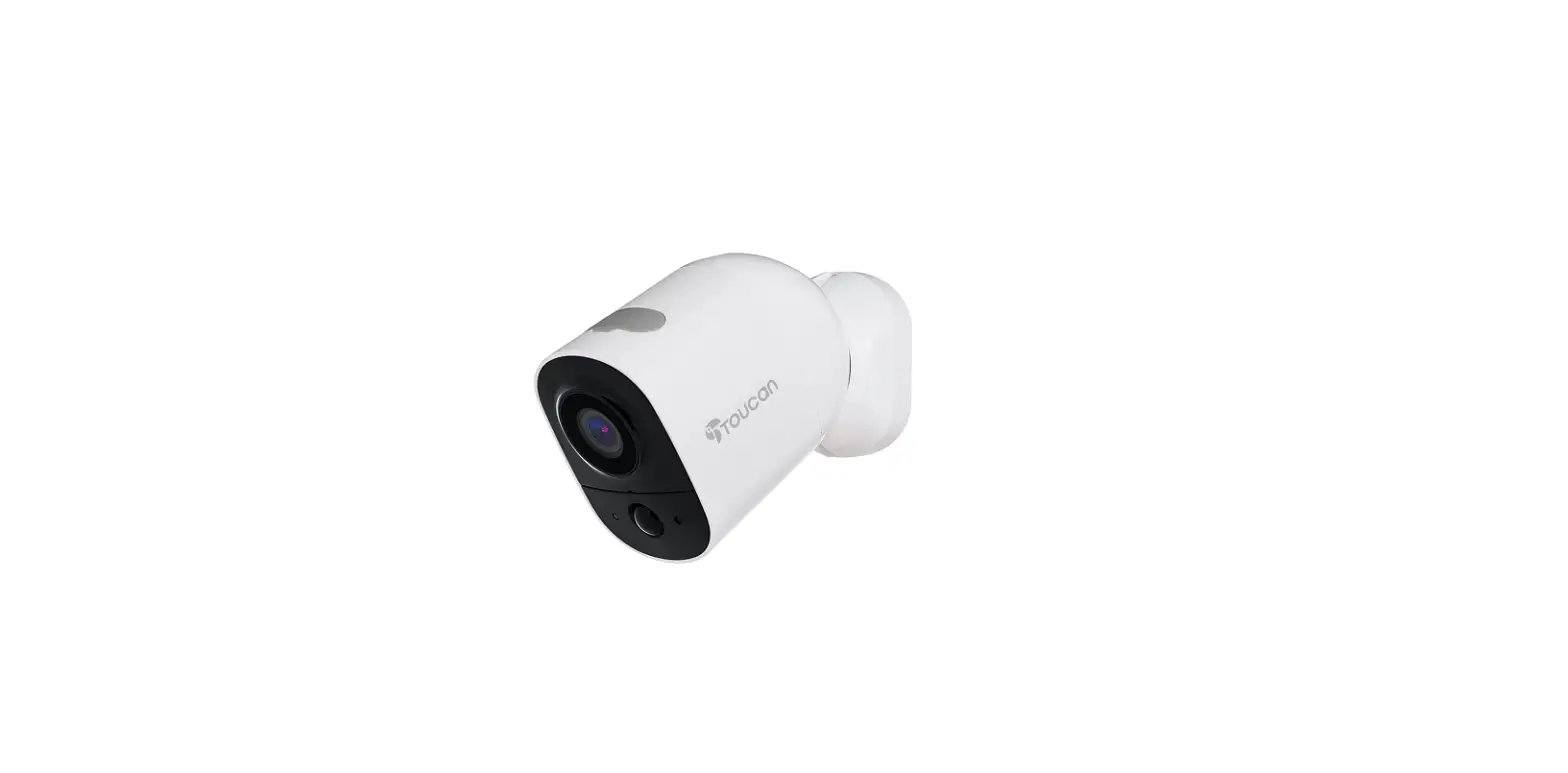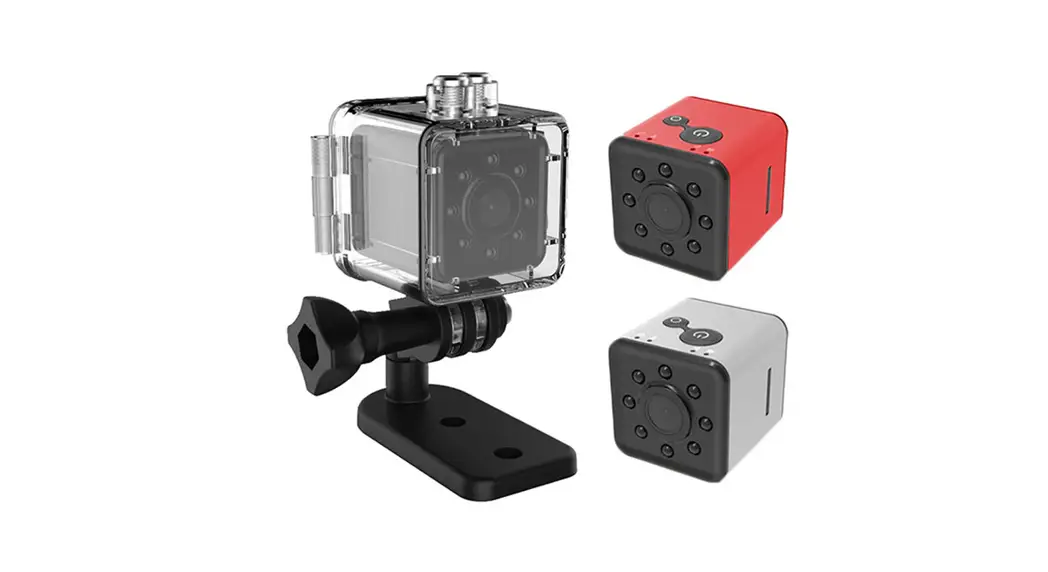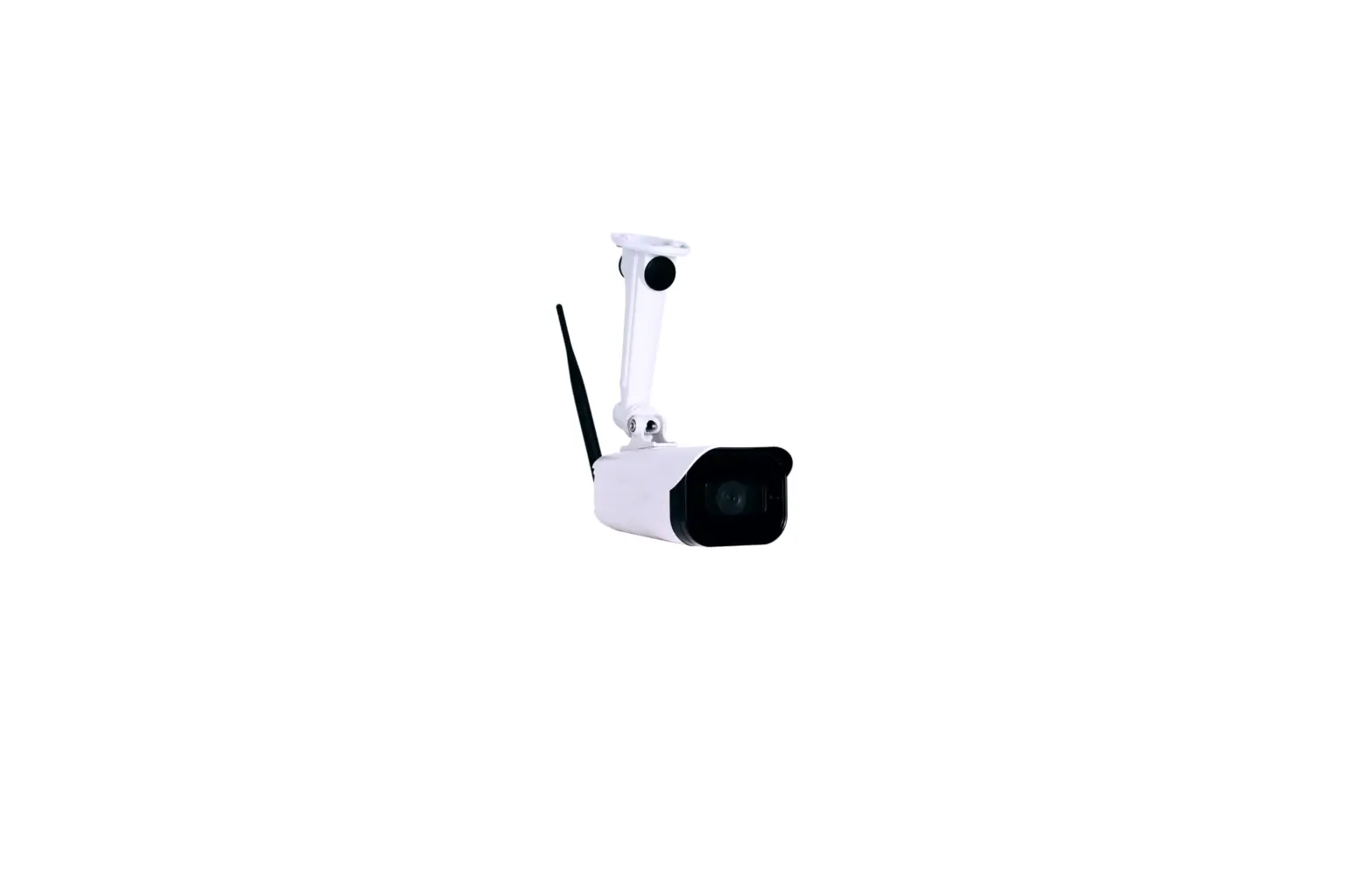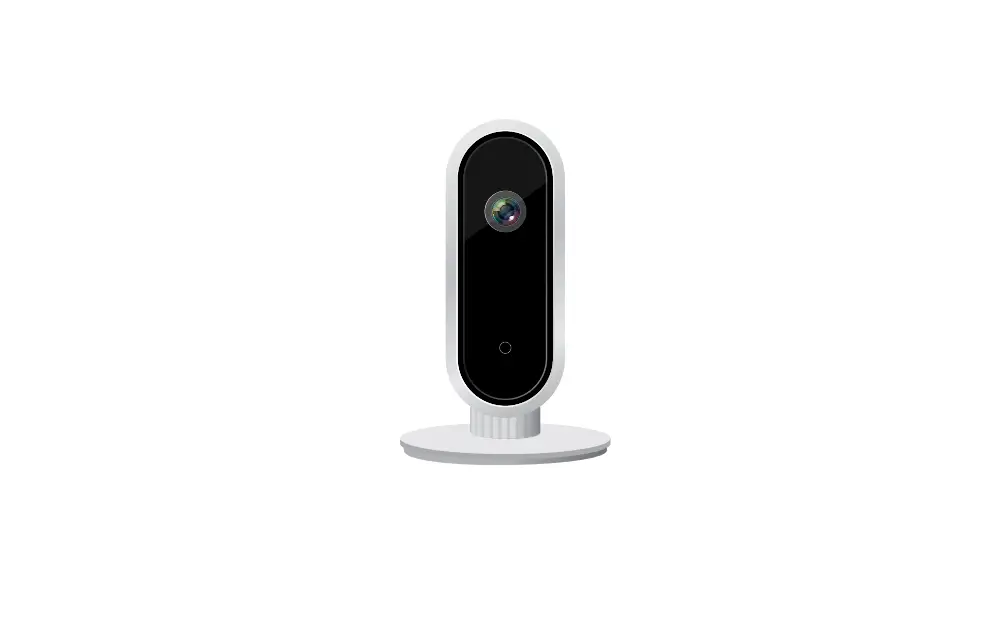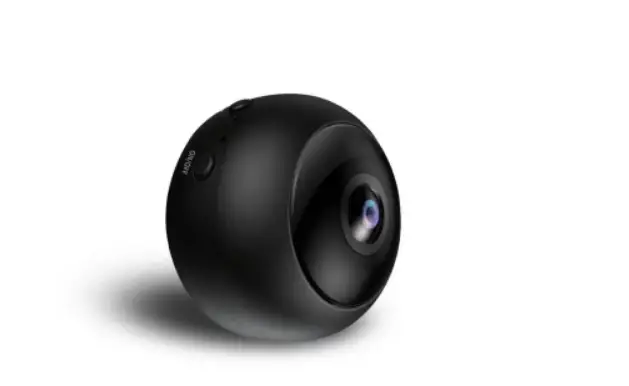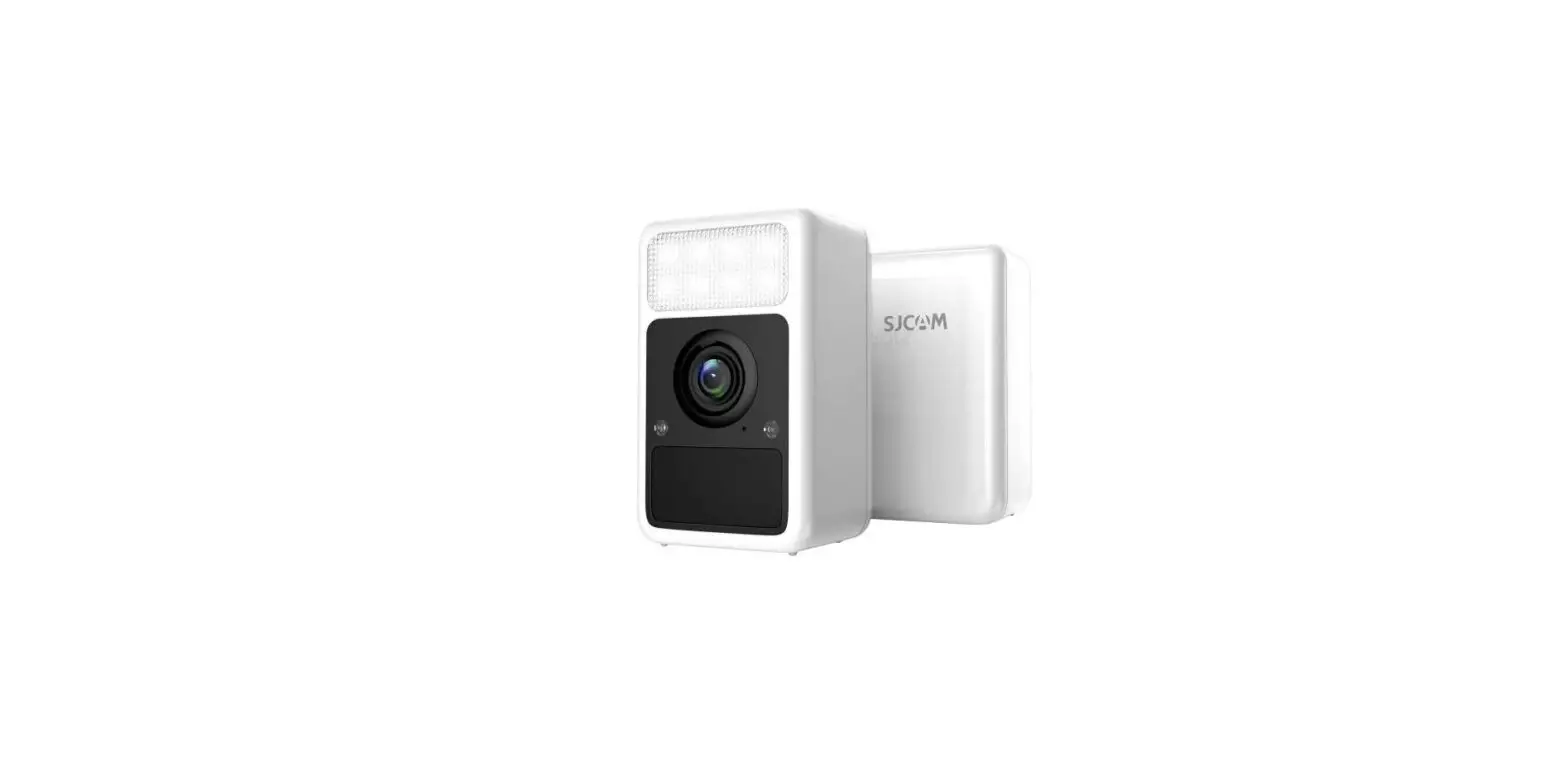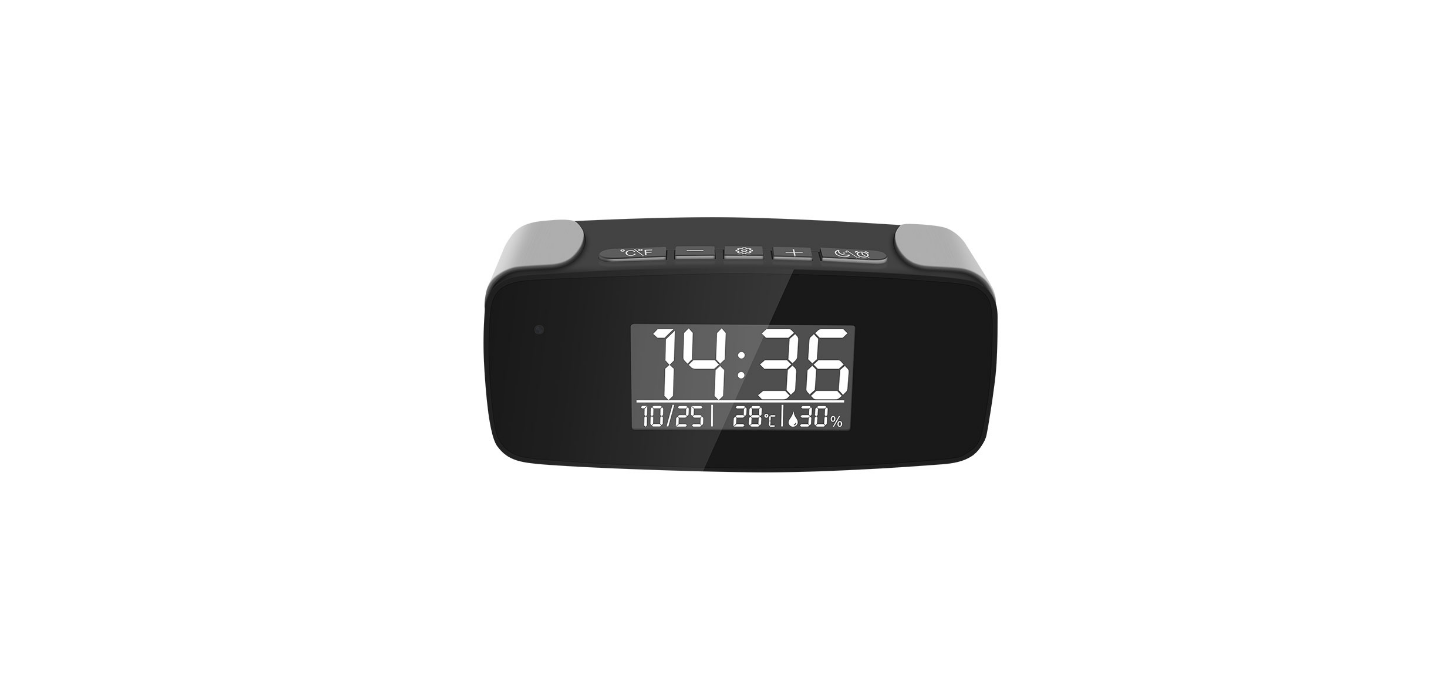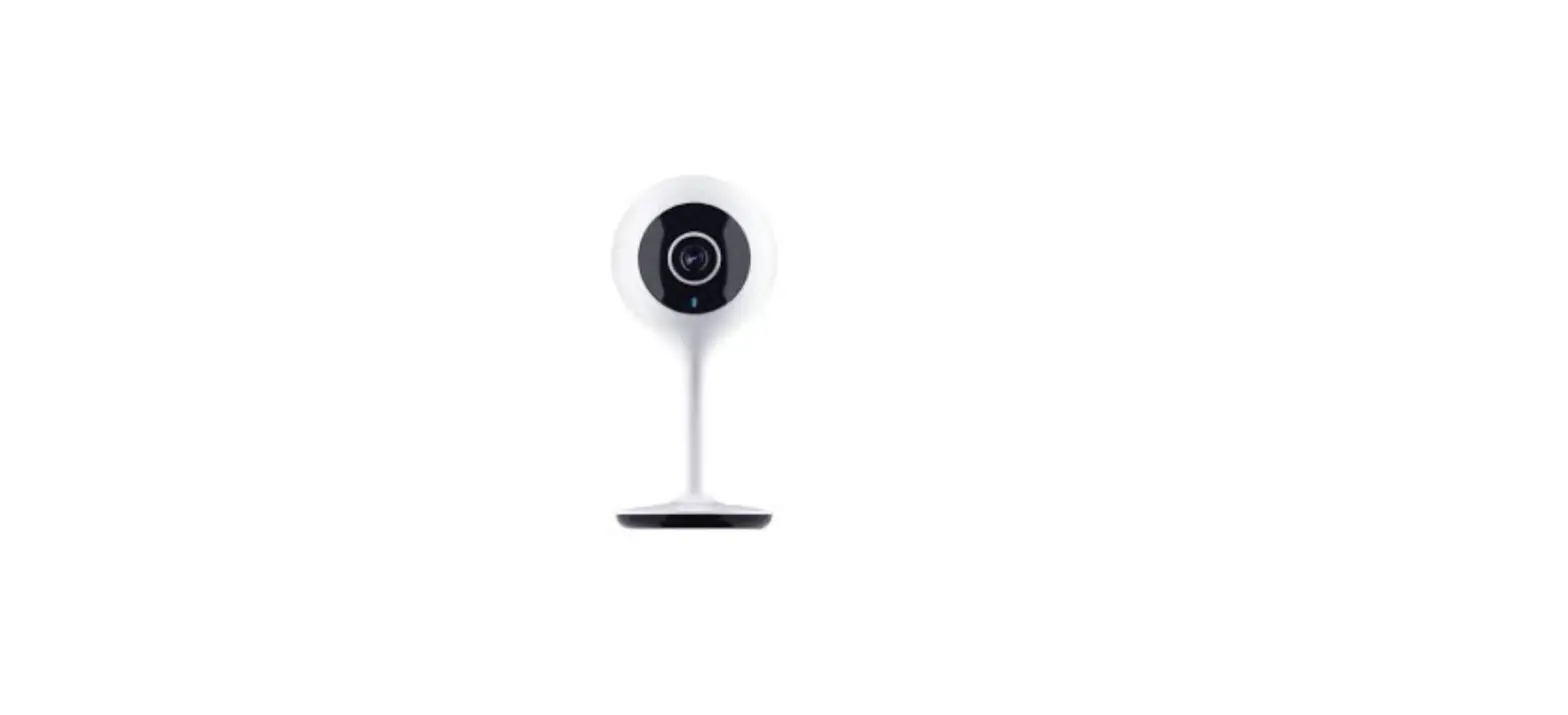

Cameras SKDIT-SXT10068 IWFCam Mini WiFi Surveillance Camera
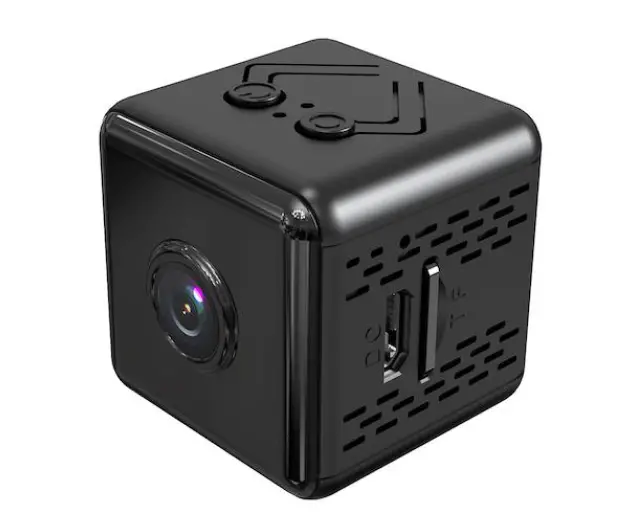
Thanks for choosing our small wireless camera. Please follow the manual to set up the camera.
Product Description
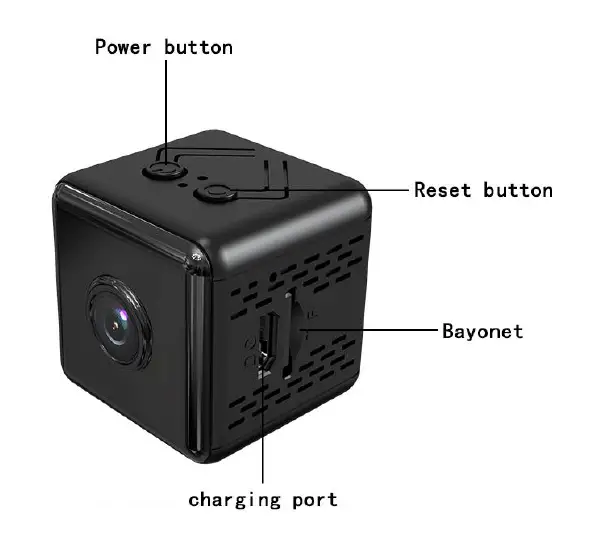
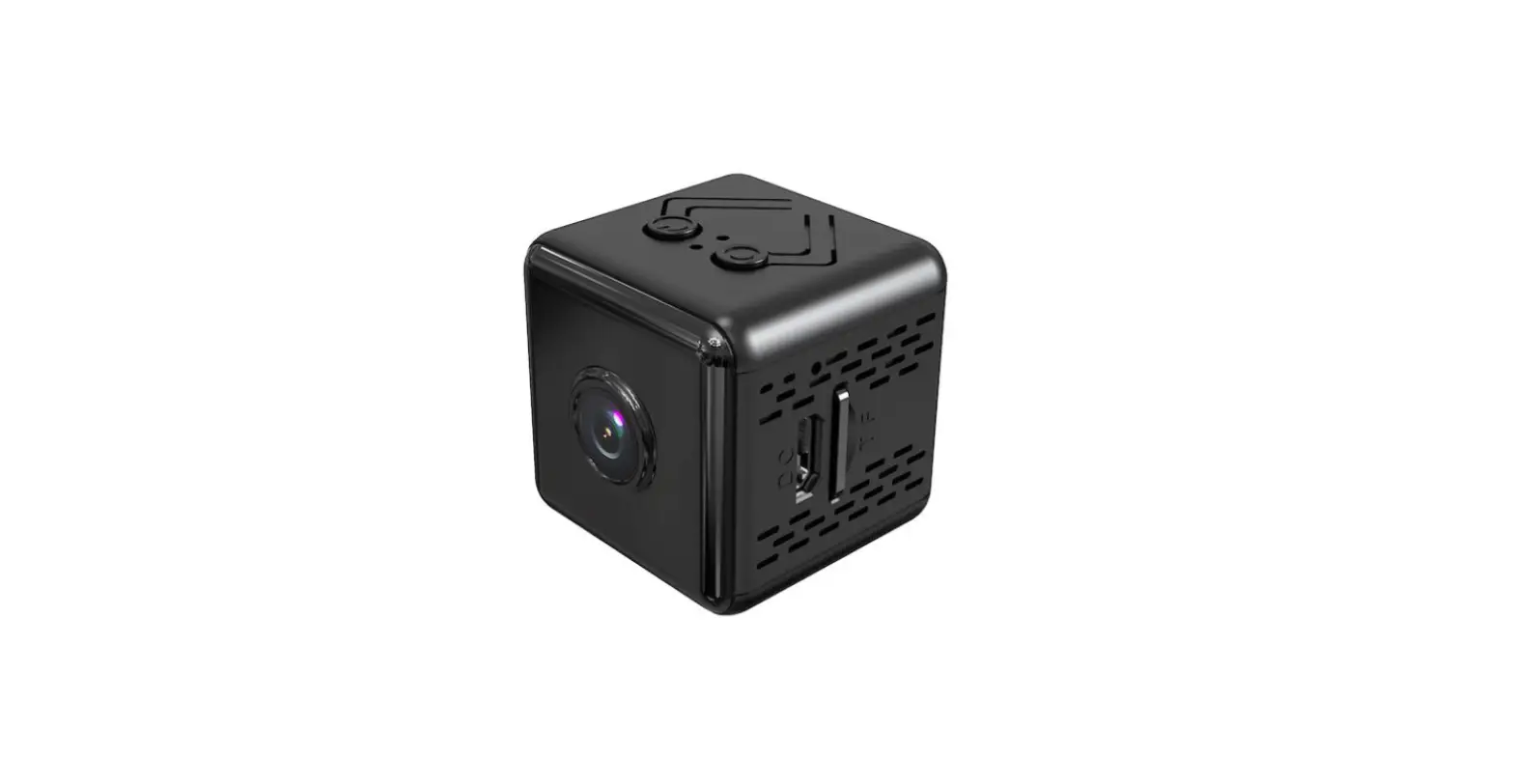
- ON/OFF: Press once to turn on the camera; Press for 3 seconds to turn it off;
- MODE: Press for 6 seconds to reset the camera;
- CARD PORT: Insert Micro SD card to save recordings(Max 128G, not included);
APP Settings
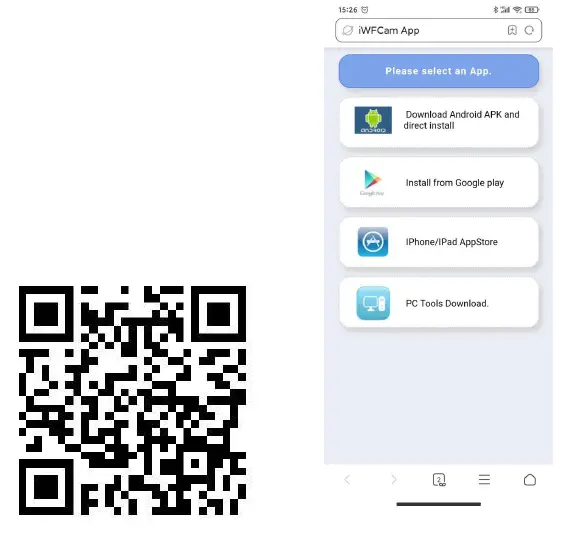
- Download the app “IWF came”
Scan the QR code below to download the APP compatible with your phone system.
- Camera-Phone Connection(AP Mode):
- Press the ON/OFF button once to turn on the camera;
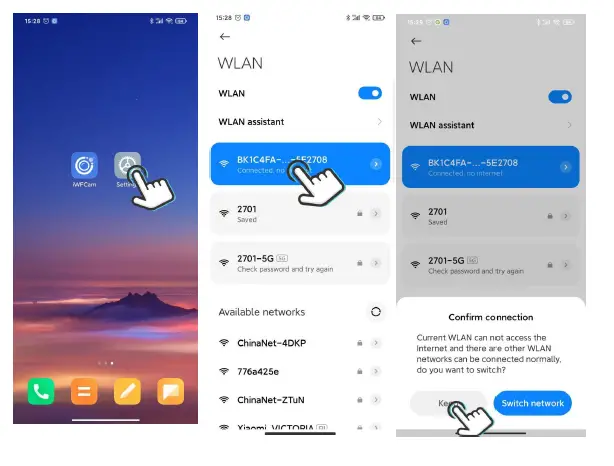
- Tap into your phone Settings WLAN, find the camera hotspot signal(named with BK*** without password), then connect it;
- If you are using Android phones, it’ll pop up a message to Confirm Connection, please keep connecting with the camera; Please refer to the below pics.
Note: Camera-phone connection should be finished within 5 meters for a strong signal.
- Camera-APP Remote Connection(IP Mode)
- Start APP IWF came, the camera will auto be added Online;
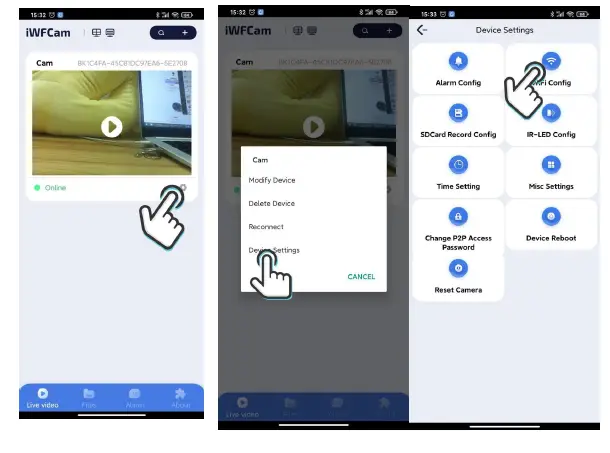
- Click Setting icon beside the camera in the APP, set Wifi Config; choose the router and enter the router network password;
- Wait for the camera’s update process for remote control; Once it shows Online, it means you have successfully done it; Please refer to the below pics.
Note: Camera-router connection should be finished within 5 meters for a strong signal.
- Camera Live-feed Page
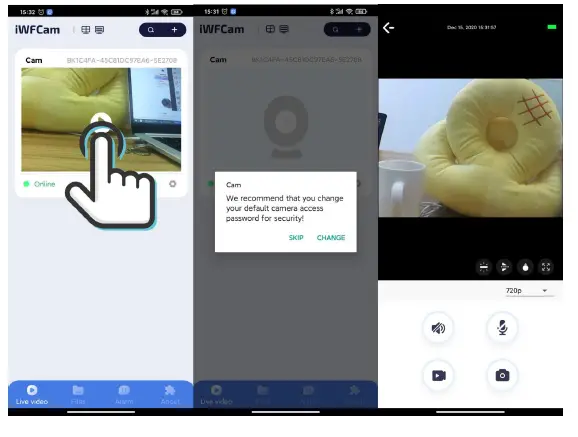
- Click the camera in the APP, it will pop-up message to change the password; skip or change it for security;
- Then you can see the live feed camera; in this page, you can adjust the Brightness, Night Vision, Video Resolution, Video, Photo, etc.
Please refer to the below pic