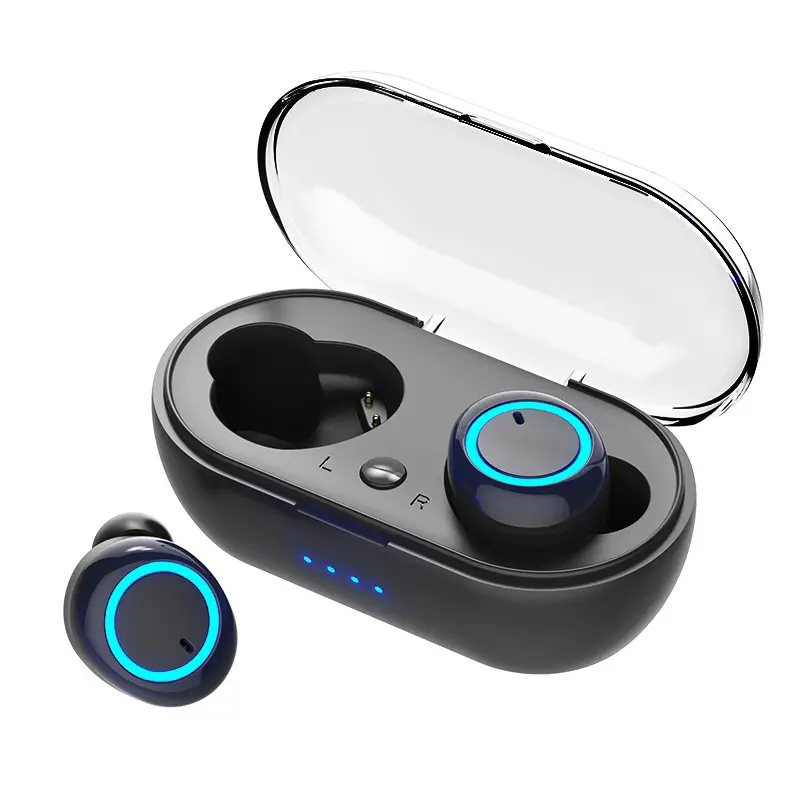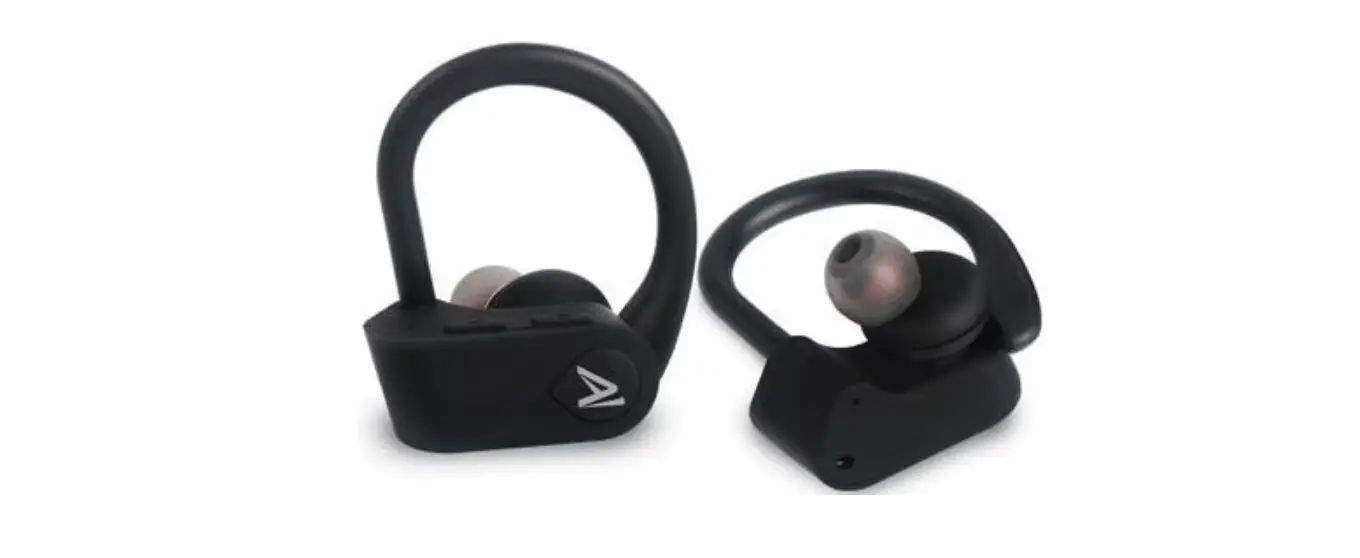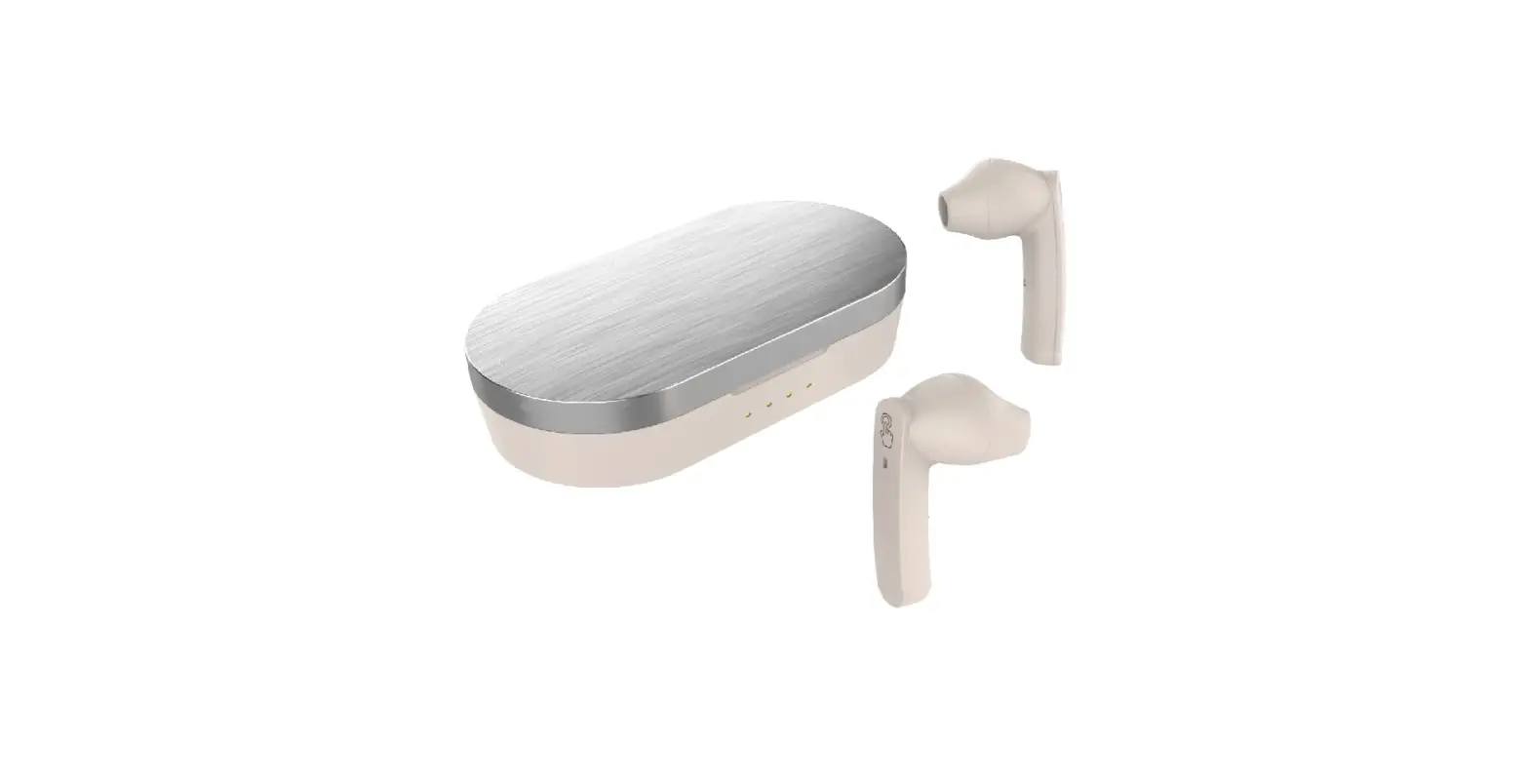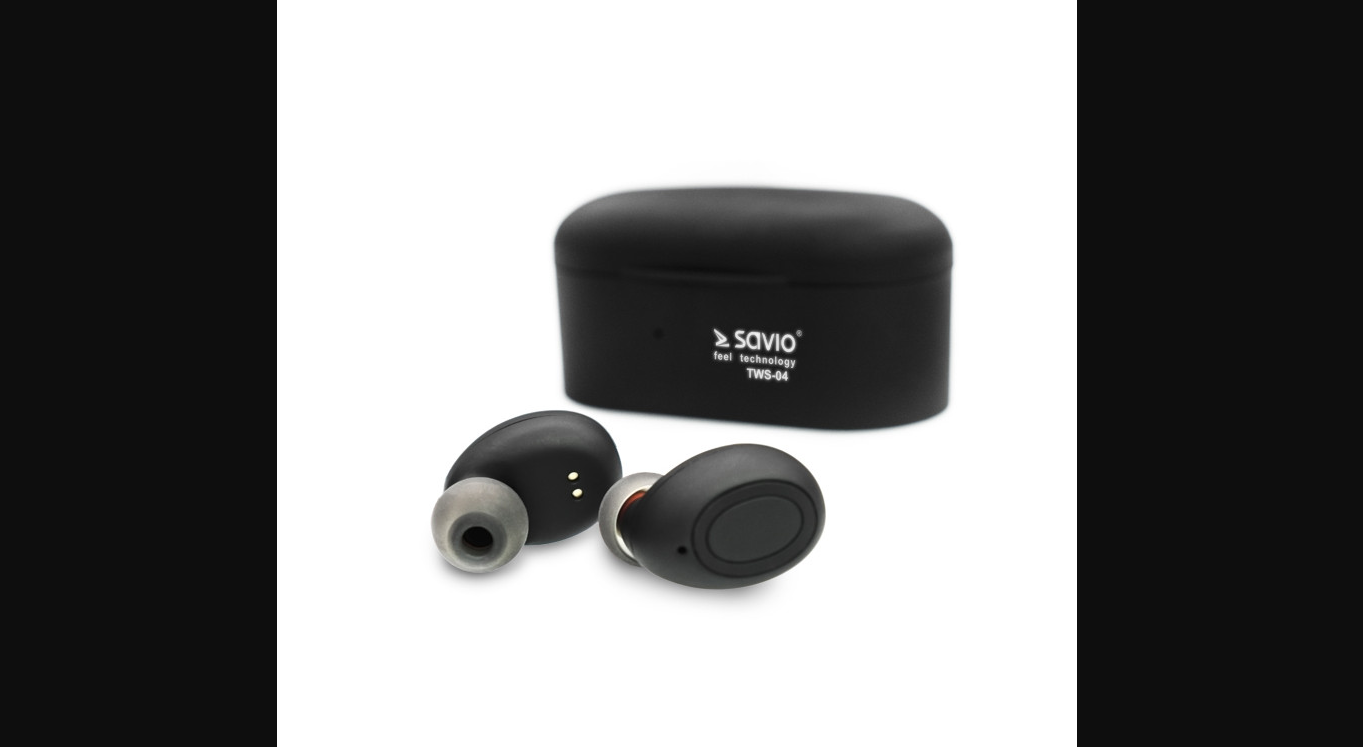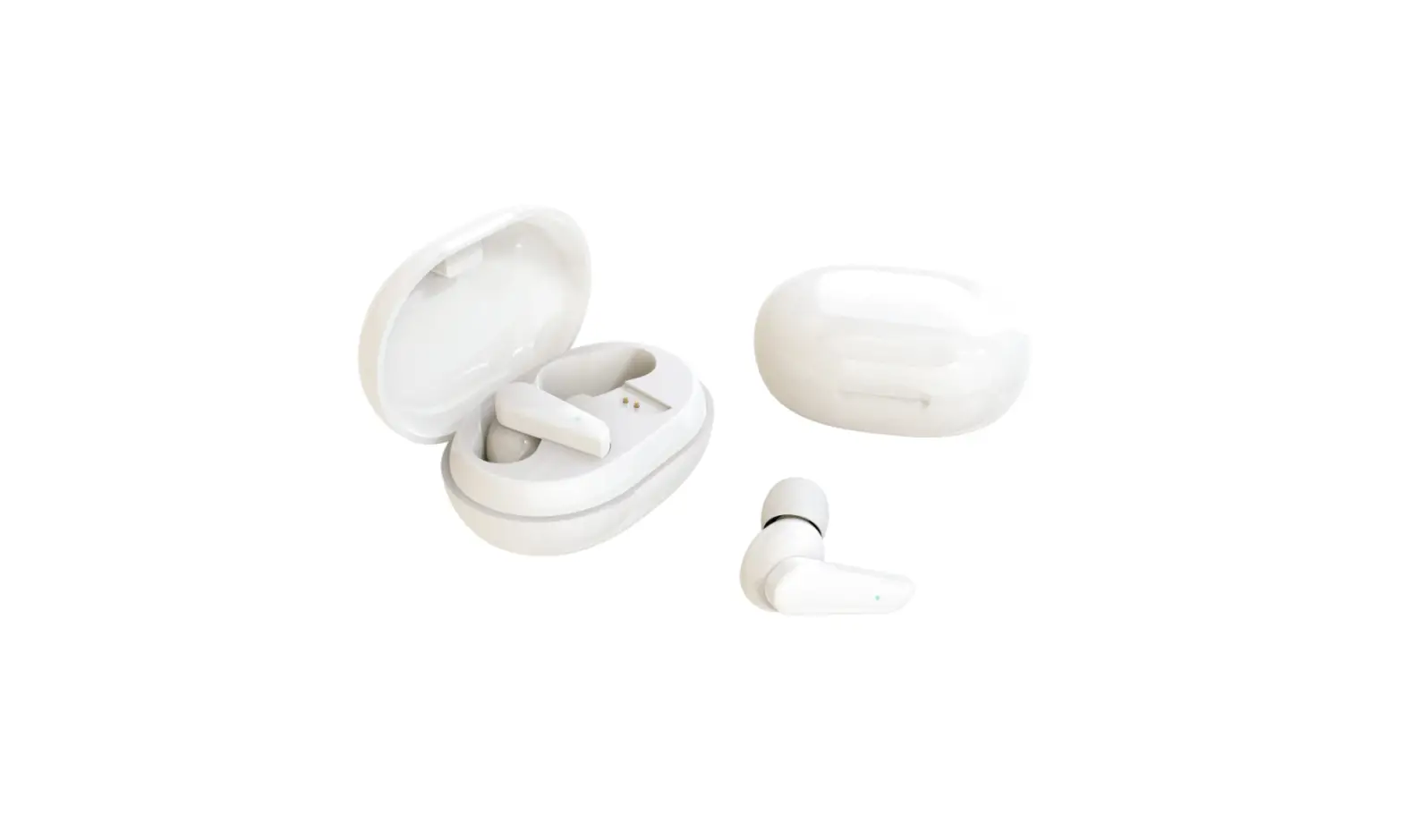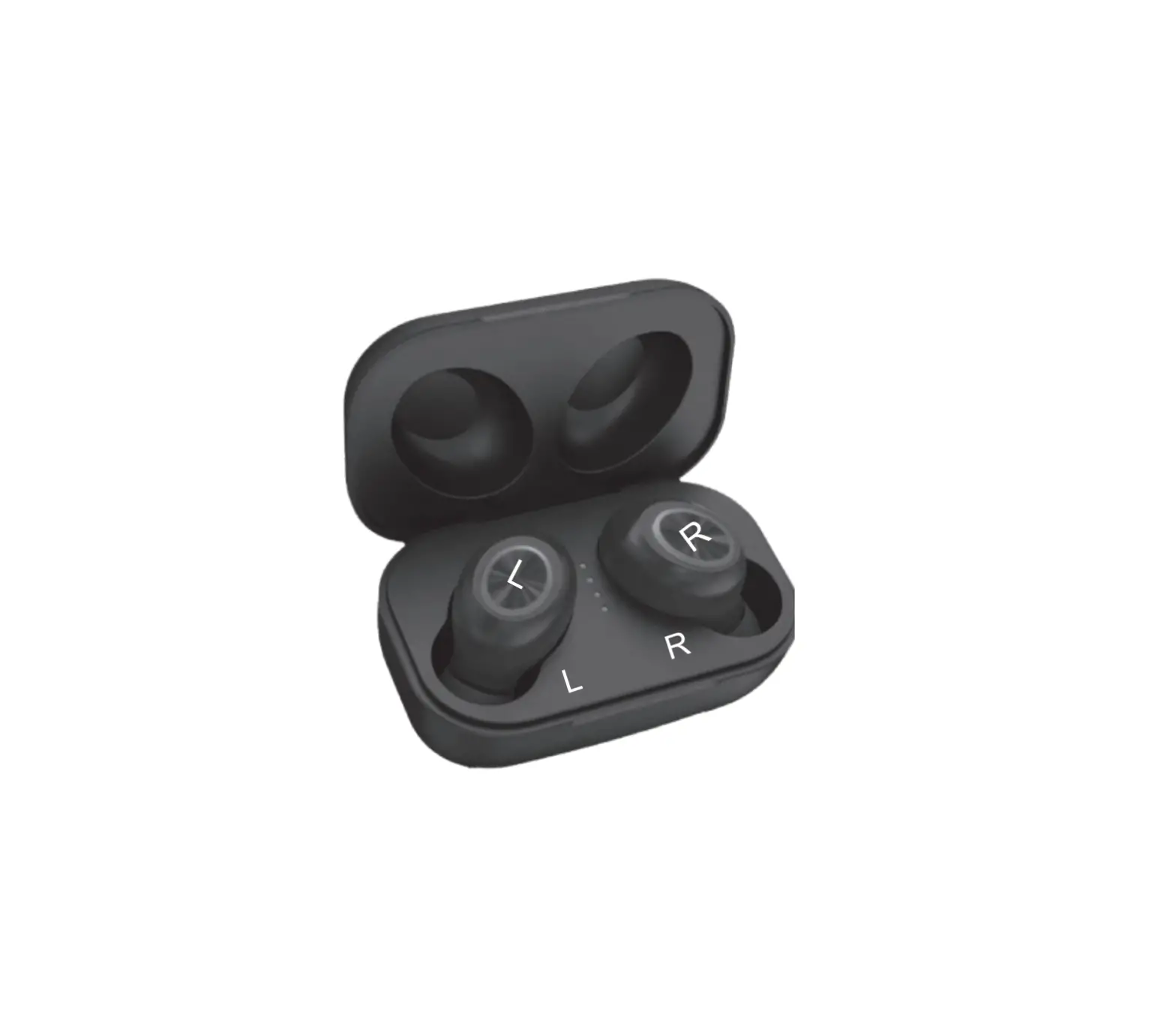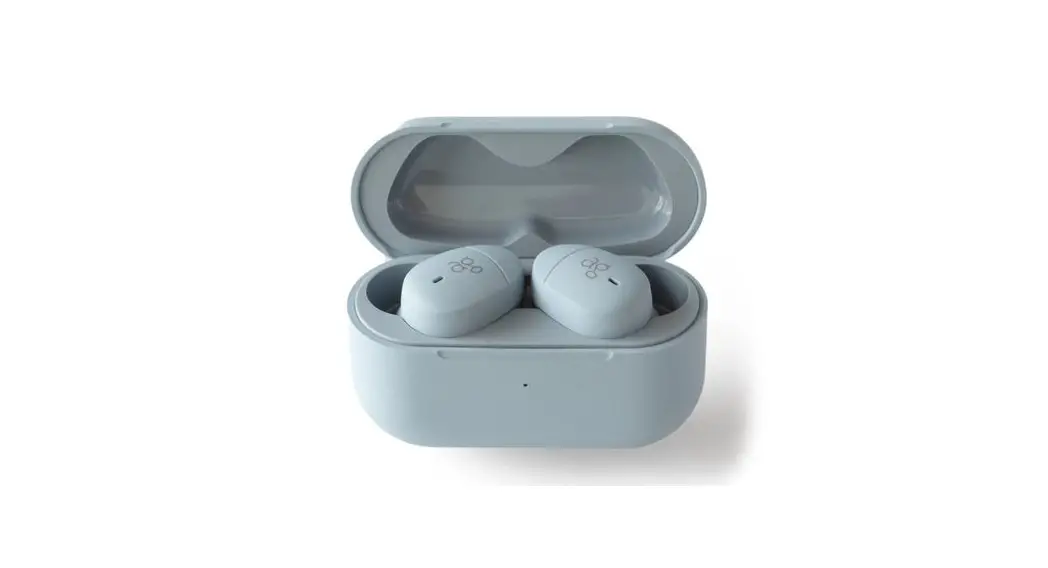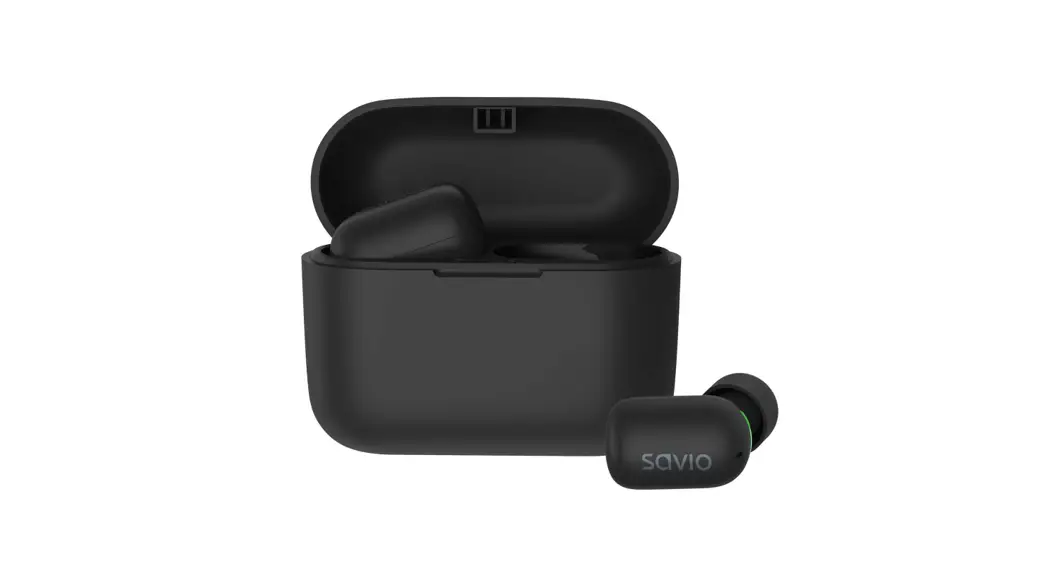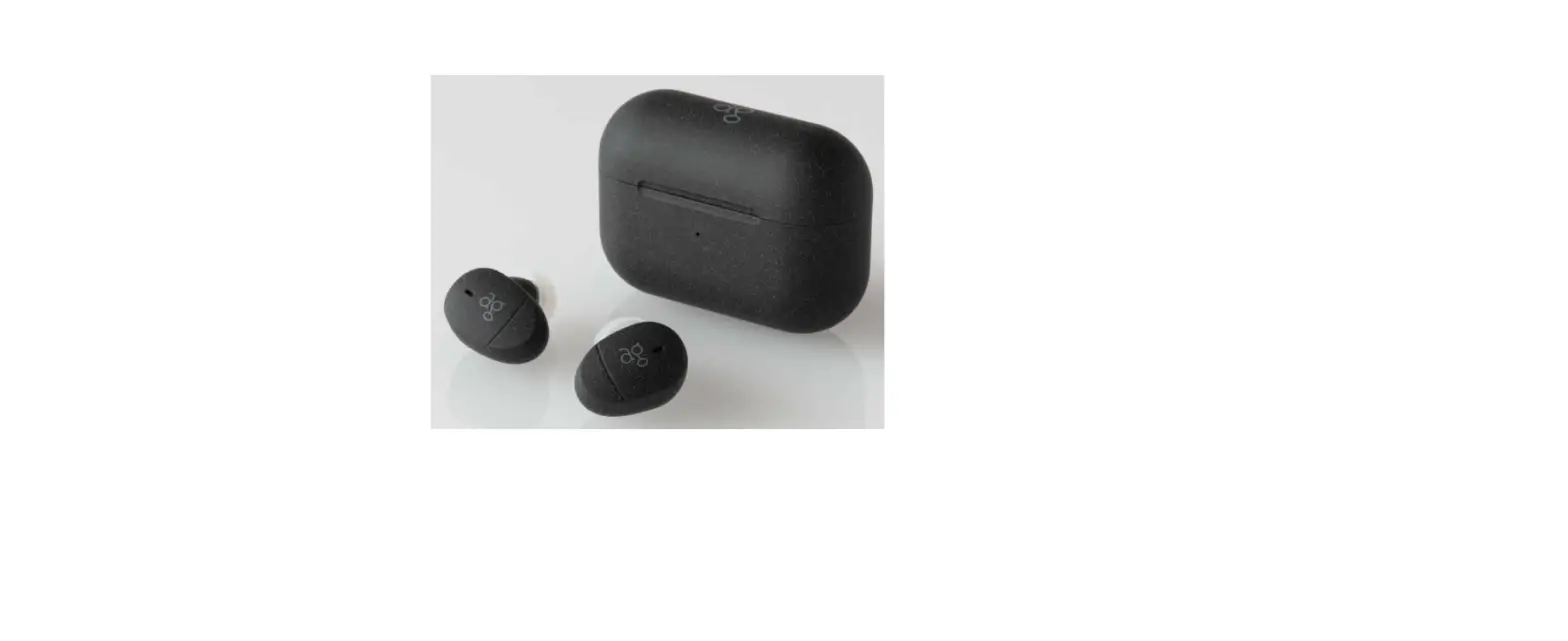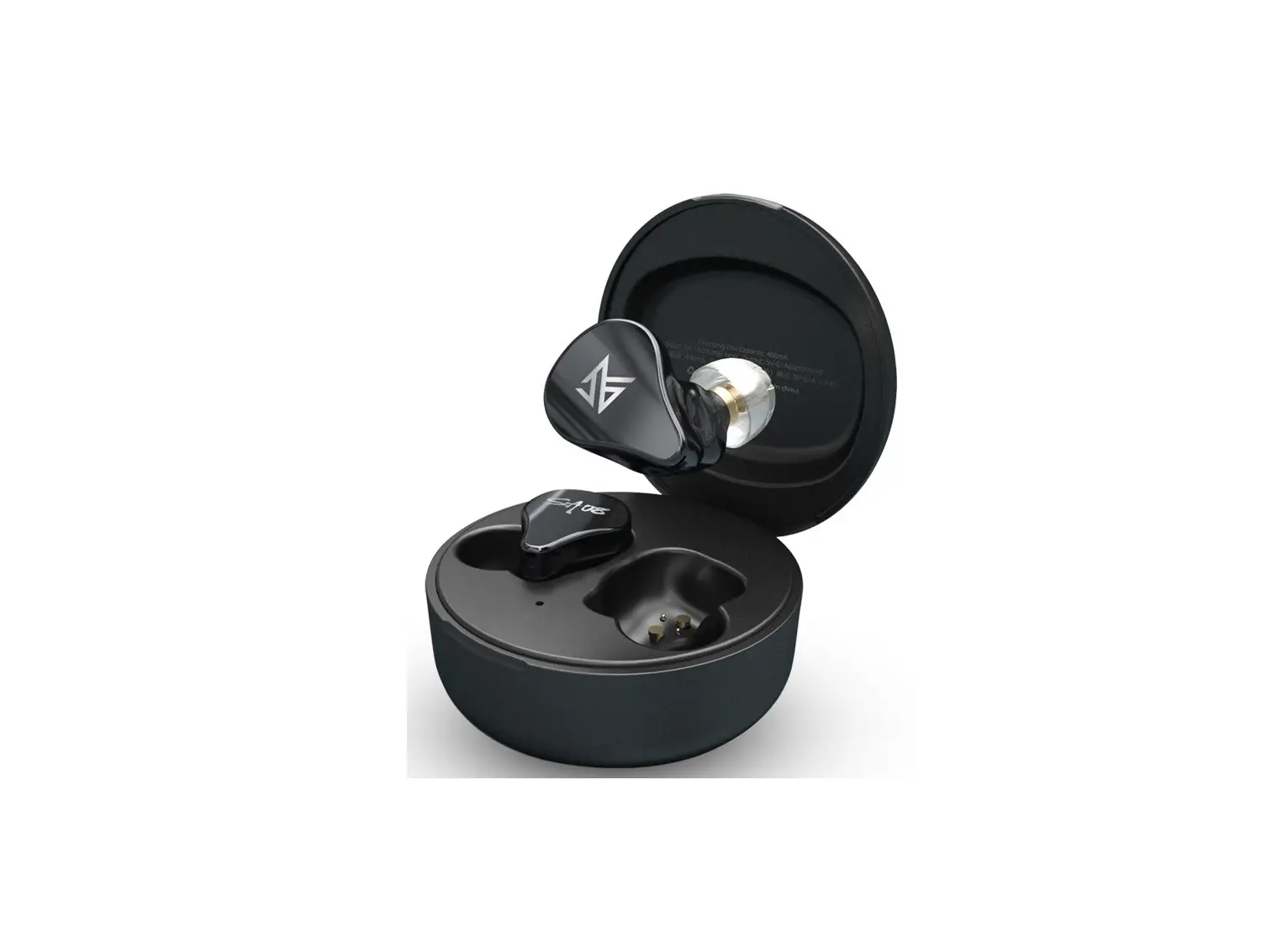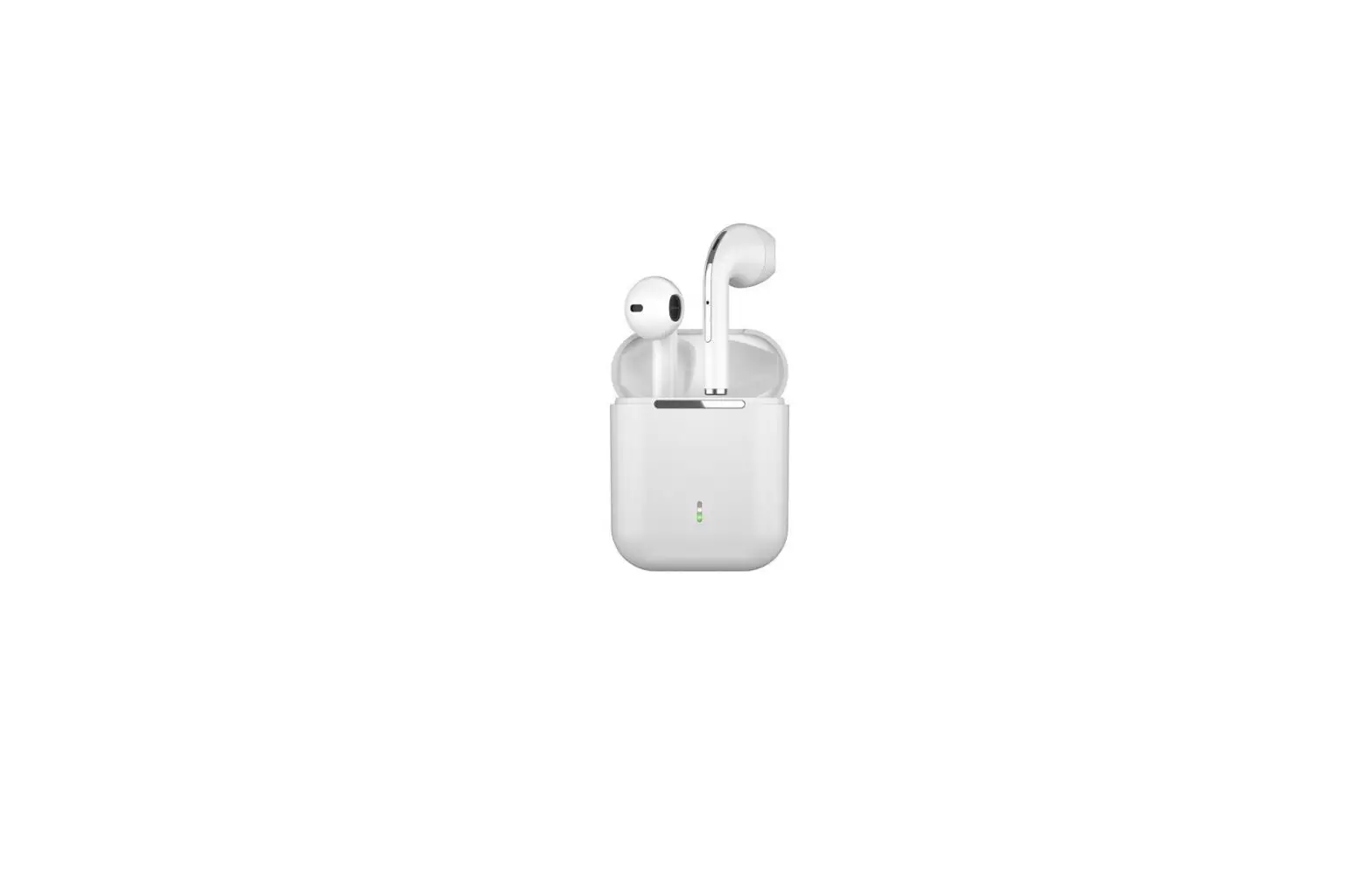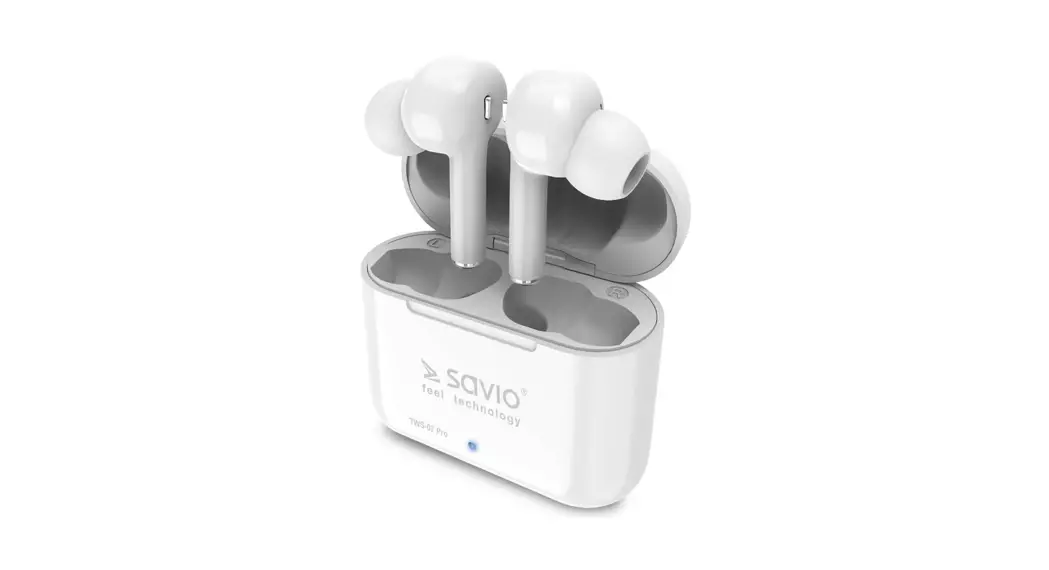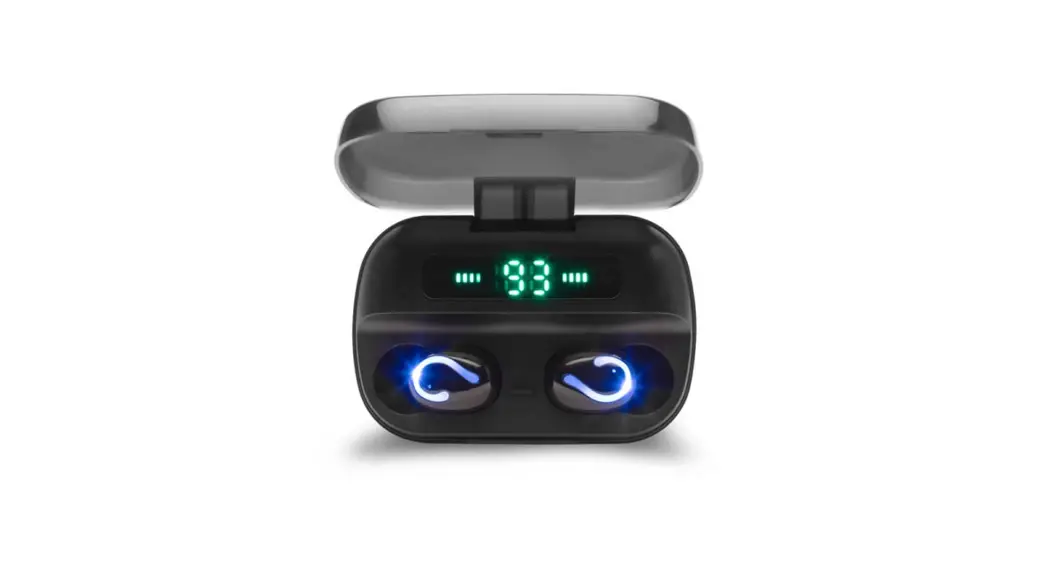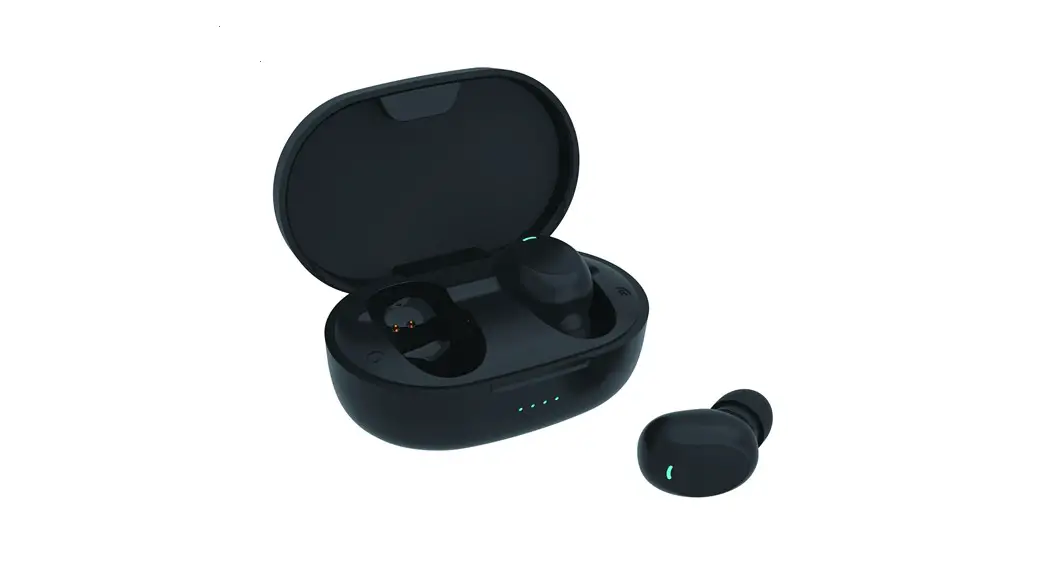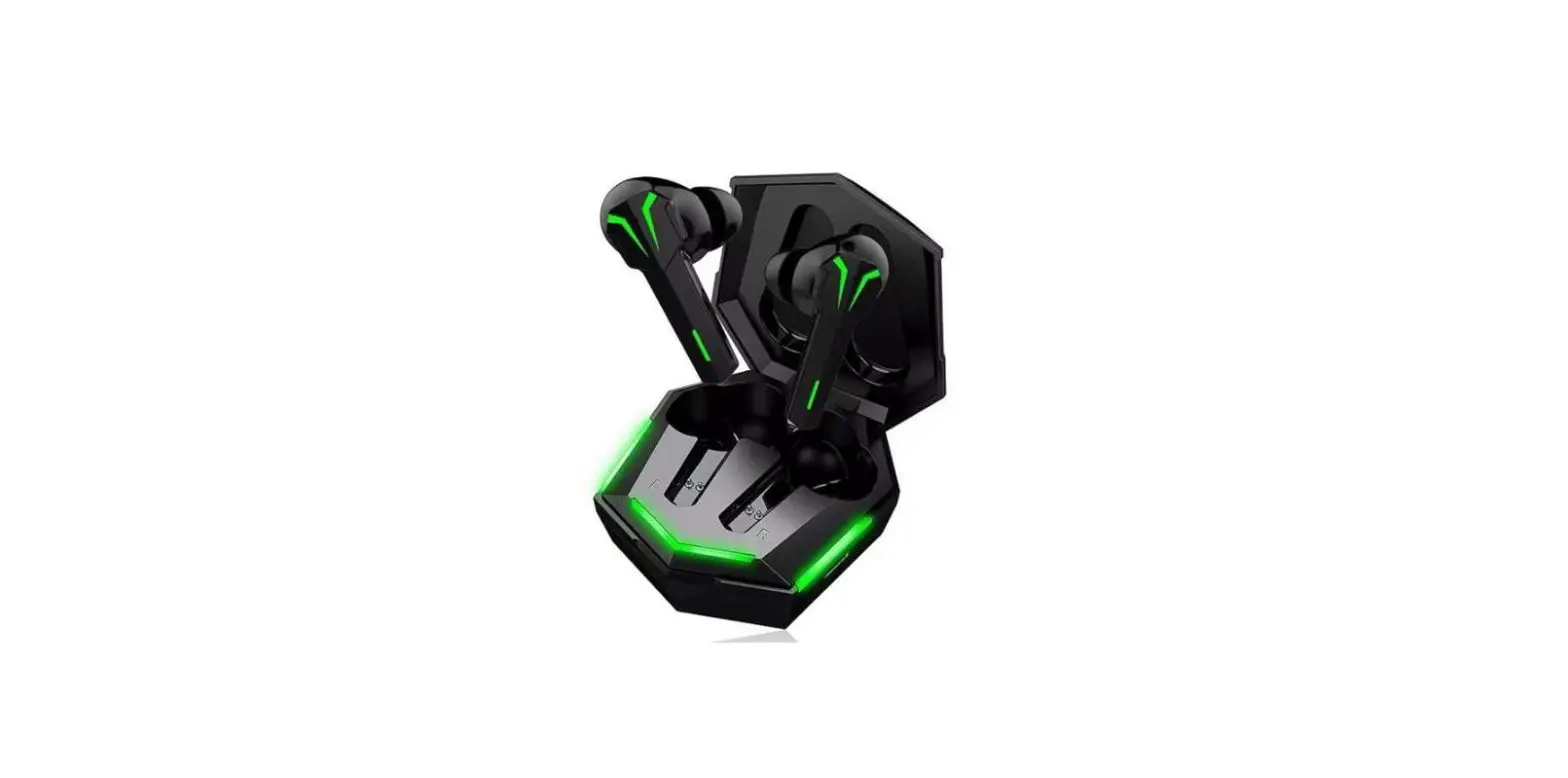

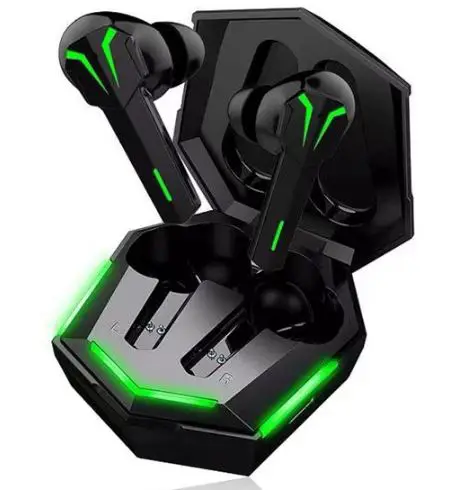
RUSAM TWS-GA33 Wireless Bluetooth Earphones
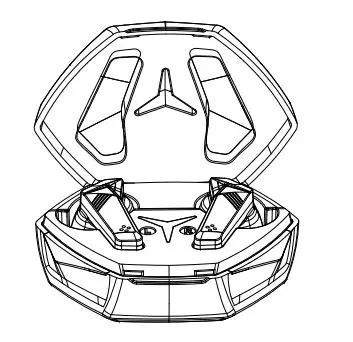
Product details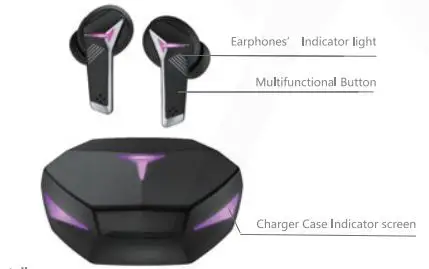
Wearing details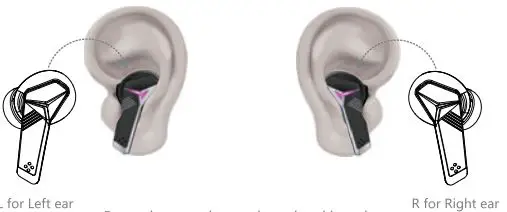
Put and rotate the earphone head into the ear canal slightly until the tightness and comfort d the earphone fit you most, so you can enjoy th best audio experience.
Instructions for first use of TWS-GA33 headset
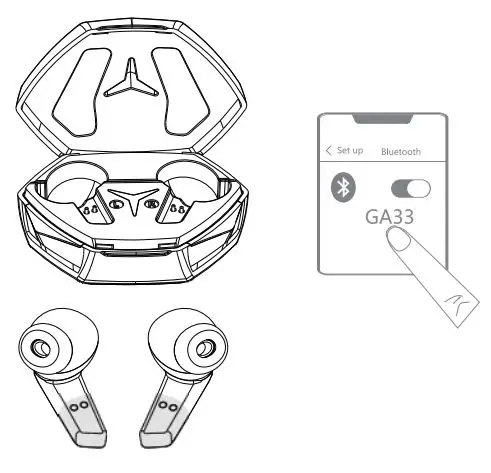
- Make sure that the charging case is charged and the electrostatic film of the headphones has been torn off. If the charging case is not charged, please fully charge the charging case: (take up the two headphones and put them back and cover them. If the indicator light of the charging case is on, it means there is electricity, and if it is not on, it means there is no electricity) .
- Take the two earbuds out of the charging case, the earphones Will automatically turn on and automatically pair; (Voice prompt: pairing, left channel, right channel, waiting for connection).
- Turn on the phone Bluetooth and click on the connection pair name GA33 to connect (voice prompt “Connected”).
Function operation indication
Manual startup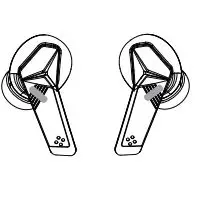
Press and hold the touch multi-function key for 3 seconds Or take it out of the charging case and start it automatically
Pairing left and right headphones
After power on, the headphones automatically enter the pairing state (the red and blue lights of the left and right headphones flash. After successful pairing, the main headphones flashes and the auxiliary headphones light goes out)
Manual shutdown
Long press and touch the multi-function key for 6 seconds or put the earbuds into the charging case for automatic shutdown (the red and blue light of the headset flas 3 seconds and then goes out with a prompt tone)
Play/pause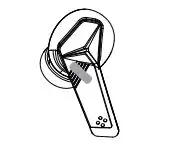
When the music is playing, click and touch the multi-function key once to Pause/ playback, and then click and touch again the multi-function key to continue playing.
Volume+
3 clicks on the main earphone, remind that the right earphone can only achieve volume+
Answer /reject a call
In the incoming call state, click any headset once to answer.during the calling state, click any headset once to reject the call.
Previous/ next
When playing music, double-click the left ear button to switch to the previous song; Double click the right ear button to switch to the next song.
Volume-
3 clicks on the left earphone
Start Siri
Long press the muti-function button for 1 second.
Charge the earphones
Charge the earphones
Put the headphones into the charging case to charge. The white light is on when the headset is charged and off when the power is full. Charging time: 1-2h.
Charging indication of charging case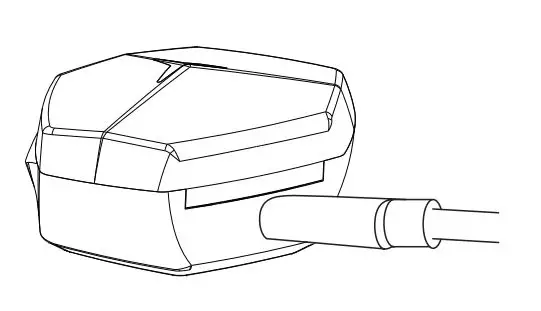
Charging indication of charging case judge whether there is power in the charging case.Pick up the two earphones and put them back in. Cover them. If the indicator light in the charging case is on, it means there is power. If it is not on, it means there is no power. Charging the charging case When charging the charging case, all the lights are on and all the lights are off after filing
Single Earbud Mode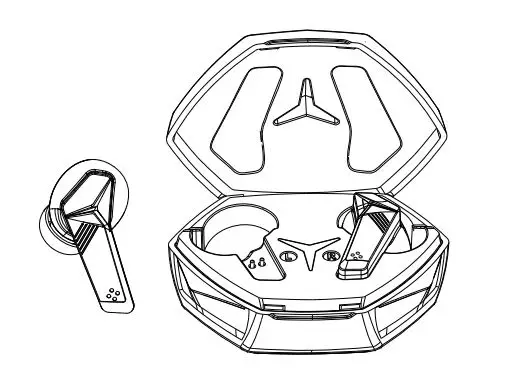
- Take out any earphone, the earphone will automatically connect back to the last connected device, and it can be used as a single ear.
- The earphone prompts that the connection is successful, and can play music and voice calls.
- lf you need to use both ears at this time, please take the other side of the earphone from the charging case to start using the ear.
Note: The earphones have been connected to the mobile phone, put any stand-alone earphones into the charging case and shut down, and the other stand-alone one keeps working in the original mode when the earphone is taken out again,it will automatically return to the host.
Clear headphones pairing information
Clear headphones pairing information Put them into the charging case, click the multi-function key of the headphone 6 times in the charging state.
Game mode
Game modde When the earphones are connected.you only need to click any earphone 4 times to turn on or turn off game mode.
More than two times use: the earbuds have been connected with the mobile phone-open the phone Bluetooth, and take out the two earbuds from the charging case, without any operation, it will connect with the phone automatically. If you use a different phone, you need to follow the steps in the instructions for use.
Special Note: The two earbuds are well-paired before packaged, but if they can not be paired well due to some wrong operations, do as following steps to re-pair the earbuds.Put the left and right earbuds back into the charging case and take them out, and then wait for the earbuds to be automatically paired and interconnected
Care and maintenance
- Put the Bluetooth headset into the pocket before putting the Bluetooth earbuds into the pocket to avoid misuse caused by the collision.
- Do not use corrosive cleaning agents to clean the Bluetooth earbuds.
- Do not expose the Bluetooth earbuds to excessive temperature.
- Do not let the Bluetooth earbuds be close to the fire source.
- Do not drop, bump, scratch, twist, tap, crush, or put into the water.
- Keep away from magnets, appliances, and speakers when using Bluetooth earbuds.
- Do not place the Bluetooth earbuds in extreme temperatures (use ambient operating temperature range -10°C-55°C)
- Do not expose the Bluetooth earbuds to moisture.
- If you do not use the Bluetooth earbuds for a long time, please charge it fully and charge it once a week to extend their life of the Bluetooth earbuds.
Safety guidance
- please use the standard 5V charger (4.9-5.5V)
- Do not place the charging case and the Bluetooth earbuds near to the flammable explosives.
- Do not disassemble the charging case and Bluetooth earbuds, or insert other items into the product to avoid damage to the product or even cause harm to you.
- Please avoid using the device indicator light close to the eyes of children or animals.
- Do not use the equipment in a thunderstorm.
- Please do not use the product in dangerOus situations, such as driving, crossing the road, or engaging in any activities requiring concentration, or in such environments.
Serious warning
Do not use this product while charging. Please use the adapter specified by the manufacturer to charge the product. Do not disassemble the built-in lithium battery. Do not let the metal contact or short the electrode. Do not touch or squeeze the battery to avoid Place in a humid or hot (>55 °C) environment.
Packing list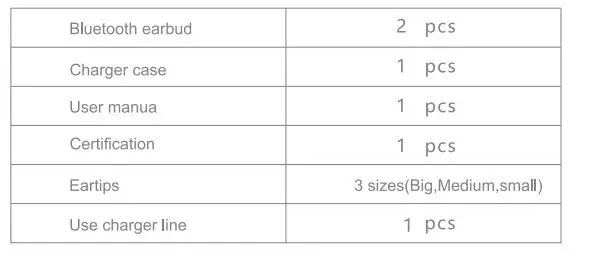
FAQ and Solutions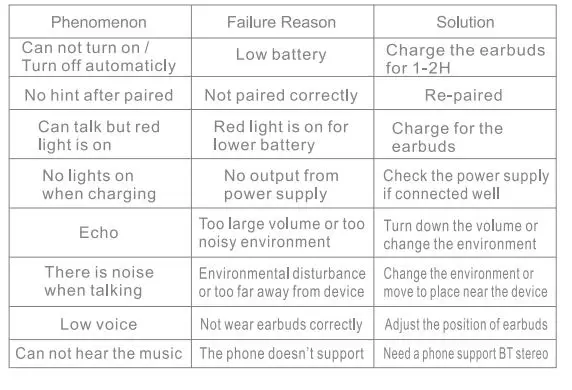
Product Warranty card
Designed by Dongguan Tianyin Electronic Technology Co., Ltd
Address: Building 3, No. 128, Chanan Road, Chashan Town,
Dongguan City, Guangdong Province
Email: [email protected] [email protected]
Official website: www.rusamtws.com
Warranty Rules
- From the date of purchase to the three-month warranty period, if there is anymalfunction of the products, the company’s technicians have confirmed that the malfunction occurred under normal use,and free repair and spare parts replacement services will be provided.
- The following causes damage to the product can not be used normally, not within the warranty.
- The product has been damaged by the wrong operation, negligent use or accidents such as natural and man-made disasters.
- The product was repaired and modified by non-company technicians.
- Failure to follow the instructions for use of the product tha result in damage to the product.
- The free service provided by this warranty card does not include product accessories and other decoration items.
- The company will not be responsible for any direct or indirect losses caused by damage to the equipment.
- After the warranty period expires, the user will still be able to get our company’s maintenance service, but the corresponding fee must be paid.
- 0ur company reserves the right to modify and interpret the contents of this warranty card.