PCK2 Program Remote to Receiver
Product Information
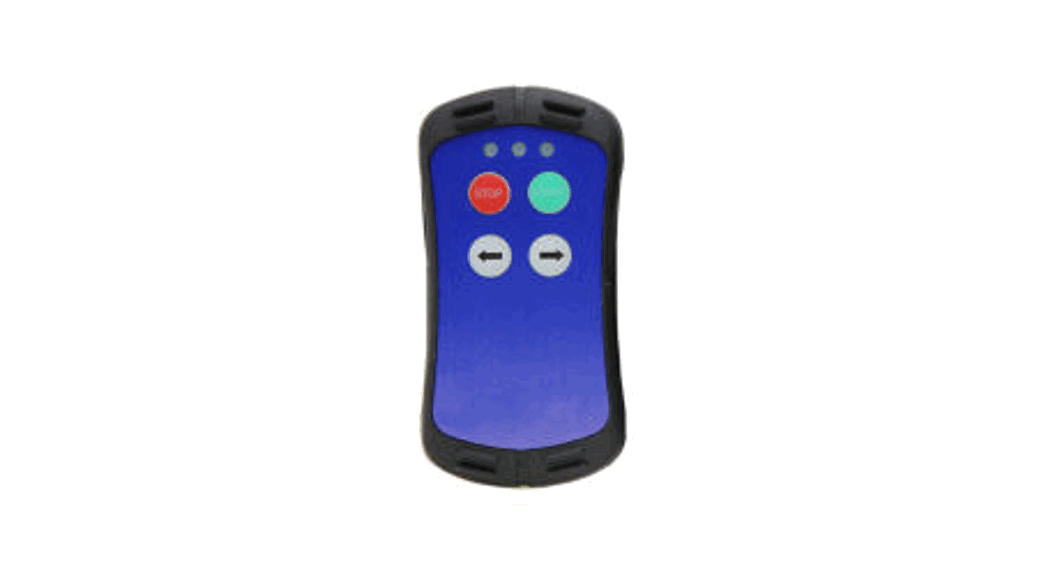
Brand: Elsema
Frequency: 433.1-434.7MHz
Battery: LR23A (for PCK2 and PCK4) and CR2032
(for JMA Cloning remote)
Buttons: 2 (for PCK2), 4 (for PCK4 and JMA
Cloning remote)
Compatibility: Compatible with receiver
compatibility
Product Usage Instructions
Program Remote to Receiver (Dip Switch)
- Open the battery cover in the new remote.
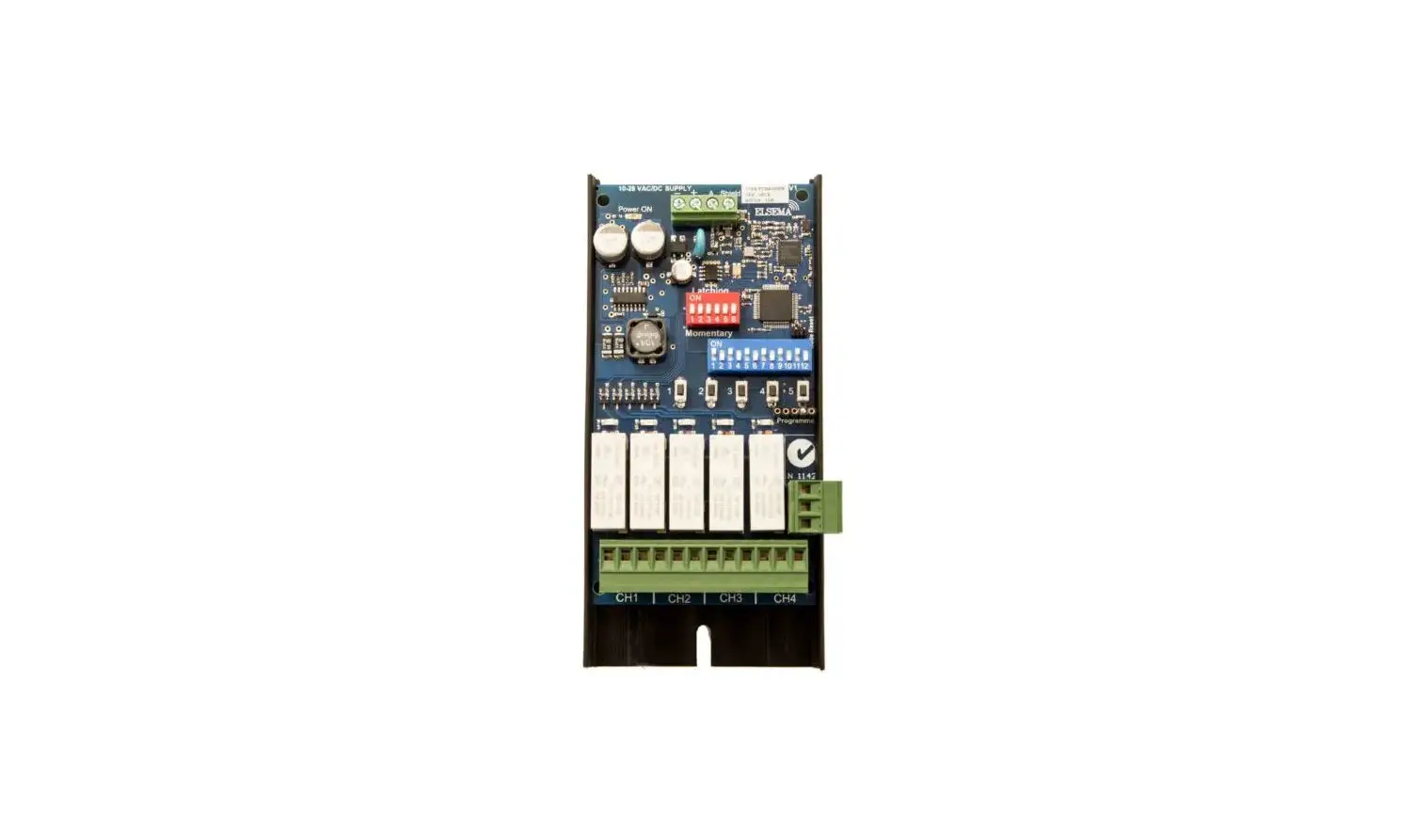
- Match the 12-way dip switch to the receiver (garage door motor)
dip switch. - Press button 1 on the remote and the receiver output should
activate. This is indicated by the receiver LED.
Program to Different Receivers (Advanced)
To program the same remote buttons 2, 3, or 4 to another
receiver (garage door motor) change dip switch 11 and 12 in the
2nd, 3rd, and 4th receivers.
| Receiver | Dip Switch 11 | Dip Switch 12 |
|---|---|---|
| Receiver 1 | Off | Off |
| Receiver 2 | On | Off |
| Receiver 3 | Off | On |
| Receiver 4 | On | On |
Dip switches 1 to 10 should all be the same in the remotes and
the receivers.
Program Remote to Receiver (Encrypted Coding)
- Open the battery cover in the new remote and set all 12-way dip
switches to `OFF’. - Press and hold the `Program Button 1′ on the receiver (garage
door motor). - Press & hold the remote button you want to use for 2
seconds, receiver LED will flash Green. - Release the button on the receiver (garage door motor) &
the remote. - The LED on the remote will flash to confirm the coding has been
successful.
Program Existing Remote to New Remote
- Open the battery covers of both new & existing remotes and
set all 12-way dip switches to `OFF’. - On the existing remote, press the hold `Button 1′ and flick dip
switch 12, `on’ then `off’. The existing remote’s LED will stay on
for 10 seconds. - While the existing remote’s LED stays on, press and hold
`Button 1′ on the new remote for 2 seconds. The new remote’s LED
will flash twice.
ELSEMA
REMOTE ORDERING OPTIONS
Art ID:
PCK2
Art ID:
PCK4
Art ID:
M-BT
G
G
A
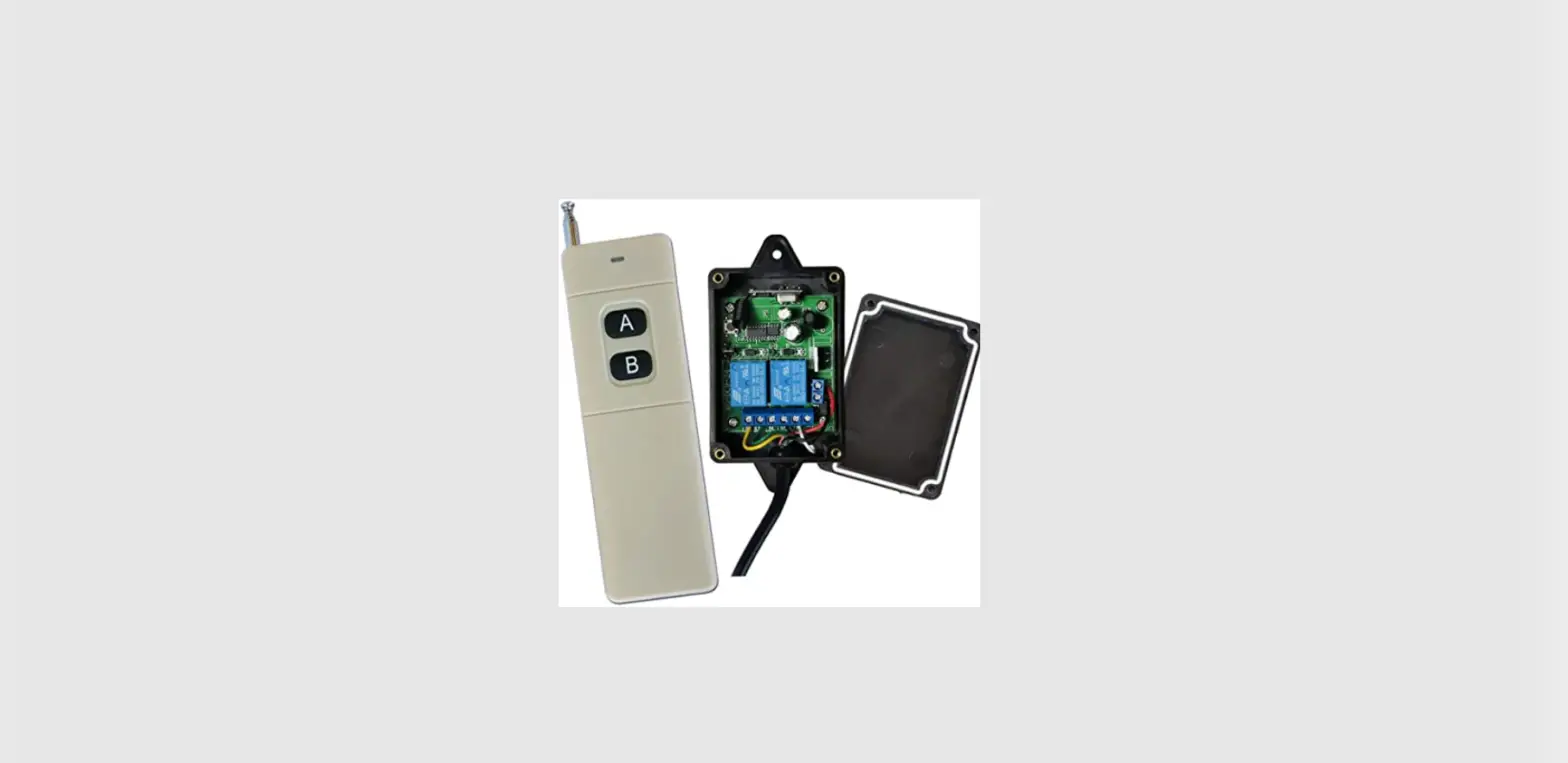
SPECIFICATIONS Elsema Frequency – 433.1-434.7MHz Buttons – 2 Battery – LR23A
Art ID:
M-LT
SPECIFICATIONS Elsema Frequency – 433.1-434.7MHz Buttons – 4 Battery – LR23A
See page 30-32
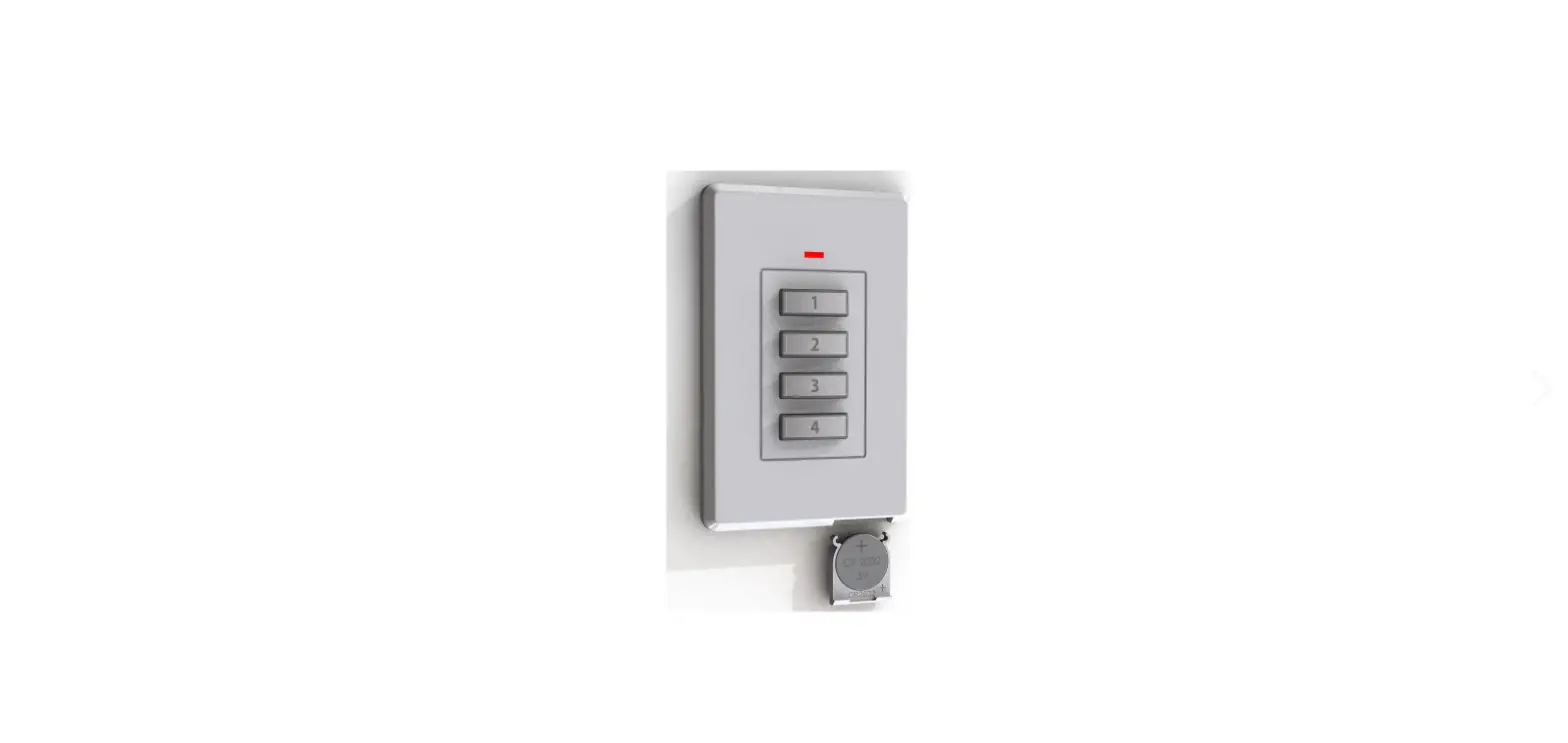
SPECIFICATIONS JMA Cloning remote Buttons – 4 Battery – CR2032
A
See page 30-32 SPECIFICATIONS
JMA Cloning remote (FIXED CODE) Buttons – 4 Battery – CR2032
COMPATIBLE WITH
RECEIVER COMPATIBILITY
· Suits Models: Suits ALL Elsema Type PCR Series & Elsema Receivers with PentaCode Compatibility
Remote Programming Steps
Program Remote to Receiver (Dip Switch)
1. Open the battery cover in the new remote. 2. Match the 12-way dip switch to the receiver (garage door
motor) dip switch. 3. Press button 1 on the remote and the receiver output
should activate. This is indicated by the receiver LED.
Program to Different Receivers (Advanced)
To program the same remote buttons 2, 3 or 4 to another receiver (garage door motor) change dip switch 11 and 12 in the 2nd, 3rd and 4th receivers.
Receiver 1 Receiver 2 Receiver 3 Receiver 4
Receivers Dip Switch 11 Off On Off On
Receiver Dip Switch 12 Off Off On On
Dip switches 1 to 10 should all be the same in the remotes and the receivers.
Program Remote to Receiver (Encrypted Coding)
1. Open the battery cover in the new remote & set all 12way dip switches to `OFF’ .
2. Press and hold the `Program Button 1′ on the receiver (garage door motor).
3. Press & hold the remote button you want to use for 2 seconds, receiver LED will flash Green
4. Release the button on the receiver (garage door motor) & the remote.
5. The LED on the remote will flash to confirm the coding has been successful.
Program Existing Remote to New Remote
1. Open the battery covers of both new & existing remotes & set all 12-way dip switches to `OFF’ .
2. On the existing remote, press the hold `Button 1′ and flick dip switch 12, `on’ then `off’. The existing remote’s LED will stay on for 10 seconds.
3. While the existing remote’s LED stays on, press and hold `Button 1′ on the new remote for 2 seconds. The new remote’s LED will flash twice.
Whilst every effort has been made to ensure the accuracy of the information supplied herein, we assume no liability for any errors or omissions. Information contained in
this document is subject to change without prior notice.