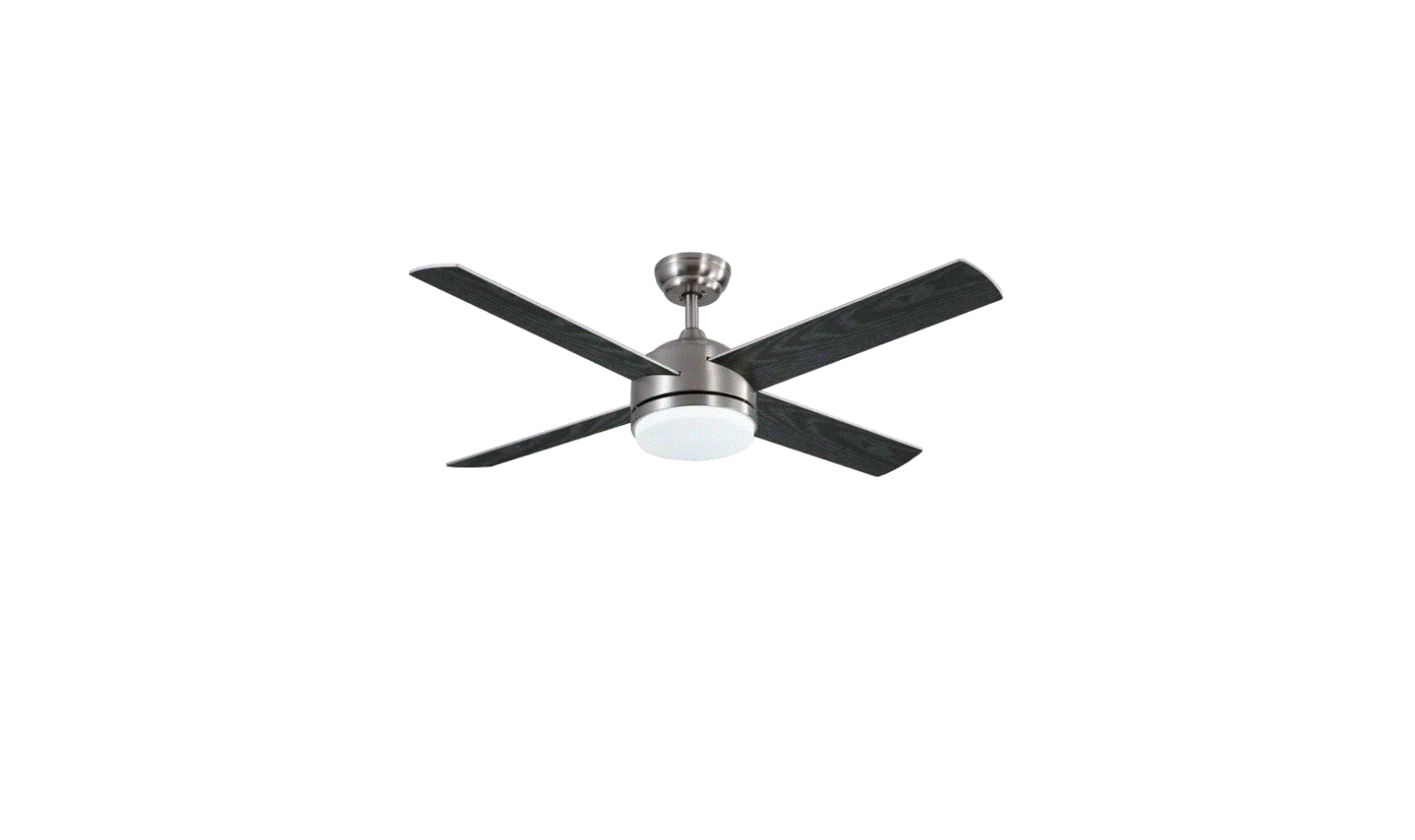
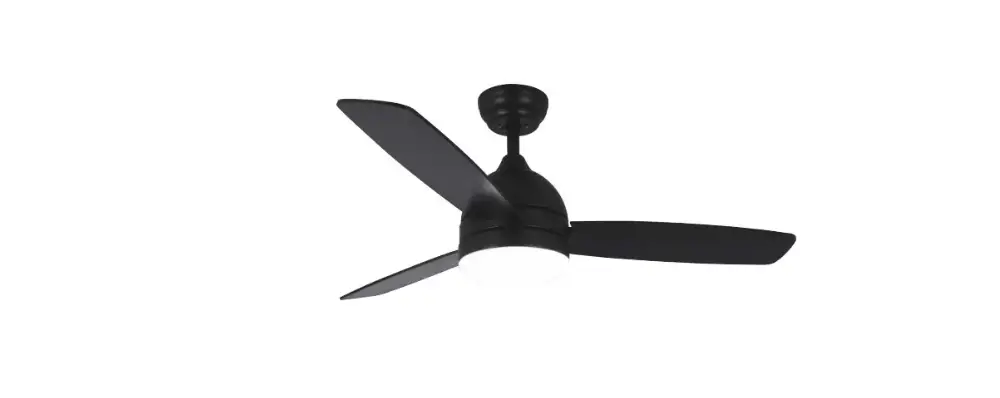
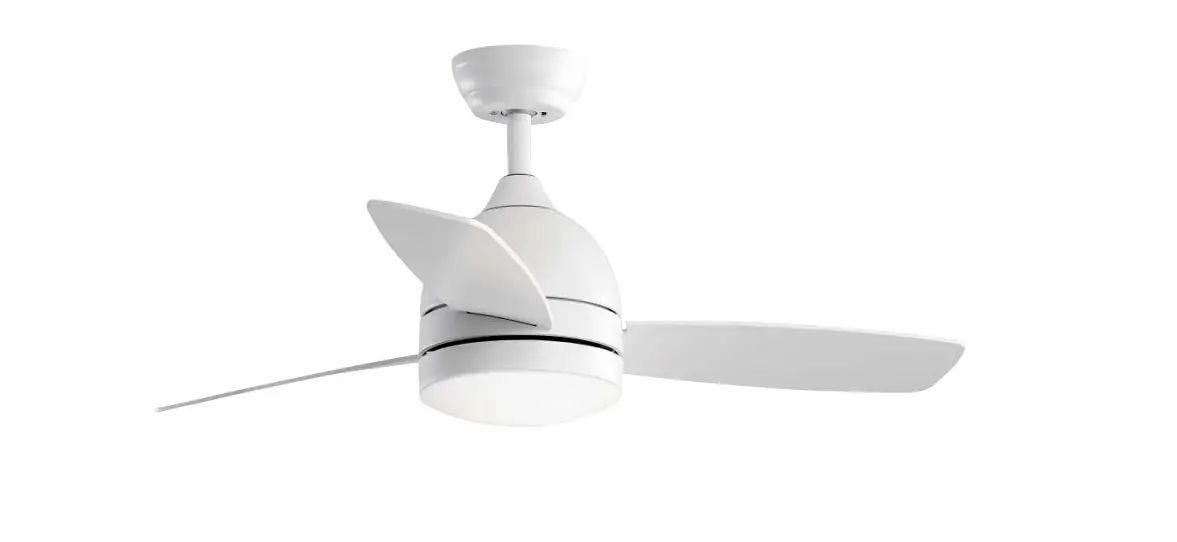
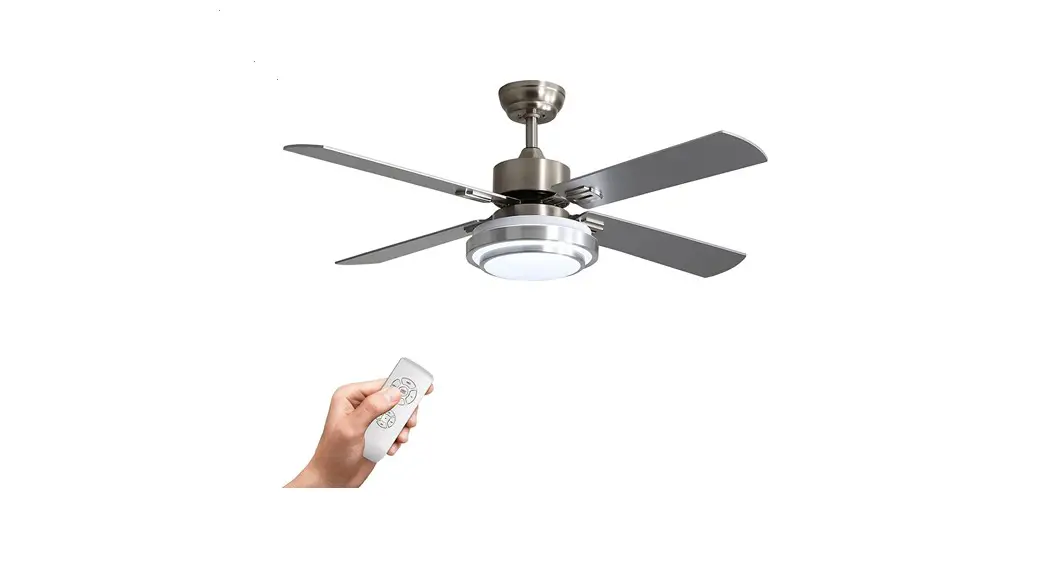
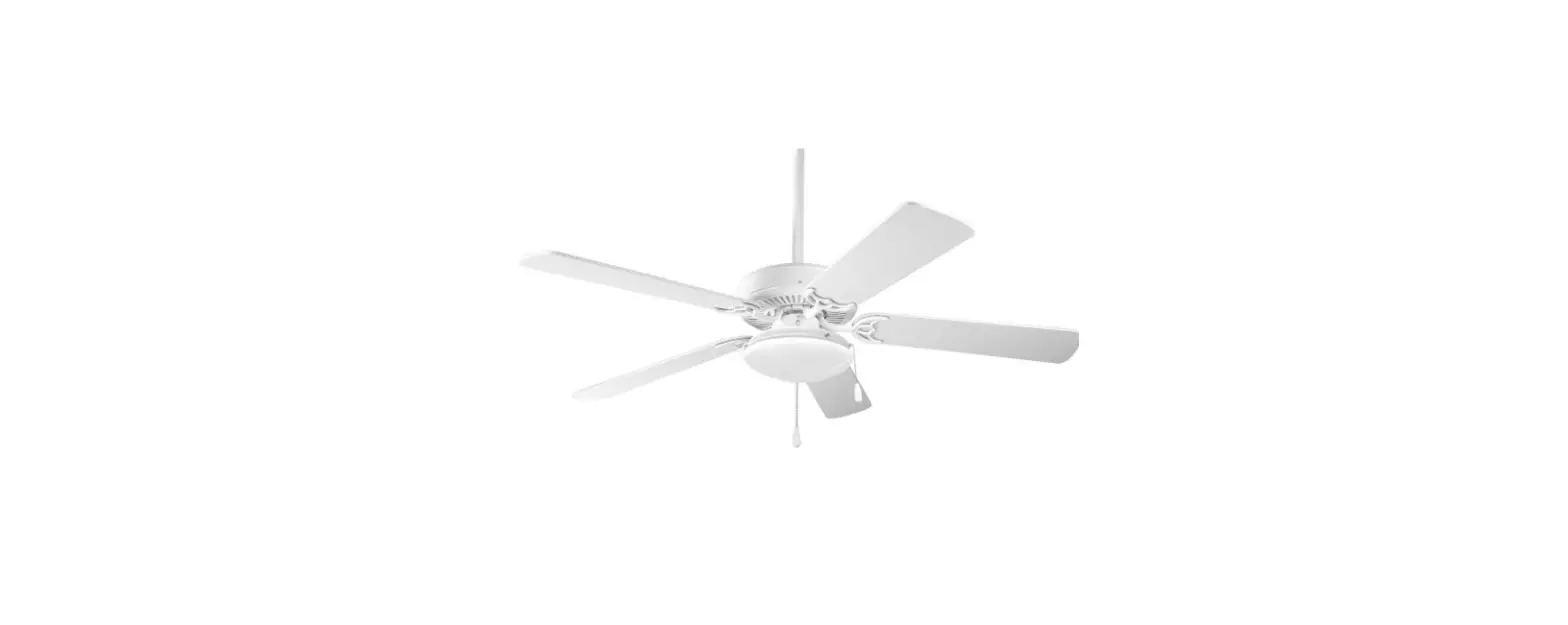
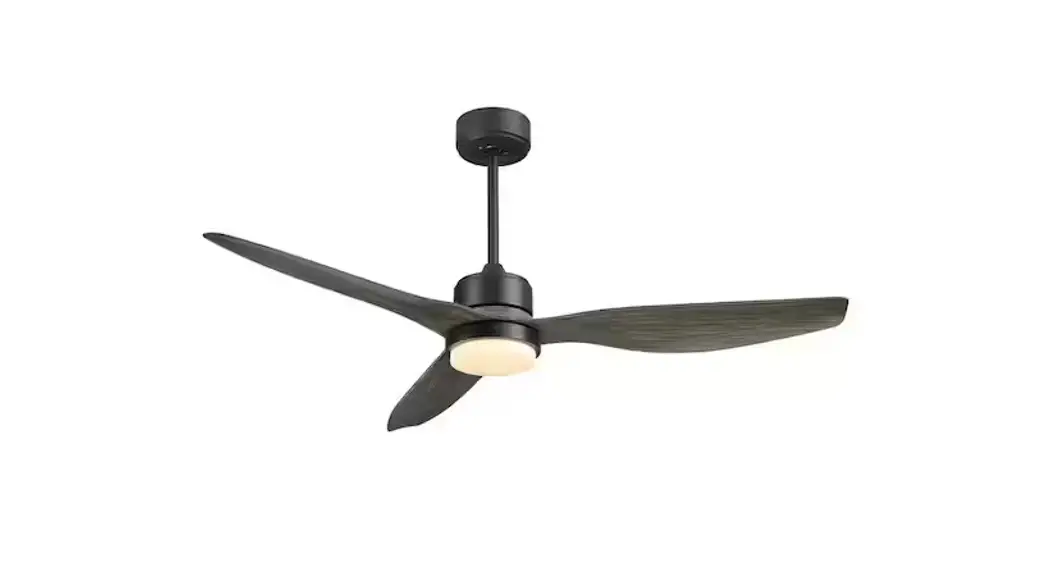
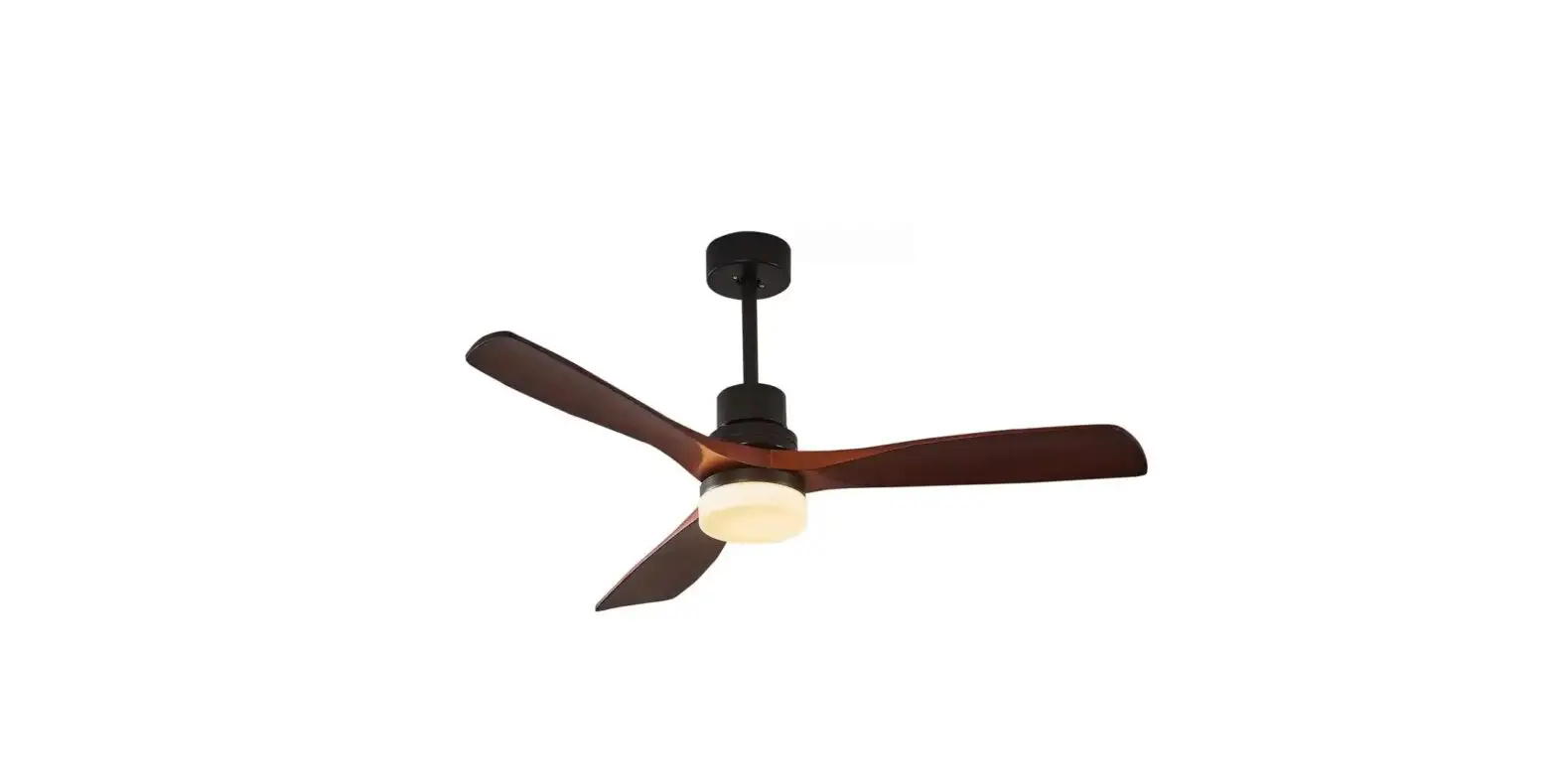
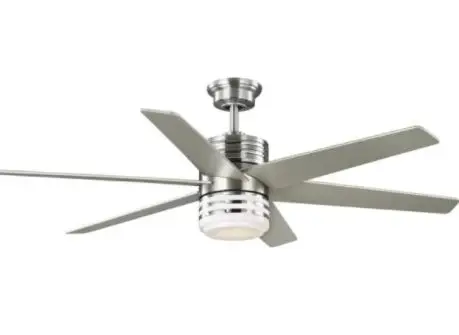
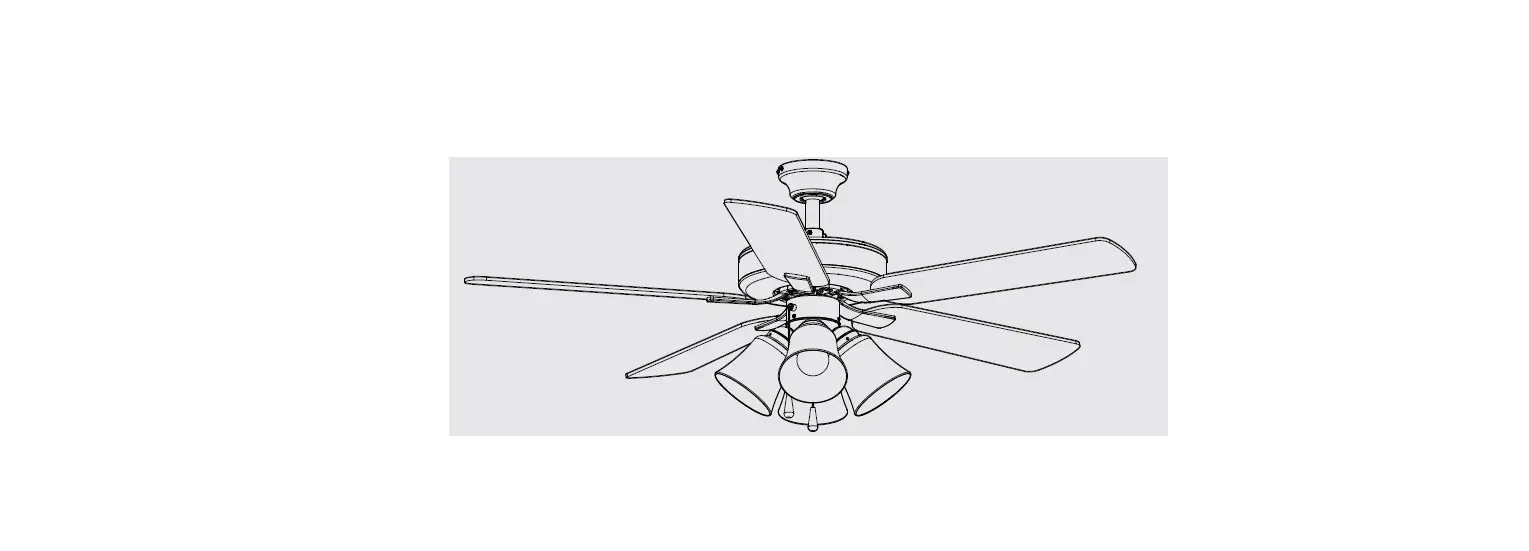
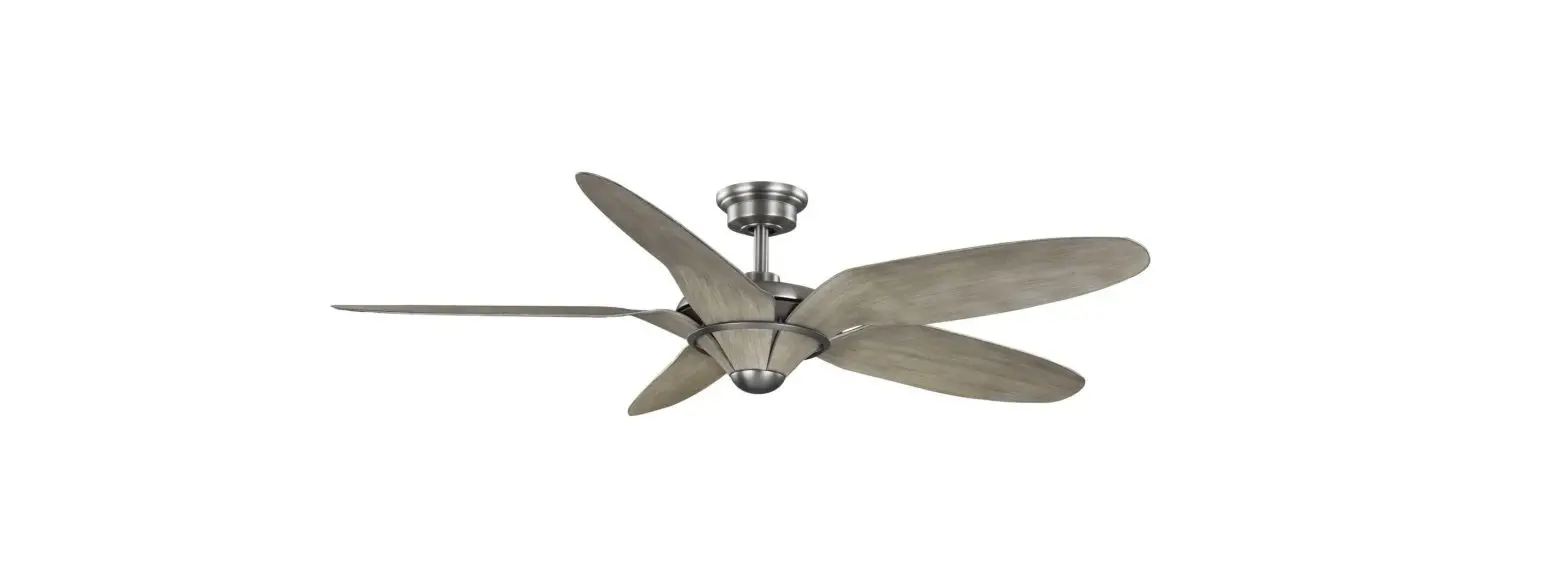
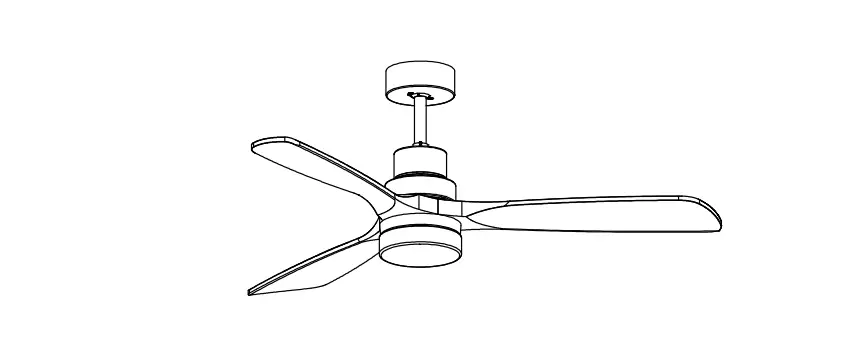
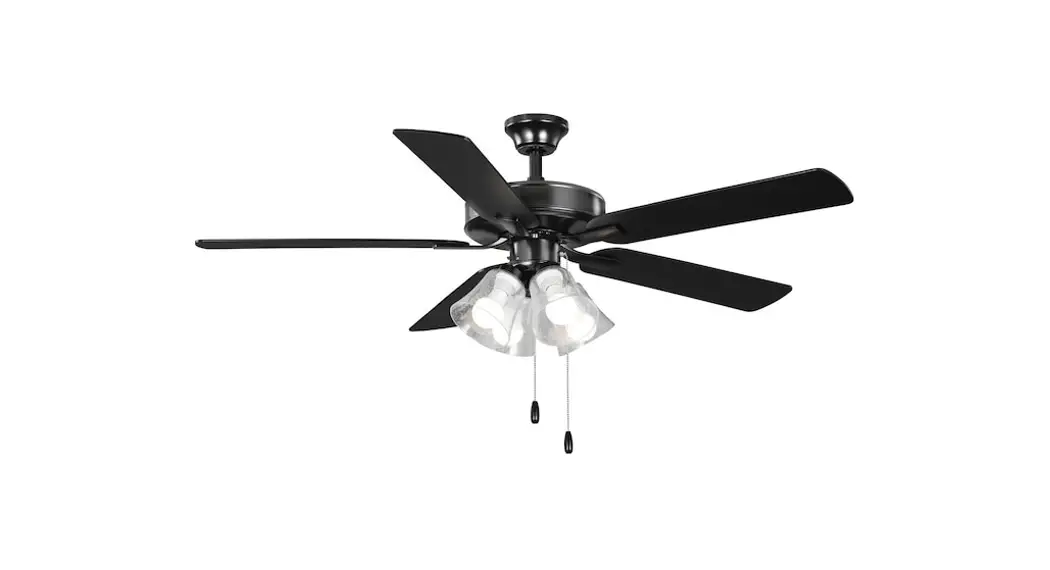
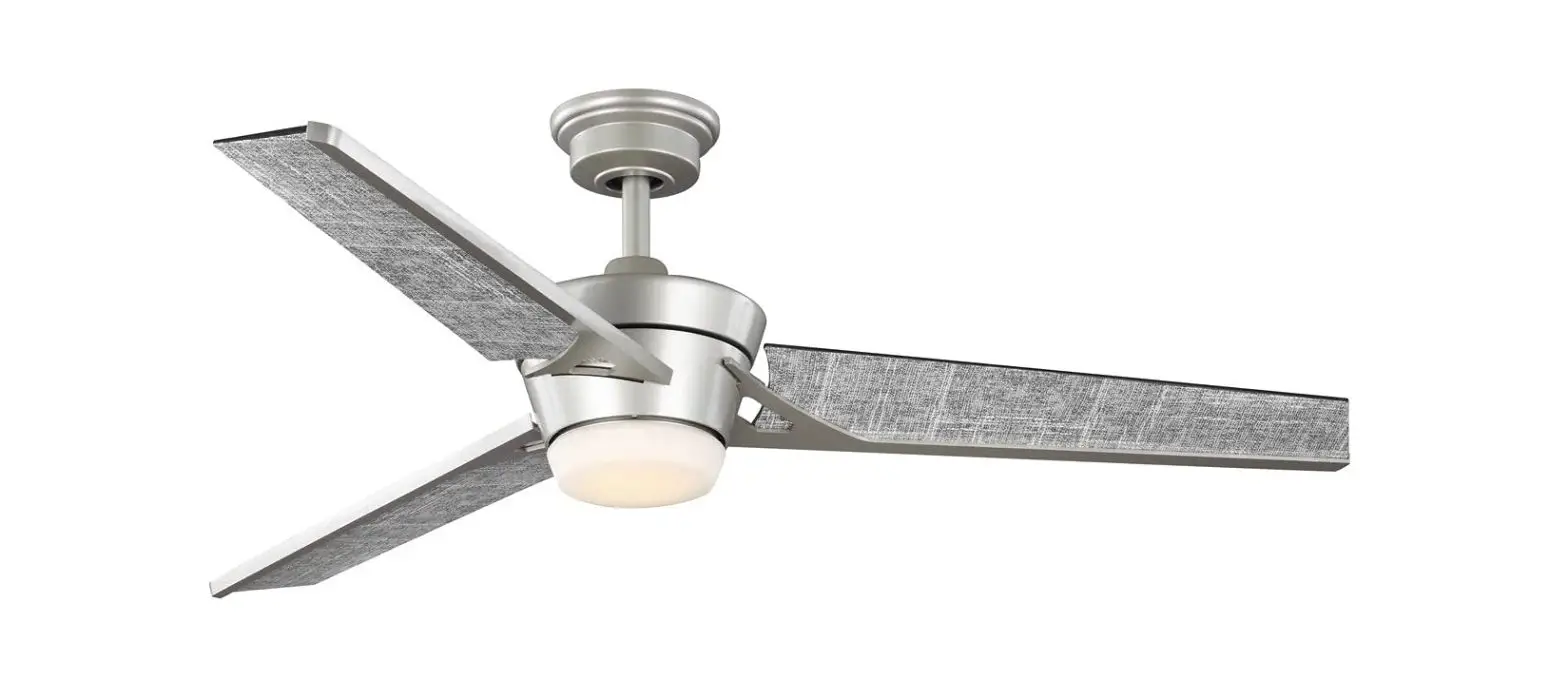
WICF12 Ceiling Fan with Light
Product Information: Ceiling Fan
The ceiling fan is an electrical appliance that is designed to
circulate air in a room to provide comfort and coolness. The
product comes with a user manual that contains important
information about the installation, usage, and troubleshooting of
the ceiling fan. The fan has a forward/reverse switch that controls
the direction of the fan blades, and it also has a light kit that
comes as an optional feature.
Product Usage Instructions: Ceiling Fan Installation
Before starting the installation process, read all the
instructions and safety information carefully and save them for
future reference. It is essential to turn off the power to the fan
before installing it or replacing accessories to avoid electrical
shock.
Safety Tips:
- Do not use a wall switch with speed control or dimmer function
as it may cause the fan to malfunction. - Use gloves while handling fan parts with sharp edges to avoid
personal injury. - Ensure all electrical connections comply with local codes or
ordinances, the National Electrical Code, and ANSI/NFPA 70-1999. If
you are unfamiliar with electrical wiring or if the house/building
wires are different colors than those referred to in the
instructions, please use a qualified electrician. - Select a location for your fan that allows clear space for the
blades to rotate, and at least seven (7) feet (2.13 meters) of
clearance between the floor and the fan blade tips. The fan should
be mounted so that the tips of the blades are at least thirty (30)
inches (76 centimeters) from walls or other upright
structures. - The outlet box and ceiling support joist used must be securely
mounted and capable of supporting at least 35 pounds (16
kilograms). The box must be supported directly by the building
structure. Use only CETL or CUL in Canada or ETL or UL in USA
listed outlet boxes marked FOR FAN SUPPORT.
Troubleshooting:
If you experience any difficulty operating your new ceiling fan,
it may be due to incorrect assembly, installation, or wiring. Check
the following troubleshooting guide:
| Problem | Suggested Remedy |
|---|---|
| If fan does not start: |
|
| If fan sounds noisy: |
|
| If fan wobbles: |
|
| If light does not work: |
|
If you experience any faults that are not addressed in this
troubleshooting guide, please contact the manufacturer for
assistance at [email protected].
Trouble shooting Guide
If you have difficulty operating your new ceiling fan, it may be the result of incorrect assembly, installation or wiring. If you experience any faults, please check this Trouble shooting Guide.
PROBLEM If fan does not start: If fan sounds noisy:
If fan wobbles: If light does not work:
SUGGESTED REMEDY 1. Check main and branch circuit fuses or circuit breakers. 2. Make sure forward/reverse switch is firmly in bottom or top position. Fan will not operate when switch is in the
middle. 3. Make sure that the wall control is turned “ON”. 4. Check line wire connections to fan and switch wire connections in switch housing. CAUTION: Make sure main power is turned off.
1. Make sure all screws in motor housing are snug.(not over tightened) 2. Make sure the screws which attach the fan blade bracket to the motor are tight. 3. Make sure wire connectors in switch housing are not rattling against each other or against the interior wall of
the switch housing. CAUTION: Make sure main power is turned off before accessing switch housing. 4. If using an optional ceiling fan light kit, make sure the screws securing the glassware are finger tight.Make sure
light bulb is tight in socket and not touching glass shade(s).If vibration persists from glass, remove glass and install a 1/4 in.wide rubber band on glass neck to act as an insulator.Replace glass and tighten screws against rubber band. 5. Some fan motors are sensitive to signals from Solid State variable speed controls.DO NOT USE a Solid State variable speed control. 6. Allow “break-in” period of 24 hours.Most noises associated with a new fan will disappear after this period.
1. Check that all blades are screwed firmly into blade brackets. 2. Check that all blade brackets are tightened securely to motor. 3. Make sure that canopy and hanger bracket are tightened securely to ceiling junction box and junction box is mounted firmly to ceiling joist. 4. Most wobble problems of fan are caused when blades are not in equal level. To check the blade levels, select a point on the ceiling above the tip of any blade.Measure the distance from the ceiling to the blade tip, to an accuracy of 1/8 inch. Rotate the blades until the next blade is in the measuring position. Repeat measurement for each blade. If all blade levels are not equal, you can adjust blade levels by the following procedure. To adjust a blade tip down, insert a washer (not supplied) between the blade and blade bracket at the screw closest to the motor. To adjust a blade tip up, insert washer (not supplied) between the blade and blade bracket at the two screws farthest from the motor. 5. Interchanging two adjacent blades could redistribute the weight and possibly result in smoother operation.
1. Check blue wire from fan to make sure it is connected to hot wire from supply wire coming out of the ceiling. 2. Check for loose or disconnected wires in fan switch housing. 3. Check for loose or disconnected wires in light kit. 4. Check for faulty light. CAUTION: Make sure main circuit is turned off before entering switch housing.
CEILING FAN INSTALLATION
Thank you for your purchase! For assistance during installation or missing parts
Please contact
[email protected]
SAFETY TIPS. Do not use a Wall Switch with speed control or dimmer function, otherwise the fan will not work properly
WARNING : To reduce the risk of electrical shock, turn off the power to the fan before installing the fan or replacing accessories.
1. READ ALL INSTRUCTIONS AND SAFETY INFORMATION CAREFULLY BEFORE INSTALLING YOUR FAN AND SAVE THESE INSTRUCTIONS. CAUTION : To avoid personal injury, the use of gloves may be necessary while handling fan parts with sharp edges. 2. Make sure all electrical connections comply with Local Codes or Ordinances, the National Electrical Code, and ANSI/NFPA 70-1999. If you are unfamiliar
with electrical wiring or if the house/building wires are different colors than those referred to in the instructions, please use a qualified electrician. 3. Make sure you have a location selected for your fan that allows clear space for the blades to rotate, and at least seven (7) feet (2.13 meters) of clearance
between the floor and the fan blade tips. The fan should be mounted so that the tips of the blades are at least thirty (30) inches (76 centimeters) from walls or other upright structures. 4. The outlet box and ceiling support joist used must be securely mounted, and capable of supporting at least 35 pounds (16 kilograms). The box must be supported directly by the building structure. Use only CETL or CUL in Canada or ETL or UL in USA listed outlet boxes marked “FOR FAN SUPPORT.”
WARNING : To reduce the risk of fire, electrical shock, or personal injury, mount to the outlet box marked “Acceptable for Fan Support of 15.9 kg (35 lb) or less,” and use the mounting screws provided with the outlet box. Most outlet boxes commonly used for the support of lighting fixtures are not acceptable for fan support and may need to be replaced. Consult a qualified electrician if in doubt.
WARNING : To reduce the risk of fire, electrical shock, or personal injury, wire connectors provided with this fan are designed to accept only one 12 gauge house wire and two lead wires from the fan. If your house wire is larger than 12 gauge or there is more than one house wire to connect to the corresponding fan lead wires, consult an electrician for the proper size wire connectors to use.
5. Electrical diagrams are for reference only. 6. After installation is complete, check that all connections are absolutely secure. 7. After making electrical connections, spliced conductors should be turned upward and pushed carefully up into the outlet box. The wires should be spread apart
with the grounded conductor and the equipment-grounding conductor on opposite sides of the outlet box.
WARNING : To reduce the risk of fire or electrical shock, do not use this fan with any solid state speed control device or control fan speed with a full range dimmer switch. [Using a full range dimmer switch to control fan speed will cause a loud humming noise from fan.] (Note: This fan is suitable for use with remote control.)
8. Do not operate the reverse switch until fan has come to a complete stop. [Note: If using remote control with reverse capability, reverse fan blade direction only when on LOW speed.]
9. Do not insert anything between the fan blades while they are rotating.
WARNING : To reduce the risk of personal injury, do not bend the blade arms during assembly or after installation. Do not insert objects into the path of the blades.
WARNING : To avoid personal injury or damage to the fan and other items, be cautious when working around or cleaning the fan.
10. Do not use water or detergents when cleaning the fan or fan blades. A dry dust cloth or lightly dampened cloth will be suitable for most cleaning.
WARNING: To reduce the risk of personal injury, use only parts provided with this fan. The use of parts OTHER than those provided with this fan will void the warranty.
WARNING: This fan MUST be installed with the safety cable provided with the fan. Failure to use the safety cable provided may result in personal injury, damage to the fan or damage to other property.
CAUTION: Do NOT tamper with or attempt to repair LED component of fixture. The light source is designed for this specific application and should not be serviced by untrained personnel. If any servicing is required, call our customer service department.
NOTE: This equipment has been tested and found to comply with the limits for a Class B digital device, pursuant to Part 15 of the FCC Rules. These limits are designed to provide reasonable protection against harmful interference in a residential installation. This equipment generates, uses and can radiate radio frequency energy and, if not installed and used in accordance with the instructions, may cause harmful interference to radio communications. However, there is no guarantee that interference will not occur in a particular installation. If this equipment does cause harmful interference to radio or television reception, which can be determined by turning the equipment off and on, the user is encouraged to try to correct the interference by one or more of the following measures:
* Reorient or relocate the receiving antenna. * Increase the separation between the equipment and receiver. * Connect the equipment into an outlet on a circuit different from that to which the receiver is connected. Consult the dealer or an experienced radio/TV technician for help.
The LED light kit complies with Part 15 of the FCC Rules. Operation is subject to the following two conditions: (1) this LED light kit may not cause harmful interference, (2) this LED light kit must accept any interference received, including interference that may cause undesired operation.
NOTE : The important safety precautions and instructions appearing in the manual are not meant to cover all possible conditions and situations that may occur. It must be understood that common sense and caution are necessary factors in the installation and operation of this fan.
LIGHT CONTROL
FAN CONTROL TIME SWITCH
NOTE
1. PRESS THE LIGHT BUTTON CONTINUOUSLY TO CHANGE THE COLOR TEMPERATURE . TURN BACK ON THE LIGHT MORE THAN 7 SECONDS AFTER TURN OFF THE LIGHT , THE COLOR TEMPERATURE WILL BE THE SAME AS LAST TIME.
2. IF THE REMOTE CONTROL CANNOT BE USED NORMALLY, PLEASE PRESS AND HOLD THE “1”AND “2” BUTTONS AT THE SAME TIME WITHIN 10 SECONDS AFTER THE PRODUCT IS POWERED ON, UNTIL YOU HEAR TWO BEEPS TO SUCCEED. IF IT DOESN’T WORK, PLEASE TRY AGAIN.
Step 12
Install the Lid to cover the screws.
Step 13
Install the bladestighten the screws.
Step 14
Remove the three screws for the light plate.
Step 14
Connect the wire to the Light source.
Step 15
Install and tighten the three screws to fix the Light source.
Step 16
Rotate the light cover until fixed.
æ Motor
ç Hanging Bracket
è Up Canopy
é Blades
ê Down Rod
ë Down Canopy
ì Lid
í Light source
î Light cover
Hardware fitting
Remote Control
æ
ç
BG Step 1 For concrete ceiling, install the Hanging
bracket to Octagon box with two machine screws.
CG
Step 1 For wooden ceiling, install the Hanging
bracket to Wooden ceiling with two wood screws.
Step 6
Install the small rod and Tighten the screw on the downrod.
Step 7
1.Push the hemisphere upward. 2.Tighten the screw on the hemisphere.
slot bulge
Step 2
Loosen two screws on the coupler.
Step 3
Loosen the screw on the hemisphere. Separate the parts of the downrod.
Step 8
Loosen the two opposite screws on the hanging bracket.
Step 9
Hang the fan on the hanging bracket and align the slot on the downrod with the bulge on the hanging bracket.
Step 4
Put the Up Canopy, Lid and Down Canopy through to the downrod .
Step 5
Feed the wires of the motor to downrod.
Step 10
Connect the wires.
Step 11
Rotate the up canopy and tighten the screws.