800008 Advanced Thermocouple Datalogger
Product Information
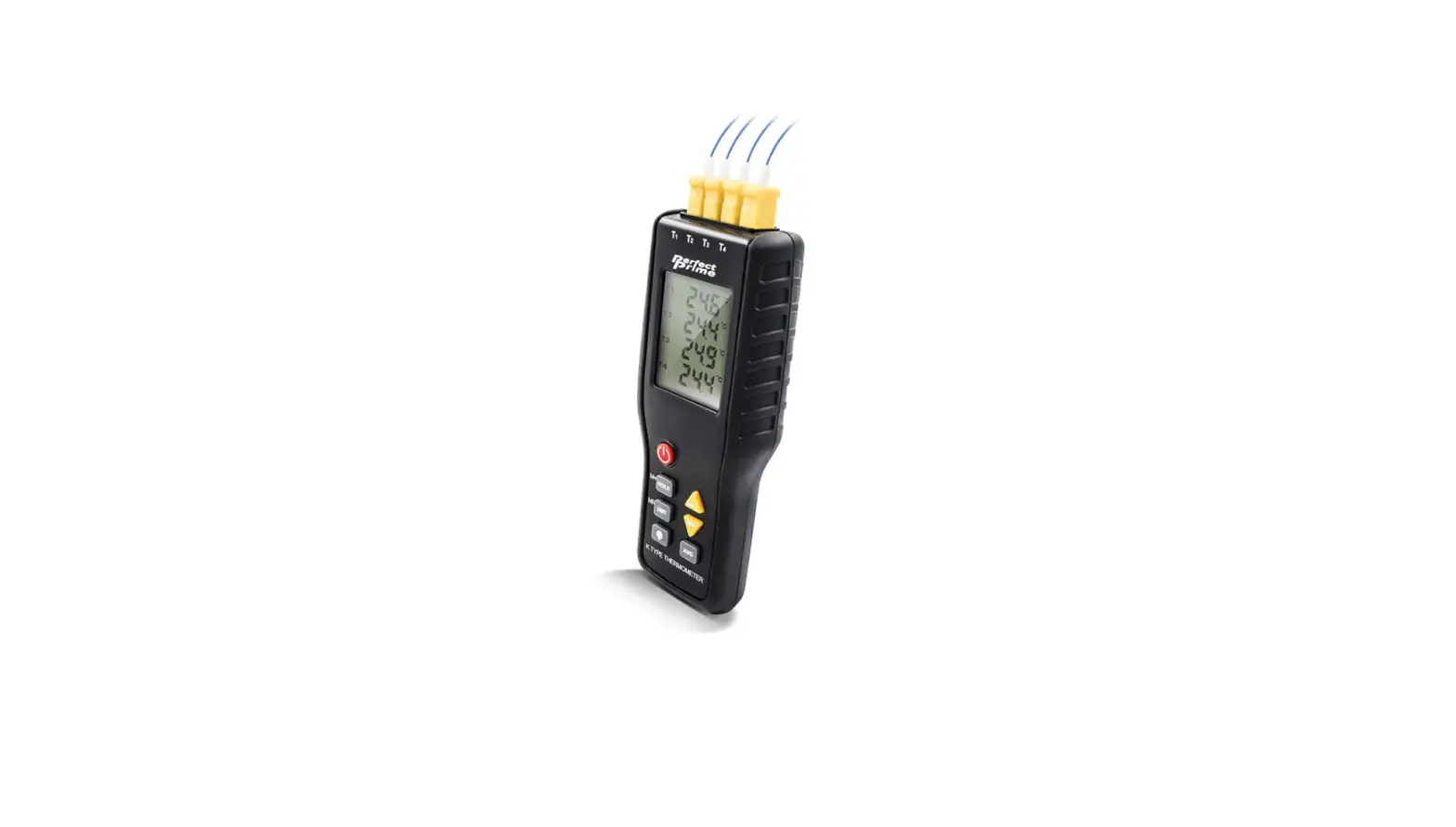
The Advanced Datalogging Thermometer (Model 800008) is a highly
functional thermometer that comes with various features to make
temperature measurement and data logging easy. Some of its features
include data hold function, maximum and minimum value recording,
memory and clock functions, and a low battery indicator.
Additionally, it has an RS232 interface that allows the unit to
communicate with a computer. The thermometer is ideal for use in
HVAC, lab work, environmental work, process control, and the food
industry.
Product Usage Instructions
Setting the Clock
- Press the green on/off button and MAX/MIN button
simultaneously, then release. - The meter will show SEL.
- Press the CLOCK button to select the year, month, day, hour and
minute (in that order). - To set the year, month, day, hour and minute, press the button
to increase the number and the button to decrease the number. - Press the CLOCK button again to exit clock setup.
- To cancel the setup process at any time, press the power button
to turn the meter off.
Taking Measurements
- Press the POWER button to turn the unit on. The amount of
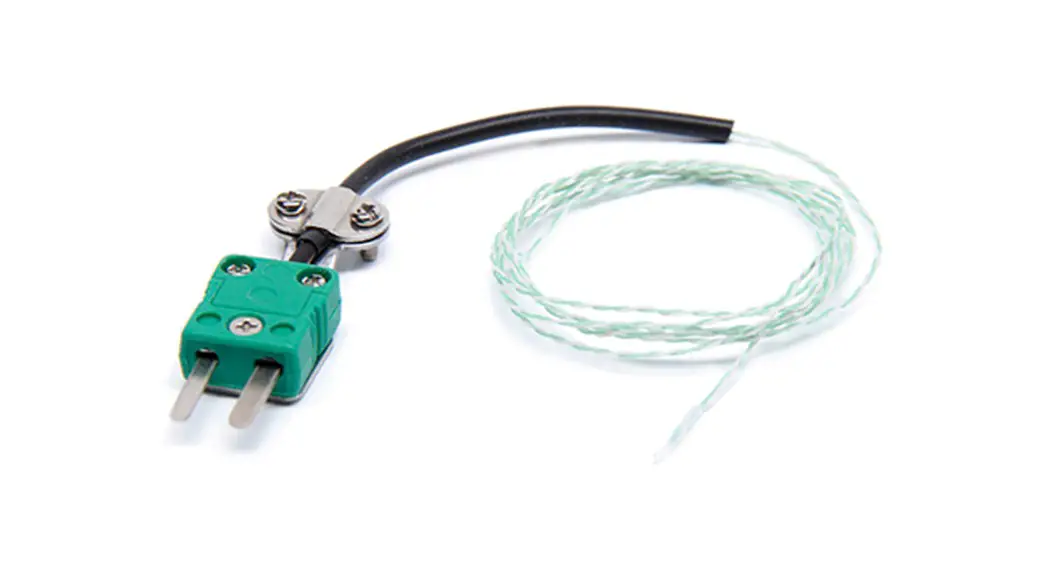
available memory space will be displayed. - Plug the thermocouple plug into the meter.
- The meter will default to the temperature scale last used.
Press HOLD button to freeze the reading. To resume measurement,
press HOLD button again. - If the temperature scale needs to be changed, press the power
button to turn the meter off and then press and hold the HOLD
button while turning the meter back on. Release the HOLD button
when “°C” or “°F” is displayed.
Recording Data
- Each time you use the REC button to record data, a data set
will be stored in the memory. Up to 16241 records can be
stored. - Press the REC button to begin recording data.
- To stop recording data, press the REC button again.
Clearing Data from Memory
- With the meter turned off, press and hold both the POWER button
and the REC button for at least 2 seconds. - Release the power button, then release the REC button. CLR will
be displayed.
Relative Operation
- Press the HOLD button to freeze the reading.
- Press REL button to enter relative operation mode. The
difference between the stored data and the new reading will be
displayed. - When you have finished, press the REL button again to exit
relative operation mode. - To resume measurement, press the HOLD button again.
Setting the Recording Interval for Datalogging
- With the meter turned off, press and hold the MAX/MIN
button. - Press the POWER button to turn the meter on. Release the
buttons. - Press the HOLD button to select minutes and seconds.
- To set minutes and seconds, press the button to increase the
number and the button to decrease the number.
Calibration
Ice Point Calibration – This thermometer can be calibrated at
the ice point. Please refer to the user manual for detailed
instructions.
Automatic Shutoff
- If the meter is not used for 30 minutes, it will shut off
automatically. To disable automatic shutoff: - With the meter turned off, press and hold down the HOLD
button. - Press the POWER button to turn the meter on. Release the
buttons. Two beeps will sound to indicate that automatic shutoff is
disabled. - The automatic shutoff feature will reactivate the next time the
unit is turned on.
Battery Replacement
The low battery indicator appears when the battery needs
replacement. Insert a fresh 9V battery.
PC Connection
The thermometer has an RS232 interface that allows the unit to
communicate with a computer. Please refer to the user manual for
detailed instructions on how to connect to a computer.
Advanced Datalogging Thermometer
800008 Instruction Manual
Advanced Datalogging Thermometer – 800008 Copyright ©2015 by Sper Scientific ALL RIGHTS RESERVED Printed in the USA The contents of this manual may not be reproduced or transmitted in any form or by any means electronic, mechanical, or other means that do not yet exist or may be developed, including photocopying, recording, or any information storage and retrieval system without the express permission from Sper Scientific.
TABLE OF CONTENTS INTRODUCTION . . . . . . . . . . . . . . . . . . . . . . . . . . . . . . . . . . . . .3 PANEL DESCRIPTION . . . . . . . . . . . . . . . . . . . . . . . . . . . . . . . .3 MEASUREMENT PROCEDURES . . . . . . . . . . . . . . . . . . . . . . . .4 CALIBRATION . . . . . . . . . . . . . . . . . . . . . . . . . . . . . . . . . . . . . . .5 AUTO SHUTOFF . . . . . . . . . . . . . . . . . . . . . . . . . . . . . . . . . . . . .6 BATTERY REPLACEMENT . . . . . . . . . . . . . . . . . . . . . . . . . . . . .6 PC CONNECTION . . . . . . . . . . . . . . . . . . . . . . . . . . . . . . . . . . . .6 SPECIFICATIONS . . . . . . . . . . . . . . . . . . . . . . . . . . . . . . . . . . . 11 WARRANTY. . . . . . . . . . . . . . . . . . . . . . . . . . . . . . . . . . . . . . . . 12
2
INTRODUCTION
Your digital thermometer accurately measures temperature in Centigrade or Fahrenheit from -200°C to 1370°C (-328°F to 2498°F). It conforms to the National Bureau of Standards and IEC584 temperature and voltage tables for K-type thermocouple probes.
Features include a data hold function, maximum and minimum value recording, memory and clock functions, and a low battery indicator. An RS232 interface allows the unit to communicate with a computer.
Applications include HVAC, lab work, environmental work, process control, and the food industry.
PANEL DESCRIPTION
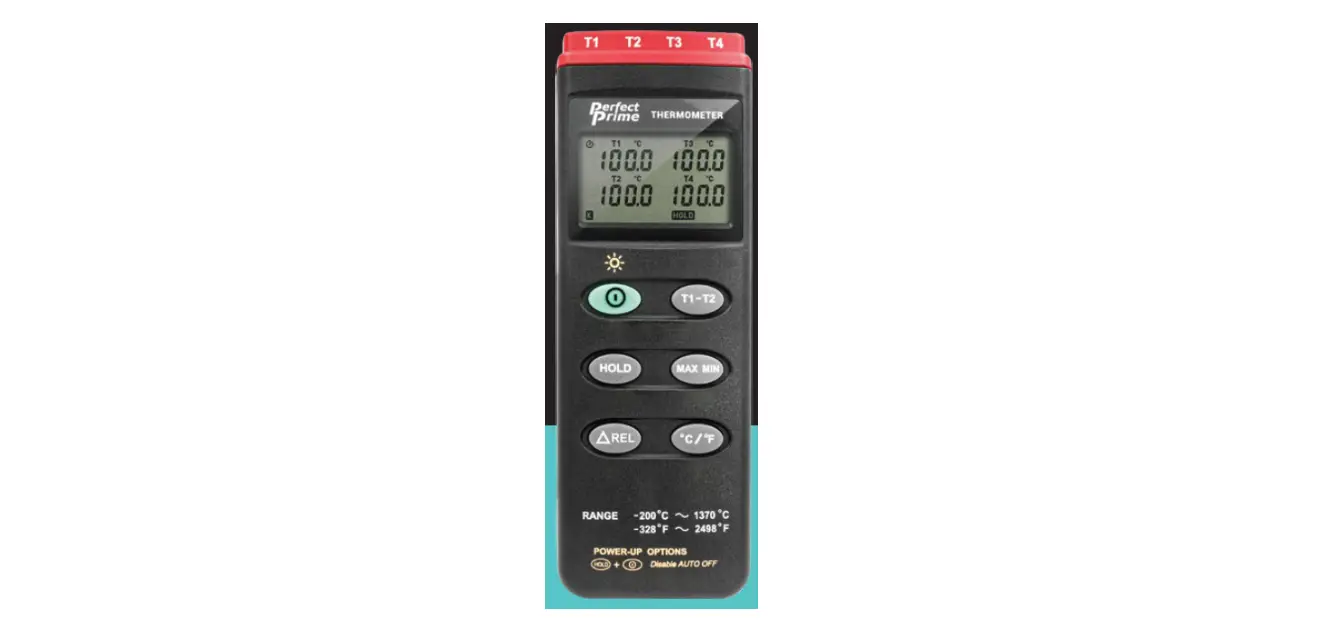
1. K Type temperature sensor input connector
2. LCD Display
3. Power Button
2
4. Relative Readout Button
5. Record Button
6. Tripod Connector (on back)
7. Battery Cover (on back)
3
8. Min/Max Button
9. Hold Button
4
10. °C/°F Button 11. Offset Calibration Screw 5
12. Digital Output Connector
13. AC Power Adaptor
6
Connector
7
1
8 9 10 11 12 13
3
MEASUREMENT PROCEDURE
Setting the Clock
1. Press the green on/off button and MAX/MIN button simultaneously, release.
2. The meter will show SEL. 3. Press the CLOCK button to select the year, month, day, hour
and minute (in that order). 4. To set the year, month, day, hour and minute, press the button
to increase the number and the button to decrease the number. 5. Press the CLOCK button again to exit clock setup. 6. To cancel the setup process at any time, press the power button
to turn the meter off.
Taking Measurements
1. Press the POWER button to turn the unit on. The amount of available memory space will be displayed.
2. Plug the thermocouple plug into the meter. 3. The meter will default to the temperature scale last used. Press
the °C/°F button to change the temperature scale, if necessary. 4. Begin taking temperature readings. 5. Press the HOLD button to freeze the temperature reading. H
will be displayed.
Note… When the data hold function is active, the REL, MAX/MIN, and °C/°F buttons will be disabled. If you press these buttons, two beeps will sound. 6. To resume measurement, press the HOLD button again. 7. To cancel setup process at any time without saving the
changes, press the power button to turn the meter off.
Recording Data
Each time you use the REC button to record data, a data set will be stored in the memory. Up to 16241 records can be stored. 1. Press the REC button to begin recording data. 2. To stop recording data, press the REC button again.
4
Clearing Data from Memory
1. With the meter turned off, press and hold both the POWER button and the REC button for at least 2 seconds.
2. Release the power button, then release the REC button. CLR will be displayed.
Relative Operation
When the meter is in relative operation mode the °C/°F button wil be disabled. Two beeps will sound when the REL button is pressed. 1. Press the REL button. The meter will now store the current
reading. The difference between the stored data and the new reading will be displayed. 2. When you have finished, press the REL button again to exit relative operation mode. 3. To resume measurement, press the HOLD button again.
Setting the Recording Interval for Datalogging
1. With the meter turned off, press and hold the MAX/MIN button.
2. Press the POWER button to turn the meter on. Release the buttons.
3. Press the HOLD button to select minutes and seconds. 4. To set minutes and seconds, press the button to increase the
number and the button to decrease the number.
CALIBRATION
Ice Point Calibration
Rinse container, gloves and tolls with pure distilled water. Using shaved ice made from pure distilled water, fill container and add distilled water. The ice bath is ready when there is no ice floating and no excess water on the surface. Stir the ice bath to cool the water. Immerse the probe for 2 minutes. Without removing the probe from the ice bath, use the calibration screw to adjust the thermometer to 0°C/32°F.
5
AUTOMATIC SHUTOFF
If the meter is not used for 30 minutes, it will shut off automatically. To disable automatic shutoff:
1. With the meter turned off, press and hold down the HOLD button.
2. Press the POWER button to turn the meter on. Release the buttons. Two beeps will sound to indicate that automatic shutoff is disabled.
3. The automatic shutoff feature will reactivate the next time the unit is turned on.
BATTERY REPLACEMENT
The low battery indicator appears when the battery needs replacement. Insert a fresh 9V battery.
PC CONNECTION
The Digital Output is a 9600bps N 81 serial interface. The RX is a 5V normal high input port. The TX is 5V normal high output port.
The command of Digital Output is listed below:
RS232 Command K(ASC 4BH) A(ASC 41H) H(ASC 48H) M(ASC 4DH) N(ASC 3EH) R(ASC 52H) C(ASC 43H) U(ASC 55H) P(ASC 50H)
Function Ask for model No. Inquire all encoded data Hold button Max/Min button Exit Max/Min mode REL button °C/°F button Dump all memory of therm. Load recorded data
Remarks Return 4 bytes Return electrode 10 byte
Return 32768 bytes
6
Command K:
Command U: Command P: Command H: Command M: Command N: Command R: Command C:
Return 4 bytes. For example, when sending command “K” to meter, it will return “3”,”0″,”5″, ASCII(13).
Return 32768 bytes.
Instead of returning all 32768 bytes, it only returns recorded data.
Equivalent to one pushing on the HOLD button and no message is returned.
Equivalent to one pushing on the MAX/MIN button and no message is returned.
Equivalent to one pushing and hold the MAX/MIN button for two seconds to exit MAX/MIN mode.
Equivalent to one pushing on the REL button and no message is returned.
Equivalent to one pushing on the °C/°F button and no message is returned.
Command A: 1st BYTE: The first byte is the start byte, its value is 2. 2nd BYTE:
bit7 bit6 bit5 bit4 bit3 bit2 bit1 bit0
°C/°F Low Bat Hold REL
Min/Max
REC
bit 0: 1recording mode, 0not recording bit 2 bit 1
0 0
normal mode
0 1
MAXIMUM mode
1 0
MINIMUM mode
1 1
calculate MAX/MIN in background mode.
bit3: no use.
bit4: 1REL
bit5: 1 HOLD, 0not HOLD
bit6: 1LOW BATTERY , 0BATTERY NORMAL
bit7: 1°C 0°F
7
3rd BYTE:
bit7
bit6
bit5 bit4 bit3 bit2
bit1 bit0
Auto Power Off Memory Full
Resolution Sign OL
bit0: 1main window value is OL, 0not OL bit1: 1main window value is minus, 0main window value is plus. bit2: 14th byte and 5th byte represent #### , 04th byte and
5th byte represent ###.# bit6: 1Memory is full. 0Memory is not full. bit7: 1Auto power off enabled. 0Auto power off disabled.
4th BYTE: 5th BYTE:
first two BCD code of main window value. last two BCD code of main window value
6th BYTE: 7th BYTE: 8th BYTE: 9th BYTE: 10th BYTE:
BCD code of month. BCD code of day. BCD code of hours. BCD code of minute. End byte, its value is 3, 1st and 10th are used to check frame error.
Setup ThermoLog (Thermo DataLogger)– RS232 interface software:
The ThermoLog package contains: · Two 3.5″ diskettes · Custom designed RS232 cable for THERMOLOG.
System Required:
· Windows 95 or Windows 98 or Windows NT 4.0 above.
Minimum Hardware Required: · 486-100 MHz PC compatible, 16 MB RAM; At least 5 MB
hard disk space available to install THERMOLOG program. Recommended display resolution is 800X600.
8
Software Download: With technology upgrading, some computers no longer have a disc drive for you to install the software that comes with your meter. You can download the software that came with your meter directly. Go to the www.sperdirect.com/software.htm and find your meter or search for you meter (800008) and download from product page. Note… Some software may not be directly available to download due to it must be purchased. If you find that the software you need is not available, please contact our Customer Support at 480.948.4448 or email [email protected] for further assistance. Install ThermoLog: 1. We recommend closing all other application before
installing ThermoLog. 2. Insert setup CD. 3. Choose the Start button on the Taskbar and selct Run. 4. Type A:SETUP and choose OK, then it will copy ThermoLog.exe and
help file to your hard disk. For other operating instructions, please refer to the online help whil executing ThermoLog.
9
Main Menu:
Link Test: Open Link Test window to search for thermometer connected to PC. When you start the THERMOLINK, this window will display first and search for thermometer. The result will be shown in the text box. Control Panel: By opening the Control Panel Window, the user can control thermometer via the button in this window. Datalogger: By opening the DataLogger Window, the user can load the recorded data from the thermometer. Tabular: By opening the Tabular window, the present data from the thermometer will be listed in a scrolling table. These data can be stored as a file or the table can be copy to other software such as EXCEL for further analysis. Graph: Open Real-Time Graph window to show the present data in graph. Exit: Terminates THERMOLOG program. Tray Icon: When THERMOLOG is running, there will be an icon displayed on the Windows Taskbar area, you can click this icon then it will show a pop-up menu.
10
SPECIFICATIONS
Range -200°C to 200°C 200°C to 400°C 400°C to 1370°C -328°F to -200°F -200°F to 200°F 200°F to 2498°F
Resolution 0.1°C 1°C 1°C 1°F 0.1°F 1°F
Accuracy ±(0.2% reading + 1°C) ±(0.5% reading + 1°C) ±(0.2% reading + 1°C) ±(0.5% reading + 2°F) ±(0.2% reading + 2°F) ±(0.3% reading + 2°F)
Temperature Coefficient: For ambient temperatures from 0°C to 18°C and 28°C to 50°C, for each °C ambient below 18°C or above 28°C add the following tolerance into the accuracy spec: 0.01% of reading + 0.03°C (0.01% of reading + 0.06°F)
Probe Temp Range -50 to 300ºC (-58 to 572º)
Numerical Display:
4 digital Liquid Crystal Display
Input Projection at Thermocouple Input:
60V DC or 24 Vrms AC
Operating Environment: 0°C to 50°C (32°F to 122°F); 0 to 80% RH
Storage Environment: 10°C to 60°C (14°F to 140°F); 0 to 80% RH
Storage Altitude
2000 meters
Power Requirement:
9 Volt Battery, NEDA 1604 or JIS 006P or IEC6F22
Battery Life:
Approx. 100 hrs. with alkaline battery
AC Adapter:
9V DC ±15% 100 mA
Dimensions
7¼” × 2½” × 1¼” (184 × 64 × 32 mm)
Weight
7.4 oz (210 g)
11
WARRANTY Sper Scientific warrants this product against defects in materials and workmanship for a period of five (5) years from the date of purchase, and agrees to repair or replace any defective unit without charge. If your model has since been discontinued, an equivalent Sper Scientific product will be substituted if available. This warranty does not cover probes, batteries, battery leakage, or damage resulting from accident, tampering, misuse, or abuse of the product. Opening the meter to expose its electronics will break the waterproof seal and void the warranty. To obtain warranty service, ship the unit postage prepaid to:
SPER SCIENTIFIC LTD. 8281 East Evans Road, Suite #103
Scottsdale, AZ 85260 The defective unit must be accompanied by a description of the problem and your return address. Register your product online at www.sperwarranty.com within 10 days of purchase.
rev. 01/19/2017
 Software – Sper Scientific Direct
 Sper Scientific Warranty