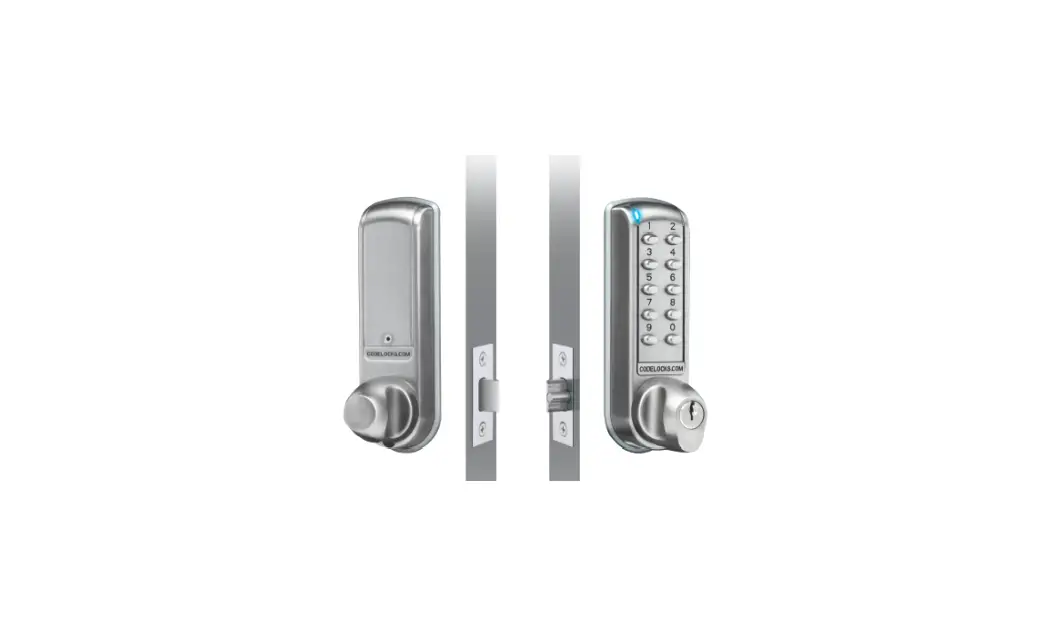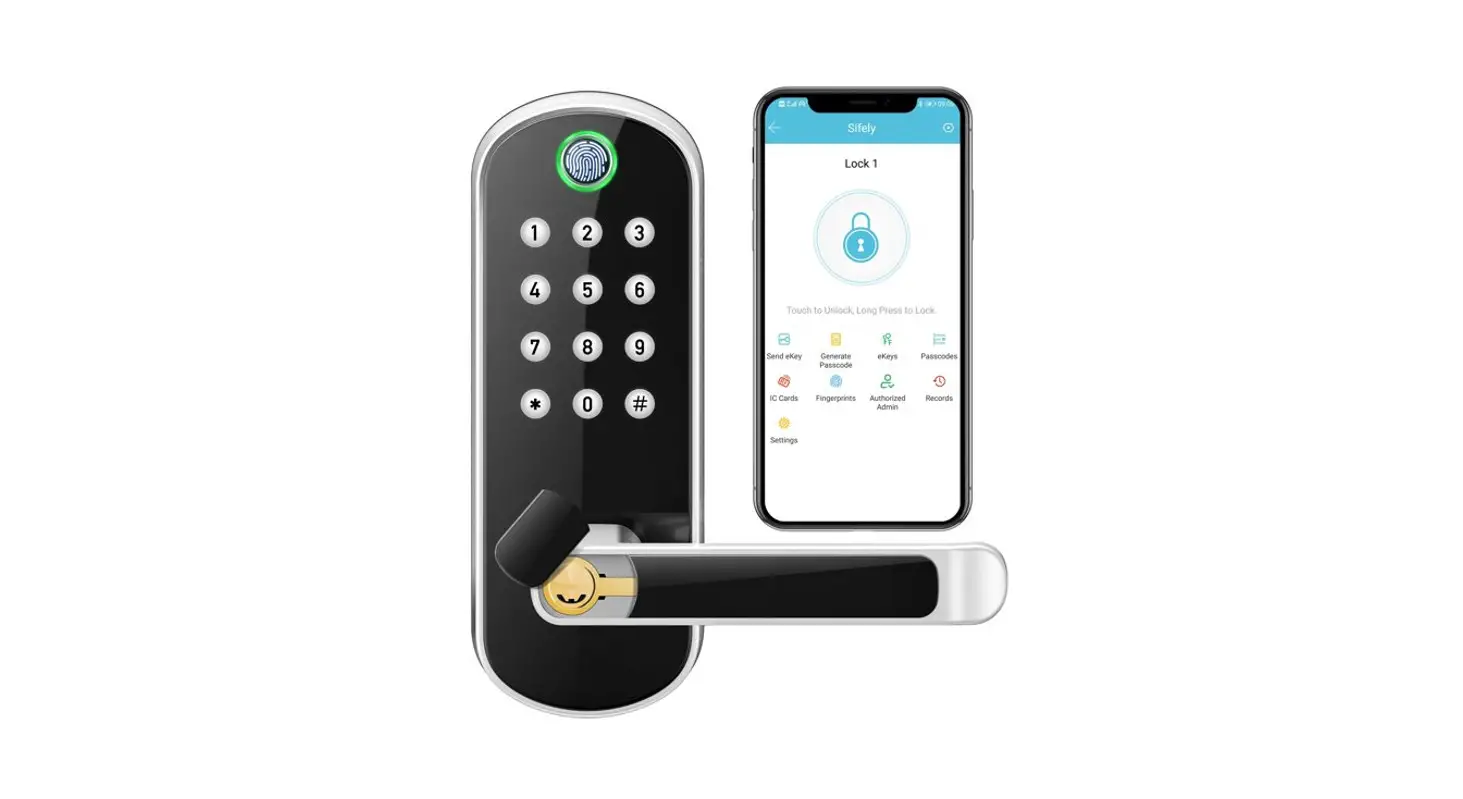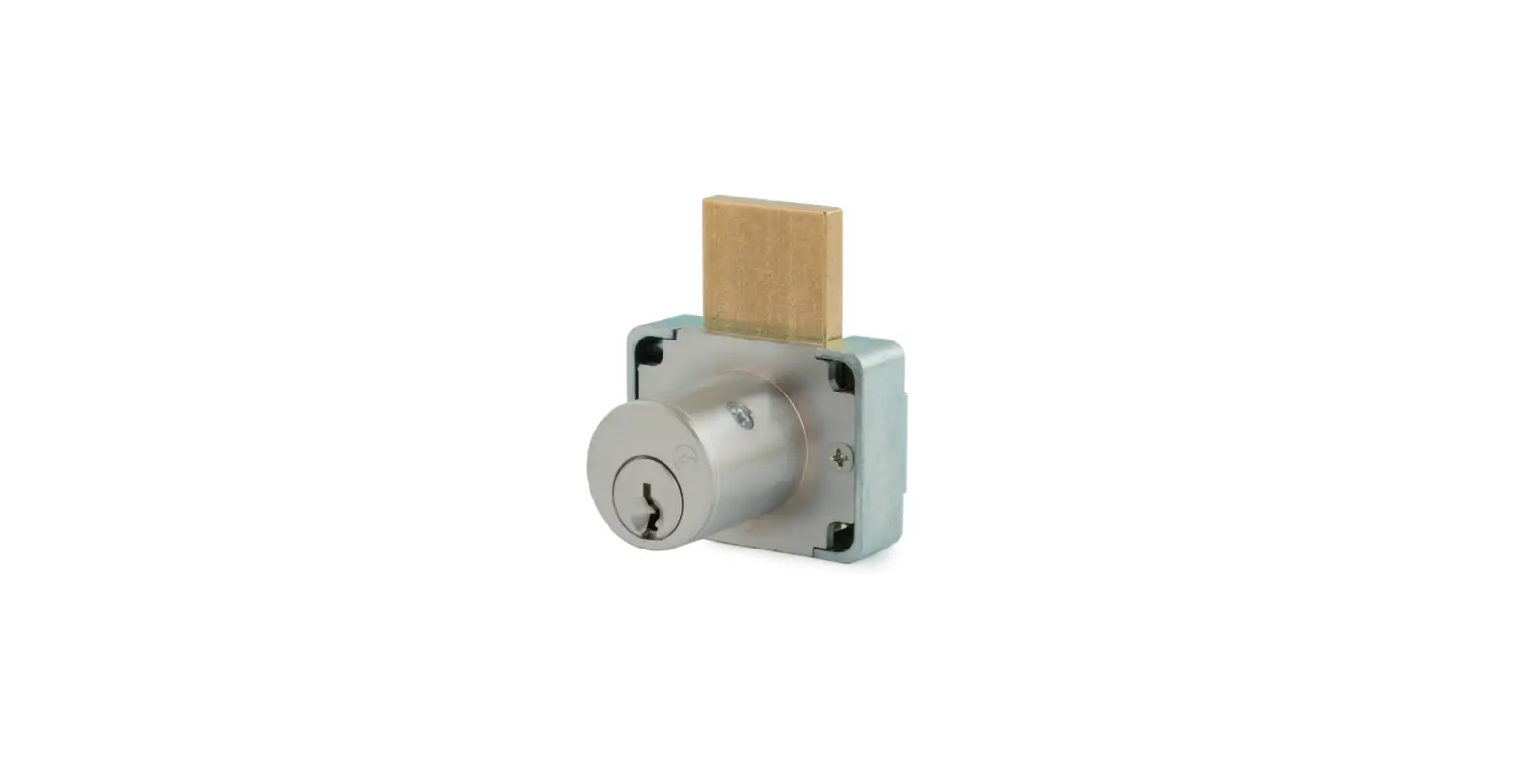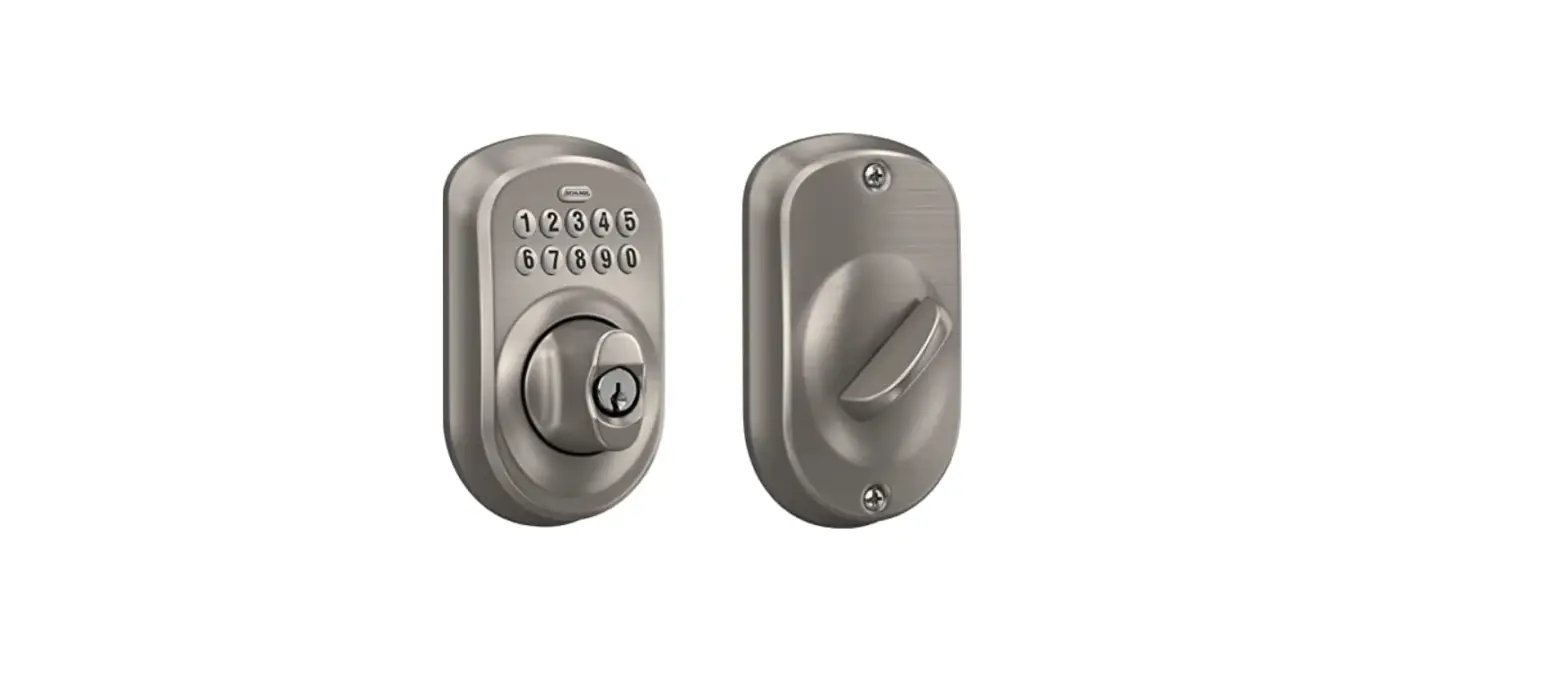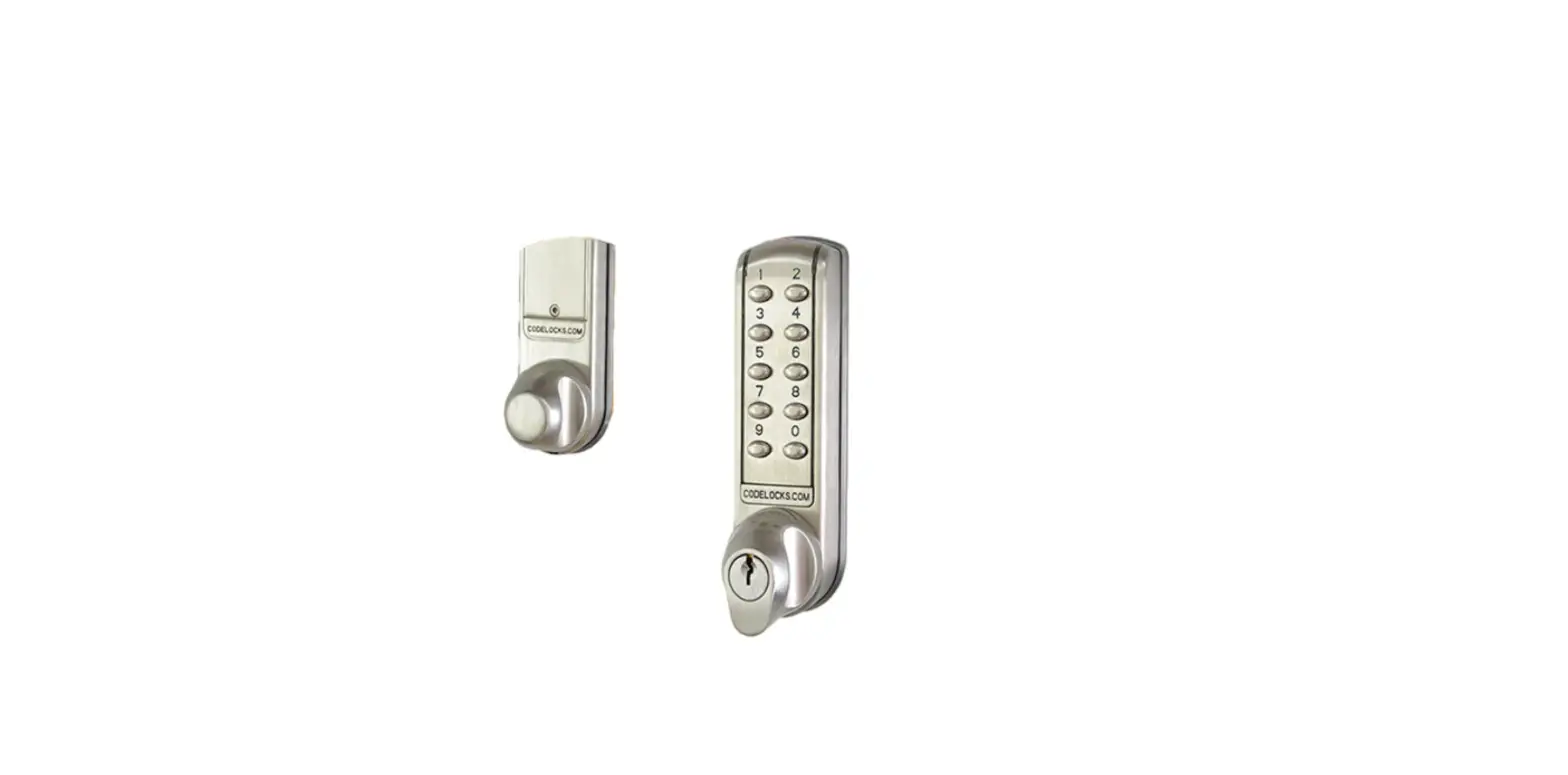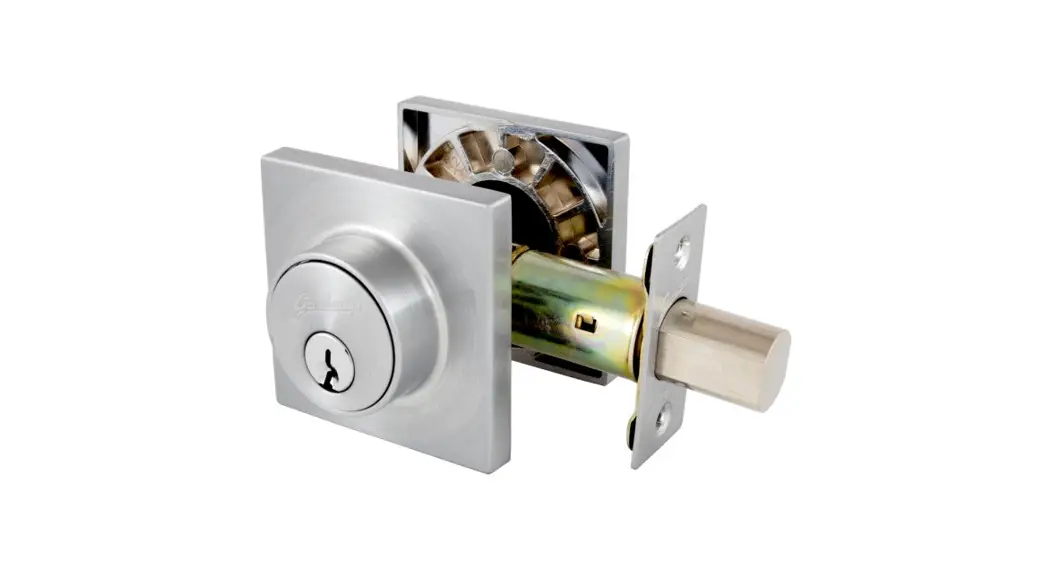

Installation Instructions for Deadbolt
Deadbolts Trade Range
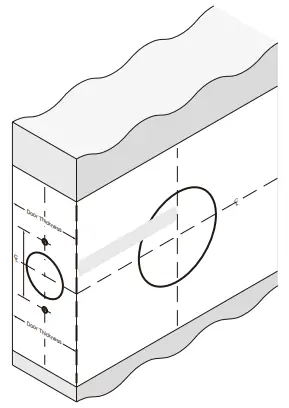
Step 1.
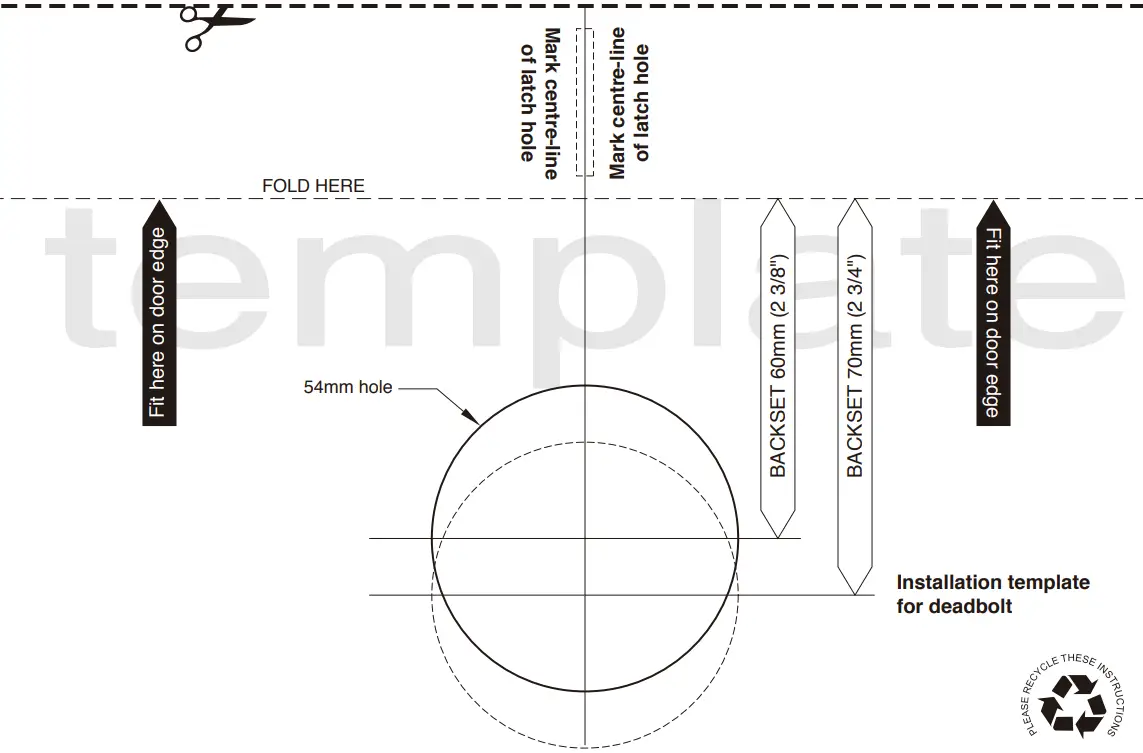
- Mark the Door as shown and use the template as guide.
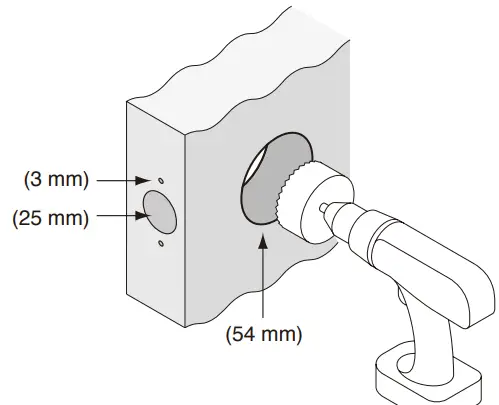
Step 2.
- Drill the holes as shown.
Step 3.
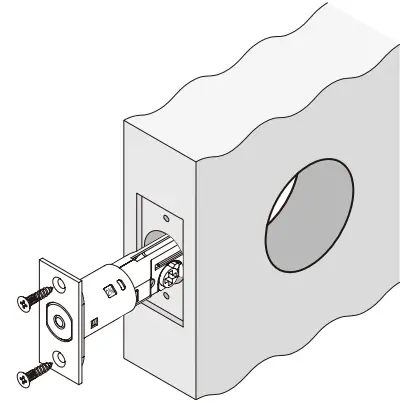
- Prepare rebate
- Install the latch and screw to tighten.
Step 4.
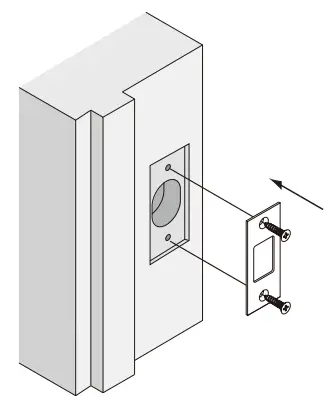
- Prepare rebate
- Install the strike and screw to tighten.
Step 5.
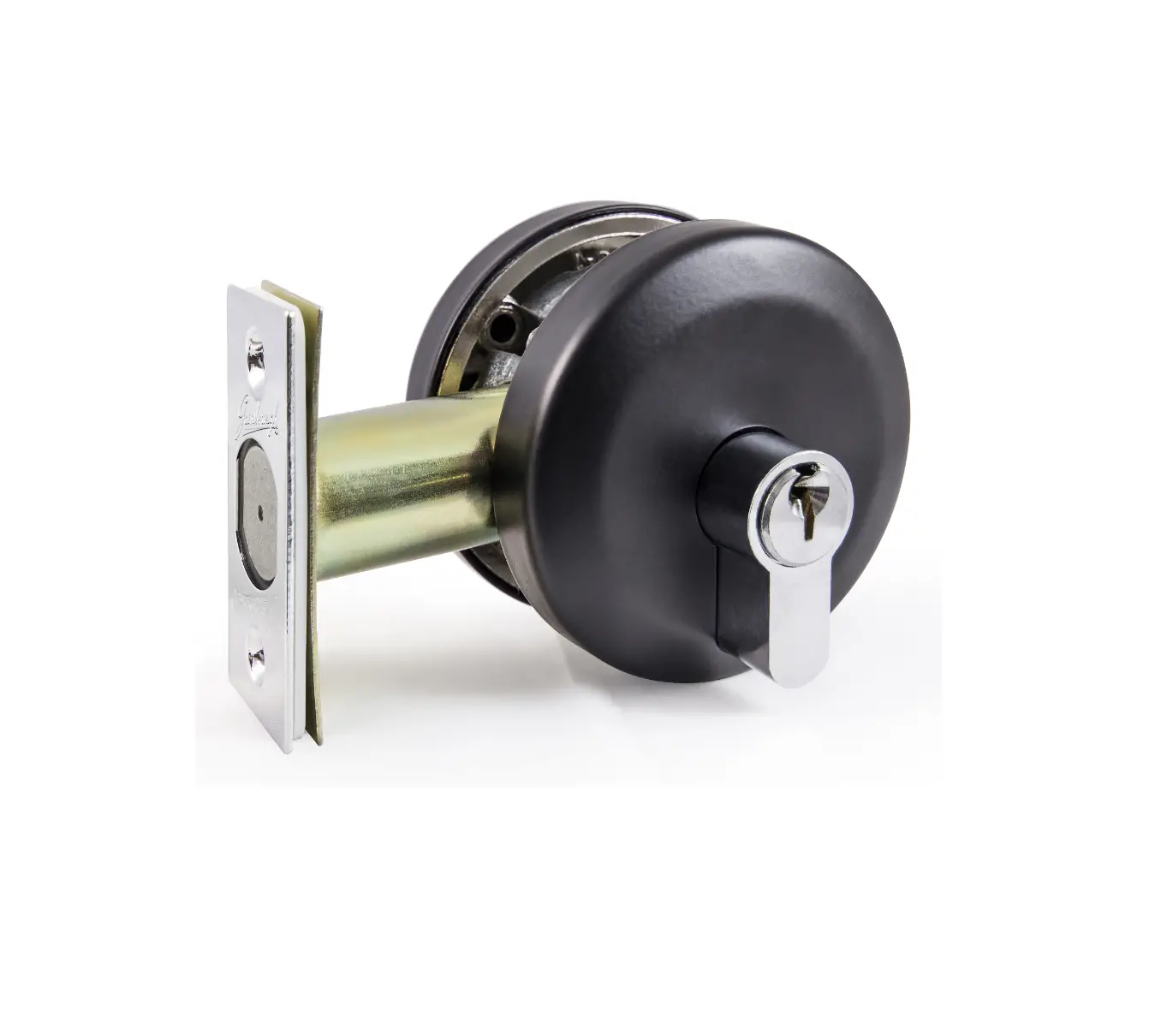
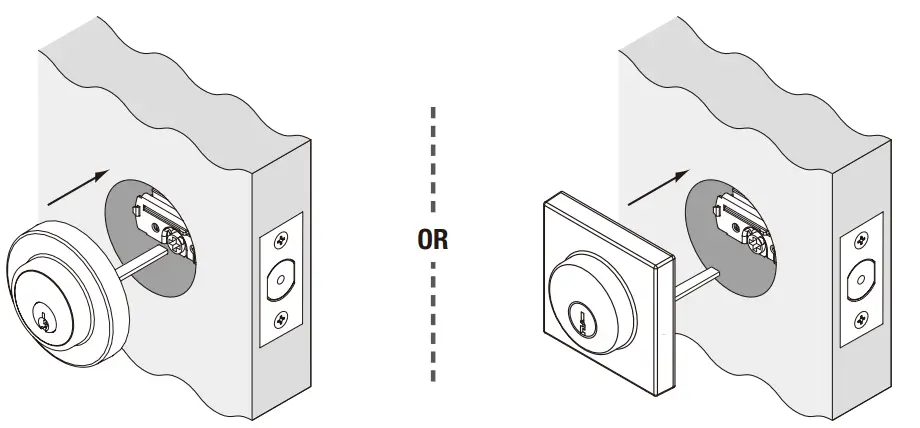
- Install the outside cylinder as shown.
- The drive tail is positioned horizontally.
Step 6.
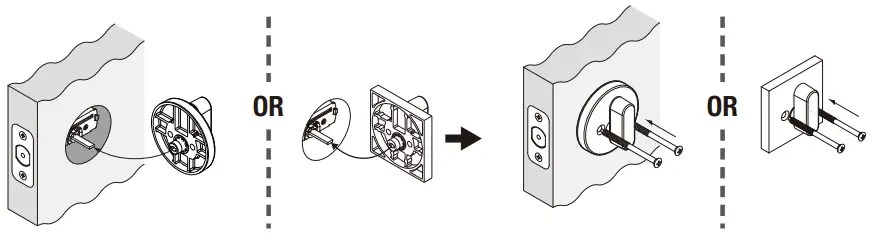
Install Thumbturn
- For Single Cylinder functions, please install the thumbturn as per diagram.
Install Cylinder
- For Double Cylinder functions, install the exterior and internal parts as shown in the diagram.
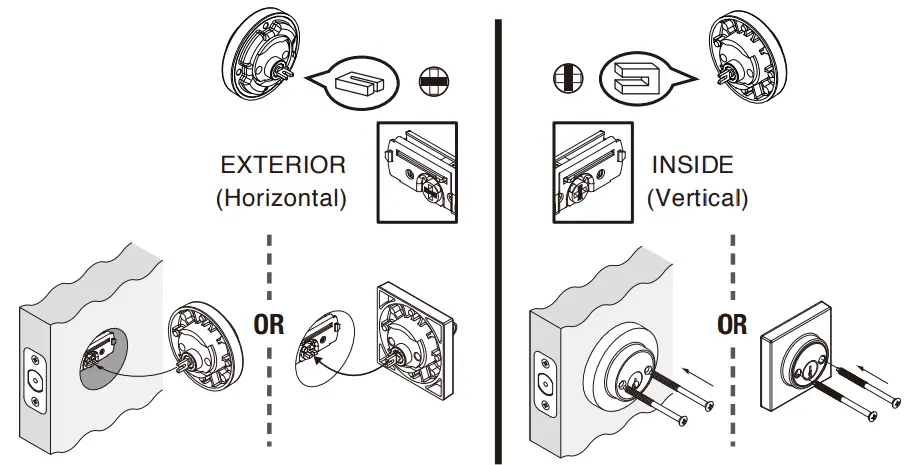
NOTE: Carefully follow these instructions when installing.
Screws to be tightened to a recommended 2.5Nm torque.
Gainsborough Hardware Industries Limited,
Melbourne, Australia. A.B.N. 25 004 792 269
www.gainsboroughhardware.com.au
AT 000
DGP-A00P12-00
MAR ‘15
 Gainsborough Hardware Home