Officelink CIXI Mingye Desk Sock User Manual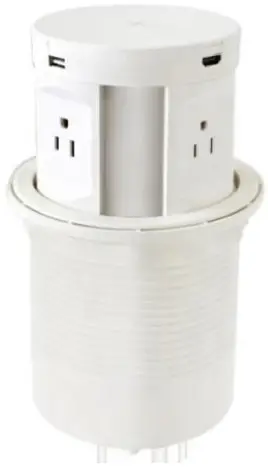
INTRODUCTION
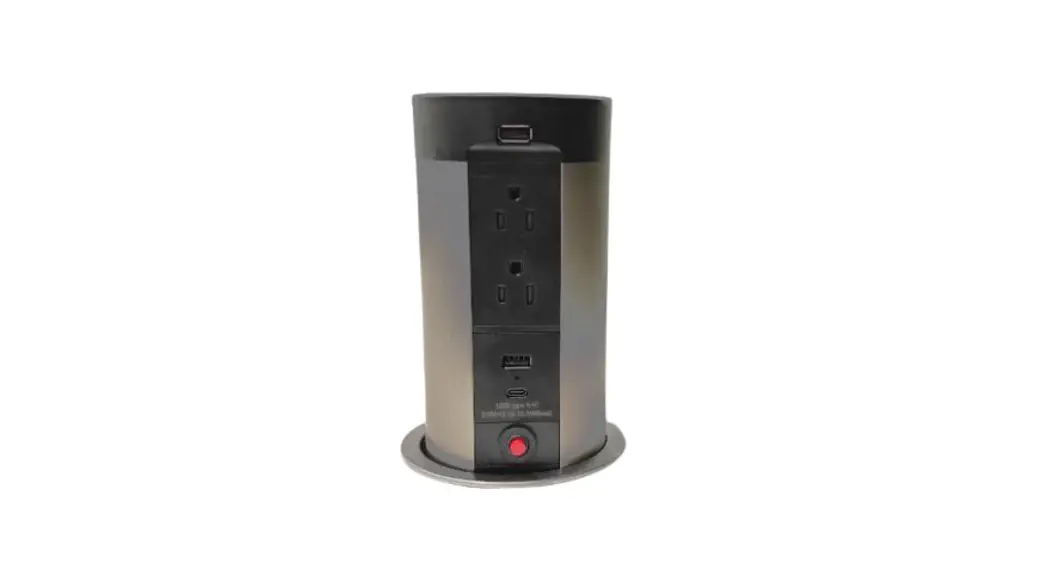
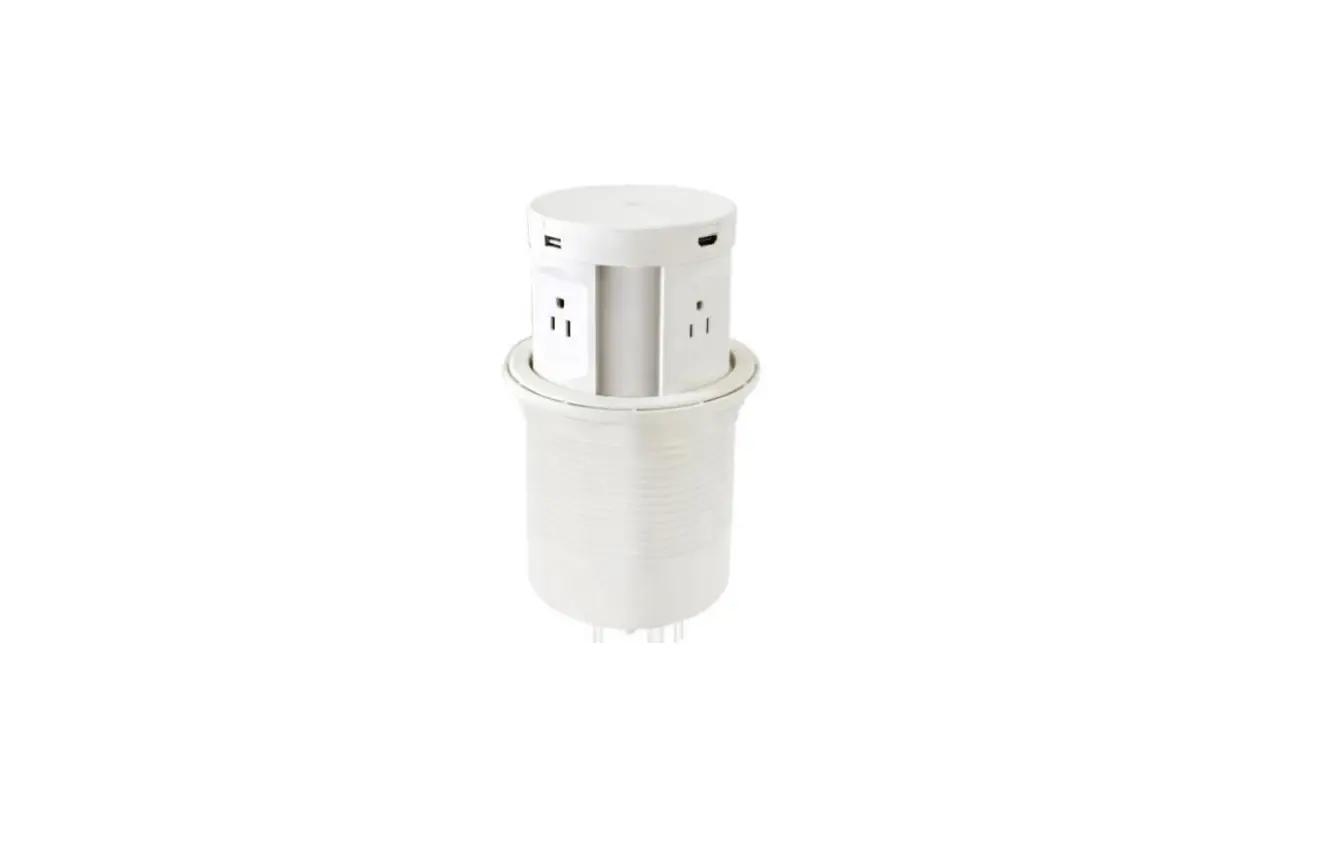
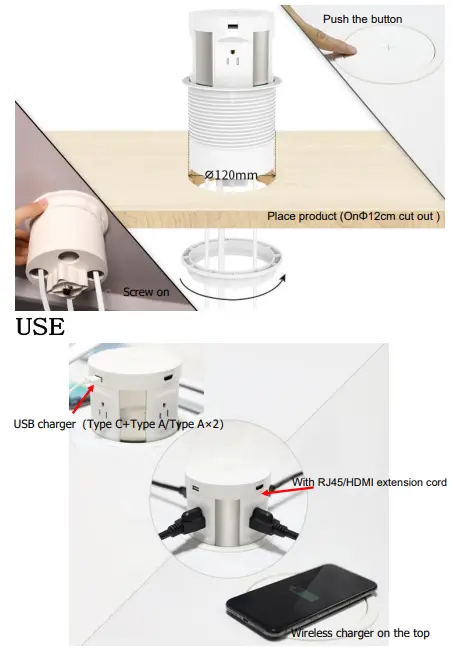
The 107 series with 4 sides power outlet, USB charger,replaceable data module system,wireless charger into an 12cm diameter body,it is a perfect choice for every work desk, an universal solution which able to meet different connection possibilities in the workplace.
TECHNICAL PARAMETER
| Rate current | 15A |
| Rate voltage | 125V |
| Max power | 1875W |
| Provision for earthing | with earthing contact |
| Number of poles | 2P+  |
| Wireless charging | frequency band:frequency band:111-200KHz |
| the maximum RF Power: 5W | |
| USB charger | I/P:125V~,60Hz,0.25A,O/P:5Vd.c. 3.1A |
| Optional function | RJ45/HDMI extension cord |
| Color | Black,White(can custom made) |
| Protection against electric shock | IP20 |
Note:
- This product could be used indoor only
- Operation is subject to the following two conditions: (1) This device may not cause harmful interference, and (2) this device must accept any interference received, including interference that may cause undesired operation.
Caution:
Changes or modifications to this unit not expressly approved by the party responsible for compliance could void the user’s authority to operate the equipment.
NOTE:
This equipment has been tested and found to comply with the limits for a Class B digital device, pursuant to part 15 of the FCC Rules. These limits are designed to provide reasonable protection against harmful interference in a residential installation. This equipment generates, uses and can radiate radio frequency energy and, if not installed and used in accordance with the instructions, may cause harmful interference to radio communications. However, there is no guarantee that interference will not occur in a particular installation. If this equipment does cause harmful interference to radio or television reception, which can be determined by turning the equipment off and on, the user is encouraged to try to correct the interference by one or more of the following measures:
- Reorient or relocate the receiving antenna.
- Increase the separation between the equipment and receiver.
- Connect the equipment into an outlet on a circuit different from that to which the receiver is connected.
- Consult the dealer or an experienced radio/TV technician for help.
INSTALLATION
Control No.:107User Manual _2022 Version number:A/0