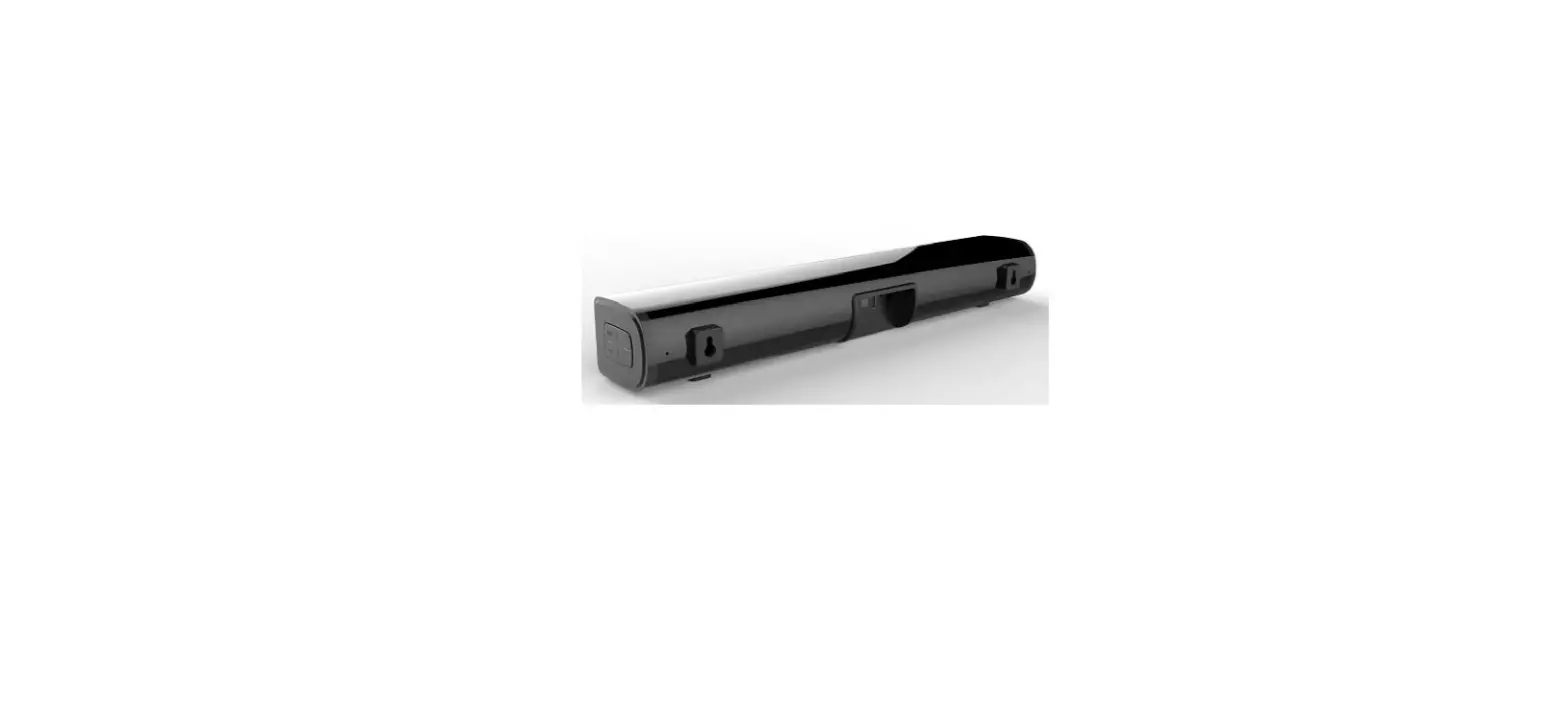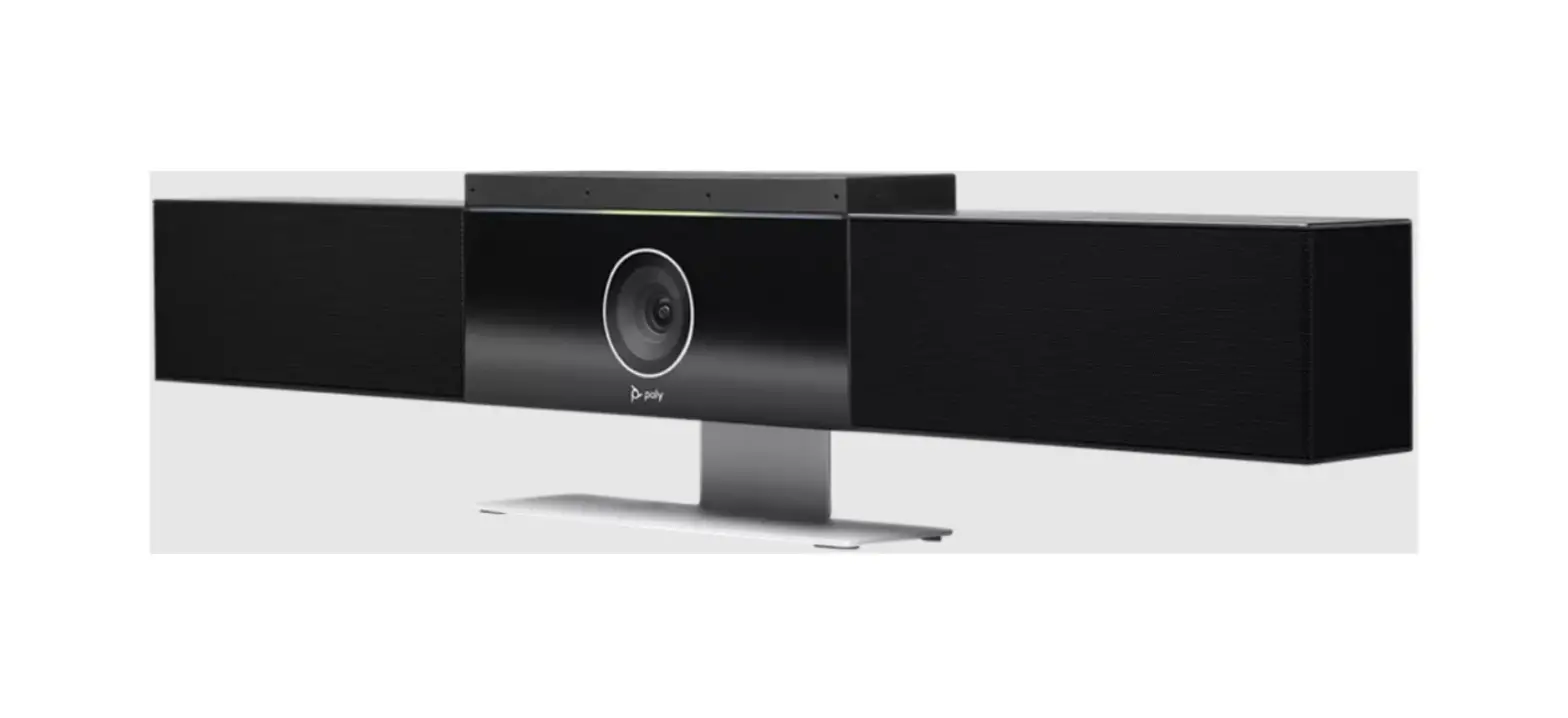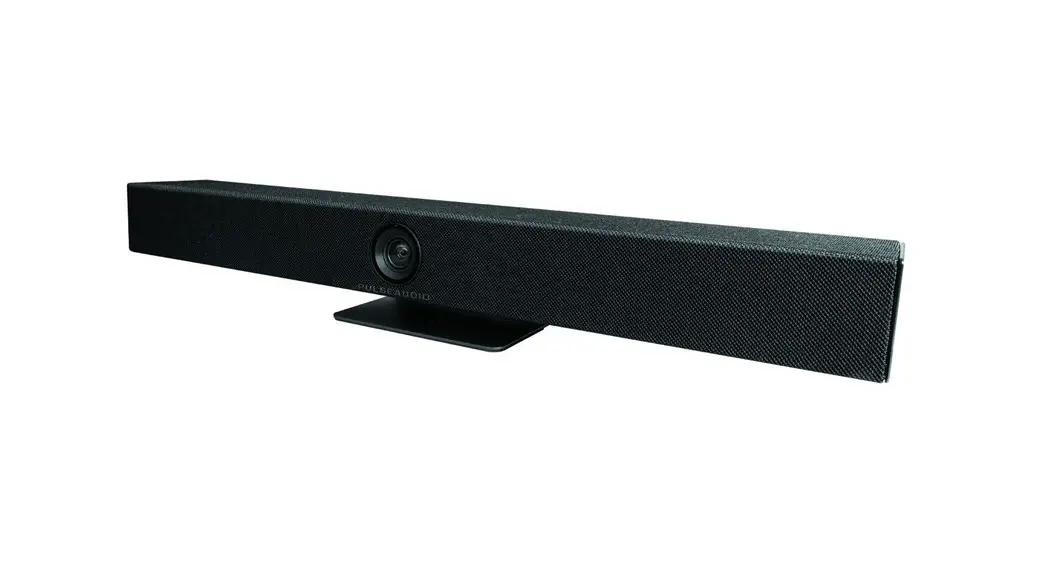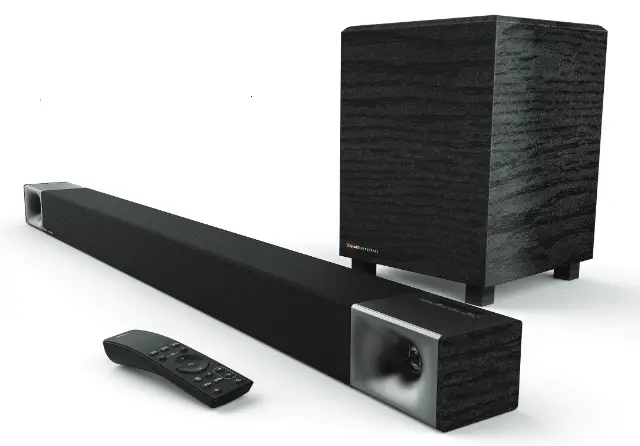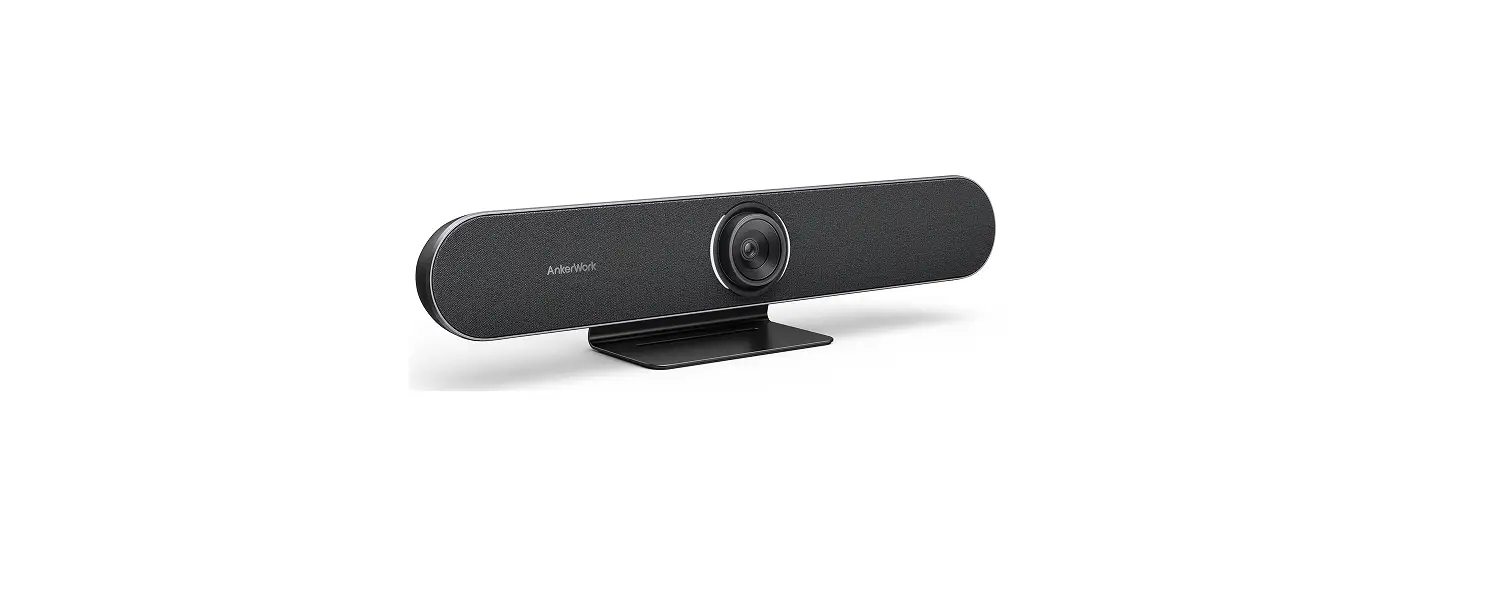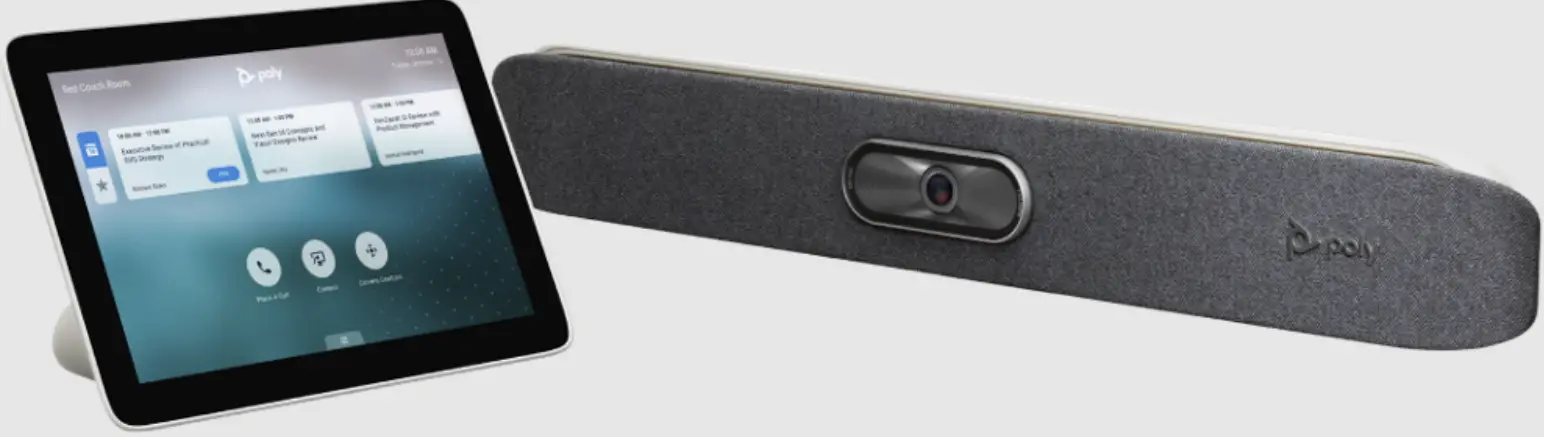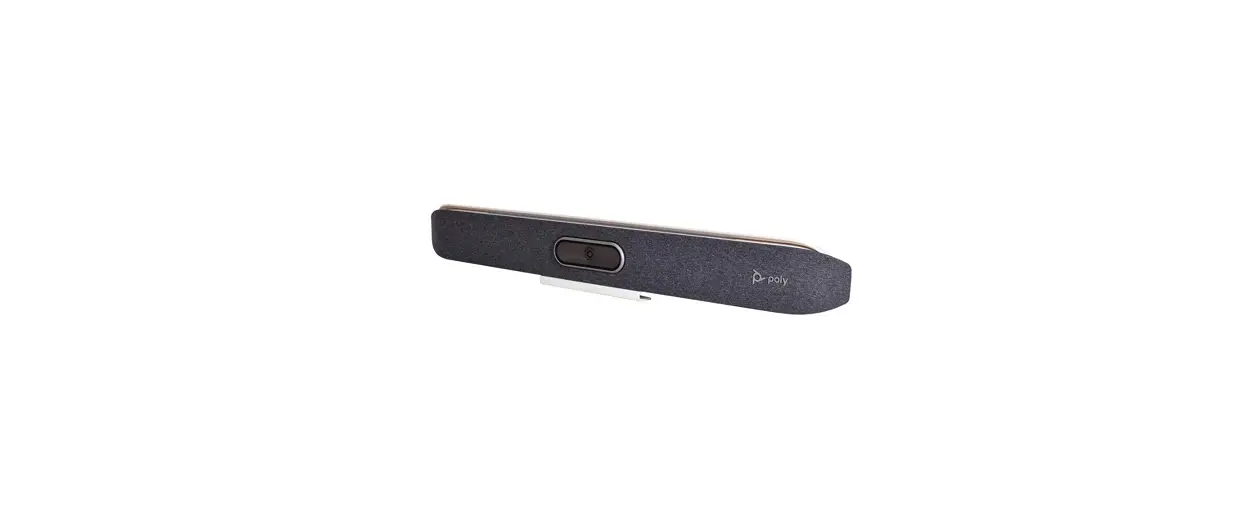

Poly Studio X50 4K Video Audio Bar Product
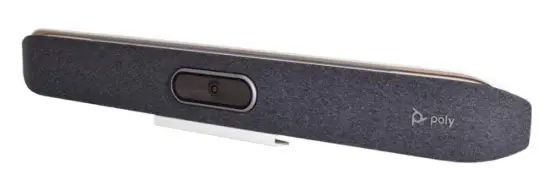
POLY STUDIO X50
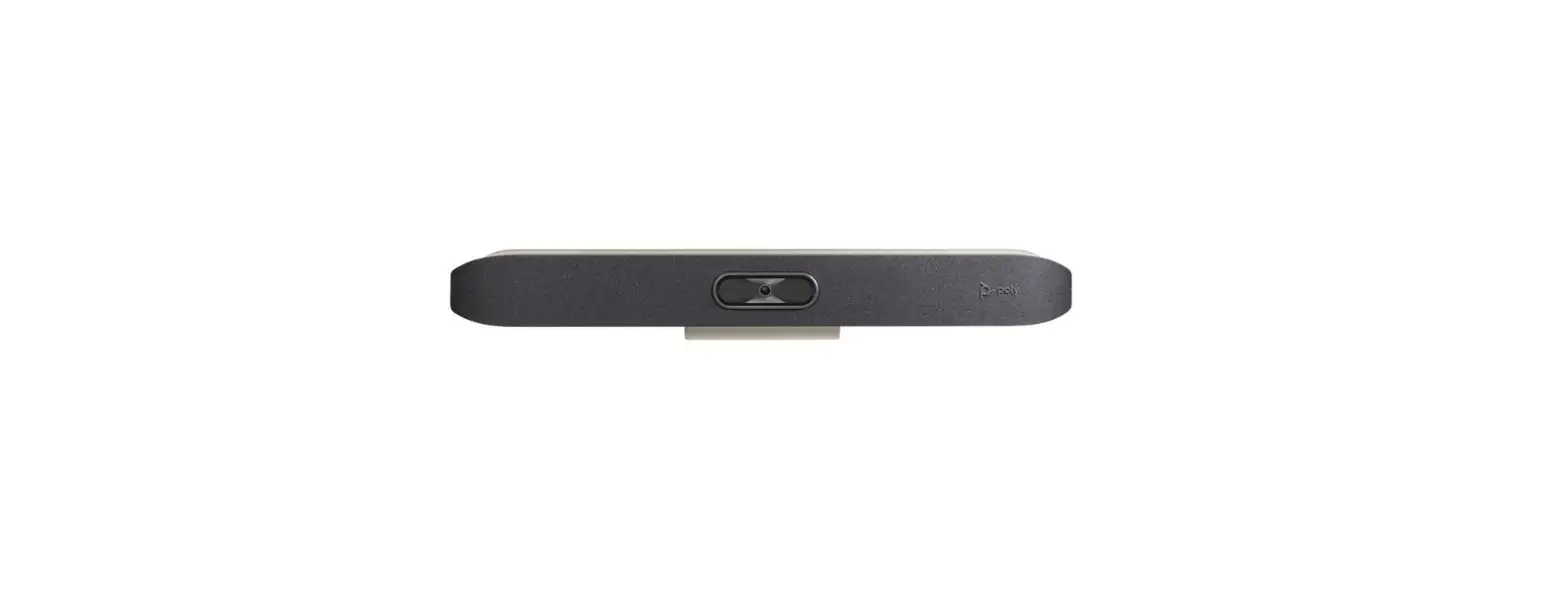
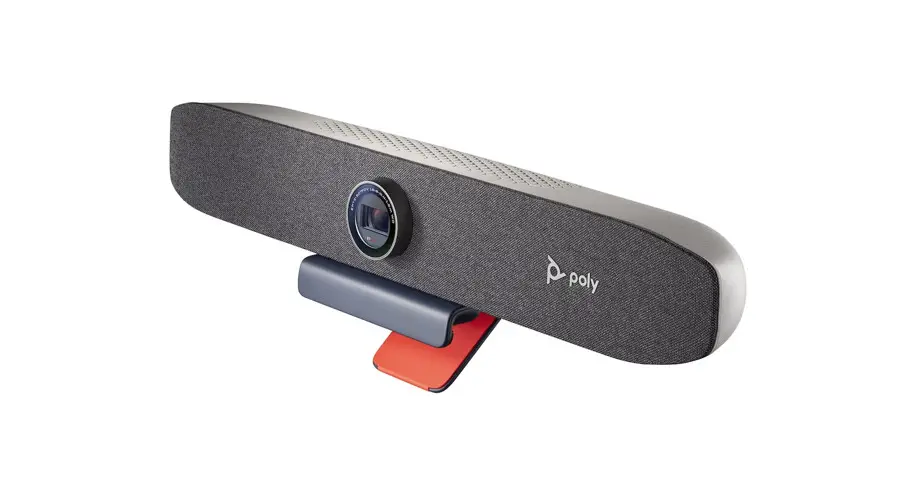
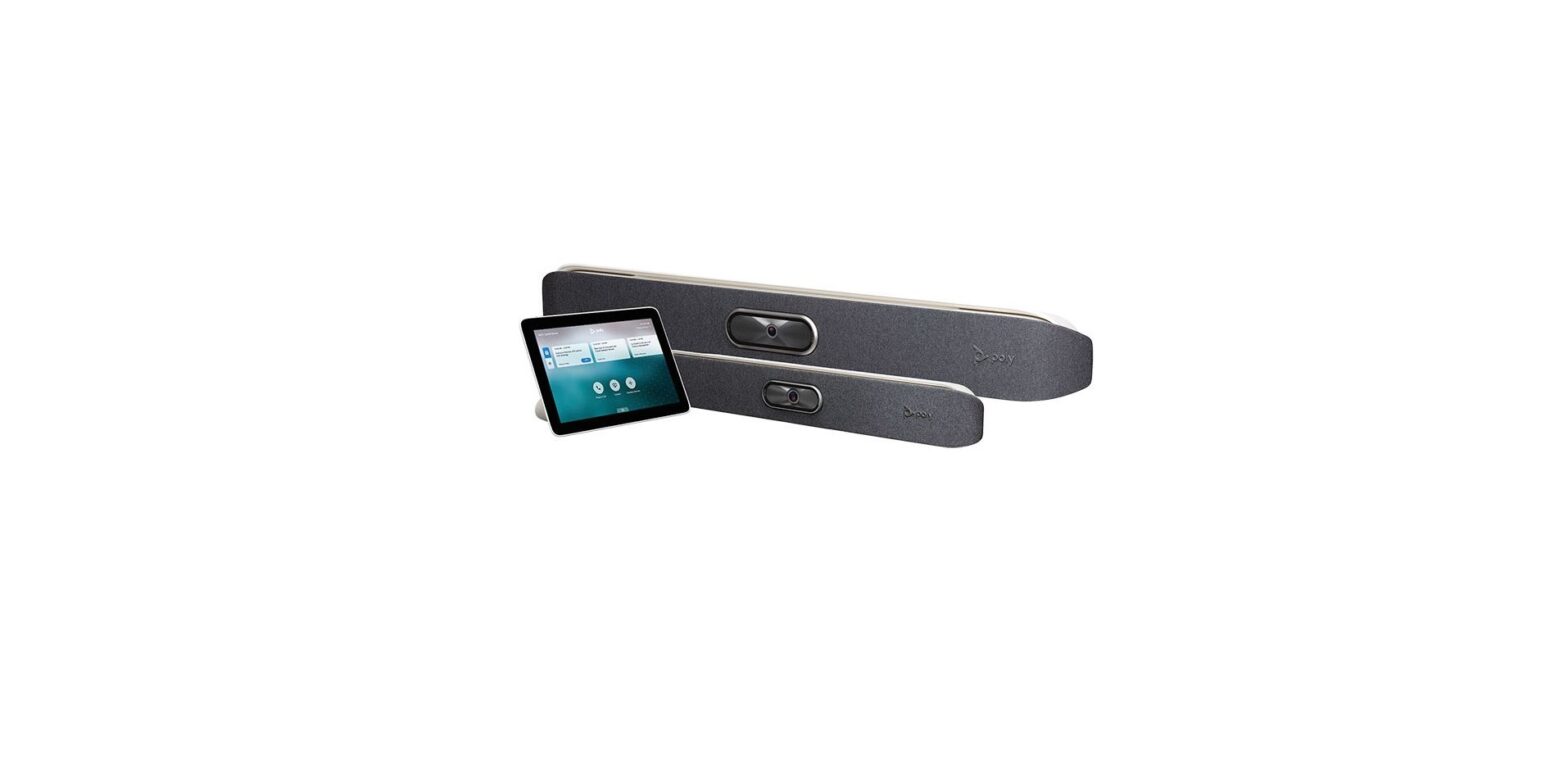
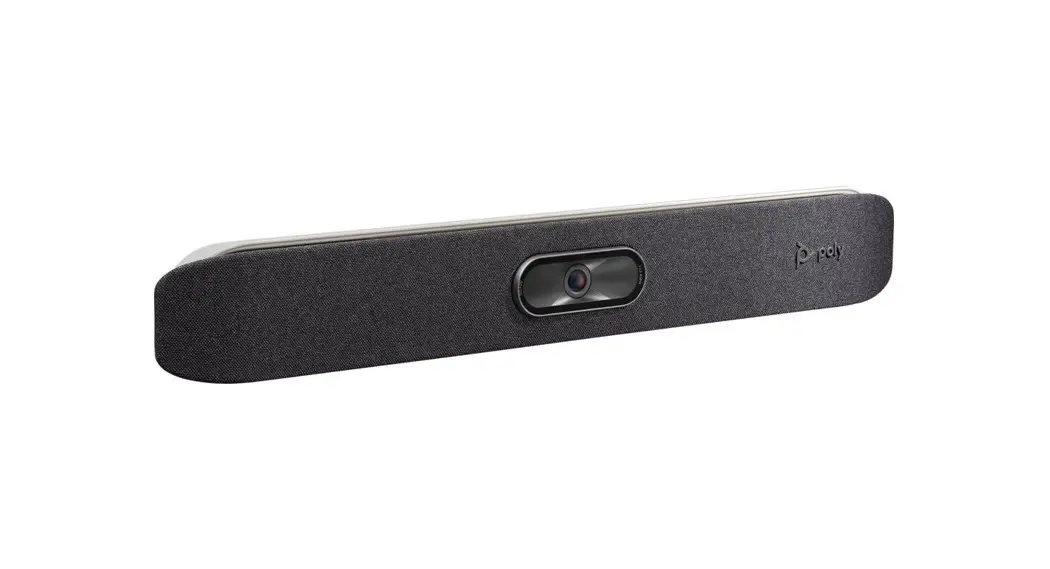
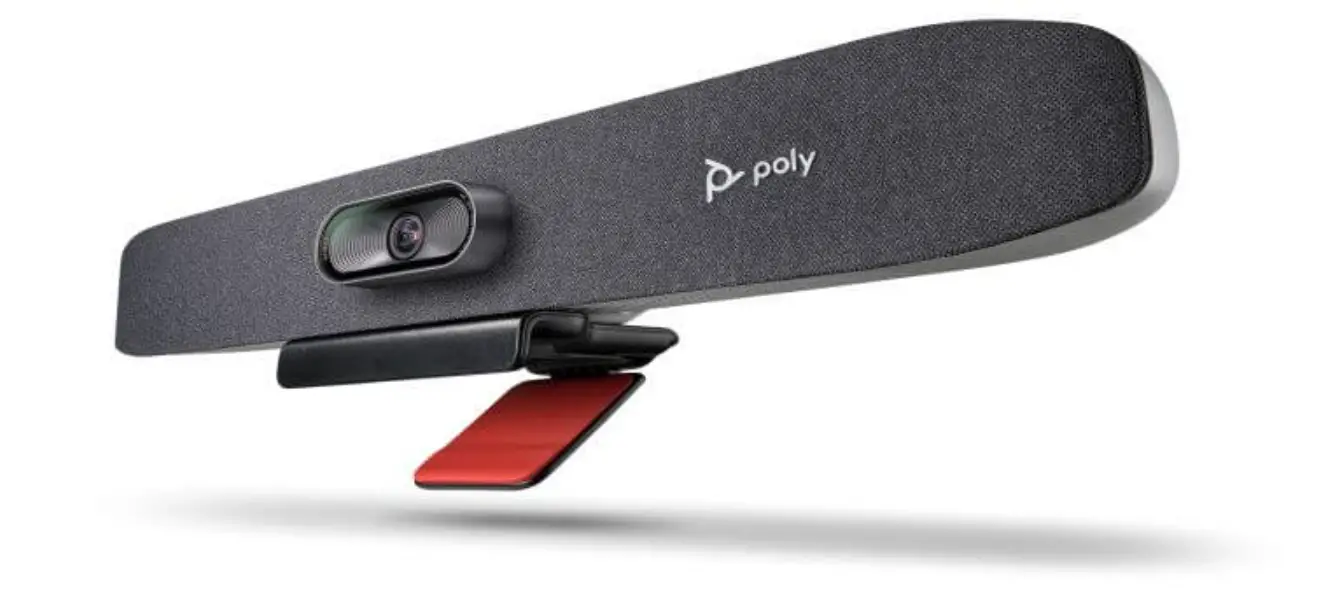
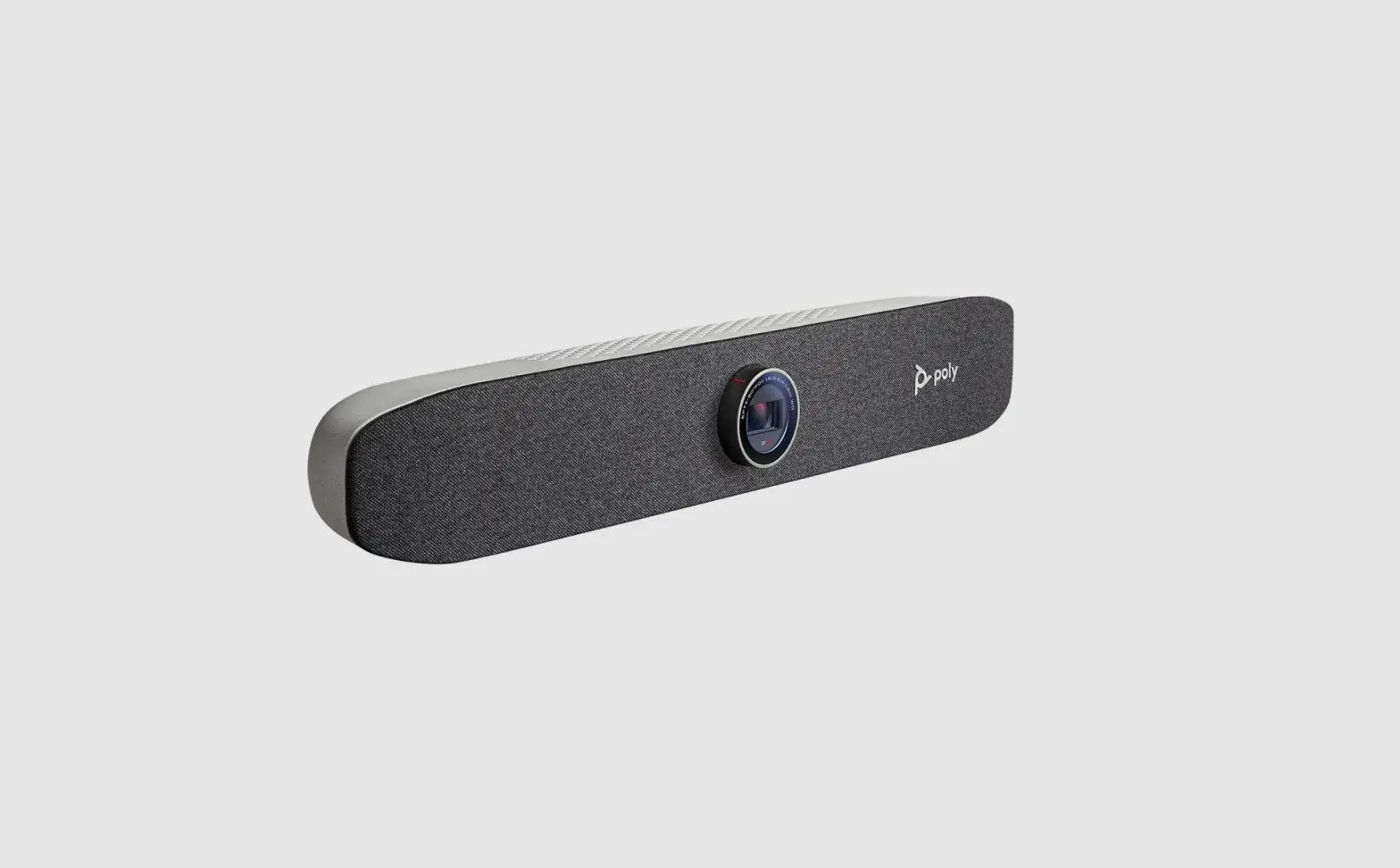
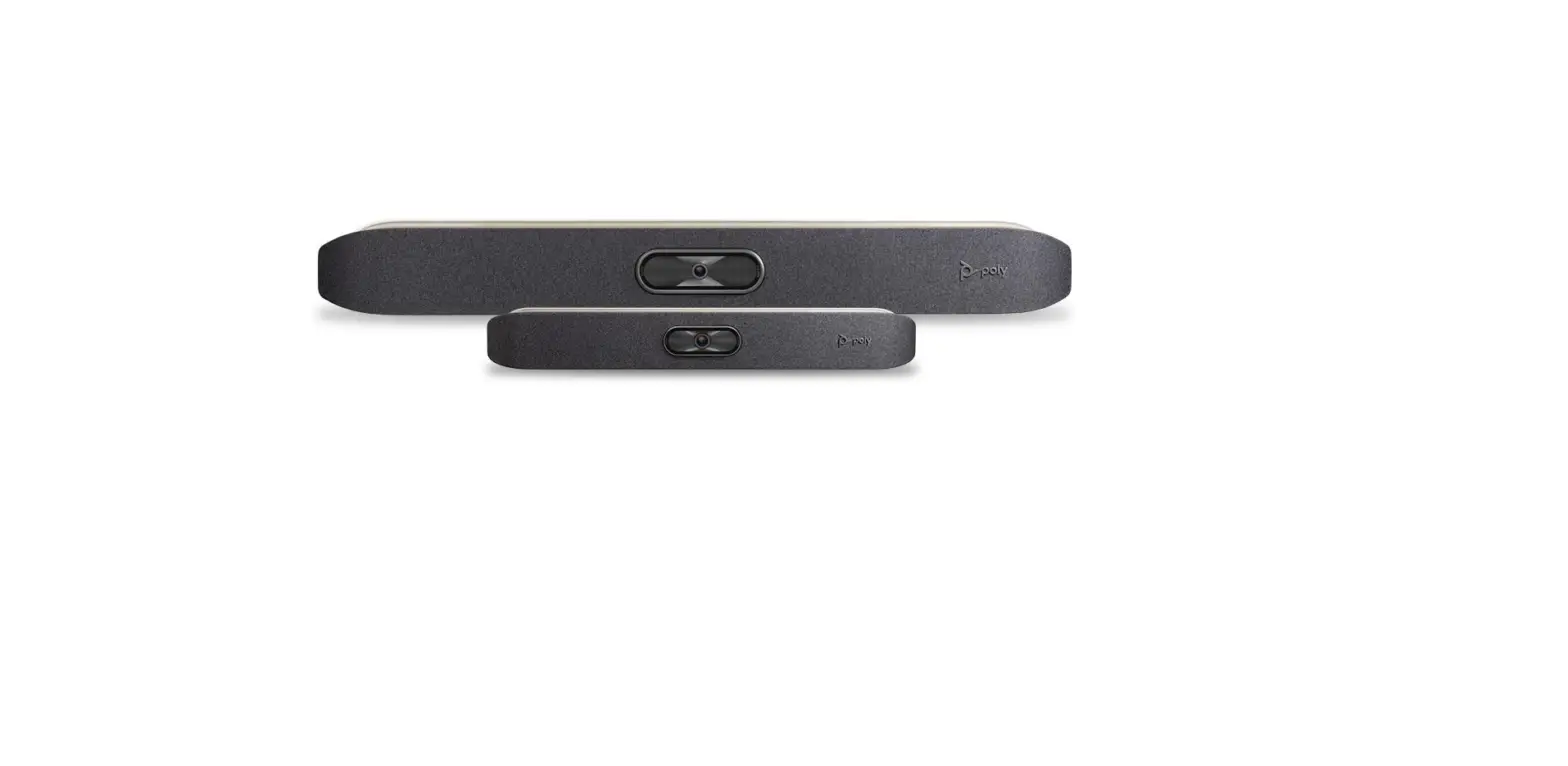
The Poly Studio X50 video bar delivers radical simplicity in a small, elegant package. In small- and medium-sized rooms, connect easily with whatever video collaboration software you may use. Experience full boardroom-quality audio, advanced camera capabilities, and quick wireless content—all in one sleek video bar. And say goodbye to unnecessary pucks, cords, and cables, along with the PC or Mac to drive the meeting, since the Poly Video OS runs the show. Easy to install, easy to manage.
- Ideal for rooms of up to 10 participants
- Surround everyone with the rich, legendary sound with stereo speakers that deliver
- immersive, room- filling audio
- Dual monitor support ensures you have the ideal setup for many types of rooms
- Be heard clearly with our next generation microphone array.
BENEFITS
- Get any small or medium room up and running in minutes, with a simple setup process and all in one design
- Make it easy for anyone, even guests, to share content wirelessly from any personal device—with no special apps or tools needed
- Powerful audio pickup and incredible noise blocking technology allows every word to be heard without distractions
- On-board support for cloud service platforms means no room PC or Mac is required.
PRODUCT SPECIFICATIONS
Package includes
- Poly Studio X50
- Cable bundle
- Wall mount
- Privacy cover
VIDEO STANDARDS AND PROTOCOLS
- H.264 AVC, H.264 High Profile, H.265
VIDEO INPUT
- 1x HDMI VIDEO OUT
- 2x HDMI
- Touch display compatible
PEOPLE VIDEO RESOLUTION
- 4K, 30 fps (TX and RX) from 2048 Kbps
- 1080p, 60 fps from 1740 Kbps
- 1080p, 30 fps from 1024 Kbps
- 720p, 60 fps from 832 Kbps
- 720p, 30 fps from 512 Kbps
CONTENT VIDEO RESOLUTION
- Input
- UHD (3840 x 2160)
- HD (1920 x 1080p)
- WSXGA+ (1680 x 1050)
- UXGA (1600 x 1200)
- SXGA (1280 x 1024)
- WXGA (1280 x 768)
- HD (1280 x 720p)
- XGA (1024 x 768)
- SVGA (800 x 600)
- Output
- UHD (3840 x 2160)
- WUXGA (1920 x 1200)
- HD (1920 x 1080)
- WSXGA+ (1680 x 1050)
- SXGA+ (1400 x 1050)
- SXGA (1280 x 1024)
- HD (1280 x 720)
- XGA (1024 x 768)
- Content frame rate
- 5–60 fps (up to 4K resolution at 15 fps in call)
CONTENT SHARING
- Poly content app
- Apple Airplay
- Mira cast
- HDMI input
- White boarding
CAMERA
- 5x digital zoom
- 120° FOV
- UHD 2160p (4K) capture resolution
- Automatic people framing
AUDIO INPUT
- 3x MEMS microphones, plus 2x 2nd order microphones
- 1x HDMI
- 1x 3.5 mm line-in*
AUDIO OUTPUT
- Stereo speakers
- 1x 3.5 mm line-out*
OTHER INTERFACES
- 2x USB-A (3.0)
- 1x USB-C
- Bluetooth 5.0
- WiFi 802.11a/b/g/n/ac (MIMO) Multi-channel Concurrency
AUDIO STANDARDS AND PROTOCOLS
- 22 kHz bandwidth with Polycom Siren 22 technology, AAC-LD (TIP calls), G.719
- 14 kHz bandwidth with Polycom Siren 14 technology, G.722.1 Annex C
- 7 kHz bandwidth with G.722, G.722.1
- 4 kHz bandwidth with G.711, G.728, G.729A
NETWORK
- IPv4
- 1x 10/100/1G Ethernet
- Auto-MDIX
- 323 and/or SIP up to 6 Mbps running Poly Video App
- Polycom Lost Packet Recovery (LPR) technology
- Dynamic bandwidth allocation
- Reconfigurable MTU size
- Web proxy support—Basic, Digest, and NTLM
- Simple Certificate Enrollment Protocol (SCEP)
SECURITY
- Media encryption (H.323, SIP): AES-128, AES-256
- 235.6 support
- Authenticated access to admin menus, web interface, and API
- Local account password policy configuration
- Security profiles
- Local account and login port lockout
- Secure defaults
- Remote logging with support for TLS
- Active directory external authentication
OPTIONS
- VESA mount kit
- Stand
- Poly TC8
INTEROPERABILITY
- Support for native 3rd party applications, including Zoom Rooms for Android
- All cloud service provider through Poly Video App Mode
ELECTRICAL
- Auto sensing power supply
- Typical operating voltage/power
- 37 VA @ 120 V @ 60 Hz
- 37 VA @ 230 V @ 50/60 Hz
- Typical BTU/h: 65
ENVIRONMENTAL SPECIFICATION
- Operating temperature: 0 to 40 °C
- Operating humidity (non-condensing): 15 to 80%
- Non-operating temperature: -40 to 70 °C
- Non-operating humidity (non-condensing): 5 to 95%
- Maximum altitude: 16,000 ft
PHYSICAL CHARACTERISTICS
- 30 W x 4 H x 4 D (Inches) 762 W x 102 H x 102 D (MM)
- 6 lbs/2.54 kg
WARRANTY
One-year return to factory parts and labor Supported in future software update Some features may only be available with certain native apps or in Poly video mode.
Trademark
©2019 Plantronics, Inc. All rights reserved. Poly and the propeller design are trademarks of Plantronics, Inc. The Bluetooth trademark is owned by Bluetooth
SIG, Inc. and any use of the mark by Plantronics, Inc. is under license. All other trademarks are the property of their respective owners. 12.19 548198
FAQs
The answer is no, you cannot connect external speakers to more than one X80.
The TC8 tablet is not included in this listing. You would want to buy this tablet.
The TC8 controller will indeed function in Teams mode with an X-Series. Microsoft Teams Rooms are not compatible with the TC8, though. Please have a look at the G10-T, which contains the GC8, if a Microsoft Teams Room is something you’re interested in.
A soundbar that advertises “4k pass-through” as a feature really includes HDMI in and HDMI out, allowing you to send any video stream, including 4k feeds, through the soundbar to the television.
The audio and video quality of a 4K HDMI is not superior to other comparable non-4K ones. You’re ready to go as long as the cable can handle the bandwidth needed to display 4K content.
If the device is HDCP 2.2 compatible, the 4K pass-through function enables data to transit through the system without degrading image quality. When used with compatible 4K TVs or projectors, the AV receiver’s 4K pass-through capability reproduces 4K signals from video equipment in the highest possible quality.
4K technology only refers to the visual quality of images displayed on a screen. So why would you want to upgrade your audio gear? To display a 4K image on your screen, your home theatre system’s components must have the necessary technologies if your 4K Ultra HD television is linked to it along with a receiver.
The highest video and audio quality for movies is provided by 4K Blu-ray. Although streaming is the most common means to access 4K material, a 4K Blu-ray player is required for the finest picture and sound quality.
Soundbars are not intended to operate in conjunction with the built-in speakers on your television; rather, they are intended to replace them. The echo is the main cause of this. The same audio signal is transmitted to both your soundbar and your TV speakers when you use them simultaneously.
Dolby Laboratories created the surround sound technique known as Dolby Atmos. By incorporating height channels, it improves on current surround sound systems and makes it possible for sounds to be perceived as three-dimensional objects.
For your soundbar, you often don’t require an amplifier or receiver. The instance of a passive soundbar is the exception. However, since the majority of soundbars are active, an amplifier or receiver’s additional amplification is not required.
For 4K TVs that support Dolby Vision HDR, 4K Dolby Vision is used to display video with a wider spectrum of colours and brightness tailored for your TV.
A soundbar with 2.1 channels (two front channels and a separate subwoofer) may be sufficient if all you want to do is improve the sound on your TV. For multichannel sound and real surround sound, invest in a soundbar with a subwoofer and back speakers that are preferably wireless.
Since 4K TVs have more pixels, the image itself can have greater colour and contrast. Dolby Vision has a bigger impact on the screen, brightness levels, and content than the enhanced pixel-per-inch ratio does on contrast.