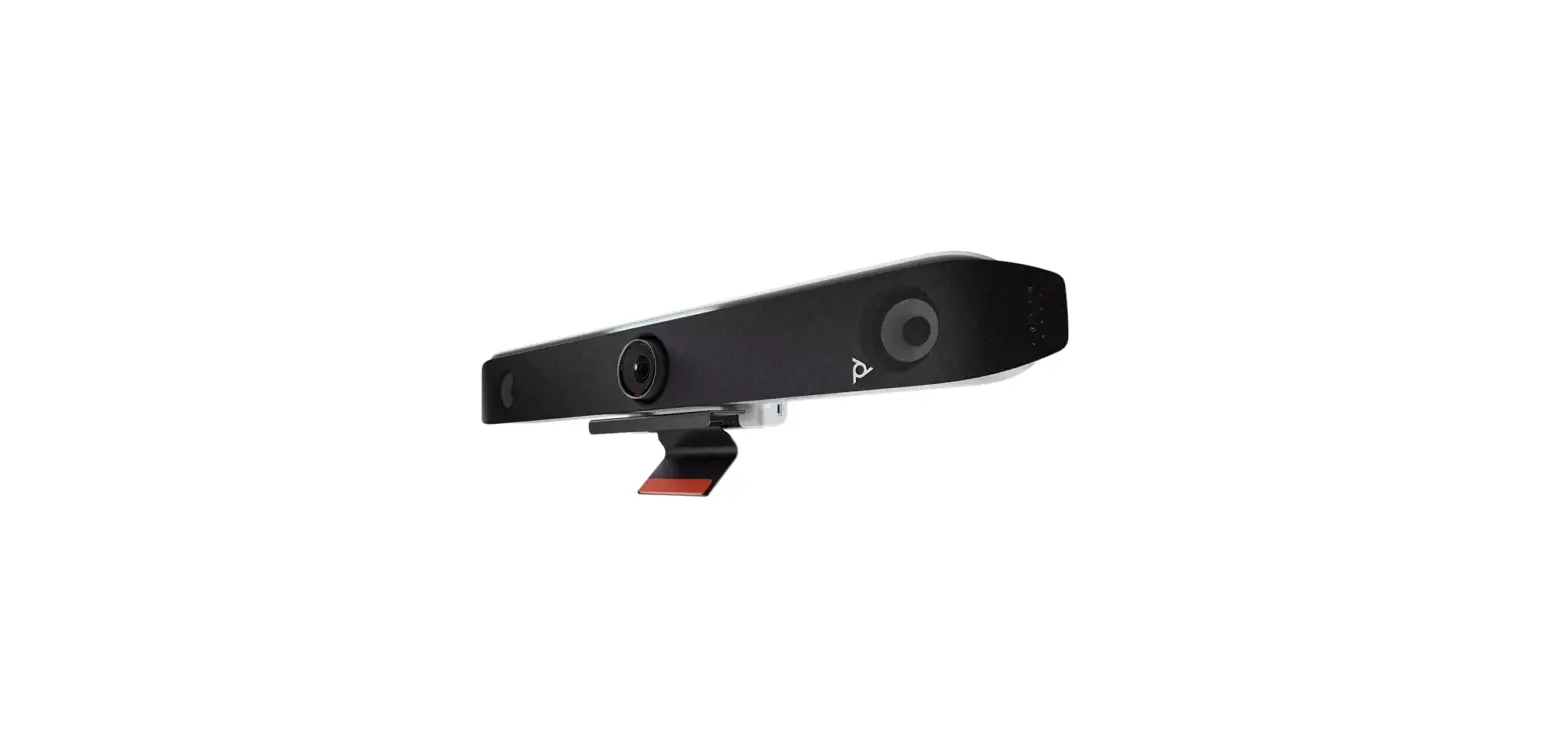
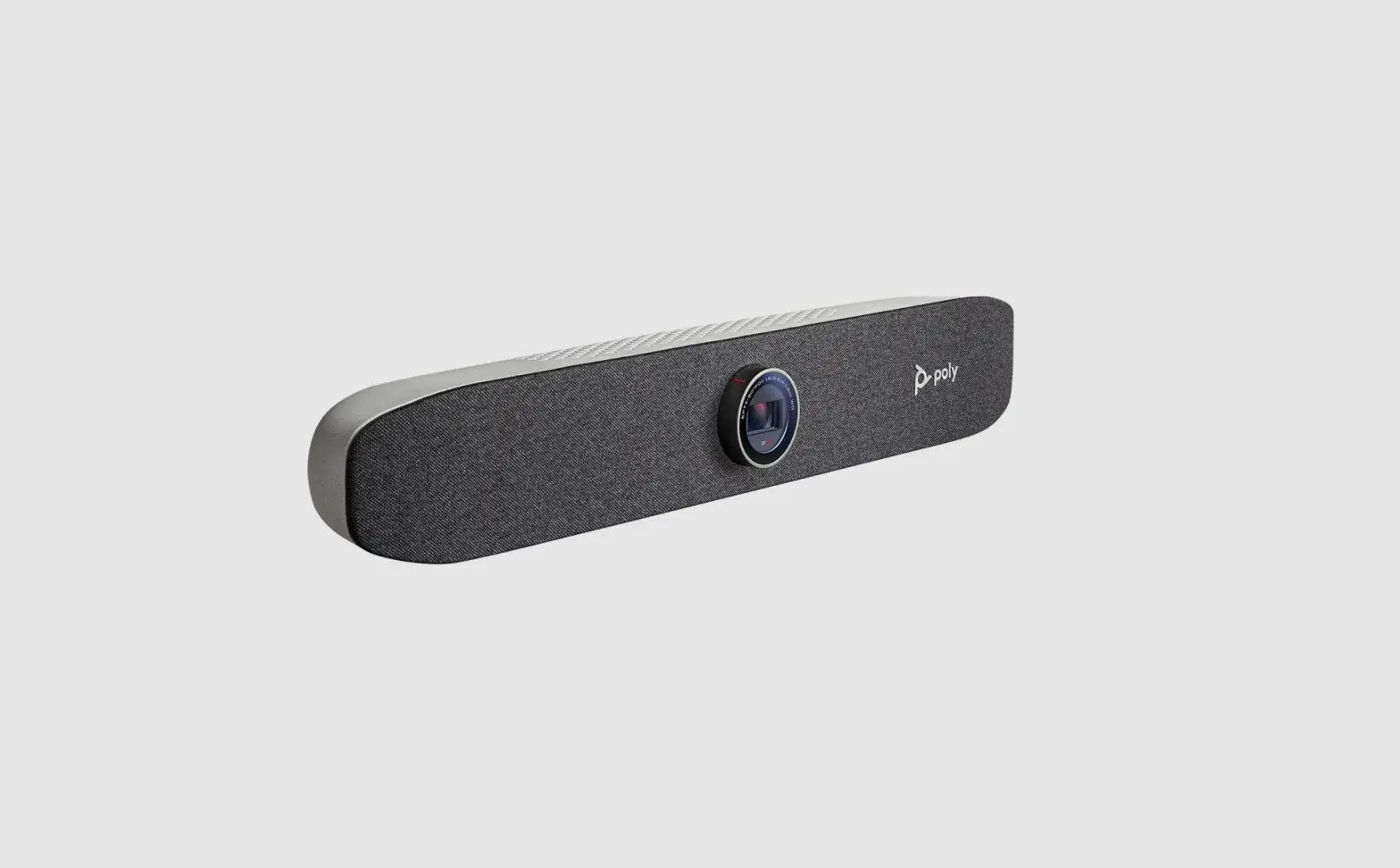
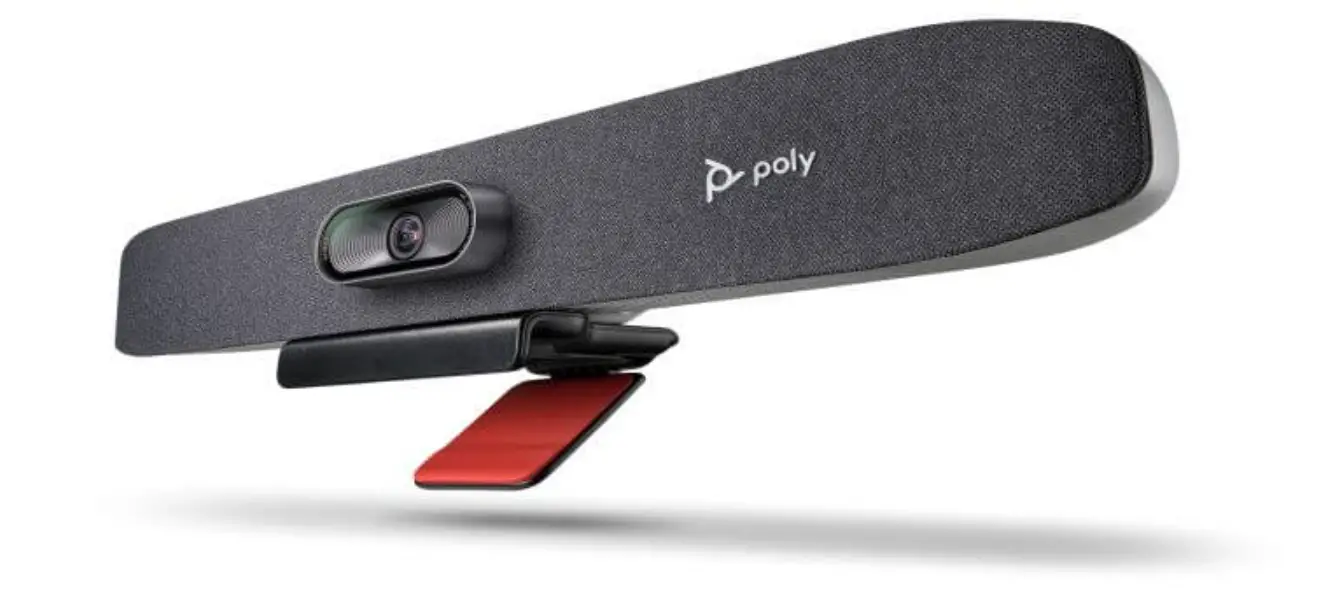
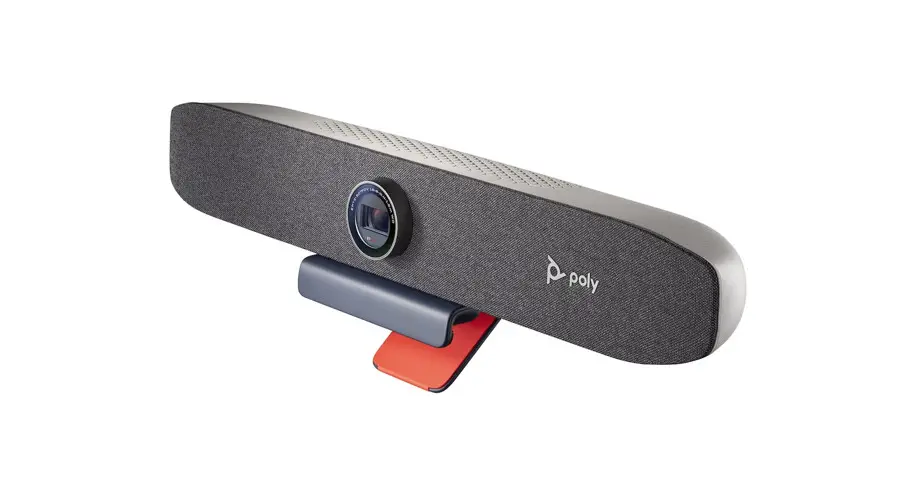
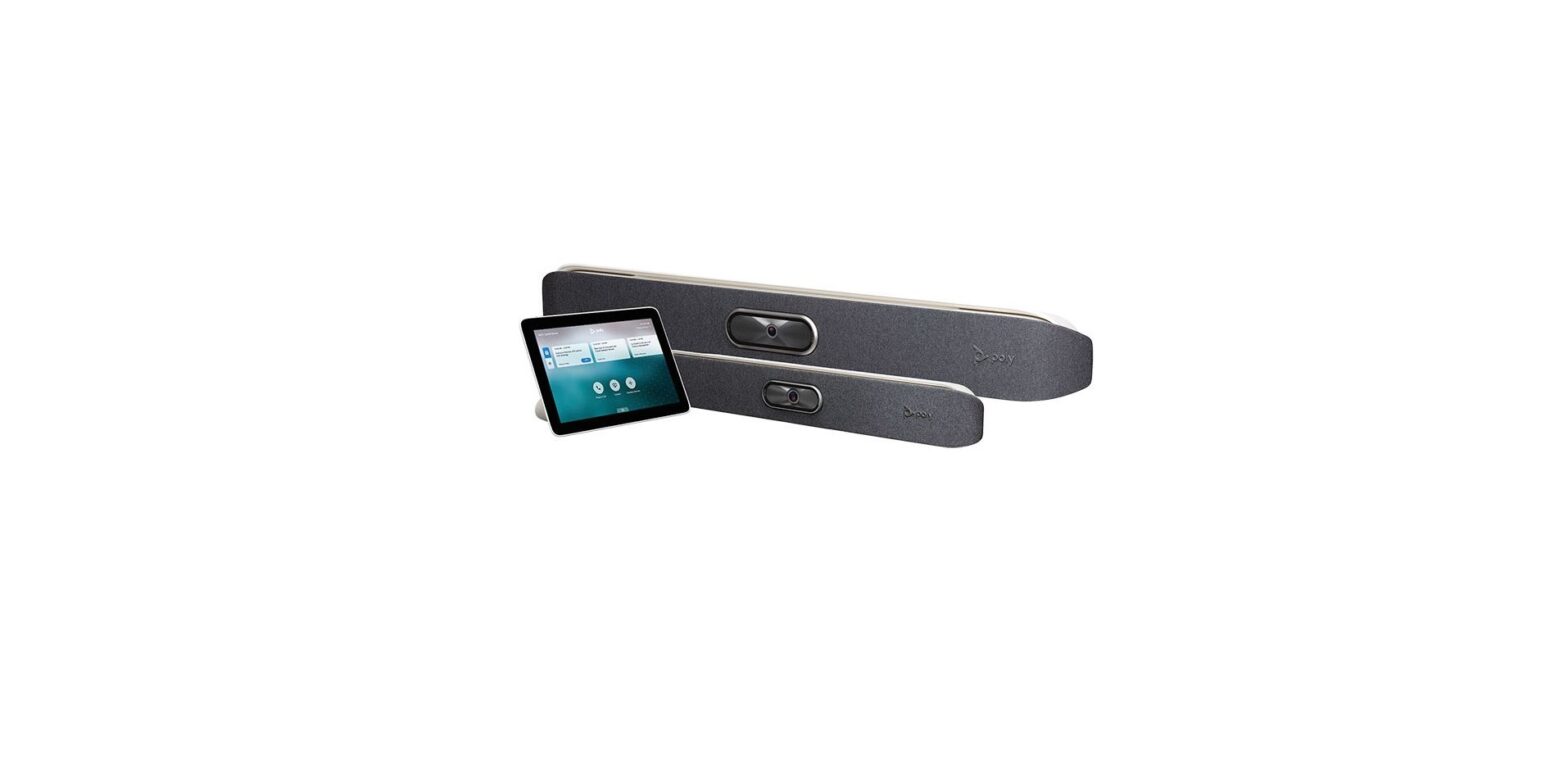
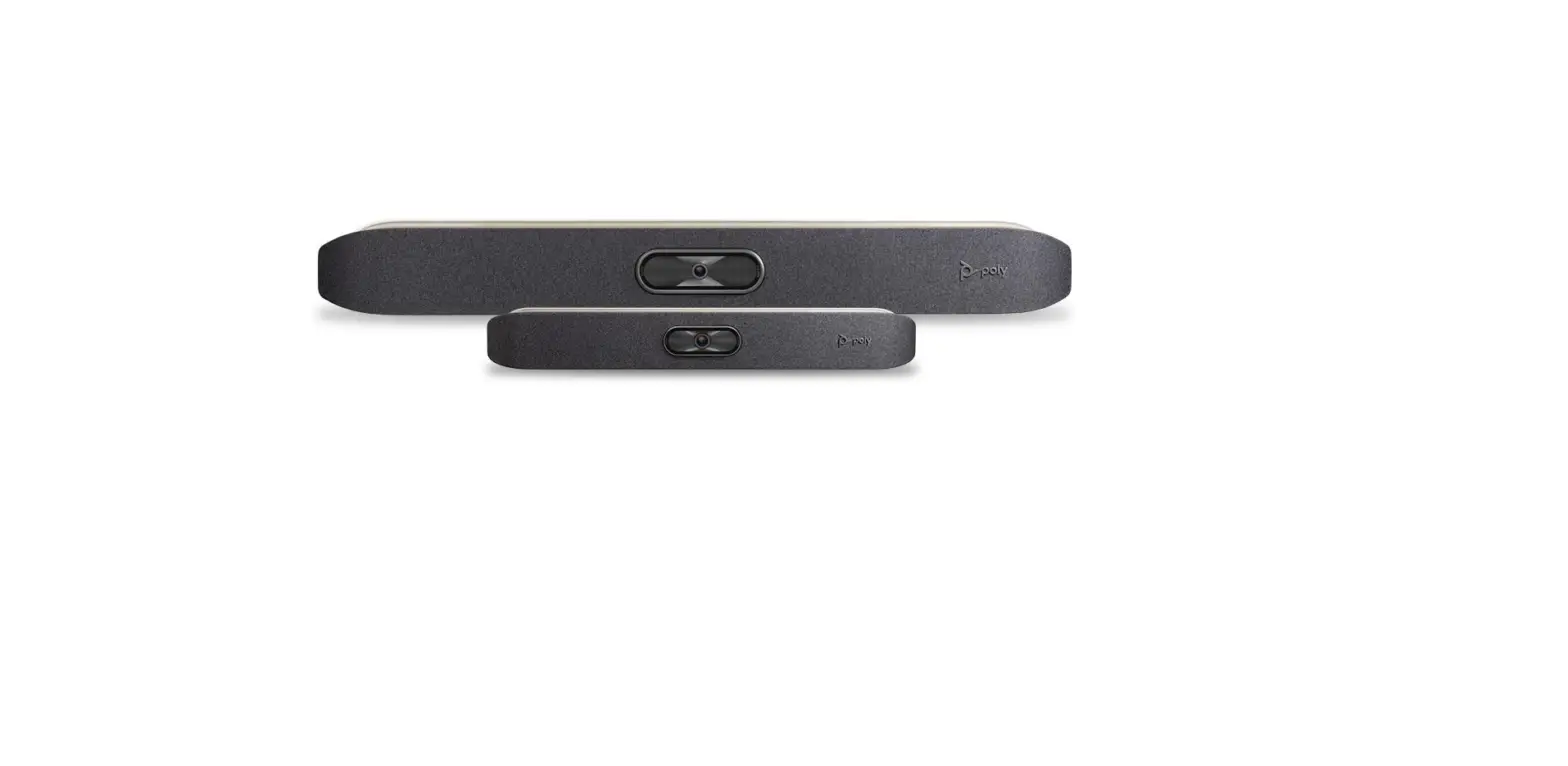
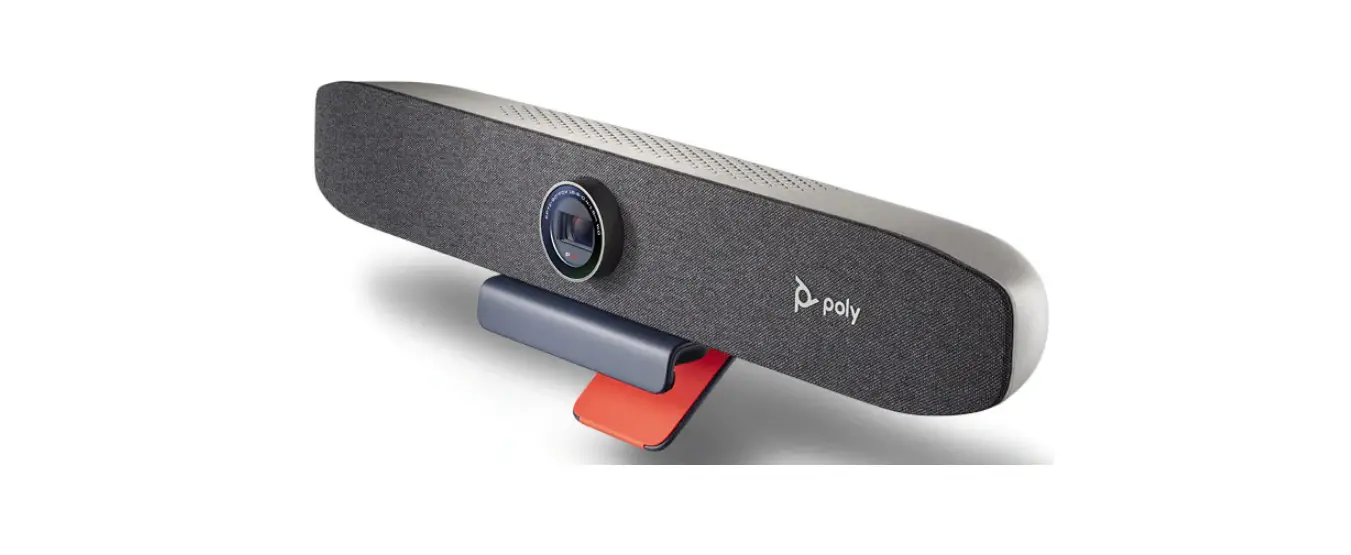
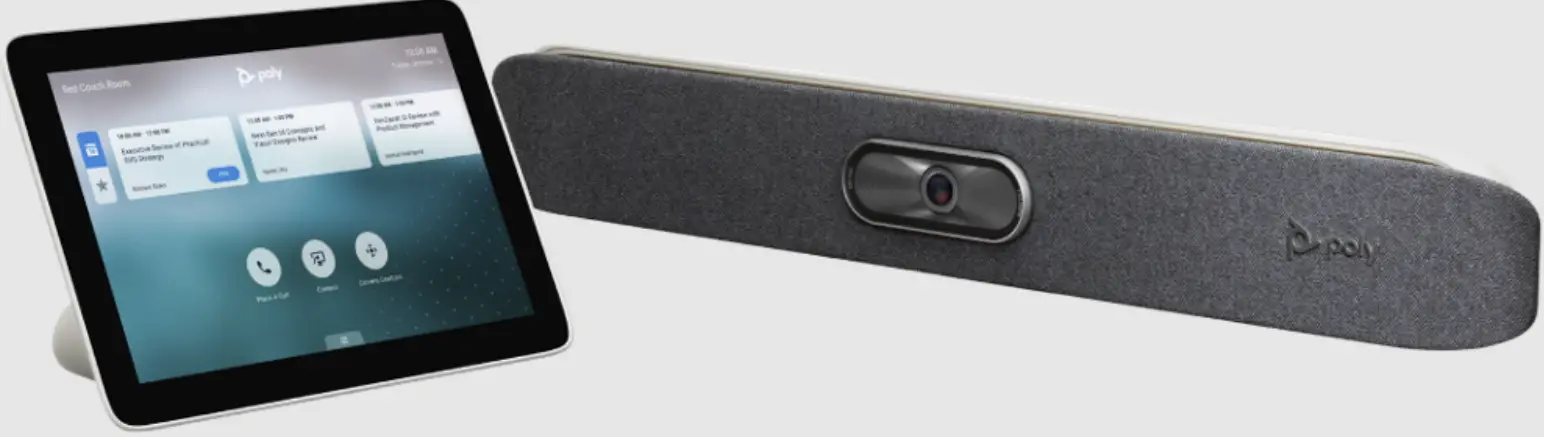
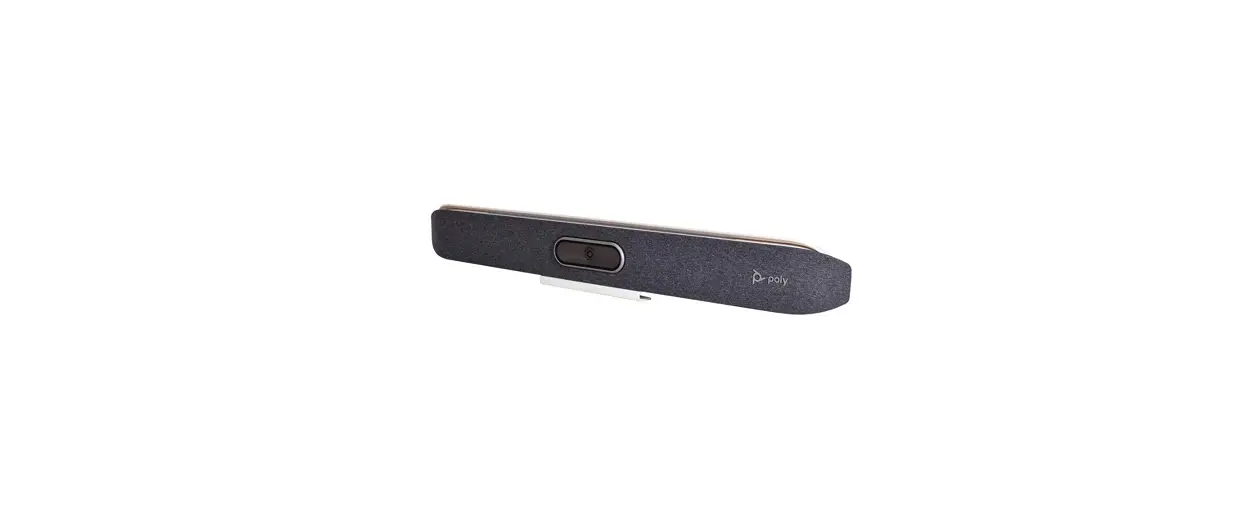
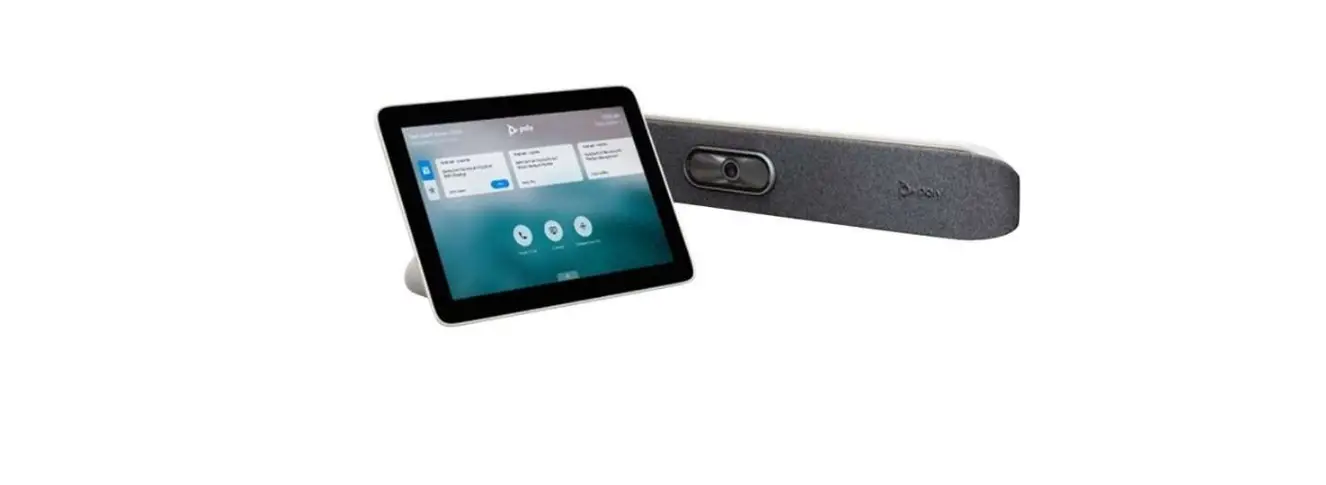
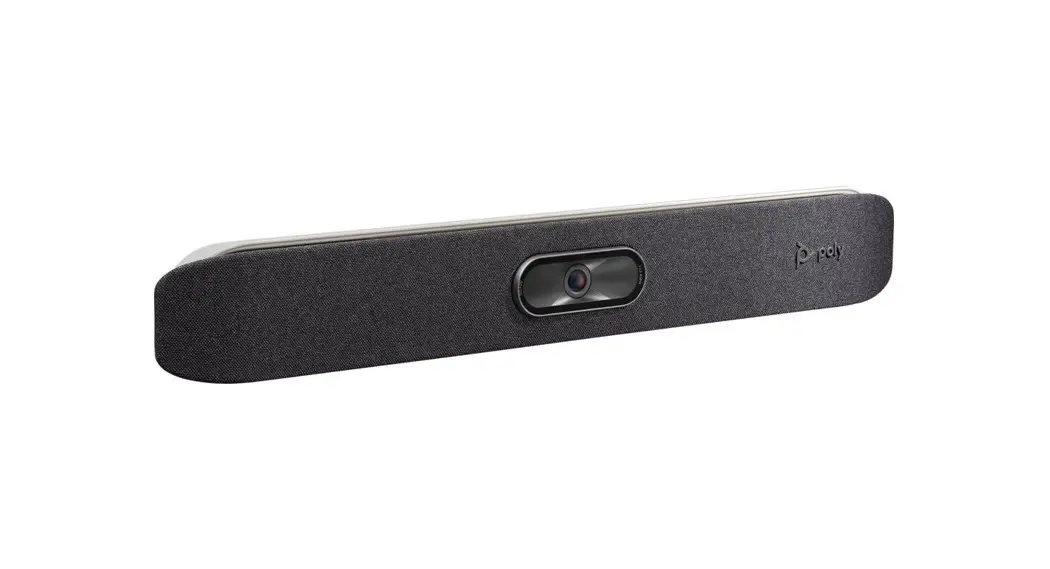
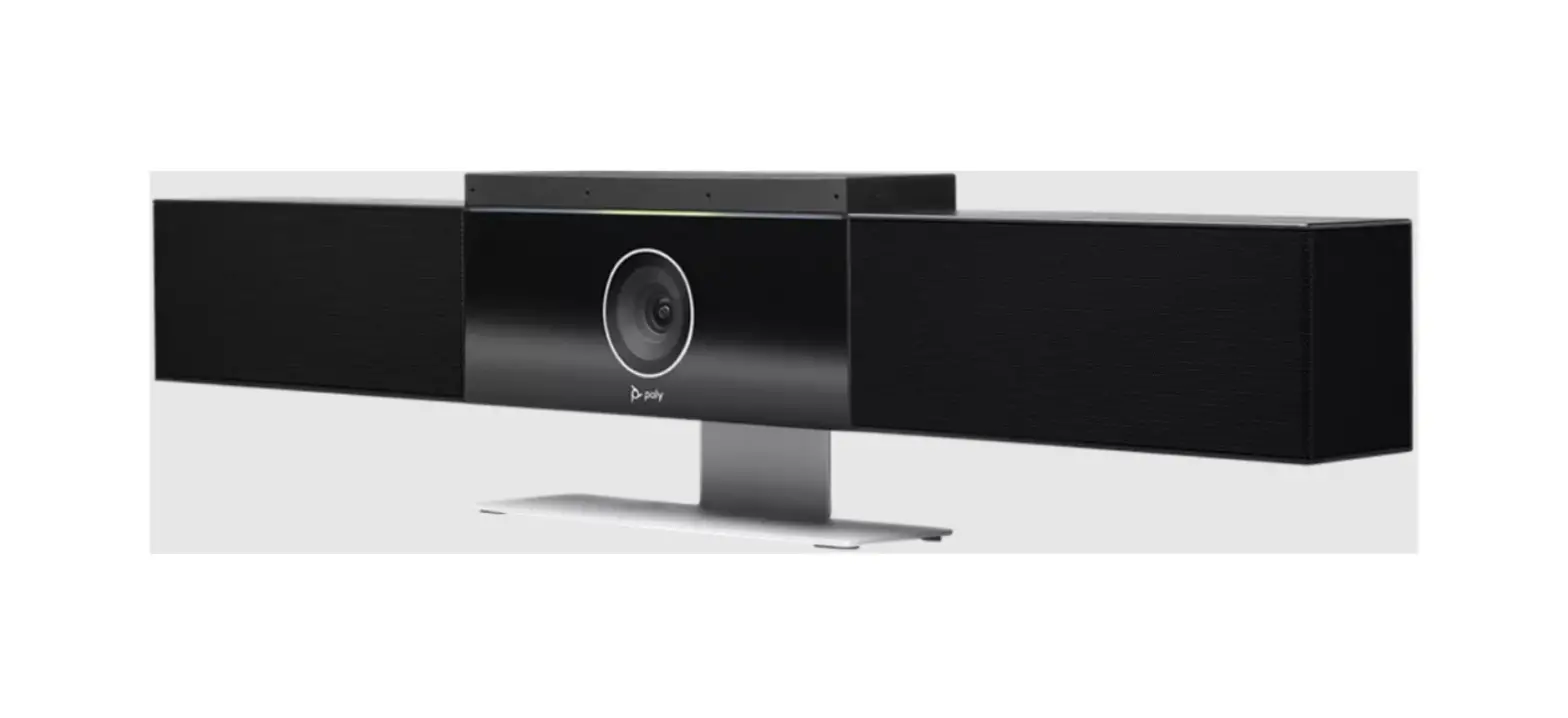
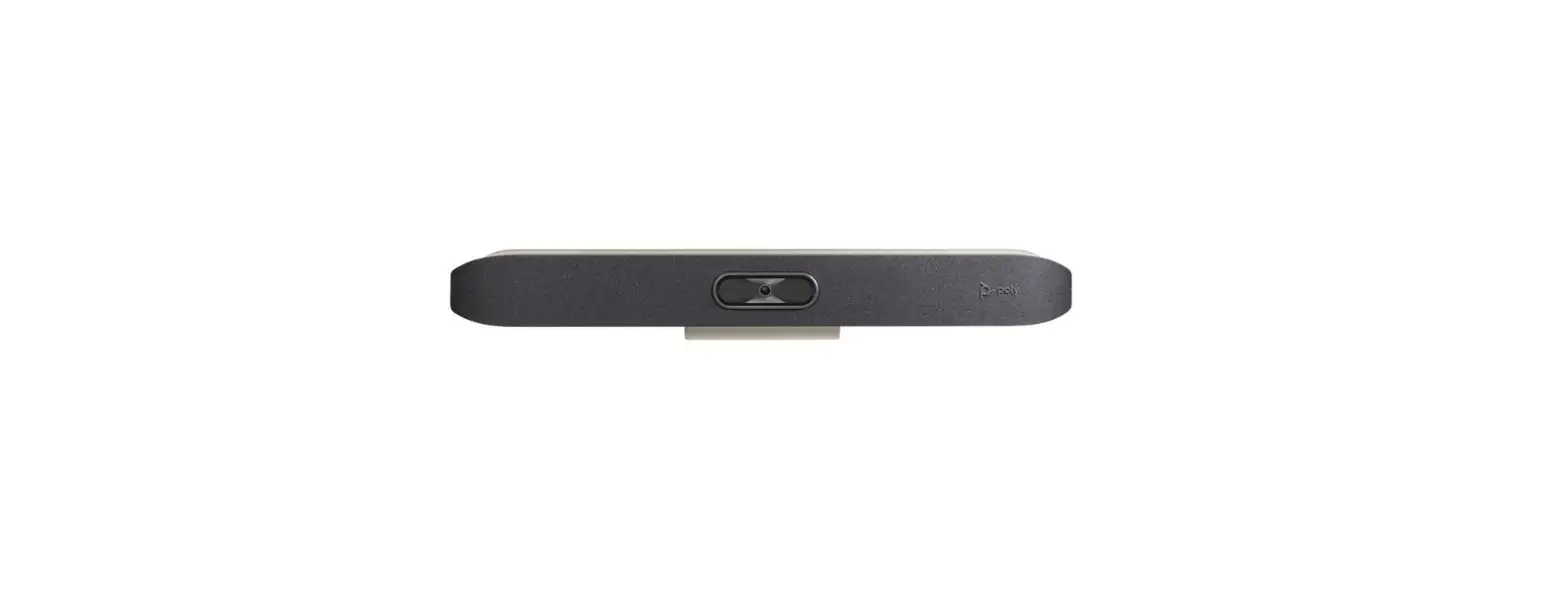
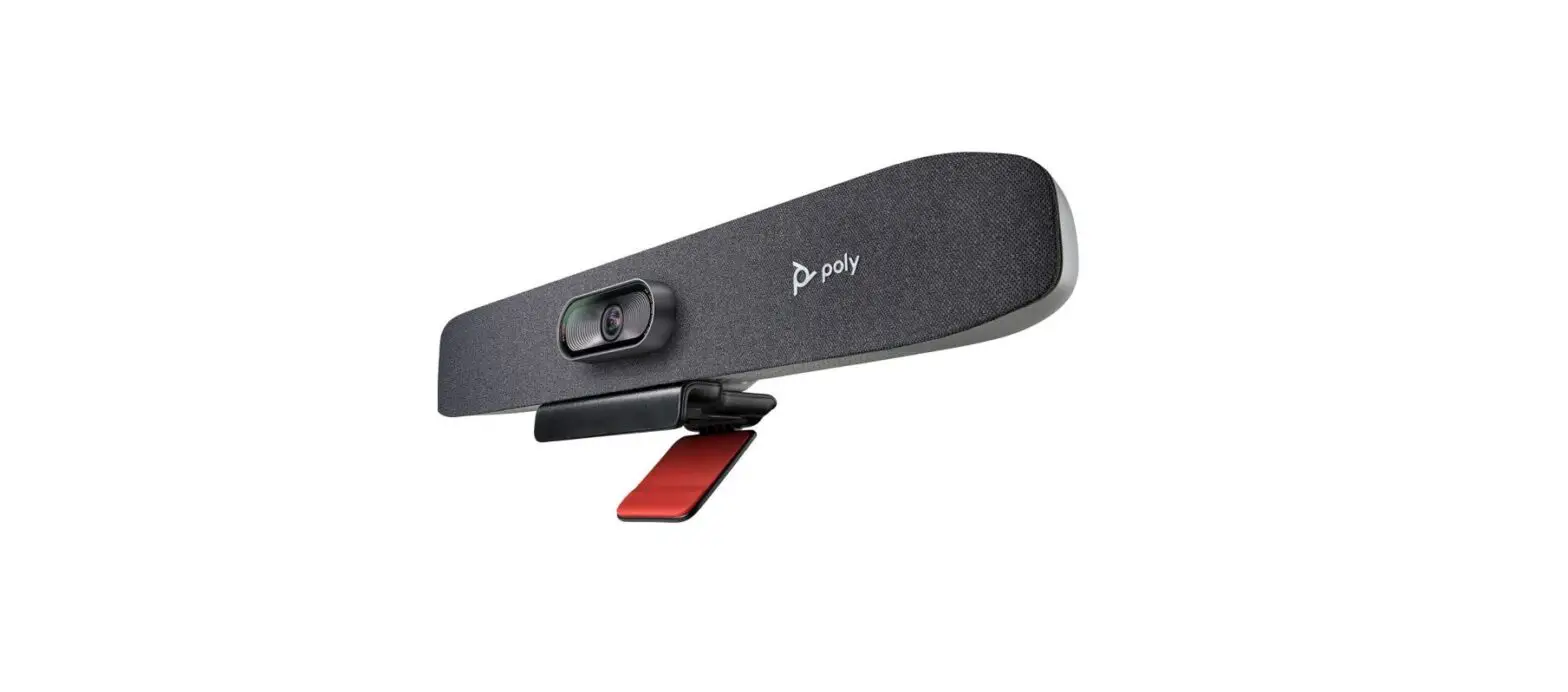
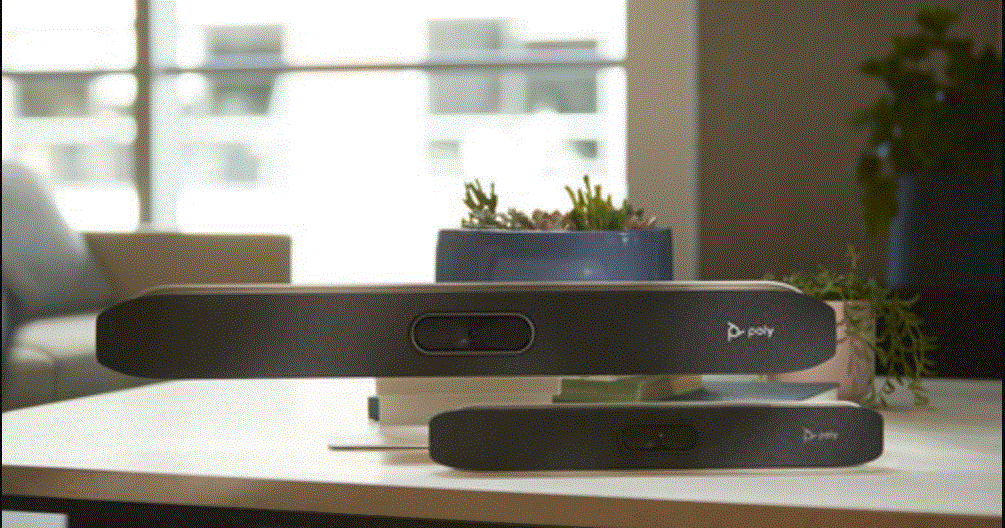
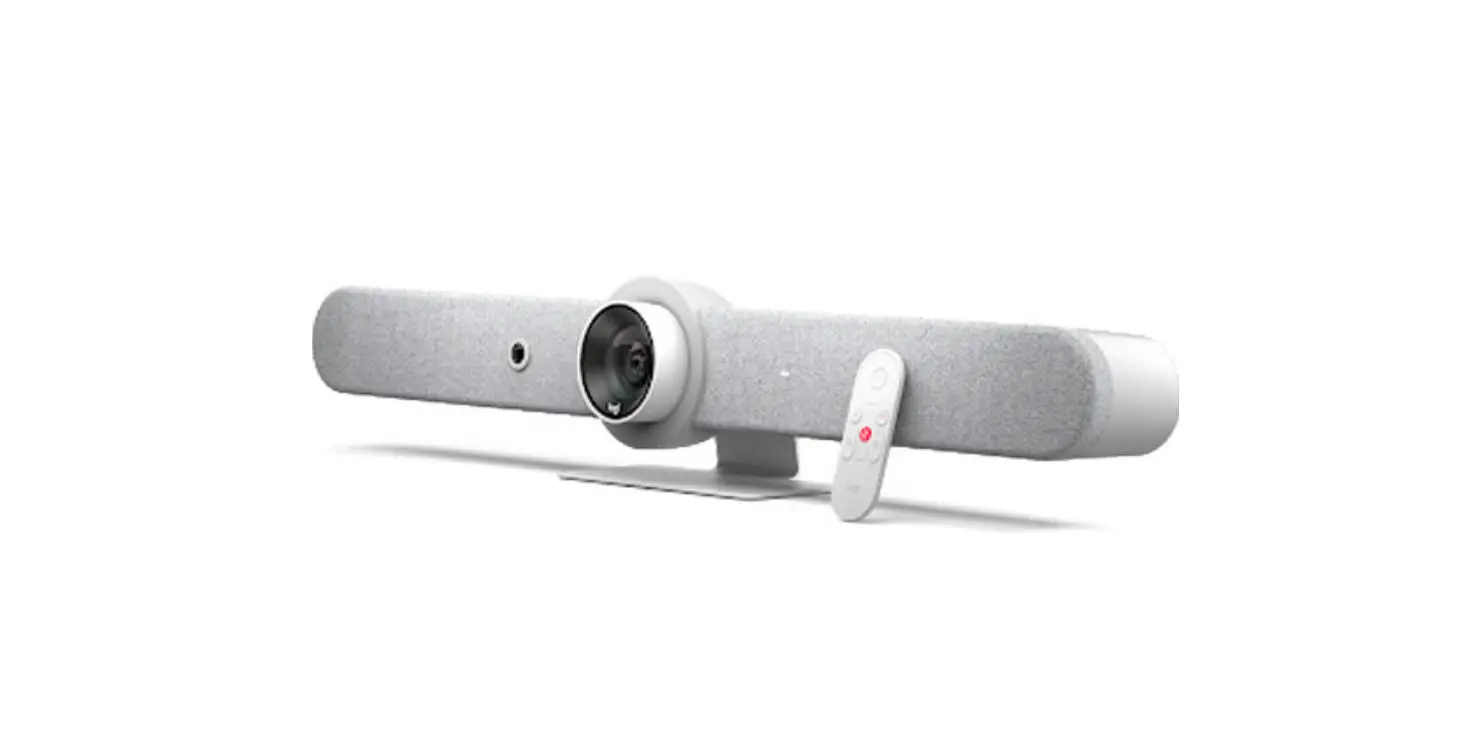
Studio X52 All-In-One Video Bar
POLY STUDIO X52 STAND
Thank you for choosing the Poly Studio X52 Stand. This stand is
designed to securely hold your Poly Studio X52 video conferencing
system.
Product Information:
The Poly Studio X52 Stand is a sturdy and adjustable stand
specifically designed for the Poly Studio X52 video conferencing
system. It provides stability and flexibility to position the
device according to your preference, ensuring optimal viewing
angles and comfortable usage.
Key Features:
- Sturdy and durable construction
- Adjustable height and tilt angles
- Securely holds the Poly Studio X52
Product Usage Instructions:
- Unbox the Poly Studio X52 Stand and carefully remove all
packaging materials. - Place the stand on a stable surface, ensuring it is positioned
correctly. - Adjust the height of the stand by loosening the height
adjustment knob, moving the stand to the desired height, and
tightening the knob to secure it in place. - To adjust the tilt angle, loosen the tilt adjustment knob, tilt
the stand forward or backward to the desired angle, and tighten the
knob to lock it in place. - Gently place the Poly Studio X52 on the stand, ensuring it is
properly aligned and securely seated. - Connect the necessary cables to the Poly Studio X52 as per the
device’s user manual. - Once the device is securely placed on the stand and connected,
you can power on the Poly Studio X52 and start using it for your
video conferencing needs.
For more information or support, please visit poly.com/support/studio-x52/stand
or poly.com/support/studio-x52.
QUICK START
POLY STUDIO X52 STAND
poly.com/support/studio-x52/stand
www.poly.com/support/studio-x52
© 2023 Poly. All trademarks are the property of their respective owners. 1725-87991-001C 01.23 Studio X52 Model P033
 Studio X52 | Poly, formerly Plantronics & Polycom