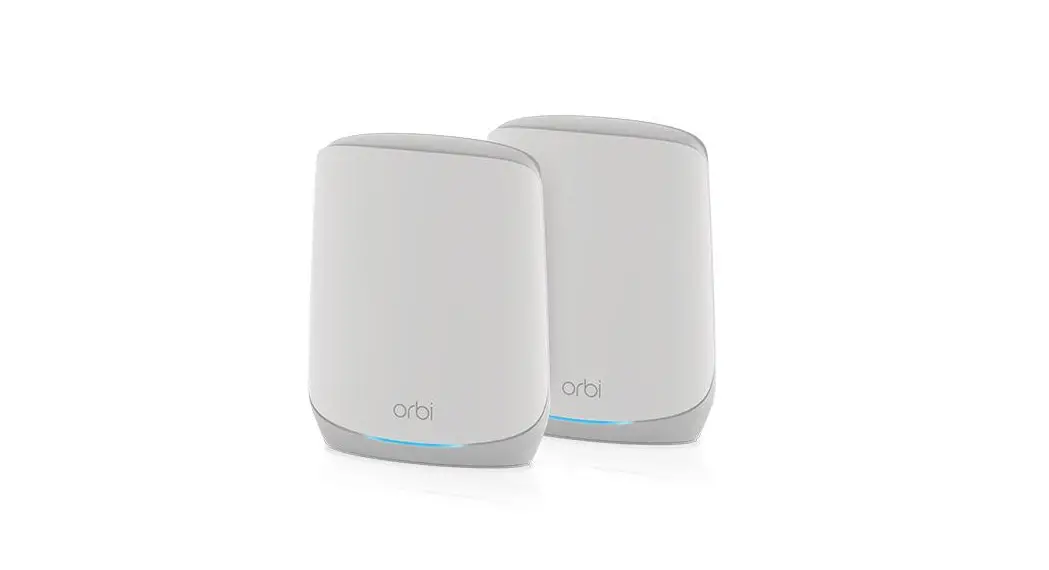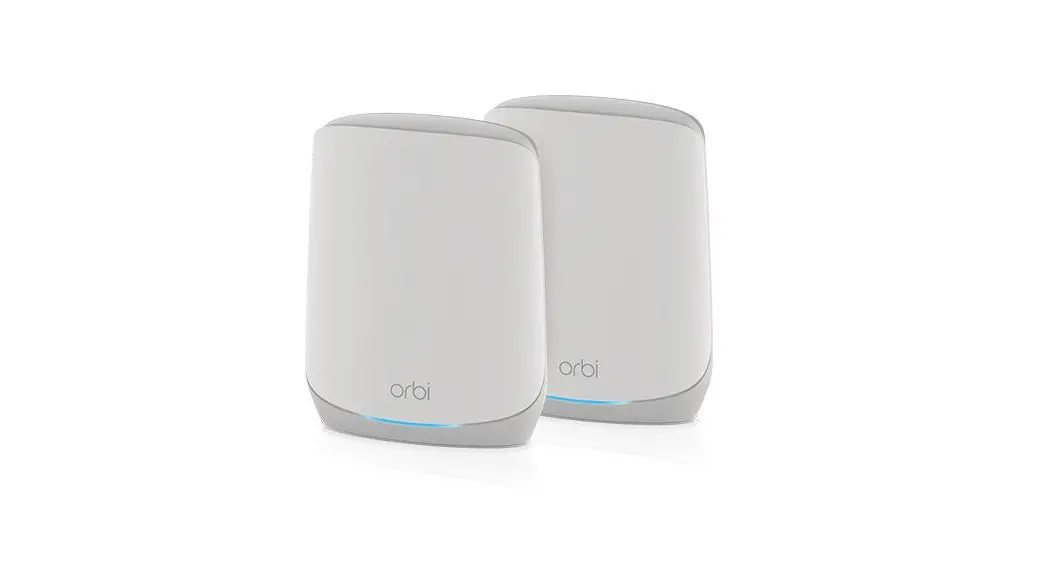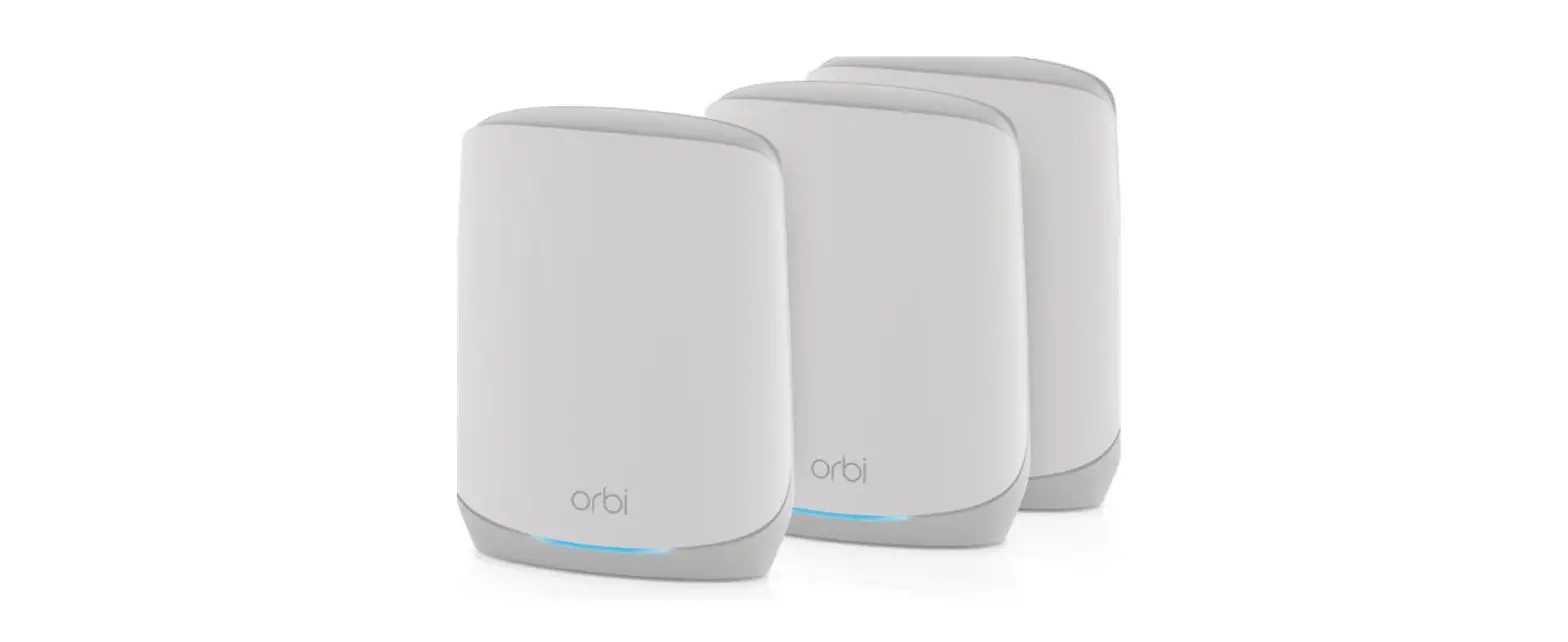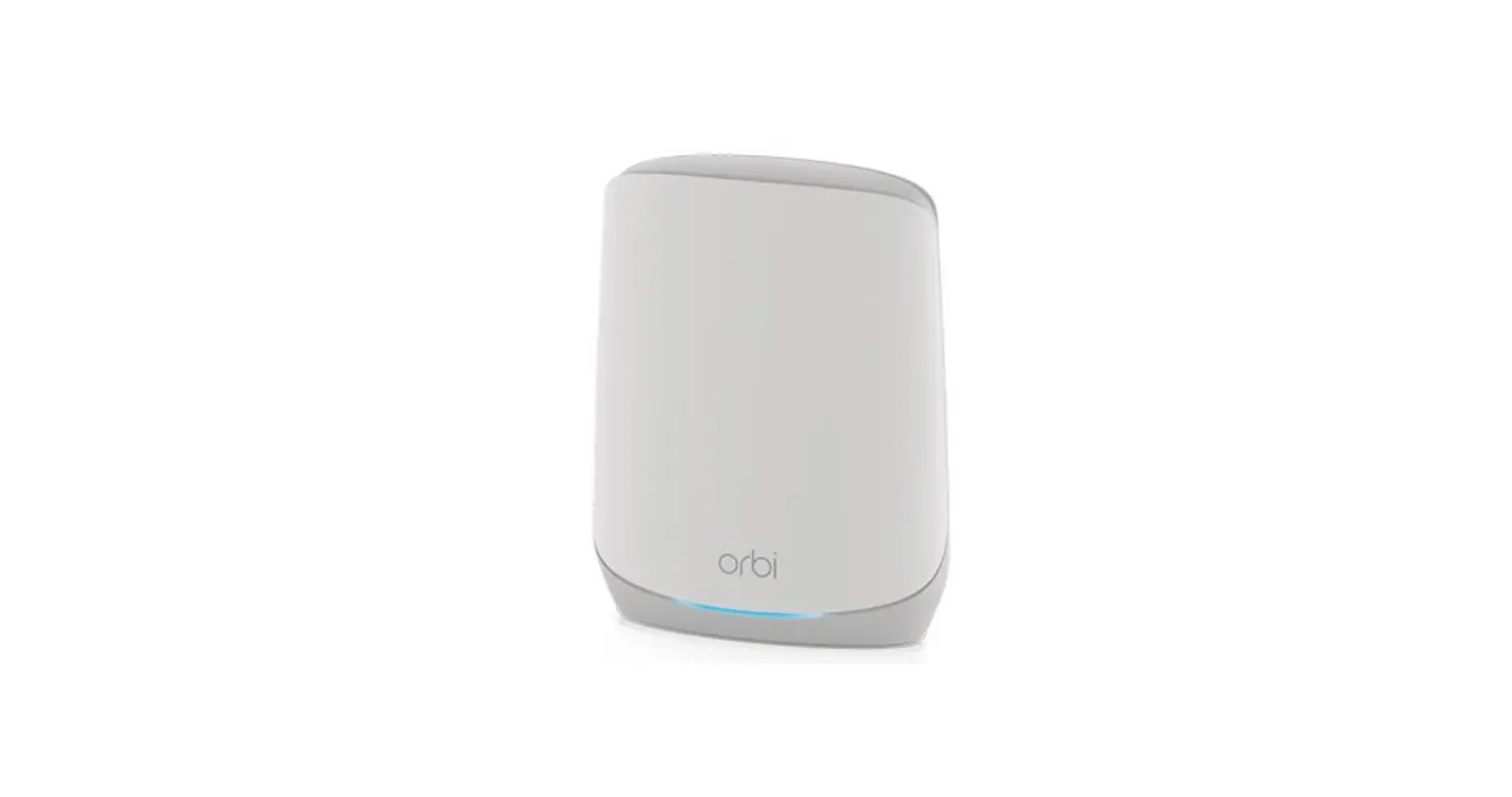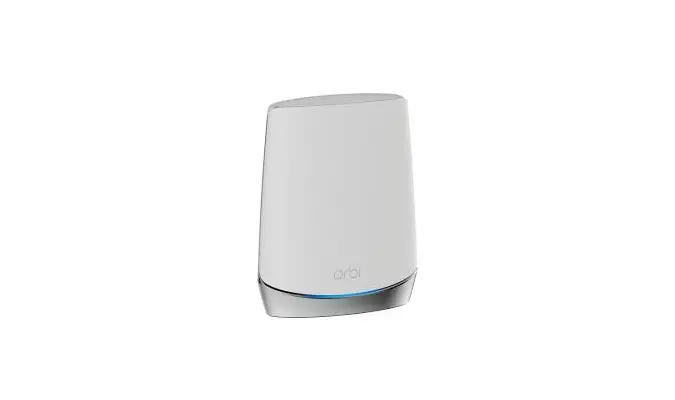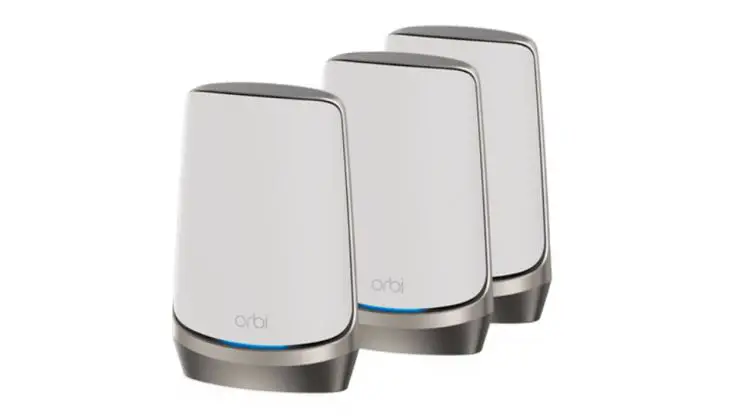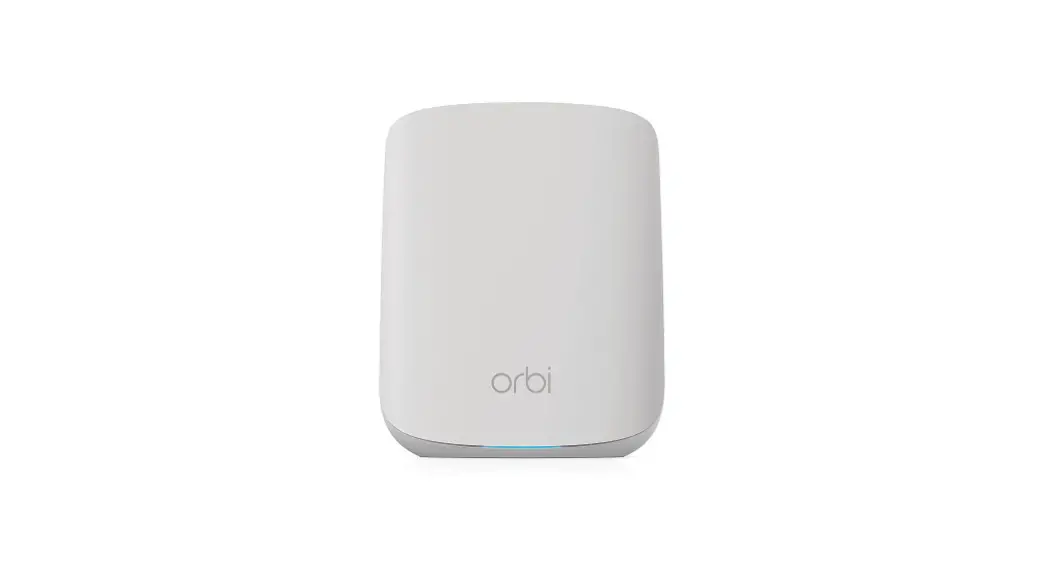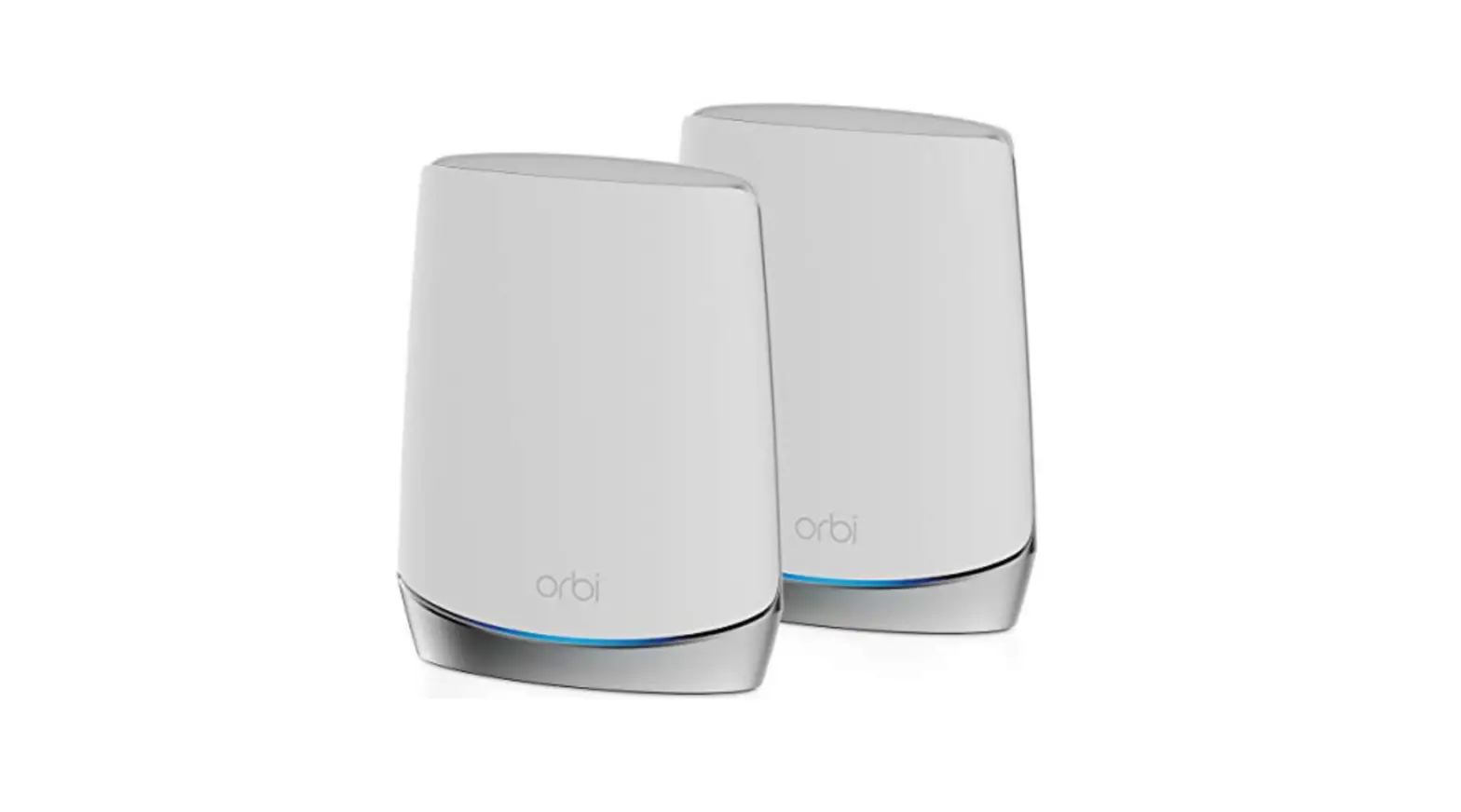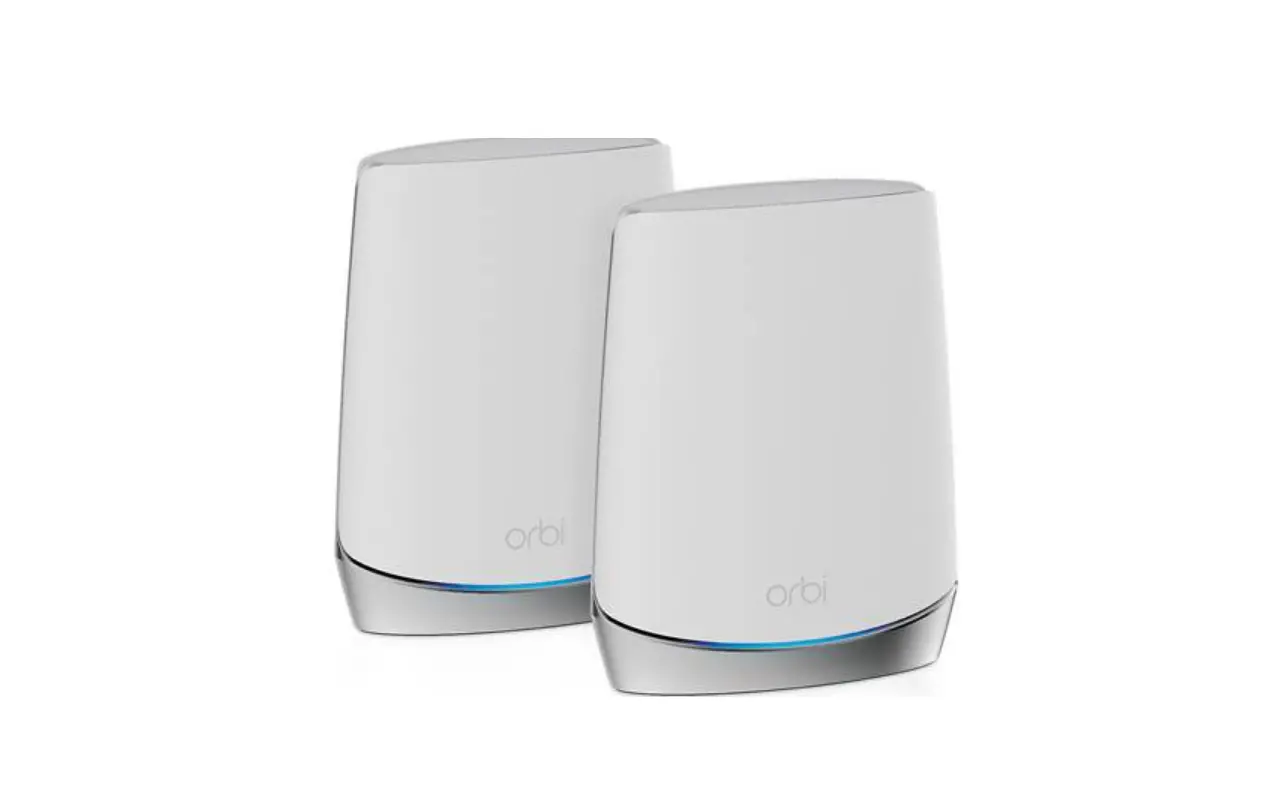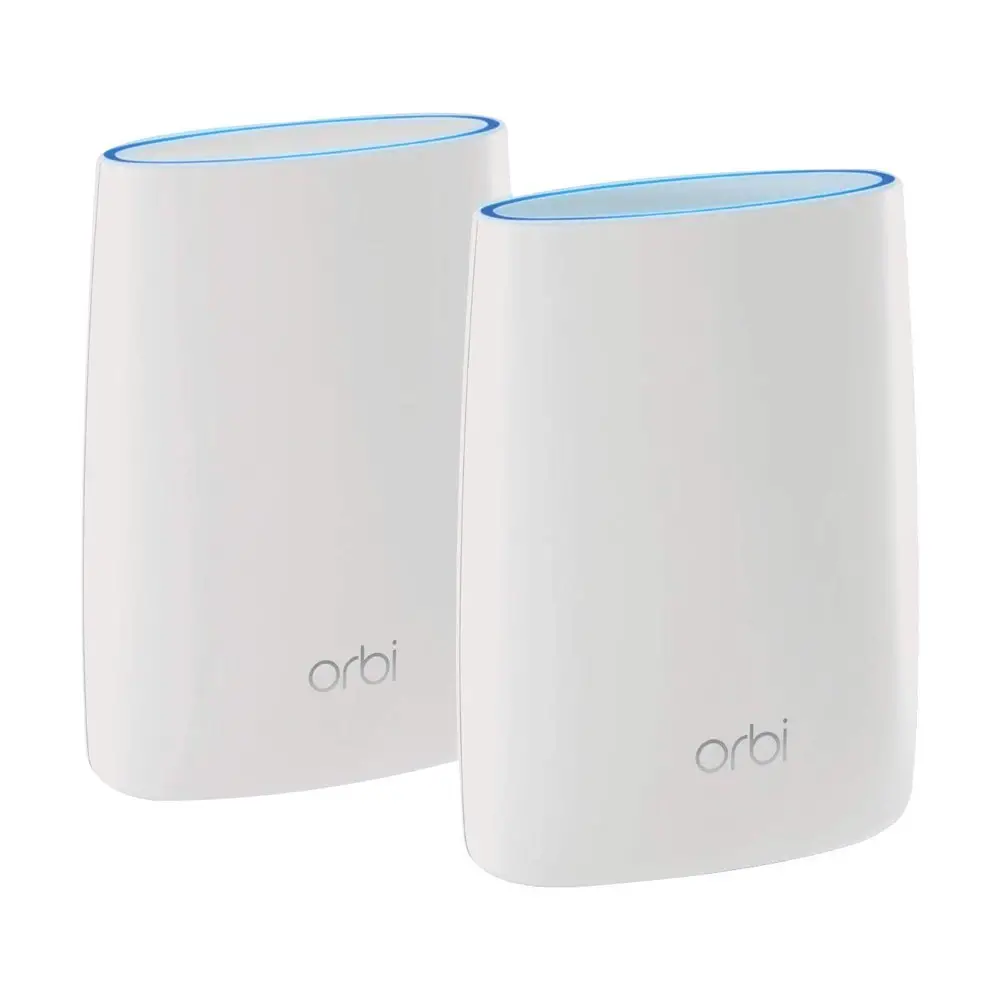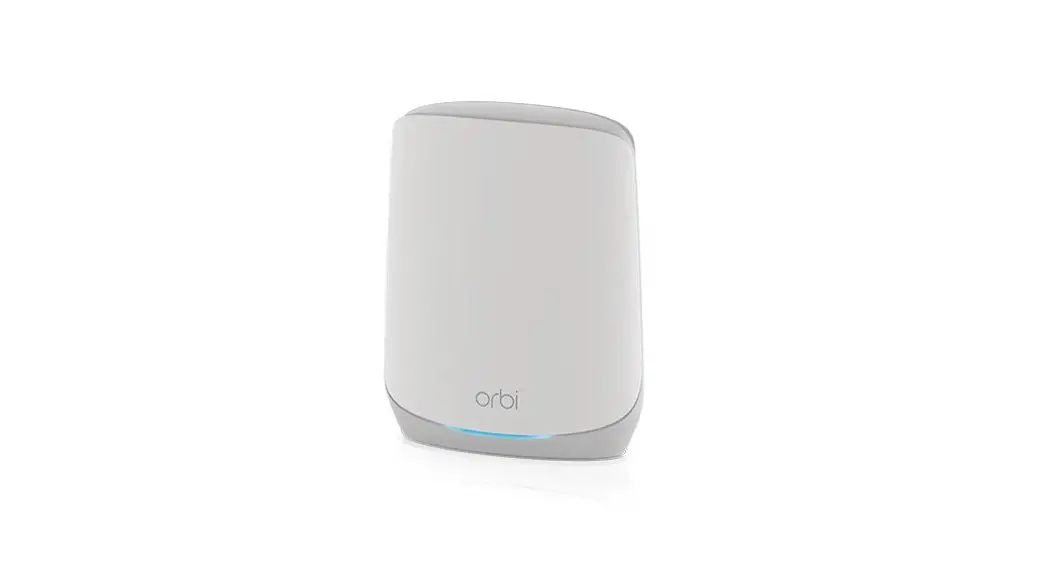

RBS760 Orbi Tri-Band Mesh WiFi System
User Guide
Orbi Tri-Band Mesh WiFi System
 | 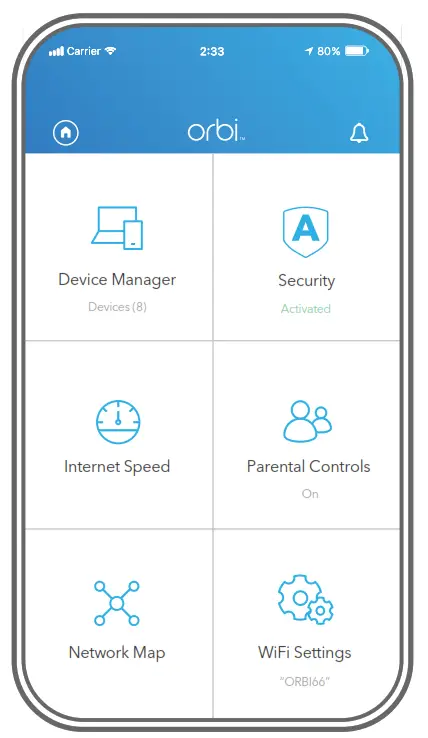 | 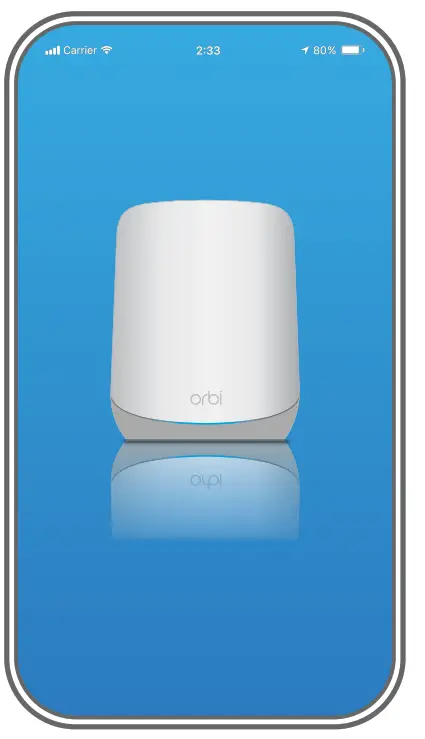 |
| Launch the Orbi app Launch the NETGEAR Orbi app. | Add the Orbi satellite Tap  > ADD SATELLITE. > ADD SATELLITE. | Install the Orbi satellite Follow the prompts to install. |
Contents
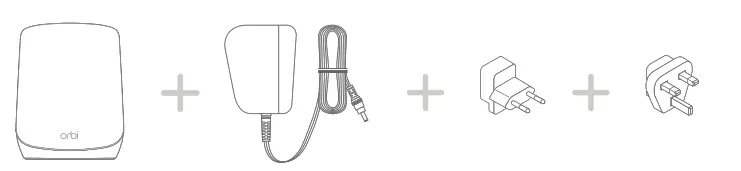 | |||
| Orbi satellite | Power adapter (varies by region) | Type C plug adapters (for most of Europe) | Type G plug adapters (for the UK) |
Overview
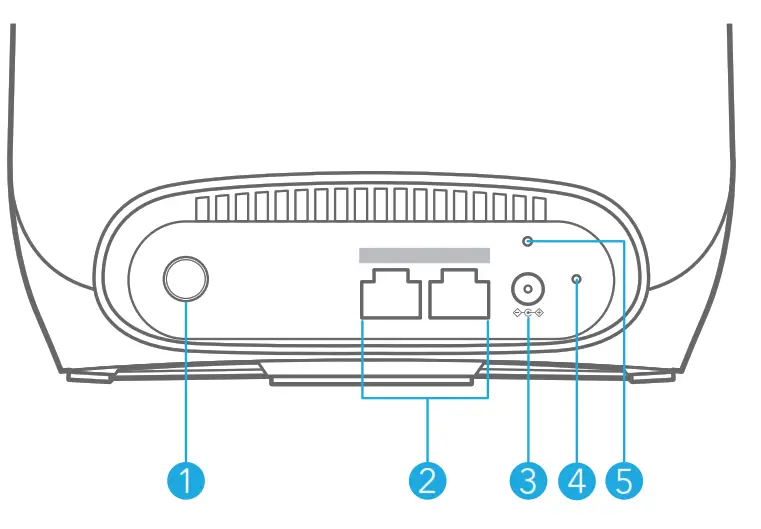
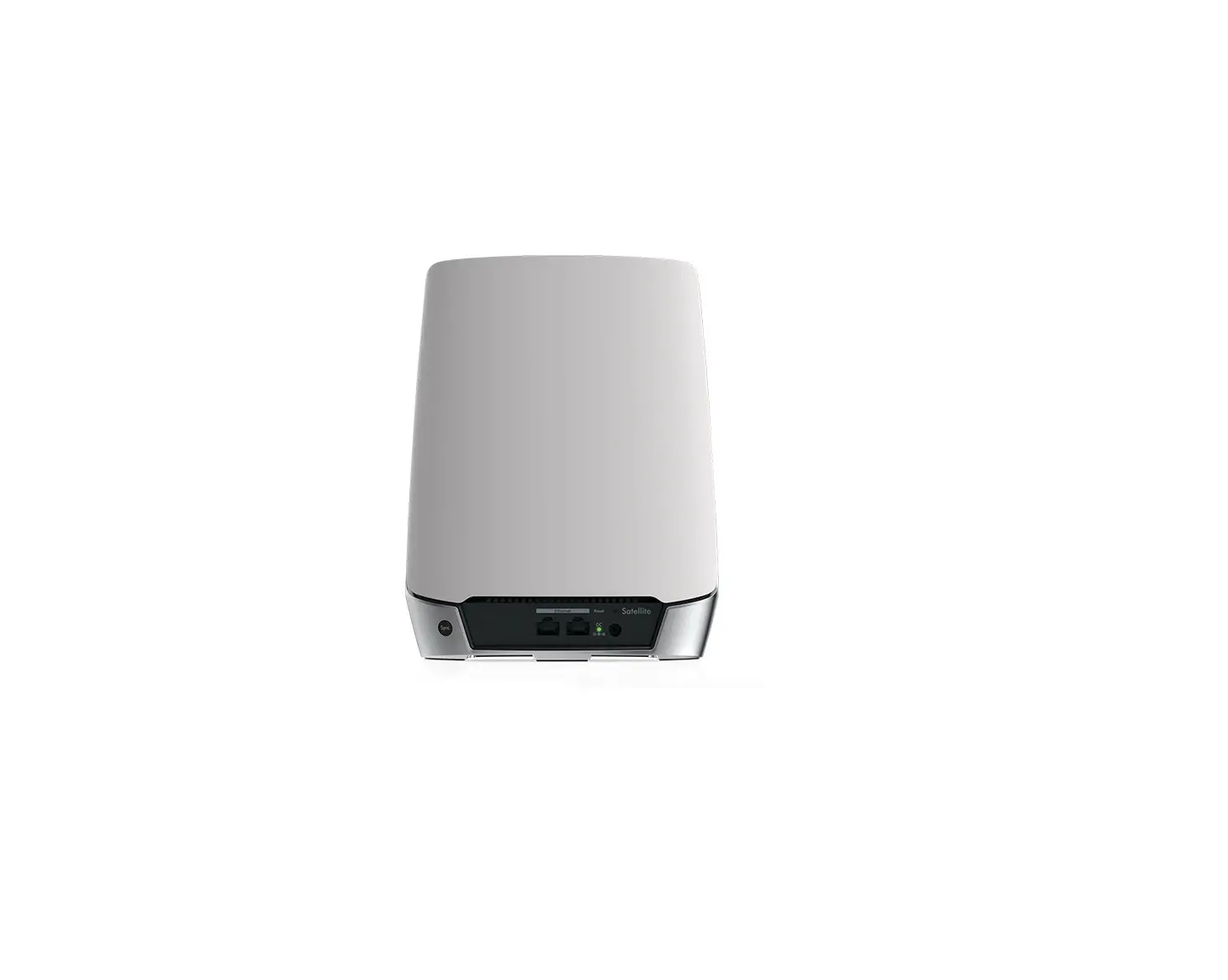
- Sync button
- Ethernet ports
- Power connector
- Reset button
- Power LED
Support and Community
Visit netgear.com/support to get your questions answered and access the latest downloads.
You can also check out our NETGEAR Community for helpful advice at community.netgear.com.
Regulatory and Legal
For regulatory compliance information including the EU Declaration of Conformity, visit https://www.netgear.com/about/regulatory/.
See the regulatory compliance document before connecting the power supply.
© NETGEAR, Inc., NETGEAR and the NETGEAR Logo are trademarks of NETGEAR, Inc. Any non‑NETGEAR trademarks are used for reference purposes only.
NETGEAR INTERNATIONAL LTD
Floor 1, Building 3,
University Technology Centre Curraheen Road, Cork,
T12EF21, Ireland
October 2021
NETGEAR, Inc.
350 East Plumeria Drive
San Jose, CA 95134, USA
201-29277-01
 English - NETGEAR Communities
 NETGEAR Support | NETGEAR
 Regulatory | NETGEAR