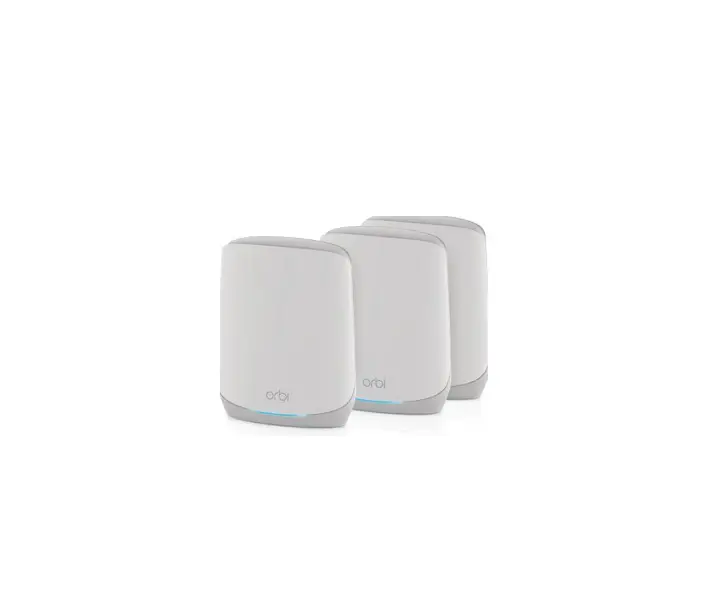
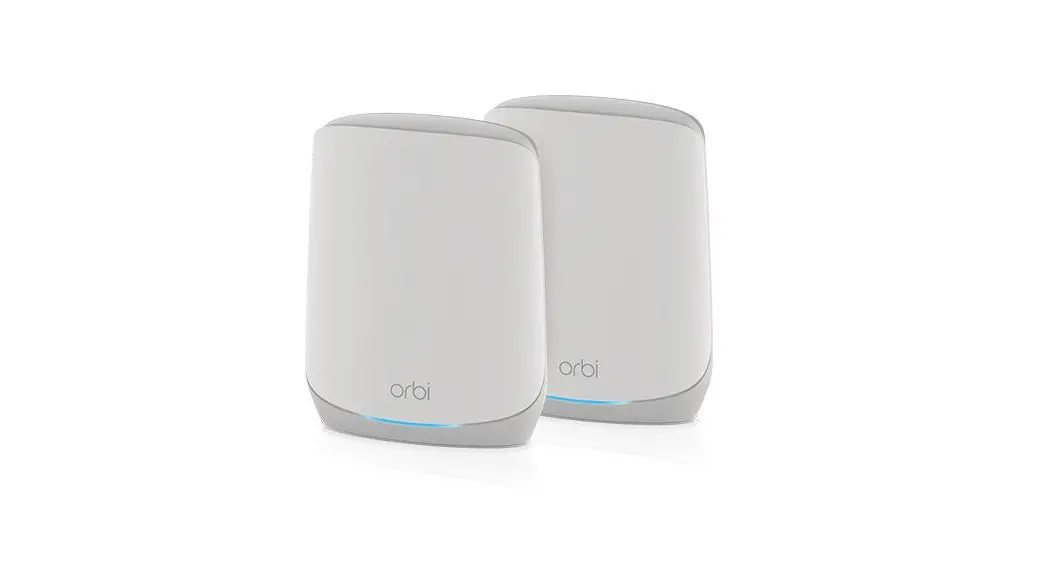
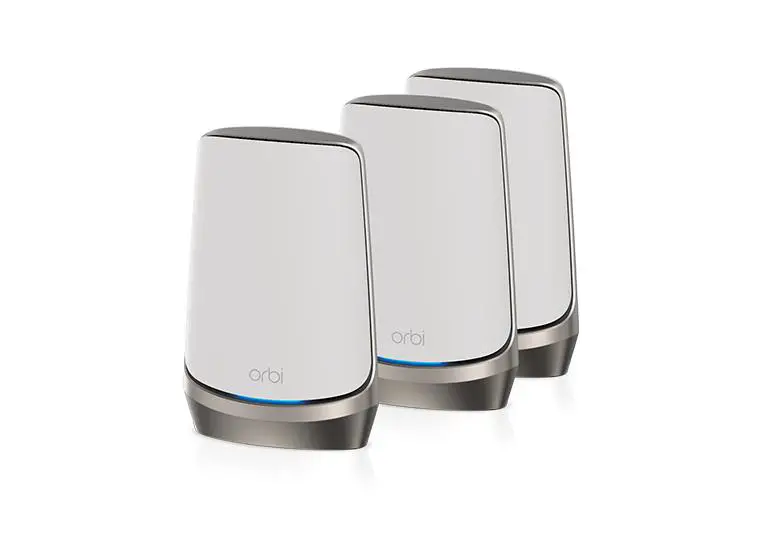
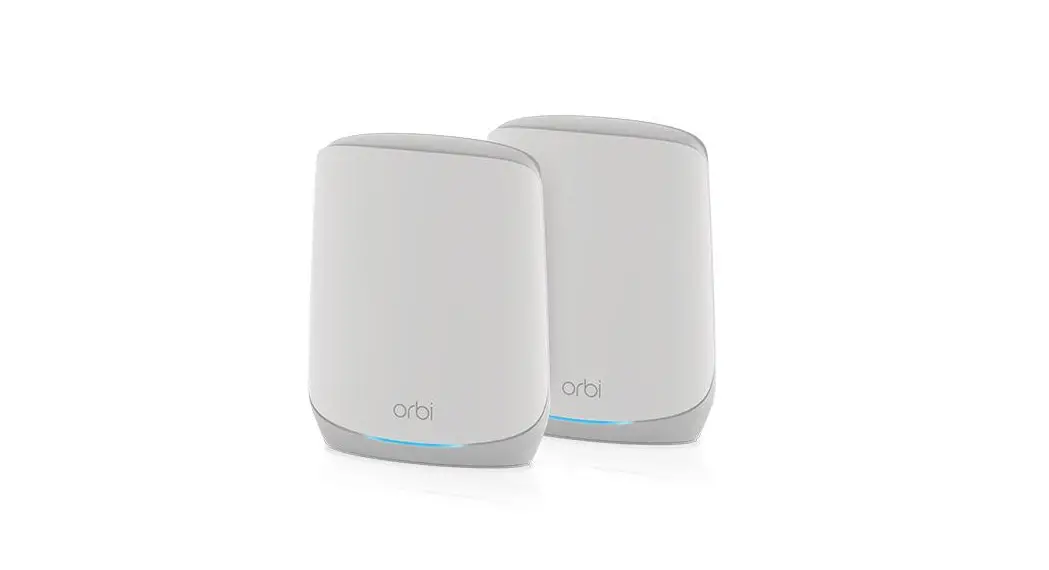
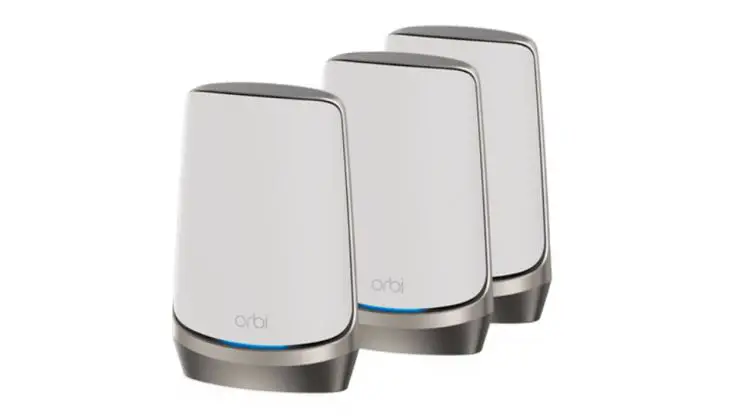
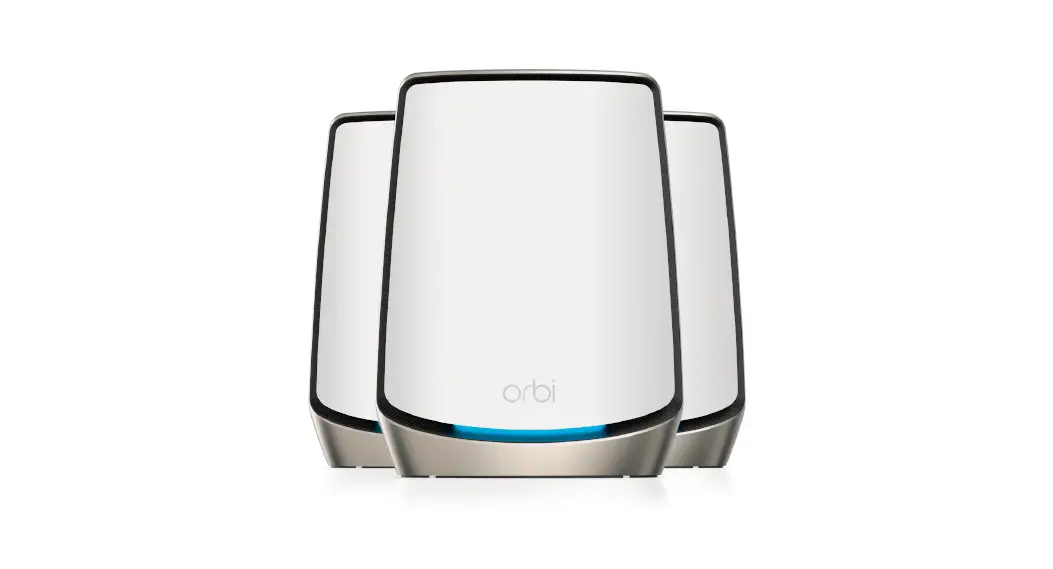
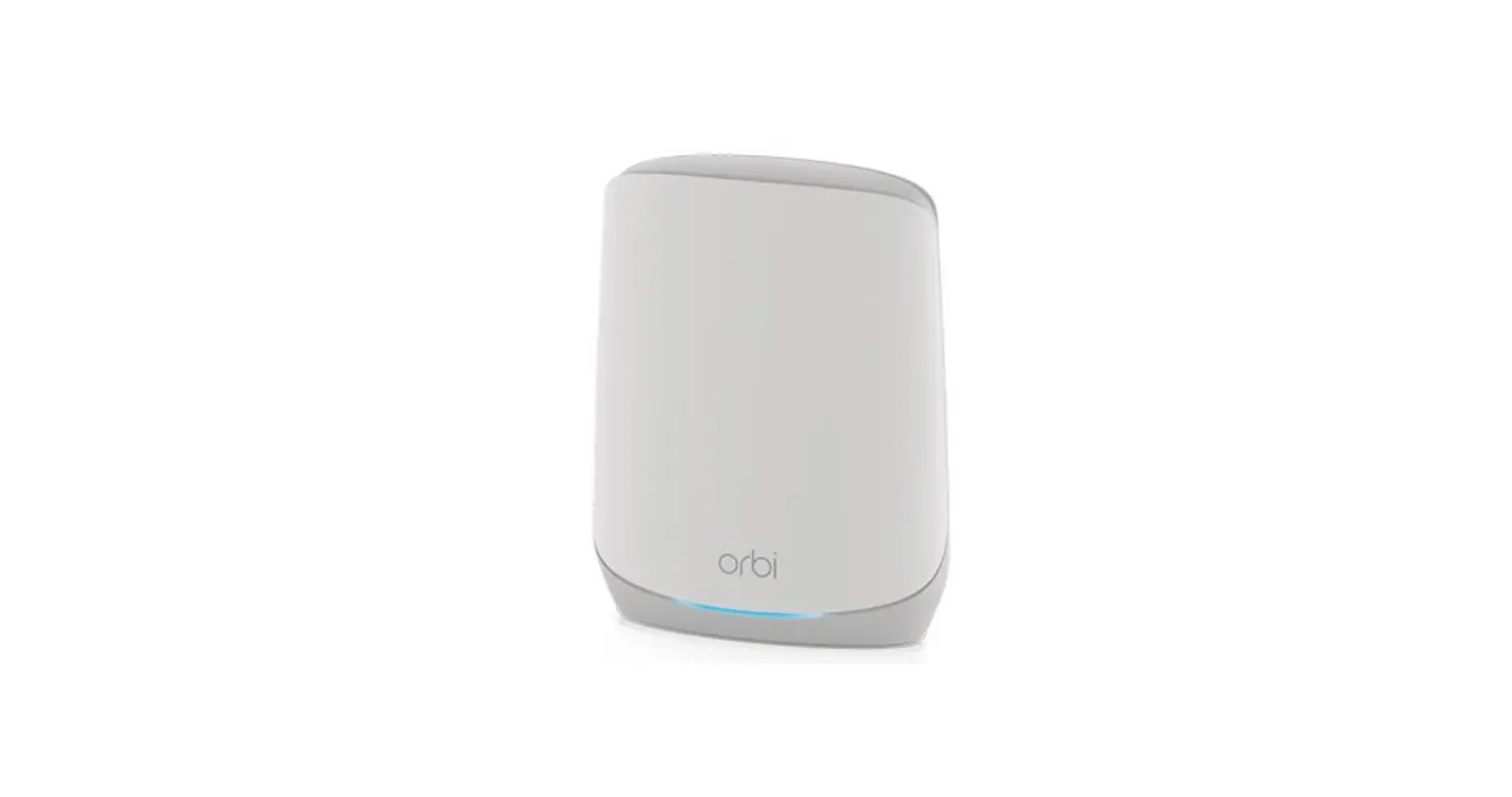
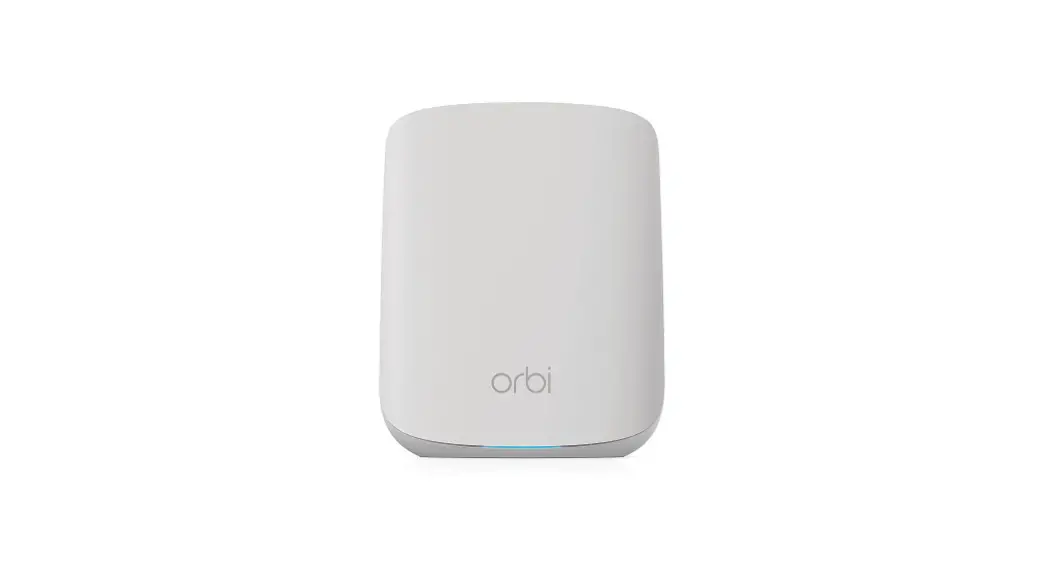
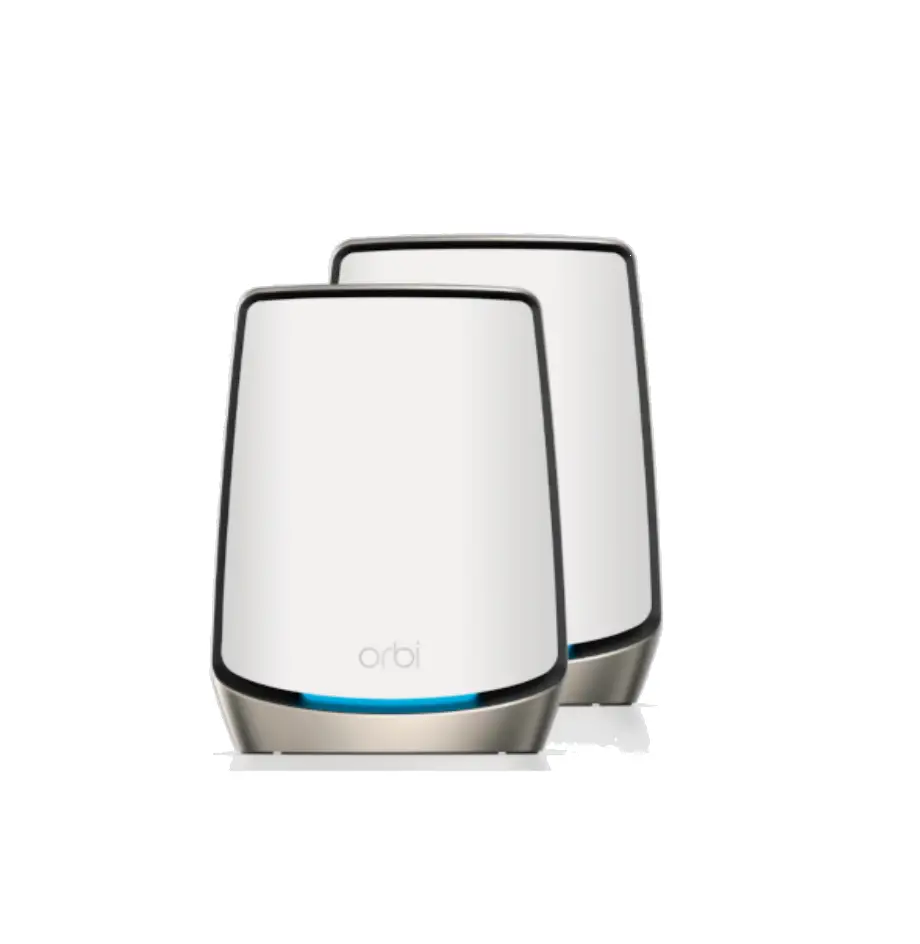
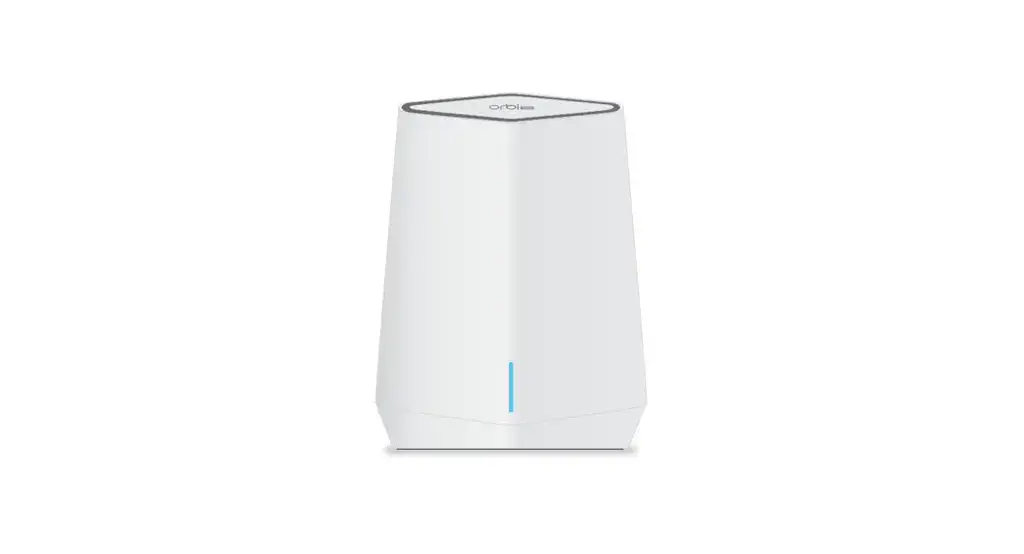
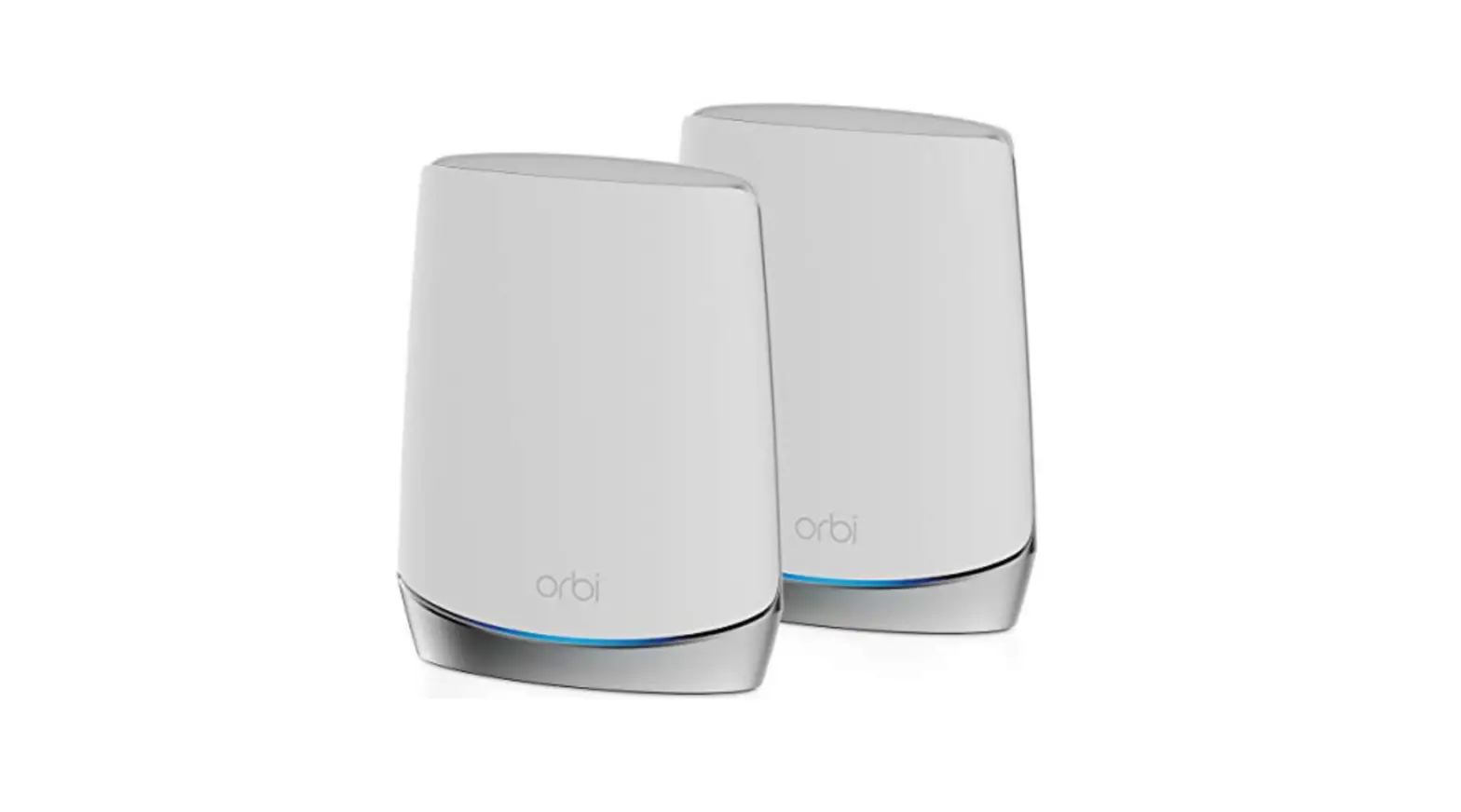
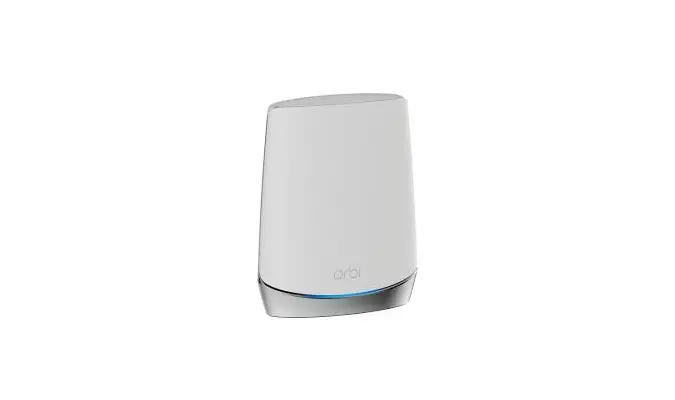
RBKE962 Orbi Quad Band Mesh WiFi 6E Kit
Product Information
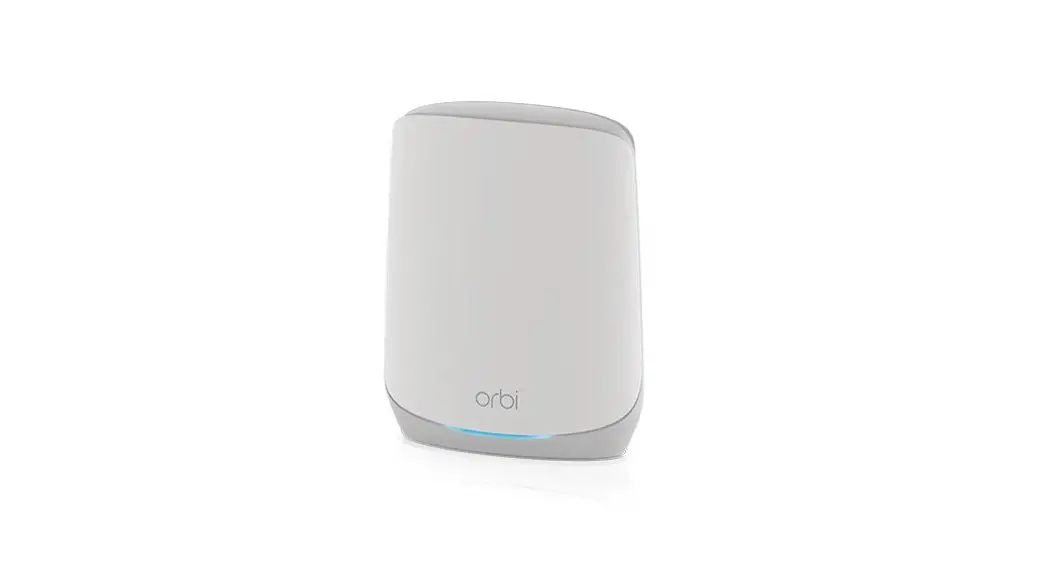
The Orbi router is a high-performance WiFi system that delivers
strong, reliable WiFi coverage throughout your home or office. The
system includes an Orbi router and satellite, which work together
to create a seamless WiFi network. The Orbi app allows you to
easily set up and manage your network, including security settings,
parental controls, and more. NETGEAR ArmorTM is included with the
system to protect your devices from online threats.
The Orbi router comes with an Ethernet cable, power adapter(s),
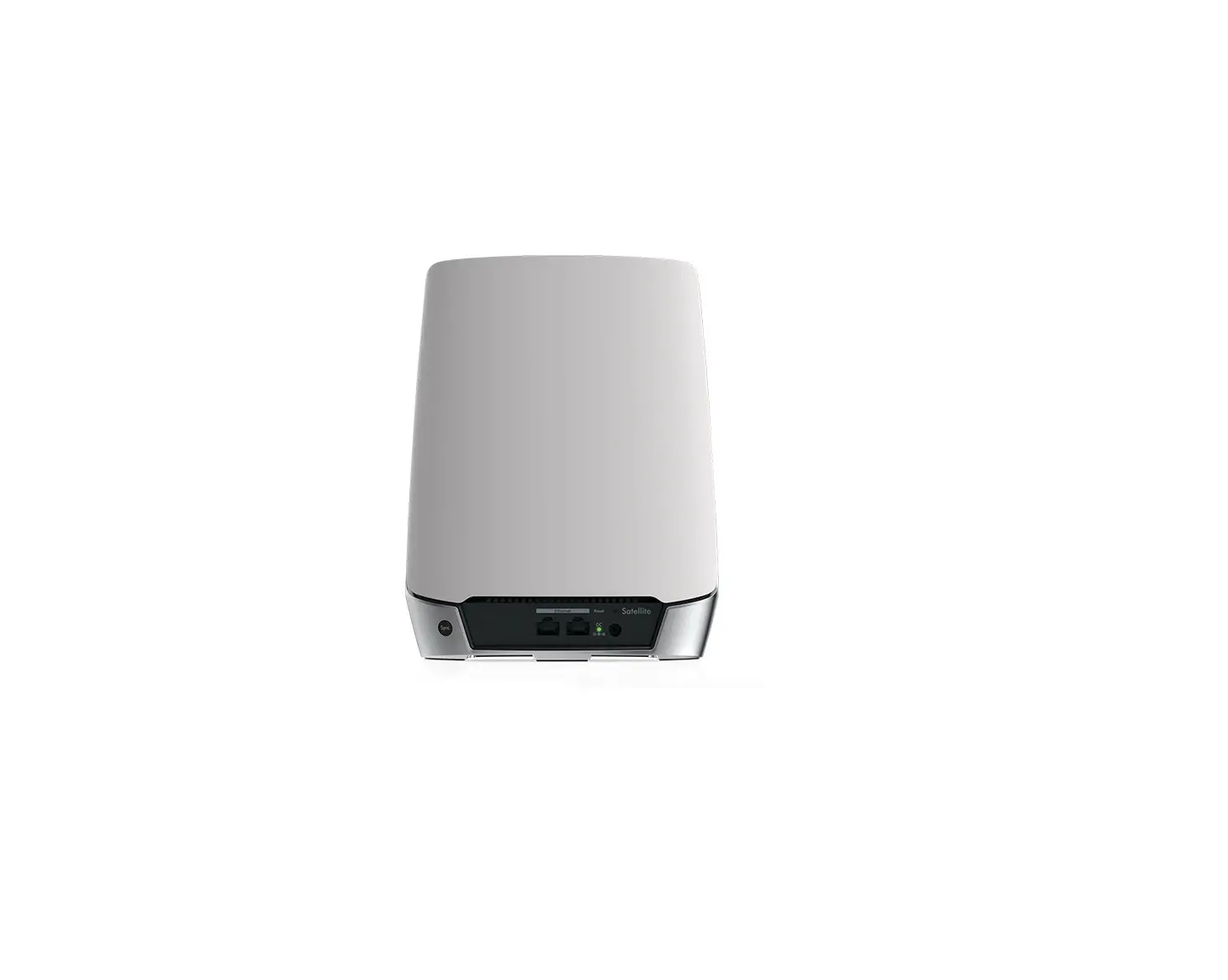
and plug adapters for different regions. The satellite includes a
sync button, 10G internet port, 2.5G Ethernet port, 4 Gigabit
Ethernet ports, reset button, power connector, and power LED.
Product Usage Instructions
- Download the Orbi app on your mobile phone and follow the setup
instructions to install your Orbi router. - Activate NETGEAR ArmorTM by tapping the Security icon in the
Orbi app. This will protect your devices from online threats. - Explore the Orbi app to access features such as pause internet,
speed tests, and smart parental controls. - If you encounter any issues, troubleshoot using the router web
interface by visiting orbilogin.com or visit netgear.com/orbihelp
for more information. - For support and community resources, visit netgear.com/support
or community.netgear.com.
Let’s get started
1
Download the Orbi app and install your Orbi router
On your mobile phone, download the Orbi app and follow the setup instructions.
2
Secure your devices with NETGEAR Armor
NETGEAR ArmorTM protects your family’s WiFi with an automatic shield of security across your connected devices. Tap the Security icon in your Orbi app to explore your free trial.
Device Manager Devices (8)
Security Activated
Internet Speed
Parental Controls On
Network Map
WiFi Settings “ORBI66”
3
Do more with the app
Check out everything you can do on the Orbi app! Pause the Internet, run a speed test, set smart parental controls, and more.
(Availability of software services can vary by region.)
Contents
Orbi Router
Overview
Orbi Satellite
1
23
4 5 67
Orbi Router
Ethernet Cable
Power Adapter X 2 (varies by region)
Type C Plug Adapters X 2 (for most of Europe)
Type G Plug Adapters X 2
(for the UK)
1
3
4 5 67
Orbi Satellite
1 Sync Button 2 10G Internet Port 3 2.5G Ethernet Port 4 Gigabit Ethernet Ports 5 Reset Button 6 Power Connector 7 Power LED
November 2022
NETGEAR, Inc. 350 East Plumeria Drive San Jose, CA 95134, USA
NETGEAR INTERNATIONAL LTD Floor 6, Penrose 2, Penrose Dock, Cork, T23 YY09, Ireland
© NETGEAR, Inc., NETGEAR and the NETGEAR Logo are trademarks of NETGEAR, Inc. Any nonNETGEAR trademarks are used for reference purposes only.
Troubleshooting
If you’re having problems with the installation, try the following: · If you alrady own another Orbi router and you used the Orbi app before, go to the
dashboard and tap > SET UP A NEW ORBI SYSTEM. · Turn off your modem and Orbi router and disconnect them. Reboot your modem.
Reconnect your Orbi router to your modem, and try installing with the Orbi app again. · If you’re still unable to install your Orbi router using the Orbi app, manually install it
using the router web interface. Visit orbilogin.com to access the router web interface. For more information, visit netgear.com/orbihelp.
Support and Community
Visit netgear.com/support to get your questions answered and access the latest downloads. You can also check out our NETGEAR Community for helpful advice at community.netgear.com.
Regulatory and Legal
For regulatory compliance information including the EU Declaration of Conformity, visit https://www.netgear.com/about/regulatory/. See the regulatory compliance document before connecting the power supply. Applicable to 6 GHz devices only: Only use the device indoors. The operation of 6 GHz devices is prohibited on oil platforms, cars, trains, boats, and aircraft, except that operation of this device is permitted in large aircraft while flying above 10,000 feet. Operation of transmitters in the 5.925-7.125 GHz band is prohibited for control of or communications with unmanned aircraft systems.
References
 English - NETGEAR Communities
-
What should I do if I'm having trouble installing my Orbi WiFi System? | Answer | NETGEAR Support
-
NETGEAR Support | NETGEAR
-
Orbi Login & Setup | NETGEAR
-
Regulatory | NETGEAR
-
What should I do if I'm having trouble installing my Orbi WiFi System? | Answer | NETGEAR Support
-
English - NETGEAR Communities
-
Regulatory | NETGEAR
-
NETGEAR Support | NETGEAR
 English - NETGEAR Communities
 What should I do if I'm having trouble installing my Orbi WiFi System? | Answer | NETGEAR Support
 Orbi Login & Setup | NETGEAR
 Regulatory | NETGEAR