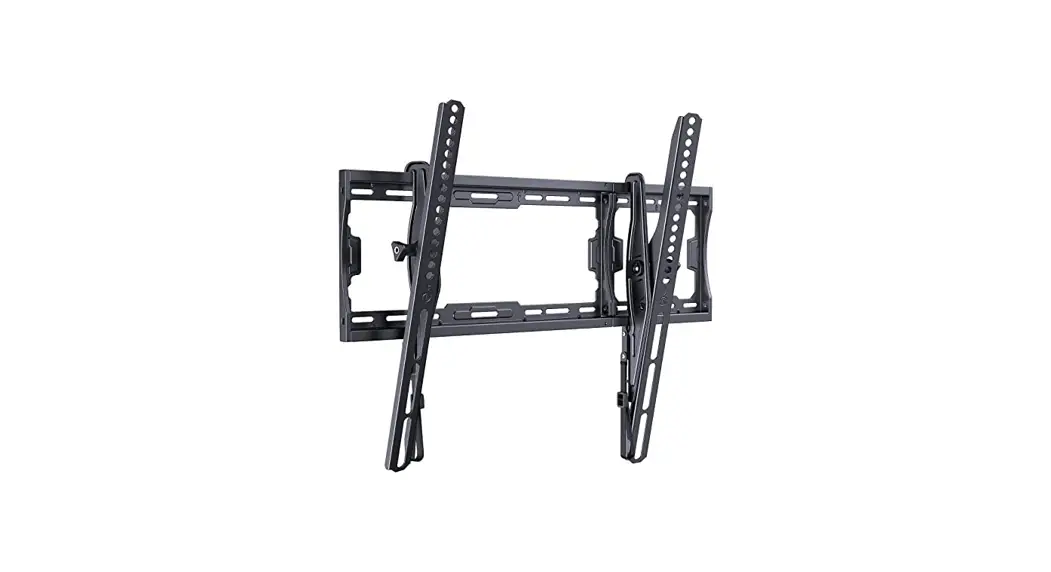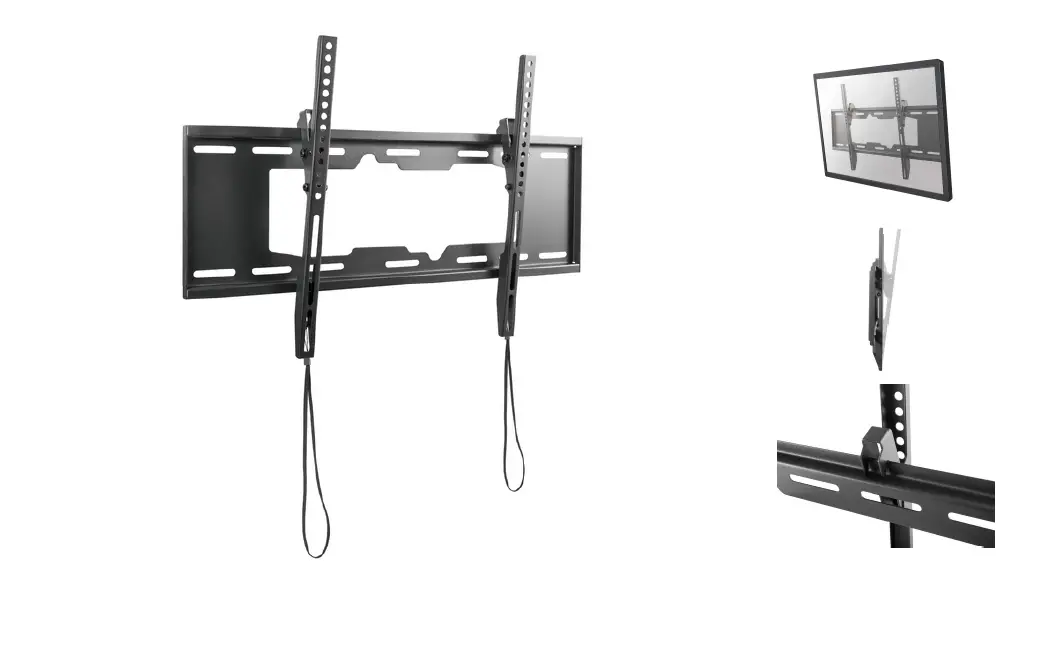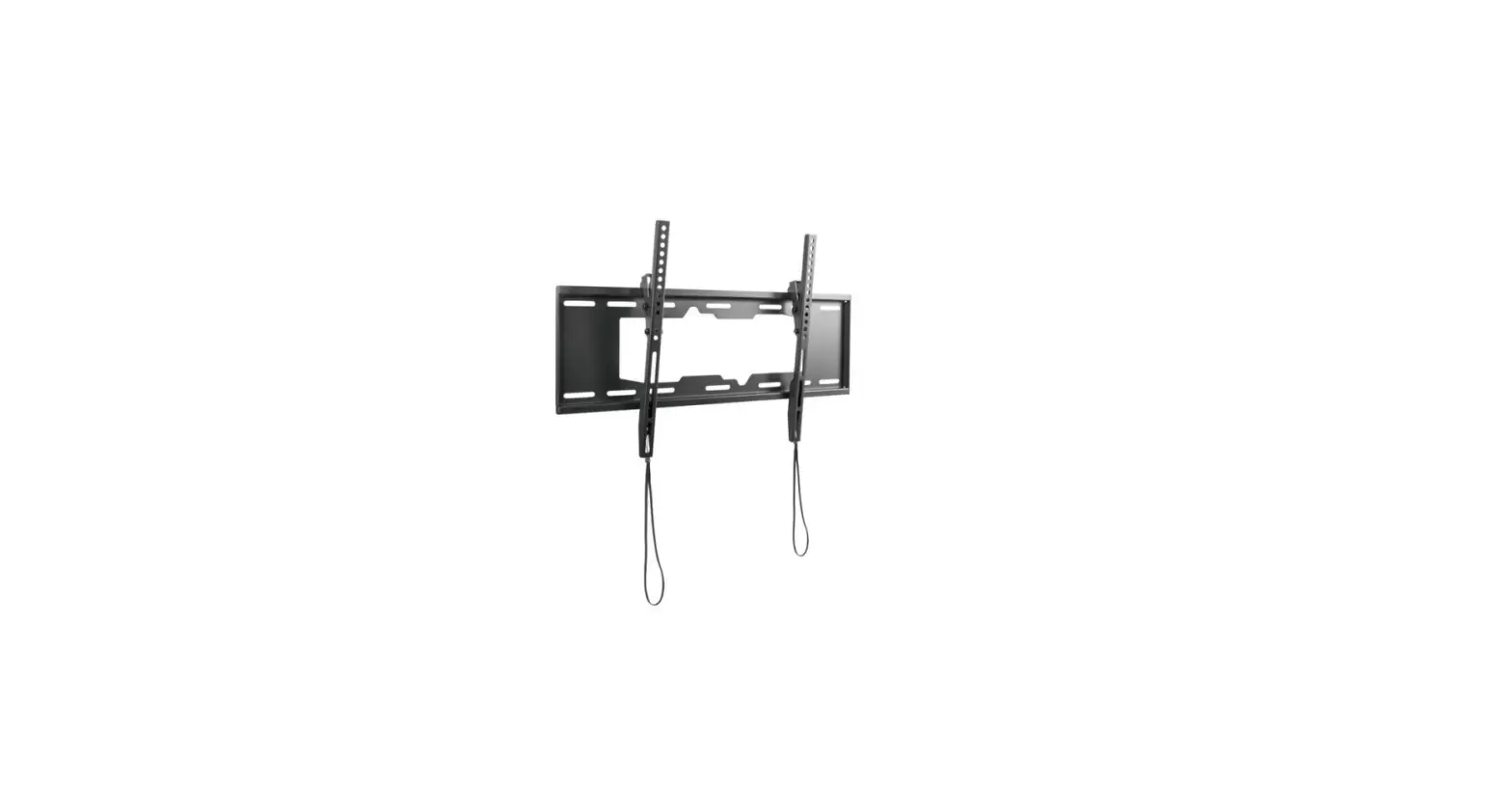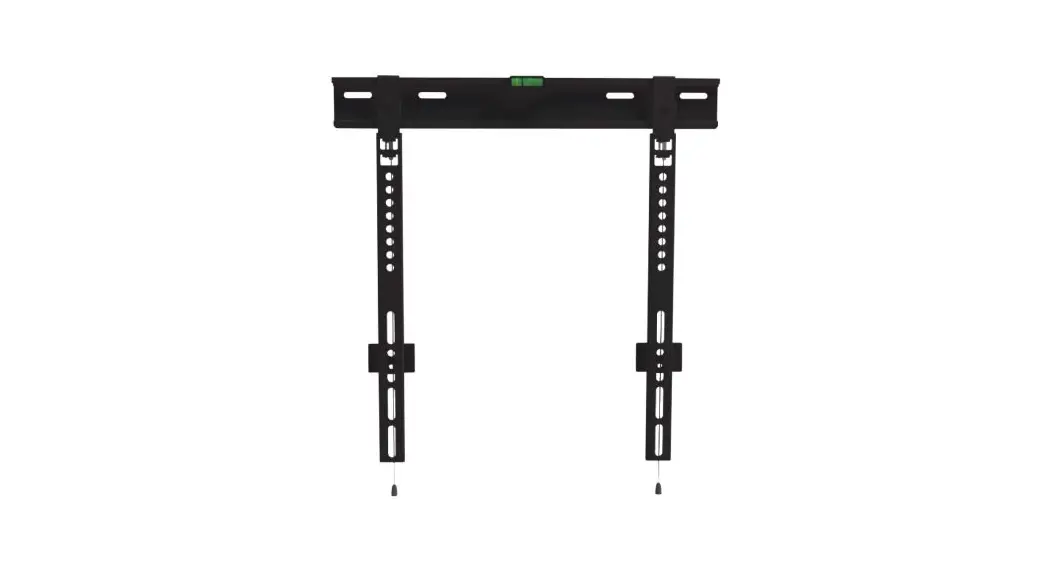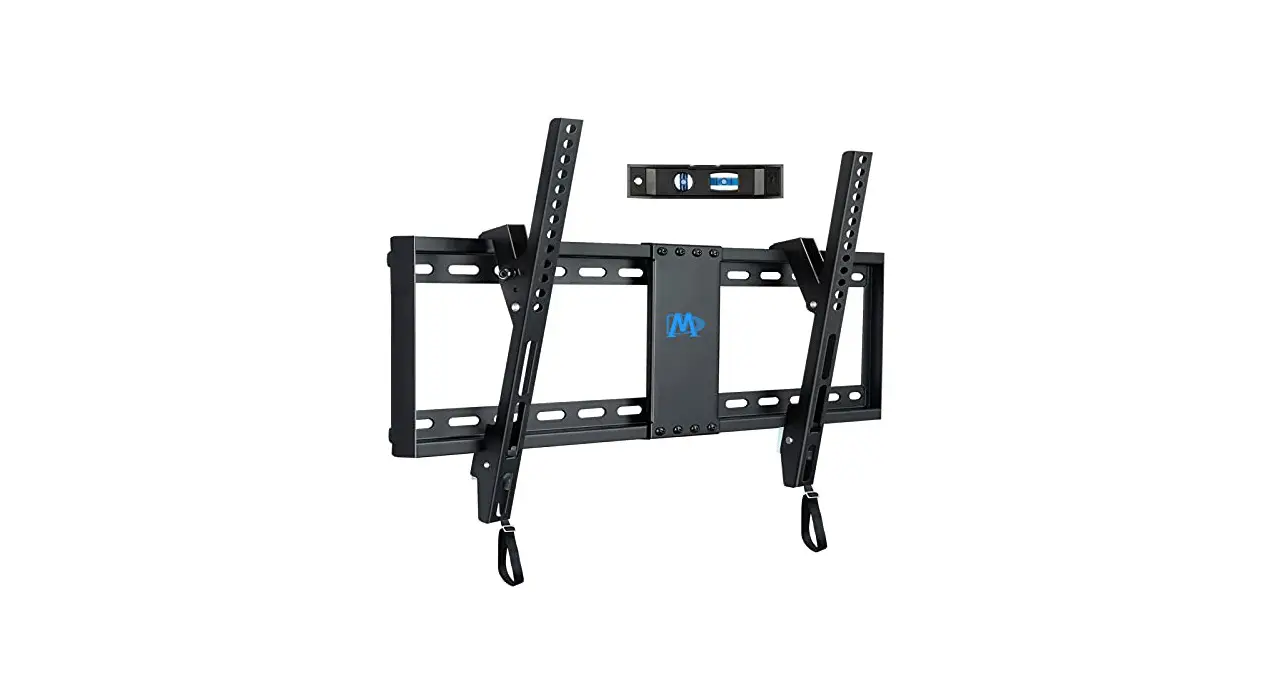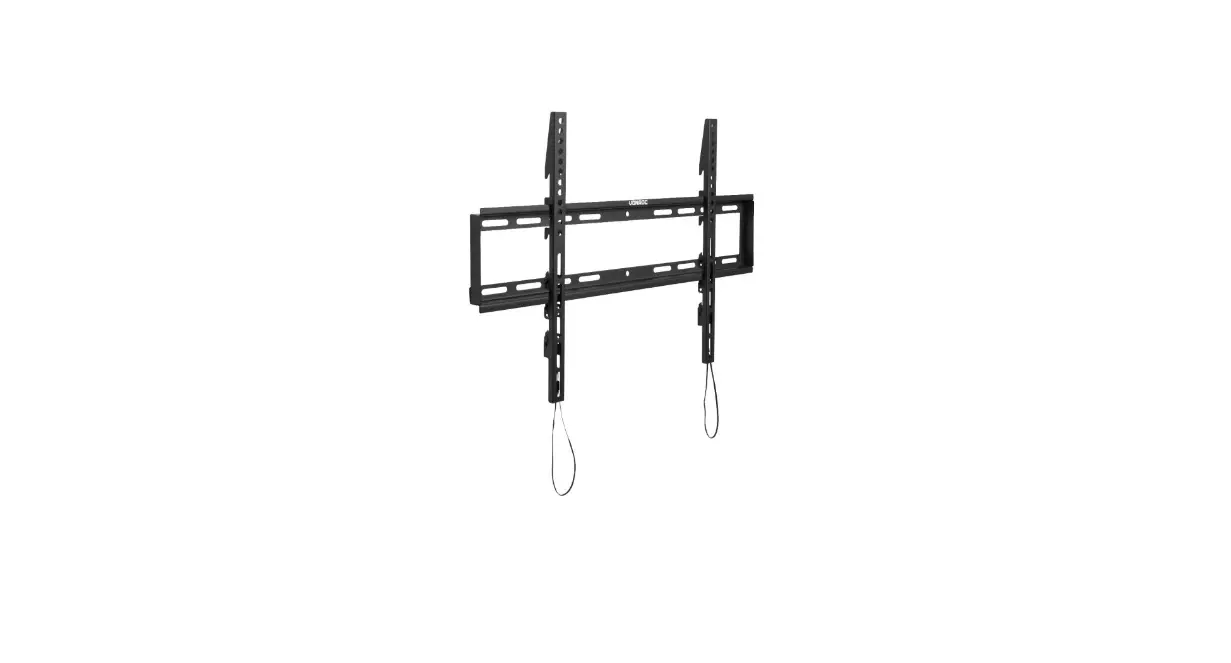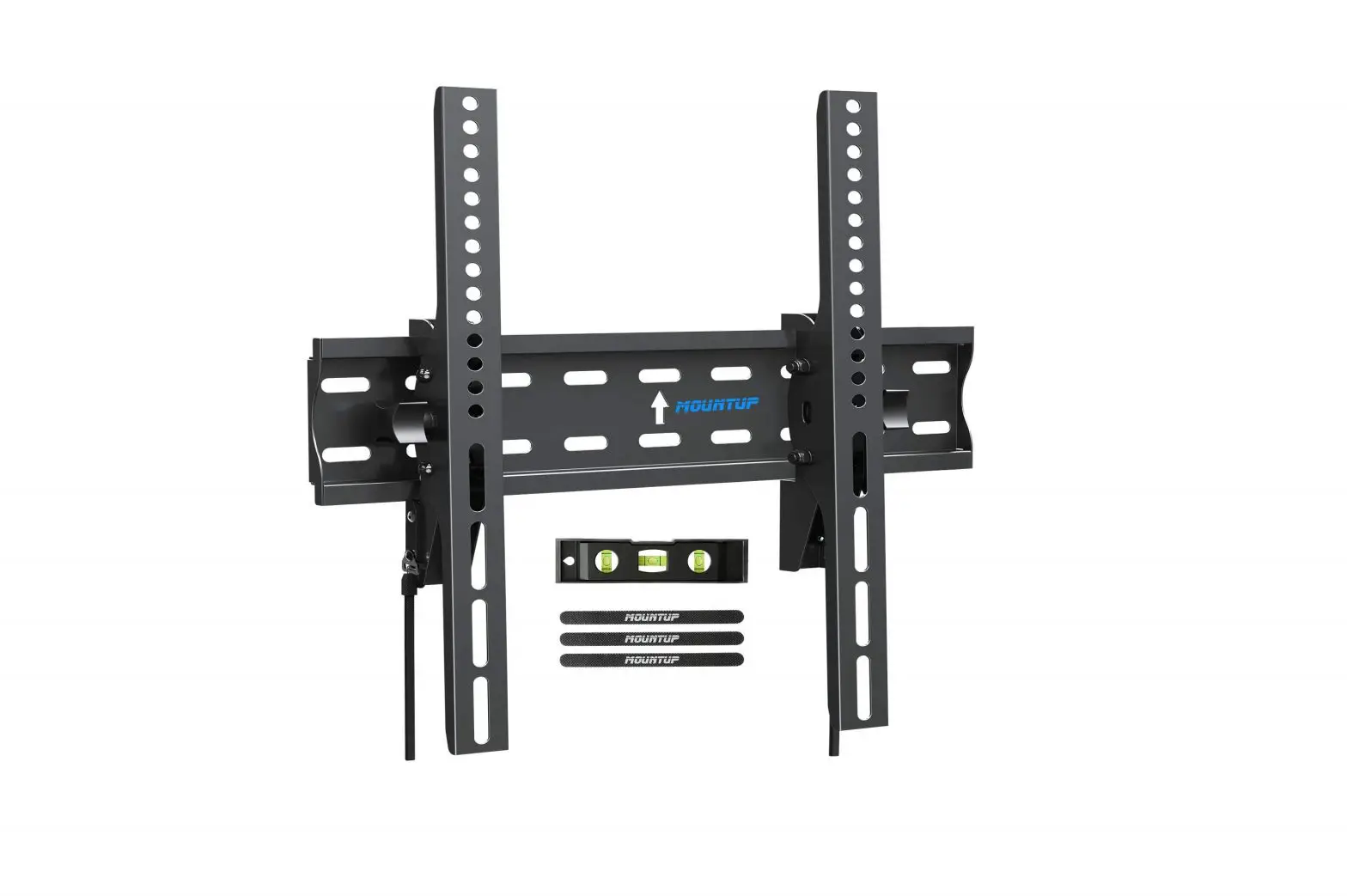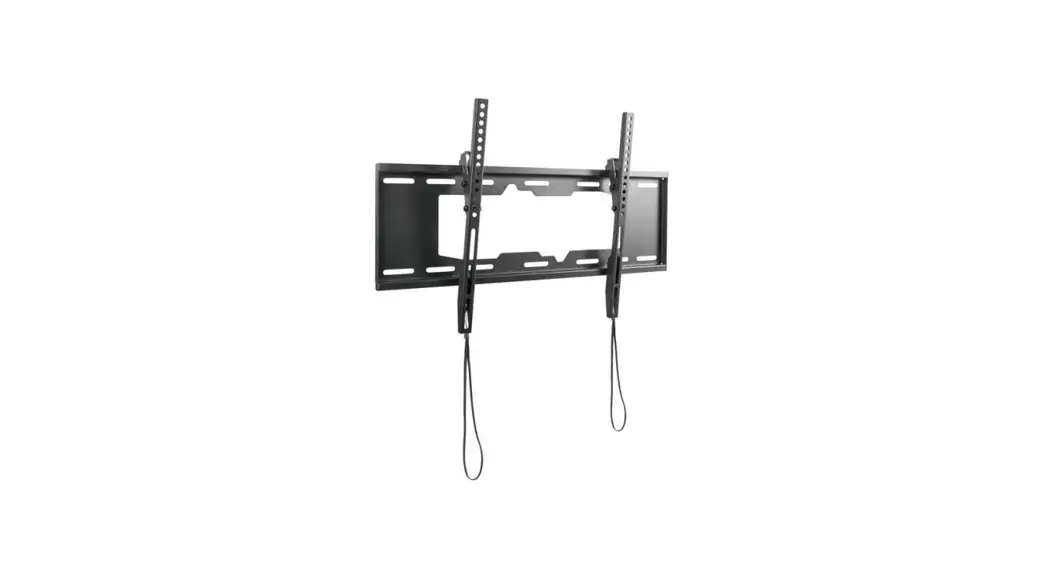
 650318 37″-70″ Low Profile TV Wall
Mount Bracket
Instructions
Product Images
 |  |
Short Description
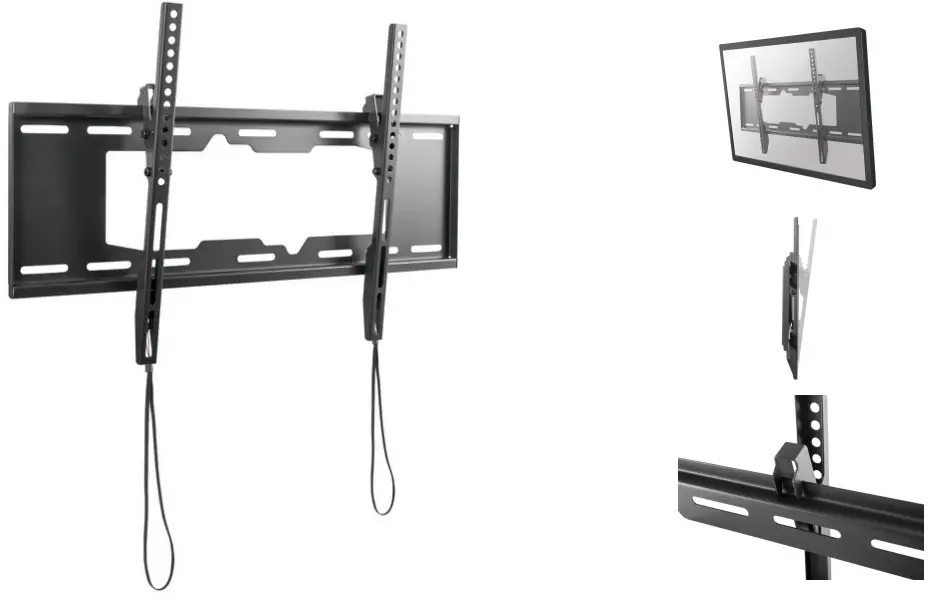
- Adjustment knob enables a full range of tilt action
- Integrated bubble level assures easy installation alignment
- Easy-grip button for quick angling and locking
- Max. Load Capacity: 50Kg
- Max. VESA: 600×400
- VESA standards compliant
Description
The equip® TV Wall Mount Bracket is a compact but sturdy product that ensures a reliable installation of your LCD/Plasma TV. Follow the graphic guide included in the package, you can install your TV on your own with ease. The wall bracket fits most of the wall materials- brick, concrete and wood, making the ideal choice for you to set up your screens.
Additional Information
| Approval and compliance | RoHS |
| Compatible display size | 37″-70″ |
| Anti-Theft | No |
| Quick Release VESA Plate | No |
| Support Curved TV | No |
| Material | Stainless Steel |
| Load capacity (kg) | 50KG |
| Mount | Wall mount |
| Pan (Swivel) range | No |
| No. of supported display | 1 |
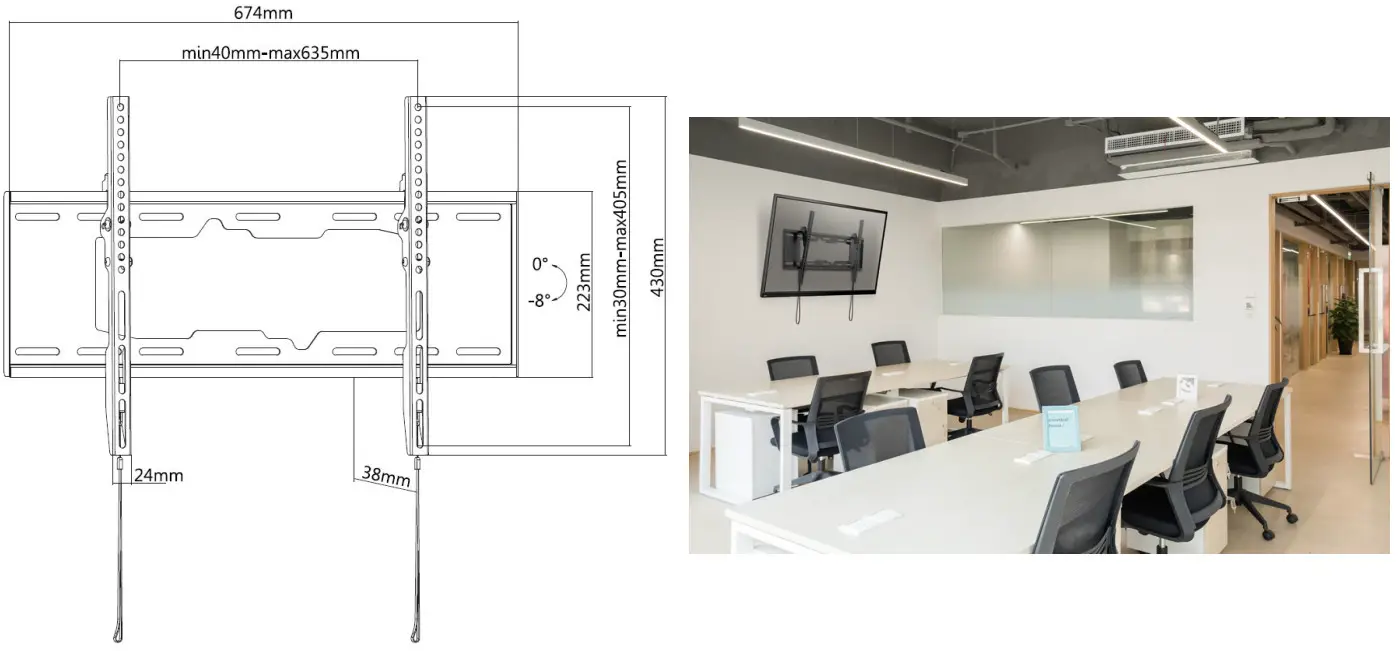
| Tilt range | 0° ~ -8° |
| VESA compatibility | 200×200, 300×200, 300×250, 300×300, 400×200, 400×300, 400×400, 600×400 |
| Bracket type | Tiltable |
| Distance to Wall (Profile) | 38mm |
| Product Size | 38x674x430mm |
| Mounting Hole Pattern | Universal |
| Installation | Single Stud |
| Cable Management | No |
| Product weight (kg) | 2,24 |
| Product breadth (mm) | 38 |
| Product depth (mm) | 674 |
| Product height (mm) | 430 |
| Color | Black |
| EAN | 4.01587E+12 |
| Model number | 650318 |
| Package contents | 650318, Manual, screws. |
| TV size | 37″-70″ |
 https://www.equip-info.net/equipinfo_en/650318-37-70-low-profile-tv-wall-mount-bracket-650318