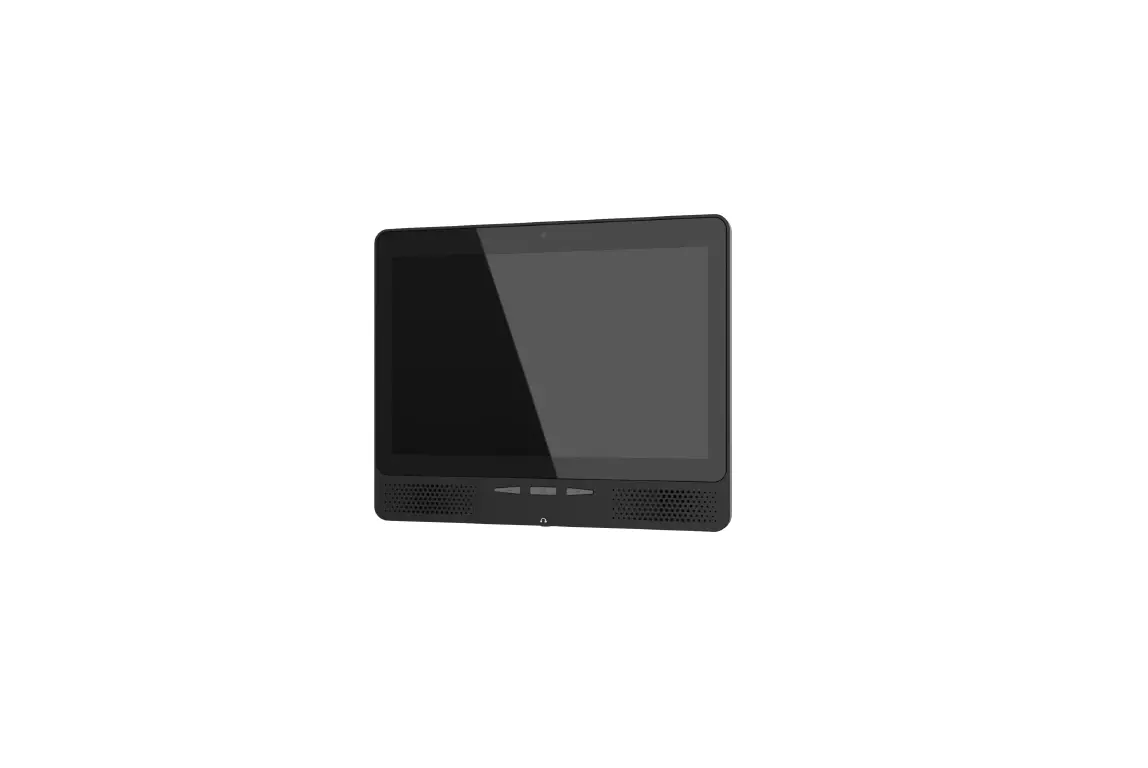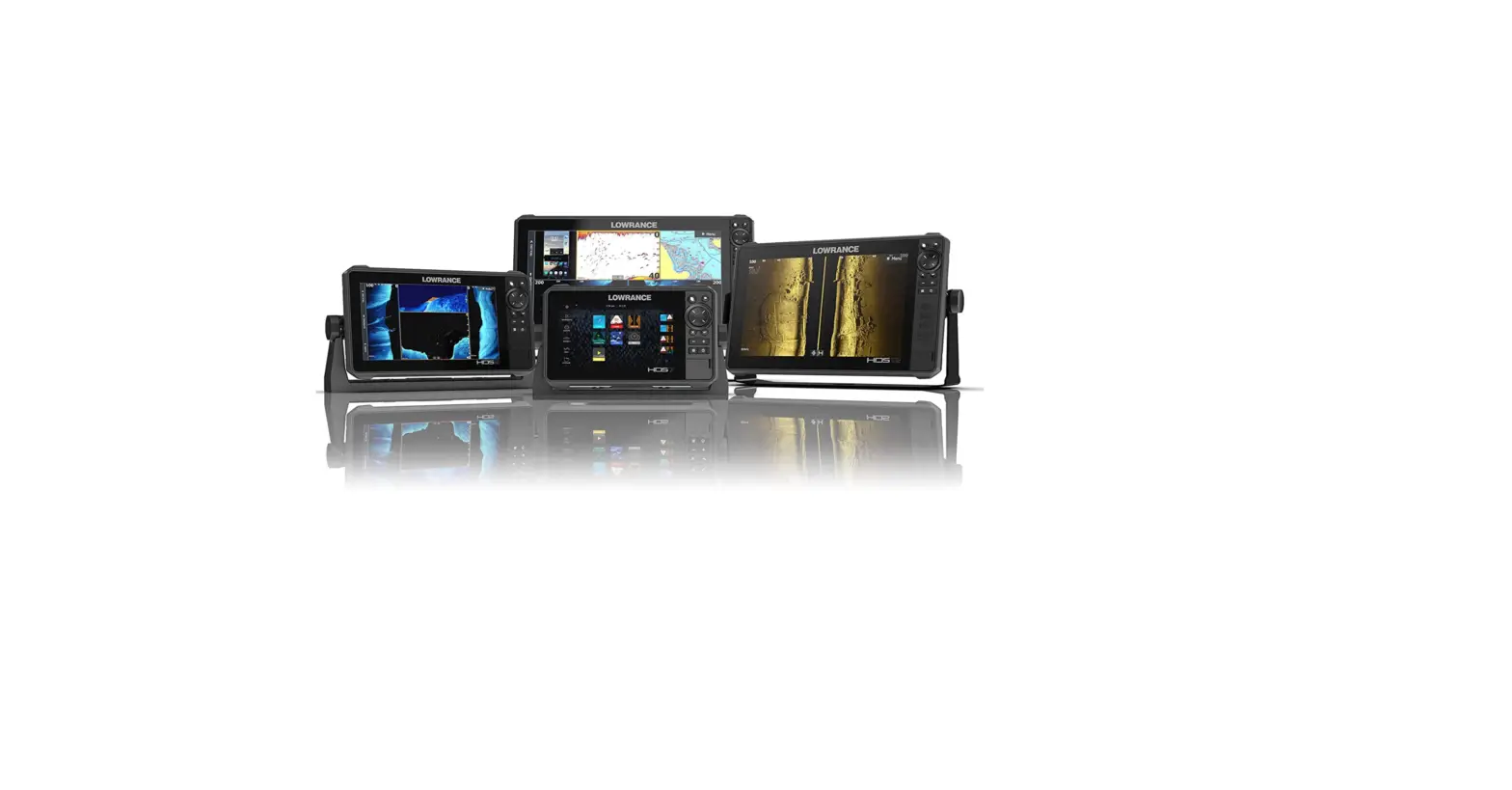

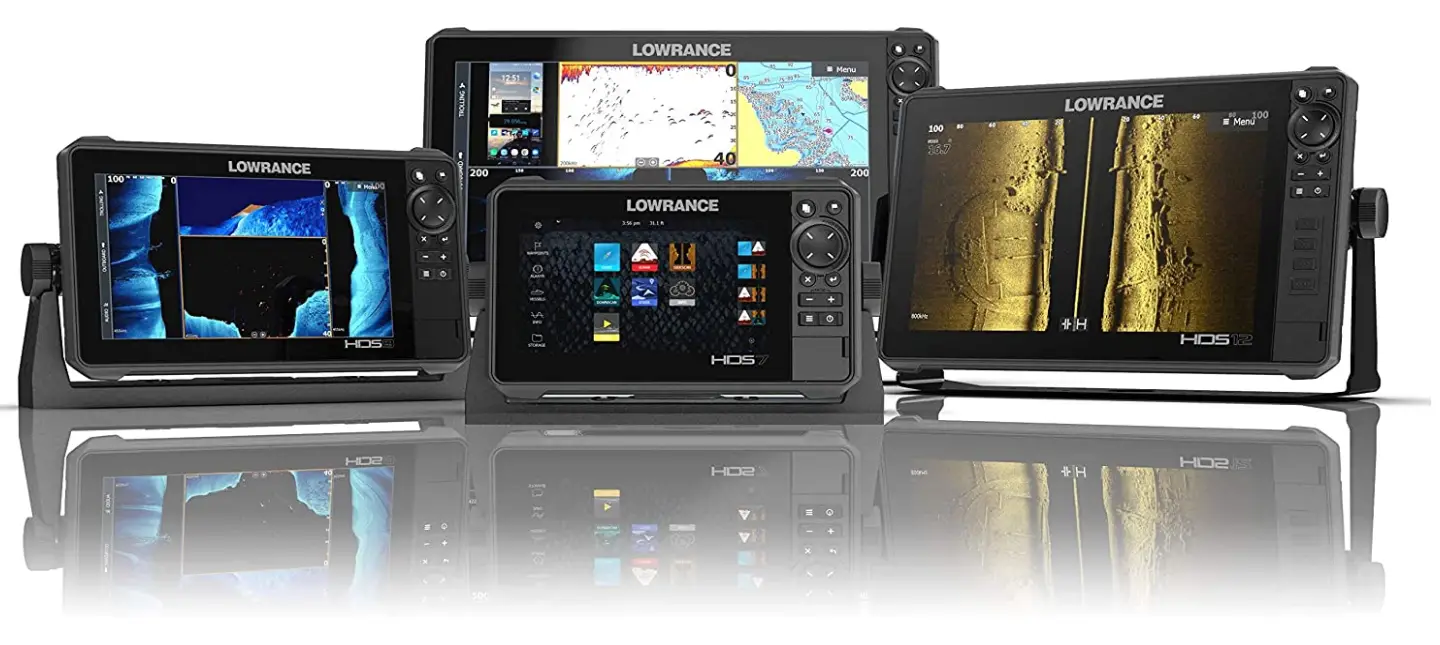
Lowrance HDS-LIVE Multi-Touch Screen
Specifications
- BRAND: Lowrance
- MODEL NAME: HDS-LIVE
- SCREEN SIZE: 7 Inches
- CONNECTIVITY TECHNOLOGY: Ethernet
- ITEM WEIGHT:74 Pounds
- ITEM PACKAGE DIMENSIONS L X W X H: 12.5 x 10 x 9 inches
- PACKAGE WEIGHT:04 Kilograms
- ITEM DIMENSIONS LXWXH: 12.6 x 9.06 x 9.84 inches
- COLOR: Active Imaging 3-in-1
- MATERIAL: Plastic
- STYLE: Active Imaging 3-in-1
Introduction
For the finest possible picture of fish and structure, both below and to the sides of your boat, combine CHIRP Sonar with StructureScan 3D or StructureScan HD. With its dual-core CPU, HDS is able to readily operate technology like StructureScan 3D, Mercury VesselView Link, and Lowrance Outboard Pilot with faster redraws and quicker response times. A high-visibility contrast never previously seen in scanning fish finders is produced by new dynamic color range. The near-photographic image of SideScan, DownScan Imaging, TotalScan, and StructureScan HD/3D quality is improved by a larger spectrum of color.
When watching two CHIRP channels at once, you’ll never miss your targets. Maintain visibility of your preferred high CHIRP frequency for improved target separation near the bottom or in small schools. Get around fixed hazards more quickly with automatic route planning that calculates the shortest, safest course based on a boat’s draft, beam, and height. requires Navionics+, Navionics Platinum, or C-MAP MAX-N+ charts.
HOW TO KNOW IF A TRANSDUCER IS LAWRANCE
Observe the transducer cable, which is about an inch away from the connector. A silver tag with the transducer model printed on it is fastened to the cable.
HOW TO CONNECT PHONE TO LAWRANCE
Start off by pressing the pages button on HDS live unit > settings > wireless > turn on Bluetooth > bluetooth options > select your phone and tap pair.
HOW TO CONNECT TO WIFI
Go to pages key > settings > wireless > connect to a wireless hotspot > select you wireless access > if network is encrypted, put the encryption key > select connect.
HOW TO ADD MAPS ON LAWRANCE GPS
- Your Lowrance device should start up after you turn it on.
- Insert the SD card into the device.
- The menu option “Waypoints, Routes, Trails” Load From Card under Menu.
- Select the GPX file and click Enter.
HOW TO SYNC LAWRANCE
Once you’ve logged in to the Lowrance mobile app, select Menu > My devices and follow the on-screen instructions to turn on all MFDs and associated devices. then perform a QR code scan on the MFD, which is shown. You’ll receive notification that your MFD and mobile device have been paired.
FAQs
It does, indeed.
To ascertain compatibility, we would need to know what type of SD card you are using. Emailing us directly is possible at [email protected].
There are no 77-160 lenses on the HDS-7 Live. This device’s display has a 1024×600 resolution. >1200 nits of brightness are present. The display is an IPS 7″ model. It has a multi-touch screen with an 80° top/bottom and 80° left/right viewing angle.
A flush mount kit is not required for these units. Upon snapping off the unit’s bezel, you have 4 holes that let you flush mount it.
No, a boat with a hardtop functions just well with the internal antenna.
Guam is outside of the locked grid lines, which is why you are receiving the GeoFence lock notification. However, as this is US territory, you can get an unlock code without paying anything.
The HDS-16 Live will unquestionably connect to the Yamaha engine interface, Sonic Hub, NMEA 2000, and Point-1.
Yes, but a 7 pin to 9 pin adapter, component number LOW-000-13313-001, is required.
Yes they will work together with an adapter.
I take my equipment out of the boat after each use. Connecting the connections takes less than two minutes (5)!
Yes
The HDS-12 Live unit comes with the sun cover.
Yes, Lowrance Broadband 3G Radar will support this.
There are two micro SD slots.
Not as far as I’m aware. Other merchants are accepting Gen 3 and carbon units as trade-ins.
Video