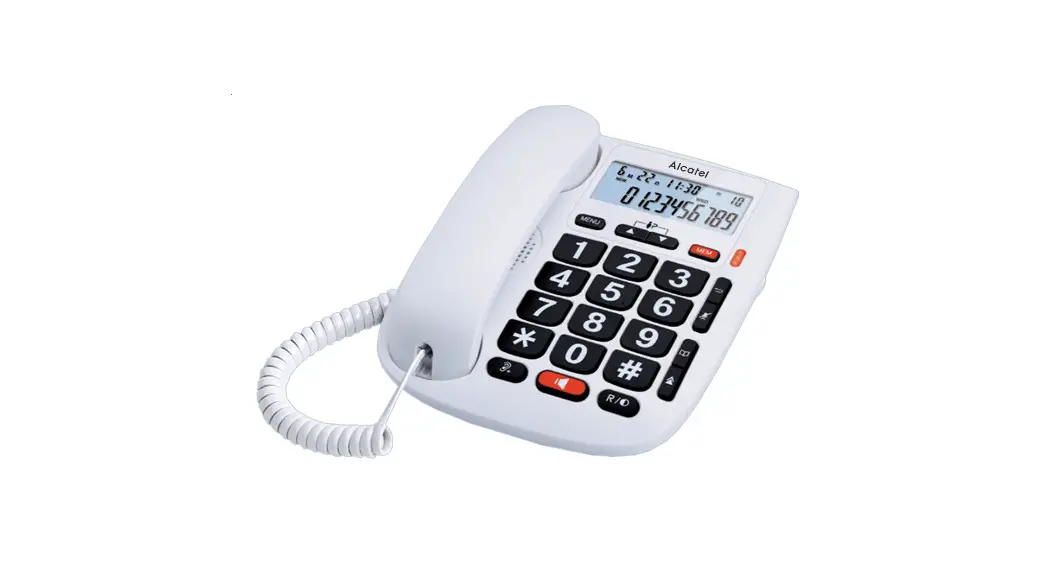

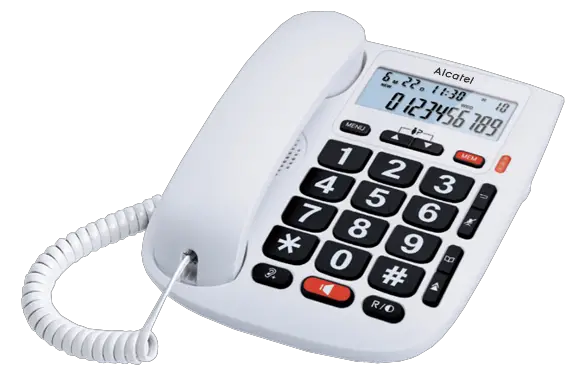
TMAX 20
USER’S GUIDE
 |  |  |
PLEASE READ THIS USER’S GUIDE BEFORE USING YOUR PHONE
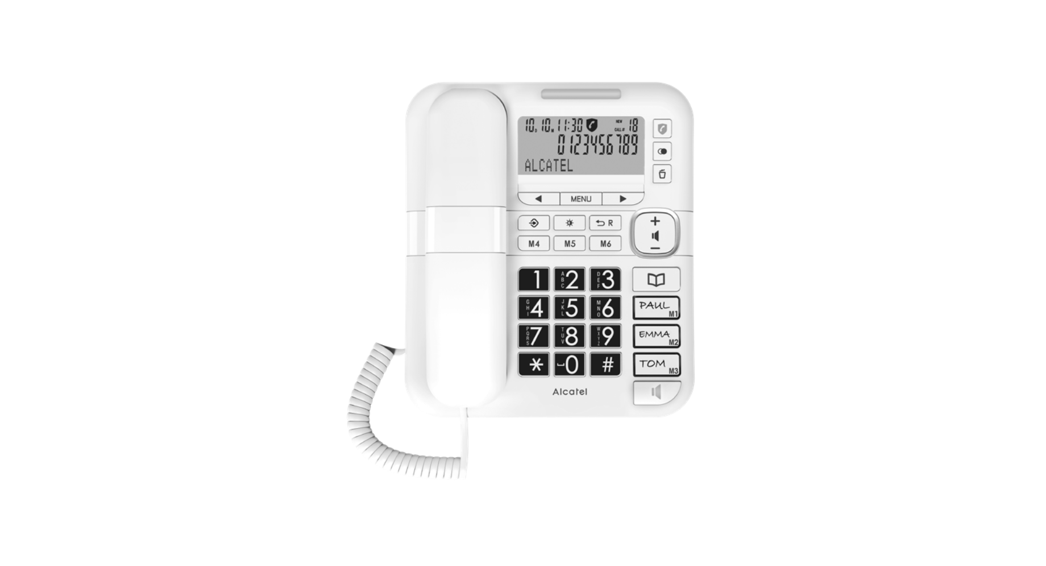
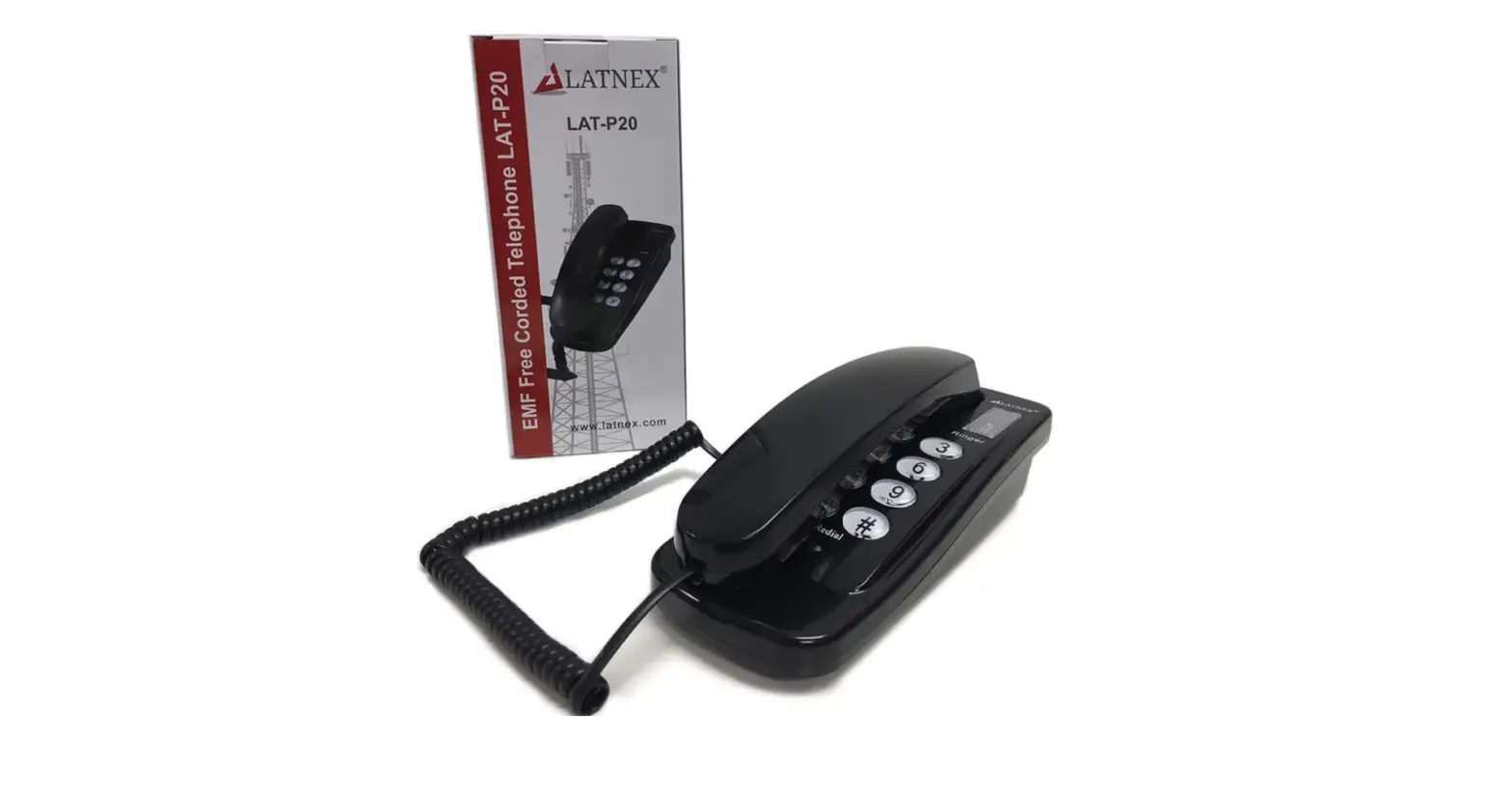
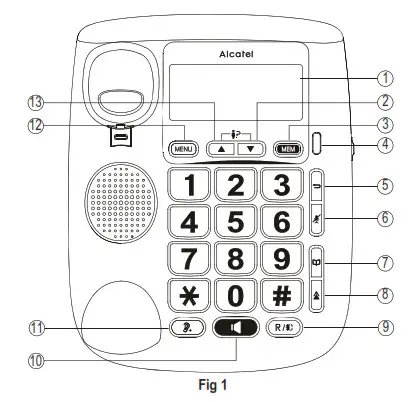
THE KEYS AND THE FEATURES :
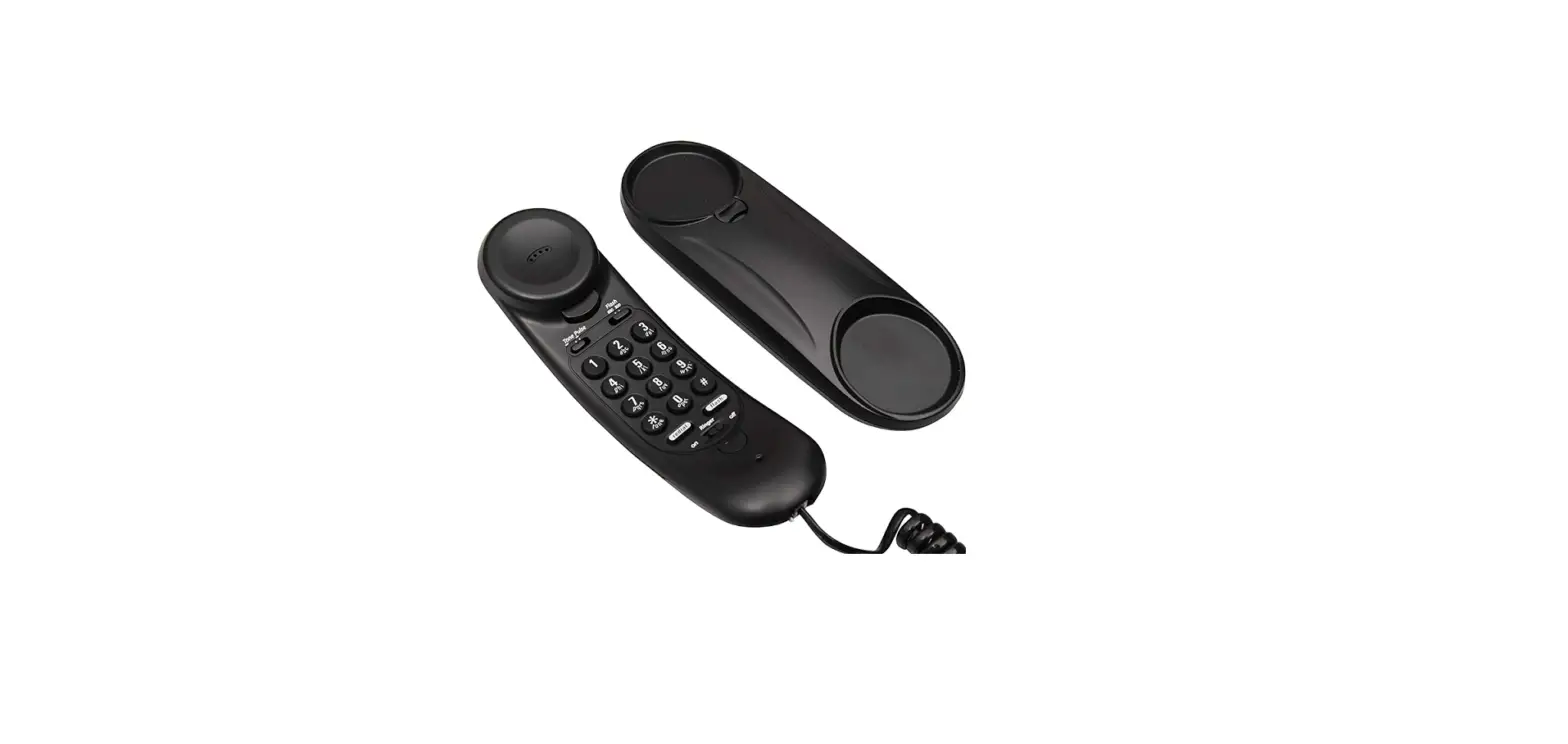
| 1: LCD Display 2: Down Key 3: Mem Key 4: Mute/New/Ringer Indicator 5: Delete/Exit Key | 6: Microphone Mute Key 7: Phonebook Key 8: Redial Key 9: Flash/Contrast Key 10: Handsfree Key |
THE KEYS AND THE FEATURES :
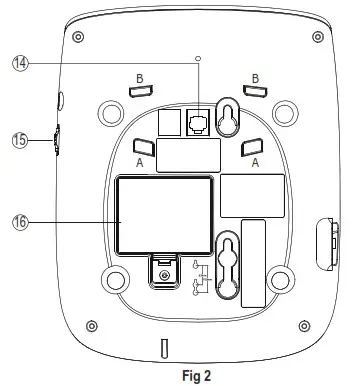
| 11: Vol Key 12: Menu Key 13: Up Key 14: Line Jack | 15: Ringer Volume Switch 16: Battery Cover A and B (Fig.2): Holes for the base |
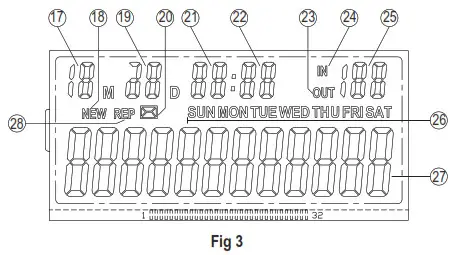
DISPLAY ICONS:
| 17: Month 18: New CID 19: Day 20: Voice mail 21: Hour 22: Minute | 23: Outgoing Call 24: Incoming Call 25: Call-log Number 26: Day Of The Week 27: Phone Number Display 28: Repeat |
INSTALLING AND REPLACING THE BATTERIES
Your phone uses 3 AA-size alkaline batteries (not supplied) which are necessary to see menu in idle mode, to program, to save memories. But, it is still possible to receive and place calls without batteries or when out of use.
IMPORTANT: If you are not going to use the telephone for more than 30 days, remove the batteries because they may leak and damage the unit.
BATTERY
- If the telephone line cord is connected, disconnect it from the base unit.
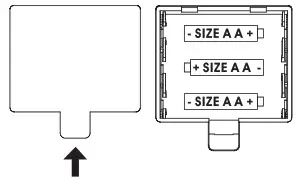
- Carefully turn over the phone, use a pen or paper clip to loose the battery cover. Open the battery compartment by pushing on the battery cover and sliding it away from the unit.
- Insert 3 AA-size alkaline batteries (not included) as shown on the diagram in the battery compartment.
- Snap the battery compartment door back into place. connected, reattach it to the unit.

INSTALLATION AND SETUP AND ITS BASE
- Connecting the handset.
- Connecting the telephone line and turns it towards the top part of the telephone.
- Install the telephone foot: its curve part towards the bottom side, insert it in the 2 A recess (Fig.2), place the line cord through small hole. Then, press to place the foot inside recess B.
SET FLASH TIME TO OPERATE CORRECTLY ON YOUR NETWORK:
- Press MENU key
 select SET 6 FLASH / MENU to select flash time 110 / 300 / 600 or 1000 / MENU/
  .
.
 select SET 6 FLASH / MENU
 USING THE PHONE
RECEIVE AND END A CALL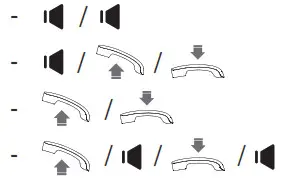
- To increase hearing volume during conversation, press
 .
.
MAKE A CALL
 either before or after dialing your number
- From redial list:
 or
or 
- From call log list*: to select the caller number /
- From direct memories:
1. MEM or + 0…9/ or
2. or /MEM or + 0…9
LCD CONTRAST ADJUSTMENT:
In on-hook state, user can press the  button to select the LCD Contr Contrast (1~5 choice).
REVIEW CALLER ID NUMBER
* Subject to subscription and availability of the service from the fixed line operator.
DELETE CALLER ID NUMBER:
- Delete a Caller ID number: to select the number /
- Delete all Caller ID number: to select the number / Press key for 3 seconds to delete all Caller ID number.






STORE NUMBER:
- Store a telephone number: 0…9 to input number / MENU /0…9 to select memory location, or MEM.
- Store an incoming call number: to select the number / MENU /0…9 to select memory location, or MEM.
REVIEW AND DIAL BACK AN OUTGOING NUMBER:
- Review an outgoing number: Press
 … .
… . - Dial back an outgoing number: Press … / or .
DELETE AN OUTGOING NUMBER:
- Delete an outgoing number: Press … /.
- Delete all outgoing number: Press … / Press key for 3 seconds to delete all outgoing number.
GENERAL SETTINGS
SETTING DATE AND TIME:
- Press MENU key / select SET 1 DATE / MENU / to enter Year, Month, Day, Hour and Minute / MENU /.
- Press as many times as needed on
 to reach the number desired.
Press MENU to save. Press again MENU to reach the next step.
SETTING ALARM:
- Press MENU key / select SET 5 ALERT / MENU / use key to set time and select ON or OFF / MENU /.
SETTING TONE/PULSE
- Long press * button ( >3s ).
SAFETY
Do not use telephone to notify a gas leak or other potential explosion hazard. Do not open your device to avoid risk of electrical shock. Your telephone must be located in a dry place away from hot, humide and direct sunlight condition.
ENVIRONMENT

This symbol means that your inoperative electronic appliance waste.
Help us to protect the environment in which we live!
ATLINKS Europe
147 avenue Paul Doumer 92500 RUEIL-MALMAISON – France
RSC Nanterre 508 823 747 www.alcatel-home.com
©ATLINKS 2021 – Reproduction prohibited. The Manufacturer reserves the right to modify the specifications of its products in order to make technical improvements or comply with new regulations.
Model no.: ALCATEL TMAX 20 MX
A/W No.:10002510 Rev.0 (ES/EN)
Printed in China
Alcatel es una marca de Nokia, utilizada bajo licencia por ATLINKS. Alcatel is a trademark of Nokia, used under license by ATLINKS.