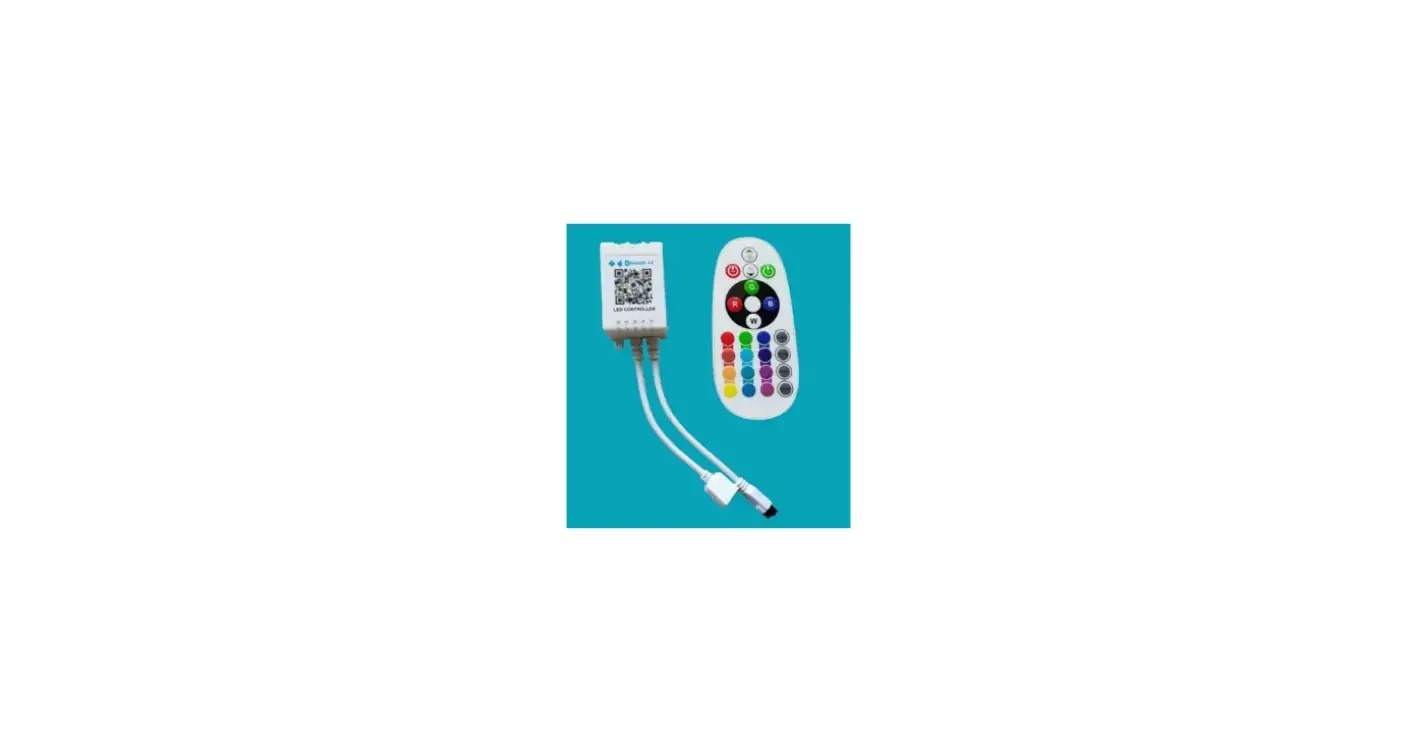
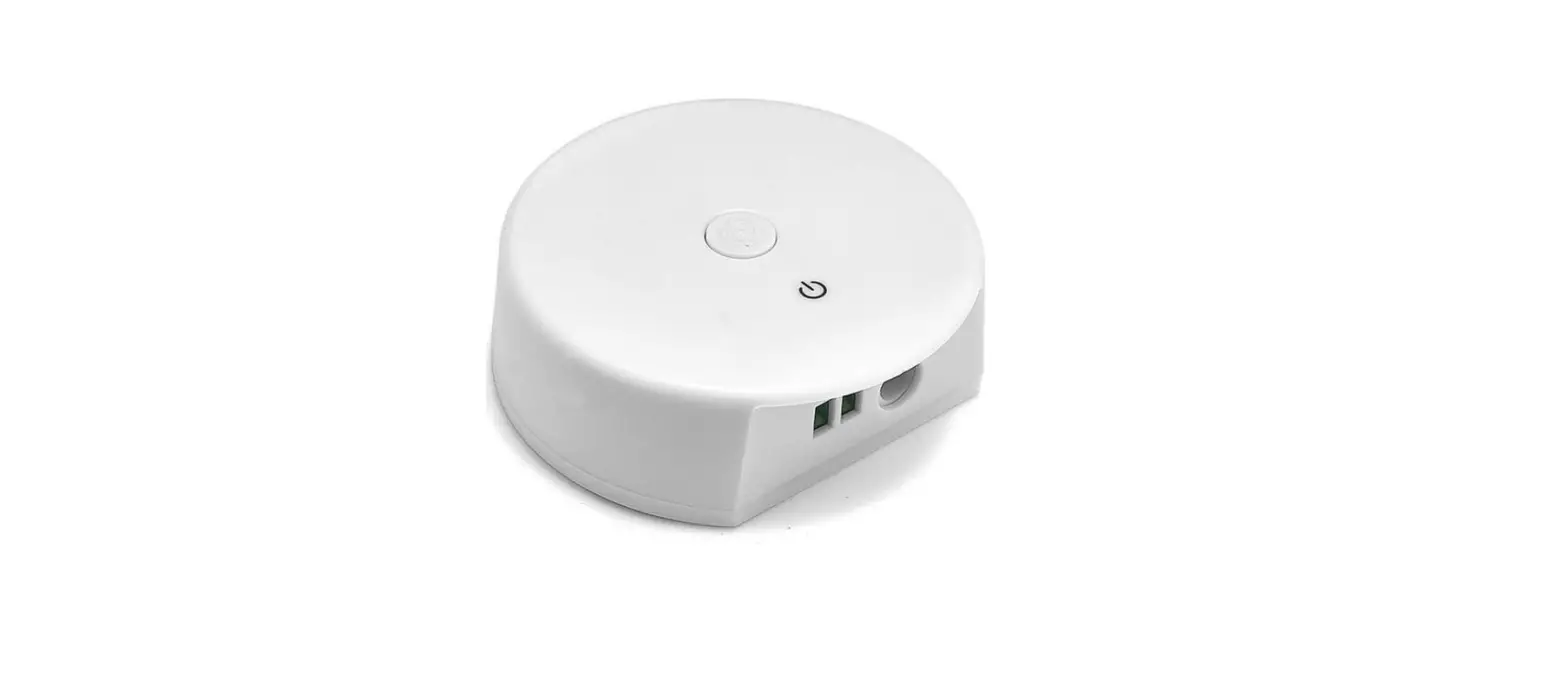
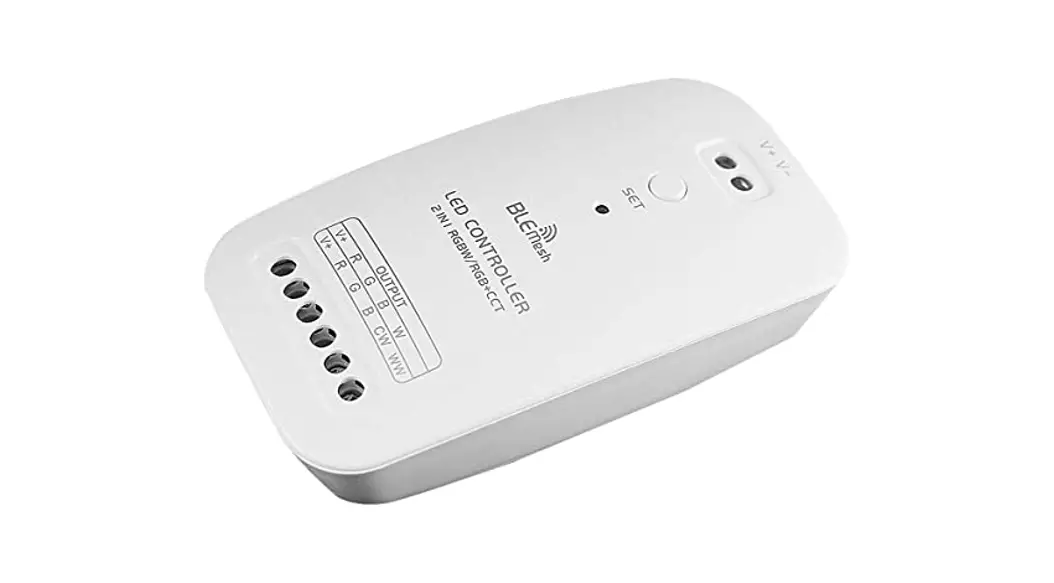
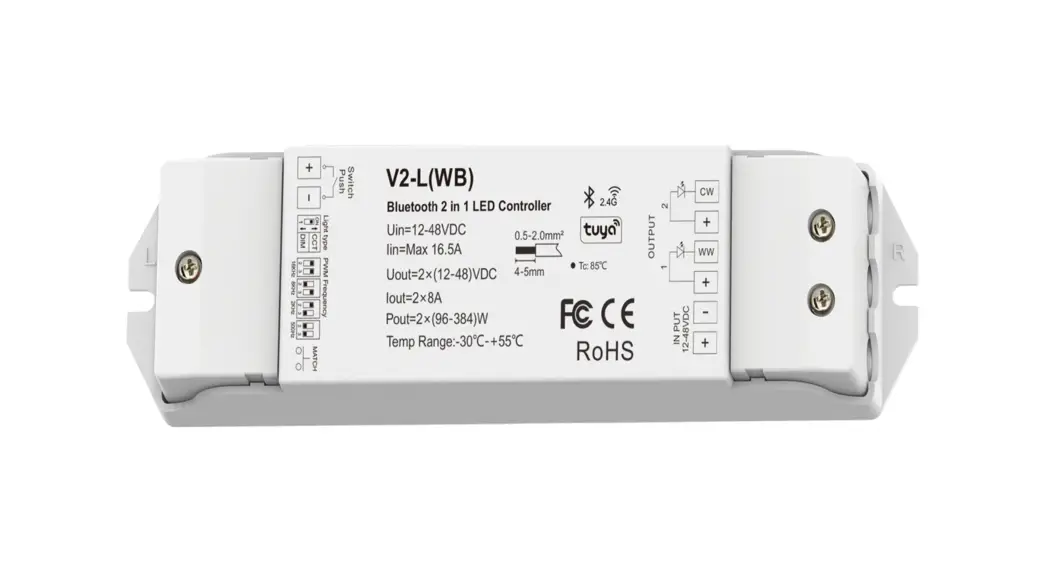
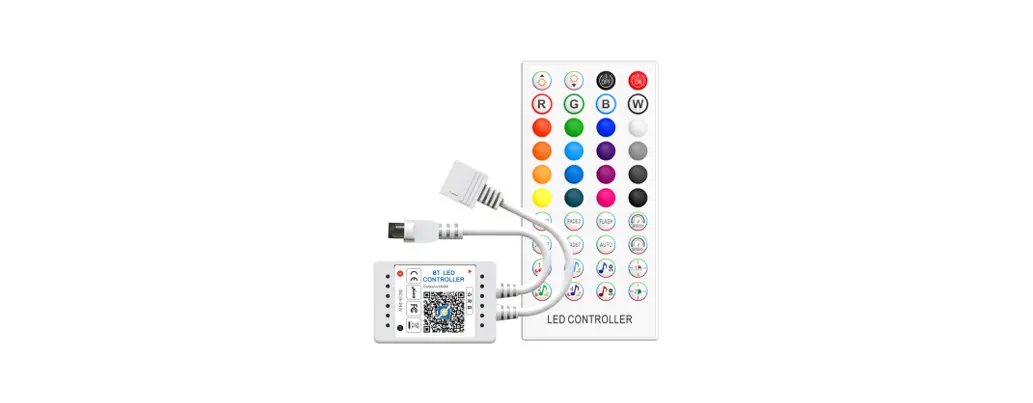
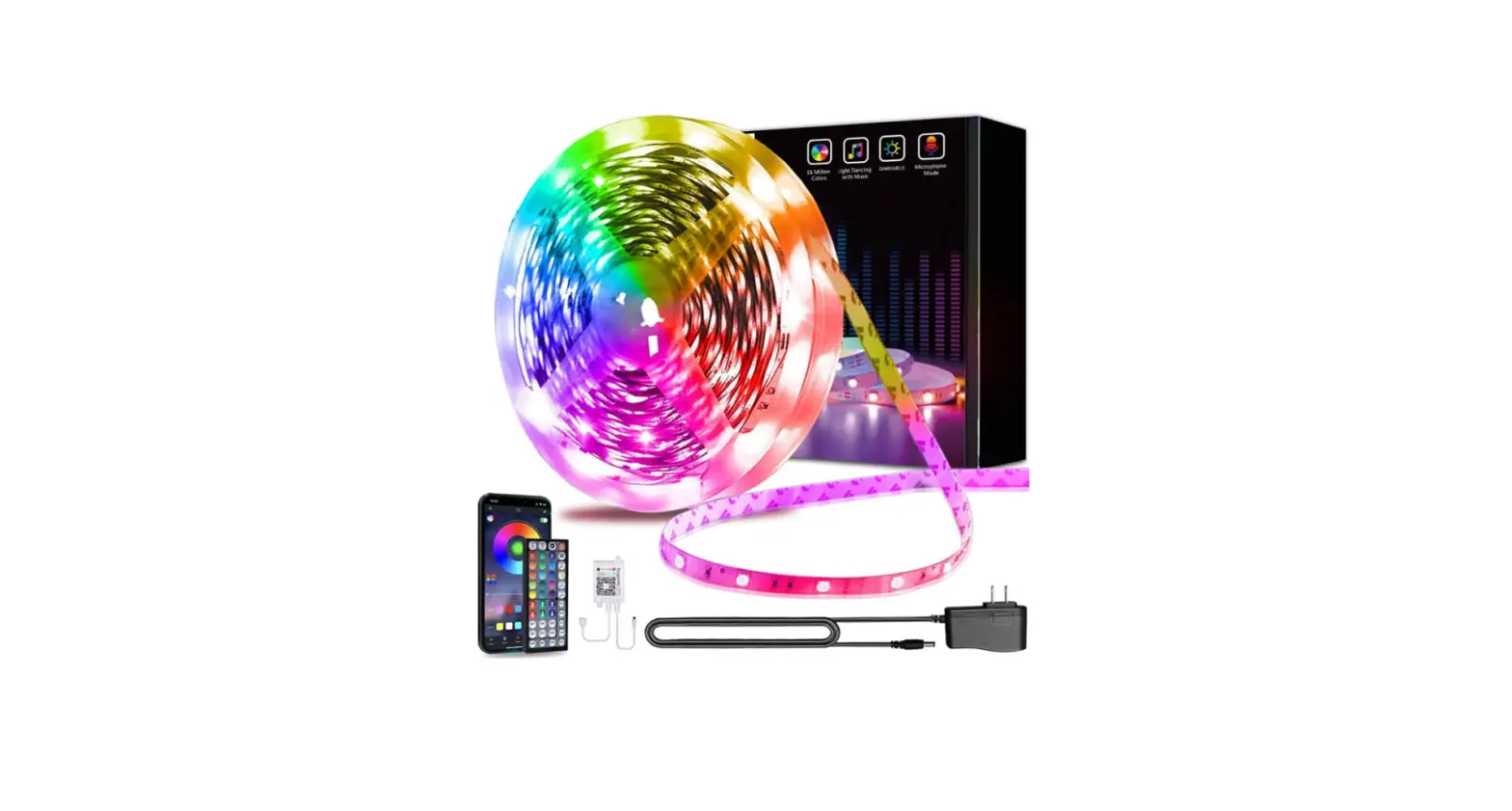
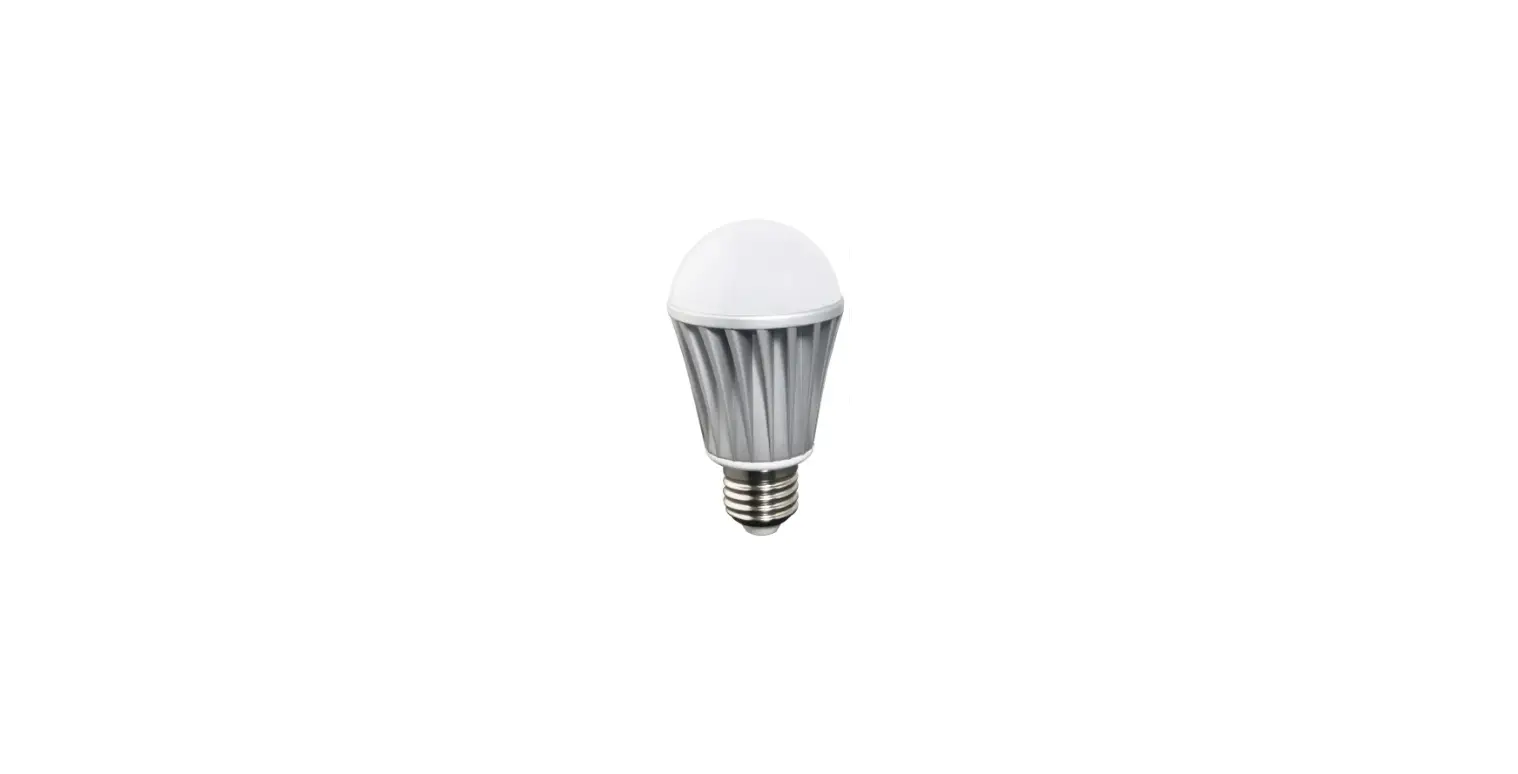
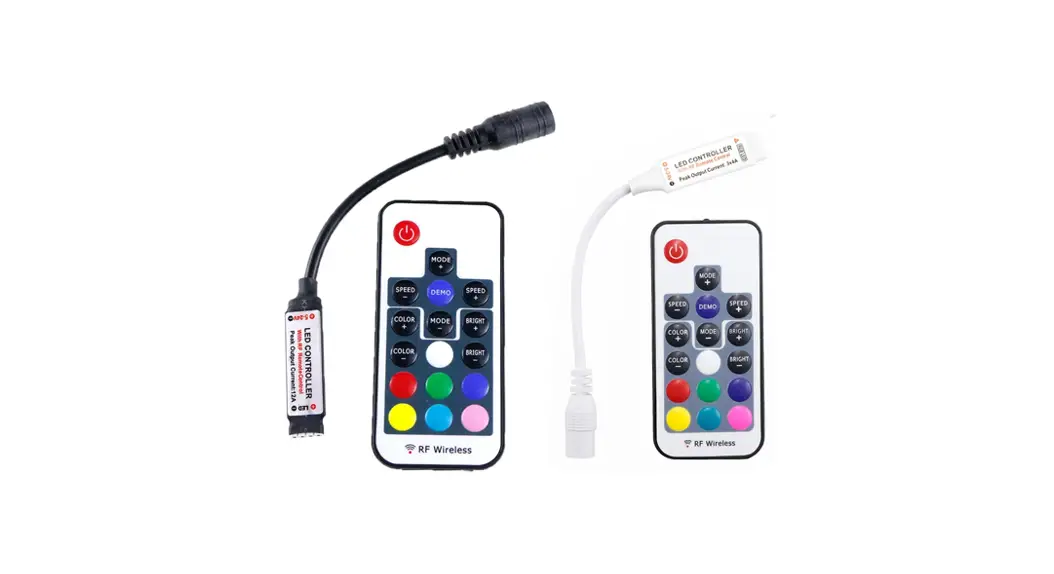
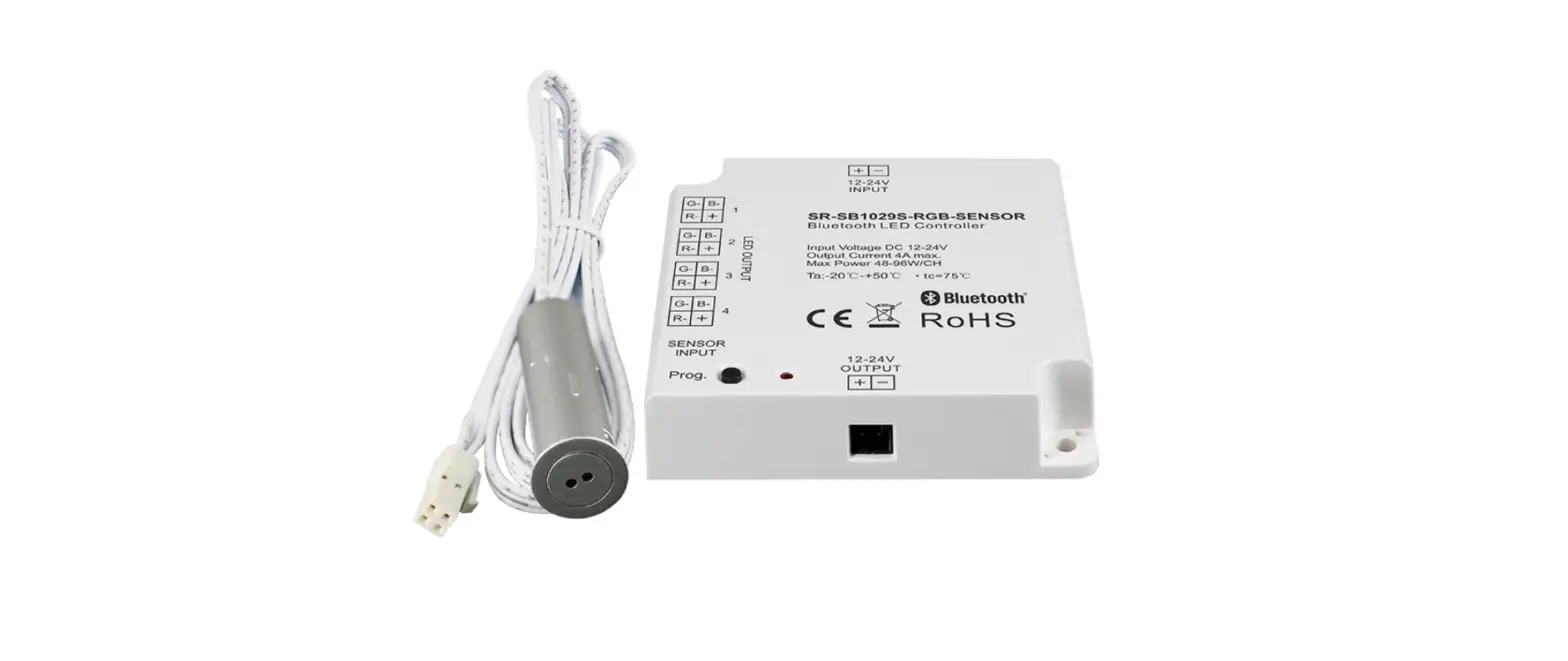
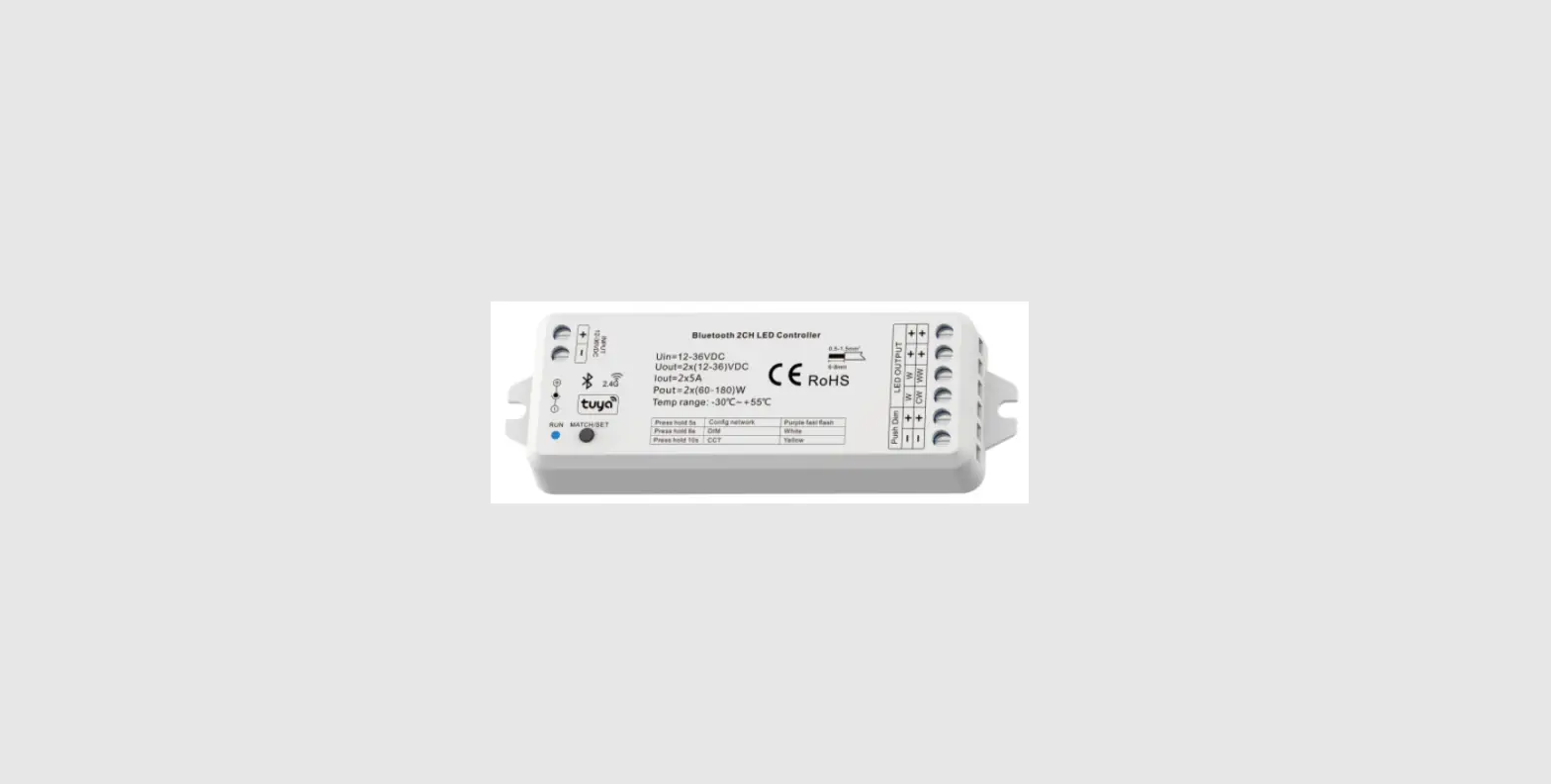
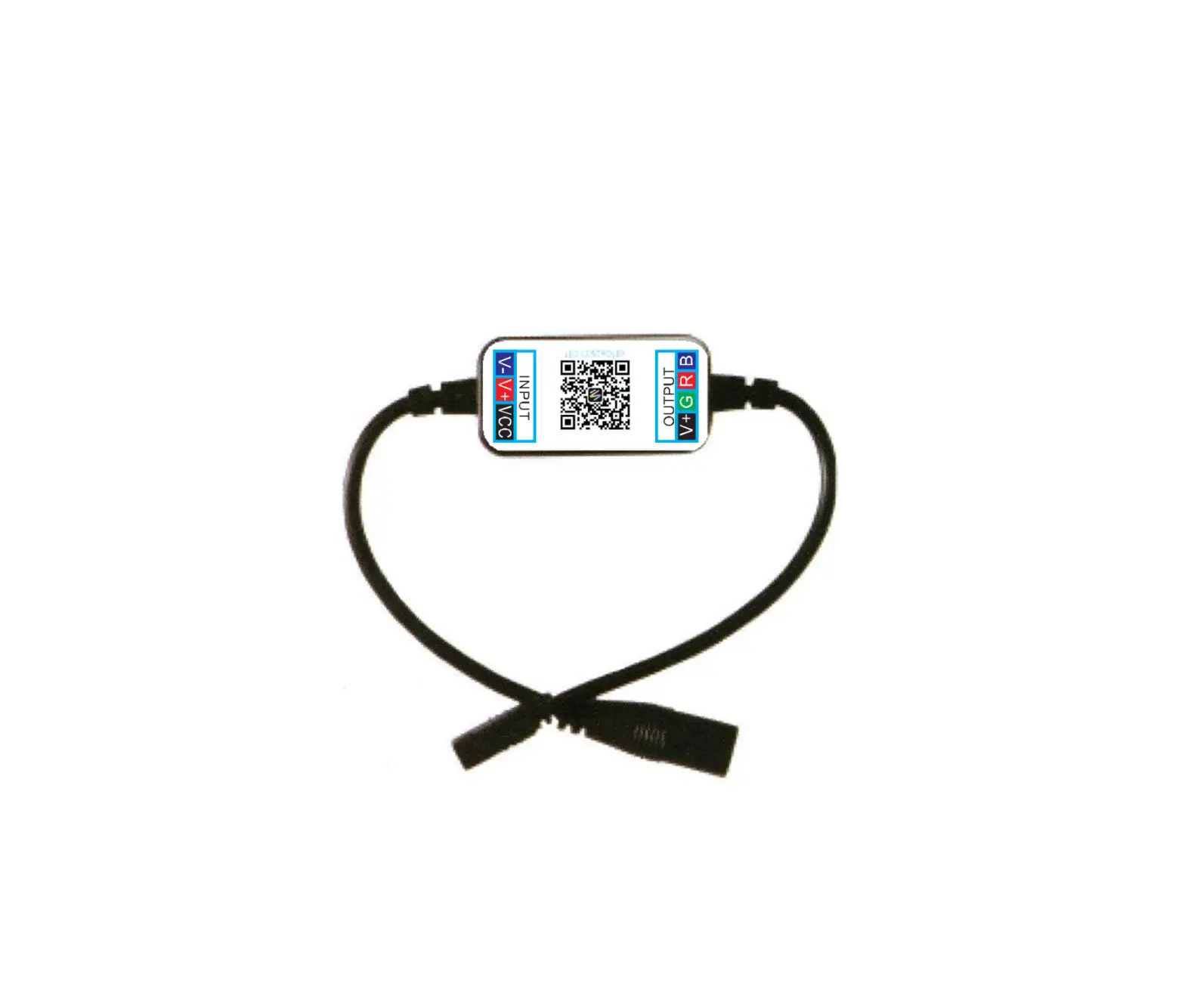
ZJ-MB-RGBW RGBW Bluetooth LED Mini Controller
Product Information
| Model Number | ZJ-MB-RGBW |
|---|---|
| Product Name | RGBW BLUETOOTH LED MINI Controller |
| Category | LED Controller |
| Domination Principle | BLUETOOTH MagicLight |
| APP Language | Chinese, English, Japanese |
| Operation Platform | Android 4.3 or iOS 7.0 or higher |
| LED Drive Type | Constant voltage MOSFET |
| Channels | 4 |
| Input Voltage | DC12-24V |
| Max Output Power | 192W |
| Work For | LED Strip or other constant voltage lights |
| Connect Method | Common Anode |
| IP Rating | IP20 |
| Working Temperature | -20°C to 55°C |
| Control Distance | Visible distance 30M |
| Certification | CE, RoHS, FCC |
| Warranty | 1 Year |
| Net Weight | 42.5g |
| Dimension (L*B*H) | 53MM*24MM*11MM |
| Carton Size (L*B*H) | 55CM*29CM*23CM |
| QTY Per Carton | 200 Sets/CTN |
| Gross Weight | 5.7kg |
Product Usage Instructions
- Controller Connection Mode:
It is necessary to ensure that the red arrow of the controller
corresponds to the black arrow at the device end, otherwise, the
device will have a short circuit. - Software User Manual for iOS:
1. APP installation instructions:
Method 1: Search app individually in App Store.
Method 2: Open QR Software then scan the below QR Code,
then download & install it for free. - Software User Manual for Android:
APP installation instructions:
Method 1: Search MagicLight in Google Play Store or
from browsers.Method 2: Scan the below QR code to download and
install the app individually for free. - Product Function Introduction:
The product functions in RGB mode. The warm white channel can be
adjusted separately. (Warm White & RGB channels cannot be used
simultaneously.) - Group Feature:
Zengge controllers (MagicHomePro) allow you to create different
groups to control more than one controller. For example, if you
have 2 controller units, you can use one system in your living room
and the other out on your patio. The grouping function allows you
to either control these systems individually or to group them
together as one unit. - Light Timer:
You can have your lights automatically turn on or off at a
specified time by setting up the timer. The controller has a
built-in timer function. To do so, press on the top right, next to
ON/OFF, switch the clock icon. Then the selection menu will be
shown with time, repeat (Mon-Sun), ON/OFF switch, and the optional
model (color setting, brightness, and gradient program). The timer
will not operate when the power supply is interrupted. In this
case, start the app to resynchronize. - Function:
In this capacity, 20 programs are preset. In addition, you can
adjust the speed of the gradients with a slider. With the keys
M+/M- or scroll up and down, you can switch between the preset
modes. - Microphone Function:
Click/go to Disco interface of the app. In this function, the
connected LED light lights up depending on the volume/noise from
the outside like a microphone. This also works when playing music
or there is a noise from outside, the light will begin dancing
based on different rhythm. The microphone sensitivity can be
adjusted by the slider. - Background Color Function of Camera:
In this function, you can select a color with the smartphone or
tablet where you point the camera of your smartphone or tablet to
an object. The selected color will be displayed from the connected
LED light in the RGB spectrum. This can be done manually
transmitted to the LED light with Manual Capture color or switch to
Auto and the LED light will show immediately the color which has
been selected on the camera.
ModelNumber:ZJ-MB-RGBW ProductName:RGBWBLUETOOTHLEDMINIController
ProductParameter:
Category DominationPrinciple APP Language OperationPlatform LEDDriveType Channels InputVoltage MaxOutputPower WorkFor ConnectMethod IPRating WorkingTemperature ControlDistance Certification Warranty NetWeight Dimension(L*B*H) CartonSize(L*B*H) QTYPerCarton GrossWeight
LEDController BLUETOOTH MagicLight ChineseEnglishJapanese Android4.3orIOS7.0orhigher ConstantvoltageMOSFET 4 DC12-24V 192W LEDStriporotherconstantvoltagelights CommonAnode IP20 -20-55 Visibledistance30M CE,RoHS,FCC 1Year 42.5g 53MM*24MM*11MM 55CM*29CM*23CM 200Sets/CTN 5.7kg
1
Controllerconnectionmode
Poweradapter
LEDStriporotherconstantvoltagelights
Connectionschematicdiagram
Theconnectionbetweenthe controllerandthepowersupply
Controlleranddeviceconnection
I ti sn e ce s s a r ytoe n s u ret h att h ere da r ro wo ft h e controllercorrespondstotheblackarrowatthe deviceend,otherwisethedevicewillhaveashort circuit.
2
SoftwareUserManualforIOS
1.APP installation instructions:
Method1:Searchappindividuallyin” APPStore”.
BLE
MagicLight InstallbyQRCode Method2:OpenQRSoftwarethenscanthebelowQRCode,thendownload&install itforfree.
Installationdetailsasbelow.
GET
Step1
Step2
3
Step3
SoftwareUserManualforAndroid.
APPinstallationinstructions: Method1:SearchMagicLightin” GooglePlayStore”orfrombrowsers.Installationdetails asfollow.
INSTALL
Step1
Step2
Method2:ScanthebelowQRcodetodownloadandinstalltheappindividuallyfor free.
Installationdetailsasbelow.
INSTALL
Step1
Step2
4
Step3
PRODUCTFUNCTIONINTRODUCTION
Support16millioncolorcontrolandbrightnessadjustment YoucanadjustboththecolorRGB(Red/Green/Blue)aswellasthebrightnessofthe color.It’slikewisepossibleinthisfunctiontoadjustandstore5owncreatedcolors andbrightnesslevels.Youcansavethis,ifyoupresslongonthe” DIY”button. Theadjustedcolor/brightnesswillbestoredanddisplayedinthe” DIY”button.You canrecallthecolor/brightnessifyoupressshortlyononeofthefiveDIYbuttons. Onthedisplaytopleft,theindividualchannelsR/G/Bcanbecalledseparatelyand adjustedfrom0-255toobtainthedesiredcolor.
RGBW InadditiontothefunctionsasinRGBmode.thewarmwhitechanneladjusts separately.(WarmWhite&RGBchannelscannotbeusedsimultaneously.)
5
S u p p o r tfo rc u sto m i s e dco l o u r sa n dp re s e r vat i o n InDIYfunction,youcanselectyourfavoritecolorsandgradual,jumporstrobe betweenthefunctions.Pressthemenu” customs”andthen” AddnewMode”.By brieflypressingoneoftheselectionrectanglesyoucanchangethecolor.By pressinglong,youcandeletethecolor.Itcanbedefinedinasequenceupto16 differentcolors.Aftersettingthecolor,speedandawardoftheusermodename, press” save”onthetopright.Nowyouseeyourpersonalroleintheselectionmode. Youcancreateunlimitedchangingmodesandtheycanalwaysbeeditedordeleted.
GroupFeature Zenggecontrollers(MagicHomePro)allowsyoutocreatedifferentgroupsto controlmorethanonecontrollers,forexample,ifyouhave2controllerunits,you canuseonesysteminyourlivingroom&theotheroutonyourpatio.Thegrouping functionallowsyoutoeithercontrolthesesystemsindividuallyortogroupthem togetherasoneunit.
6
Lighttimer Youcanhaveyourlightsautomaticallyturnonoroffinaspecifiedtimebysetting upthetimer.
Thecontrollerhasabuildintimerfunction.Todoso,pressonthetopright,nextto ON/OFF,switchtheclockicon.Thentheselectionmenuwillbeshownwithtime, Repeat(Mon-Sun),ON/OFFswitchandtheoptionalModel(colorsetting,Brightness andgradientprogram.)Thetimerwillnotoperatewhenthepowersupplyis interrupted.Inthiscase,starttheAPPtoresynchronize.
7
Lightandmusicrhythmsynchronizationfunction Inthisfunction,youcanletshinetheconnectedLEDintherhythmofthemusicwill beplayedonthesmartphoneortablet.Todothis,selectthemenuitem” select m u s i c”a n dt h e ns e l e cty o u rm u s i cl i b ra r yo ns m a r t p h o n eo rt a b l ett h ed e s i re d music. Therearefourmainmodesforfourmusicstyles:ROCKforrock&rollmusic style,NORMALfordefaultmusicstyle,JAZZforjazzmusicstyle,CLASSICALfor classicalmusicstyle. IOSsystemneedstodownloadmusicfilesiniTunesorcopyaudiofilesfrom computer’siTunetoiPhone.Afterthen,youcanselectthemusicwhenyouopen APPmusicmodetosynchronizethelightsandmusicrhythm.Thelightcolor changesautomaticallywithmusicrhythm. Androidsystemneedstodownloadthemusicfilestothephoneforuse.
Function Inthiscapacity,20programmedarepreset.Inaddition,youcanadjustthespeedof thegradientswithaslider.WiththekeysM+/M-orscrollupanddownyoucan switchbetweenthepresetmodes.
8
Microphonefunction Click/goto” Disco”interfaceoftheAPP. InthisfunctiontheconnectedLEDlightlightsupdependingonthevolume/noise fromtheoutsidelikeamicrophone.Thisalsoworkswhenplayingmusicorthereis anoisefromoutside,thelightwillbegin” dancing”baseondifferentrhythm. Themicrophonesensitivitycanbeadjustedbytheslider.
Backgroundcolorfunctionofcamera Inthisfunction,youcanselectacolorwiththesmartphoneortabletwhereyou pointthecameraofyoursmartphoneortablettoanobject.Theselectedcolorwill bedisplayfromtheconnectedLEDlightintheRGBspectrum.Thiscanbedone manuallytransmittedtotheLEDlightwith” Manual”” Capturecolor”orswitchto “Auto”andtheLEDlightwillshowimmediatelythecolorwhichhasbeenselected onthecamera.
9
FAQ
1. HowtosetupyourBluetoothlight? Enable your Bluetooth on your phone. Then power on the light via switch. Open current app and add the bluetooth light within one minute, enjoy
Note: 1) Do not install bulb with dimmer switch or 3-way lamp. 2) Bluetooth smart lights does not require a PIN to connect to. Do not pair the smart light under Bluetooth settings.
2. Whattypeofequipmentsupportstheapplication? Any IOS device with Bluetooth 4.0 and later versions. The app will work with iPhone, iPad, Apple Watch.
3. HowfarcanIcontrolBluetoothlightfrommyphone? Thedistancecanbebetween18-30meterswithoutobstructions.Whenyoucontrol thelight,whilehavingobstructionsrunningonyourphone,theBluetoothsignal willnotbeasstrong.
4. HowmanylightscanIcontrolatthesametime? YoucancontroluptofiveBluetoothlightsfromtheapp.Youcansetdifferent groupssuchasGroup1,Group2etc.andaddupto5lightsineachgroup.Youcan controlthesegroupstogetherorseparately.
5. Whydoesn’tthetimefunctionwork? ThetimerwillnotworkontheappwhenthepowersupplytotheBluetoothlight hasbeenlast.
6. WhatshallIdoifIcan’tconnecttothelightoraddinganewdevicefailed? Tu r nt h eB l u eto ot hl i g h to f fatt h ep o w e rs u p p l y.Re f re s ha n dt r ya ga i n .
7. Myphonekeepsdisconnectionfromthesmartlight IfyouarenoticingconnectivityissueswiththeBluetoothsmartlight,itslikelydue tooneormoreofthefollowing: Thelightisplacedinarecessedorenclosedlightfixturethatinterfereswiththe Bluetoothsignalandreducesaircirculation. ThebulbisplacedinametallightfixturethatinterfereswiththeBluetoothsignal. Yourphoneistoofarfromthelight. Makesureyourbulbisplacedinanopenlightfixturethatdoesnotcause interferencewiththeBluetoothsignal.
8. IambeingaskedforaPINwhenconnectingtothelight Bluetooth smart lights does not require a PIN to connect to. If you are being asked for a PIN, Do not pair the light under Bluetooth settings, The Bluetooth light requires the app to connect to and control the light. Simply open the app and click on ‘Add Device’ for the lights that show up.
10
FAQ
9. Whycan’tscanouttheBluetoothleddevice? DoublechecktheBluetoothleddevice’spowerisonornot. MetalcanshieldtheBluetoothsignal,IfyouinstalltheBluetoothleddevicetoa metallanterns,theblueotothleddevicemaybewillnotcomeoutformtheAPP. ForaBluetoothleddevice,onlyonephonecancontrolitatatime,donotusemore phonetocontrolitatsametime.
ATTENTIONS
1 .P l ea s eu s et h ep ro d u cti nad r ye n v i ro n m e n t . 2.Pleaseusetheinputvoltageat5-28VDCvoltage,mustnotconnectinto220VAC directly. 3.Theproductisrequestedcommonanodeconnection.Thewrongconnection willcauseamalfunction.
11