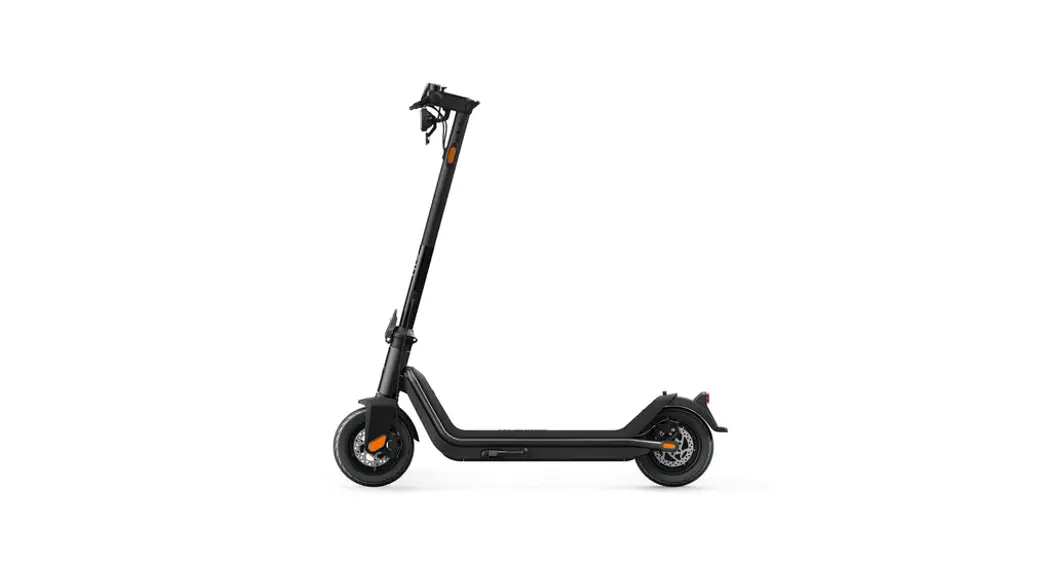
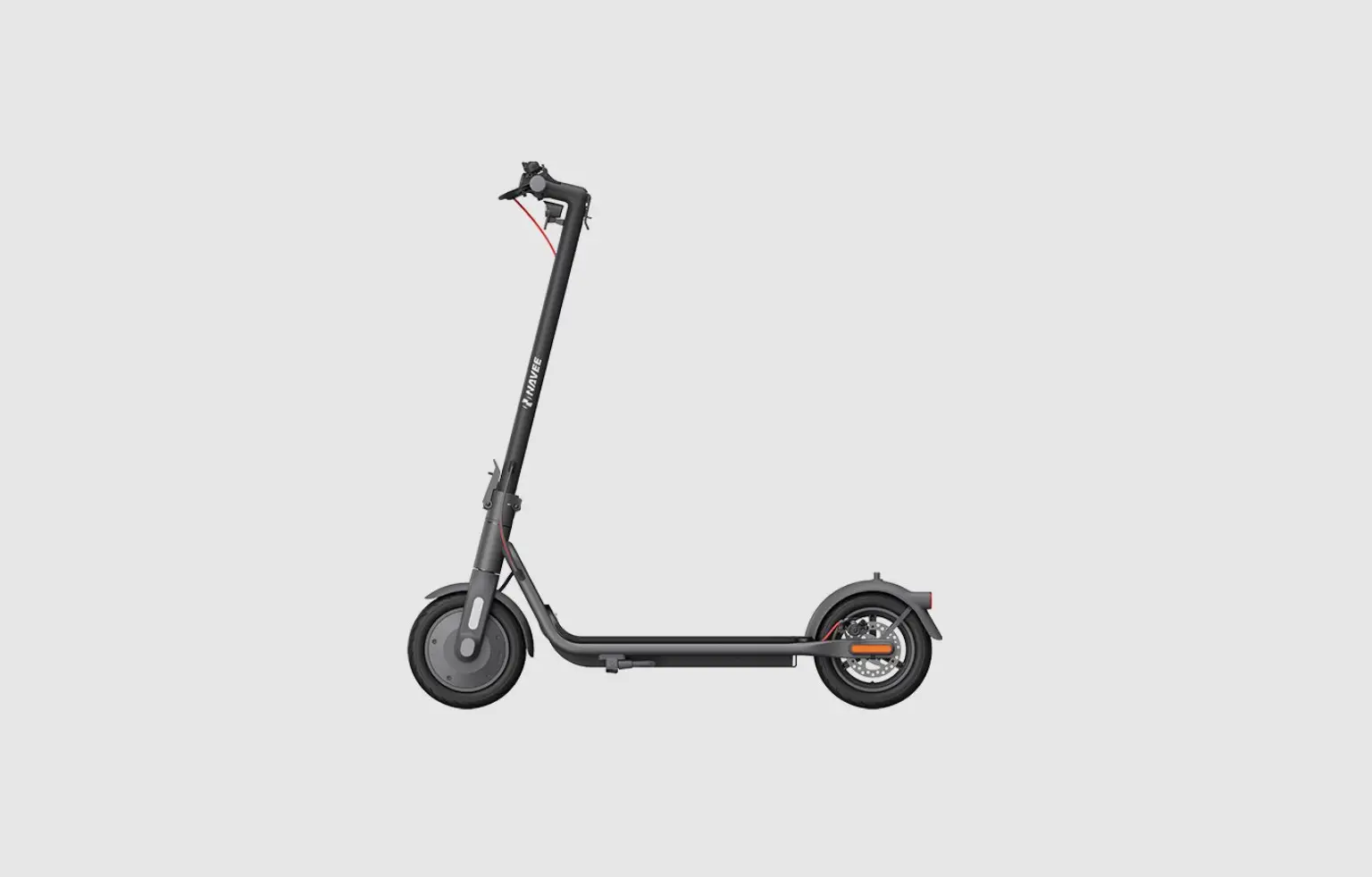
Lime 4.1 Scooter
Product Information:
| Product Name | Lime 4.1 Scooter |
|---|---|
| Product Version | V1.2 |
| Date | 2022-10-19 |
| Website | www.ikotek.com |
Product Usage Instructions:
1. Production Introduction
The Lime 4.1 Scooter is a versatile electric scooter with
advanced features.
2. Key Function
The Lime 4.1 Scooter offers the following key functions:
- 4G/3G Data Transmission Function
- GPS Function
- Accelerometer, Gyroscope, Hall and other sensors
3. CCU Instruction
3.1 Basic Parameter
The CCU (Control and Communication Unit) is an essential
component of the Lime 4.1 Scooter. It provides control and
communication capabilities.
3.2 Power
The Lime 4.1 Scooter is powered by an internal rechargeable
battery.
3.3 Control Interface
3.3.1 Control Wire Definition Diagram
A diagram illustrating the control wire definitions is available
in the user manual.
3.3.2 Control Interface Image
An image of the control interface is available in the user
manual.
3.3.3 Control Interface Description
Detailed description of the control interface can be found in
the user manual.
3.4 CCU Startup Method
The user manual provides instructions on how to start up the
CCU.
3.5 Ambient Temperature Characteristics
The user manual provides information on the ambient temperature
characteristics of the CCU.
3.6 CCU Label Picture
A picture of the CCU label can be found in the user manual.
4. Internal Rechargeable Battery Warning
The user manual contains important warnings and guidelines
regarding the internal rechargeable battery.
5. Certification Information
5.1 FCC Regulations
The Lime 4.1 Scooter complies with FCC regulations. The user
manual provides more details.
5.2 European Union Compliance Statement
The Lime 4.1 Scooter complies with European Union regulations,
including the RE Directive and RF exposure statement. More
information is available in the user manual.
w w w . I k o t e k . c o m
Lime 4.1
Lime 4.1 Scooter User Manual
VersionV1.2 Date2022-10-19
Website: www.ikotek.com
Revision history
Version 1.0
Date 2022-10-16
Author
Description
Robin Zhang Initial
2
Content
Content ………………………………………………………………………………………………………………………………….- 3 –
1 Production Introduction ………………………………………………………………………………………………….. – 4 –
2 Key Function ………………………………………………………………………………………………………………….. – 4 –
2.1
4G/3G Data Transmission Function ……………………………………………………………………….. – 4 –
2.2
GPS Function ……………………………………………………………………………………………………… – 4 –
2.3
Accelerometer, Gyroscope, Hall and other sensors …………………………………………………. – 4 –
3 CCU Instruction………………………………………………………………………………………………………………. – 5 –
3.1
Basic Parameter ………………………………………………………………………………………………….. – 5 –
3.2
Power…………………………………………………………………………………………………………………. – 5 –
3.3
Control Interface ………………………………………………………………………………………………….. – 6 –
3.3.1 Control Wire Definition Diagram ……………………………………………………………………… – 6 –
3.3.2 Control Interface Image………………………………………………………………………………….. – 7 –
3.3.3 Control Interface Description ………………………………………………………………………….. – 8 –
3.4
CCU Startup Method ……………………………………………………………………………………………. – 9 –
3.5
Ambient Temperature Characteristics …………………………………………………………………… – 10 –
3.6
CCU Label Picture……………………………………………………………………………………………… – 10 –
4 Internal rechargeable battery warning …………………………………………………………………………… – 11 –
5 Certification Information ……………………………………………………………………………………………….. – 11 –
5.1
FCC regulations…………………………………………………………………………………………………. – 11 –
5.2
European Union compliance statement ………………………………………………………………… – 12 –
5.2.1 Compliance with the RE Directive………………………………………………………………….. – 12 –
5.2.2 RF exposure statement………………………………………………………………………………… – 12 –
5.2.3 Frequency Bands and Power………………………………………………………………………… – 12 –
3
1 Production Introduction
Lime 4.1 series scooter central control (CCU), support 4G&WiFi data transmission, Bluetooth interconnection, SMS service and other functions. The CCU with accelerometer and gyroscope sensor, support high power audio output, and GPS positioning function. The CCU has a UART port and a CANBUS port.
Lime 4.1 series scooters support data transmission in 4G/3G mode. CCU built-in background server interface, can realize real-time transmission of scooter location information, running information. The background can do data analysis according to the collected CCU data to improve operational efficiency.
2 Key Function
2.1 4G/3G Data Transmission Function
Support Bands FDD LTE: B1/B2/B3/B4/B5/B7/B8/B12/B13/B18/B19/B20/B25/B26/B28 TDD: B38/B39/B40/B41 WCDMA: B1/B2/B4/B5/B6/B8/B19
2.2 GPS Function
Large Patch antenna; GPS performance is excellent and stable
2.3 Accelerometer, Gyroscope, Hall and other sensors
Based on sensor data, user behavior pattern analysis can be done.
4
3 CCU Instruction
3.1 Basic Parameter
Size148.7×51.07x26mm WeightAbout 200g (laboratory sampling value)
3.2 Power
Rated Input36VDC 200mA Operating Voltage Range25VDC-60VDC Battery Lock Output5VDC 500mA (Instantaneous MAX:5VDC 1A) Meter Output5VDC 200mA (instantaneous MAX:5VDC 500mA) Backup Battery3.3VDC~4.2VDC,1250mAh Battery Lock Output5VDC, 500mA
5
3.3 Control Interface
3.3.1 Control Wire Definition Diagram
6
3.3.2 Control Interface Image
7
3.3.3 Control Interface Description
Interface Definition Voltage
CANL 5VDC
ECU 6PIN Interface
CANH POWER CHG_IN
5VDC 25VDC60VDC
5VDC
ECU_EN 3.3VDC
Display Interface
GND
RX TX POWER
0VDC Default 5VDCD Default 5VDC 5VC
Remark
Color
Connect to ECU CANL Connect to ECU CANH
Yellow Green
Power Input
Red
Startup requirements: High level by default. Low level 3S
White
High level electric control start, low level electric control shutdown
Blue
Black
CCU RX connect to Meter TX
CCU RX connect to Meter TX 500mA
Blue
Green Red
Model
JL-F39Z608JG
JL-F39Z408JM
8
GND RX
Lock port TX
Debug port
POWER GND DP DM TX RX GND
0VDC Default 5VDC, Compatible with 3.3 VDC Default5VDC Compatible with 3.3 VDC 5VDC 0VDC 5VDC 5VDC 1.8VDC 1.8VDC 0VDC
Power output 500mA
CCU RX connect to Battery Lock TX
CCU TX connect to Battery Lock RX Power output 1A
USB data DP USB data DM CCU TX connect to USB RX CCU RX connect to USB TX
Blck
Yellow
Green
Red Black Blue Red Yellow Green Black
JL-FZ49AM
JL-FZ509AG
3.4 CCU Startup Method
1 Use a magnet to close to the position of the CCU’S electromagnetic induction sensor (red box) for 3 seconds to power onThe electromagnetic induction area of central control CCU is as follows:
2 Connect the white cable CHG_IN of the 6PIN interface of the controller to GND for 2 seconds and release it, then start the machine.
9
3.5 Ambient Temperature Characteristics
Operating Temperature-20~65 Storage Temperature-40~85
3.6 CCU Label Picture
10
4 Internal rechargeable battery warning
Danger: Do not attempt to replace the internal rechargeable lithium ion battery. Replacing the original battery with an incompatible type may result in an increased risk of personal injury or property damage due to explosion, excessive heat, or other risks. Do not attempt to disassemble or modify the battery pack. Attempting to do so can cause a harmful explosion or battery fluid leakage. When disposing of the battery, comply with all relevant local ordinances or regulations. Do not dispose the battery pack in municipal waste. Dispose used batteries according to the instructions. The battery pack contains a small amount of harmful substances. To avoid injury: · Keep the battery pack away from open flames or other heat sources. · Do not expose the battery pack to water, rain, or other corrosive liquids. · Do not leave the battery in an environment with extremely high temperature. · Avoid short-circuiting the battery pack. · Keep the battery pack out of reach of small children and pets. · Do not leave the battery in an environment with extremely low air pressure. It may result in an explosion or the leakage of flammable liquid or gas from the battery.
5 Certification Information
5.1 FCC regulations
15.21NOTE: The manufacturer is not responsible for any radio or TV interference caused by unauthorized modifications to this equipment. Such modifications could void the user’s authority to operate the equipment.
15.105 NOTE: This equipment has been tested and found to comply with the limits for a Class B digital device, pursuant to part 15 of the FCC Rules. These limits are designed to provide reasonable protection against harmful interference in a residential installation. This equipment generates uses and can radiate radio frequency energy and, if not installed and used in accordance with the instructions, may cause harmful interference to radio communications. However, there is no guarantee that interference will not occur in a particular installation. If this equipment does cause harmful interference to radio or television reception, which can be determined by turning the equipment off and on, the user is encouraged to try to correct the interference by one or more of the following measures:
– Reorient or relocate the receiving antenna. – Increase the separation between the equipment and receiver. – Connect the equipment into an outlet on a circuit different from that to which the receiver is connected. – Consult the dealer or an experienced radio/TV technician for help – This device and its antenna(s) must not be co-located or operating in conjunction with any other antenna or transmitter. This equipment complies with FCC radiation exposure limits set forth for an uncontrolled
11
environment. This equipment should be installed and operated with minimum distance of 20 cm between the radiator and your body. This transmitter must not be co-located or operating in conjunction with any other antenna or transmitter
15.19 NOTE: This device complies with part 15 of the FCC Rules. Operation is subject to the following two conditions: (1) This device may not cause harmful interference, and (2) this device must accept any interference received, including interference that may cause undesired operation.
5.2 European Union compliance statement
5.2.1 Compliance with the RE Directive
Hereby, [Neutron Holdings, Inc.] declares that the radio equipment type [Lime-4.1-GL] is in compliance with Directive 2014/53/EU. The full text of the EU declaration of conformity is available at the following internet address: https://www.li.me/
5.2.2 RF exposure statement
RF exposure information: The Maximum Permissible Exposure (MPE) level has been calculated based on a distance of 20 cm between the device and the human body. To maintain compliance with RF exposure requirement, use product that maintain a 20cm distance between the device and human body.
5.2.3 Frequency Bands and Power
WCDMA B2/B4/B5 24dbm LTE B2/B4/B5/B7/B12/B13/B25/B26/B38/B41 23dbm Bluetooth 5dbm WIFI 2.4G 19.5dbm
The Lime 4.1 CCU operating bands of the antennas are as follows:
table 1-1 Operating Band
Operating Band Description Mode
Tx (MHz)
Rx (MHz)
Band 1
2100MHz
LTE FDD/WCDMA 1920 – 1980
2110 – 2170
Band 2
1900MHz
LTE FDD/WCDMA 1850 – 1910
1930 – 1990
Band 3
1800MHz
LTE FDD
1710 – 1785
1805 – 1880
Band 4
1700MHz
LTE FDD/WCDMA 1710 – 1755
2110 – 2155
13
Operating Band Description
Band 5
850MHz
Band 6
850Mhz
Band 7
2600Mhz
Band 8
900MHz
Band 12
700MHz
Band 13
700MHz
Band 18
850MHz
Band 19
850MHz
Band 20
800MHz
Band 25
1900MHz
Band 26
850MHz
Band 28
750MHz
Band 38
2600MHz
Band 39
1900MHz
Band 40
2300MHz
Band 41
2500MHz
Mode LTE FDD/WCDMA WCDMA LTE FDD LTE FDD/WCDMA LTE FDD LTE FDD LTE FDD LTE FDD/WCDMA LTE FDD LTE FDD LTE FDD LTE FDD LTE FDD LTE FDD LTE FDD LTE FDD
Tx (MHz) 824 – 849 830 839.9 2500 – 2570 880 – 915 699 – 716 777 – 787 815 830 830 – 845 832 – 862 1850 – 1915 814 849 703 – 748 2570 – 2620 1880 – 1920 2300 – 2400 2496 2690
Rx (MHz) 869 – 894 875 884.9 2620 – 2690 925 – 960 729 – 746 746 – 756 860 875 875 – 890 791 – 821 1930 – 1995 859 894 758 – 803 2570 – 2620 1880 – 1920 2300 – 2400 2496 2690
13
 Ikotek - Your Trusted IoT ODM Partner
 E-scooter & E-bike Sharing | Lime Micromobility