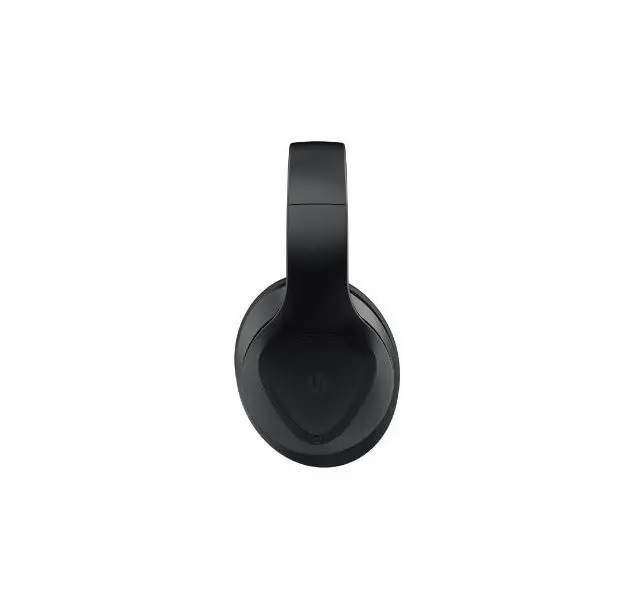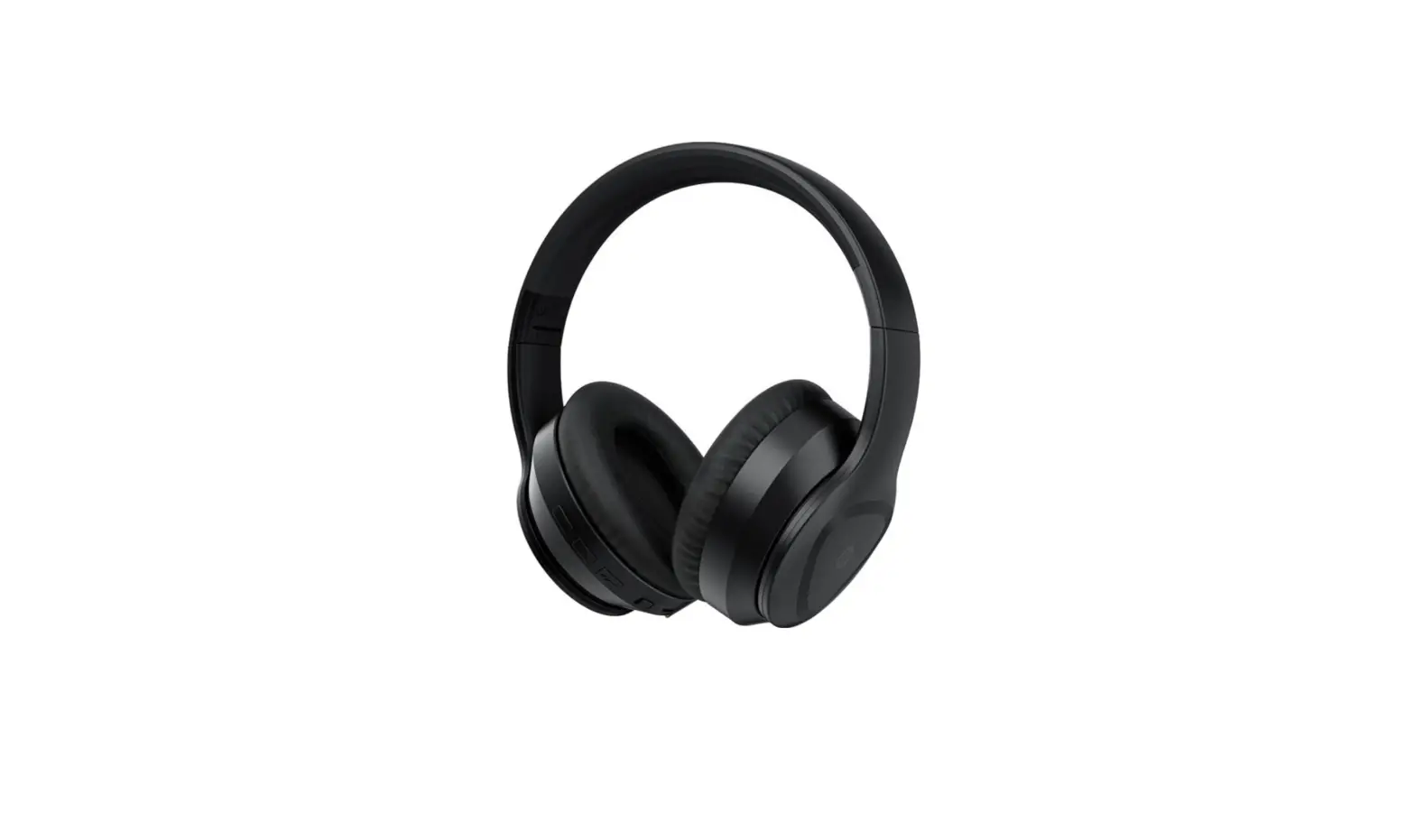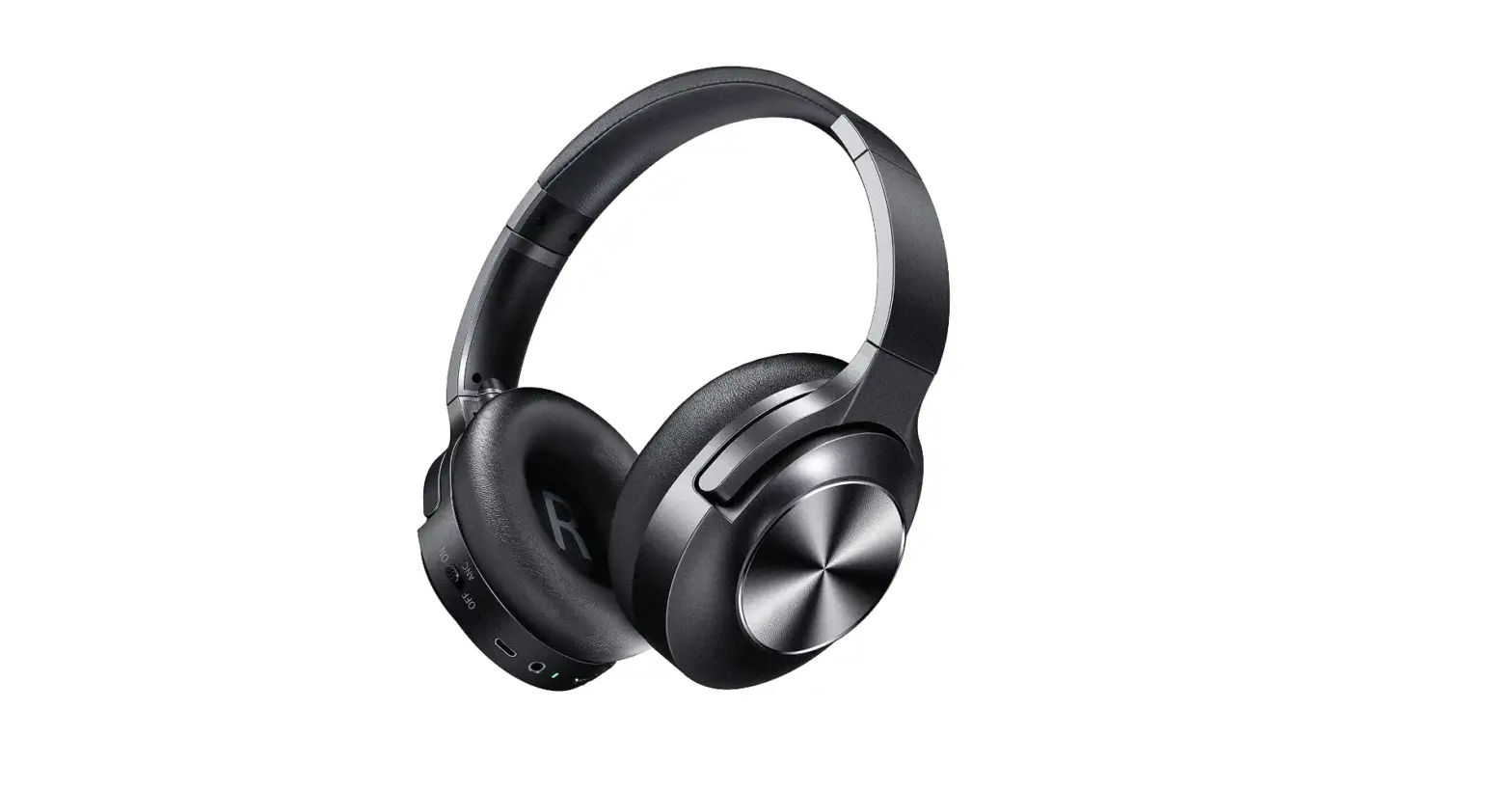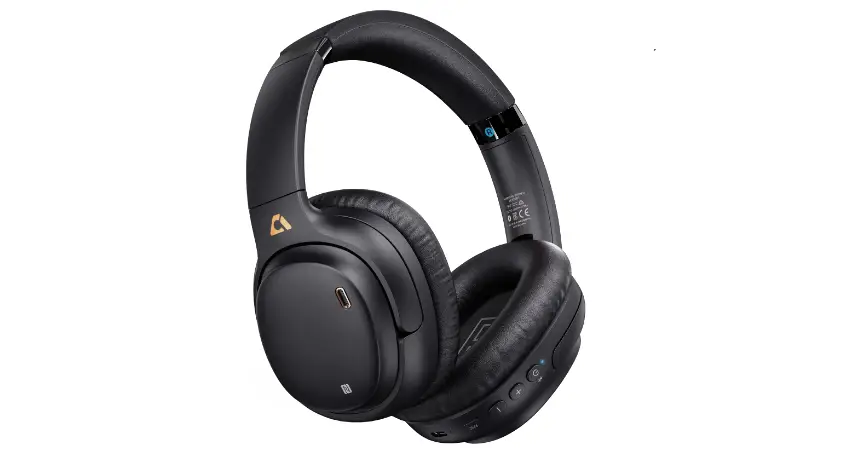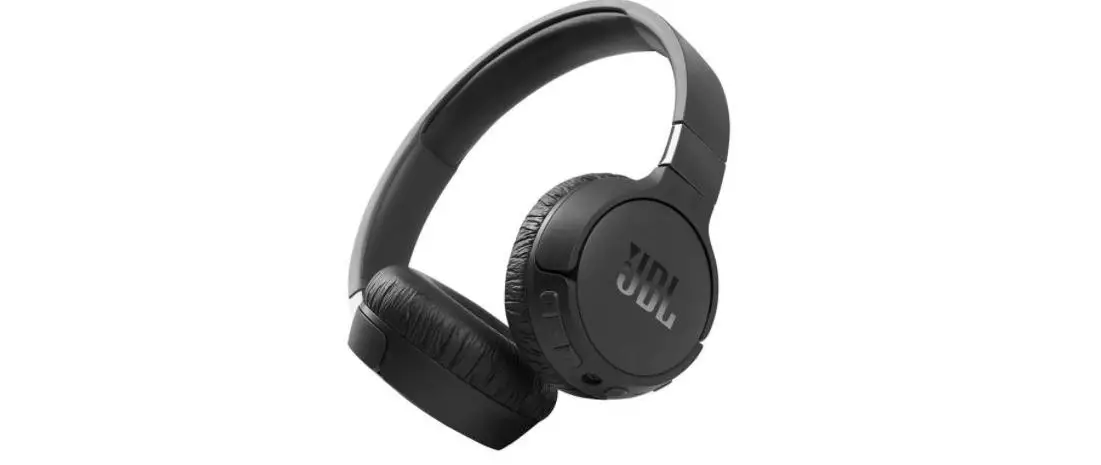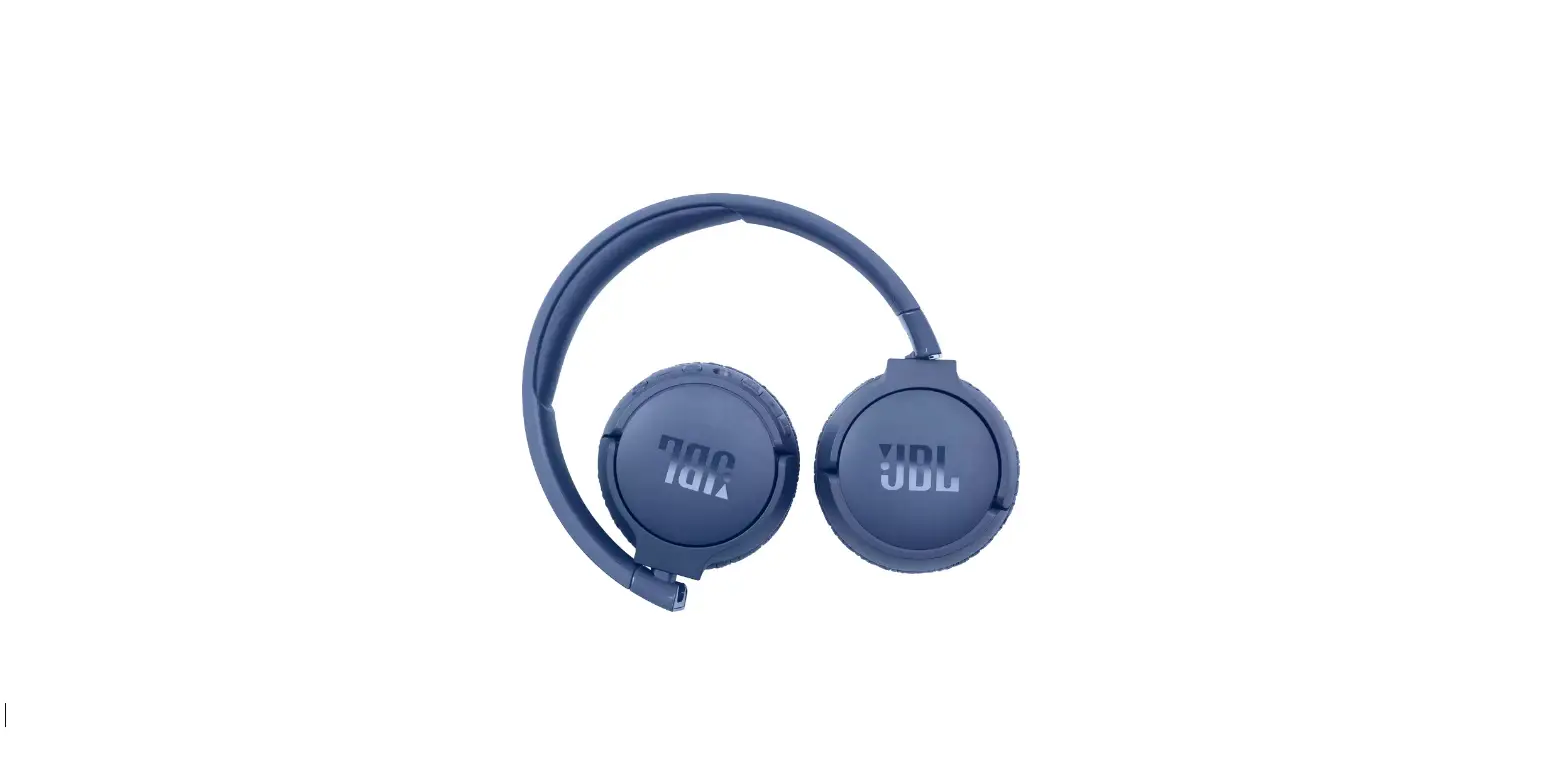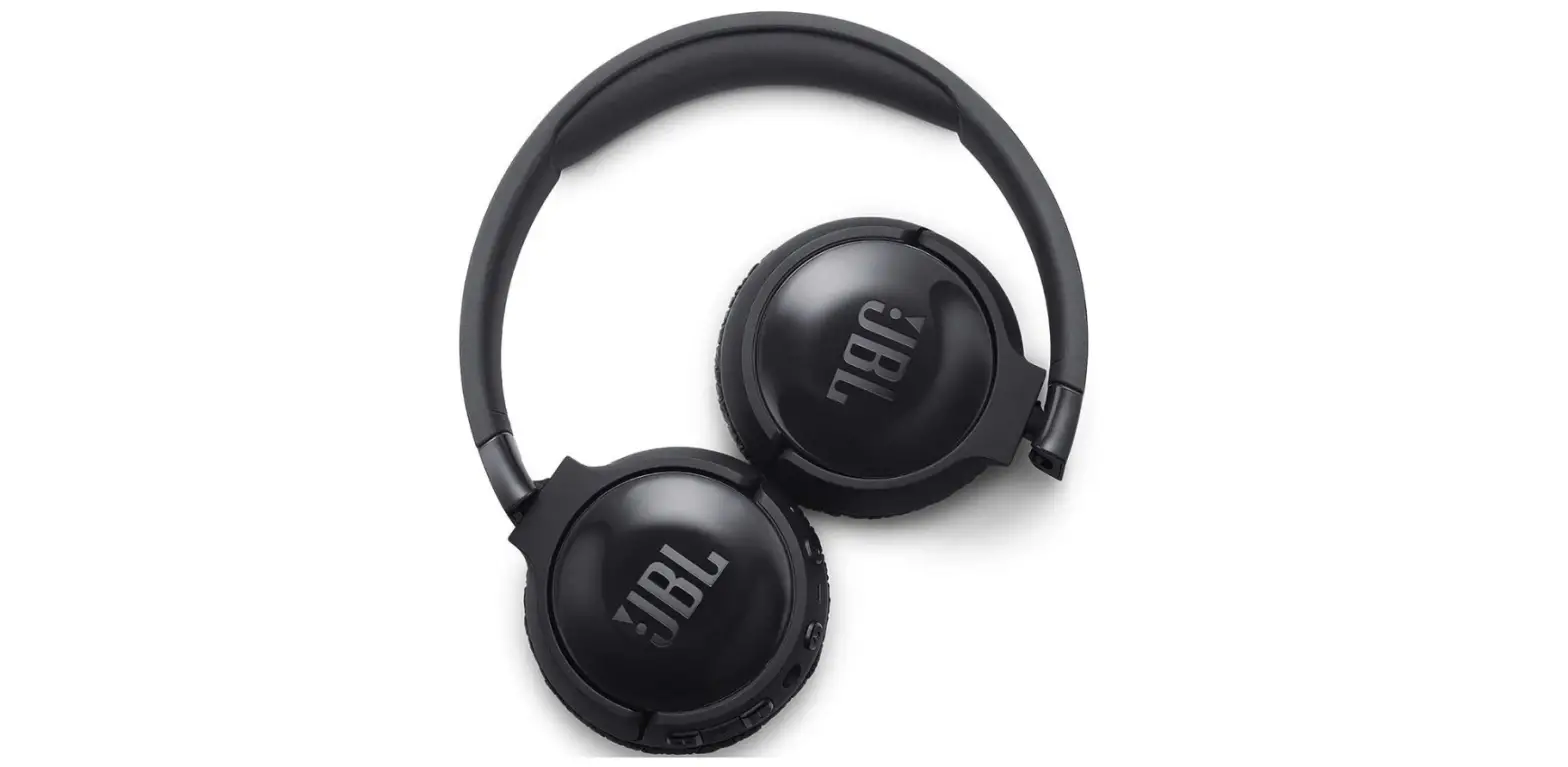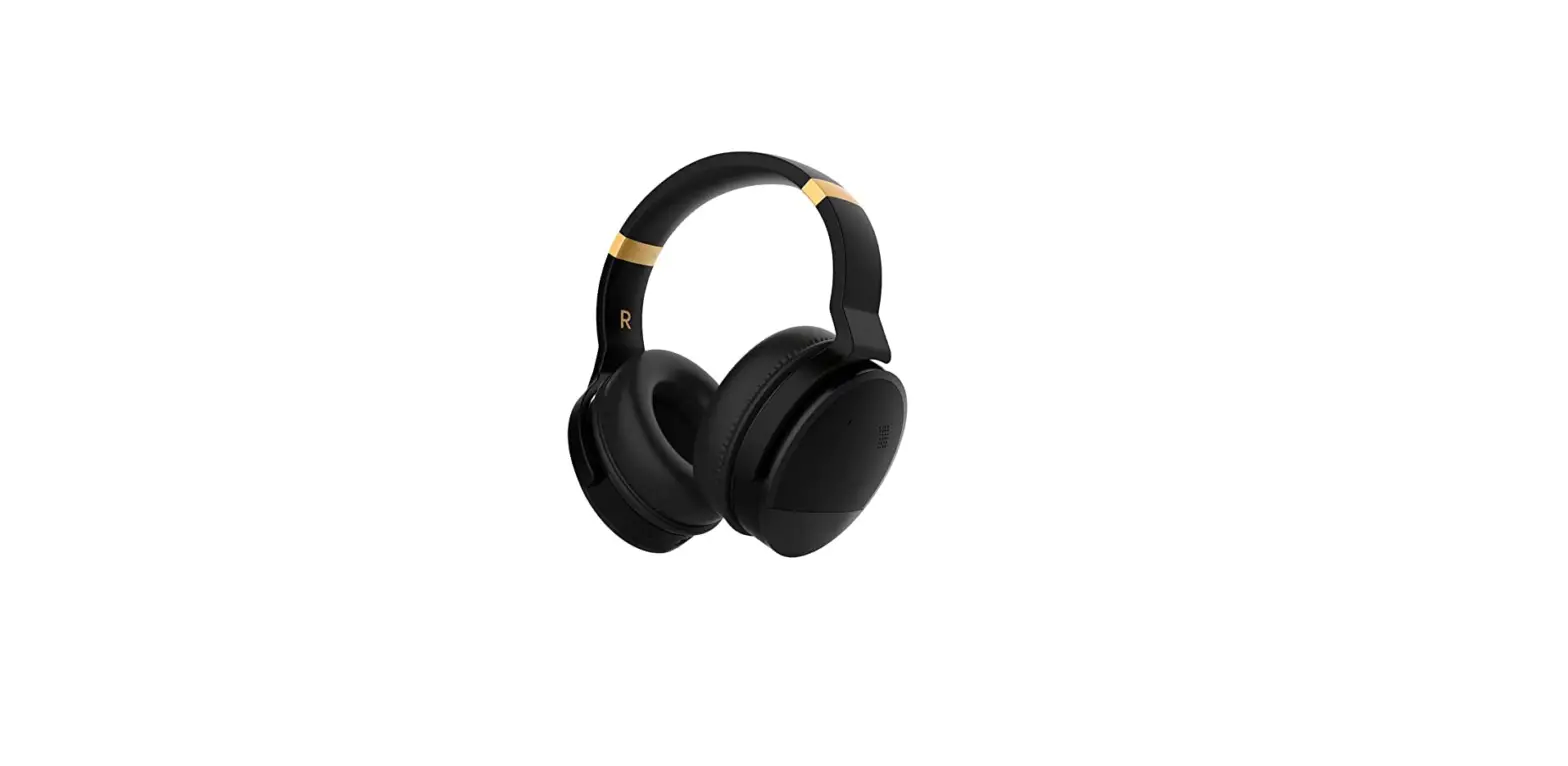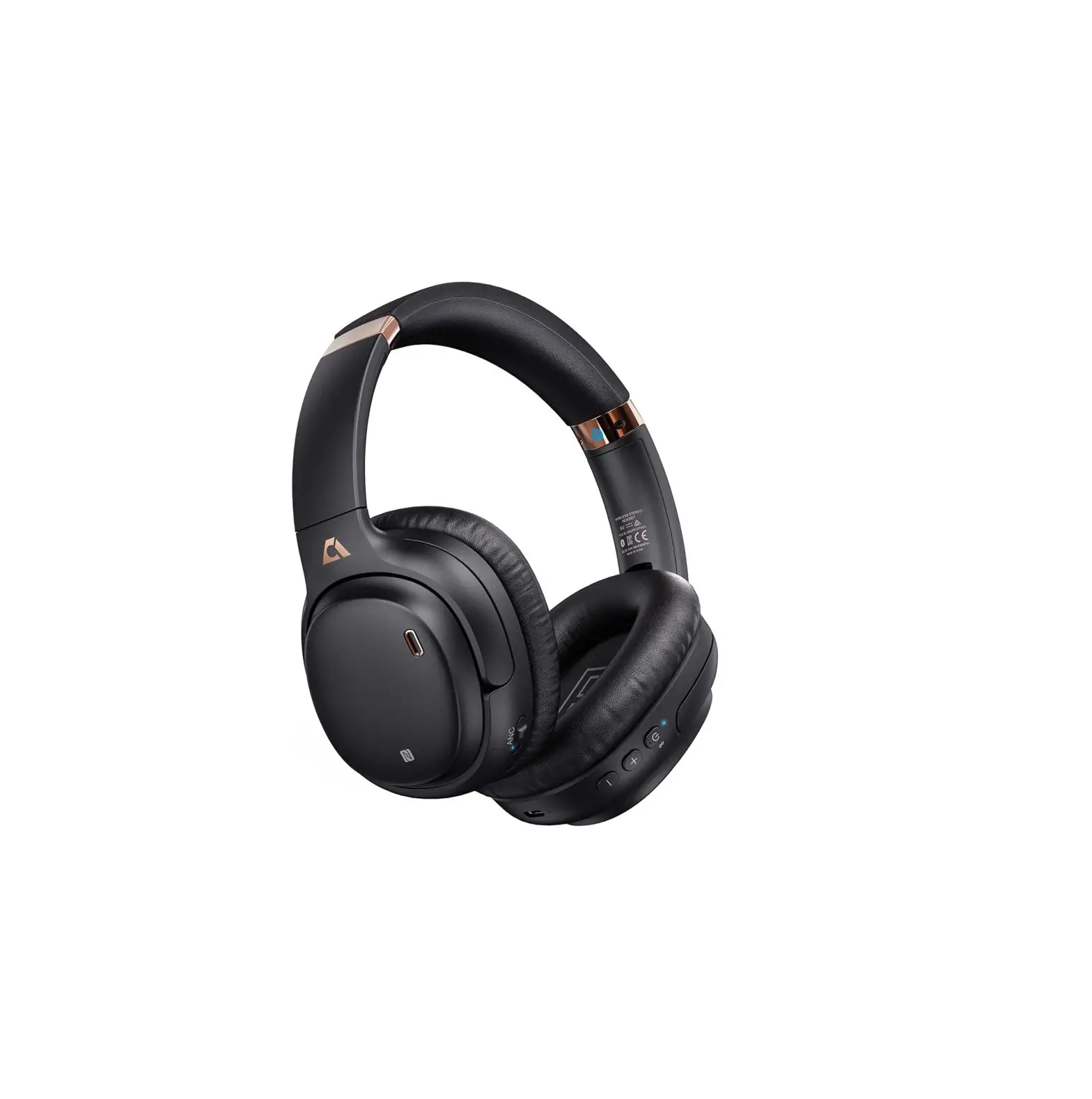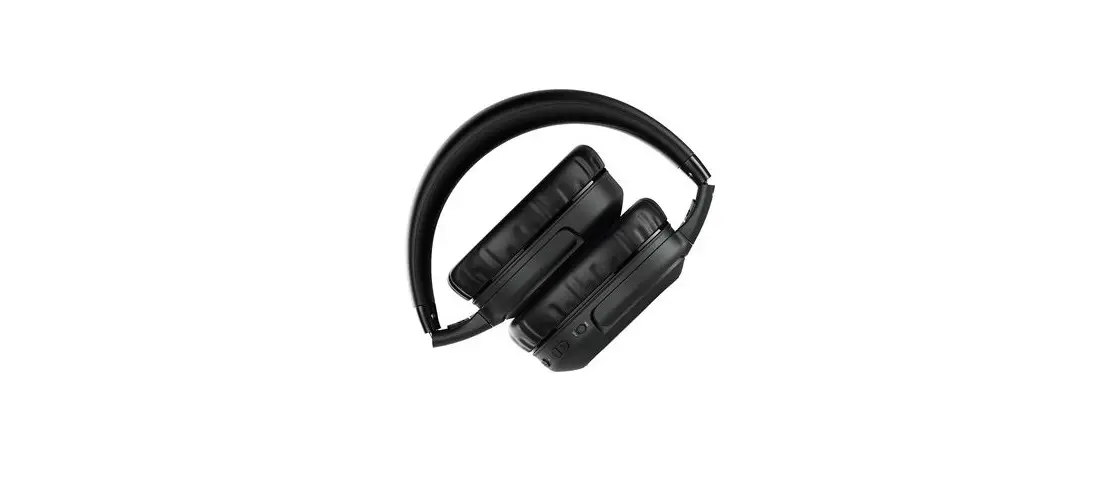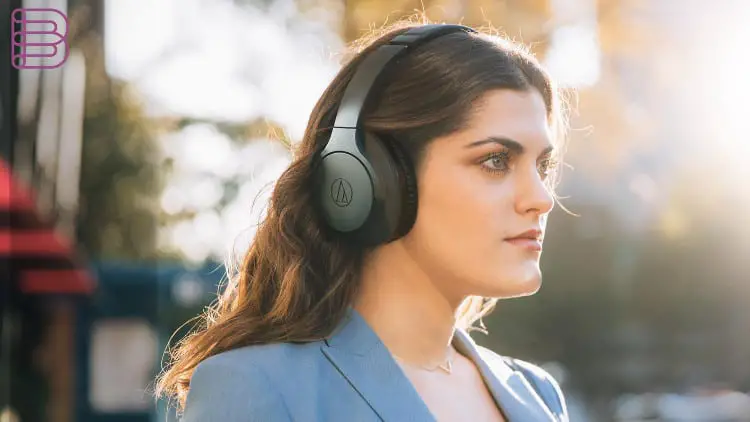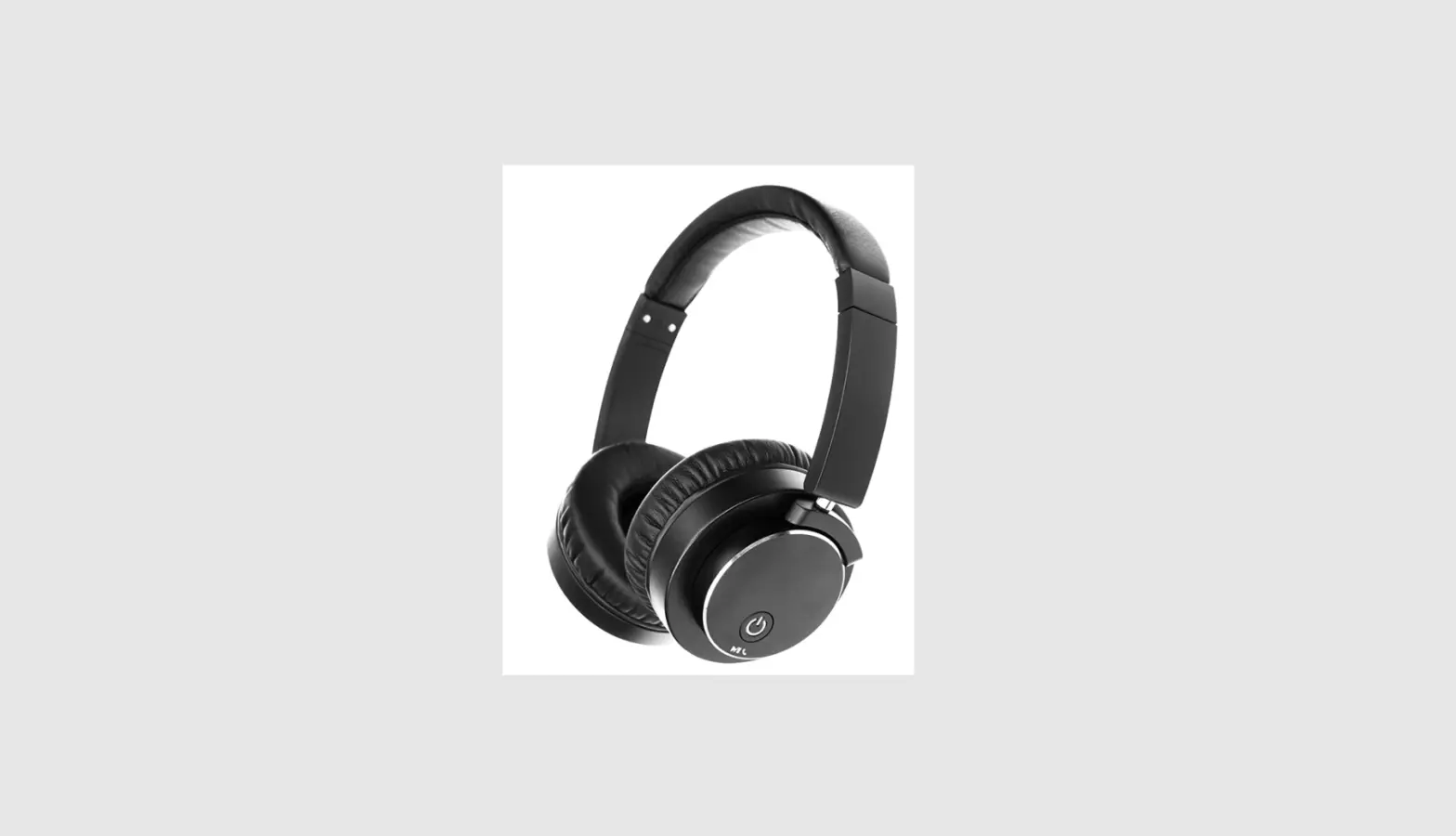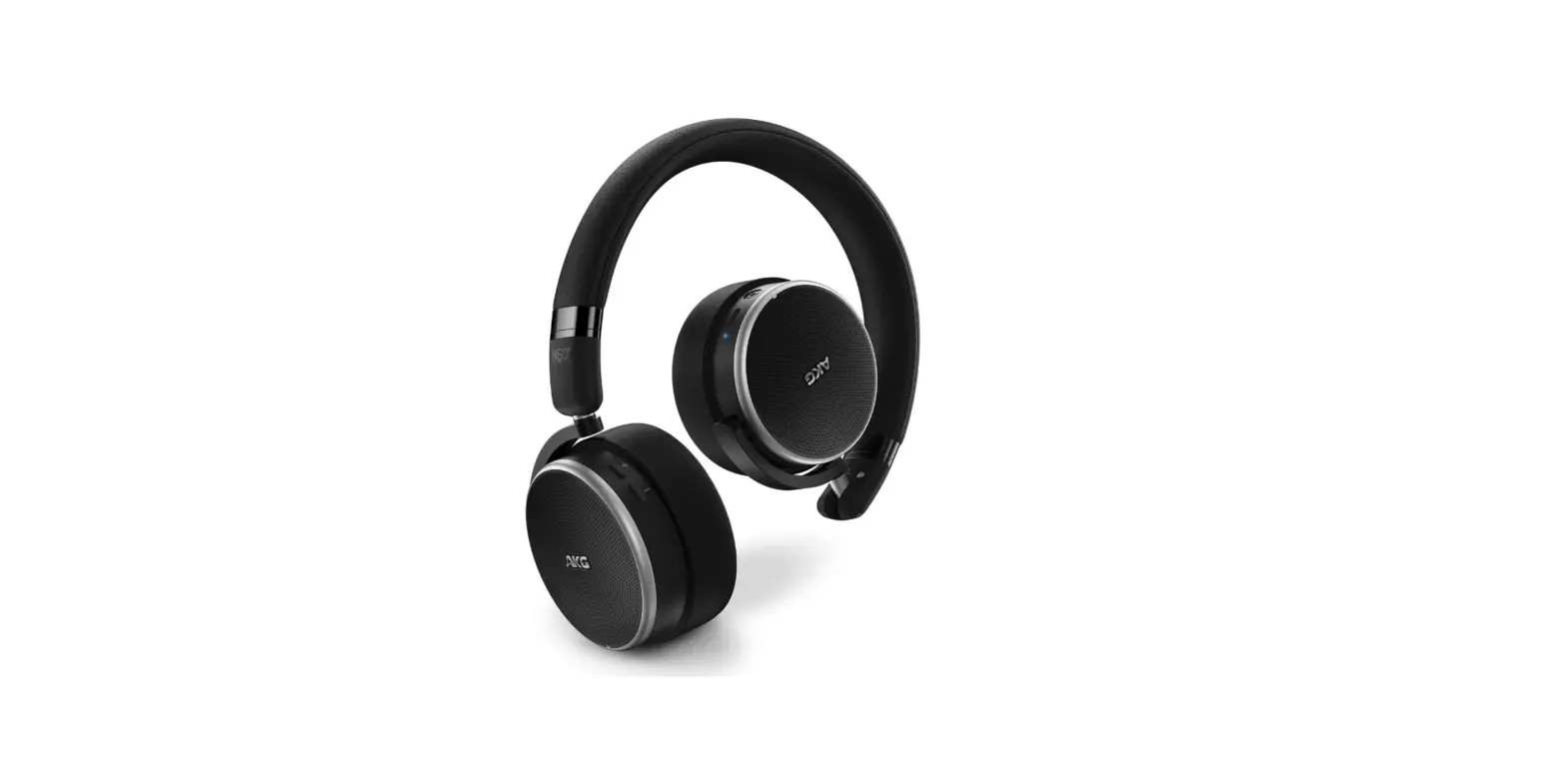

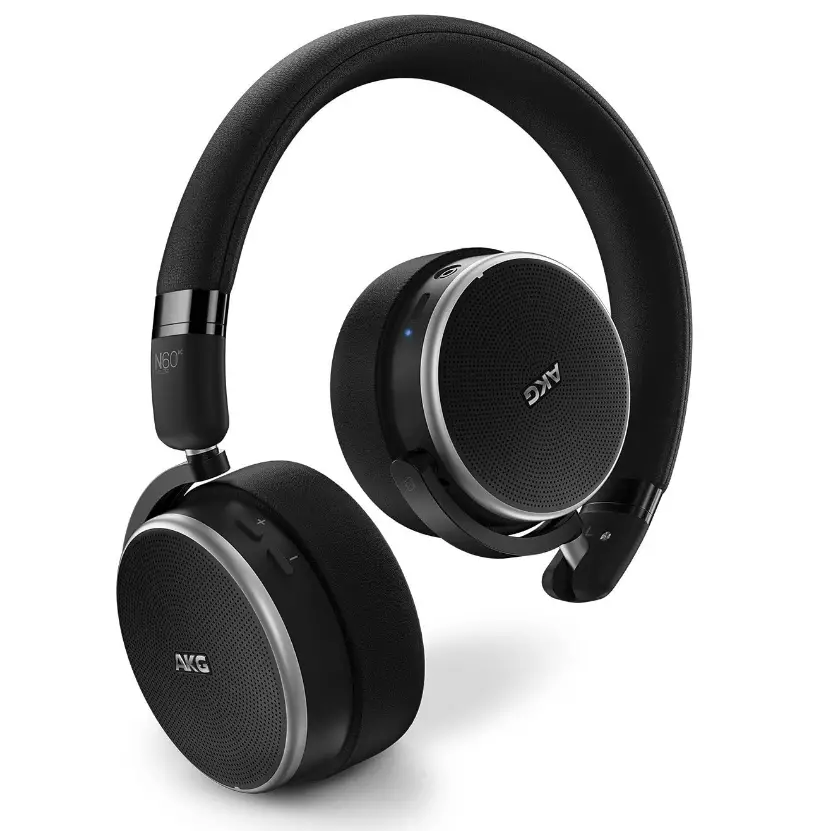
AKG Noise Cancelling Headphones N60NC Wireless Bluetooth
Specifications
- FREQUENCY RESPONSE: 10Hz-22kHz
- IMPEDANCE: 32 Ohms
- MAX INPUT POWER: 30mW
- SENSITIVITY: 111dB SPL/V@1kHz
- BLUETOOTH VERSION: 4.0
- WEIGHT: .44 lb.
Introduction
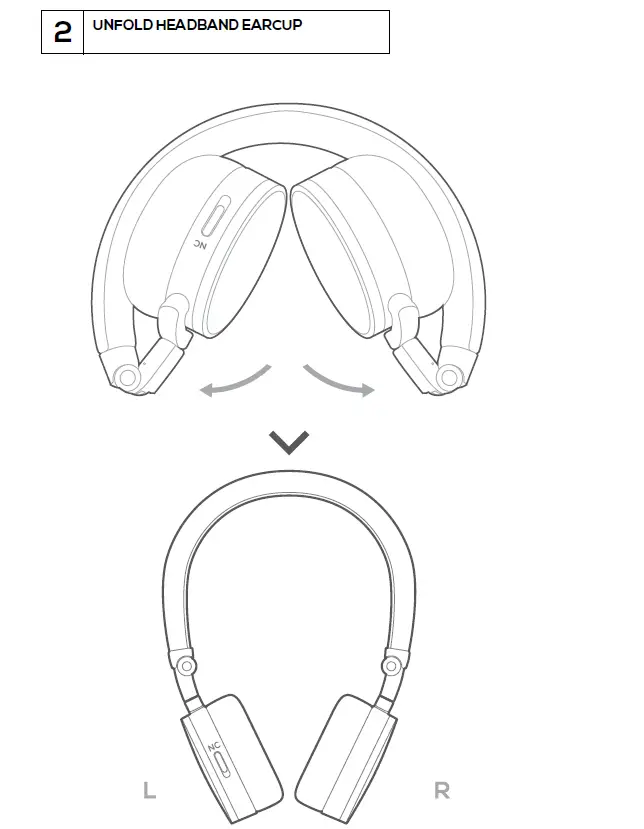
The AKG N60NC headphones are perfect for travelling because they are small, cordless, and noise-canceling. While streaming your favourite music or movies, take in the detail and balance of excellent studio-quality sound. Even in busy environments, listen just to what you want. With a long-lasting battery* that provides 15 hours of playing and a flat, folding form that makes them easy to tuck into your backpack, they’re prepared to keep you amused on any journey, no matter how short.
For decades, AKG has worked to provide a sonic environment that inspires artistic expression. Instead of loud bass, balance gives you mellow, multifaceted tones. You can experience every layer of sound because to the exceptional detail. Music expands your mind to countless possibilities when it has been properly mixed and mastered.
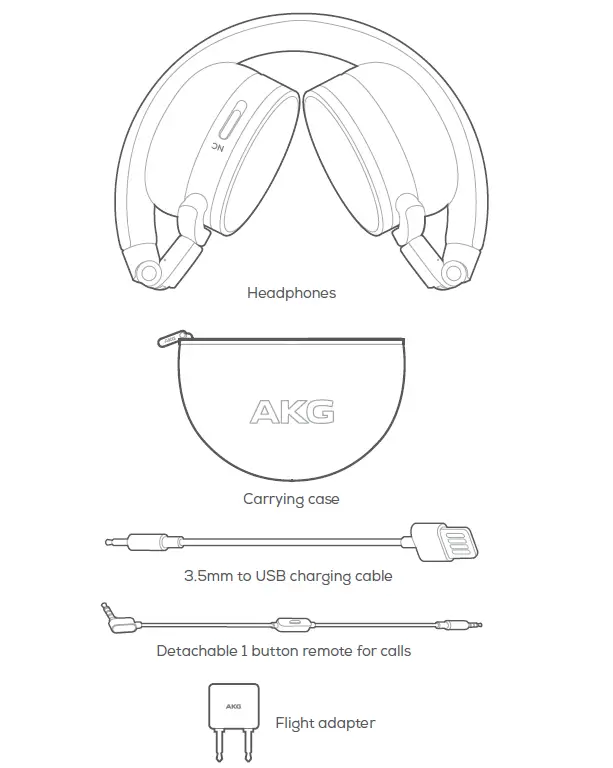
Package content
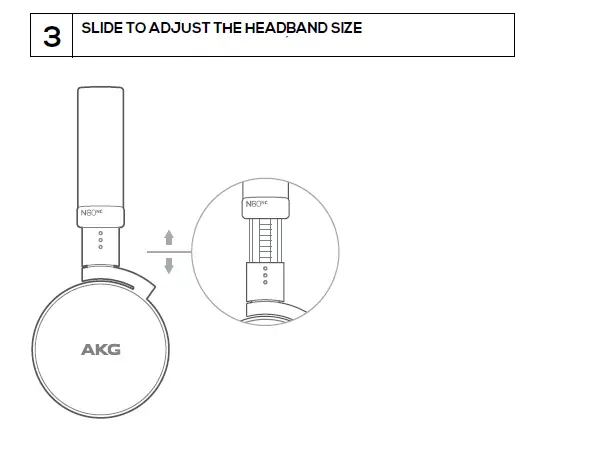
Product dimensions
Bluetooth Pairing
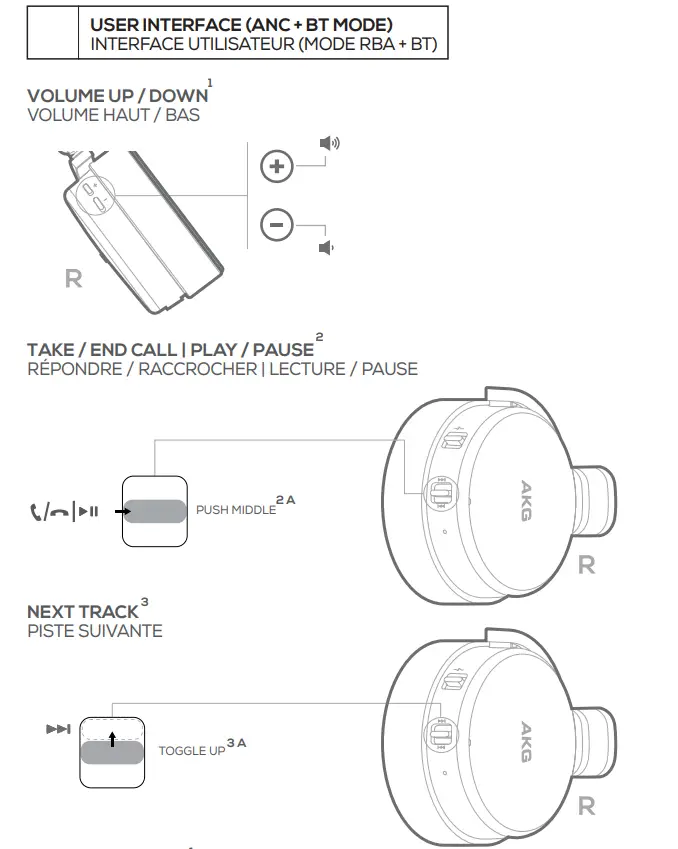
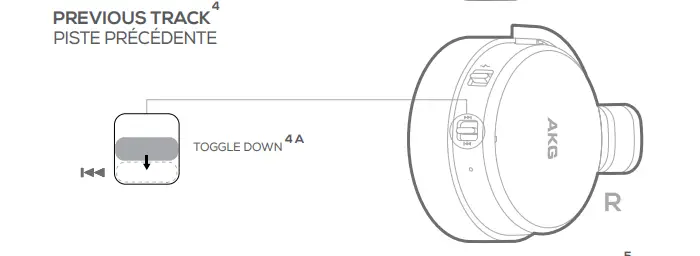
User Interface
ANC Wired Analog
Charging Mode
FAQs
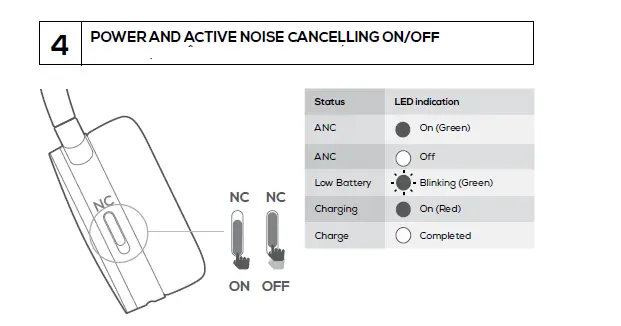
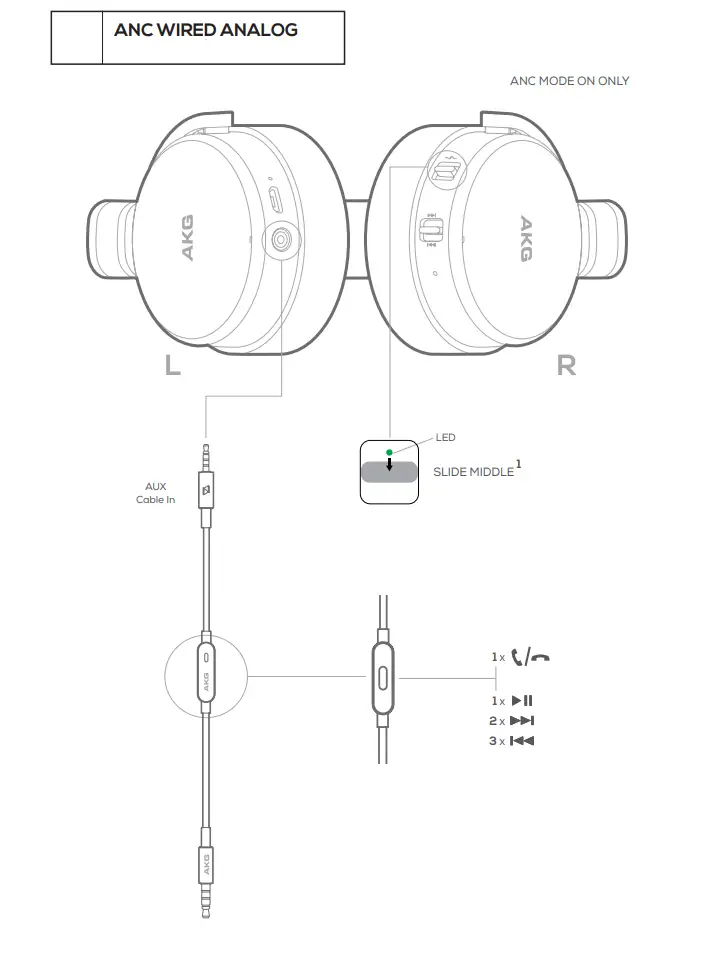
Simply flip on the headphone power switch to enable the headset’s active noise cancellation feature when using the audio cord to connect the phone. The noise reduction indicator turns on the green light when the headphones are attached to the audio connection.
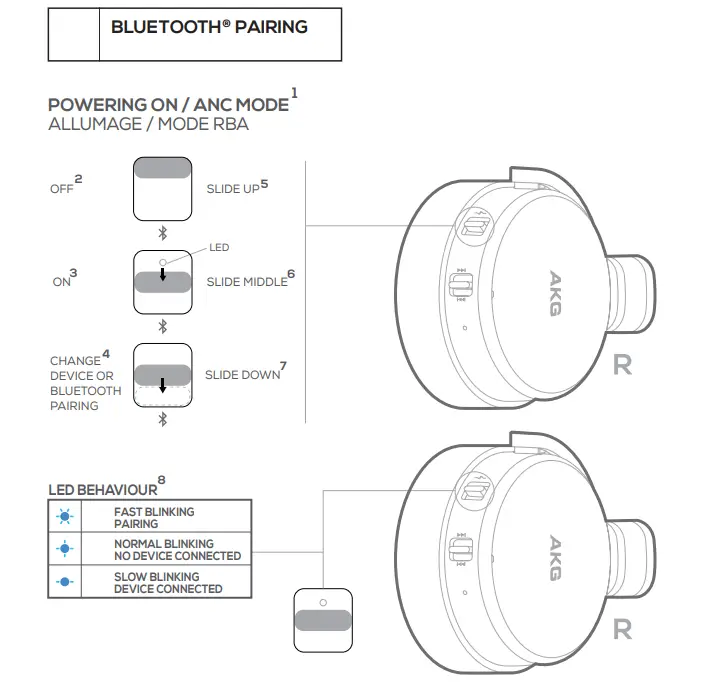
The Bluetooth pairing mode is activated by simply sliding down the on button and holding it down while doing so for a few seconds to connect to any Bluetooth phone or tablet. The headphones also come with a headphone cord that can be used to connect in passive mode without a Bluetooth connection to enable noise cancellation.
Remove the headphones’ charging cable from the device. For 10 seconds, press and hold the power button. When the LED light starts to blink, your headphones have been successfully reset.
Depending on the audio settings on your headset, it might only play in one ear. So make sure the mono option is off in your audio properties by checking your audio properties. Make sure the voice levels on both earbuds are balanced as well.
To connect a Bluetooth speaker, headset, or other audio equipment
Choose Start > Settings > Devices > Bluetooth & other devices > Add Bluetooth or other device > Bluetooth from the Start menu on your computer. Select the device, adhere to any extra instructions that may pop up, and then click Done.
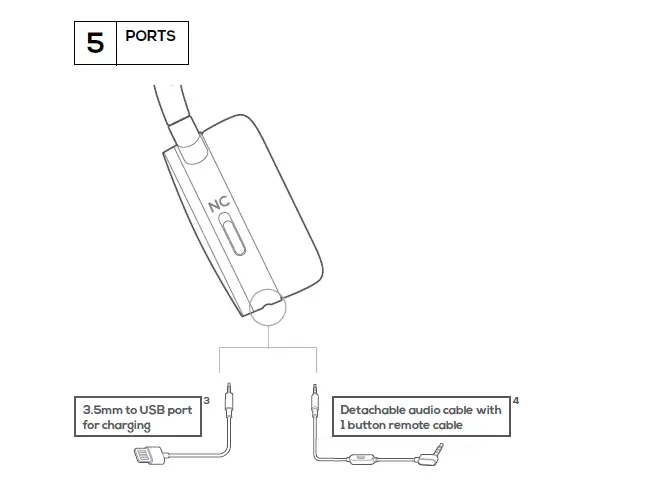
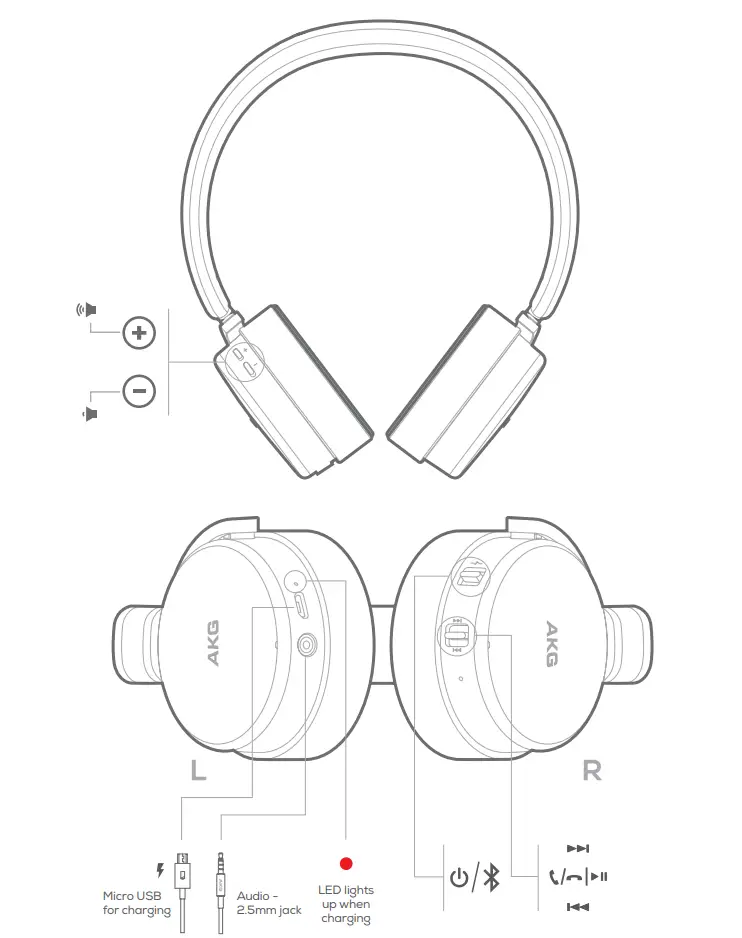
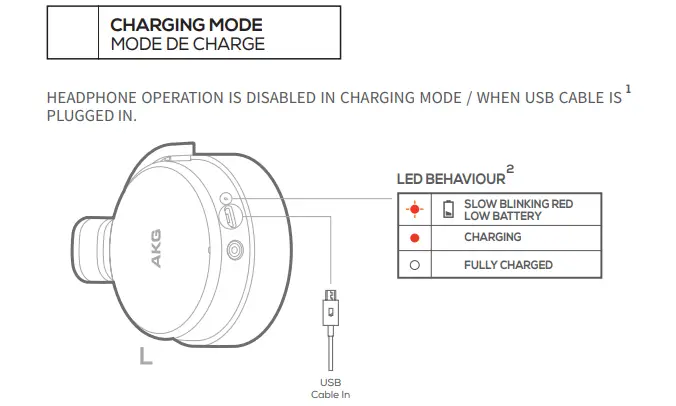
In less than 3 hours, the battery fully charges. Using the supplied USB charging cord, you charge the battery (more on that below). A fully charged battery can be used for active noise reduction for around 30 hours.
The AKG N60NC Wireless is inferior than the Beats Solo3 Wireless in terms of both sound quality and build quality. The AKG, however, are a little more adaptable, especially for commuting and for the office, as they isolate more ambient noise thanks to their ANC feature.
There are a few things you may do if the noise cancellation on your AKG headphones isn’t working properly. Make sure the battery is charged first. If it isn’t, recharge the battery before attempting once more. Alternately, you might try changing the battery.
The device’s own Bluetooth is typically either off or not in pairing mode when this happens. To find out how to activate pairing mode and make it discoverable, consult the user handbook. While some devices have a specific Bluetooth button, some headphones require you to keep the power button down longer.
Use a Bluetooth keyboard, mouse, trackpad, headset, or other audio device to connect to your Mac. Check that the device is on and discoverable (the documentation for the device has more information). Click Bluetooth under System Preferences in the Apple menu on your Mac. Click Connect after choosing the device from the list.