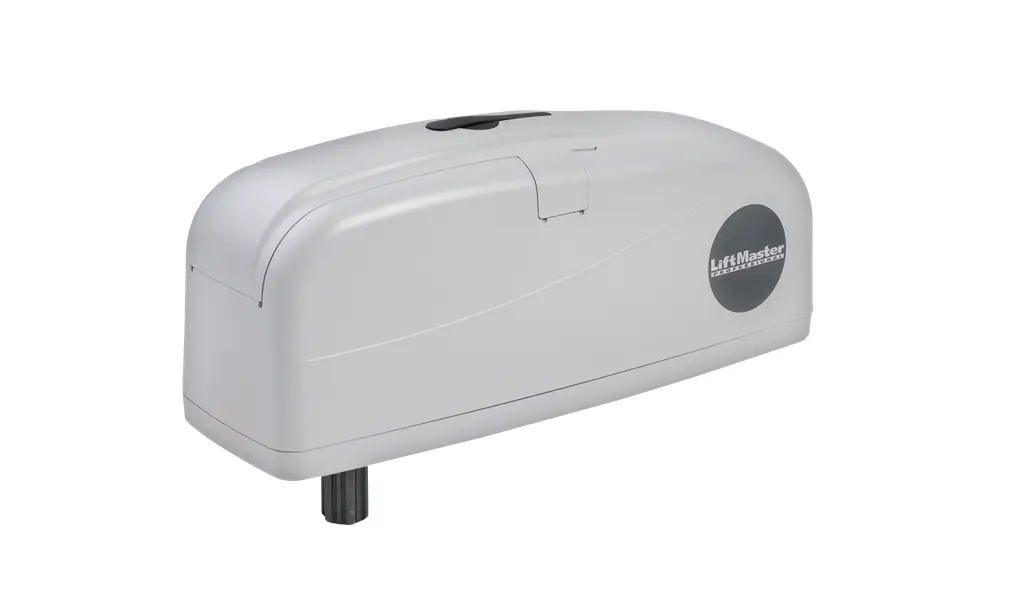
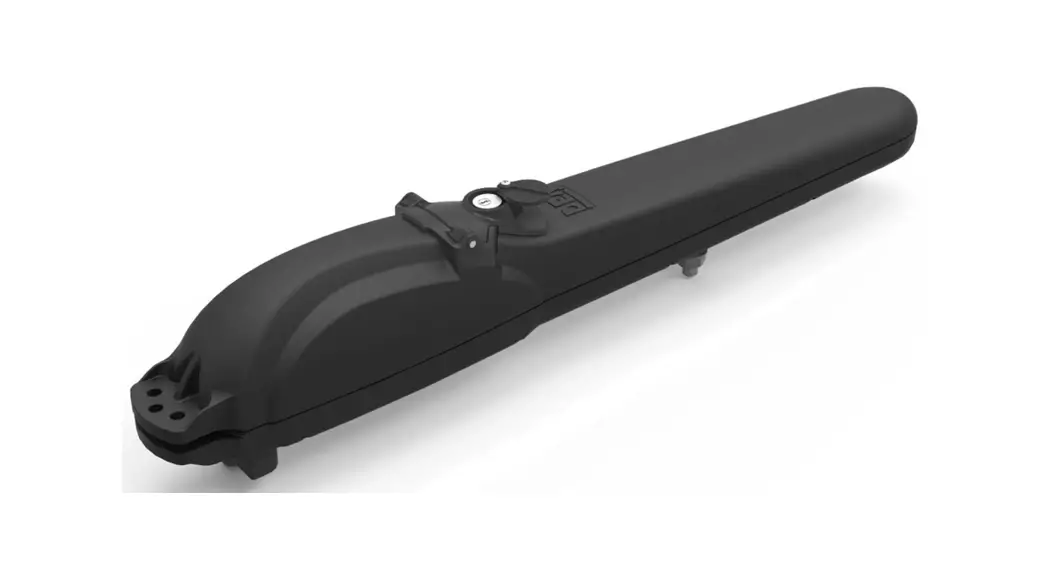
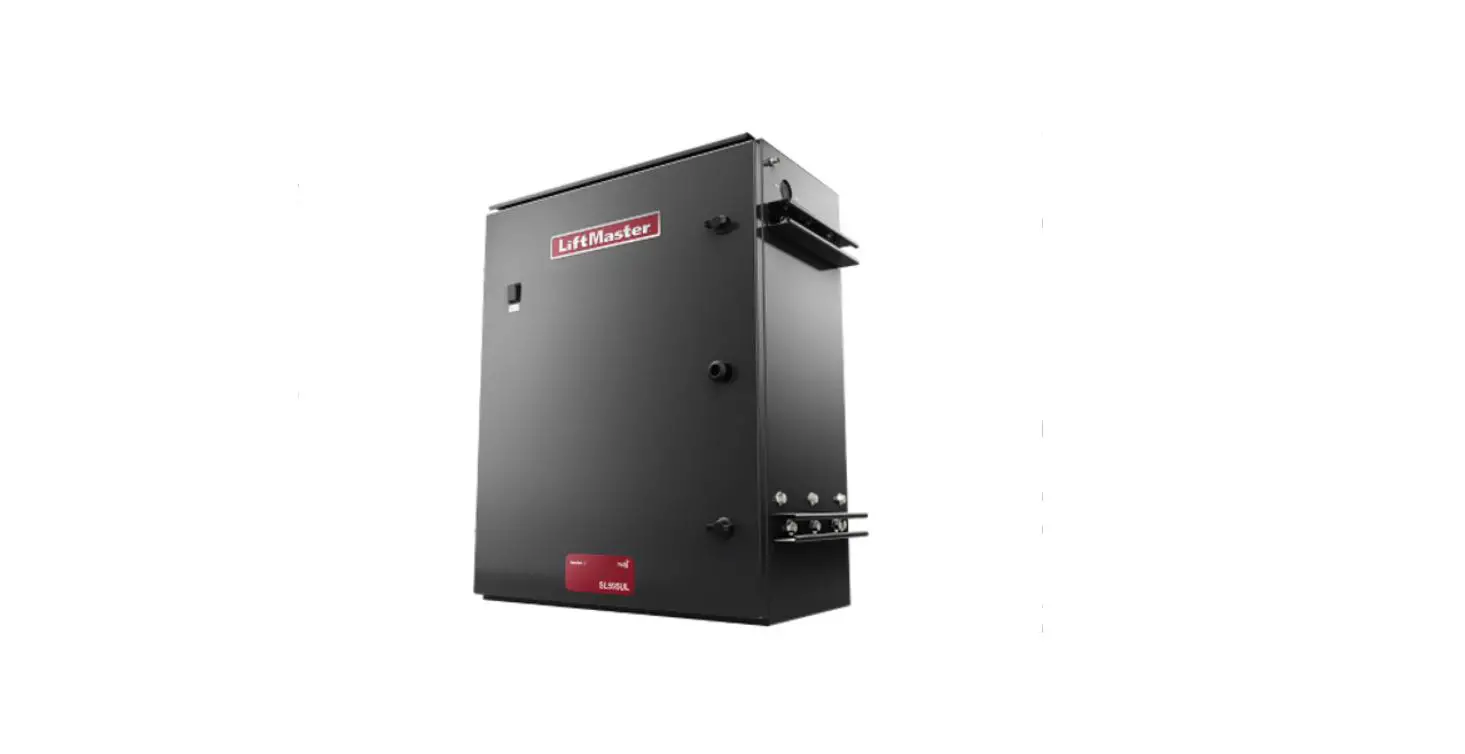
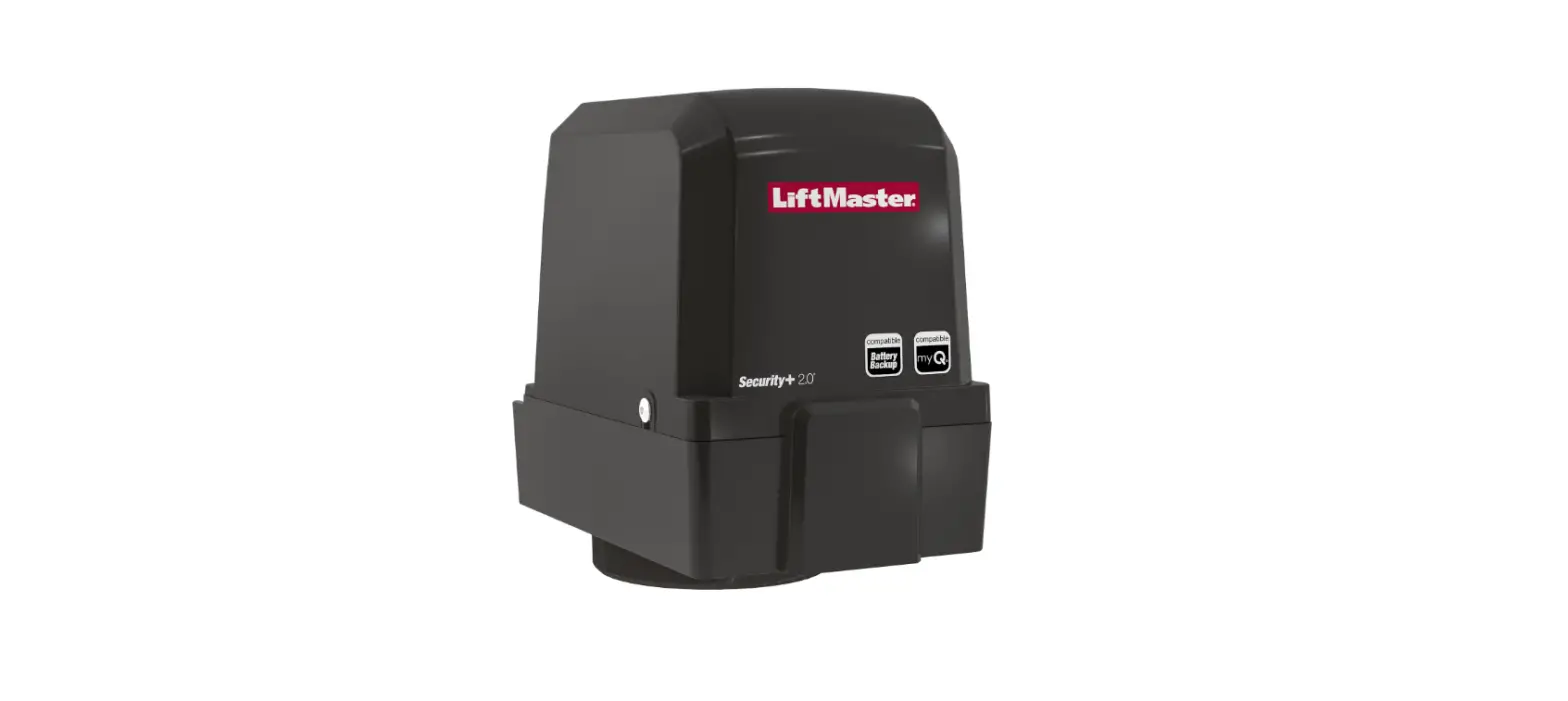
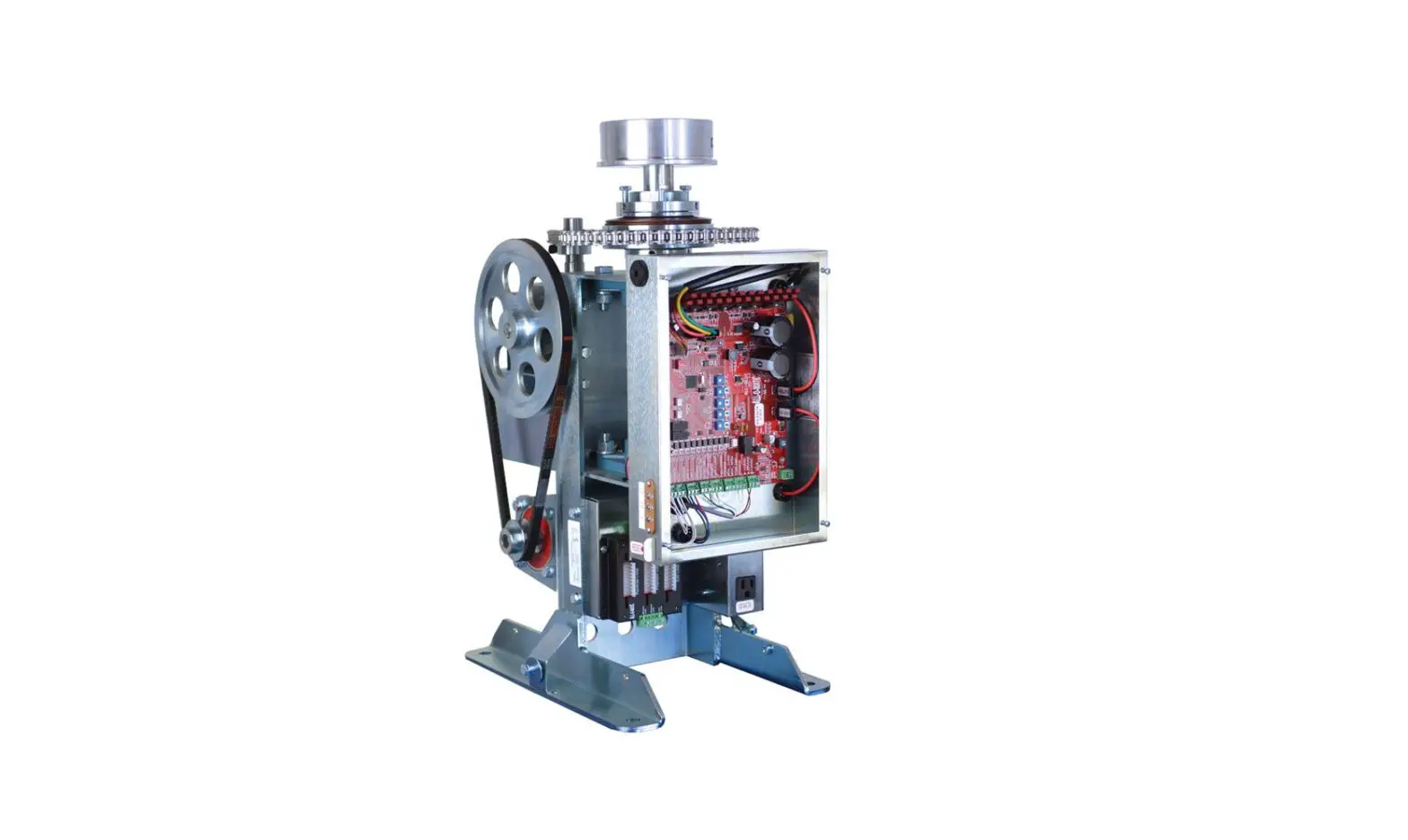
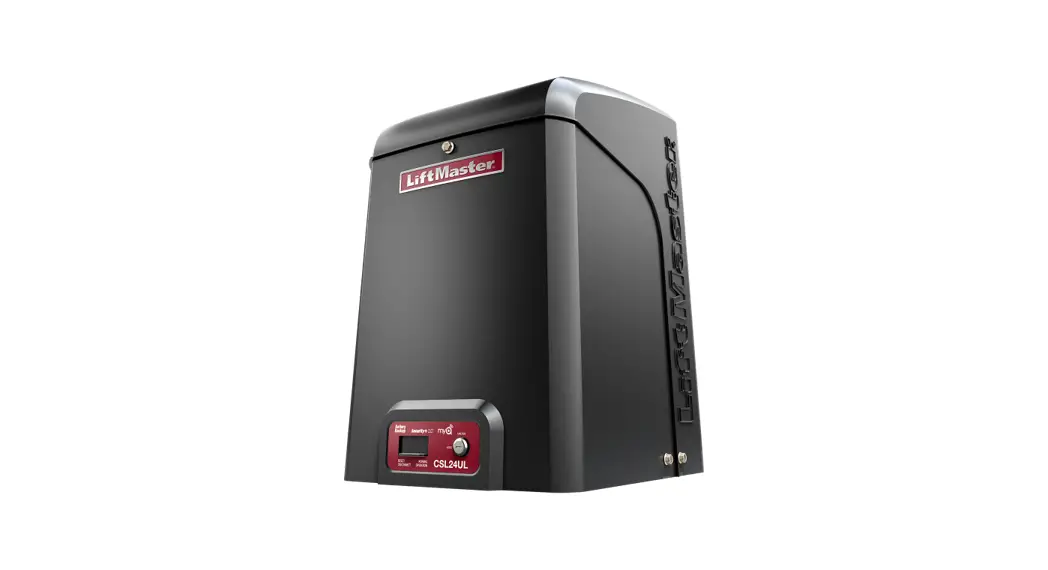
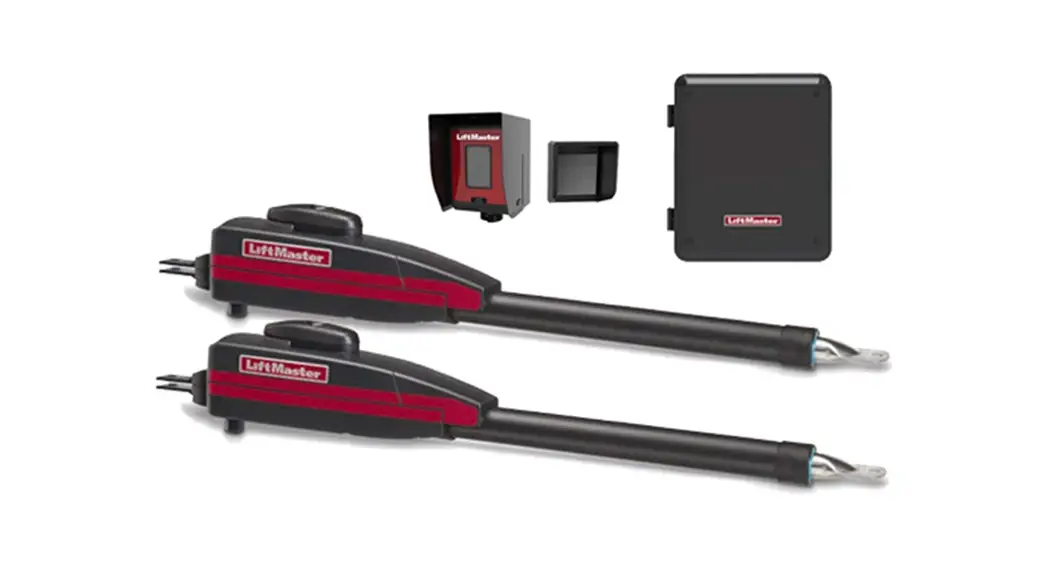
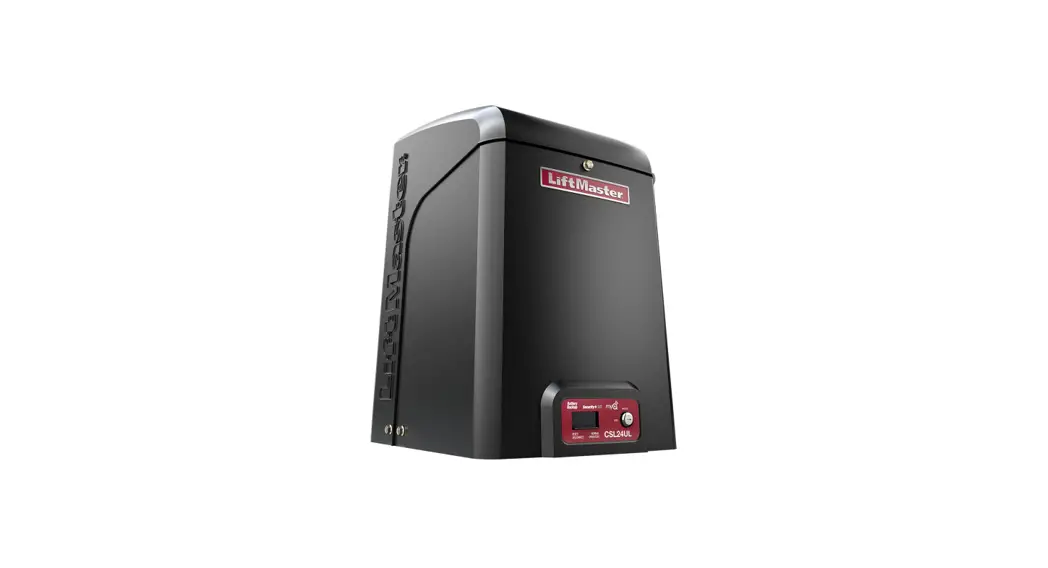
CSW200501UL AC High Traffic 1-2 Hp Swing Gate Operator
Product Information:
- Model: CSW200501UL
- Power: 1/2 HP
- Repair Parts:
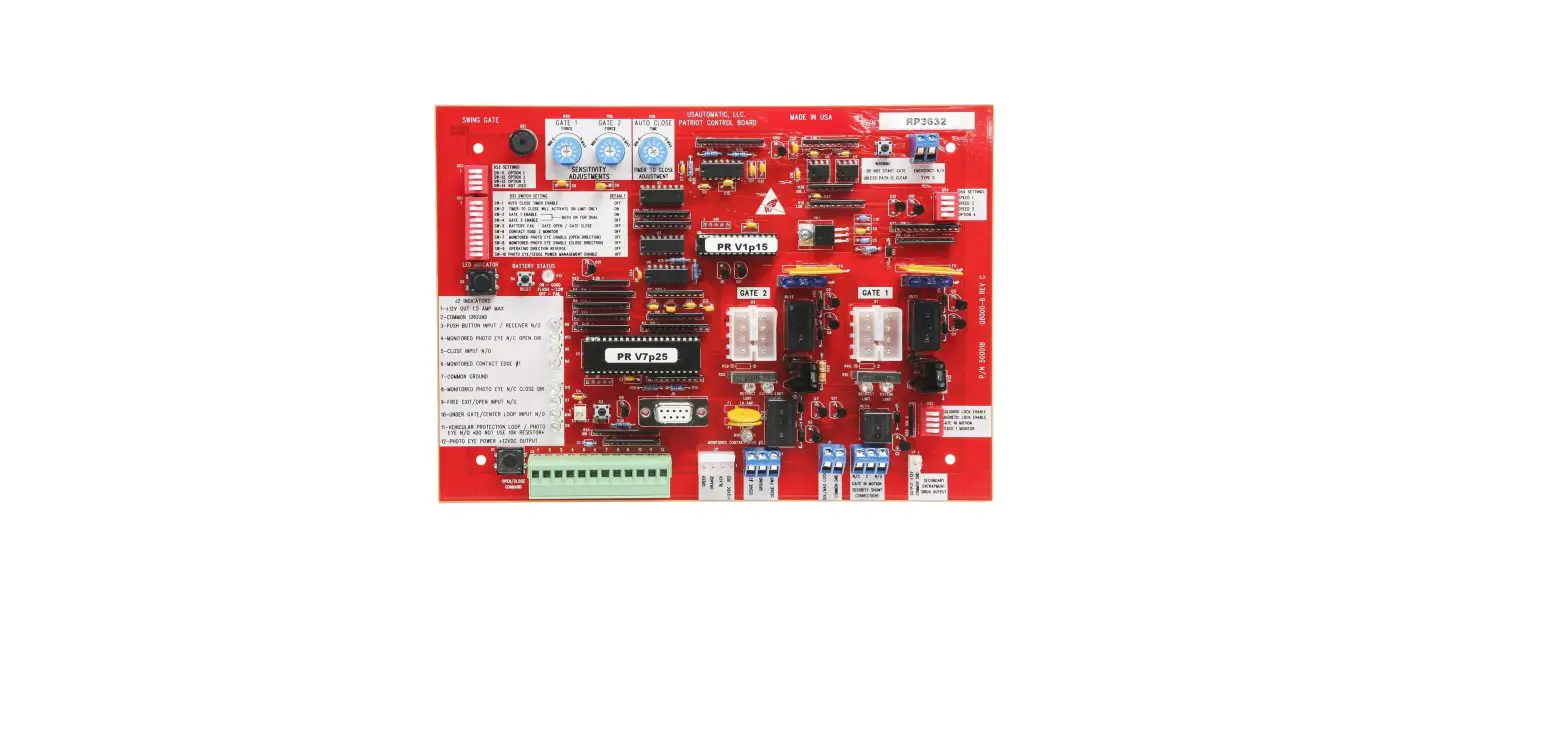
- Plastic Standoffs for main control board (10 per bag)
- Reset Button with ID
- Hall Effect Sensor Board
- Wire Harnesses:
- Main board to power board
- Main board to ground
- Main board to transformer
- Power board to transformer
- Wire Harness (main board to expansion board)
Product Usage Instructions:
- Ensure the power supply is disconnected before performing any
repairs or adjustments. - If any of the plastic standoffs for the main control board are
damaged or missing, replace them with the provided ones. Each bag
contains 10 standoffs. - If the reset button is not functioning properly or shows signs
of damage, it can be replaced with the included reset button with
ID. - If the hall effect sensor board is faulty, it needs to be
replaced. Contact customer support for further assistance. - For wire harness replacements, follow these steps:
- Main board to power board:
- Locate the wire harness connecting the main board and power
board. - Carefully disconnect the existing wire harness.
- Connect the new wire harness between the main board and power
board.
- Locate the wire harness connecting the main board and
ground. - Carefully disconnect the existing wire harness.
- Connect the new wire harness between the main board and
ground.
- Locate the wire harness connecting the main board and
transformer. - Carefully disconnect the existing wire harness.
- Connect the new wire harness between the main board and
transformer.
- Locate the wire harness connecting the power board and
transformer. - Carefully disconnect the existing wire harness.
- Connect the new wire harness between the power board and
transformer.
- Locate the wire harness connecting the main board and expansion
board. - Carefully disconnect the existing wire harness.
- Connect the new wire harness between the main board and
expansion board.
questions, please contact our customer support team for
assistance.
REPAIR PARTS
CSW200501UL 1/2 HP
NOT SHOWN Plastic Standoffs for main control board (10 per bag) Reset Button with ID Hall Effect Sensor Board Wire Harnesses (main board to power board, main board to ground, main board to transformer, and power board to transformer) Wire Harness (main board to expansion board)
K77-37683
K94-37449 K1D8247 K77-37693
K94-34778
49