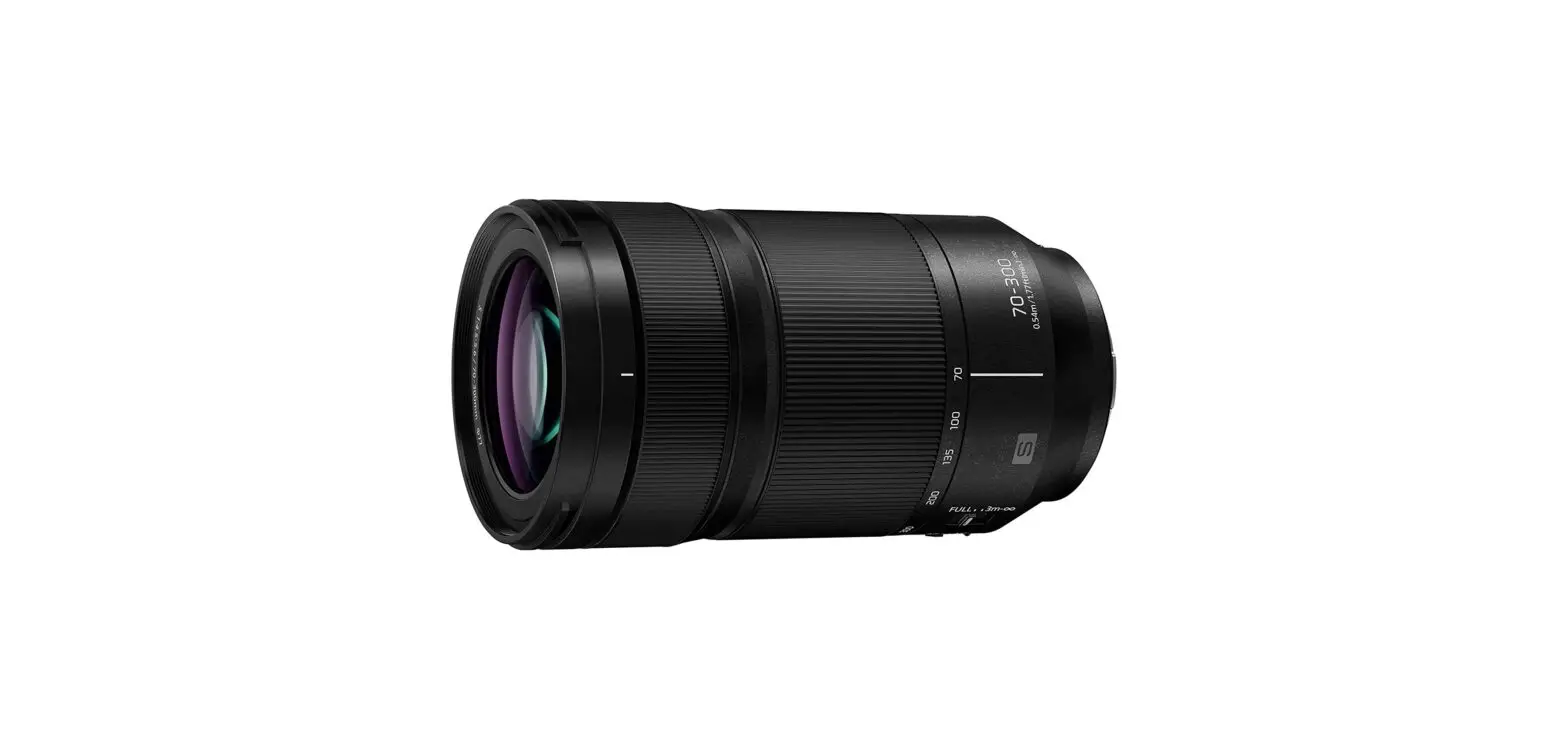
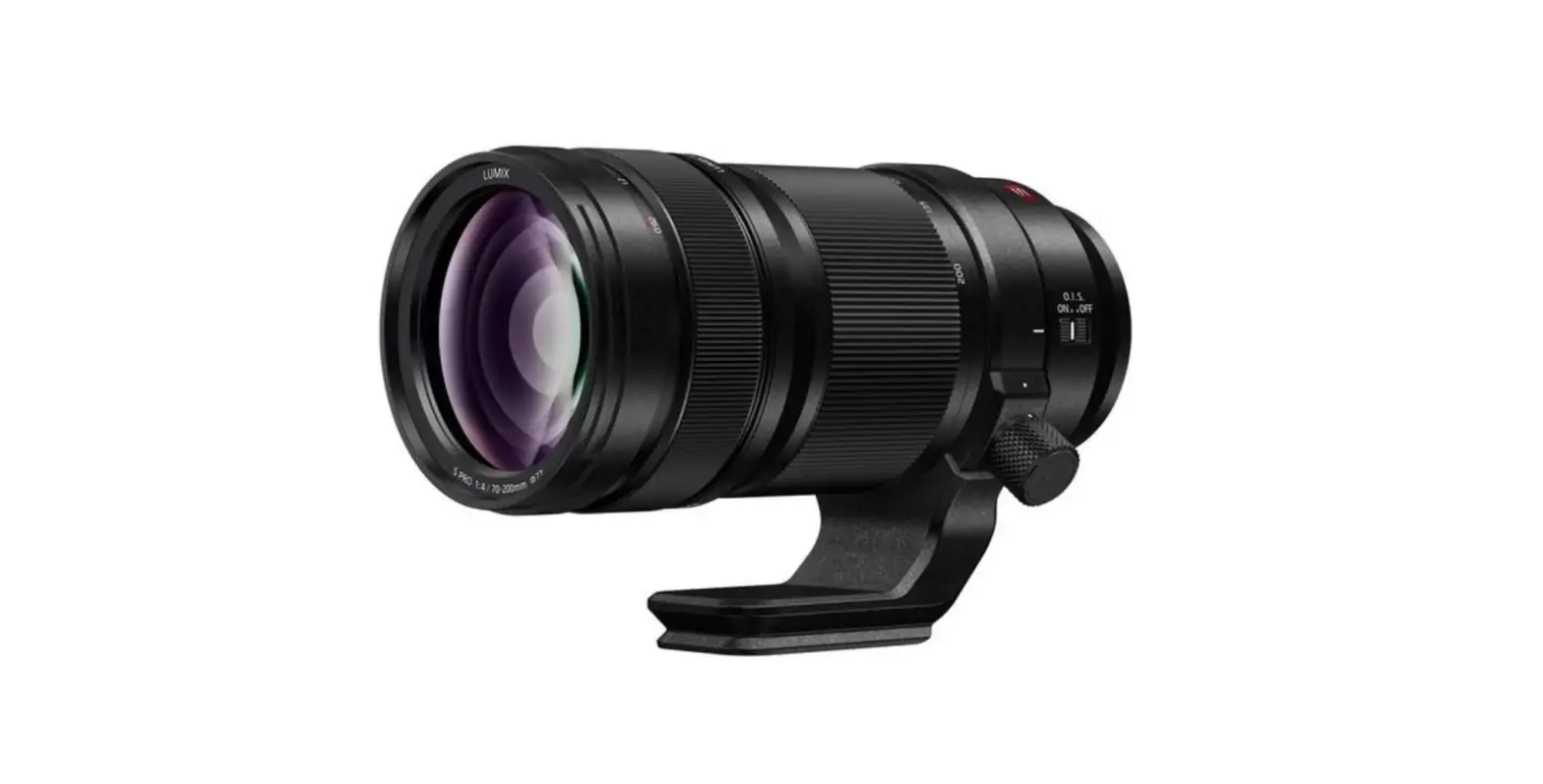
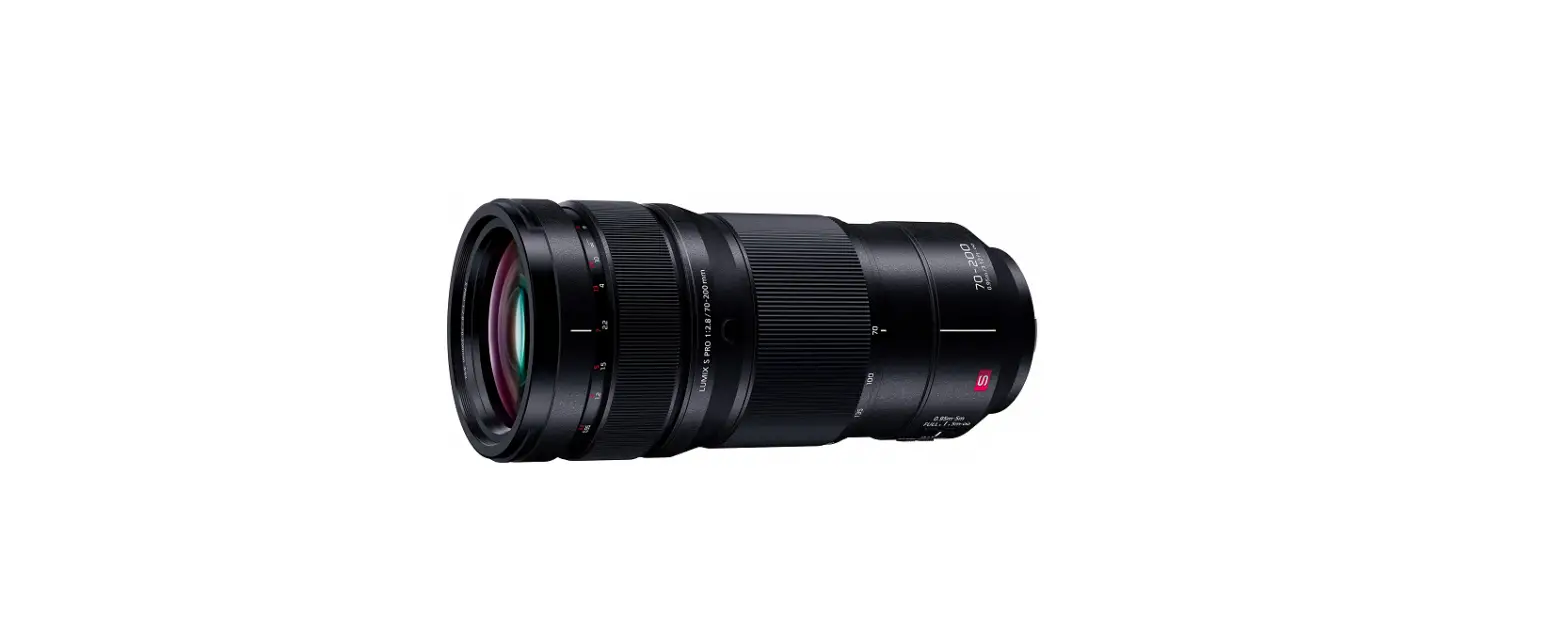
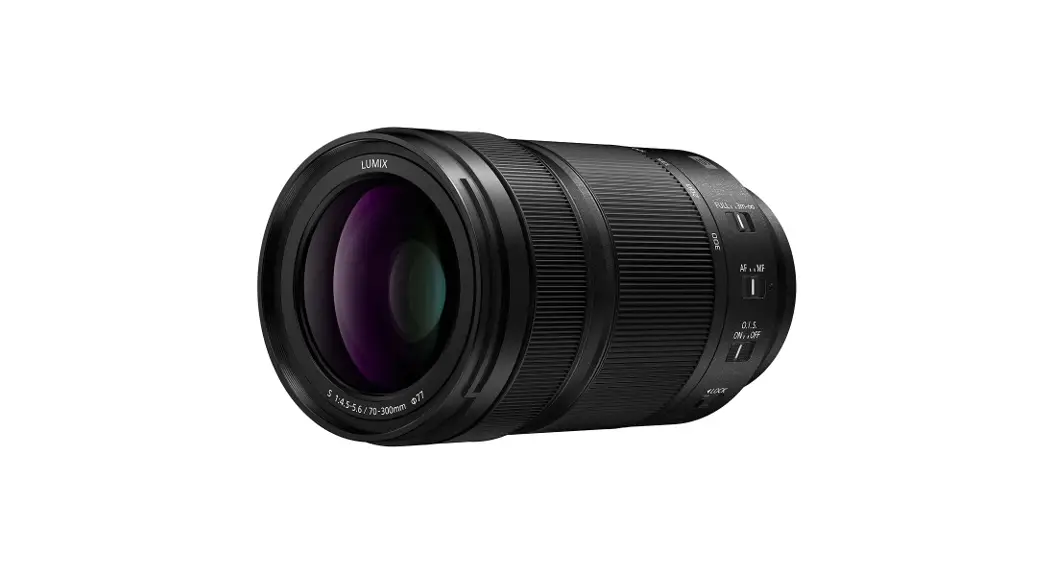
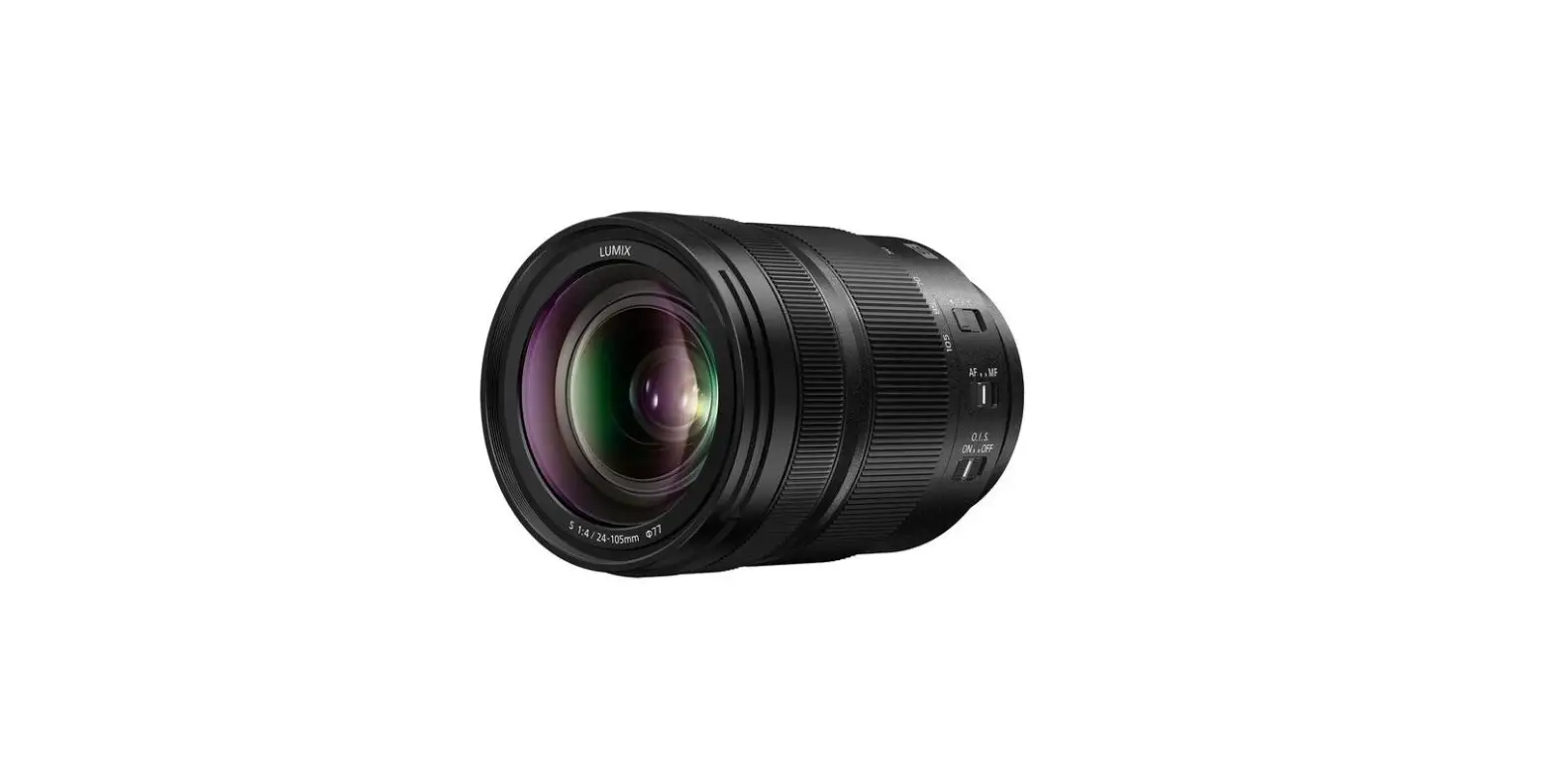
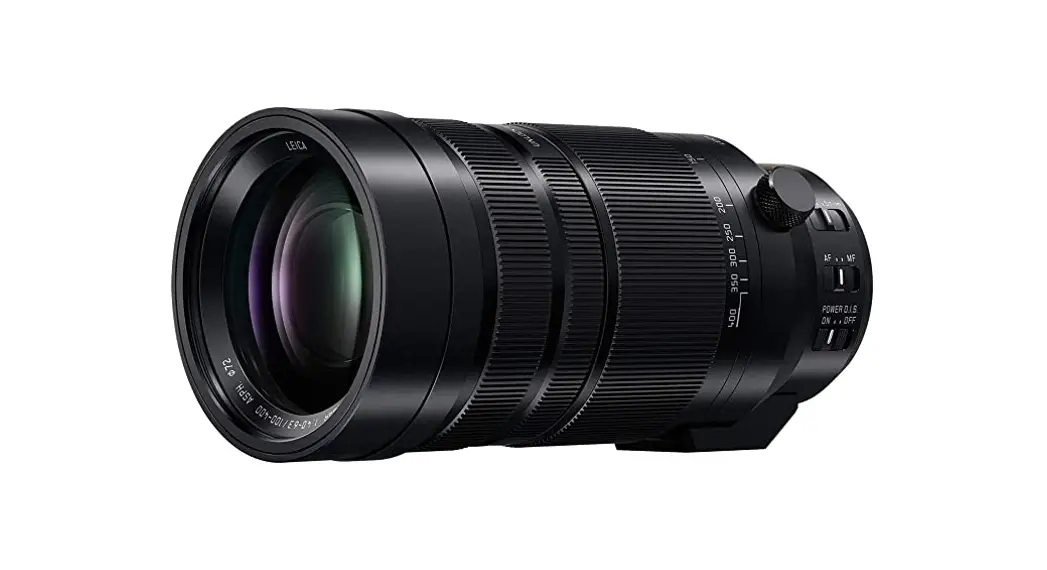
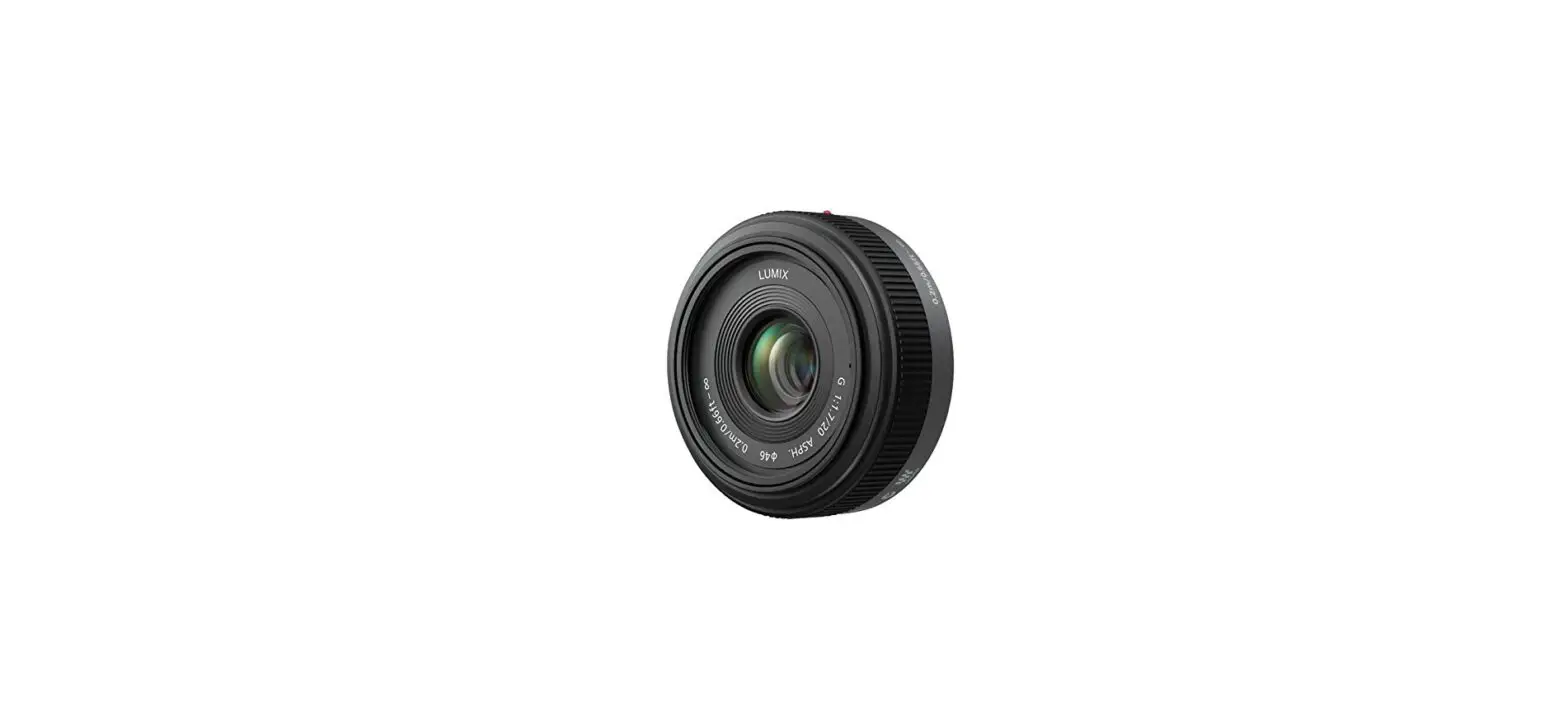
S-R70200 Interchangeable Lens for Digital Camera
Product Information
This product is an interchangeable lens designed for use with a
digital camera. It is compatible with 35 mm digital cameras that
comply with the Leica Camera AG L-Mount standard and are equipped
with a full-frame image sensor. The lens is manufactured by
Panasonic and the model number is S-R70200.
The lens is dust and splash resistant, although it does not
provide complete protection against dust or water droplets. It is
important to take necessary precautions to maintain the lens’s
performance. The lens also features condensation protection to
prevent lens stains, mold, and malfunction.
Please note that unauthorized changes or modifications to this
equipment will void the user’s authority to operate the device.
Product Usage Instructions
Before using the lens, please read the following instructions
carefully:
- Keep the lens as far away as possible from electromagnetic
equipment, such as microwave ovens, TVs, video games, radio
transmitters, and high-voltage lines. - Avoid using the camera near cell phones, as it may result in
noise affecting the pictures and sound adversely. - If the camera is adversely affected by electromagnetic
equipment and stops functioning properly, turn off the camera and
remove the battery and/or the connected AC adaptor. Then reinsert
the battery and/or reconnect the AC adaptor and turn on the
camera. - Reorient or relocate the receiving antenna, increase the
separation between the equipment and receiver, or connect the
equipment into an outlet on a different circuit from that of the
receiver if necessary. - If you encounter any issues with the lens’s functionality,
consult the dealer or an experienced radio/TV technician for
assistance.
Lens Care
Follow these guidelines to properly care for the lens:
- Take care not to drop or bump the lens when carrying it.
- Before and after recording, lightly wipe the surface of the
lens with a soft, dry cloth to remove dirt, water, oil,
fingerprints, etc. - When the lens is not in use, always attach the lens cap and
lens rear cap to prevent dust and other particles from accumulating
on or entering the lens.
Dust and Splash Resistance
The lens is designed to be dust and splash resistant, but it is
important to take precautions to ensure satisfactory
performance:
- If the lens is not working properly, consult the dealer or your
nearest Service Center.
Condensation
Condensation may occur when there are changes in ambient
temperature or humidity. To prevent lens stains, mold, and
malfunction, exercise caution in such conditions.
Please refer to the user manual for additional information and
support contact details.
Operating Instructions
INTERCHANGEABLE LENS FOR DIGITAL CAMERA
Thank you for purchasing Panasonic product. Please read these instructions carefully before using this product, and save this manual for future use.
This lens can be attached to a 35 mm digital camera that complies with the Leica Camera AG L-Mount standard and that is equipped with a full-frame image sensor.
0 L-Mount is a trademark or registered trademark of Leica Camera AG.
0 Other names, company names, product names mentioned in this document are trademarks or registered trademarks of the companies concerned.
Contents
Information for Your Safety ……………………………… 19 Precautions …………………………………………………… 20 Supplied Accessories……………………………………… 21 Names and Functions of Components………………. 22 Attaching the Lens …………………………………………. 23 Switching AF/MF……………………………………………. 24 Using the Tripod Mount…………………………………… 24 Cautions for Use ……………………………………………. 26 Troubleshooting …………………………………………….. 26 Specifications………………………………………………… 27 Limited Warranty (ONLY FOR U.S.A.)………………. 28 Limited Warranty (ONLY FOR CANADA) ………….. 30
18 DVQX1725
Information for Your Safety
Keep the unit as far away as possible from electromagnetic equipment (such as microwave ovens, TVs, video games, radio transmitters, high-voltage lines etc.).
0 Do not use the camera near cell phones because doing so may result in noise adversely affecting the pictures and sound.
0 If the camera is adversely affected by electromagnetic equipment and stops functioning properly, turn the camera off and remove the battery and/or the connected AC adaptor. Then reinsert the battery and/or reconnect the AC adaptor and turn the camera on.
THE FOLLOWING APPLIES ONLY IN THE U.S.A. FCC Note: This equipment has been tested and found to comply with the limits for a Class B digital device, pursuant to Part 15 of the FCC Rules. These limits are designed to provide reasonable protection against harmful interference in a residential installation. This equipment generates, uses, and can radiate radio frequency energy and, if not installed and used in accordance with the instructions, may cause harmful interference to radio communications. However, there is no guarantee that interference will not occur in a particular installation. If this equipment does cause harmful interference to radio or television reception, which can be determined by turning the equipment off and on, the user is encouraged to try to correct the interference by one or more of the following measures:
0 Reorient or relocate the receiving antenna. 0 Increase the separation between the equipment and
receiver. 0 Connect the equipment into an outlet on a circuit
different from that to which the receiver is connected. 0 Consult the dealer or an experienced radio/TV
technician for help.
Any unauthorized changes or modifications to this equipment would void the user’s authority to operate this device.
This device complies with Part 15 of the FCC Rules. Operation is subject to the following two conditions: (1) This device may not cause harmful interference, and (2) this device must accept any interference received, including interference that may cause undesired operation.
Supplier’s Declaration of Conformity
Trade Name:
Panasonic
Model No.:
S-R70200
Responsible Party: Panasonic Corporation of North America
Two Riverfront Plaza, Newark, NJ
07102-5490
Support Contact: http://shop.panasonic.com/support
THE FOLLOWING APPLIES ONLY IN CANADA. CAN ICES-3(B)/NMB-3(B)
DVQX1725 19
English
-If you see this symbol-
Disposal of Old Equipment Only for European Union and countries with recycling systems
This symbol on the products, packaging, and/or accompanying documents means that used electrical and electronic products must not be mixed with general household waste. For proper treatment, recovery and recycling of old products, please take them to applicable collection points in accordance with your national legislation. By disposing of them correctly, you will help to save valuable resources and prevent any potential negative effects on human health and the environment. For more information about collection and recycling, please contact your local authority. Penalties may be applicable for incorrect disposal of this waste, in accordance with national legislation.
Precautions
Lens care
0 Do not subject to strong vibration, shock, or pressure. These may cause malfunction or damage. Don’t press hard on the lens.
0 Take care not to drop or bump the lens when carrying it.
20 DVQX1725
When carrying the digital camera with the lens attached, hold both the lens and the digital camera to carry them.
Take care not to drop or bump the bag in which you have put the lens.
0 When there is dirt (water, oil, and fingerprints, etc.) on the surface of the lens, the images may be affected. Lightly wipe the surface of the lens with a soft, dry cloth before and after recording.
0 When the lens is not in use, be sure to attach the lens cap and lens rear cap to prevent dust and other particles from accumulating on or entering the lens.
0 To protect the lens contact points (A), do not do the following. These may cause malfunction. Touch the lens contact points. Allow the lens contact points to become dirty. Place the lens with its mount surface facing down.
Dust and splash resistant
0 The dust and splash resistant of the camera will not prevent the entry of dust or water droplets completely. Take the following precautions to provide satisfactory dust and splash resistant performance. If the lens is not working properly, consult the dealer or your nearest Service Center.
English
Attach to attach a digital camera that is dust and splash resistant.
When attaching or removing the lens, be careful so that foreign objects such as sand, dust, and water droplets do not adhere to or enter the lens mount rubber, contact points, digital camera and lens.
If the lens is exposed to water droplets or other liquids, wipe them off with a soft, dry cloth.
0 To improve the dust and splash resistant performance of the lens, a lens mount rubber is used in the mount. The lens mount rubber will leave scuff marks on the digital camera mount, but this does not impact performance. For information on changing the lens mount rubber, contact your nearest Service Center.
Condensation (when the lens is fogged up)
0 Condensation occurs when the ambient temperature or humidity changes. Please be careful, as it may cause lens stains, mold and malfunction.
0 If condensation occurs, turn off the digital camera and leave it for approx. 2 hours. The fog will disappear naturally when the temperature of the digital camera becomes close to the ambient temperature.
0 The appearance and specifications of products described in this document may differ from the actual products you have purchased due to later enhancements.
Supplied Accessories
Product numbers correct as of January 2019. These may be subject to change.
1
2
3
4
5
SFC0360 DVZE1035Z 1GE1Z276Z RGE1Z276Z DVYE1130Z
1 Lens pouch 2 Lens hood 3 Lens cap¢ 4 Lens rear cap¢ 5 Tripod mount¢
¢ Fitted to the lens at the time of purchase.
DVQX1725 21
Names and Functions of Components
7 8 9
3 Zoom ring
Zooms to telephoto or wide-angle.
4 Tripod mount (l 24) 5 Tripod mount locking knob 6 O.I.S. switch
The stabilizer function is set to activate if the O.I.S.
switch is set to [ON].
0 We recommend setting the O.I.S. switch to [OFF]
when using a tripod.
7 Contact points 8 Lens fitting mark 9 Lens mount rubber
1
2
3 456
1 Lens surface 2 Focus ring
Switches between AF (auto focus) and MF (manual
focus) by sliding the focus ring forwards or backwards. (l 24)
Rotates the focus ring to focus when set to MF.
22 DVQX1725
Note
0 There may be differences in focus when you use zoom after focusing. Focus again.
0 If the sound of AF operation and stabilizer operation bothers you during video recording, it is recommended to record as follows: Slide the focus ring to the MF side to record.
Set the O.I.S. switch to [OFF] and use a tripod to
record.
English
Attaching the Lens
For information on how to attach the lens, refer to the
operating instructions for your digital camera.
0 Attach the lens after turning off the digital camera.
0 Attach the lens after removing
the lens rear cap. 0 After removing the lens from the
digital camera, be sure to attach
the lens cap and lens rear cap to
prevent dust and other particles
from accumulating on or entering
the lens.
Attaching the lens hood
1 Align mark A ( ) on
the lens hood with the
mark on the tip of the lens.
Removing the lens hood
While pressing the lens hood button, rotate the lens hood in the direction of the arrow and then remove it.
Note 0 When carrying, the lens hood can be attached in the
reverse direction. 1 Remove the lens hood. 2 Align mark C ( ) on the lens hood with the mark
on the tip of the lens. 3 Attach the lens hood by rotating it in the direction of
the arrow until it clicks.
2 Rotate the lens hood in
the direction of the
arrow to align mark B ( ) on the lens hood
with the mark on the tip
of the lens.
0 Attach the lens hood by rotating it until it clicks.
0 It is recommended to remove the lens hood during flash photography as the lens hood can block the light from the flash.
0 To prevent dropping of the lens, you should never carry the lens by just holding the lens hood.
DVQX1725 23
Notes on filter use
0 It is possible to attach the lens cap or the lens hood with the filter already attached.
0 If you use two or more filters at the same time, part of a recorded image may darken.
0 It is not possible to attach any items other than filters such as a conversion lens or adaptor to the front of the lens and use it in combination with this lens. Lens damage may result if such items are attached.
Switching AF/MF
Switch AF/MF by sliding the
focus ring A forwards or
backwards (focus clutch
mechanism). 0 When the digital camera is
set to MF, the operation will be MF irrespective of the position of the focus ring.
“‘
.’
0 Check the length indication B
when using MF. Use it as a guide
for focusing.
0 You can set the amount that
the focus moves with the focus
3.1 4
5
7
0.92 1.2 1.5
2.2
13 28
ft
4
10 m
ring using menu settings in
compatible digital cameras.
Switch the lens to AF and set
the digital camera to MF. Refer to the operating
instructions for the digital camera for details.
24 DVQX1725
Using the Tripod Mount
When using a tripod, attach it to the tripod mount of the lens. 0 When a tripod is attached to
the tripod mount of the digital camera, damage to the lens may result when carrying.
Changing the vertical/horizontal orientation This way, you can quickly switch between the vertical and horizontal orientation of the digital camera while the tripod is in use.
1 Rotate the tripod mount
locking knob in the direction indicated by the arrow to loosen.
2 Rotate the digital
camera and lens to change the position.
3 Rotate the tripod
mount locking knob in the direction indicated by the arrow to tighten firmly.
Detaching the tripod mount
1 Rotate the tripod
mount locking knob in the direction indicated by the arrow to loosen.
2 Match the marks on the
tripod mount and the tripod mount locking knob.
3 While pulling out the
tripod mount locking knob, open and remove the tripod mount. 0 When detaching the
tripod mount, support the lens and digital camera to ensure they do not fall.
Attaching the tripod mount Attach by reversing the steps used to detach. 0 Match the marks on the
tripod mount and the lens. 0 When attaching the tripod mount, pull out the tripod mount locking knob first and then close the tripod mount. 0 Be careful not to pinch your fingers between the tripod mount and the lens.
DVQX1725 25
English
Cautions for Use
0 Do not spray the lens with insecticides or volatile chemicals. If such substances get onto the lens they can damage the exterior case or cause the paint to peel.
0 Do not point the lens at the sun or other strong light sources. This may cause the lens to collect an excessive amount of light, resulting in fire and malfunction.
0 Do not use while directly touching the lens at low temperatures for a long period of time. In cold places (environments below 0 oC (32 oF), such as ski slopes), prolonged direct contact with the metal parts of the lens may cause skin injury. Use gloves or similar when using the lens for long periods.
0 Use a soft, dry, dust-free cloth to clean the lens. Do not use benzine, thinner, alcohol or other similar cleaning agents to clean the lens. Using solvents may damage the lens or cause the paint to peel. Do not use a household detergent or a chemically treated cloth.
0 Do not keep products made of rubber, PVC or similar materials in contact with the lens for a long period of time.
0 Do not disassemble or alter this product. 0 When the lens is not going to be used for a prolonged
period, we recommend storing with a desiccant (silica gel).
26 DVQX1725
0 Check all the parts before recording when you have not used the lens for a long period of time.
0 Avoid using or storing the lens in any of the following locations as this may cause problems in operation or malfunctioning: In direct sunlight or on a beach in summer In locations with high temperatures and humidity levels or severe changes in temperature and humidity In sandy or dusty locations Where there is fire Near heaters, air conditioners or humidifiers Where water may make the lens wet Where there is vibration Inside a vehicle
0 Refer also to the operating instructions for the digital camera.
Troubleshooting
A rattling sound, etc. is heard when the digital camera is turned on or off or the lens is shaken.
There is a sound from the lens when taking pictures. 0 This is the sound of the lens moving and aperture
operation. It is not a malfunction.
English
Specifications
The specifications are subject to change for performance enhancement.
Mount Focal length Lens construction Aperture type Maximum aperture Minimum aperture value Angle of view Recording range Maximum image magnification Image stabilizer Filter diameter Maximum diameter Overall length Mass (Weight) Dust and splash resistant Recommended operating temperature Permissible relative humidity
INTERCHANGEABLE LENS FOR DIGITAL CAMERA “LUMIX S PRO 70-200 mm F4 O.I.S.” Leica Camera AG L-Mount f=70 mm to 200 mm 23 elements in 17 groups (1 aspherical lens, 1 UED lens, 3 ED lenses, 1 UHR lens) 9 diaphragm blades/Circular aperture diaphragm F4.0 F22 34x (Wide) to 12o (Tele) 0.92 m (3.02 feet) to ¶ (from the focus distance reference line)
0.25k
Yes 77 mm 84.4 mm (3.3q) Approx. 179 mm (7.0q) (from the tip of the lens to the base side of the lens mount) Approx. 985 g (2.17 lb) (excluding the external tripod mount) Yes
j10 oC to 40 oC (14 oF to 104 oF)
10%RH to 80%RH
DVQX1725 27
Limited Warranty (ONLY FOR U.S.A.)
Panasonic Products Limited Warranty
Limited Warranty Coverage (For USA Only)
If your product does not work properly because of a defect in materials or workmanship, Panasonic Corporation of North America (referred to as “the warrantor”) will, for the length of the period indicated on the chart below, which starts with the date of original purchase (“warranty period”), at its option either (a) repair your product with new or refurbished parts, (b) replace it with a new or a refurbished equivalent value product, or (c) refund your purchase price. The decision to repair, replace or refund will be made by the warrantor.
Product or part name
Interchangeable Lens for Digital Camera
All included Accessories (Except Non-Rechargeable Batteries)
Only Non-Rechargeable Batteries
Parts 1 Year
90 Days
10 Days
Labor 1 Year
Not Applicable
Not Applicable
During the “Labor” warranty period there will be no charge for labor. During the “Parts” warranty period, there will be no charge for parts. This Limited Warranty excludes both parts and labor for non-rechargeable
batteries, antennas, and cosmetic parts (cabinet). This warranty only applies to products purchased and serviced in the United States. This warranty is extended only to the original purchaser of a new product which was not sold “as is”.
Mail-In Service–Online Repair Request
Online Repair Request To submit a new repair request and for quick repair status visit our Web Site at http://shop.panasonic.com/support.
When shipping the unit, carefully pack, include all supplied accessories listed in the Owner’s Manual, and send it prepaid, adequately insured and packed well in a carton box. When shipping Lithium Ion batteries please visit our Web Site at http://shop.panasonic.com/support as Panasonic is committed to providing the most up to date information. Include a letter detailing the complaint, a return address and provide a daytime phone number where you can be reached. A valid registered receipt is required under the Limited Warranty.
IF REPAIR IS NEEDED DURING THE WARRANTY PERIOD, THE PURCHASER WILL BE REQUIRED TO FURNISH A SALES RECEIPT/PROOF OF PURCHASE INDICATING DATE OF PURCHASE, AMOUNT PAID AND PLACE OF PURCHASE. CUSTOMER WILL BE CHARGED FOR THE REPAIR OF ANY UNIT RECEIVED WITHOUT SUCH PROOF OF PURCHASE.
28 DVQX1725
Limited Warranty Limits and Exclusions This warranty ONLY COVERS failures due to defects in materials or workmanship, and DOES NOT COVER normal wear and tear or cosmetic damage. The warranty ALSO DOES NOT COVER damages which occurred in shipment, or failures which are caused by products not supplied by the warrantor, or failures which result from accidents, misuse, abuse, neglect, mishandling, misapplication, alteration, faulty installation, set-up adjustments, misadjustment of consumer controls, improper maintenance, power line surge, lightning damage, modification, introduction of sand, humidity or liquids, commercial use such as hotel, office, restaurant, or other business or rental use of the product, or service by anyone other than a Factory Service Center or other Authorized Servicer, or damage that is attributable to acts of God. THERE ARE NO EXPRESS WARRANTIES EXCEPT AS LISTED UNDER “LIMITED WARRANTY COVERAGE”. THE WARRANTOR IS NOT LIABLE FOR INCIDENTAL OR CONSEQUENTIAL DAMAGES RESULTING FROM THE USE OF THIS PRODUCT, OR ARISING OUT OF ANY BREACH OF THIS WARRANTY. (As examples, this excludes damages for lost time, travel to and from the servicer, loss of or damage to media or images, data or other memory or recorded content. The items listed are not exclusive, but for illustration only.) ALL EXPRESS AND IMPLIED WARRANTIES, INCLUDING THE WARRANTY OF MERCHANTABILITY, ARE LIMITED TO THE PERIOD OF THE LIMITED WARRANTY.
Some states do not allow the exclusion or limitation of incidental or consequential damages, or limitations on how long an implied warranty lasts, so the exclusions may not apply to you. This warranty gives you specific legal rights and you may also have other rights which vary from state to state. If a problem with this product develops during or after the warranty period, you may contact your dealer or Service Center. If the problem is not handled to your satisfaction, then write to:
Panasonic Corporation of North America Consumer Affairs Department 8th Fl. Two Riverfront Plaza Newark NJ 07102-5490
PARTS AND SERVICE, WHICH ARE NOT COVERED BY THIS LIMITED WARRANTY, ARE YOUR RESPONSIBILITY.
DVQX1725 29
English
30 DVQX1725
As of December 2019
Limited Warranty (ONLY FOR CANADA)
Panasonic Canada Inc. 5770 Ambler Drive, Mississauga, Ontario L4W 2T3
PANASONIC PRODUCT LIMITED WARRANTY
Panasonic Canada Inc. warrants this product to be free from defects in material and workmanship under normal use and for a period as stated below from the date of original purchase agrees to, at its option either (a) repair your product with new or refurbished parts, (b) replace it with a new or a refurbished equivalent value product, or (c) refund your purchase price. The decision to repair, replace or refund will be made by Panasonic Canada Inc.
Interchangeable Lens for Digital Camera
One (1) year, parts and labour
This warranty is given only to the original purchaser, or the person for whom it was purchased as a gift, of a Panasonic brand product mentioned above sold by an authorized Panasonic dealer in Canada and purchased and used in Canada, which product was not sold “as is”, and which product was delivered to you in new condition in the original packaging.
IN ORDER TO BE ELIGIBLE TO RECEIVE WARRANTY SERVICE HEREUNDER, A PURCHASE RECEIPT OR OTHER PROOF OF DATE OF ORIGINAL PURCHASE, SHOWING AMOUNT PAID AND PLACE OF PURCHASE IS REQUIRED
LIMITATIONS AND EXCLUSIONS
This warranty ONLY COVERS failures due to defects in materials or workmanship, and DOES NOT COVER normal wear and tear or cosmetic damage. The warranty ALSO DOES NOT COVER damages which occurred in shipment, or failures which are caused by products not supplied by Panasonic Canada Inc., or failures which result from accidents, misuse, abuse, neglect, mishandling, misapplication, alteration, faulty installation, set-up adjustments, misadjustment of consumer controls, improper maintenance, improper batteries, power line surge, lightning damage, modification, introduction of sand, humidity or liquids, commercial use such as hotel, office, restaurant, or other business or rental use of the product, or service by anyone other than a Authorized Servicer, or damage that is attributable to acts of God. Dry cell batteries, printer ink cartridge and paper are also excluded from coverage under this warranty. Rechargeable batteries are warranted for ninety (90) days from date of original purchase.
THIS EXPRESS, LIMITED WARRANTY IS IN LIEU OF ALL OTHER WARRANTIES, EXPRESS OR IMPLIED, INCLUDING ANY IMPLIED WARRANTIES OF MERCHANTABILITY AND FITNESS FOR A PARTICULAR PURPOSE. IN NO EVENT WILL PANASONIC CANADA INC. BE LIABLE FOR ANY SPECIAL, INDIRECT OR CONSEQUENTIAL DAMAGES RESULTING FROM THE USE OF THIS PRODUCT OR ARISING OUT OF ANY BREACH OF
ANY EXPRESS OR IMPLIED WARRANTY. (As examples, this warranty excludes damages for lost time, travel to and from the Authorized Servicer, loss of or damage to media or images, data or other memory or recorded content. This list of items is not exhaustive, but for illustration only.) In certain instances, some jurisdictions do not allow the exclusion or limitation of incidental or consequential damages, or the exclusion of implied warranties, so the above limitations and exclusions may not be applicable. This warranty gives you specific legal rights and you may have other rights which vary depending on your province or territory.
WARRANTY SERVICE For product operation, repairs and information assistance, please visit our Support page:
www.panasonic.ca/english/support
For the U.S.A. Panasonic Corporation of North America Two Riverfront Plaza, Newark, NJ 07102-5490 http://shop.panasonic.com
For CANADA Panasonic Canada Inc. 5770 Ambler Drive, Mississauga, Ontario L4W 2T3 www.panasonic.com Printed in Japan
DVQX1725 31
English
[For_Australia]Panasonic Warranty
32 DVQX1725
1. Subject to the conditions of this warranty Panasonic or its Authorised Service Centre will perform necessary service on the product, without charge for parts or labour, if in the opinion of Panasonic the product is found to have a manufacturing defect within one (1) year or (12 months) (the “warranty period”) from the date of purchase appearing on your purchase receipt.
2. This warranty only applies to Panasonic products purchased in Australia and sold by Panasonic Australia, it’s Authorised Distributors, or Dealers, and only where the products are used and serviced within Australia or its territories. Warranty cover only applies to the services that are carried out by a Panasonic Authorised Service Centre and only if valid proof of purchase is presented when the warranty service is requested.
3. This warranty only applies if the product has been installed and/or used in accordance with the manufacturer’s recommendations (as noted in the operating instructions) under normal use and reasonable care (in the opinion of Panasonic). The warranty does not cover damage, malfunction or failure resulting from use of incorrect voltages, incorrect installation, accident, misuse, neglect, build-up of dirt or dust, abuse, maladjustment of customer controls, mains supply problems, thunderstorm activity, infestation by insects or vermin, tampering or repair by unauthorised persons (including unauthorised alterations), exposure to abnormally corrosive conditions, or any foreign object or matter having entered the product.
4. This warranty does not cover the following items unless the fault or defect existed at the time of purchase:
(a) Consumable parts (b) Cosmetic parts (c) Worn or damaged parts (d) Information stored on Hard Disk Drives, Optical Discs, USB Devices, SD Cards, Tapes (e) DTV reception issues caused by TV Aerial / Cabling / Wall socket(s)
5. Some products may be supplied with Ethernet connection hardware. The warranty is limited on such products and will not cover:
(a) Internet and or DLNA connection / setup related problems (b) Access fees and or charges incurred for internet connection (c) Incompatible software or software not specifically stipulated in the product operations manual; and (d) Any indirect or consequential costs associated with the incorrect use or misuse of the hardware, its connection to
the internet or any other device.
6. To claim warranty service, when required, you should:
Contact Panasonic’s Customer Care Centre on 132 600 for Service Centre information. Confirm the opening and acceptance times with the Authorised Service centre that you choose. Then send or take the product to a Panasonic Authorised Service Centre together with your proof of purchase receipt. Any freight and insurance costs associated with the transport of the product to and/or from your nearest Authorised Service Centre must be arranged and paid for by you.
7. The warranties hereby conferred do not extend to, and exclude, any costs associated with the installation, deinstallation or re-installation of a product, including costs related to the mounting, de-mounting or remounting of any screen, (and any other ancillary activities), delivery, handling, freighting, transportation or insurance of the product or any part thereof or replacement of and do not extend to, and exclude, any damage or loss occurring by reason of, during, associated with, or related to such installation, de-installation, re-installation or transit.
Panasonic Authorised Service Centres are located in major metropolitan areas and most regional centres of Australia, however, coverage will vary dependant on product. For advice on exact Authorised Service Centre locations for your product, please telephone our Customer Care Centre on 132600 or visit our website and use the Service Centre Locator.
In addition to your rights under this warranty, Panasonic products come with consumer guarantees that cannot be excluded under the Australian Consumer Law. If there is a major failure with the product, you can reject the product and elect to have a refund or to have the product replaced or if you wish you may elect to keep the goods and be compensated for the drop in value of the goods. You are also entitled to have the product repaired or replaced if the product fails to be of acceptable quality and the failure does not amount to a major failure.
If there is a major failure in regard to the product which cannot be remedied then you must notify us within a reasonable period by contacting the Panasonic Customer Care Centre. If the failure in the product is not a major failure then Panasonic may choose to repair or replace the product and will do so in a reasonable period of time from receiving notice from you.
THIS WARRANTY CARD AND THE PURCHASE DOCKET (OR SIMILAR PROOF OF PURCHASE) SHOULD BE RETAINED BY THE CUSTOMER AT ALL TIMES
If you require assistance regarding warranty conditions or any other enquiries, please visit the Panasonic Australia website www.panasonic.com.au or contact by phone on 132 600 If phoning in, please ensure you have your operating instructions available.
Panasonic Australia Pty. Limited
PRO-031-F11 Issue: 5.0
ACN 001 592 187 ABN 83 001 592 187 1 Innovation Road, Macquarie Park NSW 2113
www.panasonic.com.au
23-01-2018
References
 Official Panasonic Store - Shop Cameras, Headphones, Appliances, Shavers, Beauty Products and More
-
Support | Official Panasonic Store - Shop Panasonic Cameras Headphones Appliances Shavers Beauty products and More
 Panasonic - Official Consumer Product Support
-
Panasonic North America | Technologies that Move Us
 Official Panasonic Store - Shop Cameras, Headphones, Appliances, Shavers, Beauty Products and More
 Panasonic - Official Consumer Product Support
 Panasonic North America | Technologies that Move Us