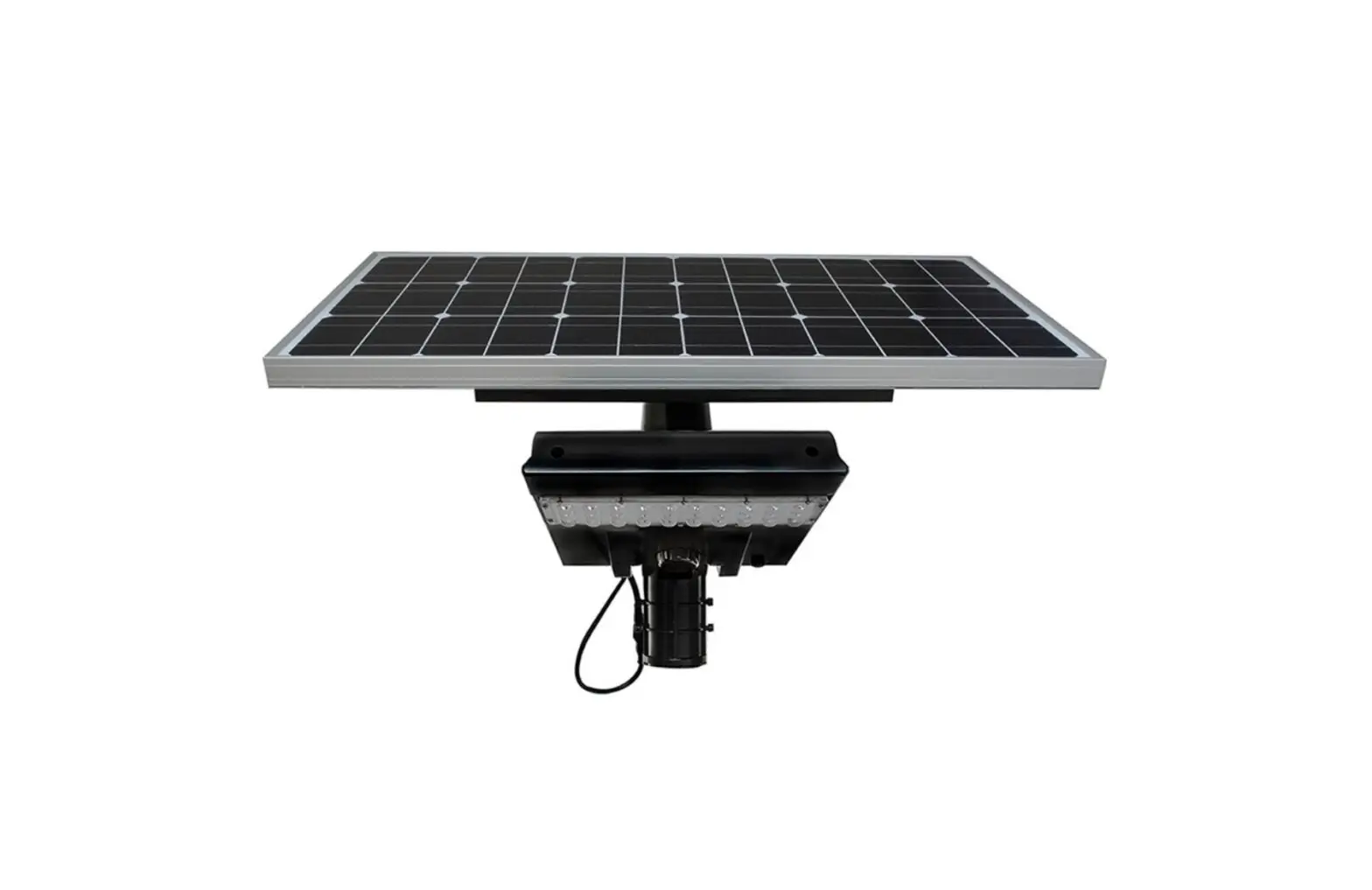
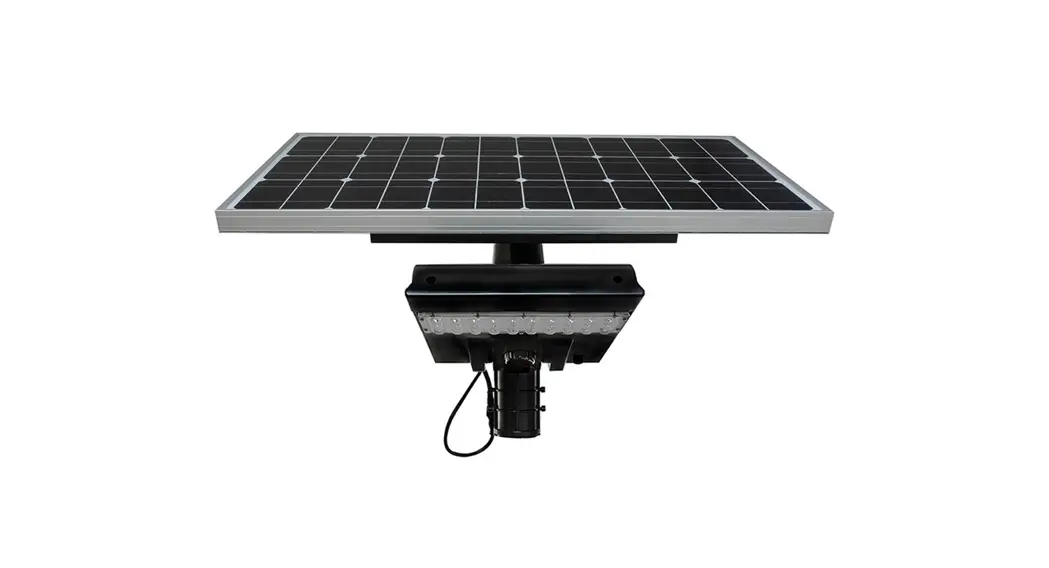
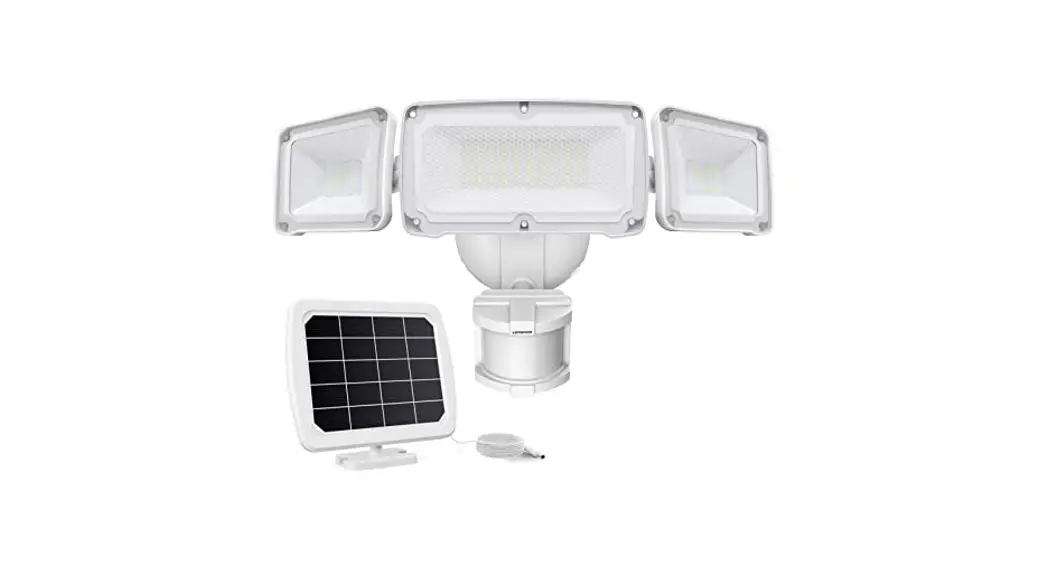
RP-SAL-8W-G2 Solar Area Light
Product Information
The RP-SAL-G2 Solar Area Light is a high-quality solar-powered
light fixture designed for outdoor use. It comes in two models:
RP-SAL-8W-G2 and RP-SAL-30W-G2. This fixture is not intended for
emergency lighting and should not be used in environments with
explosive or corrosive gases. The fixture does not have any
user-serviceable parts and should not be disassembled or
modified.
The solar fixture comes with a 5-year warranty against
manufacturing defects. However, physical damage, wear and tear,
improper operation, and normal battery performance loss over time
are not covered by the warranty. The performance of the solar
fixture is influenced by various factors such as sunlight level,
extreme temperatures, snow, dirt, and program selection.
Product Usage Instructions
- Before installation, read the entire installation
instructions. - This light should be installed by a qualified professional who
is responsible for ensuring safe installation, proper maintenance,
and safety checks. - Confirm that the pole or structure can support the weight of
the specific model being installed (RP-SAL-8W-G2 or
RP-SAL-30W-G2). - Choose a site for installation that receives direct sunlight
and is not blocked by trees, buildings, or other structures. Ensure
that no light sources will shine on the solar panel during
night-time hours. - The solar panel functions like a photo-cell, so if there is
light on the solar panel, the LED lights will not come on. - Allow the light 1-2 days to get on the proper charge/discharge
cycle. Initial performance may not be optimal during the first
nights of operation. - Refer to Solar Best Practice Guidelines on the Solera-Solar.com
website for additional information. - Charge the light for 4 hours using the charger provided before
installation. - Adjust the operating mode of the light based on the
environment. It may be necessary to change the program at different
times of the year. - Carefully remove the light from the packaging.
- For best results, charge the light for 4 hours prior to
installation using the charging port. - Follow the installation instructions provided in the user
manual, including slip fitter installation, LED panel angle
adjustment, and optional bracket installation if required.
RP-SAL-G2 SOLAR AREA LIGHT
INSTALLATION AND USERS GUIDE
PRIOR TO INSTALLATION, PLEASE READ THE ENTIRE INSTALLATION INSTRUCTIONS These instructions only apply to the RP-SAL-8W-G2 AND RP-SAL-30W-G2
WARNINGS THIS LIGHT SHOULD BE INSTALLED BY A QUALIFIED PROFESSIONAL. INSTALLER RESPONSIBLE TO ENSURE SAFE INSTALLATION, PROPER MAINTENANCE AND SAFETY CHECKS. NOT FOR EMERGENCY LIGHTING. NOT FOR USE IN ENVIRONMENTS WHERE EXPLOSIVE OR CORROSIVE GASES ARE PRESENT. NO USER SERVICABLE PARTS INSIDE FIXTURE. DO NOT DIS-ASSEMBLE OR MODIFY THE FIXTURE IN ANY WAY.
NOTES THIS SOLAR FIXTURE COMES WITH A 5 YEAR WARRANTY AGAINST MANUFACTURING DEFECTS. THIS WARRANTY DOES NOT COVER PHYSICAL DAMAGE, WEAR AND TEAR OR IMPROPER OPERATION. WARRANTY DOES NOT COVER NORMAL BATTERY PERFORMANCE LOSS OVER TIME. SOLAR FIXTURE PERFORMANCE IS HEAVILY INFLUENCED BY THE ENVIRONMENT. SUNLIGHT LEVEL, EXTREME TEMPERATURES, SNOW, DIRT, AND PROGRAM SLECTION WILL AFFECT PERFORMANCE.
IF THE LIGHT IS NOT OPERATING CORRECTLY, PLEASE REVIEW THE INSTRUCTIONS TO ENSURE THAT THE LIGHT IS PROPERLY SET UP. SET THE LIGHT TO SENSOR MODE 20% TO 80%. ENSURE THAT THE TEMPERATURE IS WITHIN RANGE. AFTER THESE ISSUES HAVE BEEN ADDRESSED, IF THERE IS STILL AN ISSUE CONTACT THE MANUFACTURER.
INSTALLATION REQUIREMENTS
MODEL
RP-SAL-8W-G2 RP-SAL-30W-G2
INSTALLATION
INSTALL ON 2 3/8 INCH TENON WITH SUPPLIED SLIP FITTER BRACKET OR USE OPTIONAL BRACKET.
CONFIRM THAT POLE OR STRUCTURE WILL SUPPORT RP-SAL-8W EPA 1.2 WEIGHT 12 LB RP-SAL-30W EPA 4.8 WEIGHT 30 LB
CONTENTS
· LIGHT FIXTURE WITH SLIP FITTER · INSTRUCTIONS · REMOTE CONTROL WITH BATTERIES · WRENCH (TAMPER RESISTANT) · AC/DC CHARGER
PRE- INSTALLATION INSTRUCTIONS
BASE
2 3/8″ SLIP FITTER
OTHER MOUNTING BRACKETS ARE AVAILABLE
TEMPERATURE RANGE
Operating Temperature: -4F to 122F
Battery Charge Temperature: 32F to 122F
Pre-Installation Notes: 1) Confirm contents listed above. 2) Select a site that gets direct sunlight and is not blocked by trees, buildings, structures etc. 3) Confirm that no light sources will shine on the solar panel during the night-time hours. The solar panel
functions like a photo-cell. If there is light on the solar panel, the LED lights will not come on. 4) The light needs 1-2 days to get on the proper charge/discharge cycle. Do not expect the best
performance the first nights that the light is in operation. 5) Confirm that the pole is strong enough to support EPA and weight in table above. If any extreme, or
abnormal conditions exist, please take these into account. 6) Review Solar Best Practice Guidelines on the Solera-Solar.com web site under Marketing Materials. 7) Charge light for 4 hours using the charger prior to installation. 8) The operating mode will need to be adjusted based on the environment. It may be necessary to change
the program at different times of the year.
solera-solar.com · 847.380.3540
LIGHT EFFICIENT DESIGN HEADQUARTERS 188 S. Northwest Highway · Cary, IL 60013 INNOVATION & MANUFACTURING CENTER 30 Log Bridge Road, Building 200 · Middleton, MA 01949 847.380.3540 · led-llc.com
05.15.23 Information is subject to change without notice.
RP-SAL-G2 SOLAR AREA LIGHT
INSTALLATION INSTRUCTIONS
1) Carefully remove light from packaging. 2) For best results, charge the light for 4 hours prior to installation using
the included charger. Please see image on the right for charging port location. 3) Check the function of the light by placing it solar panel down on the carton or packing material. Do this in a way that prevents light from reaching the solar panel. 4) Ensure that the remote control has batteries in it. 5) Point the remote control at the sensor window and press the “On” button to turn the light on (see page 3). 6) The LED light panel should come on, and the red indicator light should be blinking slowly or on solid. 7) Once confirmed, turn the light off. 8) If using the included slip fitter, slide it onto the fixture and secure it using the included tamper resistant bolts and wrench. Please see diagram on the right. 9) The LED angle can be adjusted by loosening the screws, rotating the panel and then tightening the screws. Please see image on the right. 10) Install the fixture on the pole, bracket or mounting surface as shown. Several mounting examples are shown. 11) Using the remote control turn the fixture on and set the mode. 12) Ensure that the fixture receives direct sunlight, and is oriented so that the solar panel faces south (Northern Hemisphere) and that the solar panel has an angle of 15 degrees or more to allow for self-cleaning. 13) Tighten and Double Check that all mounting hardware has been properly tightened. 14) Check LED Light panel orientation, re-adjust if necessary. Ensure that the 2 locking screws are secure. 15) Please read next page for remote control operation and setting the mode and output of the light.
INSTALLATION AND USERS GUIDE Sensor Window / Indicator Light
Charging Port
3 2
1
Slip Fitter Installation
LED Panel Angle Adjustment
2
4
1
3
5 6
Trunnion Bracket (Optional, not included)
Square Pole Bracket (Optional, not included)
5
6
Round Pole Bracket (Optional, not included)
4
5
Slip Fitter (INCLUDED)
solera-solar.com · 847.380.3540
LIGHT EFFICIENT DESIGN HEADQUARTERS 188 S. Northwest Highway · Cary, IL 60013 INNOVATION & MANUFACTURING CENTER 30 Log Bridge Road, Building 200 · Middleton, MA 01949 847.380.3540 · led-llc.com 05.15.23 Information is subject to change without notice.
RP-SAL-G2 SOLAR AREA LIGHT
INSTALLATION AND USERS GUIDE
INSTALLATION INSTRUCTIONS Operating Mode
Power and Test Buttons
Sensor Mode (Recommended) Standard 2-minute dwell time. Time Control Mode
Constant Mode 100% or 70% suitable for long day, high sun conditions
Timer Mode
Remote Control Operation
Use the Power button to turn the light on when it is installed. The solar panel will not charge the light, and it will not operate unless it is “on”.
To maximize battery life, choose the sensor mode with the 20% to 80% setting. This will operate the fixture at 20% output and increase to 80% when the sensor detects motion.
When Switching modes, the LED Light Panel will flash twice when the signal is received.
For best results, point the remote at the Sensor Window (Indicator). The remote has a range of 30+ feet.
Sensor Range At a mounting height of 20 feet, the sensor detection area is approximately a 25-foot diameter area.
Red and green indicator
Light module
Indicator Light (Red)
The indicator light in the sensor window provides information on the charge state.
Slow Blink Regular Charging Fast Blink Fault Solid Red Light Fully Charged
solera-solar.com · 847.380.3540
LIGHT EFFICIENT DESIGN HEADQUARTERS 188 S. Northwest Highway · Cary, IL 60013 INNOVATION & MANUFACTURING CENTER 30 Log Bridge Road, Building 200 · Middleton, MA 01949 847.380.3540 · led-llc.com 05.15.23 Information is subject to change without notice.
 LED | Transforming Light - Light Efficient Design | LED for HID Retrofit Lamps
 Home - Solera Solar Lighting