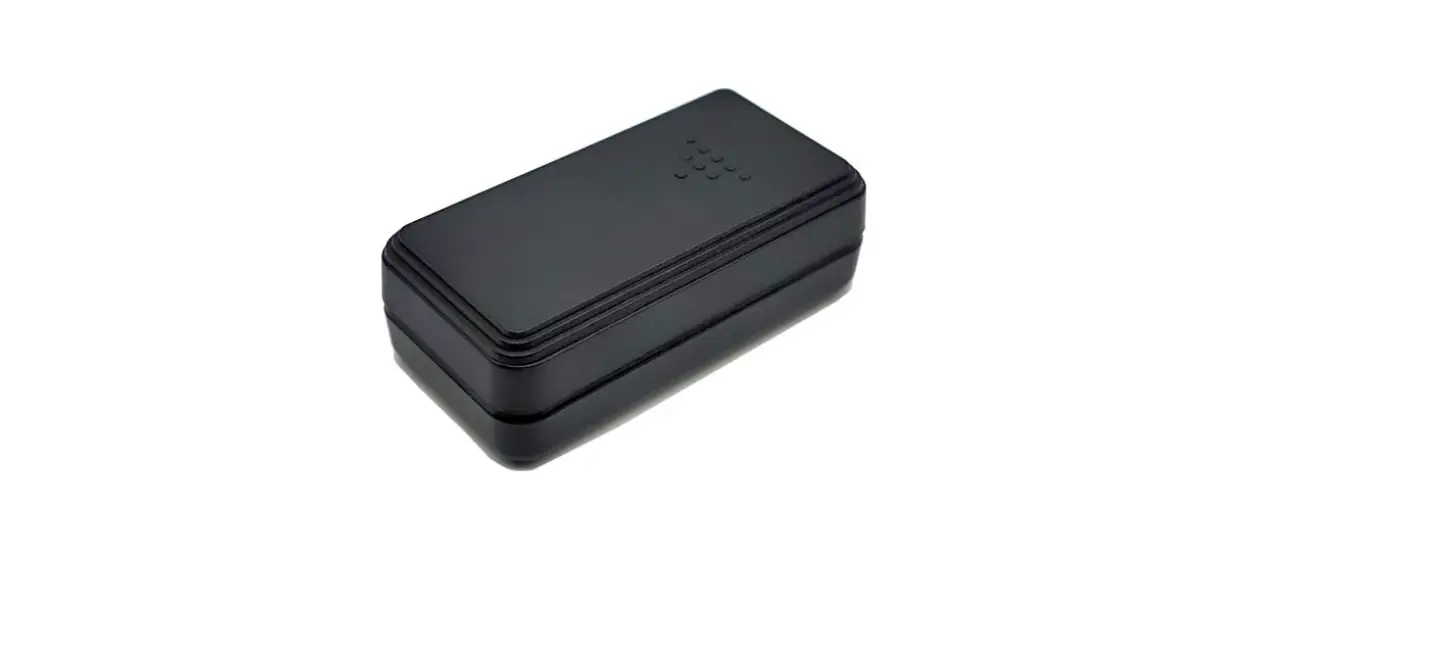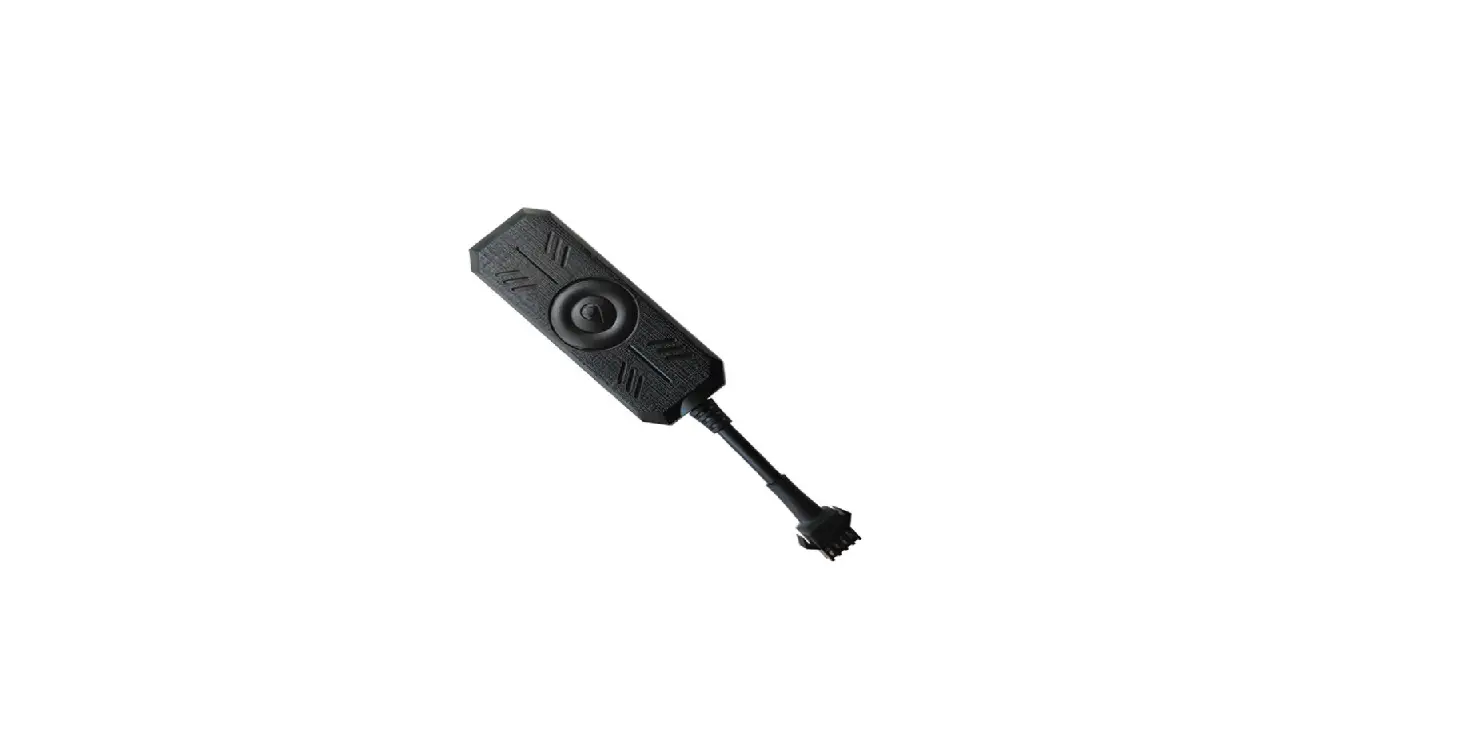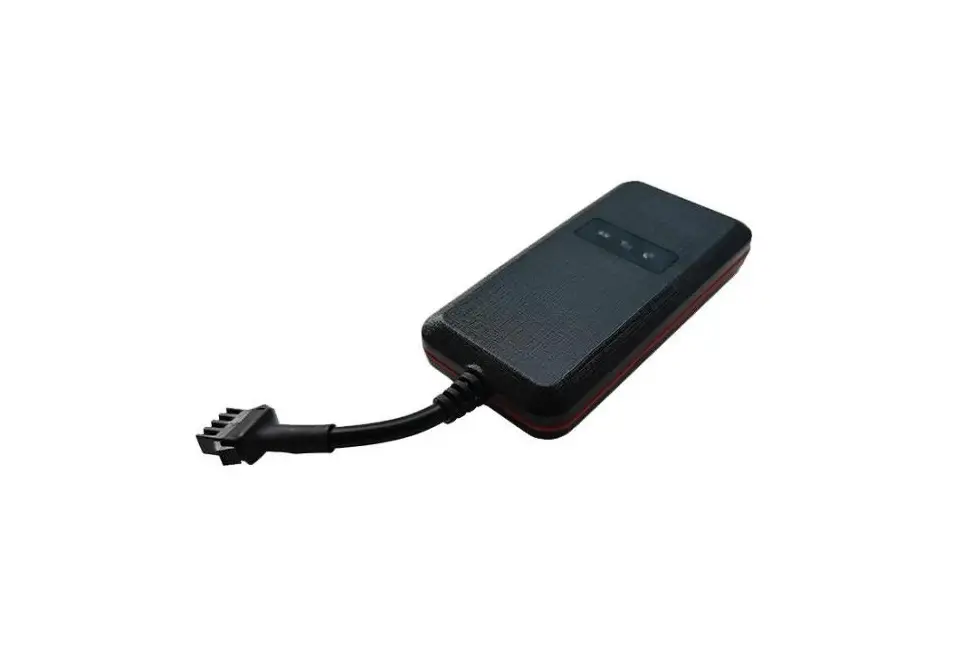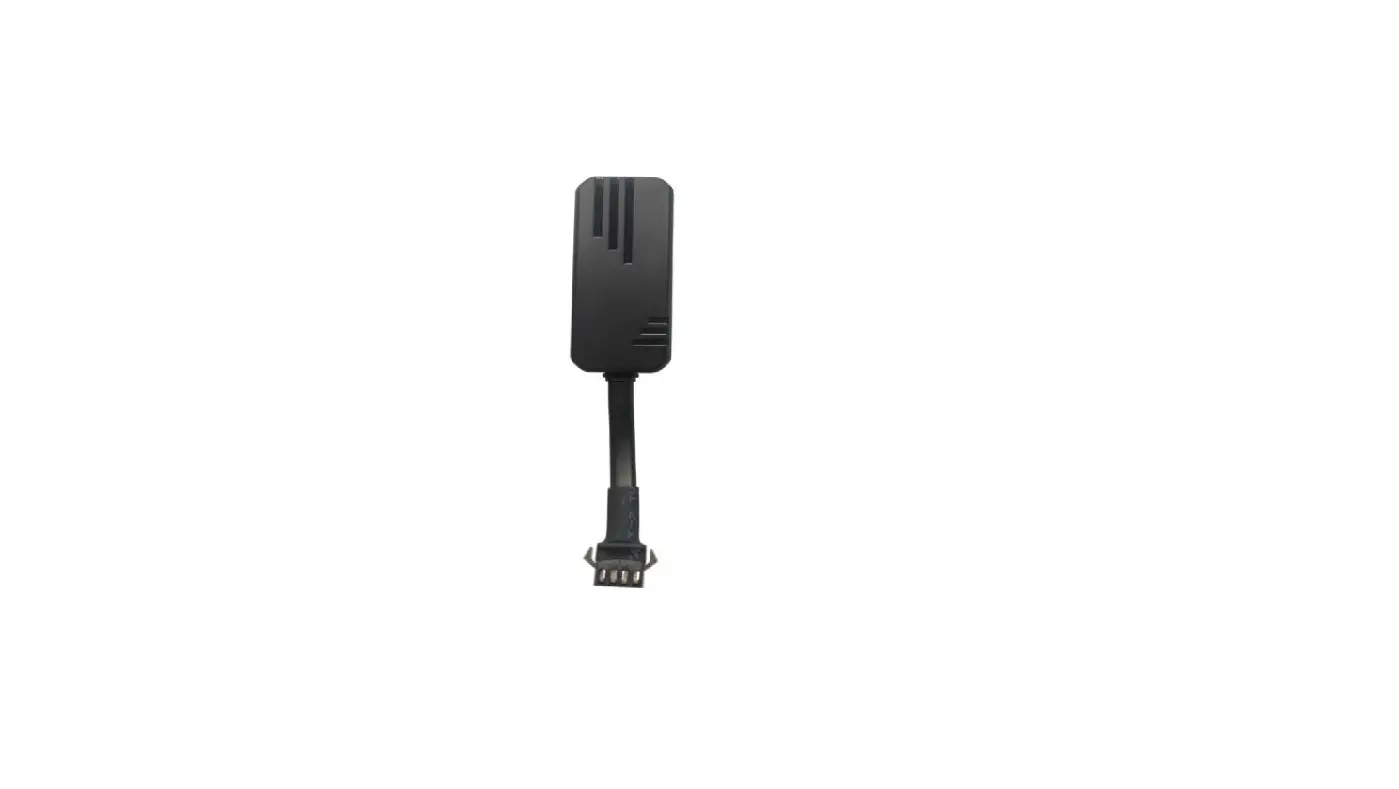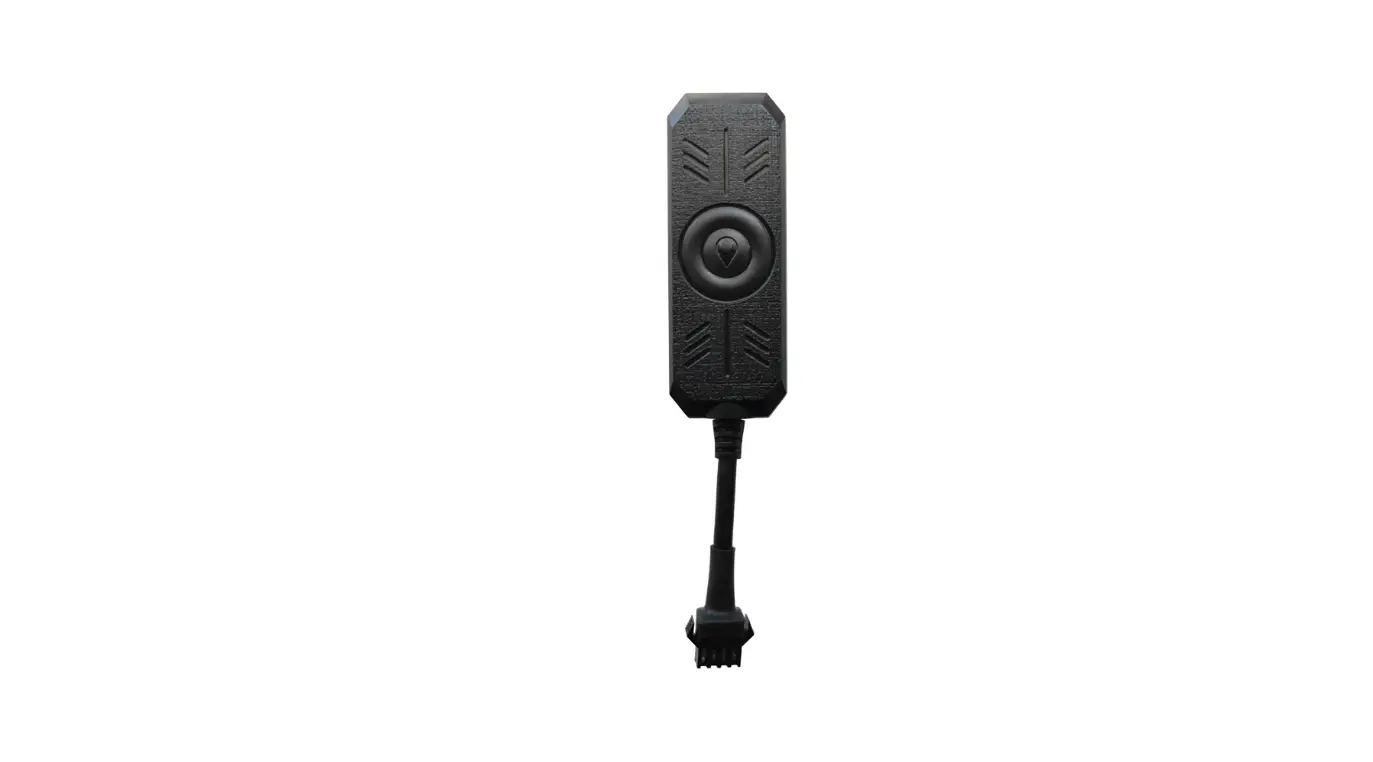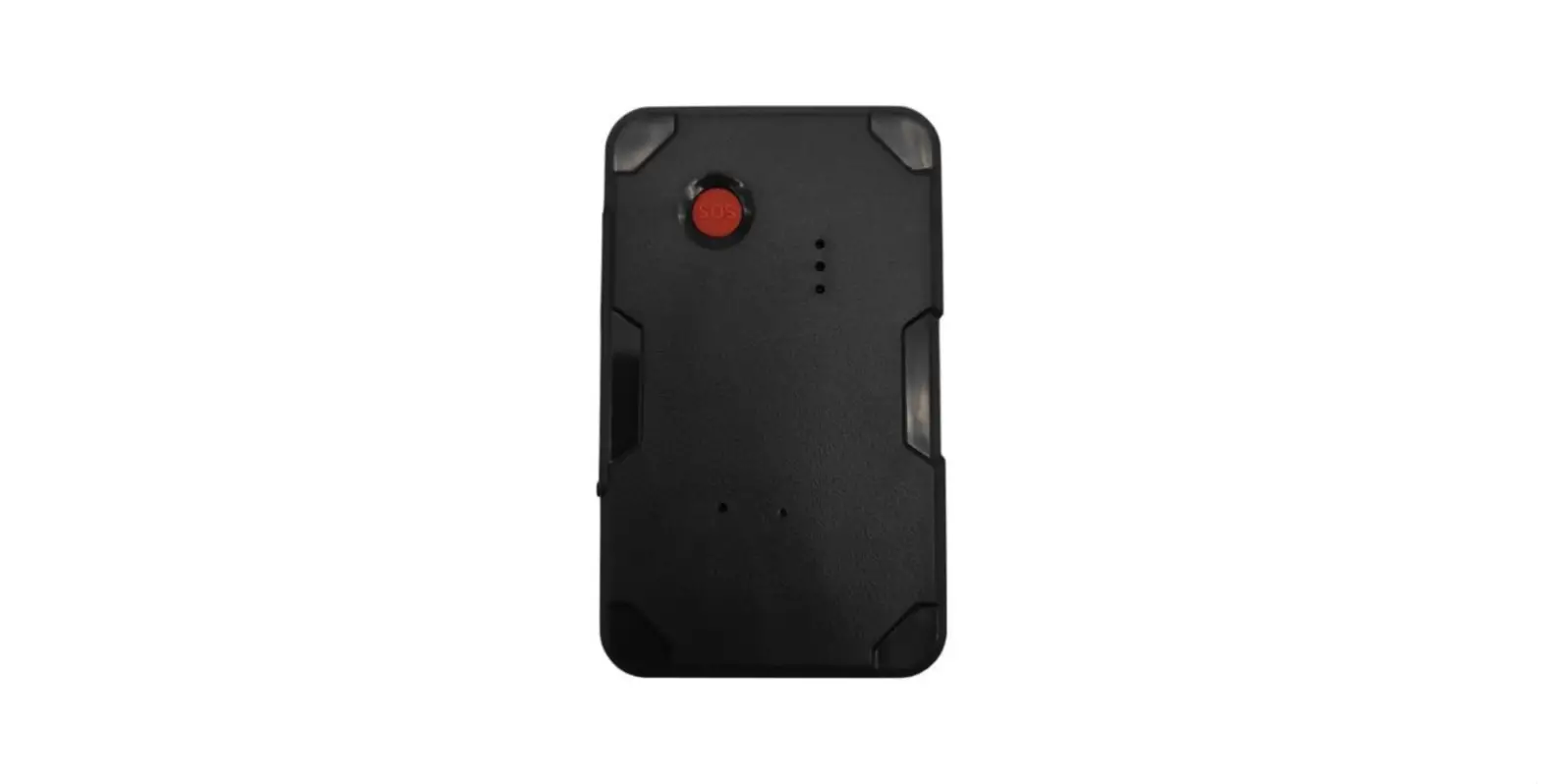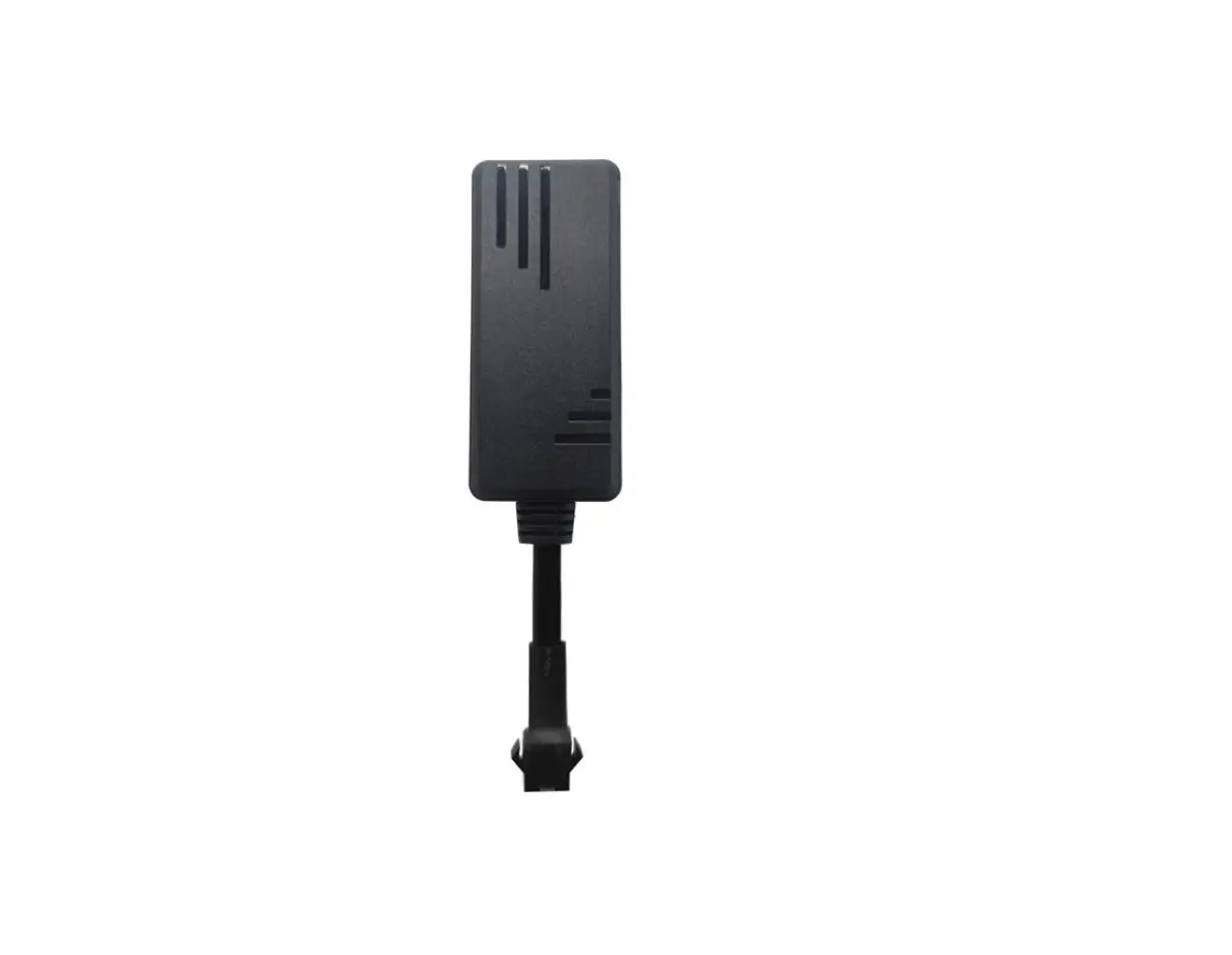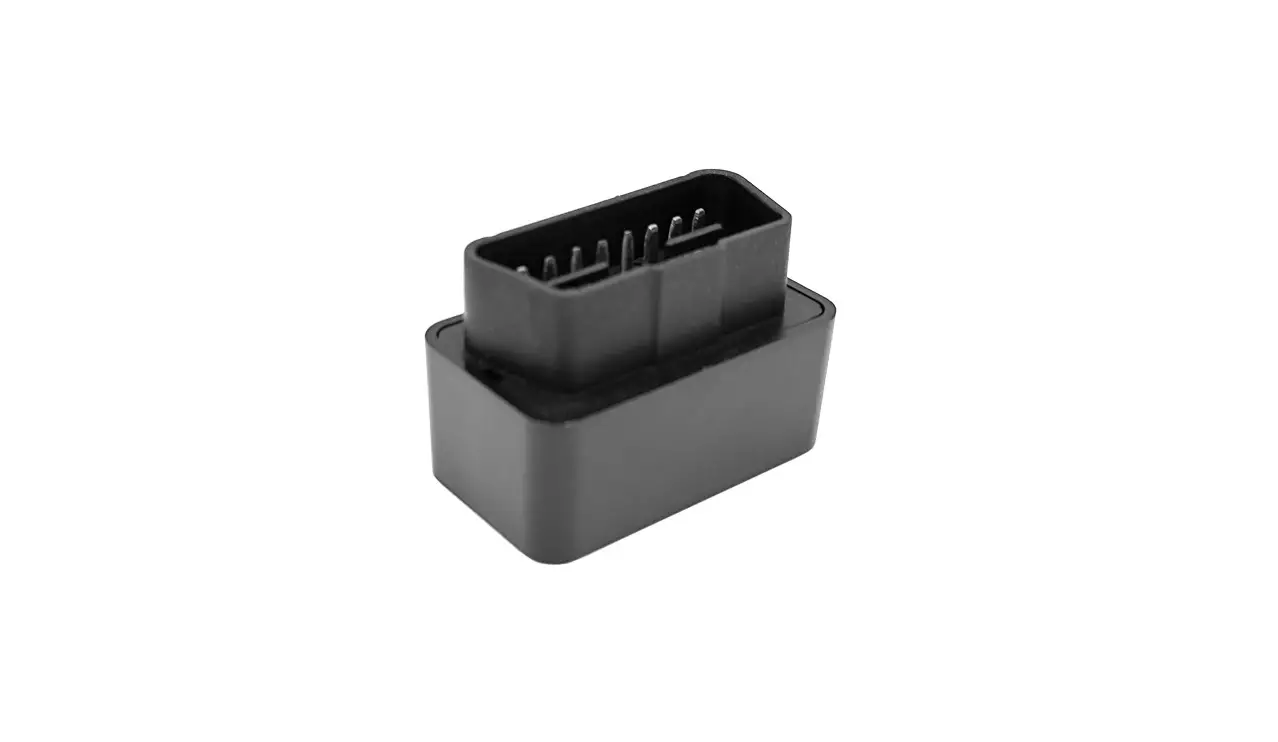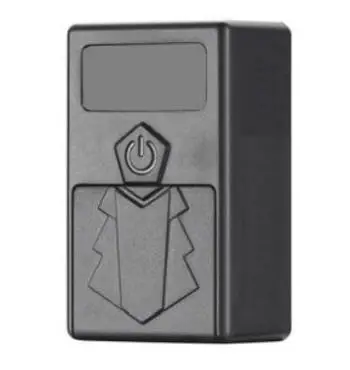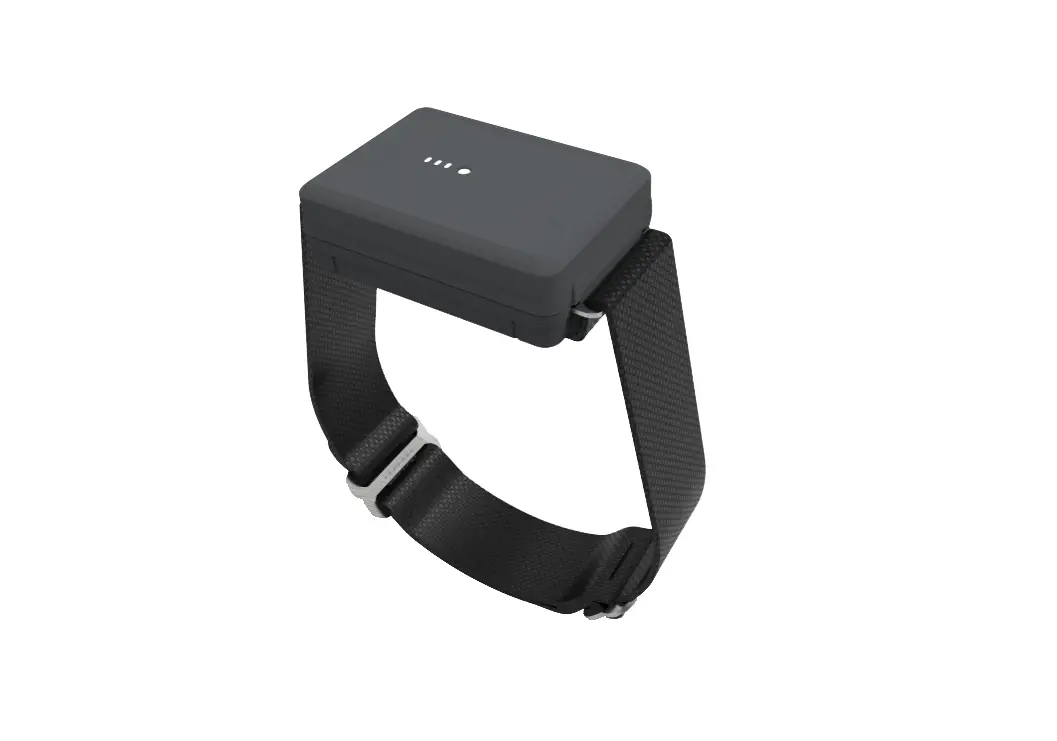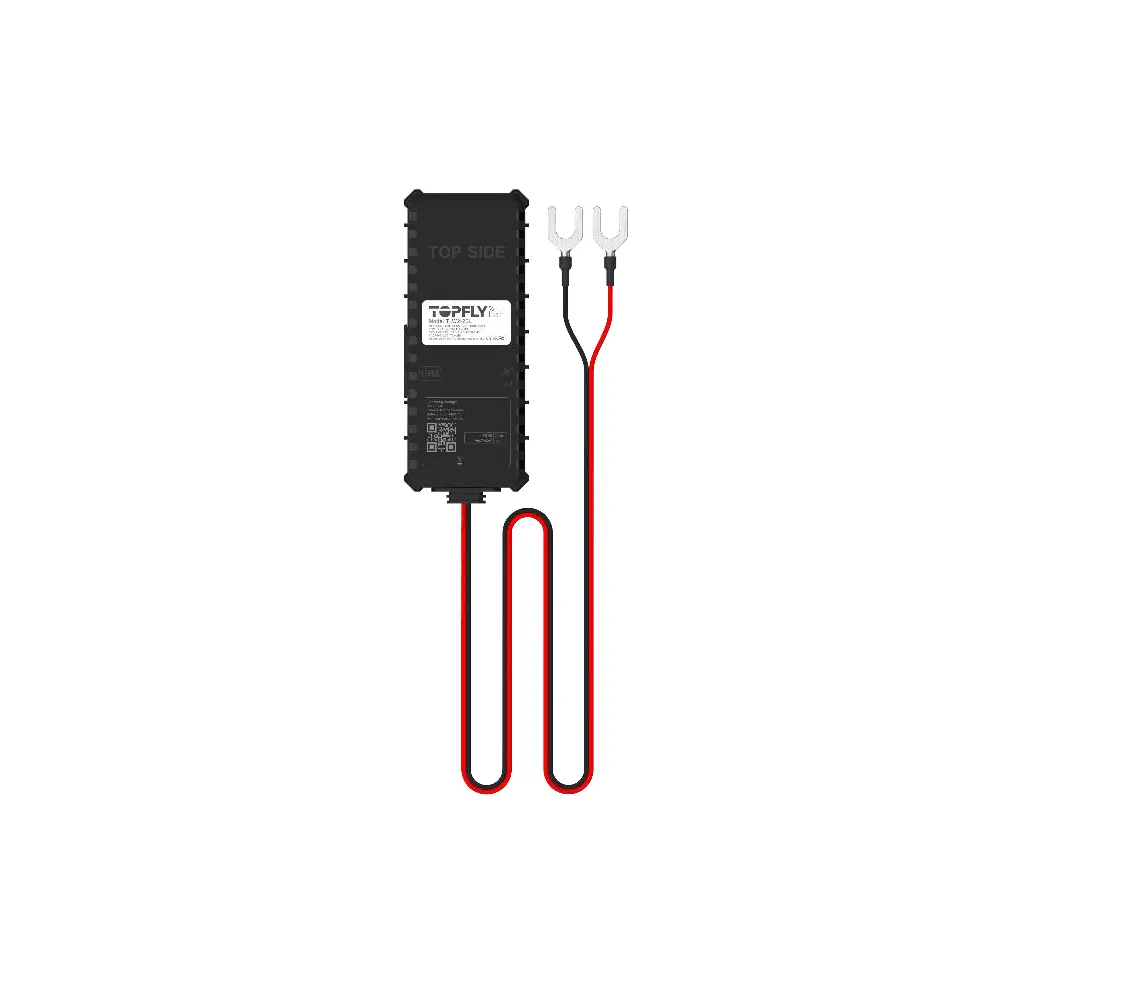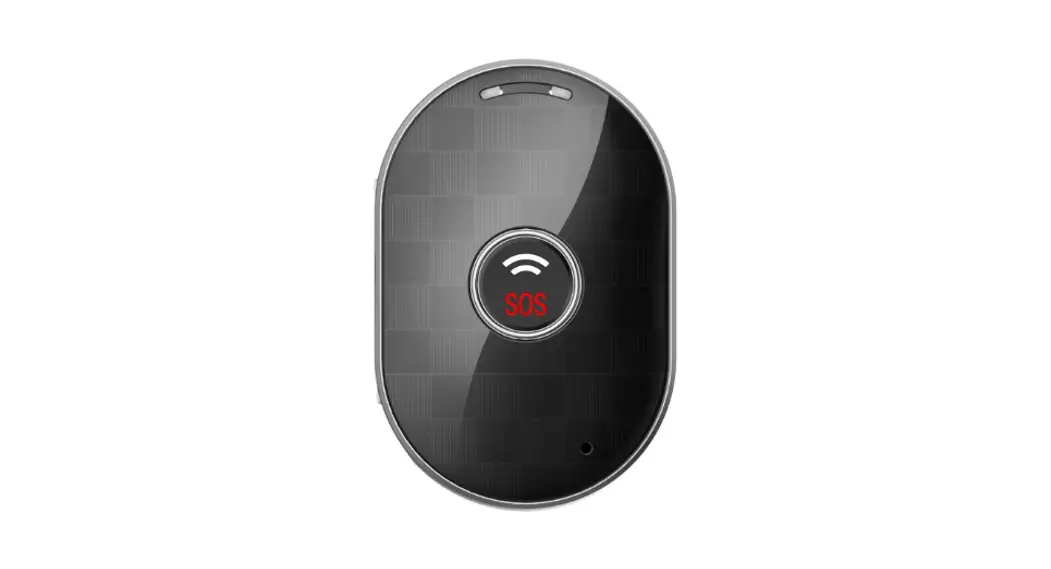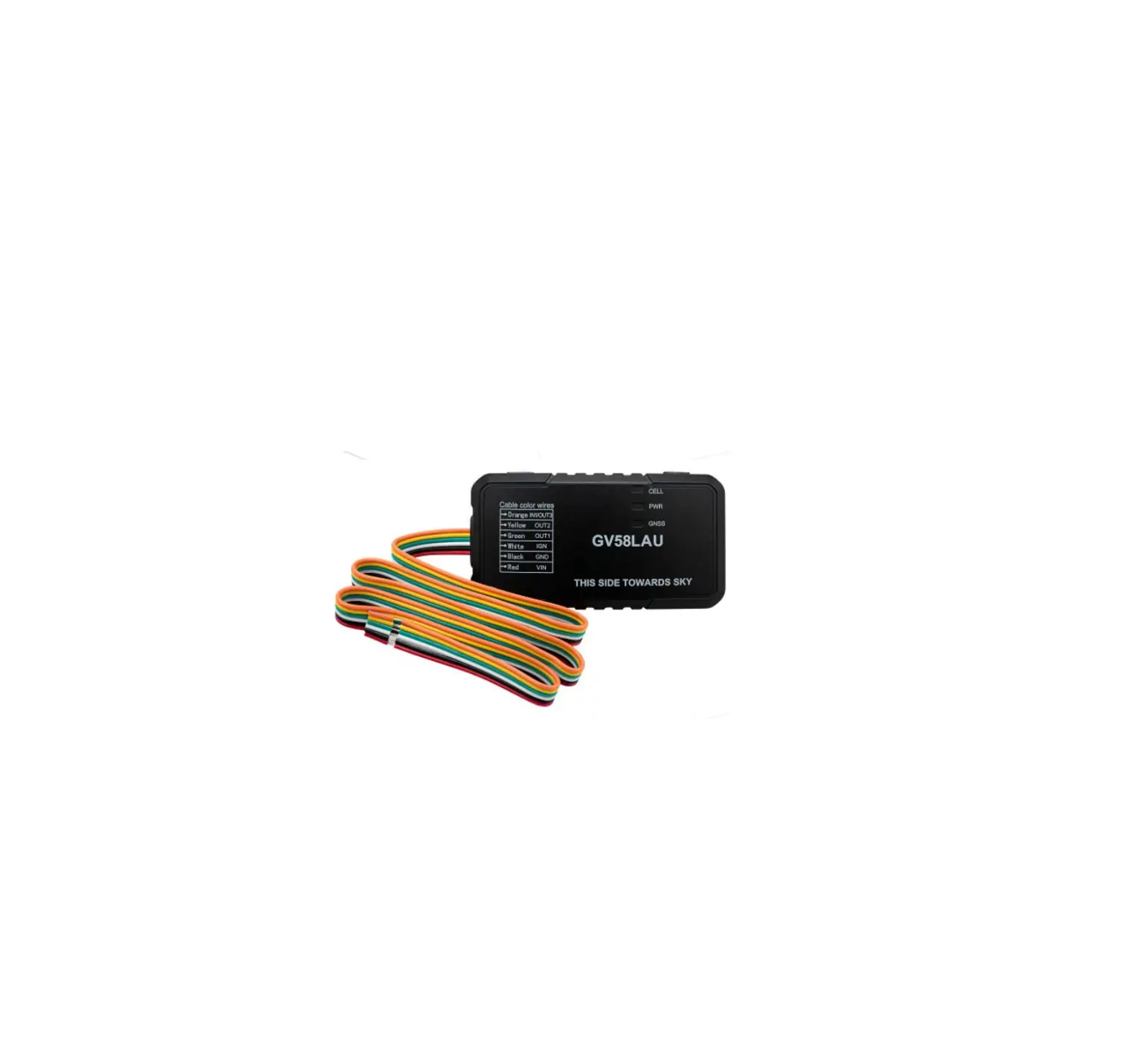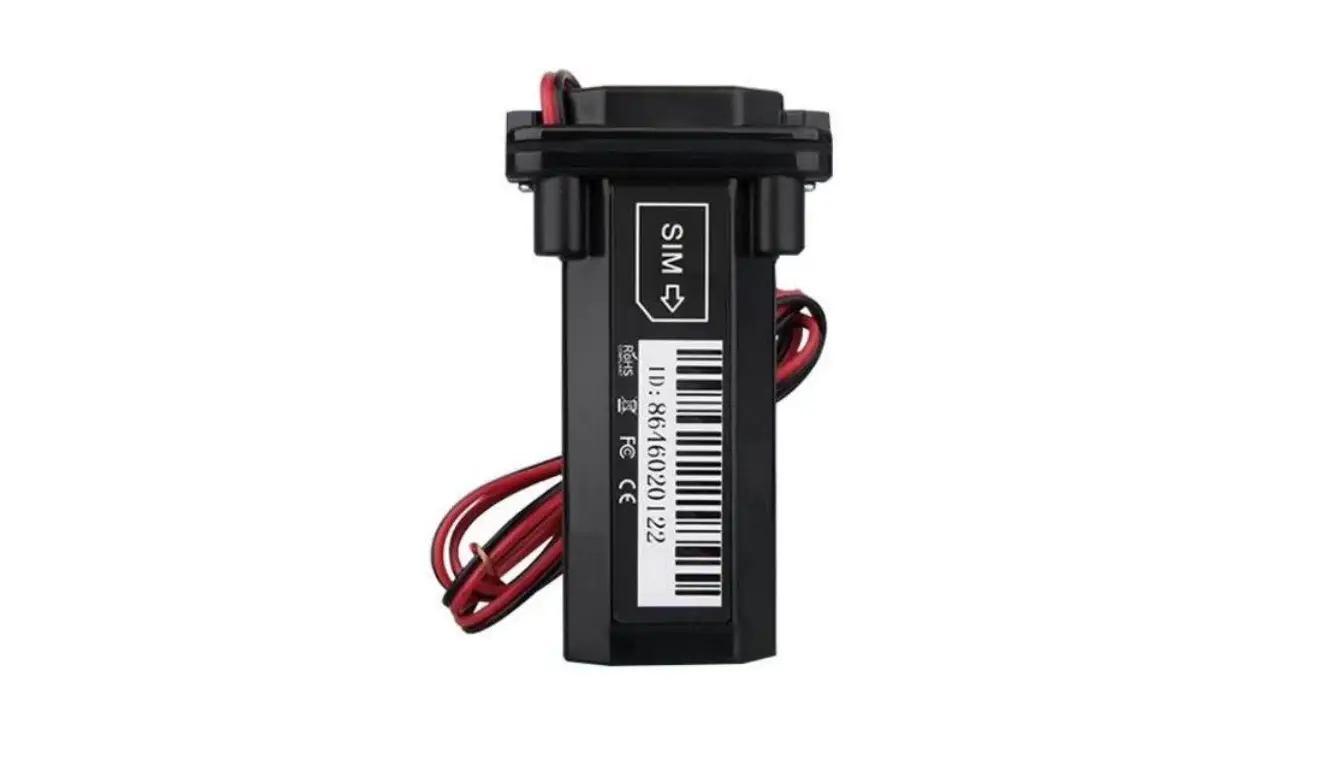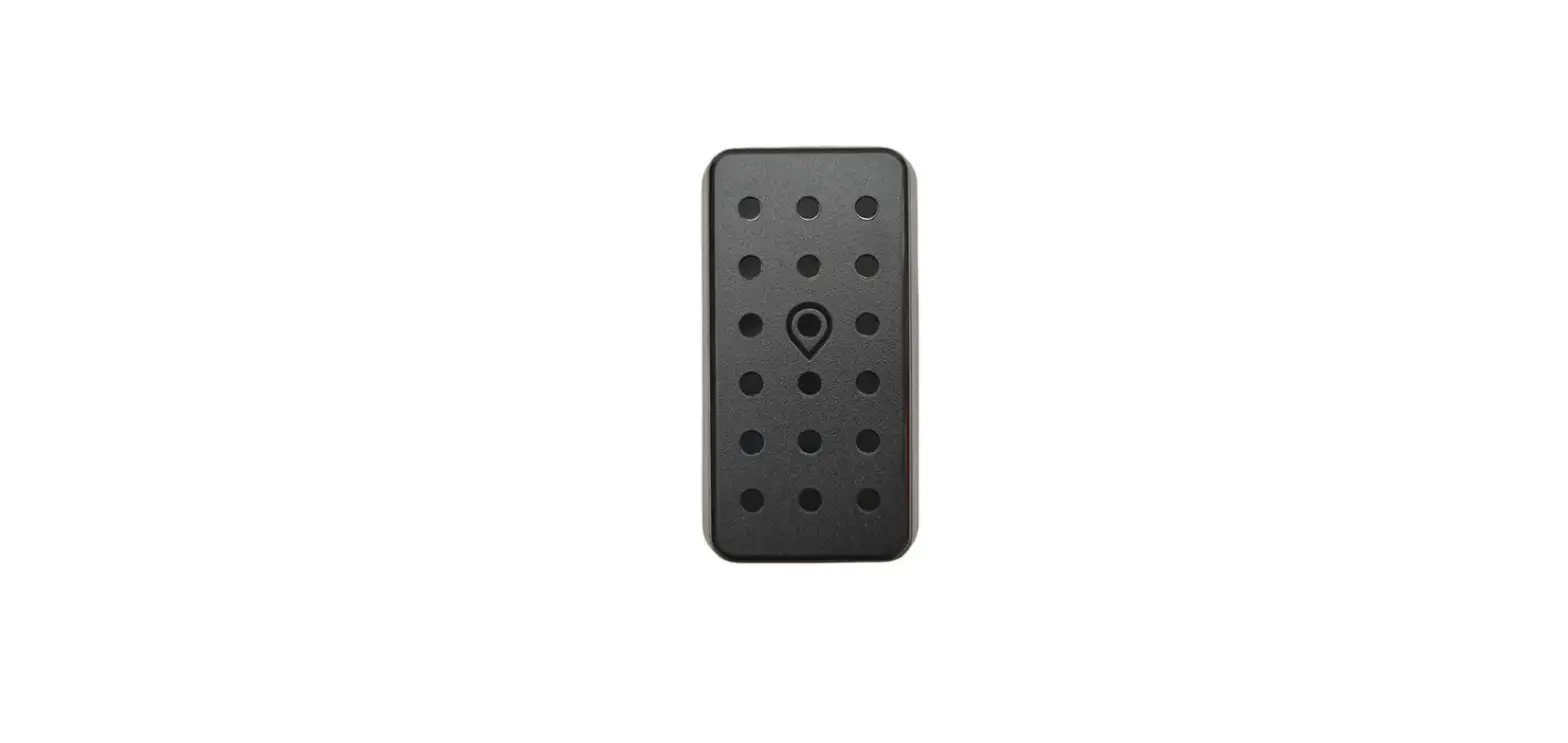

T-mark TW2 GNSS Tracker
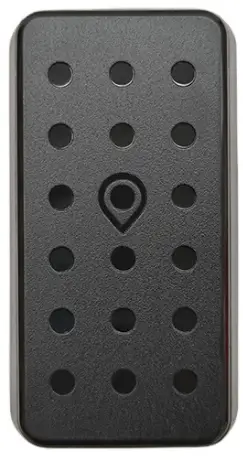
Product Information
TW2 GNSS Tracker
The TW2 GNSS Tracker is a cutting-edge device designed to provide real-time location tracking and driving behavior analysis. It comes equipped with multiple features such as no-wire installation, multi-GNSS, smart power-saving, multiple working modes, and anomaly alerts like vibration, over-speed, and power-off.
Features
- No-wire installation
- Driving behavior analysis
- Multi-GNSS
- Location data re-upload
- Smart power saving
- Multiple working modes
- Anomaly alert (vibration, over-speed, power-off, etc.)
Operating Environment
- Operating voltage: 3.5-4.3 VDC
- Operating current: 60mA
- Standby current: 8mA
- Operating temperature: -20 to 70
- Storage temperature: -40 to +85
- Positioning accuracy: <10m
- Location modes: GPS, BDS, AGPS, and LBS

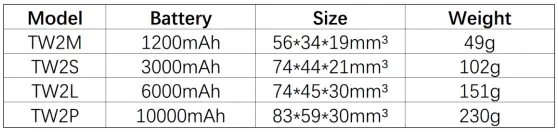
Product Usage Instructions
Please ensure that you read the product manual carefully before use for correct installation and quick online activation.
- Install the TW2 GNSS Tracker in your vehicle using the no-wire installation feature.
- The device will start providing real-time location tracking and driving behavior analysis.
- If there are any changes in the appearance and color of the device, refer to its object for clarification.
- The device comes with a smart power-saving feature that helps conserve the battery.
- The TW2 GNSS Tracker operates effectively in multiple working modes.
- In the event of any anomaly like vibration, over-speed, or power-off, the device will send out an alert.
- Ensure an operating voltage of 3.5-4.3 VDC and an operating temperature range of -20 to 70 for optimal performance.
With the TW2 GNSS Tracker, you can effortlessly track your vehicle’s location and driving behavior analysis in real time. It is highly efficient and provides accurate results.
Please read the manuals carefully before you use it, so as to get the correct installation and quick online activation. If the appearance and color of the product are changed, the object will prevail.
Introduction
Features
- No-wire installation
- Driving behavior analysis
- Multi-GNSS
- Location data re-upload
- Smart power saving
- Multiple working modes
- Anomaly alert (vibration, over-speed, power-off, etc.)
Operating Environment
- Operating voltage: 3.5-4.3 VDC
- Operating current: 60mA
- Standby current: 8mA
- Operating temperature: -20â„C to 70â„C
- Storage temperature: -40â„C to +85â„C
- Positioning accuracy: <10m
- Location modes: GPS, BDS, AGPS, and LBS
Frequency Bands
- GSM: B2/B3/B5/B8
Overview
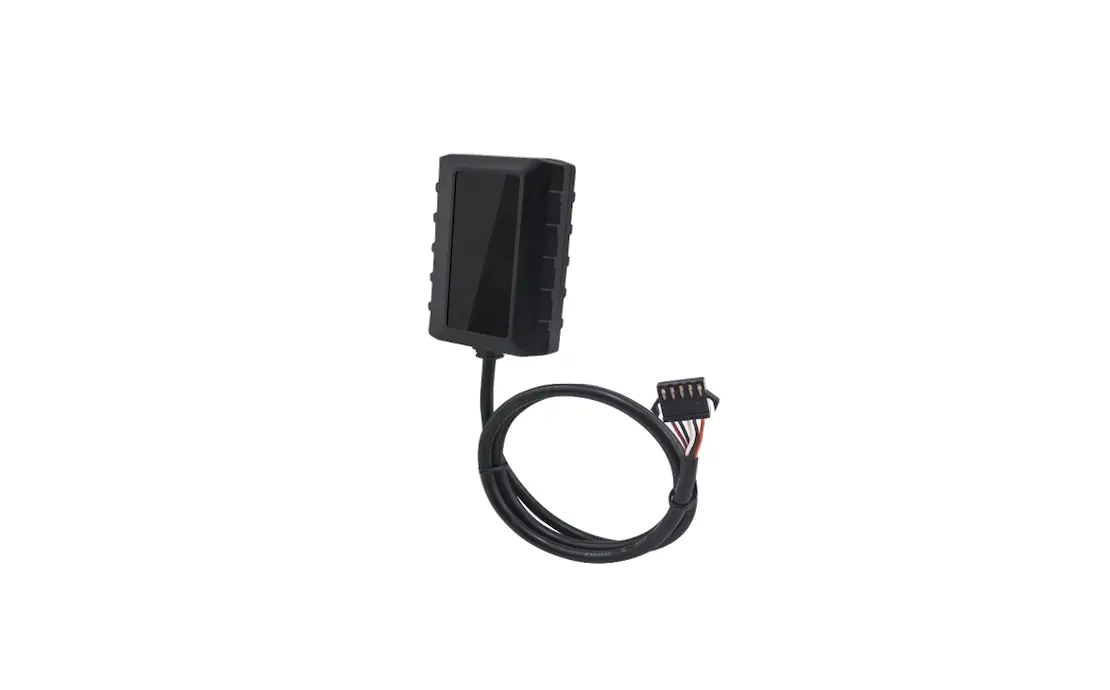
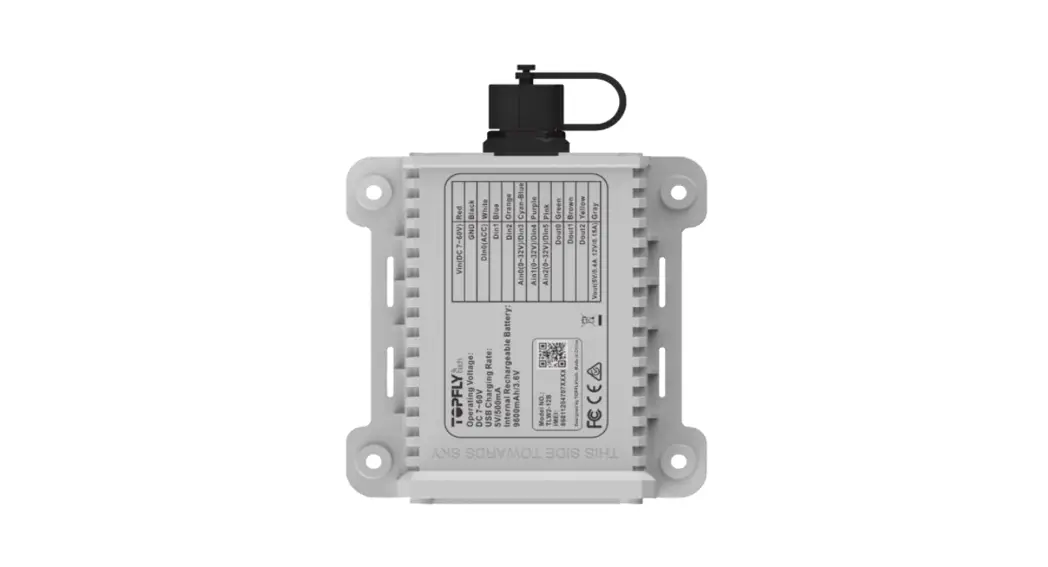
Appearance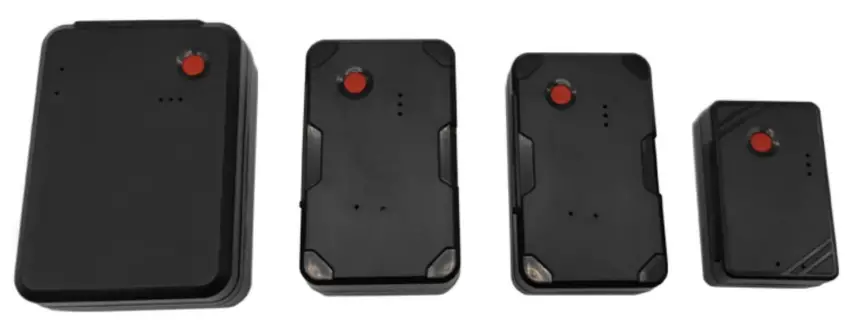
Connotations of Indicators
Power Indicator (Red)
- Keep on Connected to external power
- Off Not connected to external power
GNSS indicator (Blue)
- Fast flashing The device is searching for satellite signals.
- Keep on The GNSS module is already fixed a position.
- Off Device is in sleep mode or not operating
Network indicator (Green)
- Fast flashing The network in searching
- Slow flashing The network signal is normal
- Keep on The device online
- Off Device is in sleep mode or not operating
Note: By default, when the device is stationary for 3 minutes, the LED will automatically turn off and wake up after a vibration.
Installation
Inserting the SIM Card
Step 1 Prepare a proper SIM card;
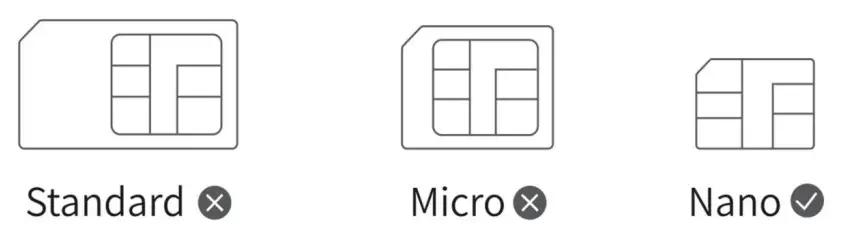
Step 2 Insert the SIM.
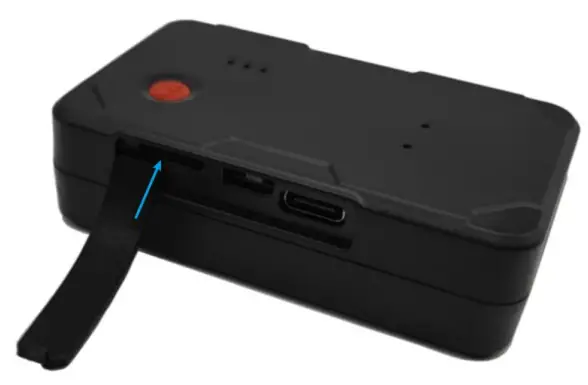
After the SIM card is inserted, the device powers on using the backup battery. If the device fails to power on due to low battery, you can connect the device to the external power.
Note: The SIM card must be inserted correctly, has GPRS services activated, and is not in arrears. If the SIM is identified and requires a PIN, please disable the PIN request.
Installing the Device
Put under the car seat or other hidden places, place the environment do not have signal interference
Product Features
| Content | Function | Description |
|
Positioning function | Timed tracking | Transmit back the positioning information such as latitude and longitude according to the set interval time. |
| Street map | 360 degree high-definition map | |
| Speeding alarm | When driving over speed, the locator will send alarm to your cell phone | |
| Vibration alarm | Built-in vibration sensor, continuous vibration of the vehicle, the device will immediately send alarm alerts | |
| Electronic fence | When the car driving range exceeds the specified area, the platform will send alarm information | |
| History track | Can play back 90 days of the track, playback the speed, direction, stay time and other content | |
| Displacement alarm | When the vehicle encounters illegal operation or theft, the fuel and electricity can be cut off remotely by computer or cell phone APP | |
| Fleet management | 1 cell phone can manage multiple devices, or 1 device multiple cell phone management |
Analysis of common problems
| Failure phenomenon | Failure analysis | Treatment method |
|
GPS is not positioned | Determine whether to use the terminal in areas with poor GPS signals, such as near tall buildings or underground parking lots |
Move the vehicle to a location with a good signal Use the terminal |
| Determine whether the front windshield of the vehicle has metal heat insulation film affecting the signal reception | If there is a film, the equipment will be changed to other vehicles to test whether the blue light is always on, such as in other vehicles without film to test no problem, then the vehicle is caused by the film | |
| Determine whether there is a shield or signal jammer on or around the car | If there is a shield or source of interference, remove the shield or source of interference and try to reinstall | |
|
GSM is not working | Determine whether the SIM card is installed properly | Check whether the SIM card is installed in place |
| Determine if there is dirt or poor contact on the metal surface of the SIM card | Wipe the metal chip surface with a clean cloth or repeatedly insert and remove the card several times | |
| Determine if the vehicle is in a place with no mobile network, such as an underground parking lot. | Please drive the vehicle to a place with good network signal and try to reinstall it. | |
| Determine whether the server background is normal | Ask if the server of the background management platform is normal | |
| Determine whether the SIM card status is normal or not | Check whether the status of the SIM card is normal through the SIM card inquiry platform | |
| Determine whether there is a shield or signal interferer on the car or around | If there is a shield or source of interference, remove the shield or source of interference and try to reinstall |