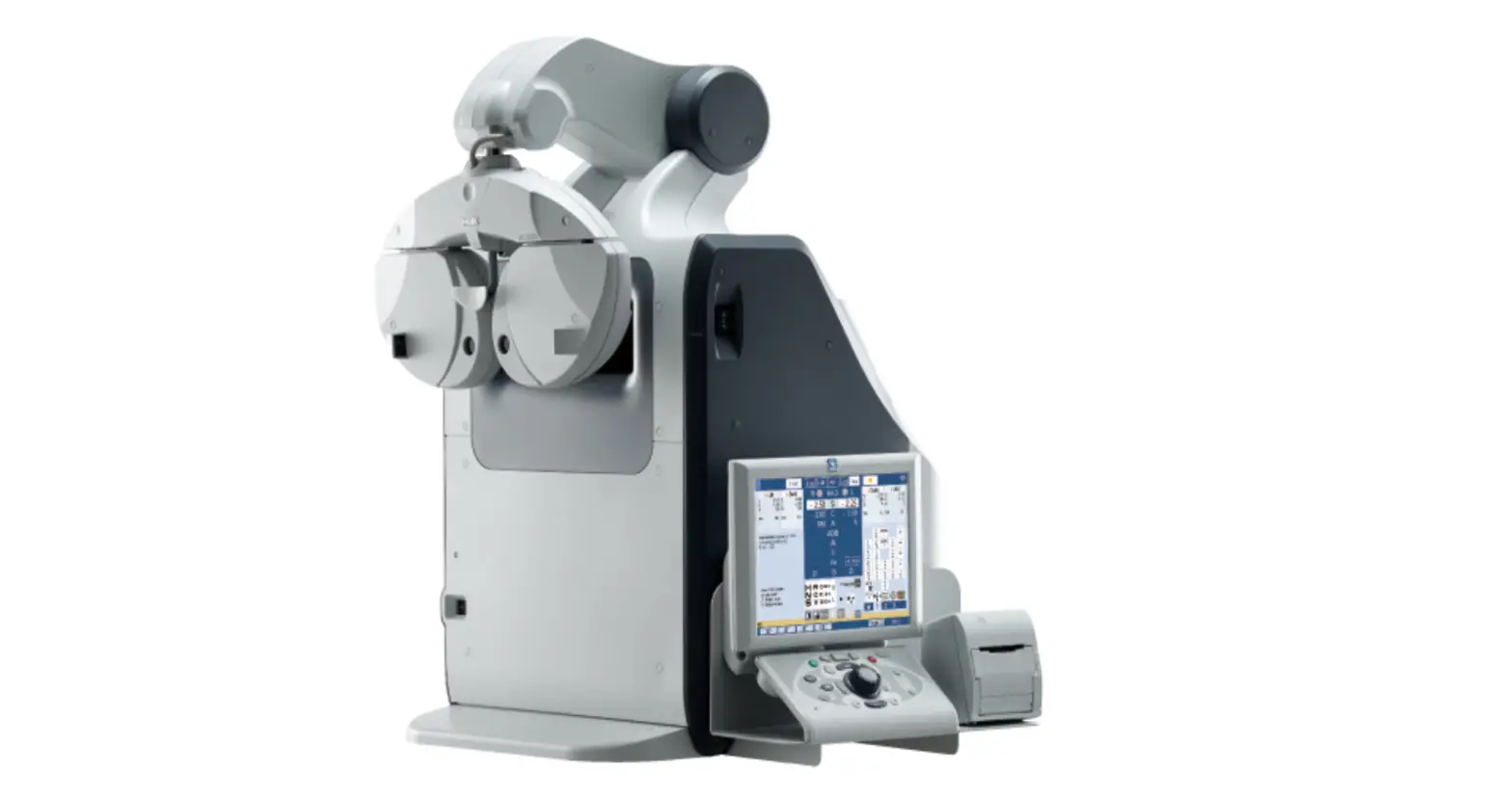

NIDEK TS-610 Fully Assisted Refraction System
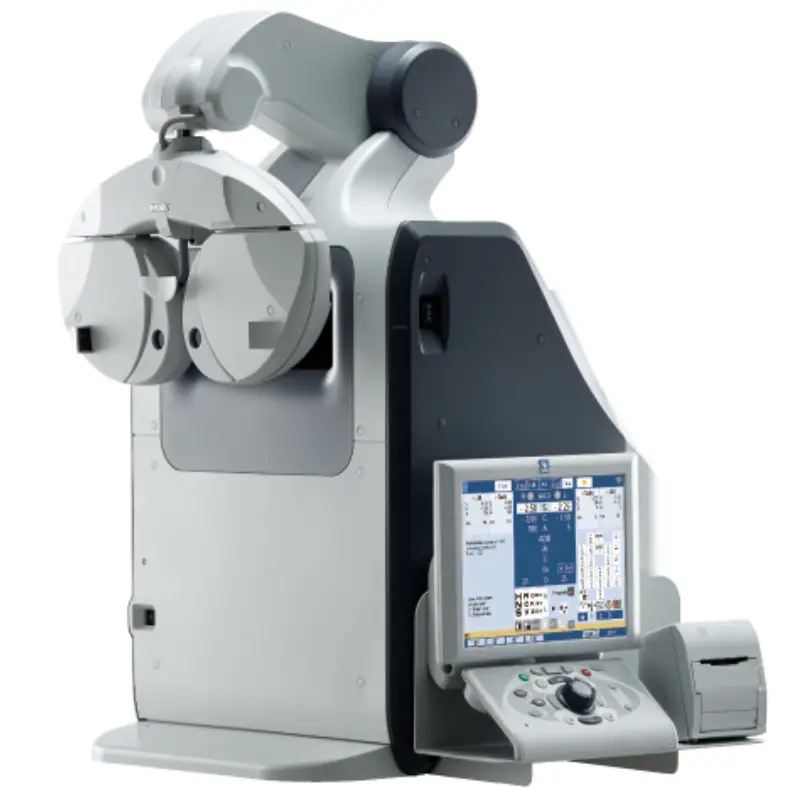
Fully Assisted Refraction System Quick Reference Guide
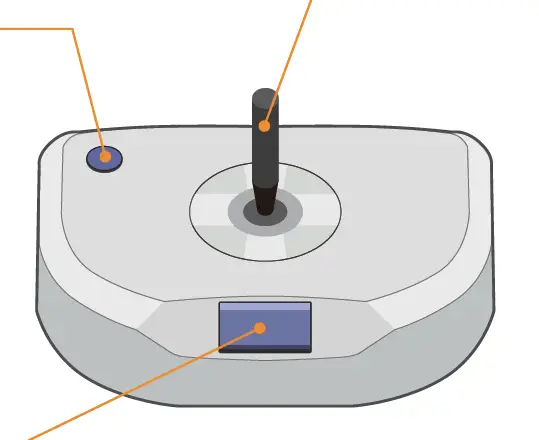
Help button
Calls staff.
Answer lever
Tilt the lever to the direction is facing or the direction of the clearer image.
Answer button
Press this button when you cannot see the direction is facing or when the right and left images appear the same.
The voice guide repeats the operating procedure twice at specific intervals for each measurement.
Measurement mode
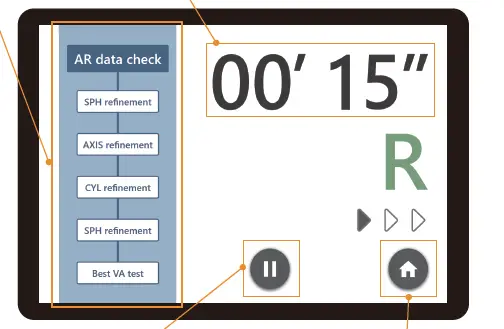 Measurement items
Shows the progress for each measurement item.
Elapsed time
Exceeding the set time changes the indication to orange.
Pause button
Pauses measurement and enters Pause mode.
Home button
Returns to the home screen. Clears all measurement data.
Pause mode
The control box for the connected refractor is operable while Pause mode is active.
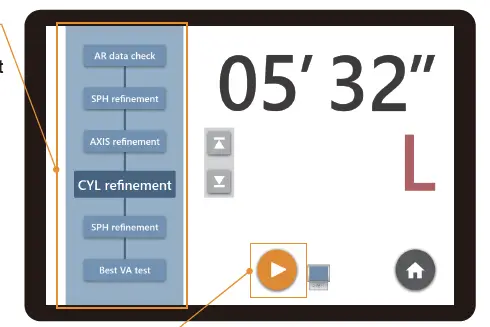
Measurement item buttons
Pressing a button resumes measurement from the selected item.
Resume button
Resumes measurement from the state before pause.
Help mode
Activates when the help button is pressed on the Joystick Controller or no answer is given for a certain period of time.
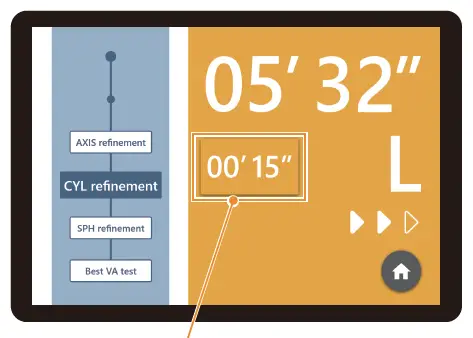
Response button
Terminates Help mode and enters Pause mode.
Refraction program
| Measurement item | Description | |
|
| AR data check | Approx. VA 20/30 (0.63) visual acuity test |
| SPH refinement | Red-green test (sphere refinement) | |
| AXIS refinement | Cross cylinder test (cylinder axis refinement) | |
| CYL refinement | Cross cylinder test (cylinder refinement) | |
| SPH refinement | Red-green test (sphere refinement) | |
| Best VA test | Best-corrected visual acuity test | |
| BIN | ADD test | Addition test |
| ADD VA test | Visual acuity test with addition (approx. VA 20/30 (0.63)) | |

In measurements with the mark R➡L , “SPH refinement” to “Best VA test” are performed for the right eye. Then, the same measurement is performed for the left eye.