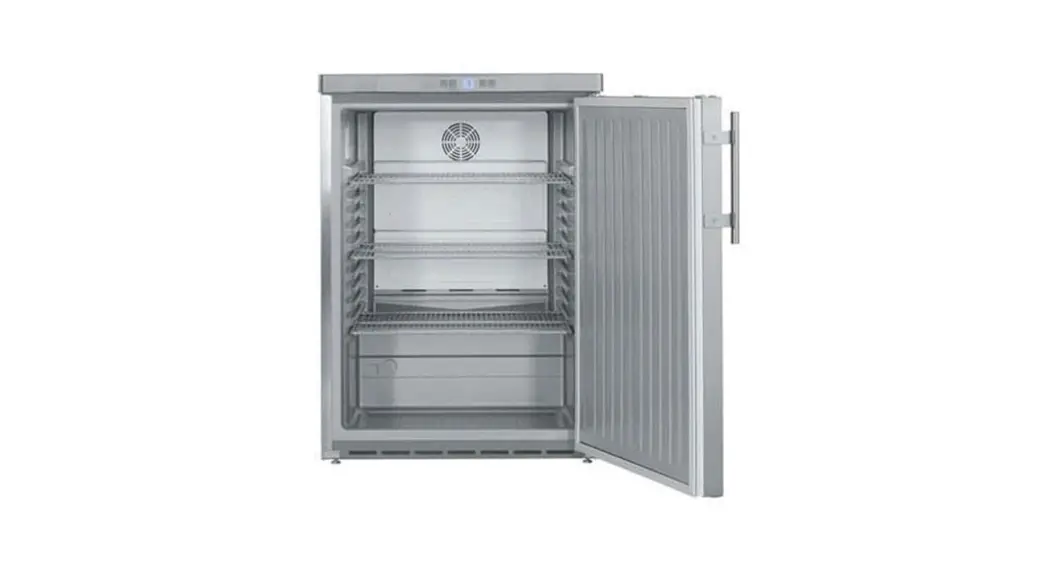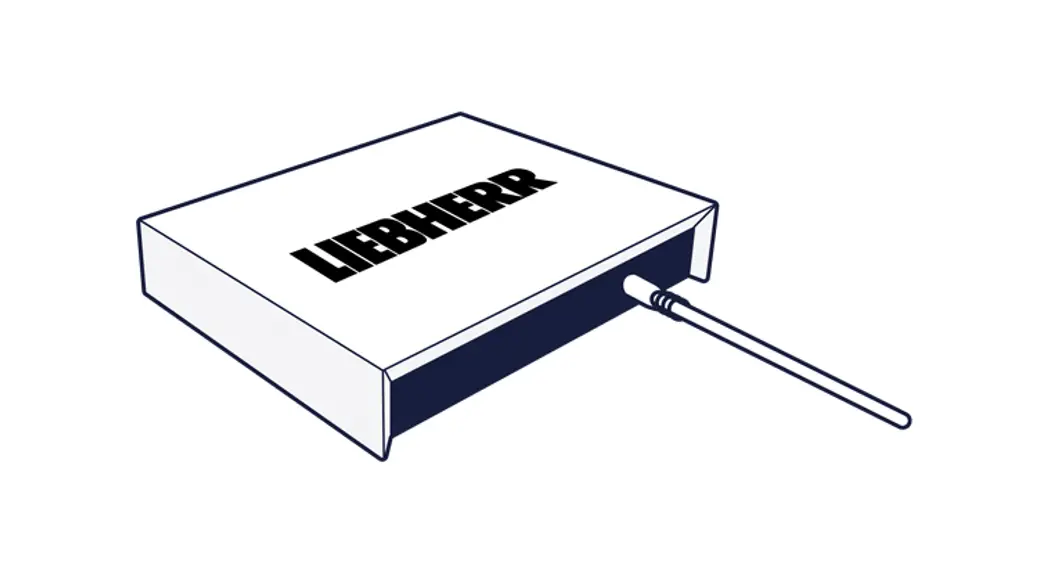
 137548 Smart Cooling Hub
User Guide
137548 Smart Cooling Hub
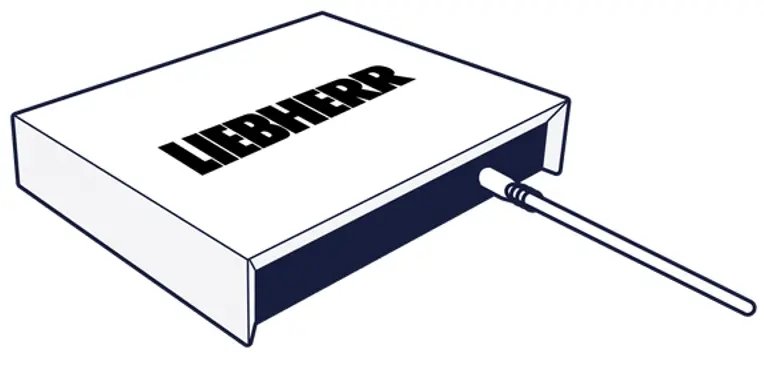 Version 1.8
latest version available at home.liebherr.com/smartmonitoring
Materials required Included in the delivery
| SmartCoolingHub | Power supply unit | 2x RS485 connectors | 1.5 m cable |
| with adapters for EU, | Other connectors | Other cables | |
| UK and USA | available as Liebherr | available as Liebherr | |
| accessories | accessories |

Not included in the delivery
| Liebherr networkable | Computer or tablet | Slotted screw driver | LAN cable |
| appliance | with internet access | size: 2,5 mm | (If there is a LAN network connection) |
| Compatibility check | |||
| on SmartMonitoring | |||
| website |
For more information and other accessories visit the SmartMonitoring website: home.liebherr.com/smartmonitoring or contact your dealer.
Preparation
For assistance with set-up, please contact Liebherr Service (see contact info).
- The plug-in power supply must be plugged together for the local socket standard. Select an adapter and slide onto the power supply unit until it clicks into place. A power connection designed for the power supply unit should be located near the SmartCoolingHub.
- Broadband Internet connection with wireless network (WLAN 2.4 GHz) or wired (Ethernet/ LAN)
- The SSID must be visible for the WLAN connection.
- Share the following network ports within your network and at the Internet transition point (keyword: Firewall):
- DNS: Port 53(OUT)UDP/TCP
- HTTPS: Port 443 (OUT)/TCP WiFi IEEE 802.11 b/g/n 2.4 GHz, WPA2-PSK
- NTP: Port 123 (OUT)/UDP
- Secure MQTT: Port 8883 (OUT)/TCP, 8884 (OUT)/TCP Alternatively: (automatic) UPnP port sharing (Universal Plug and Play)
- DHCP mode active (automatic IP address assignment)
- The MAC address of the SmartCoolingHub must be shared in the network (see label on the back of the SmartCoolingHub if a MAC fi lter is used in your network).
- An Internet-enabled device with a current browser version and a minimum resolution of 1024×768 pixels is required to access SmartMonitoring.
- For your convenience, make a note of the serial numbers of your refrigerators in advance.
- A MyLiebherr customer profi le is required to log in to the SmartMonitoring dashboard (registration possible during set-up).
- You will need additional accessories to set-up other appliances.
- Recommendation: one SmartCoolingHub per room
- If the distance between the SmartCoolingHub and the appliance is greater than 50 m, you should consult a qualifi ed technician for installation.
Getting started
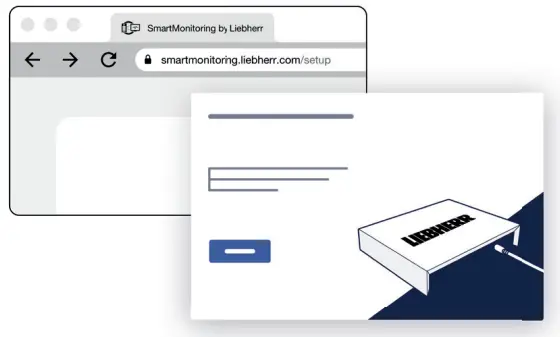
Start the set-up at the following address:
smartmonitoring.liebherr.com/setup or scan this QR-Code:
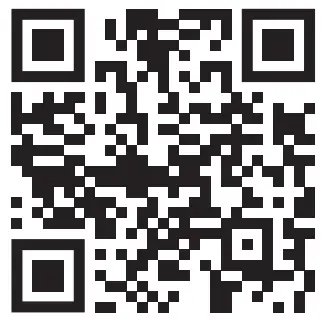
You will also fi nd the following there:
- Set-up videos
- Appliance instruction manual
- SmartMonitoring instruction manual
LED Status Description
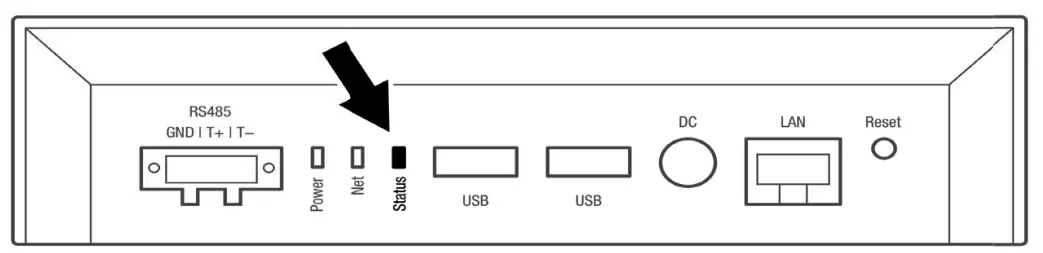
| O ff | SmartCoolingHub is switched off |
| Flashing green and red | SmartCoolingHub is starting up |
| Flashing green rapidly | Ready for set-up |
| Flashing green slowly | SmartCoolingHub is being set up |
| Constant green | System is operating normally |
| Constant red | Independent reboot of the SmartCoolingHub (may take several minutes). |
| Flashing red rapidly | Network error (no IP address received or no Internet connection available) |
 Weitere Informationen fi nden Sie in der SmartMonitoring Bedienungsanleitung.
For more information, refer to the SmartMonitoring instruction manual.
 SmartMonitoring – maximum security | Liebherr
 SmartMonitoring by Liebherr