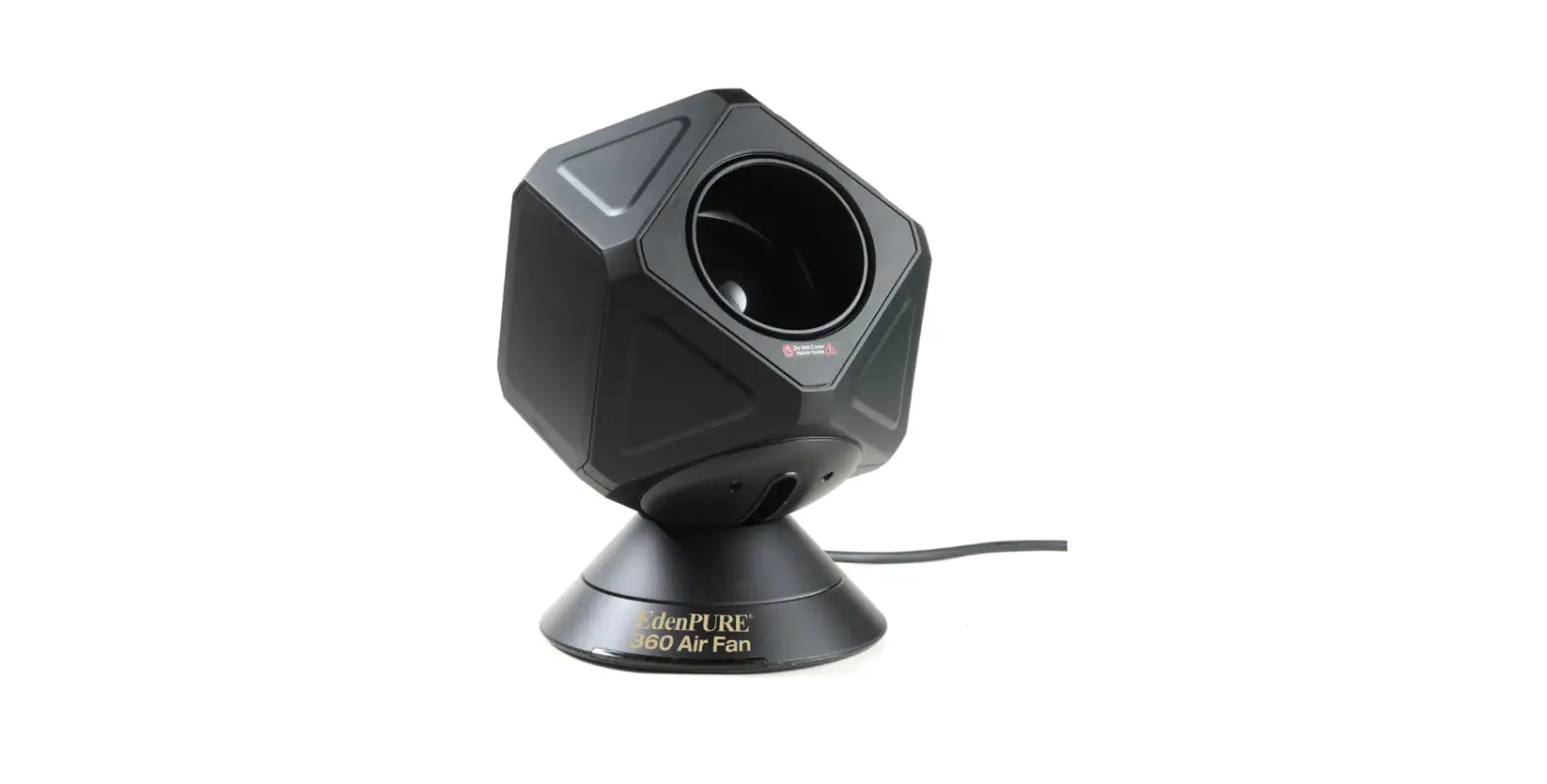
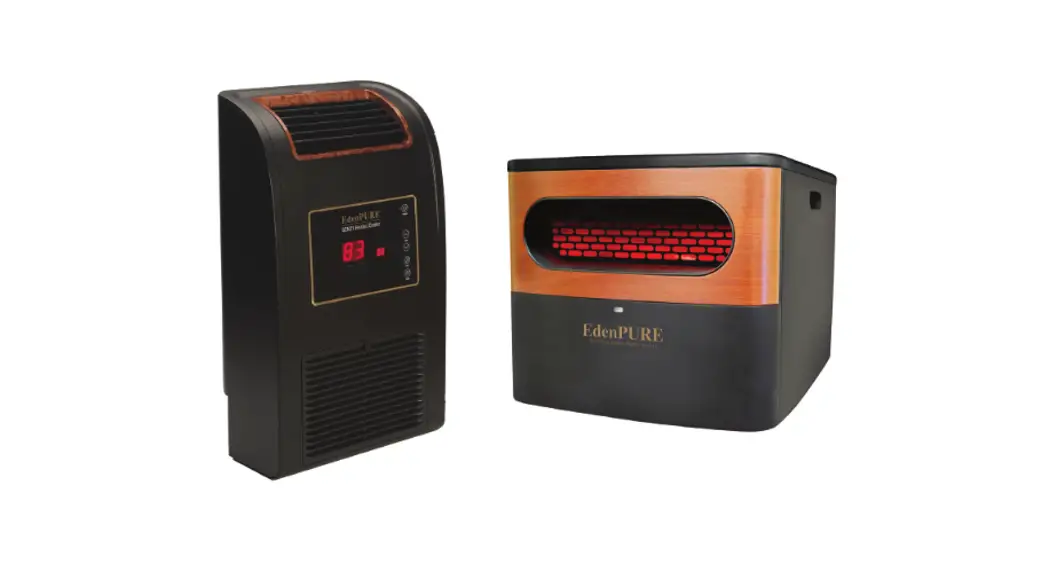
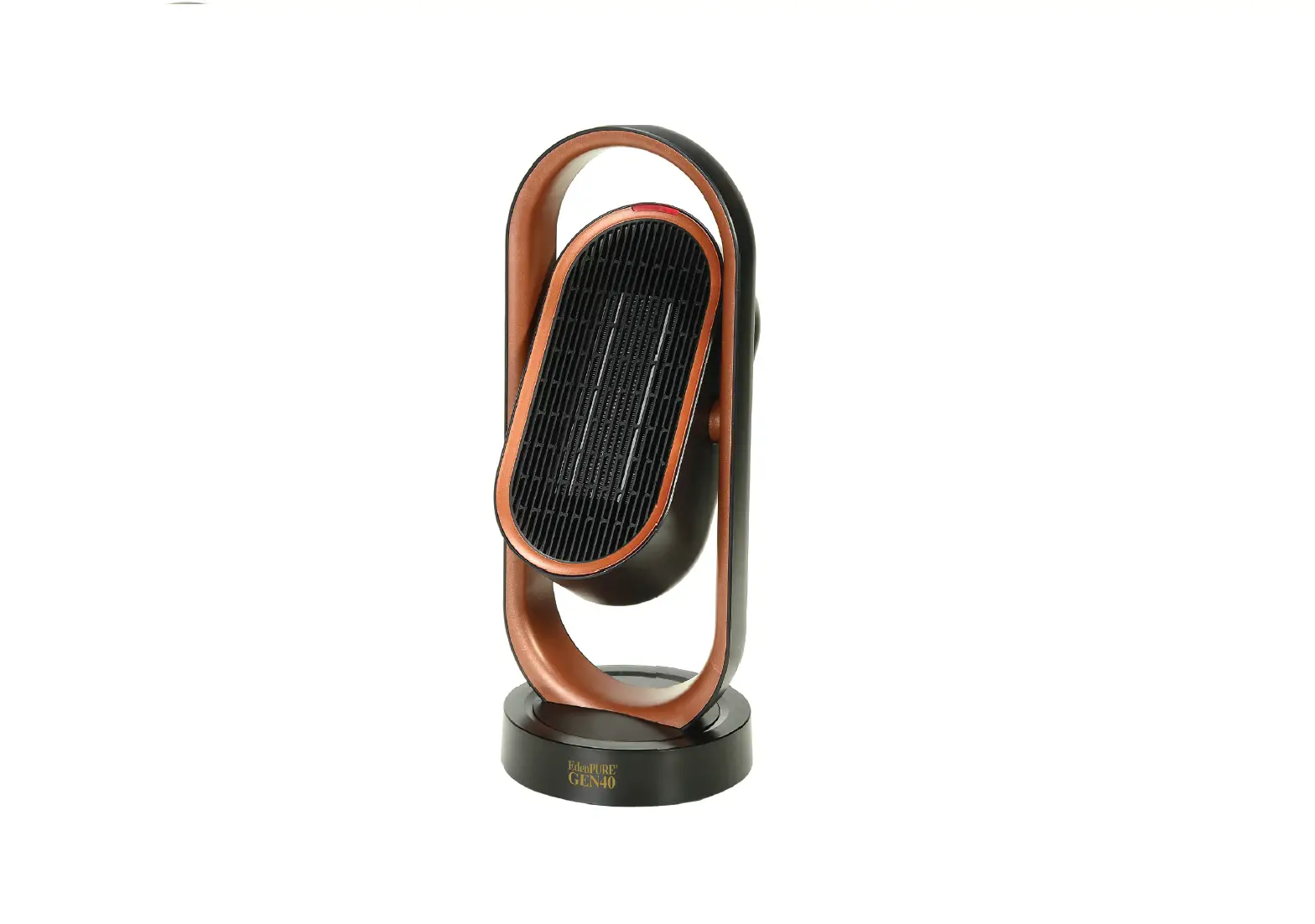
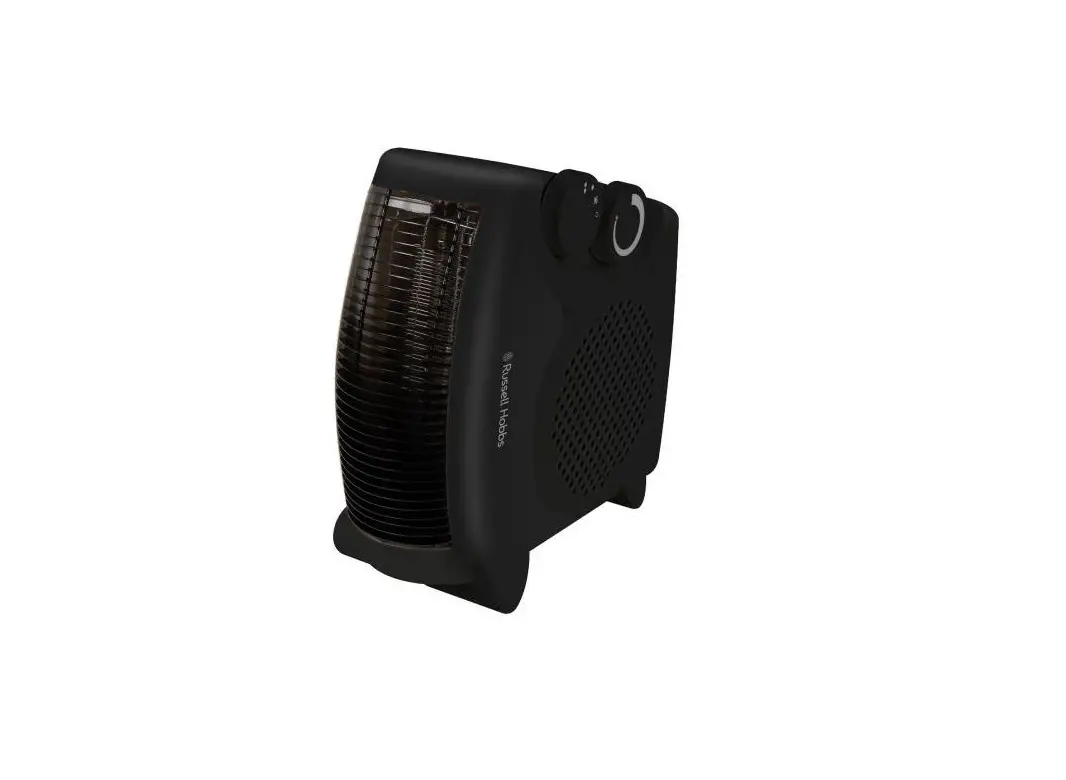
A5956 Super Heater Cooler
GEN40 Super Heater-Cooler
User Manual
PLEASE READ AND SAVE THESE INSTRUCTIONS
| Name | GEN40 |
|---|---|
| Model No. | A5956 |
| Electric shock class | II |
| Rated voltage | 120V |
| Rated Power | 1500W |
| Rated frequency | 60Hz |
Control Panel
- Light red light – High heat
- Dark red light – Low heat
- Blue light – Fan
- No light – Off Indicator light
PTC
Remote Control
Handle
Dust Screen Remote Control Place
Turnplate Base
Plug
Instructions
On/Off
Please check to make sure all parts are intact before use.
- Press the on/off switch on the base of the unit. The unit will
be in stand-by mode. - Touch the POWER button on the top of the unit or on the remote
control and you will hear a click. The unit will turn on in high
heat mode. The indicator light will be red. Touch the POWER button
again to turn the unit off. It will continue to run for several
seconds to purge the warm air out of it. - After turning the unit on, you can change modes by touching the
MODE button on the remote. The modes are High Heat, Low Heat and
Fan. - If you want the unit to oscillate, touch and hold the button on
the unit for 2 seconds or touch the button on the remote. The unit
will then oscillate left and right. To turn the oscillation off,
touch and hold the button on the unit for 2 seconds or touch the
button on the remote. - To have the unit swing back and forth, touch and hold the
button on the top of the machine for 2 seconds or touch the button
on the remote. The unit will then swing back and forth. To turn the
swing function off, touch and hold the button on the top of the
unit for 2 seconds or touch the button on the remote. - The timer can be set for either 2, 4 or 8 hours. To set the
timer, touch the button on the top of the unit once for 2 hours,
twice for 4 hours and three times for 8 hours. A red light will
indicate the amount of time you’ve selected. Or, touch the button
on the remote to toggle between 2, 4 and 8 hours. - If the unit is on without a timer being set, it will
automatically shut off after being on for 24 hours. - If the unit is set to turn off from the timer function, it will
automatically remember the timer length from the last time it was
turned on and will revert to that time period. - The panel on the unit and the remote control can be used
interchangeably, as they are synchronized.
Warnings
- Don’t cover the heater to prevent it from overheating.
- Don’t touch the protection grill in front of the thermal unit.
It may get warm. - Don’t block air inlets. Keep at least 6 inches of air space
between furniture and the unit.
Notes
- Before using the unit, please make sure that you have a 110v
outlet to plug the unit into. - If the power cord becomes damaged, contact the manufacturer
immediately to have the cord replaced. - Don’t put the unit near curtains or anything that can be sucked
into the unit. - Make sure the unit is placed on a flat stable surface.
- Don’t use the unit in a flammable environment. Keep it away
from flammable objects.
EdenPURE®
GEN40 Super Heater-Cooler
User Manual
PLEASE READ AND SAVE THESE INSTRUCTIONS
Model No.: A5956
Welcome
Thanks for choosing the EdenPURE® GEN40 Super Heater-Cooler. Before using, please read the following instructions carefully.
Contents
Introduction ……………………………………………………………………………1 Specifications………………………………………………………………………….1 Control Panel ………………………………………………………………………….2 Instructions …………………………………………………………………………….2 Warnings ………………………………………………………………………………..3 Notes………………………………………………………………………………………3 Maintenance …………………………………………………………………………..4 Troubleshooting ……………………………………………………………………..5 Warranty ………………………………………………………………………………… 5
Introduction
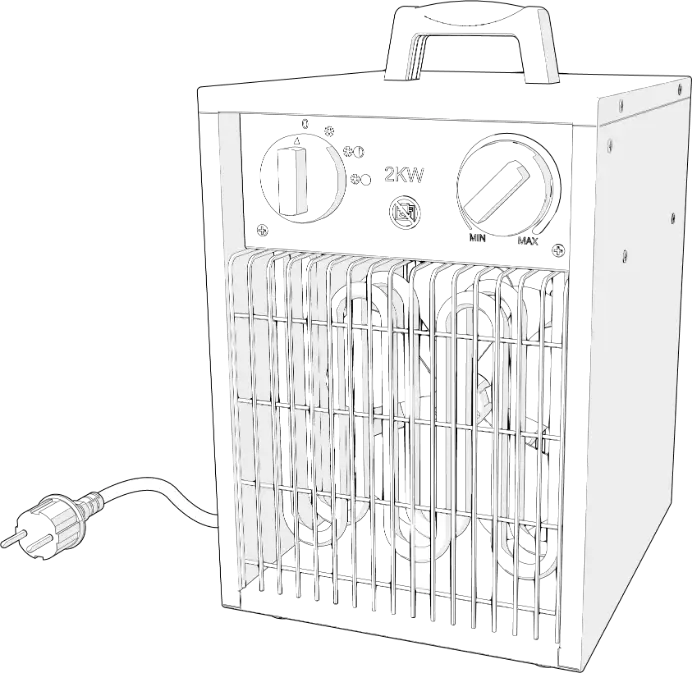
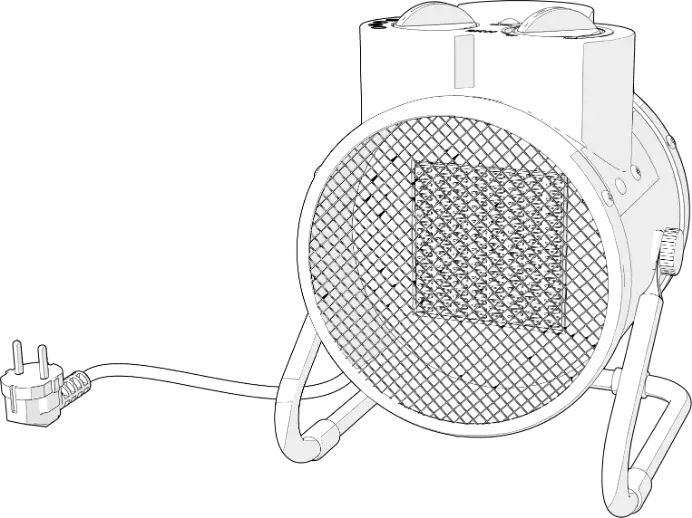
The EdenPURE® GEN40 comes equipped with easy, touch button operation on the unit, as well as a remote control. It puts out a lot of air, while running quietly. It has a tip-over switch, which shuts the unit off if it were to tip over. The GEN40 can be set to oscillate to provide heating/cooling over a wide area. It has a carrying handle at the top, so it is portable and can be moved from room to room.
The GEN40 uses a PTC thermal unit, which heats up quickly but does not have an open flame, so it is suitable for home and office use.
Specifications
Name: GEN40 Model: A5956 Electric shock class: II
Rated voltage: 120V Rated Power: 1500W Rated frequency: 60Hz
1
Control Panel
Light red light – High heat Dark red light – Low heat Blue light – Fan No light – Off Indicator light
PTC
Remote Control
Handle
Dust Screen Remote Control Place
Turnplate Base
Plug
Instructions
On/Off
Please check to make sure all parts are intact before use.
1. Press the on/off switch on the base of the unit. The unit will be in stand-by mode.
2. Touch the POWER button on the top of the unit or on the remote control and you will hear a click. The unit will turn on in high heat mode. The indicator light will be red. Touch the POWER button again to turn the unit off. It will continue to run for several seconds to purge the warm air out of it.
3. After turning the unit on, you can change modes by touching the “MODE” button on the remote. The modes are High Heat, Low Heat and Fan.
2
4. If you want the unit to oscillate, touch and hold the ” ” button on the unit for 2 seconds or touch the ” ” button on the remote. The unit will then oscillate left and right. To turn the oscillation off, touch and hold the ” ” button on the unit for 2 seconds or touch the ” ” button on the remote.
5. To have the unit swing back and forth, touch and hold the ” ” button on the top of the machine for 2 seconds or touch the ” ” button on the remote. The unit will then swing back and forth. To turn the swing function off, touch and hold the ” ” button on the top of the unit for 2 seconds or touch the ” ” button on the remote.
6. The timer can be set for either 2, 4 or 8 hours. To set the timer, touch the ” ” button on the top of the unit once for 2 hours, twice for 4 hours and three times for 8 hours. A red light will indicate the amount of time you’ve selected. Or, touch the ” ” button on the remote to toggle between 2, 4 and 8 hours.
7. If the unit is on without a timer being set, it will automatically shut off after being on for 24 hours.
8. If the unit is set to turn off from the timer function, it will automatically remember the timer length from the last time it was turned on and will revert to that time period.
9. The panel on the unit and the remote control can be used interchangeably, as they are synchronized.
Warnings
Don’t cover the heater to prevent it from overheating.
Don’t touch the protection grill in front of the thermal unit. It may get warm.
Don’t block air inlets. Keep at least 6 inches of air space between furniture and the unit.
Notes
1. Before using the unit, please make sure that you have a 110v outlet to plug the unit into.
2. If the power cord becomes damaged, contact the manufacturer immediately to have the cord replaced.
3. Don’t put the unit near curtains or anything that can be sucked into the unit.
3
4. Make sure the unit is placed on a flat stable surface.
5. Don’t use the unit in a flammable environment. Keep it away from flammable objects.
6. The protection grill is used to separate the thermal unit from the user. If the protection grill is damaged, contact the manufacturer to have it replaced. Do not continue to use the unit.
7. When not using the unit for longer periods of time, make sure it is turned off and unplugged from the outlet.
8. Make sure you unplug the unit before moving it to another area.
9. Do not twist or pull the cord from the outlet. Remove it holding the end of the plug.
10. Do not place the unit in a place where it may lean more than 10 degrees and do not lay it on it’s side while using.
11. To avoid getting burned, do not touch the protection panel when the unit is in use.
12. Turn the power off before unplugging the unit.
13. Don’t unplug the unit with wet hands.
14. Don’t use the unit around water such as in bathtubs, around sinks or around swimming pools.
15. Don’t put your fingers into the protection grill while the unit is turned on.
16. Keep out of reach of children.
17. If the unit becomes dirty, turn it off, unplug it and clean it with a soft cloth and gentle soap. Don’t clean with abrasive substances.
Maintenance
Turn the unit off before performing any type of maintenance.
1. Clean any dirt that may be on the unit immediately. Otherwise it may fade or damage the unit.
2. Clean only with a soft cloth and gentle soap or detergent.
3. After cleaning the unit, store it in the box in a dry place.
4. Only clean the outside of the unit. Never clean the thermal unit.
5. Don’t spray water directly into the unit.
4
Troubleshooting
MALFUNCTION REASONS
SOLUTION
Heater won’t turn on
The cord isn’t plugged in to the outlet The power button is not on Damage to the main body
Heater is placed on thick, uneven carpet
Check the plug
Check the power button Contact the manufacturer for maintenance
Place heater on flat solid surface
The heater won’t turn off
Bad connection of power button
Damage to the main body
Damage to the circuit board
Check the power button
Contact the manufacturer for maintenance
Abnormal noise from the fan
Foreign object in the Clear the foreign
fan
object
Indicator light is off The indicator light is Contact the
damaged
manufacturer for
maintenance
Warranty
This GEN40 comes with a ONE-YEAR LIMITED COMPONENT
WARRANTY. If your unit does not appear to be working properly,
please contact our service center by calling 1-800-225-6595. Prior
to your call, we encourage you to visit our service related website
www.edenpuresupport.com for troubleshooting tips and service
instructions if needed.
EdenPURE®
7800 Whipple Ave. NW
N. Canton, OH 44720
800-225-6595
www.edenpuresupport.com
5
©2021 EdenPURE® I-5705 BR12072R-1
 EdenPURE Support – Edenpure.com