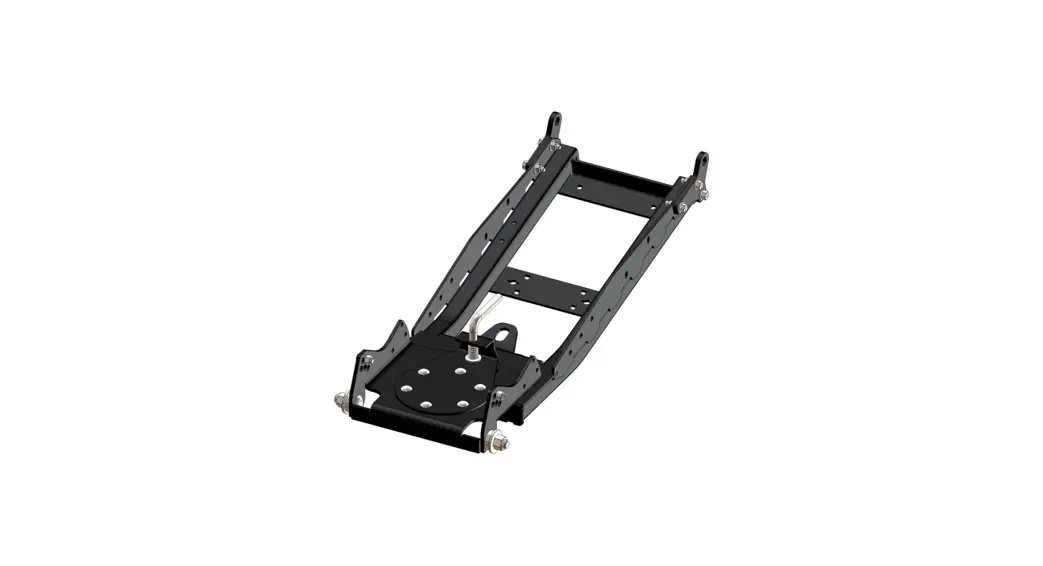
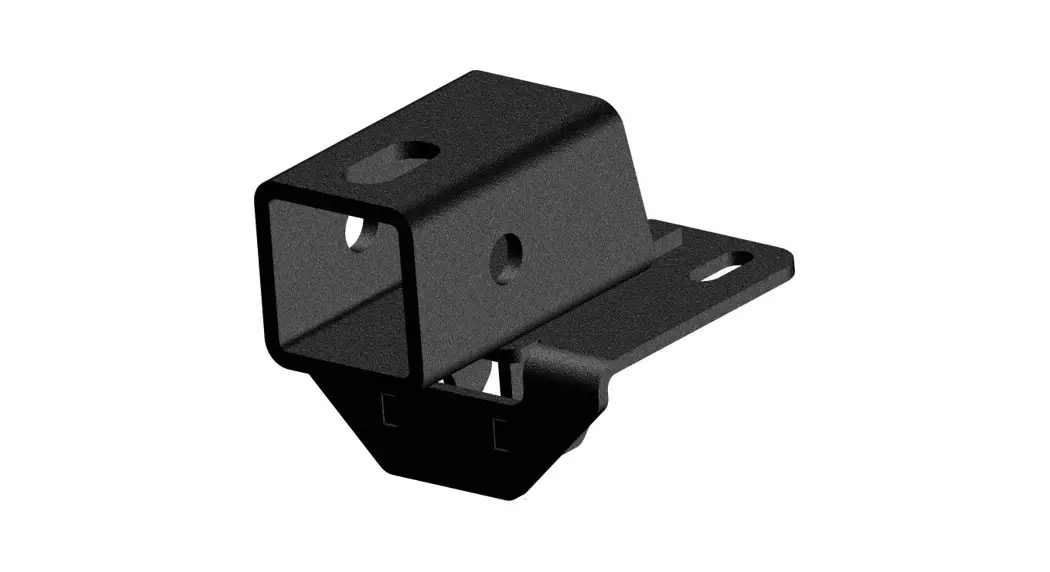
106245 Cowboy Plow Mount Benchhe
Product Information:
| Part Number | 106245 |
|---|---|
| Product Name | TEIR 2 PLOW MOUNT |
Product Usage Instructions:
Installation Instructions:
Note: Make sure all hardware needed to complete this mount is in
the package. Thoroughly read through and understand the
instructions before installing.
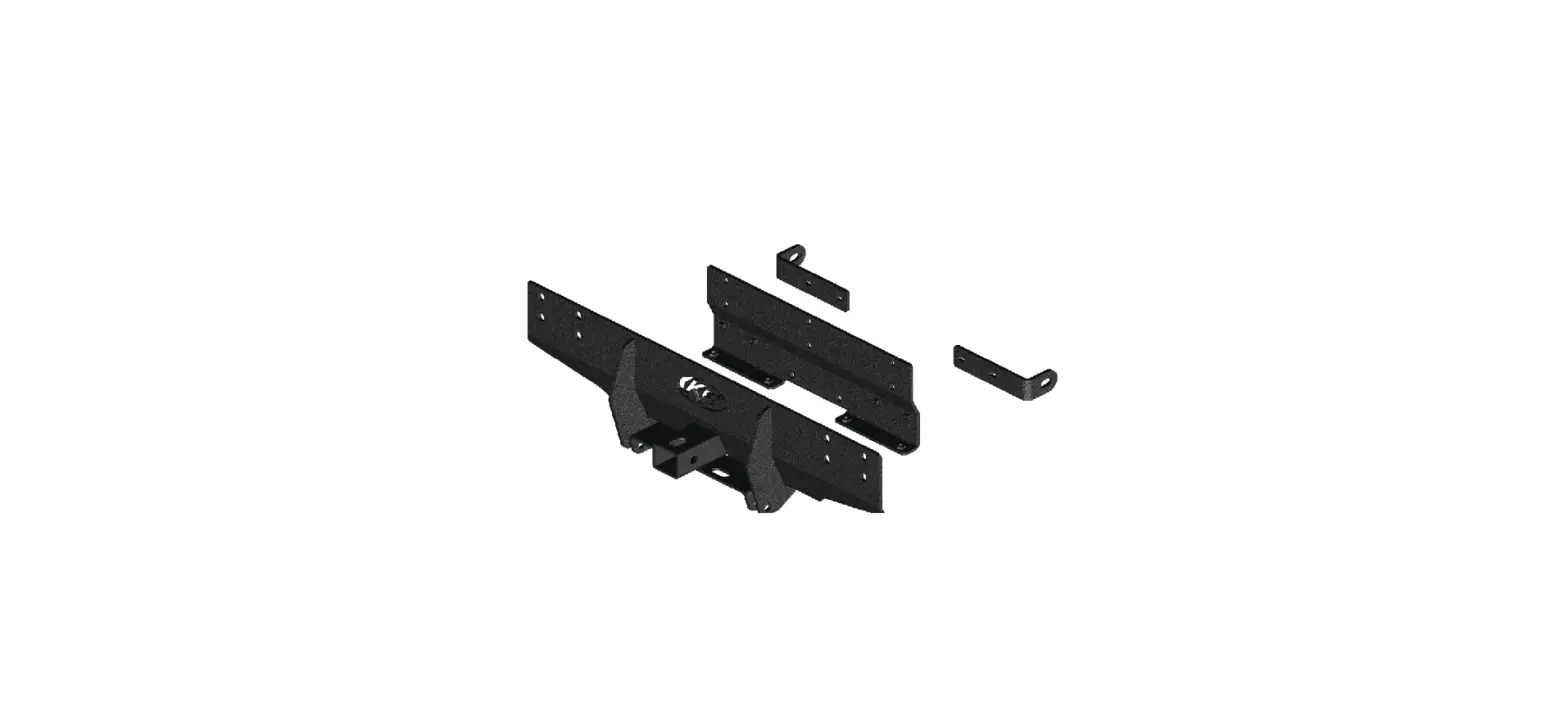
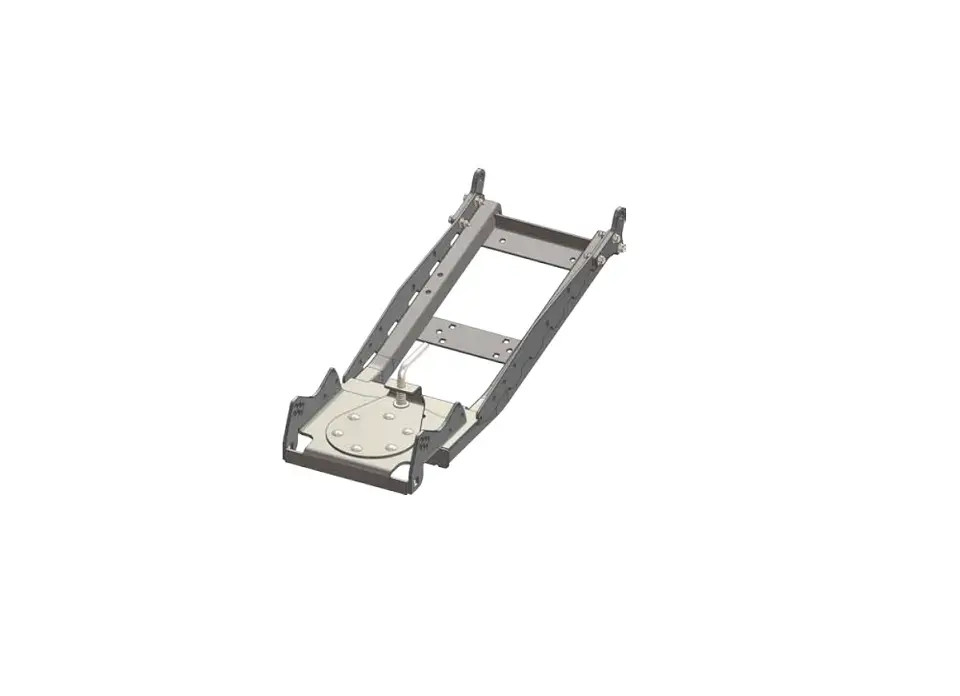
- Set plow mount (1) in location (A) with the plow mount spacers
(2) between the plow mount and the frame of the machine as shown in
Figure 1 & 2. NOTE: Location (A) is used only as a reference in
this manual. Some machines may require location (B). At location
(B), the plow mount will go between the front bumper and frame. See
Figure 3. The Plow mount spacers (2) may not be required on all
machines.Note: Some machines may or may not come with threaded holes (A
or B) as shown in Figure 1 & 2.Note: In the case that the machine does not have pre-drilled
holes (A or B) shown in Figure 1 & 2, hold plow mount (1) in
place and secure using bottom bolts (3.1) and nuts (3.4). Using
plow mount (1) as a template, drill front holes (A or B) using a
7/16 drill bit and proceed to step 2. - Fasten the plow mount to the frame of the machine using correct
supplied hardware as shown on page 1 of this manual. Machines that
do not have weld nuts in the frame will use the M10 nylock nuts
(3.4) on the inside of the frame shown in Figure 1. NOTE: Location
(A) used as a reference shown in Figure 4. - Tighten all hardware evenly.
Figure References:
Figure 1:

Figure 2:

Figure 3:

Figure 4:

TEIR 2 PLOW MOUNT PART #106245
3.4
2
Figure B
HK-195
1
2
3.2 3.3
4.3 4.1
4.2 3.1
Figure A
HK-380
1
4.3 4.2
4.1
Item # Qty.
1
1
2
2
3
1
3.1 2
3.2 2
Description
Plow Mount Plow Mount Spacer Hardware Kit (HK-380) M10-1.25 X 45 HEX BOLT M10-1.25 X 30 HEX BOLT
Item # Qty.
3.3 4
3.4 4
4
1
4.1 4
4.2 4
4.3 4
Description
M10 Flat Washer M10-1.25 Hex Flange Nylock Nut Hardware Kit (HK-159) M10-1.25 X 30 HEX BOLT M10 Lock Washer M10 Flat Washer
Page 1
INSTALLATION INSTRUCTIONS
Note: Make sure all hardware needed to complete this mount is in the package. Thoroughly read through and understand the instructions before installing.
1. Set plow mount (1) in location (A) with the plow mount spacers (2) between the plow mount and the frame of the machine as shown in Figure 1 & 2. NOTE: Location (A) is used only as a reference in this manual. Some machines may require location (B). At location (B), the plow mount will go between the front bumper and frame. See Figure 3. The Plow mount spacers (2) may not be required on all machines.
Note: Some machines may or may not come with threaded holes (A or B) as shown in Figure 1 & 2.
Note: In the case that the machine does not have pre drilled holes (A or B) shown in Figure 1 & 2, hold plow mount (1) in place and secure using bottom bolts (3.1) and nuts (3.4). Using plow mount (1) as a template, drill front holes (A or B) using a 7/16″ drill bit and proceed to step 2.
B
Figure 1
1
A
2. Fasten the plow mount to the frame of the machine using correct supplied hardware as shown on page 1 of this manual. Machines that do not have weld nuts in the frame will use the M10 nylock nuts (3.4) on the inside of the frame shown in Figure 1. NOTE: Location (A) used as a reference shown in Figure 4.
Frame
3. Tighten all hardware evenly.
Figure 2
3.4
A
Figure 3
2
Frame
Frame
1
3.2
3.1
3.3
©2022 Copyright Kappers Fabricating, Inc. All rights reserved
Plow Mount
Bumper
Page 2