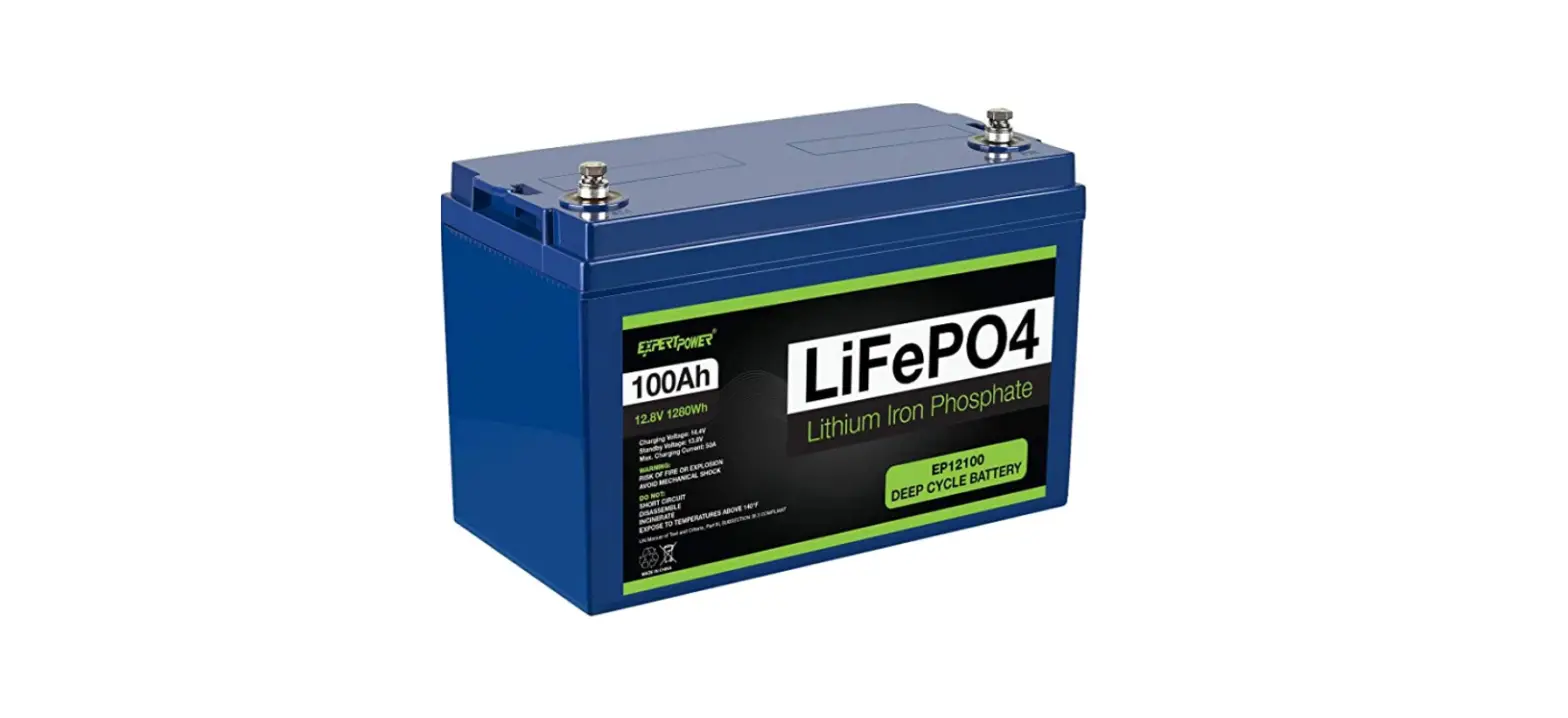
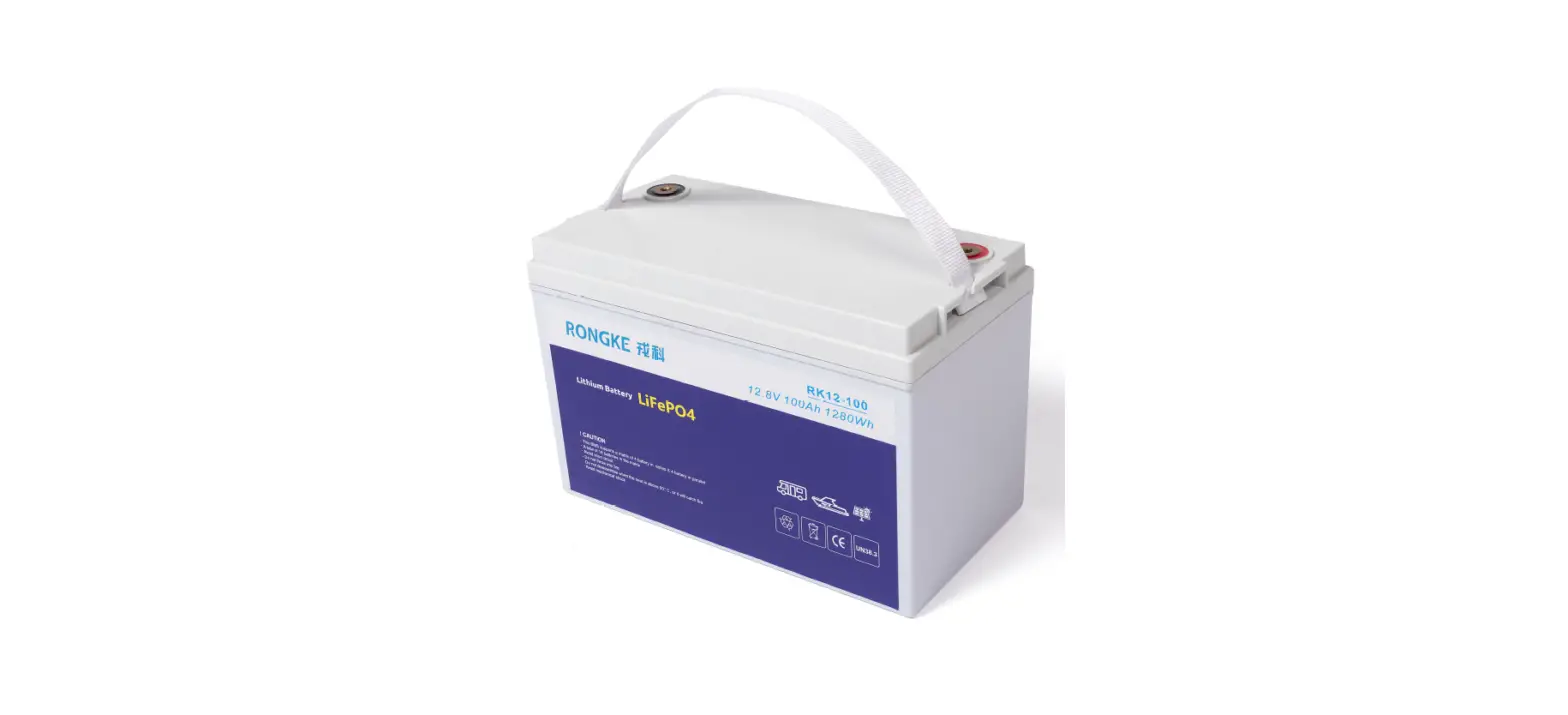
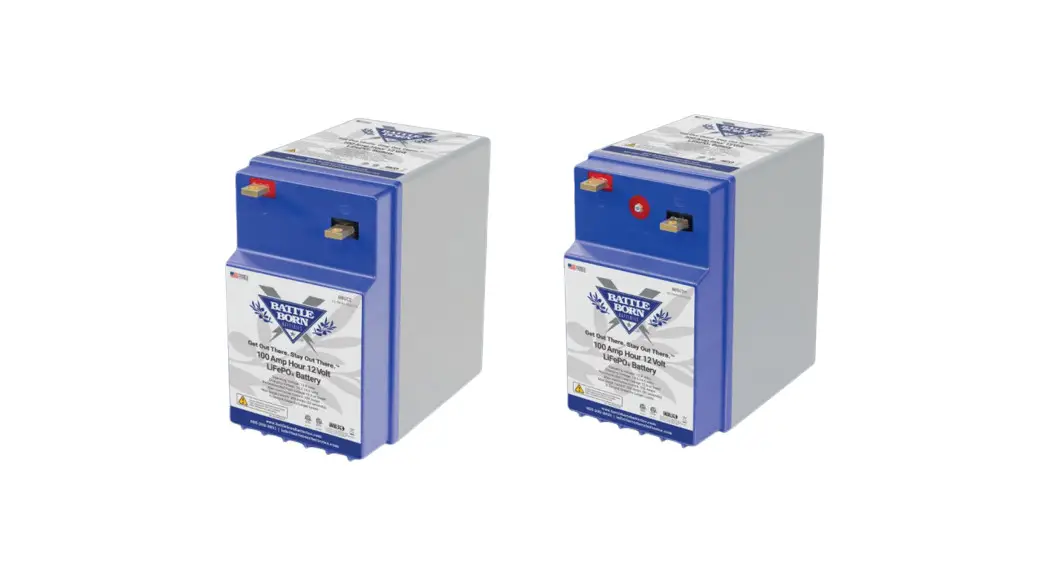
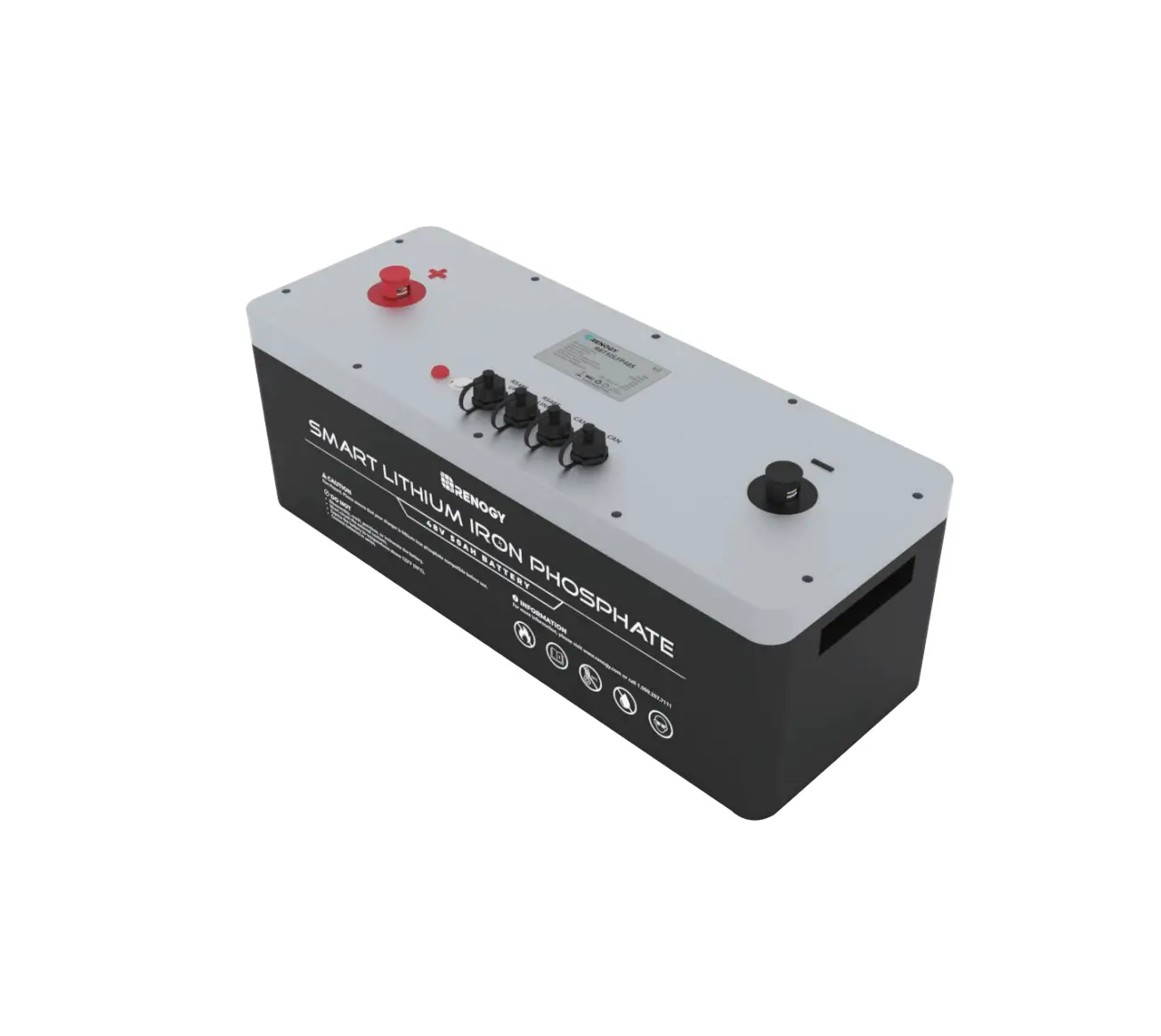
LiFePO4 Lithium Battery Power Bank
Product Information
The Lithium Battery Power Bank is a 24/48VDC series energy
storage battery designed for various applications. This product
manual provides important information on safety precautions,
installation guidelines, troubleshooting steps, and emergency
situations. It is essential to read and understand this manual
before installing or using the battery to ensure proper usage and
prevent any potential hazards.
1. Safety Precautions
It is crucial to follow the safety precautions outlined in this
section to avoid electrical shock, injuries, or damage to the
battery. Failure to do so may render the battery inoperable. Some
key safety precautions include:
- Reading the user manual carefully before installation or
usage. - Charging the battery every six months if stored for a long
time.
2. Introduction
The introduction section provides an overview of the product’s
features, specifications, equipment interface instructions, and LCD
display instructions.
3. Safe Handling of Lithium Battery Guide
This section presents a schematic diagram of the solution,
necessary tools, and safety gear required for handling the lithium
battery safely.
4. Installation
Detailed instructions are provided for connecting one set or
multiple sets of lithium battery products to an inverter.
Additionally, guidelines for selecting the installation location
are included.
5. Troubleshooting Steps
In case of any issues, this section offers problem determination
steps and preliminary troubleshooting guidelines. It specifically
addresses scenarios where the battery cannot be charged or
discharged.
6. Emergency Situations
This section provides instructions on how to handle emergency
situations related to the Lithium Battery Power Bank.
Product Usage Instructions
Before Connecting
1. Unpack the product and check for any damages or missing
parts. Contact the local retailer if any issues are found.
2. Cut off the grid power and ensure that the battery is in the
turned-off mode before installation.
3. Double-check the wiring to ensure correct connection. Do not
confuse the positive and negative cables, and avoid any short
circuits with external devices.
In Using
1. Read and follow the user manual carefully for proper usage
instructions.
2. Charge the battery every six months if stored for a long
time. Ensure the state of charge (SOC) is not less than 90%.
3. If any confusion or questions arise during installation or
usage, contact the manufacturer immediately for advice and
clarification.
Please refer to the user manual for more detailed instructions
and information.
Lithium Battery Power Bank Product Manual
This manual introduces 24/48VDC series energy storage battery,Please read this manual before you to install the battery and follow the instruction carefully during the installation .Any confusion ,please contact manufacturer immediately for advice and clarification .
Contents
1. SAFETY PRECAUTIONS ——————————————————————-1
1.1 Before Connecting ————————————————————————1 1.2 In Using ————————————————————————————–1
2. INTRODUCTION ——————————————————————————2
2.1 Features ————————————————————————————-2 2.2 Specification ——————————————————————————–2 2.3 Equipment interface instruction ——————————————————–3 2.4 LCD display instruction——————————————————————-5
3. SAFE HANDLING OF LITHIUM BATTERY GUIDE ———————————6
3.1 Schematic Diagram of solution ——————————————————–6 3.2 Tools —————————————————————————————–7 3.3 Safety Gear ——————————————————————————–7
4. INSTALLATION ——————————————————————————-7
4.1 One set Lithium battery product connects to inverter —————————-7 4.2 Multiple sets of Lithium battery product connects to inverter——————-8 4.3 Installation Location———————————————————————–8
5. TROUBLE SHOOTING STEPS ————————————————————9
5.1 Problem determination based on —————————————————-9 5.2 Preliminary determination steps —————————————————– 9 5.3 The battery can not be charged or discharged ———————————–9
6. EMERGENCY SITUATIONS —————————————————————-10
1. Safety Precautions
Reminding
1) It is very important and necessary to read the user manual carefully (in the accessories) before installing or using battery .Failure to do so or to follow any of the instructions or warnings in this document can result in electrical shock ,serious injury ,or death,or can damage battery ,potential rendering it inoperable .
2) If the battery is stored for long time ,it is required to charge them every six months ,and the soc should be no less than 90% .
3) Battery needs to be recharged within 12 hours ,after fully discharged . 4) Do not expose cable outside . 5) All the battery terminals must be disconnected for maintenance . 6) Please contact the supplier within 24 hours if there is something abnormal . 7) Do not use cleaning solvents to clean battery . 8) Do not expose battery to flammable or harsh chemicals or vapors . 9) Do not paint any part of battery ,include any internal or external components . 10) Do not connect battery with PV solar wiring directly . 11) The warranty claims are excluded for direct or indirect damage due to items above . 12) Any foreign object is prohibited to insert into any part of battery .
Warning 1.1 Before Connecting
1) After unpacking ,please check product and packing list first ,if products is damaged or lack of parts ,please contact with the local retailer .
2) Before installation ,be sure to cut off the grid power and make sure the battery is in the turnedoff mode .
3) Wiring must be correct ,do not mistake the positive and negative cables ,and ensure no short circuit with the external device .
4) It is prohibited to connect the battery and AC power directly . 5) The embedded BMS in the battery .The wall mounted case are not allowed to be used in series ,in the communication state, a maximum of 16 parallel connections are allowed .
6) Battery system must be well grounded and the resistance must be less than 1 .
7) Please ensured the electrical parameters of battery system are compatible to related equipment . 8) Keep the battery away from water and fire .
1.2 In Using
1) If the battery system needs to be moved or repaired ,the power must be cut off and the battery is completely shutdown .
2) It is prohibited to connect the battery with different type of battery . 3) It is prohibited to put the battery working with faulty or incompatible inverter . 4) It is prohibited to disassemble the battery (QC tab removed or damaged) . 5) In case of fire ,only dry powder fire extinguisher can be used ,liquid fire extinguishers are
prohibited . 6) Please do not open ,repair or disassemble the battery except staffs from manufacturer .We do
not undertake any consequences or related responsibility which because of violation of safety operation or violating of design ,production and equipment safety standards .
1/10
2. Introduction
24/48VDC series Lithium battery power bank is one of new energy storage products developed ,it can be used to support reliable power for various types of equipment and systems .Is especially suitable for application scene of high power ,limited installation space ,restricted load-bearing and long cycle life .
24/48VDC series has built-in BMS battery management system ,which can manage and monitor cells information including voltage ,current and temperature .What’s more ,BMS can balance cells charging and discharging to extend cycle life .
Multiple batteries can connected in parallel to expand capacity and power in parallel for larger capacity and longer power supporting duration requirements .
The capacity of Lithium battery should be higher than the Solar Inverter which you will connect with .
2.1 features:
The whole module is non-toxic ,non-polluting and environmentally friendly .
Cathode material is made from LiFePO4 with safety performance and long cycle life .
Battery management system (BMS) has protection functions including over-discharge ,overcharge ,over-current and high/low temperature .
The system can automatically manage charge and discharge state and balance current and voltage of each cell .
Flexible configuration ,multiple battery modules can be in parallel for expanding capacity and Power .
Adopted self-cooling mode rapidly reduced system entire noise. The module has less self-discharge ,up to 6 months without charging it on shelf ,no memory effect ,excellent performance of shallow charge and discharge .
Working temperature range is from -10 to 50 ,(charge 0~ 50 ,discharge -10~ 50) with excellent discharge performance and cycle life .
2.2 Specifications:
Basic parameters Nominal capacity Fast charge voltage Float charge voltage Low DC cut-off voltage Max. CHG. current Max. DISC. current Peak DISC. current Display communication
Working temperature
Shelf temperature
certification
25.6V200Ah
51.2V200Ah
5120Wh
10240Wh
28.8Vdc
57.6Vdc
28.0Vdc
56.0Vdc
23.4Vdc
46.8Vdc
100A
100A
150A
150A
200A(30 sec.)
LED status indicator , LCD display
RS485 , RS232
charge 0 ~ +50 ,discharge -10 ~ +50
-10 ~ 50
UN38.3 , MSDS
2/10
2.3 Equipment Interface Instruction
1. LCD Display Display page of working status data . 6. Active balancing external interfaces Connect the external equalizer . 7. Double RS485 interfaces Follow RS485 protocol, for communication between multiple parallel battery . 8. RS232 interfaces Follow RS232 protocol, for output battery information . 9. Device address Used to set the address of each BMS protection board . 11. Power switch ON ~ Long button one time ,the battery is turn on and the battery has output voltage . OFF ~ Keep flash pressing the button ten times ,the battery is turn off and the battery has no output voltage . RESET ~ Keep long pressing the button more than 5 seconds ,the BMS software reset to start output voltage . 12. SOC status indicator Green LEDS to show the battery’s current capacity 25% 50% 75% 100% . 13. Alarm status indicator Red LED flashing to show the battery has alarm . 14. Run status indicator Yellow LED lighting to show the battery is charging ,and fast flashing to show the battery is discharging ,and slow flashing to show the battery is standby status . 15. +Battery terminal There are one pair of terminals, Red is battery positive pole . 16. -Battery terminal There are one pair of terminals, Black is battery negative pole .
3/10
BMS Modbus-485 communication device address
Dial code switch position
1
2
3
4
1
0
0
0
0
1
0
0
1
1
0
0
0
0
1
0
1
0
1
0
0
1
1
0
1
1
1
0
0
0
0
1
…
…
…
…
1
1
1
1
Address
1 2 3 4 5 6 7 8 … 15
Instruction
Set to Pack1 Set to Pack2 Set to Pack3 Set to Pack4 Set to Pack5 Set to Pack6 Set to Pack7 Set to Pack8
… Set to Pack15
LED INDICATORS INSTRUCTIONS
State
Nominal/Warning Run Alarm
Protection
Shut down Dormancy
OFF OFF
Standby Charge
Nominal
Warning Nominal Waring Over charge Over current,Over temperature Nominal
Waring
Slow flash Slow flash ON ON ON
OFF
Fast flash Fast flash
OFF
flash OFF flash flash ON
OFF
flash
Discharge Over discharge OFF OFF
Over current,Over temperature
OFF
ON
Disable
OFF ON
Capacity Indicators LED
OFF OFF OFF OFF
Follow battery capacity Follow battery capacity ON ON ON ON Follow battery capacity
Follow battery capacity
OFF OFF OFF OFF OFF OFF OFF OFF OFF OFF OFF OFF
Instruction
All OFF Standby
Battery at low voltage
The LED Light of capacity flashing
Stop charging
the highest
Stop charging
Stop discharging Stop discharging Stop charging and discharging
Double RS485 interfaces
RJ45 pin
define
3
RS485-B1/B2
5
RS485-A1/A2
1,2,6,7 4 8
CANH
+12V(External DC+12V power supply input)
GND
RJ45 pin 1 2
3,5,6,7
4
8
RS232 interfaces
define
TXD
RXD null +12V(External DC+12V power supply input) GND
4/10
2.4 LCD display instruction
1st screen after turn on the battery ,use the power switch to turn pages . Use the power switch to enter the 2nd screen . After use the power switch to enter the 3rd screen . After use the power switch to enter the 4th screen . After use the power switch to enter the 5th screen .
5/10
After use the power switch to enter the 6th screen .
Change the 24V BMS default Modbus485 communication data .
Change the 48V BMS default Modbus485 communication data .
Operation instructions: 1.First, stay in the fifth display screen, and then the long keys for more than 3 seconds, it will automatically enter the page of setting BMS default communication data . 2.The short keys select the voltage or current item that you need to change, and the the long key for more than 3 seconds, the numbers start flashing ,and the short keys to select the voltage and current to be sets . 3.After the voltage or current is selected, and then the long keys for more than 3 seconds ,and automatically save the sets data . 4.Wait for 30 seconds and exit to return to the first screen .
3. Safe handing of lithium battery guide 3.1 Schematic Diagram of solution
6/10
3.2 Tools The following tools are required to install the battery pack
NOTE Use properly insulated tools to prevent accidental electric shock or short circuits. If insulated tools are not available,cover the entire exposed metal surfaces of the available tools, except their tips, with electrical tape. 3.3 Safety Gear It is recommended to wear the following safety gear when dealing with the battery back.
4. Installation
4.1 One set Lithium battery product connects to Inverter
Operation instructions: 1.Use the RJ45 communication cable of the accessory, connect the 485 communication port
of the inverter to the 485 communication port of the lithium battery . 2.Set the communication device address of the lithium battery pack to 1 .
7/10
3.Set the inverter’s battery type to LIB mode .
4.2 Multiple sets of Lithium battery product connects to Inverter
Operation instructions: 1.Use the RJ45 communication cable of the accessory, connect the 485 communication port
of the inverter to the 485 communication port of the first lithium battery . 2.Then use the RJ45 communication cable of the accessory, connect the 485 communication
port of the 1st lithium battery to the 485 communication port of the 2nd lithium battery . 3.Set the communication device address of the 1st lithium battery pack to 1 .
4.Set the communication device address of the 2nd lithium battery pack to 2 .
5.Set the inverter’s battery type to LIB mode .
4.3 Installation Location Make sure that the installation location meets the following conditions. The area is completely water proof. The floor is flat and level. There are no flammable or explosive materials. The ambient temperature is within the range from 0 to 50. The temperature and humidity is maintained at a constant level. There is minimal dust and dirt in the area. Use fitting screws to fix the box on the wall.
8/10
CAUTION
If the ambient temperature is outside the operation range, the battery pack stops operation to protect itself. The optimal temperature range for the battery pack to operate is 0 to 50 . Frequent exposure to harsh temperature may deteriorate the performance and life of the battery pack .
5. Trouble Shooting Steps
5.1 Problem determination based on: 1) Whether the battery can be turned on or not.
2) If battery is turned on, check the LED light is off, flashing or lighting.
3) If the LED light is off, check whether the battery can be charge/discharge or not.
5.2 Preliminary determination steps: 1) Battery cannot turn on, switch on the lights are all no lighting or flashing.
If the battery external switch is on, the LED light is flashing, and the external power supply voltage is 48V or more, the battery still unable to turn on, please contact distributor.
2) The battery can be turned on, but red light is lighting, and cannot charge or discharge. If the red light is lighting, that means system is abnormal, please check values as following:
a) Temperature: Above 50 or under -10, the battery could not work. Solution: to move battery to the normal operation temperature range between -10 and 50.
b) Current: If current is greater than 150A, battery protection will turn on . Solution: Check whether current is too large or not, if it is, to change the setting on power supply side.
c) High Voltage: If charging voltage above 29.2Vdc(24V system) or 58.4Vdc(48V system), battery protection will turn on. Solution: Check whether voltage is too high or not, if it is, to change the setting on power supply side.
d) Low Voltage: When the battery discharges to 22.4Vdc(24V system) 44.8Vdc(48V system) or less, battery protection will turn on. Solution: Charge the battery for some time, the LED light turn off.
9/10
5.3 The battery cannot be charged or discharged 1) Cannot be charged: Disconnect the power cables, measure voltage on power side, if the voltage is 25.6~27.0Vdc(24V system) or 51.2~54.0Vdc(48V system) ,restart the battery, connect the power cable and try again, if still not work, turn off battery and contact distributor.
2) Unable to discharge: Disconnect the power cables and measure voltage on battery side, if it is under 22.3 V or 44.5V, please charge the battery. If voltage is above 24V or 48V and still cannot discharge, turn off battery and contact distributor.
6. Emergency Situations
1) Leaking Battery If the battery pack leaks electrolyte, avoid contact with the leaking liquid or gas.If one is exposed to the leaked substance, immediately perform the actions described below . Inhalation: Evacuate the contaminated area, and seek medical attention. Contact with eyes: Rinse eyes with flowing water for 15 minutes, and seek medical attention. Contact with skin: Wash the affected area thoroughly with soap and water, and seek medical attention. Ingestion: Induce vomiting, and seek medical attention.
2) Fire NO WATER! Only dry powder fire extinguisher can be used; if possible, move the battery pack to a safe area before it catches fire.
3) Wet battery If the battery pack is wet or submerged in water, do not let people access it,and then contact an authorized dealer for technical support.
4) Damaged Battery Damaged battery are dangerous and must be handled with the utmost care. They are not fit
for use and may pose a danger to people or property. If the battery pack seems to be damaged pack it in its original container, and then return it to an authorized dealer.
10/10
No:510-035000-021 V1.0