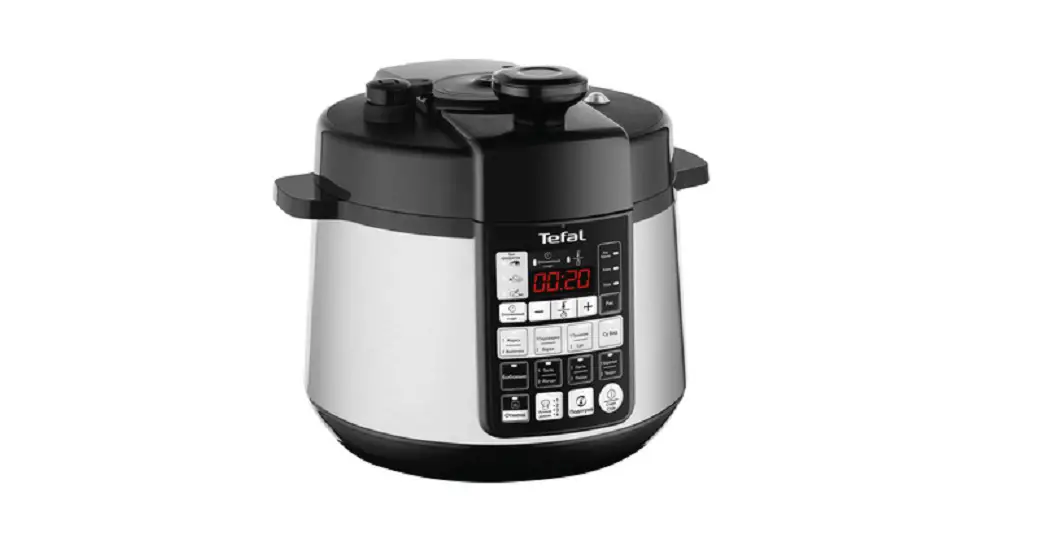
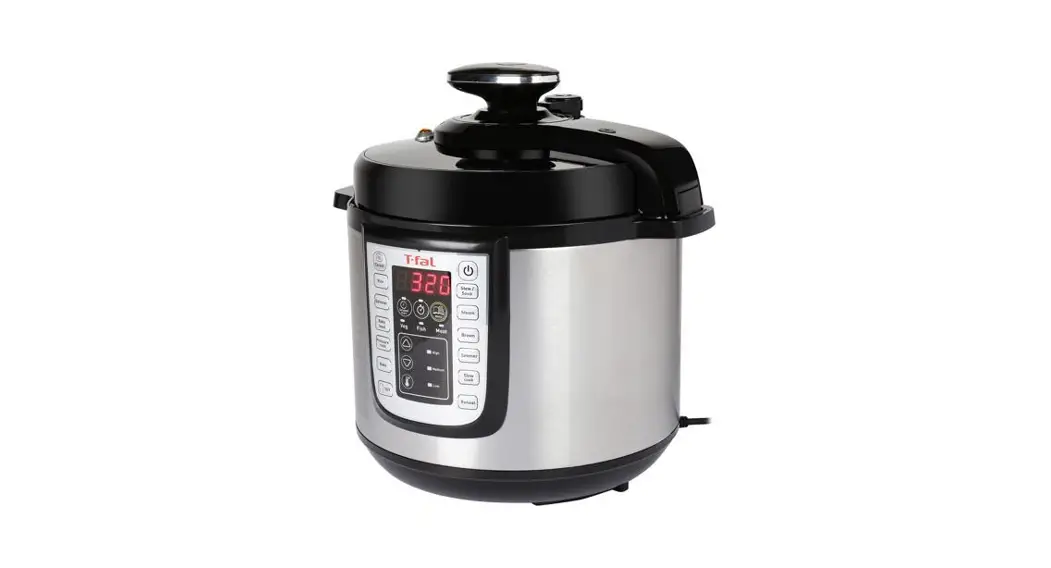
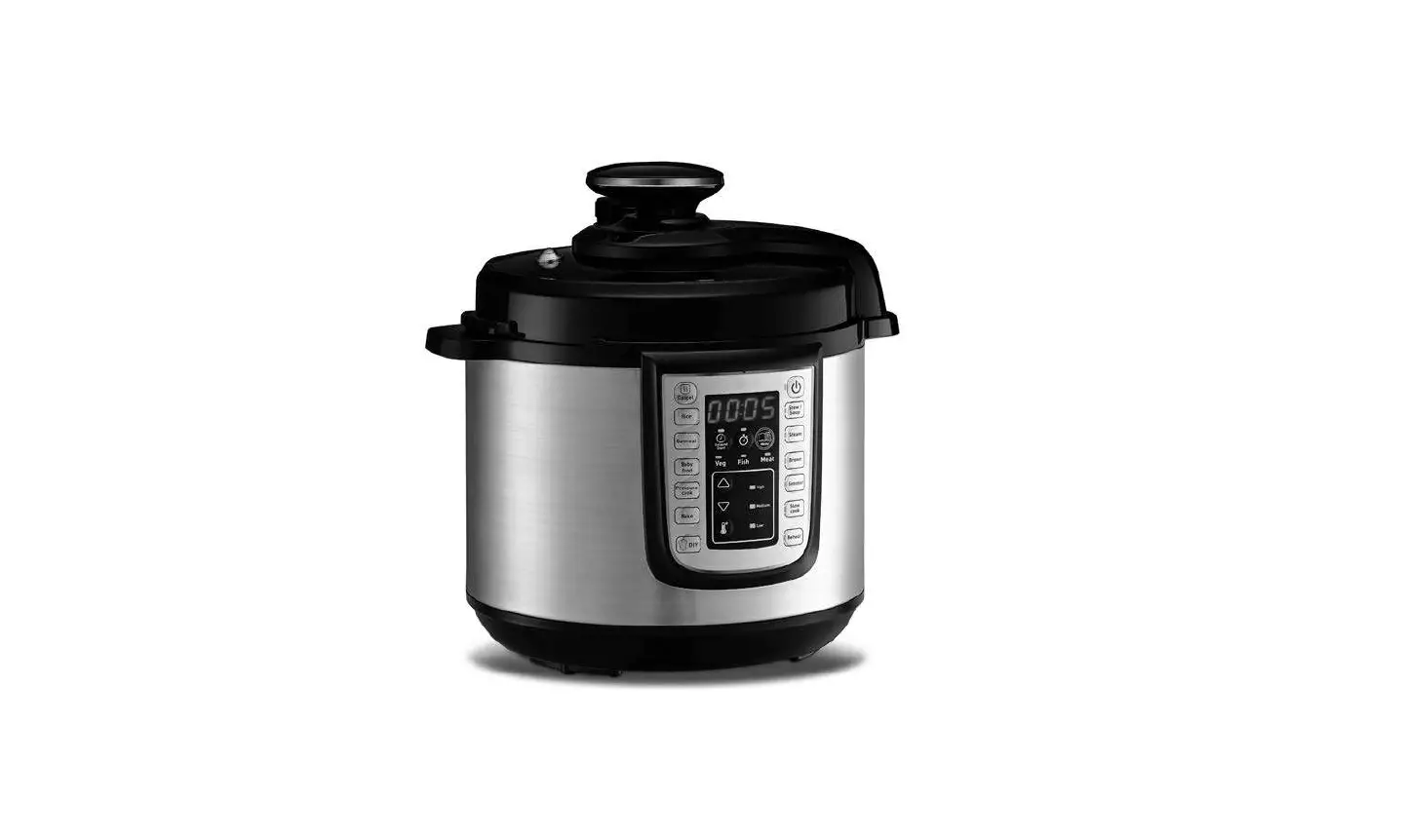
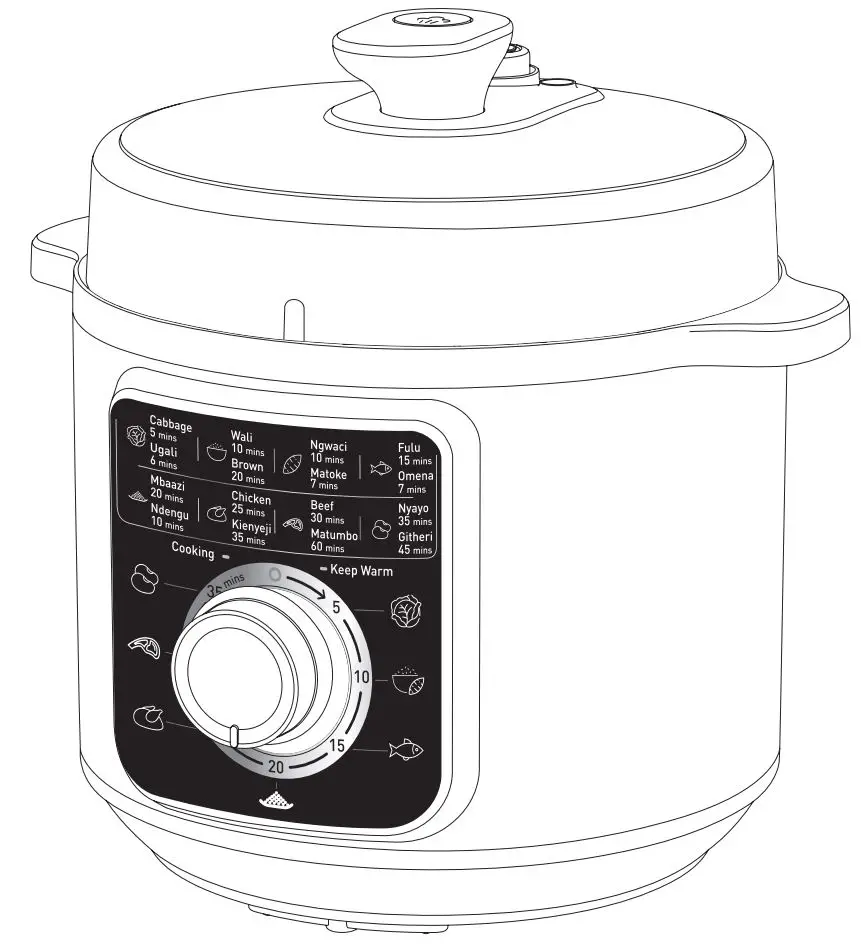
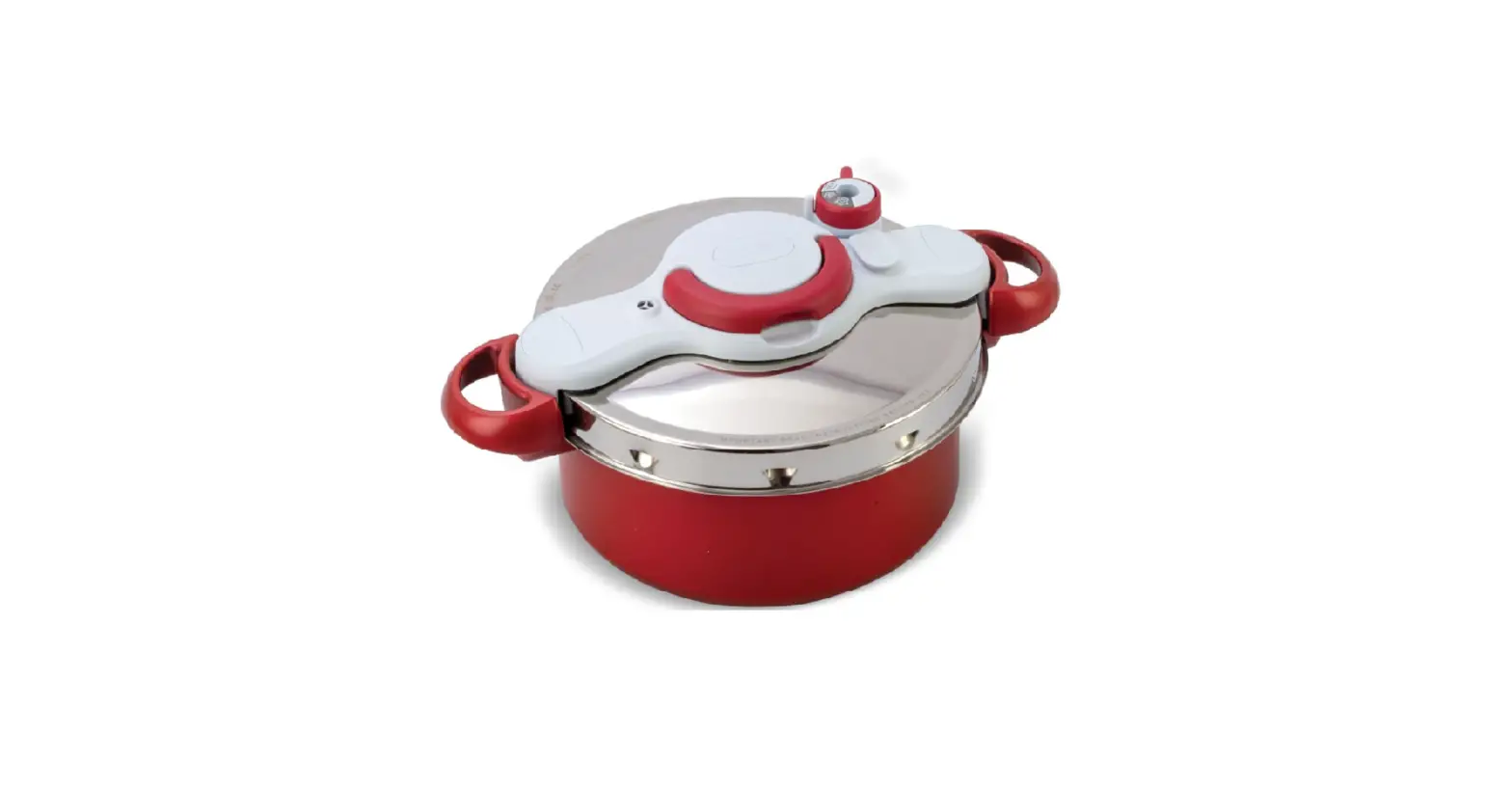
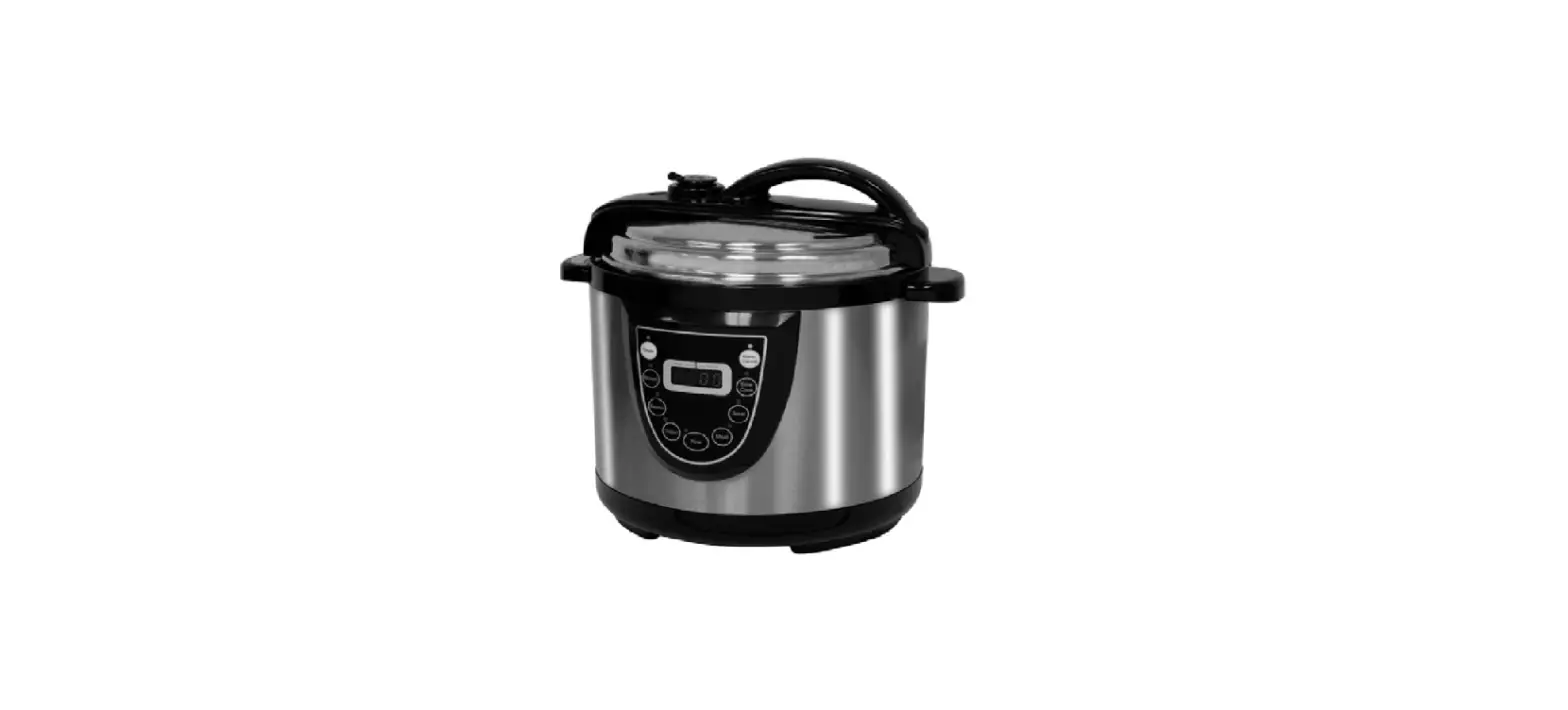
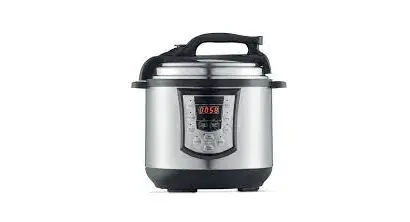
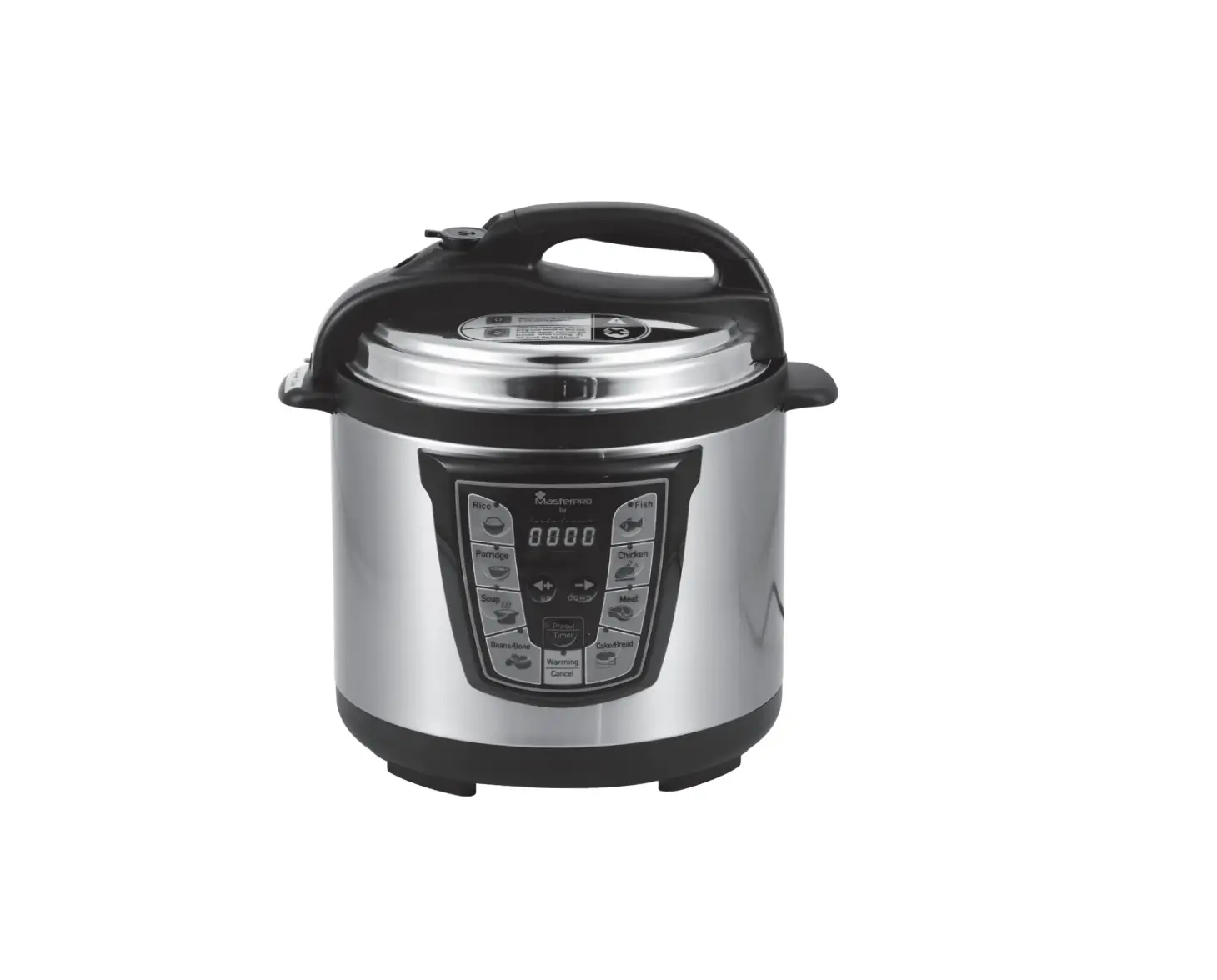
CY912830 Cook4me Touch Pressure Cooker
Product Information:
- Product Name: Cook4me touch
- Manufacturer: Tefal
- Model Number: 1520015162
- Warranty: 13/2023
Product Usage Instructions:
- Before cooking your first recipe, follow these 6 key
steps:- Connect and update your Cook4me Touch Wifi before the first
use. - Join the Cook4me movement by accessing the Tefal Application,
Tefal Facebook, and Tefal Instagram. - Refer to the manual contents for detailed instructions.
- Ensure the Cook4me touch is clean before use.
- Familiarize yourself with the different parts of the Cook4me
touch, such as the lid, closure handle, indicator light,
condensation collector, silent valve, carrying handle, interior
cooking bowl, tilting touch screen, back button, and start/stop
buttons. - Clean your Cook4me touch after each use by following the 5
cleaning steps provided.
- Connect and update your Cook4me Touch Wifi before the first
- To clean your Cook4me touch:
- Clean the Cook4me touch with a damp cloth.
- Clean the touch screen with a soft, damp cloth. Do not use a
metal sponge as it may scratch the screen. - Clean the lid by unscrewing the central nut, removing the inner
part of the lid, removing the cover underneath the lid, and
cleaning all parts with clean water or in the dishwasher. - Remove the valve cover and take out the ball for cleaning.
- To install the steam basket:
- Wash the steam basket using hot soapy water. Rinse and
thoroughly dry the steam basket. - Squeeze the leg between your thumb and index finger to position
it in the notches. - Put the steam basket back into place in the Cook4me touch
cooking bowl using the handles.
- Wash the steam basket using hot soapy water. Rinse and
- Ensure safety while cooking by placing your Cook4me touch on a
flat, dry surface. - Plug in your Cook4me touch.
- When using your Cook4me touch for the first time, it may
release a slight odor, which is normal. - Easy Cooking:
Using the ingredients menu, you can cook food without worrying
about the cooking mode or cooking time. The Cook4me touch provides
all the information you need according to the weight and type of
ingredients. - Mastering the Cooking Process:
Using the different options:
- Pressure cooker mode: Lid position – closed and locked. Cooking
intensity – Low (for cooking soft ingredients quickly), High (for
cooking all ingredients quickly), Express (for cooking ingredients
very quickly). Timer delay mode is possible. - Steam mode: Use the steam basket. Lid position – closed and
locked. Cooking intensity – Gentle (for cooking soft ingredients),
Boost (for cooking all ingredients quickly). Timer delay mode is
possible.
Tefal Application
Tefal YouTube
Tefal Facebook
Tefal Instagram
1520015162 – 13/2023
Cook4me touch
i
EN ………………………………………………………………………………………………………………………………….. 2 PL…………………………………………………………………………………………………………………………………… 32 UA………………………………………………………………………………………………………………………………….. 62 RU………………………………………………………………………………………………………………………………….. 92
Follow these 6 key steps before cooking your first recipe
1
2
3
ABC
12 : 00
4
5
6
Please connect and update your Cook4me Touch Wifi before the first use
2
Join the Cook4me movement
Tefal Application
Tefal Facebook
Tefal Instagram
3
Manual contents
Discover your Cook4me touch …………………………………………………………………………….6 Cleaning your Cook4me touch …………………………………………………………………………….10 Installing the steam basket…………………………………………………………………………………14 Easy cooking ………………………………………………………………………………………………………….16 Mastering the cooking process ……………………………………………………………………………17 Using the different options …………………………………………………………………………………18 Cook4me touch functions ……………………………………………………………………………………21 Personalise your Cook4me touch ………………………………………………………………………..22 Safety features ……………………………………………………………………………………………………..23 Troubleshooting …………………………………………………………………………………………………….25 Cook4me touch error codes…………………………………………………………………………………29
4
Cook4me touch in the kitchen. Cook4me touch helps you with every meal.
My Cook4me touch lets me cook quickly and well.
It provides me with lots of recipe ideas in no time at all.
The Cook4me touch has a large touchscreen display to show me all the steps to follow.
The Cook4me touch does the cooking for me.
5
Discover your Cook4me touch
Release/closure handle of the lid
Visual closure reference mark
Indicator light depending on the model 6
Rear condensation collector
Silent valve
Carrying handle
Interior cooking bowl
7
Tilting touch screen
Back button
Start Stop
Start/Stop and wake-up button
The back and on/off buttons are only
8
visible when needed.
Before you start cooking: · remove all
stickers, · read the
instructions.
9
Cleaning your Cook4me touch
There are 5 steps to follow before you use your Cook4me touch for the first time and after each use.
Step 1 — the Cook4me touch Clean the Cook4me touch with a damp cloth.
Step 2 — the touch screen Clean the touch screen with a soft, damp cloth. Do not use a metal sponge as it may scratch the screen.
10
Step 3 — the cooking bowl To clean the bowl, you can: · put the bowl in the dishwasher,
or · wash it in hot soapy water. If the cooking bowl turns an off-white colour on the outside, a metal sponge can be used.
Step 4 — the water tray After each use: · clean the condensation collector
with clean water or in the dishwasher, · dry the condensation collector, · remember to return the condensation collector
to the Cook4me touch.
11
Cleaning your Cook4me touch
Step 5 — the lid
1
2
3
4
5
Unscrew the central nut.
Remove the inner part of the lid by pulling it towards you.
Remove the cover underneath the lid.
Clean all parts of the Cook4me touch lid with clean water or in the dishwasher.
Remove the valve cover and take out the ball.
Check the mobility of: · the locking rod, · the safety valve.
12
13
Installing the steam basket
Wash the steam basket using hot soapy water. Rinse and thoroughly dry the steam basket.
How to install the steam basket?
1
2
3
Replacing the steam basket.
14
Squeeze the leg between your thumb and index finger to position it in the notches.
Put the steam basket back into place. Place the steam basket in the Cook4me touch cooking bowl using the handles.
Let’s go!
To ensure safety while cooking, place your Cook4me touch on a flat, dry surface.
Plug in your Cook4me touch.
When using your Cook4me touch for the first time, the pot can release a slight odour. This is normal.
15
Easy cooking
16
On the recipe menu, visible on the touch screen, Via WIFI connection access over 400 recipes. No more boring mealtimes! · starters, · mains, · and desserts. The recipes are delicious and quick to make.
Mastering the cooking process
Using the ingredients menu, you can cook food without worrying about the cooking mode or the cooking time.
The Cook4me touch provides all the information you need according to the weight and type of ingredients.
17
Using the different options
Using the manual mode, you can select the cooking mode and cooking time for your meal.
The various cooking modes:
Pressure cooker
Lid position: closed and locked. Cooking intensity Low: to cook soft ingredients quickly. High: to cook all ingredients quickly. Express: to cook ingredients very quickly. Timer delay mode: Possible The timer delay mode allows you to start cooking at a later time. 18
Steam
Use the steam basket. Lid position: closed and locked. Cooking intensity Gentle: to cook soft ingredients. Boost: to cook all ingredients quickly. Timer delay mode: Possible
Browning
The bowl heats from below, like a stove.µ
Lid position: open and raised.
Cooking intensity
Gentle: to brown delicate ingredients.
Medium: to brown and crisp all ingredients
quickly.
High: to brown and crisp all ingredients
very quickly.
19
Stewing
Cook4me touch functions
The bowl heats from below to act like a stew pot. Lid position: open and raised. Cooking intensity Gentle: slow and gentle cooking. Medium: slow cooking. High: medium cooking.
Depending on your Cook4me touch model, these are various useful features.
The “Recipe Book” function: You can create several recipe books. Examples:
Keeping warm
The Cook4me touch keeps your dishes warm
· Paul’s recipes · My favourite desserts
until it is time to serve them. Lid position: May be open or closed.
The “What’s in my fridge” function:
Reheating
The Cook4me touch reheats dishes
Input the ingredients that you have in your fridge and the Cook4me touch will
to the perfect temperature. Lid position: May be open or closed.
find a suitable recipe. *Depending on model
20
21
Personalise your Cook4me touch
Using the “Settings” menu, you can: · adjust the brightness, · turn the sound on or off, · select country and language, · understand your Cook4me touch’s connectivity.
22
Safety features
The Cook4me touch has several safety features.
Safe opening:
The locking rod is a safety system that automatically locks the Cook4me touch as soon as it is pressed.
The Cook4me touch is locked when the icon appears on the touch screen.
The internal pressure has dropped when there is no more steam coming out of the valve.
Safety in case of too much pressure:
If the pressure is too high, the Cook4me touch can release pressure automatically through the safety valve.
Do not open the Cook4me touch when it is locked.
Wait for the internal pressure to drop before opening the lid.
23
If any of the safety systems are activated:
· unplug the Cook4me touch, · allow the Cook4me touch
to cool completely, · open the Cook4me touch, · check and clean:
– the safety valve, – the ball, – the covering. If your Cook4me touch is still leaking or not working, take it to an Approved Service Centre.
An Approved Service Centre is a repair centre that has been approved by Tefal.
24
Regulating the Cook4me touch:
When pressure cooking, the Cook4me touch can emit small amounts of steam. This serves to automatically regulate the pressure.
The Cook4me touch lid:
The metal lid should only be used with the Cook4me touch. The metal lid should not be used with other equipment. The Cook4me touch lid is easy to recognise thanks to the red safety valve.
Troubleshooting
You may encounter various problems when using the Cook4me touch.
The lid does not close:
· There may be something stuck between the bowl and the hot plate. Remove the bowl to check that all parts are clean:
– the heating plate, – the central element, – under the bowl. Also check that the central element can move around.
· The lid release handle is not in the correct position. Ensure that the release handle is fully open.
· The metal lid is not installed correctly. Ensure that all elements of the metal lid are in the correct position.
· The bowl damaged after being hit or dropped. The bowl should be replaced at an Approved Service Centre.
25
The Cook4me touch pressure fails to raise and steam is not being released properly:
· The gasket seal is dirty or damaged. Ensure that the gasket seal is clean and in good condition. The gasket seal should be changed every three years at an Approved Service Centre.
· The inner lid is missing or not tight enough. Ensure that the central nut under the metal lid is tight enough.
26
· The locking rod is dirty or the seal is missing. Clean the locking rod according to the instructions.
The locking rod must be able to move up and down properly.
Ensure that the seal is correctly positioned on the locking rod.
· The decompression ball is dirty or incorrectly positioned. Ensure that the ball is correctly positioned and that the ball cover is in the locked position. Clean and dry the ball and the support.
· The edge of the bowl is damaged or dirty. Clean the bowl. Ensure that the bowl is in good condition.
The Cook4me touch does not decompress:
· The ball cover is out of place: Leave the Cook4me touch to cool down completely, remove the metal lid, and place the ball cover in the correct position.
Water is leaking behind the Cook4me touch:
· The collector is not in place or is overflowing. Ensure that the collector is correctly positioned behind the Cook4me touch.
· The bowl is too full. Ensure that the contents do not exceed the maximum volume.
· If you are using certain ingredients such as: – cream, – wine, – or milk, Respect the quantities shown in the recipe. These ingredients can cause the Cook4me touch to overflow. 27
The lid won’t open when steam is released:
· The locking rod is still in the upwards position. Check that all of the steam has been released and wait until the Cook4me touch has cooled down fully.
The light on the lid handle no longer lights up:
· The light is not working. Take the device to an Approved Service Centre.
28
The screen does not light up:
· The Cook4me touch is not plugged in. Ensure that the Cook4me touch is plugged in correctly.
· The Cook4me touch is on standby. Press the dot on the screen.
The inner metal lid cannot be removed:
· The ball lid is positioned incorrectly: Unscrew the nut on the lid, remove the inner part of the lid by pulling it towards you, access the ball cover, correctly reposition the lid.
Cook4me touch error codes
There are several error codes:
· error 11 pressure problem.
· error 1 error communicating with the keypad.
· error 2 error communicating
Unplug the Cook4me touch. Ensure that all elements of your Cook4me touch are in good condition.
with the Wi-Fi.
If needed, clean the elements
· error 3 error communicating with the power board.
· If the temperature sensor fails, the numbers 04, 05, 06, 07, 08, 09 are displayed on the Cook4me
of your Cook4me touch following the cleaning instructions. Ensure that the valve cover is correctly in place.
· error 13 excess pressure.
touch.
· error 14 low pressure
· error 10 heating error.
due to lack of water:
– add water to the bowl,
– resume cooking.
29
· error 15 decompression fault: – unplug the Cook4me touch, – leave to cool, – remove the metal lid, – correctly position the ball cover.
· error 16 the Cook4me touch doesn’t build up pressure: – add water to the bowl, – resume cooking.
· error 17 the Cook4me touch pressure fails to raise. See page 26 “The Cook4me touch pressure fails to raise and steam is not being released properly”.
30
· error 18 failure to detect the locking rod.
· error 101, 106 display or recipe loading error: Unplug and restart the appliance. If the problem persists, take your appliance to an Approved Service Centre.
For all problems, unplug the Cook4me touch.
If the problem persists, contact an Approved Service Centre.
If you experience connection problems, visit www.tefal.co.uk or the Tefal app.
Your Cook4me touch model :
SERIE EPC13 & SERIE EPC13-A Technical information about your Cook4me touch: Low pressure: 40kPa (109°c) High pressure: 70kPa (115°c) Very high pressure: 100kPa (119°C) PS = 140kPa Cook4me touch capacity: 6L Usable capacity: 4L Built-in heater: enclosed heating resistor. A beep signals that operating pressure has been reached.
For models with WiFi: Maximum transmitted power: 20dBm, 100mW Frequency: 2,4GHz
Power consumption in standby mode: 0.35W Power consumption in networked standby mode : 0.35W What do Touch pictograms mean ? · Product connected to the Wifi · Product connected to the Wifi but
not connected to Tefal database · Product not connected to the Wifi
31
Wykonaj te 6 czynnoci, zanim przystpisz do przygotowywania pierwszej potrawy.
1
2
3
ABC
12 : 00
4
5
6
Polcz urzdzenie Cook4me Touch z sieci Wi-Fi i zaktualizuj je przed pierwszym uyciem.
32
Dolcz do ruchu Cook4me.
Aplikacja Tefal
Profil Tefal na Profil Tefal na Facebooku Instagramie
33
Spis treci
Odkryj Cook4me Touch…………………………………………………………………………………………36 Czyszczenie Cook4me Touch ………………………………………………………………………………..40 Monta koszyka parowego …………………………………………………………………………………..44 Latwe gotowanie …………………………………………………………………………………………………..46 Opanowanie procesu gotowania………………………………………………………………………….47 Korzystanie z rónych opcji………………………………………………………………………………….48 Funkcje Cook4me Touch……………………………………………………………………………………….51 Personalizacja Cook4me Touch ……………………………………………………………………………52 Zabezpieczenia ………………………………………………………………………………………………………53 Rozwizywanie problemów…………………………………………………………………………………..55 Kody bldów w Cook4me Touch…………………………………………………………………………..59
34
Cook4me Touch w kuchni. Cook4me Touch pomoe Ci przygotowa kady posilek.
Dziki Cook4me Touch gotuj szybko i smacznie.
W mgnieniu oka mog uzyska dostp do wielu przepisów.
Cook4me Touch ma duy ekran dotykowy, na którym wywietlaj si kolejne
kroki do wykonania.
Cook4me Touch gotuje za mnie.
35
Odkryj Cook4me Touch
Uchwyt otwierajcy/ zamykajcy pokryw
Wizualny symbol zamknicia
Kontrolka wietlna (w zalenoci od modelu) 36
Tylny zbiornik na skroplon wod
Zawór tlumicy
Uchwyt do przenoszenia
Wewntrzna misa do gotowania
37
Odchylany ekran dotykowy
Przycisk Wstecz
Start Stop
Przycisk Start/ Stop oraz wybudzania
Przyciski Wstecz oraz Wl./Wyl.
38
s widoczne tylko w razie potrzeby.
Przed rozpoczciem gotowania: · usu wszystkie
naklejki, · przeczytaj
instrukcje.
39
Czyszczenie Cook4me Touch
Przed pierwszym uyciem urzdzenia Cook4me Touch i za kadym razem po zakoczeniu gotowania naley wykona tych 5 czynnoci.
Krok 1 — Cook4me Touch Wyczy szybkowar wilgotn szmatk.
Krok 2 — ekran dotykowy Wyczy ekran dotykowy mikk, wilgotn szmatk. Nie uywaj metalowej gbki, poniewa moe ona zarysowa ekran.
40
Krok 3 — misa do gotowania Mis mona: · czyci w zmywarce
lub · my gorc wod z mydlem. Jeli zewntrzna strona misy do gotowania zmieni kolor na bialawy, mona uy metalowej gbki.
Krok 4 — taca na wod Po kadym uyciu: · umyj zbiornik na skroplon wod w zmywarce lub
oplucz go czyst wod, · osusz zbiornik, · pamitaj, aby ponownie podlczy zbiornik do
urzdzenia Cook4me Touch.
41
Czyszczenie Cook4me Touch
Krok 5 — pokrywa
1
2
3
4
5
Odkr nakrtk rodkow.
Zdejmij wewntrzn cz pokrywy, pocigajc j do siebie.
Zdejmij oslon pod pokryw.
Zdejmij oslon zaworu i wyjmij kulk.
Sprawd dzialanie: · mechanizmu blokujcego, · zaworu bezpieczestwa.
Umyj wszystkie czci pokrywy Cook4me Touch czyst wod lub w zmywarce.
42
43
Monta koszyka parowego
Umyj koszyk parowy gorc wod z mydlem. Oplucz i dokladnie wysusz koszyk parowy.
Jak zainstalowa koszyk parowy?
1
2
3
Wymiana koszyka parowego.
44
cinij podstawk koszyka kciukiem i
palcem wskazujcym, aby umieci j w wycitych szczelinach.
Umie koszyk parowy z powrotem na miejscu.
Umie koszyk parowy w misie do gotowania Cook4me za
pomoc uchwytów.
Do dziela!
Aby zapewni bezpieczestwo podczas gotowania, umie urzdzenie Cook4me na plaskiej, suchej powierzchni.
Podlcz urzdzenie Cook4me Touch do zasilania.
Przy pierwszym uyciu urzdzenia naczynie moe wydziela lekko nieprzyjemny zapach. Jest to normalne zjawisko.
45
Latwe gotowanie
46
W dostpnym za porednictwem Wi-Fi menu Przepisy na ekranie dotykowym znajdziesz ponad
400 przepisów. Koniec z nudnymi posilkami! · przystawki, · dania glówne, · i desery.
Dziki przepisom szybko przygotujesz pyszne dania.
Opanowanie procesu gotowania
Korzystajc z menu Skladniki, moesz przygotowywa jedzenie bez obaw o tryb gotowania czy czas pieczenia.
Cook4me Touch dostarcza wszystkich potrzebnych informacji w zalenoci od wagi i rodzaju skladników.
47
Korzystanie z rónych opcji
Moesz rcznie wybra tryb i czas gotowania posilku.
Róne tryby gotowania:
Gotowanie pod cinieniem
Pozycja pokrywy: zamknita i zablokowana. Intensywno gotowania Niska: do szybkiego gotowania mikkich skladników. Wysoka: do szybkiego gotowania wszystkich skladników. Expresowa: do bardzo szybkiego gotowania skladników. Tryb opónionego startu: Moliwy Tryb opónionego startu umoliwia rozpoczcie gotowania w póniejszym czasie. 48
Para
Uyj koszyka parowego. Pozycja pokrywy: zamknita i zablokowana. Intensywno gotowania Delikatna: do gotowania mikkich skladników. Zwikszona: do szybkiego gotowania wszystkich skladników. Tryb opónionego startu: Moliwy
Smaenie
Misa rozgrzewa si od dolu, tak jak kuchenka Pozycja pokrywy: otwarta i podniesiona.
Intensywno gotowania
Delikatna: do smaenia delikatnych skladników.
rednia: do szybkiego smaenia i opiekania na
chrupko wszystkich skladników.
Wysoka: do bardzo szybkiego smaenia i opiekania
na chrupko wszystkich skladników.
49
Duszenie
Funkcje Cook4me Touch
Misa rozgrzewa si od dolu, tak jak brytfanna do gulaszu. Pozycja pokrywy: otwarta i podniesiona. Intensywno gotowania Delikatna: powolne i delikatne gotowanie. rednia: powolne gotowanie. Wysoka: gotowanie na rednim ogniu.
Utrzymywanie ciepla
Urzdzenie Cook4me Touch utrzymuje cieplo potraw
W zalenoci od modelu szybkowar Cook4me ma róne przydatne funkcje.
Funkcja ,,Ksika kucharska”: Moesz utworzy kilka ksiek kucharskich. Przyklady: · Przepisy Pawla · Moje ulubione desery
a do momentu ich podania. Pozycja pokrywy: moe by otwarta lub zamknita.
Funkcja ,,W mojej lodówce”: Podaj, jakie skladniki masz
Odgrzewanie
Urzdzenie Cook4me Touch podgrzewa potrawy do idealnej temperatury.
w lodówce, a Cook4me Touch wyszuka odpowiedni przepis dla Ciebie.
Pozycja pokrywy: moe by otwarta lub zamknita. 50
*Zalenie od modelu 51
Personalizacja Cook4me Touch
W menu ,,Ustawienia” moesz: · dostosowa jasno, · wlczy lub wylczy dwik, · wybra kraj i jzyk, · dowiedzie si wicej o lcznoci urzdzenia Cook4me Touch.
52
Zabezpieczenia
Urzdzenie Cook4me Touch ma kilka funkcji zabezpiecze.
Bezpieczne otwieranie:
Mechanizm blokujcy to zabezpieczenie, które automatycznie blokuje Cook4me Touch natychmiast po naciniciu.
Urzdzenie Cook4me Touch jest zablokowane, gdy na ekranie dotykowym widoczna jest ikona .
Cinienie wewntrzne spadlo, gdy z zaworu nie wydobywa si para.
Zabezpieczenia przed zbyt wysokim cinieniem:
Jeli cinienie jest zbyt wysokie, urzdzenie Cook4me Touch moe automatycznie uwolni par przez zawór bezpieczestwa.
Nie otwieraj urzdzenia Cook4me Touch, gdy jest ono zablokowane.
Przed otwarciem pokrywy poczekaj, a
cinienie wewntrzne spadnie. 53
Jeeli którykolwiek z systemów bezpieczestwa jest wlczony: · odlcz urzdzenie Cook4me Touch, · odstaw je do calkowitego ostygnicia, · otwórz urzdzenie, · sprawd i wyczy:
– zawór bezpieczestwa, – kulk, – oslon. Jeli szybkowar nadal przecieka lub nie dziala, naley zanie go do upowanionego punktu serwisowego.
Upowaniony punkt serwisowy to centrum naprawcze zatwierdzone przez firm Tefal.
54
Regulacja urzdzenia Cook4me Touch:
Podczas gotowania pod cinieniem urzdzenie Cook4me Touch moe uwalnia niewielkie iloci pary. Sluy to do automatycznej regulacji cinienia.
Pokrywa Cook4me Touch:
Metalowa pokrywa powinna by uywana tylko z urzdzeniem Cook4me Touch. Metalowej pokrywy nie naley uywa z innymi urzdzeniami. Pokryw Cook4me Touch mona latwo rozpozna po czerwonym zaworze bezpieczestwa.
Rozwizywanie problemów
Podczas korzystania z Cook4me Touch mog wystpi róne problemy.
Pokrywa nie zamyka si:
· Uchwyt zwalniajcy pokryw nie jest
· Midzy mis a plyt grzewcz moglo co utkn. Wymontuj mis, aby sprawdzi, czy wszystkie te czci s czyste:
wlaciwie ustawiony. Upewnij si, e uchwyt zwalniajcy jest calkowicie otwarty.
· Metalowa pokrywa nie jest
– plyta grzewcza,
prawidlowo zaloona.
– element centralny,
Upewnij si, e wszystkie
– przestrze pod mis.
elementy metalowej pokrywy s
Sprawd równie, czy element
wlaciwie ustawione.
centralny moe si przemieszcza. · Misa uszkodzila si w wyniku uderzenia lub upuszczenia.
Mis naley wymieni w upowanionym punkcie serwisowym.
55
Cinienie w urzdzeniu Cook4me Touch nie wzrasta, a para nie jest uwalniana prawidlowo:
· Uszczelka jest brudna lub uszkodzona. Sprawd, czy uszczelka jest czysta i w dobrym stanie.
Uszczelk naley wymienia co trzy lata w upowanionym punkcie serwisowym. · Brak wewntrznej pokrywy lub jej niedostateczna szczelno. Upewnij si, e nakrtka rodkowa pod metalow pokryw jest wystarczajco mocno dokrcona.
56
· Mechanizm blokujcy jest zabrudzony lub brakuje uszczelki.
Wyczy mechanizm blokujcy zgodnie z instrukcjami.
Mechanizm blokujcy musi porusza si w gór i w dól w prawidlowy sposób.
Upewnij si, e uszczelka jest wlaciwie ustawiona na mechanizmie blokujcym.
· Kulka zaworu cinieniowego jest brudna lub niewlaciwie ustawiona.Sprawd, czy kulka jest prawidlowo ustawiona i czy oslona znajduje si w zablokowanej pozycji.
Oczy i osusz kulk oraz wspornik.
· Krawd misy jest uszkodzona lub brudna. Wyczy mis. Upewnij si, e misa jest w dobrym stanie.
Urzdzenie Cook4me Touch nie ulega dekompresji:
· Oslona kulki nie znajduje si na miejscu: Pozostaw urzdzenie Cook4me Touch do calkowitego ostygnicia, zdejmij metalow pokryw i umie oslon kulki w odpowiedniej pozycji.
Z urzdzenia Cook4me Touch wycieka woda:
· Zbiornik na skroplon wod nie znajduje si na swoim miejscu lub jest przepelniony. Upewnij si, e zbiornik jest prawidlowo umieszczony z tylu urzdzenia.
· Misa jest przepelniona. Upewnij si, e zawarto nie przekracza maksymalnej objtoci.
· Jeli uywasz taki skladników jak: – mietana, – wino, – mleko, stosuj iloci podane w przepisie.
Te skladniki mog przela si poza mis Cook4me Touch.
57
Pokrywka nie otwiera si po uwolnieniu pary:
· Mechanizm blokujcy znajduje si nadal w górnym poloeniu. Sprawd, czy cala para zostala uwolniona i poczekaj, a urzdzenie Cook4me Touch calkowicie ostygnie.
Wskanik na uchwycie pokrywy nie wieci:
· wiatlo nie dziala. Naley zanie urzdzenie do upowanionego punktu serwisowego.
58
Ekran nie podwietla si:
· Urzdzenie Cook4me Touch nie jest podlczone do zasilania. Sprawd, czy urzdzenie Cook4me Touch jest prawidlowo podlczone.
· Urzdzenie Cook4me Touch jest w trybie gotowoci. Nacinij kropk na ekranie.
Nie mona zdj wewntrznej metalowej pokrywy:
· Pokrywa kulki jest niewlaciwie ustawiona: Odkr nakrtk na pokrywie. Wymontuj wewntrzn cz pokrywy, pocigajc j do siebie, aby dosta si do pokrywy kulki. Ustaw pokryw w prawidlowej pozycji.
Kody bldów w Cook4me Touch
Istnieje kilka kodów bldów:
· bld 1 bld komunikacji z klawiatur.
· bld 2 bld komunikacji z sieci Wi-Fi.
· bld 11 problem z cinieniem. Odlcz urzdzenie Cook4me Touch od zasilania.
Upewnij si, e wszystkie elementy urzdzenia Cook4me Touch s w dobrym stanie.
· bld 3 bld komunikacji z plyt zasilajc.
· W przypadku usterki czujnika temperatury, na ekranie Cook4me Touch wywietlaj si numery 04, 05, 06, 07, 08, 09.
W razie potrzeby wyczy elementy urzdzenia Cook4me, postpujc zgodnie z instrukcjami czyszczenia. Upewnij si, e oslona zaworu jest prawidlowo zamontowana.
· bld 13 zbyt wysokie cinienie.
· bld 10 bld ogrzewania.
· bld 14 niskie cinienie z powodu braku wody:
– dodaj wod do misy,
– wznów gotowanie.
59
· bld 15 usterka systemu dekompresji: – odlcz urzdzenie Cook4me Touch, – pozostaw je do ostygnicia, – zdejmij metalow pokryw, – prawidlowo ustaw pokryw kulki.
· bld 16 urzdzenie nie generuje cinienia: – dodaj wod do misy, – wznów gotowanie.
· bld 17 cinienie w urzdzeniu nie wzrasta. Patrz strona 56 ,,Cinienie w urzdzeniu Cook4me Touch nie wzrasta, a para nie jest uwalniana prawidlowo”.
· bld 18 nie wykryto mechanizmu blokujcego.
60
· bld 101, 106 bld wywietlacza lub wczytywania przepisu: Odlcz urzdzenie od zasilania i uruchom je ponownie. Jeli problem nie ustpi, zanie urzdzenie do upowanionego punktu serwisowego.
W przypadku wszystkich problemów odlcz urzdzenie Cook4me Touch od zasilania.
Jeeli problem nie ustpuje, skontaktuj si z upowanionym punktem serwisowym.
W przypadku problemów z lcznoci otwórz stron https://www.tefal.pl/ lub aplikacj Tefal.
Twój model Cook4me Touch :
SERIE EPC13 & SERIE EPC13-A Informacje techniczne o urzdzeniu Cook4me Touch:
Zuycie energii w trybie czuwania: 0,35 W
Zuycie energii w sieciowym trybie czuwania: 0,35 W
Niskie cinienie: 40 kPa (109°C)
Co oznaczaj piktogramy Wi-Fi?
Wysokie cinienie: 70 kPa (115°C) Bardzo wysokie cinienie: 100 kPa (119°C) Maks. cinienie = 140 kPa Pojemno Cook4me Touch: 6 l Pojemno uytkowa: 4 l
· Produkt podlczony do sieci Wi-Fi · Produkt podlczony do sieci Wi-Fi, ale
niepodlczony do bazy danych Tefal · Produkt niepodlczony do sieci Wi-Fi
Wbudowana grzalka:
zamknity rezystor grzejny.
Sygnal dwikowy sygnalizuje osignicie
cinienia roboczego.
W przypadku modeli z lcznoci Wi-Fi: Maksymalna transmitowana moc:
20 dBm, 100 mW
Czstotliwo: 2,4 GHz
61
6 ,
1
2
ABC
3
12 : 00
4
5
6
Cook4me Touch Wi-Fi
62
Cook4me
Tefal
Tefal Facebook
Tefal Instagram
63
Cook4me Touch…………………………………………………. 66 Cook4me Touch……………………………………………………………………………………………………………. 70 ……………………………………………………………………. 74 …………………………………………………………………………………………………………………….. 76 ……………………………………………………………………………………………….. 77 ………………………………………………………………………………………………………….. 78 Cook4me Touch………………………………………………………………………………………………………………….. 81 Cook4me Touch …………………………………………….. 82 ……………………………………………………………………………………………………………………………….. 83 ………………………………………………………………………………………………………………. 85 Cook4me Touch …………………………………………………………………………………………………….. 89
64
Cook4me Touch . COOK4ME TOUCH – .
Cook4me Touch .
.
Cook4me Touch ,
, .
Cook4me Touch .
65
Cook4me Touch
/
( ) 66
67
,
Back ()
/
Back () /
68
.
: ·
; ·
.
69
COOK4ME TOUCH
Cook4me Touch 5 .
1 — COOK4ME TOUCH Cook4me Touch .
2 — ‘ . , .
70
3 — , : · , · . – , .
4 — : · , · , · Cook4me Touch.
71
Cook4me Touch
5 —
1
2
3
4
5
.
, .
.
.
: · ; · .
Cook4me Touch .
72
73
. .
?
1
2
3
.
74
, .
. Cook4me Touch .
!
Cook4me Touch . .
Cook4me Touch . ‘ Cook4me Touch .
75
76
, , Wi-Fi 400 . ! · . · . · . .
, .
Cook4me Touch .
77
.
.
. : ‘ . : . -: . . . 78
. . : ‘ . : . .
. . : . : . : .
79
Cook4me Touch
. . : . : . : .
Cook4me Touch , . . .
Cook4me Touch.
. . . · ·
What’s in my fridge ( ?):
Cook4me Touch . .
, , Cook4me Touch .
.
*
80
81
Cook4me Touch
: · ; · ; · ; · Cook4me Touch.
82
Cook4me Touch .
.
, Cook4me Touch .
Cook4me Touch , ‘ .
, .
.
, Cook4me Touch .
Cook4me Touch, .
, .
83
– :
· Cook4me Touch ; · , Cook4me Touch ; · Cook4me Touch; · : – , – , – . Cook4me Touch , .
, Tefal.
Cook4me Touch.
Cook4me Touch . .
Cook4me Touch:: Cook4me Touch . . Cook4me Touch .
84
Cook4me Touch .
.
· , . , , : – ; – ; – . , .
· . , .
· . , .
· . .
85
Cook4me Touch , .
· . , .
.
· . , .
· . .
.
, .
· . , . .
86
· . . , . Cook4me Touch .
· . Cook4me Touch , .
Cook4me Touch .
· . , Cook4me Touch.
· . , .
· , : – , – , – , , .
Cook4me Touch.
87
. · . , , , Cook4me Touch .
. · . .
88
.
· Cook4me Touch . , Cook4me Touch .
· Cook4me Touch . .
.
· . , , , , .
Cook4me Touch
.
· 1: ‘ .
· 2: Wi-Fi.
· 3: ‘ .
· Cook4me Touch 04, 05, 06, 07, 08, 09.
· 10: .
· 11: . Cook4me Touch . , Cook4me Touch . Cook4me Touch, . , .
· 13: .
· 14: . – ; – .
89
· 15: . – Cook4me Touch ; – ; – ; –
.
· 16: Cook4me Touch . – ; – .
· 17: Cook4me Touch . . . 86 « Cook4me Touch , ».
· 18: .
90
· 101, 106: . . , .
– ‘ Cook4me Touch . , . , https://www.tefal.ua/uk/ Tefal.
Cook4me Touch:
SERIE EPC13 & SERIE EPC13-A
Cook4me Touch:
: 40 (109 °C) : 70 (115 °C) : 100 (119 °C) PS = 140 Cook4me Touch: 6 : 4 : . .
Wi-Fi. : 20 , 100 : 2,4
: 0,35 : 0,35 Wi-Fi? · Wi-Fi · Wi-Fi, ‘ Tefal · Wi-Fi
91
6
11
22
33
ABC
12 : 00
44
55
66
Cook4me Touch Wifi
92
Cook4me
Tefal
Tefal Facebook
Tefal Instagram
93
Cook4me Touch …………………………………………………………………………………………….96 Cook4me Touch………………………………………………………………………………………………….100 ………………………………………………………………………………………………………..104 ………………………………………………………………………………………………………………..106 …………………………………………………………………………………………..107 ……………………………………………………………………………………108 Cook4me Touch ………………………………………………………………………………………………………………111 Cook4me Touch …………………………………………………………..112 ………………………………………………………………………………………………………………….113 …………………………………………………………………………………………………………………..115 Cook4me Touch………………………………………………………………………………………………………119
94
COOK4ME TOUCH . COOK4ME TOUCH .
My Cook4me Touch .
.
Cook4me Touch .
Cook4me Touch .
95
Cook4me Touch
/
96
97
/
/
98
.
: · , · .
99
COOK4ME TOUCH
Cook4me Touch 5 .
1. Cook4me Touch Cook4me Touch .
2. . , .
100
3. : · , · . , .
4. : · ; · ; · .
101
Cook4me Touch
5.
1
2
3
4
5
.
, .
.
Cook4me Touch .
.
: · ; · .
102
103
. .
?
1
2
3
.
104
, .
. Cook4me Touch.
!
. .
Cook4me Touch . Cook4me Touch .
105
, , 400 . ! · ; · ; · . .
, .
Cook4me Touch .
106
107
.
:
: . : . : . : . : . 108
. : . : . Boost: . :
, . : . : . : . : .
109
Cook4me Touch
, . : . : . : . : .
Cook4me Touch .
« »: . :
Cook4me Touch
· ·
, . : .
« »:
Cook4me Touch . : .
, , Cook4me Touch .
*
110
111
Cook4me Touch
«» : · ; · ; · ; ·
Cook4me Touch.
112
Cook4me Touch .
:
, .
Cook4me Touch ,
Cook4me Touch, .
, .
:
, Cook4me Touch .
, .
113
– : · Cook4me Touch ; · ; · Cook4me Touch; · : – ; – ; – . Cook4me Touch – , .
, Tefal.
114
Cook4me Touch:
Cook4me Touch . .
Cook4me Touch:
Cook4me Touch.
.
Cook4me Touch .
Cook4me Touch .
:
· – . , : – ; – ; – . .
· . , .
· . , .
· . .
115
, :
· . , .
.
· . , .
· . Clean the locking rod .
.
, .
· . , , . .
116
· . . , .
Cook4me Touch :
· : Cook4me Touch , .
Cook4me Touch :
· . , .
· . , .
· , : – ; – ; – . , .
Cook4me Touch.
117
: · . , , Cook4me Touch.
: · . .
118
:
· Cook4me Touch . , Cook4me Touch .
· Cook4me Touch . .
::
· : , , , , .
Cook4me Touch
:
11 .
· 1 .
Cook4me Touch . ,
· 2 Wi-Fi.
· 3
Cook4me Touch . Cook4me Touch,
.
.
,
, .
04, 05, 06, 07, 08, 09 · 13 .
Cook4me Touch.
· 14
· 10 .
– :
– ;
– .
119
· 15 : – Cook4me Touch ; – ; – ; – .
· 16 Cook4me Touch : – ; – .
· · 17 Cook4me Touch . . . 116 «Cook4me Touch “.
· 18 120
.
· 101, 106 : . , .
Cook4me .
, .
, www.tefal.ru Tefal.
Cook4me Touch:
SERIE EPC13 & SERIE EPC13-A Cook4me Touch: : 40 (109 °C) : 70 (115 °C) : 100 (119 °C) PS = 140 Cook4me Touch: 6 : 4 : . .
Wi-Fi:
: 20 , 100 : 2,4
: 0,35 : 0,35 Wi-Fi? · Wi-Fi · Wi-Fi, Tefal · Wi-Fi
121
 Tefal UK : innovative leader in kitchen and home appliances - Tefal
 Tefal.pl
 Побутова техніка та посуд для кухні | Офіційний сайт TEFAL Україна