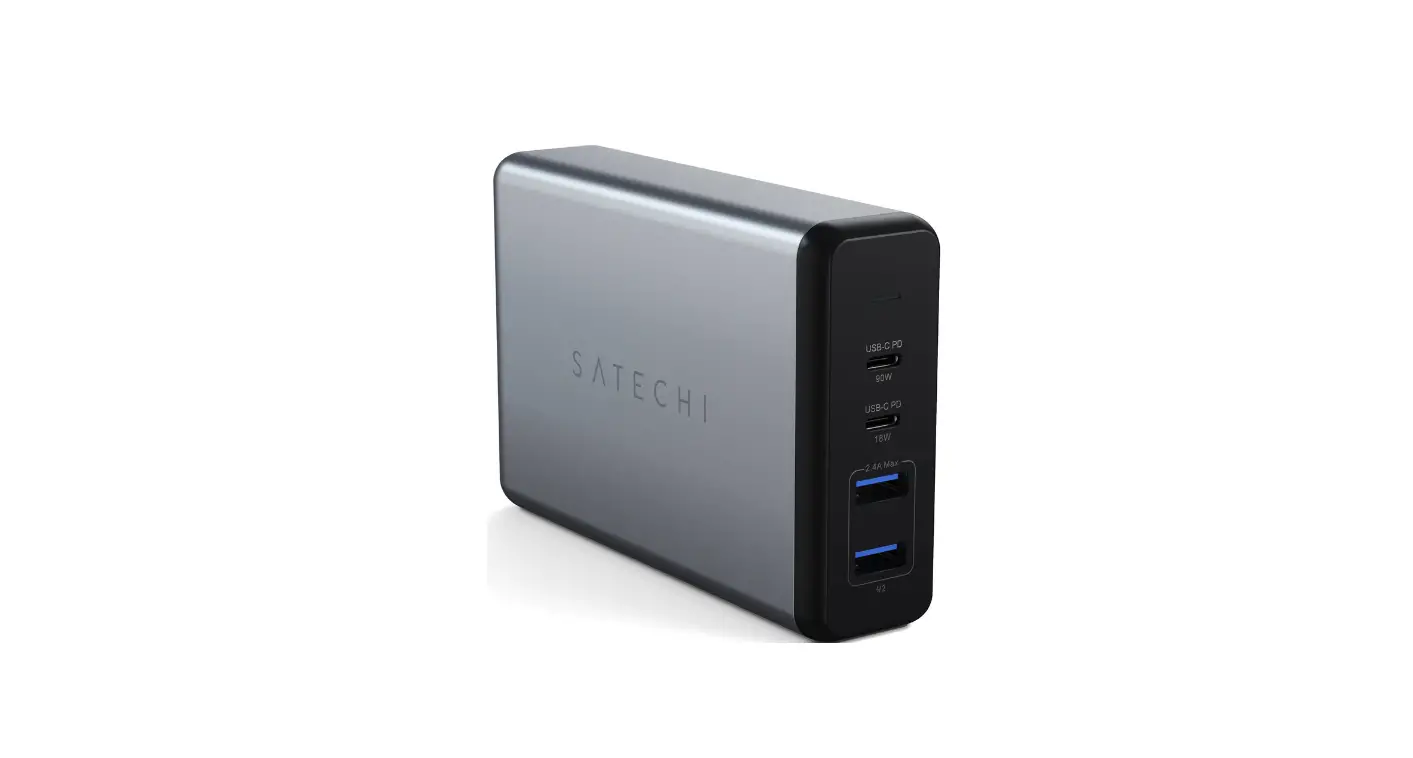

Satechi 108w Pro Usb-c Pd Desktop Charger Installation Guide

Satechi 108w Pro Usb-c Pd Desktop Charger Installation Guide

SATECHI-LOGO

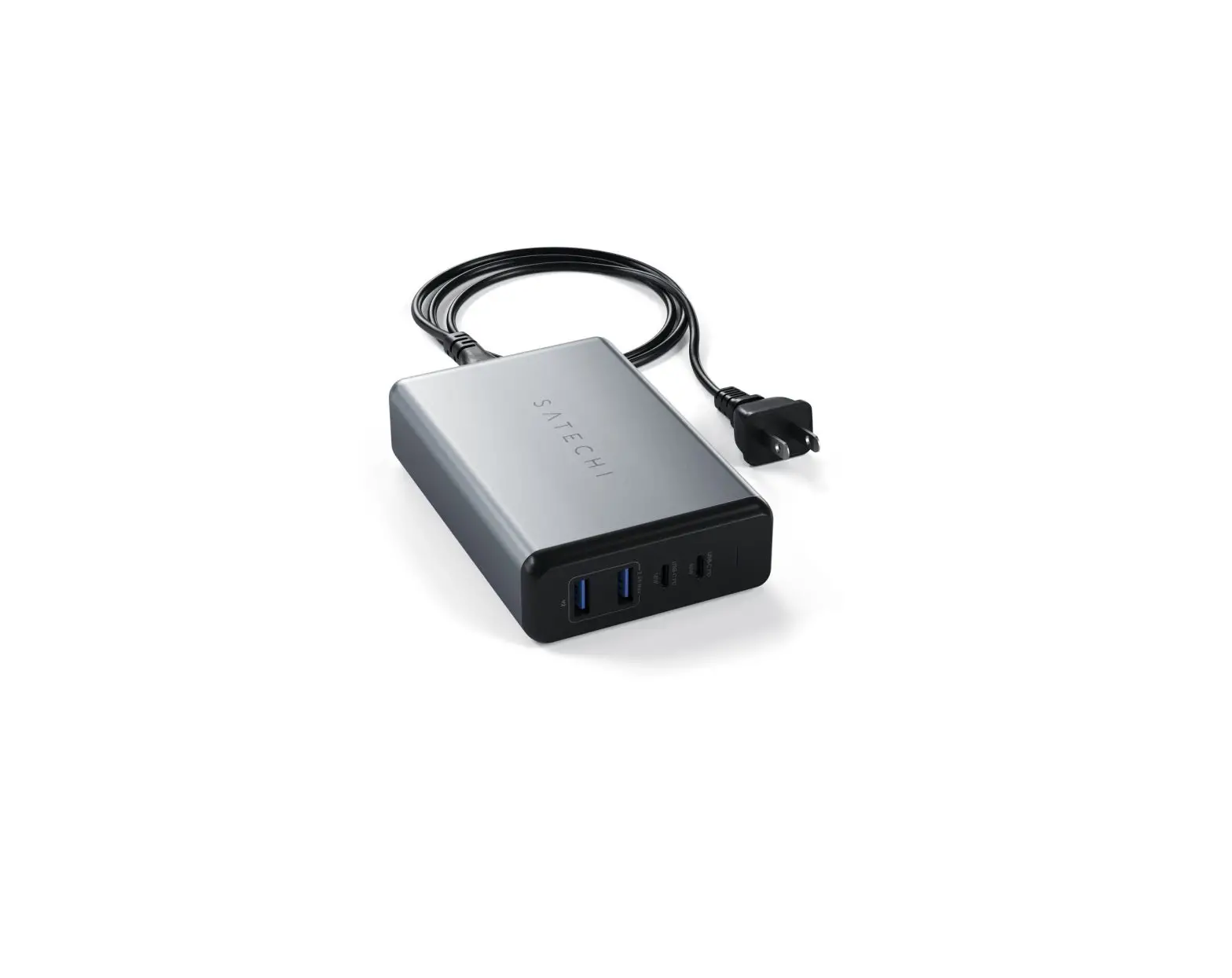
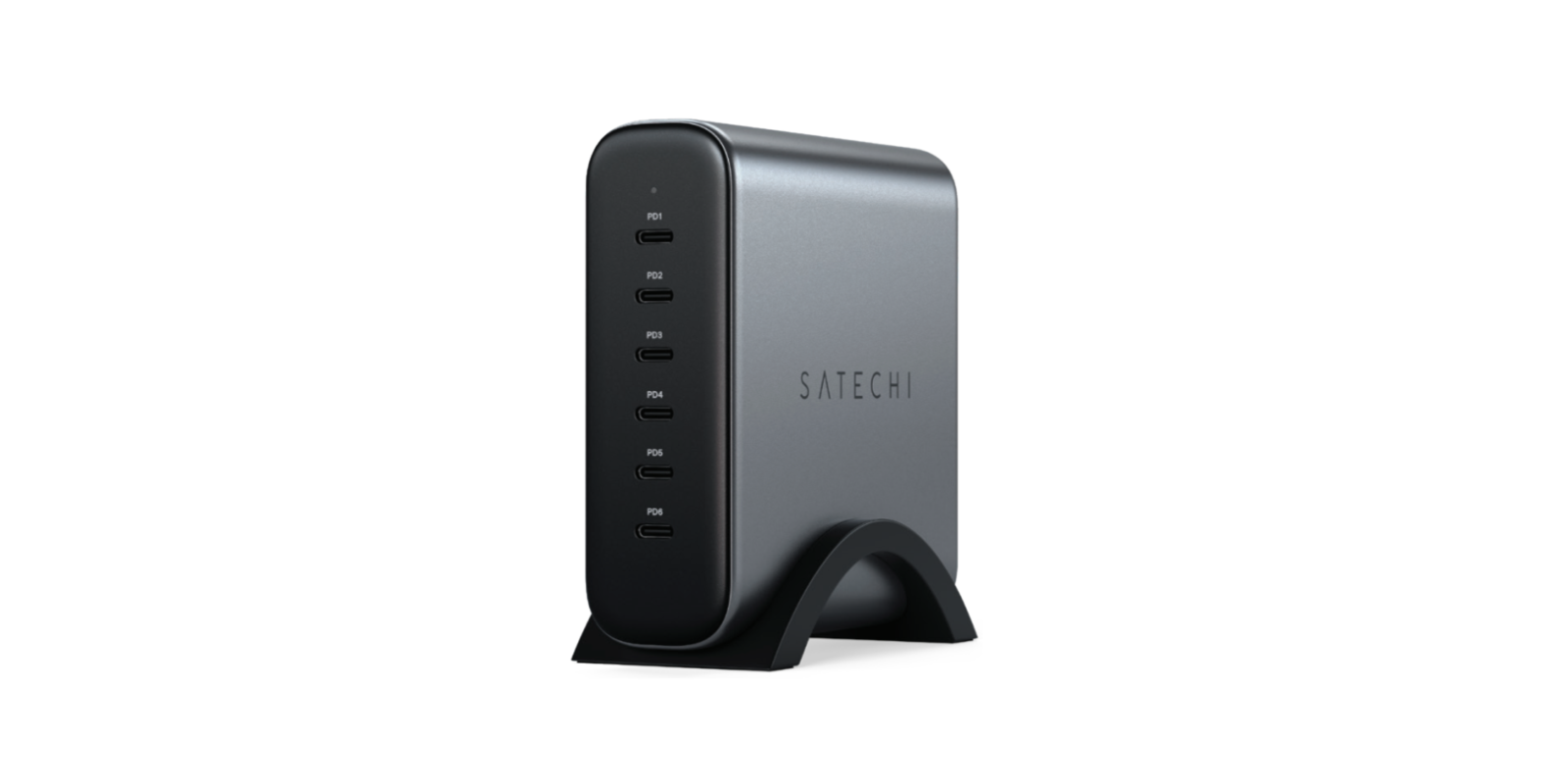
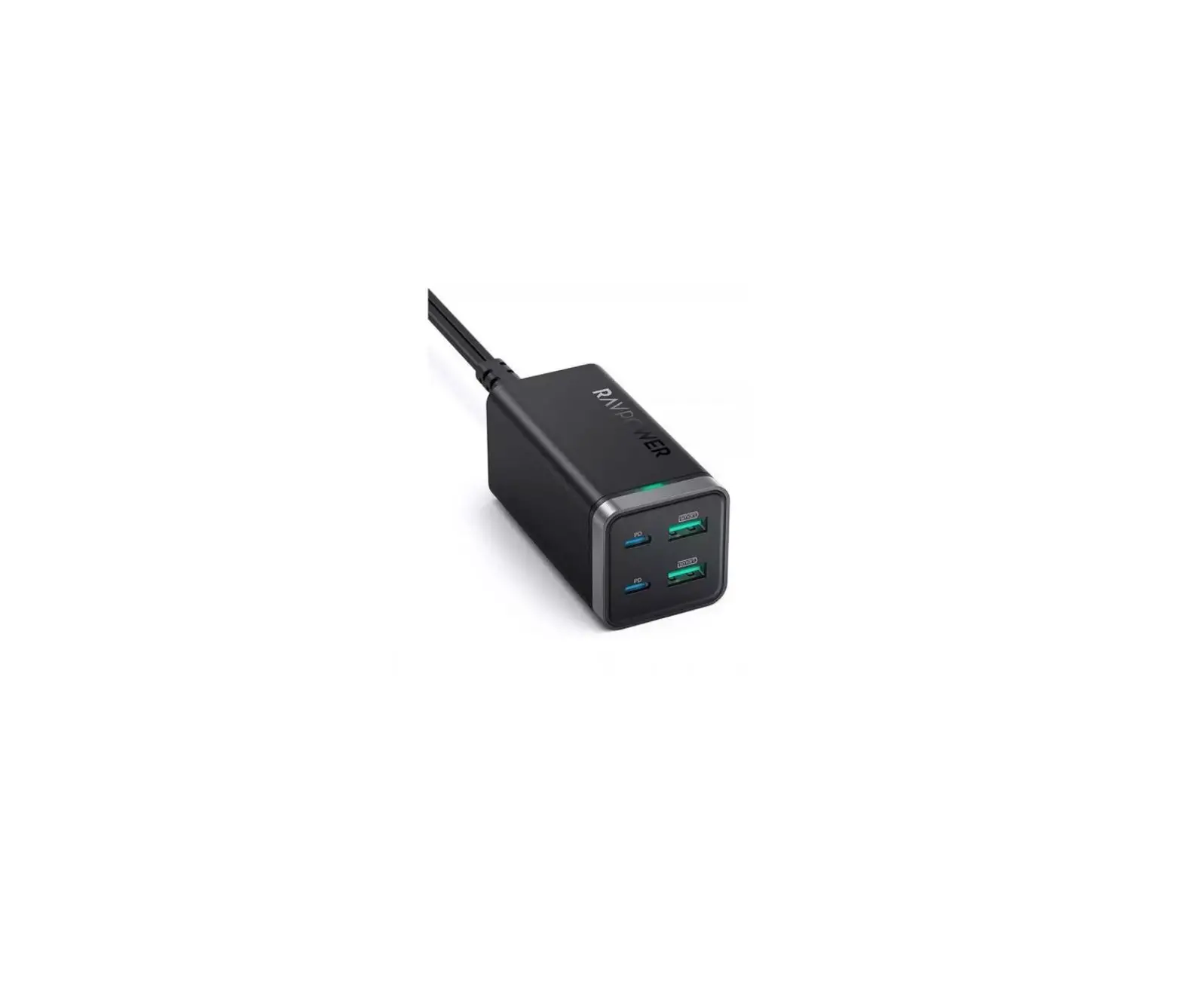
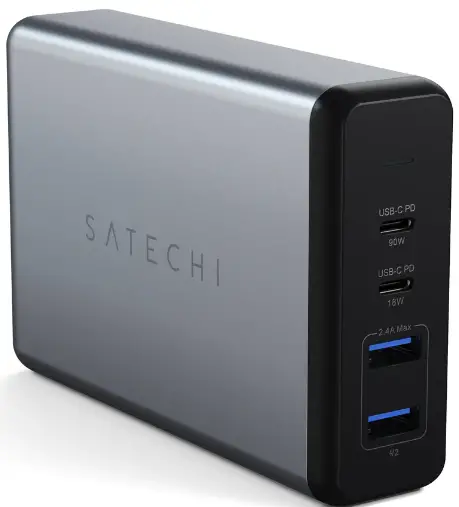
SATECHI 108W PRO USB-C PD Desktop Charger
SATECHI-108W-PRO-USB-C-PD-Desktop-Charger-PRO

HOW TO USE

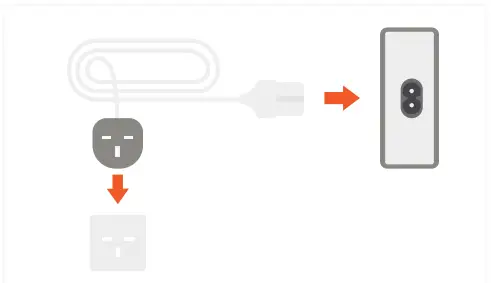
  1. Connect the power cord to the back side of the Travel Charger and plug it into a wall outlet.
    LED light indicates when charger is in useSATECHI-108W-PRO-USB-C-PD-Desktop-Charger- (1)
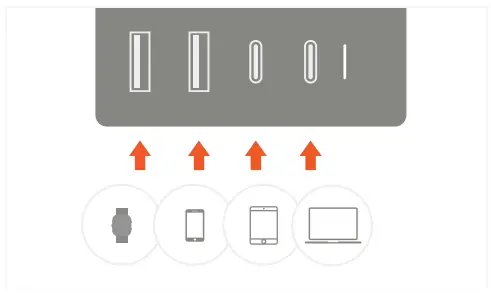
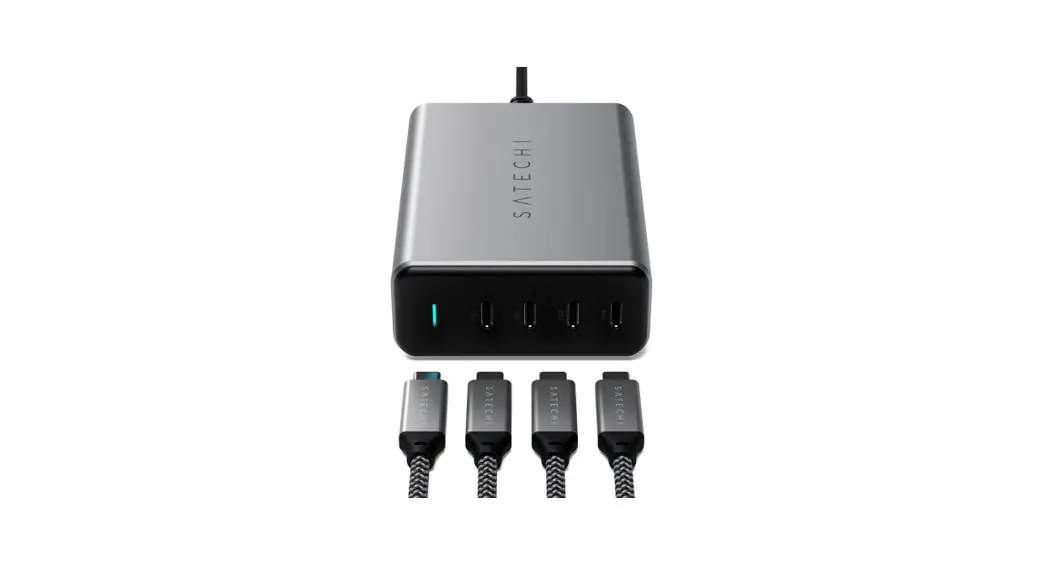
  2. Supports charging up to four devices simultaneously.
    Total max output 108WSATECHI-108W-PRO-USB-C-PD-Desktop-Charger- (2)
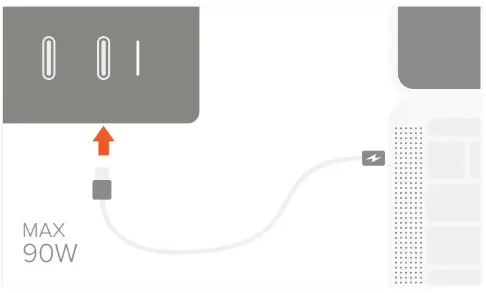
  3. Connect a Type-C laptop or tablet to the first USB-C PD port.
    Max output 90WSATECHI-108W-PRO-USB-C-PD-Desktop-Charger- (3)
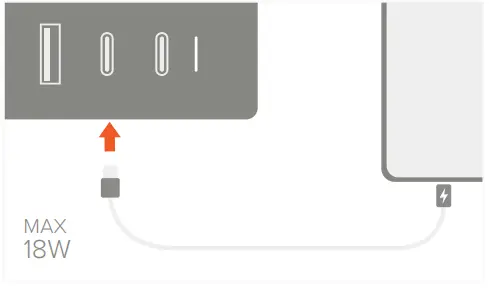
  4. Connect a Type-C smartphone or tablet to the second USB-C PD port.
    Max output 18WSATECHI-108W-PRO-USB-C-PD-Desktop-Charger- (4)
  5. Fast charge USB-C PD devices using an Apple 6 MFi-Certified USB-C to Lightning cable.
    Cable not includedSATECHI-108W-PRO-USB-C-PD-Desktop-Charger- (5)
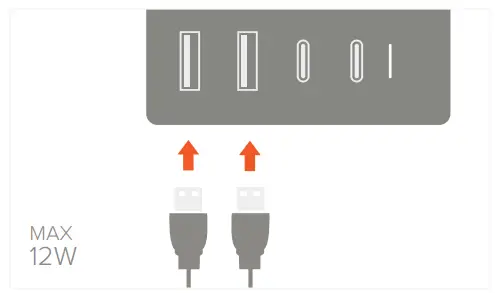
  6. Connect up to two USB devices to the USB-A ports.
    Combined max output 12WSATECHI-108W-PRO-USB-C-PD-Desktop-Charger- (6)

Documents / Resouces

Download manual
Here you can download full pdf version of manual, it may contain additional safety instructions, warranty information, FCC rules, etc.


Related Manuals