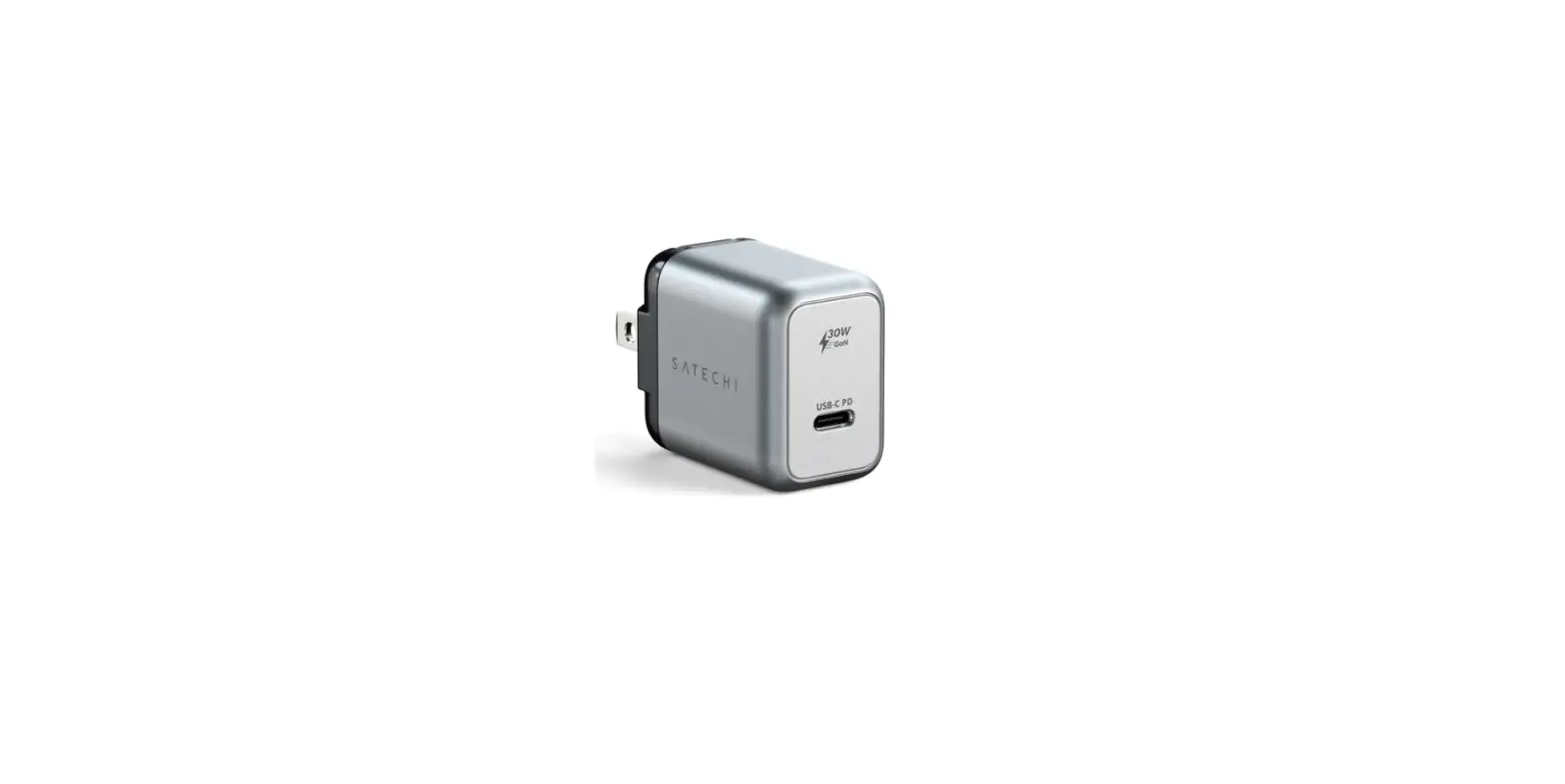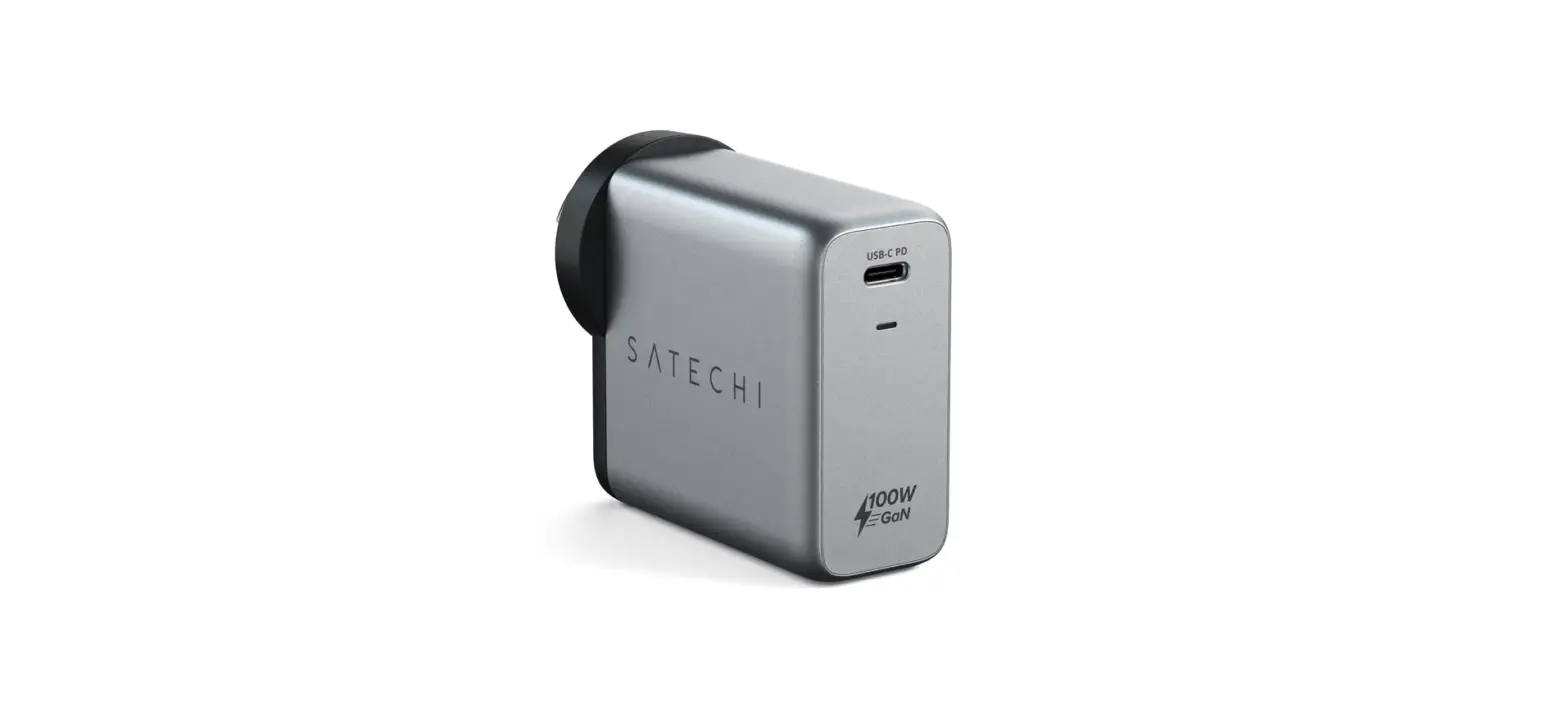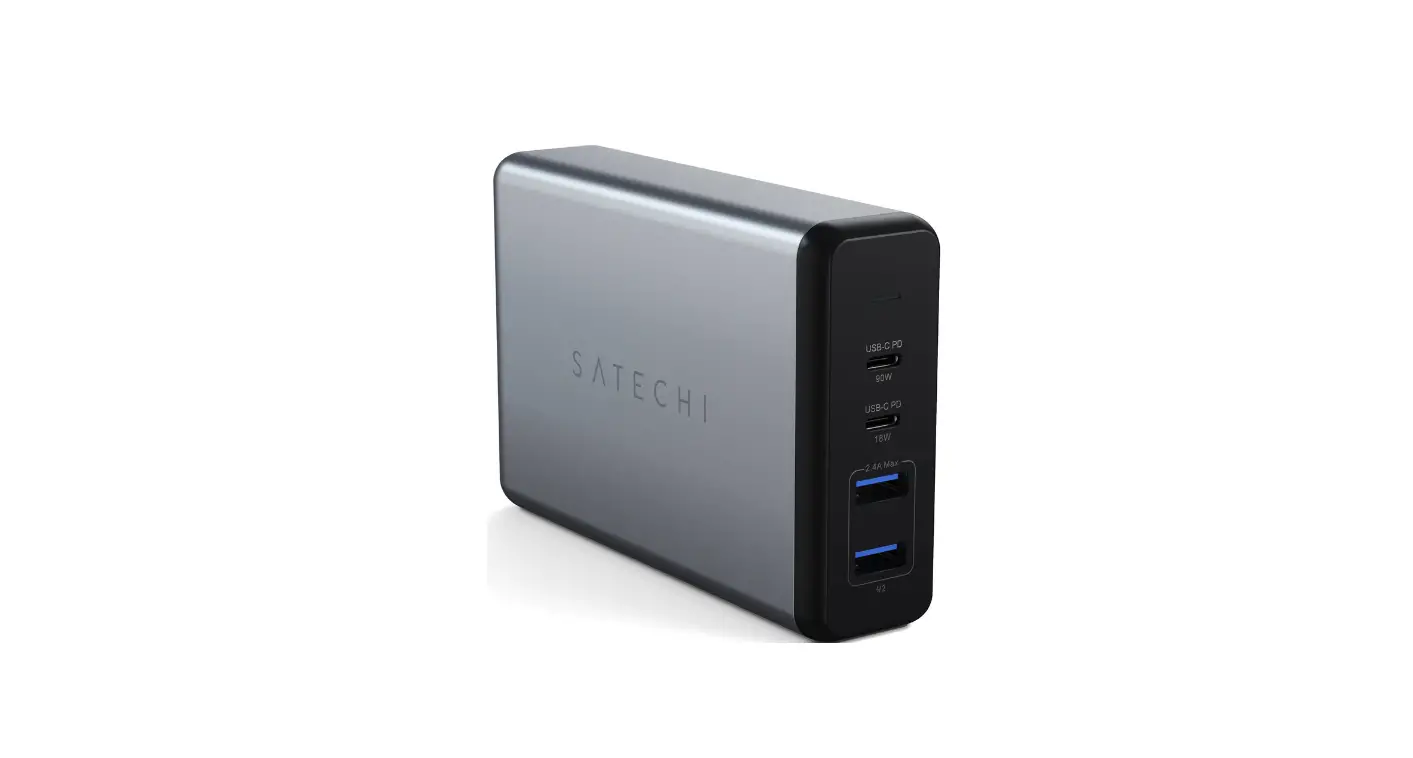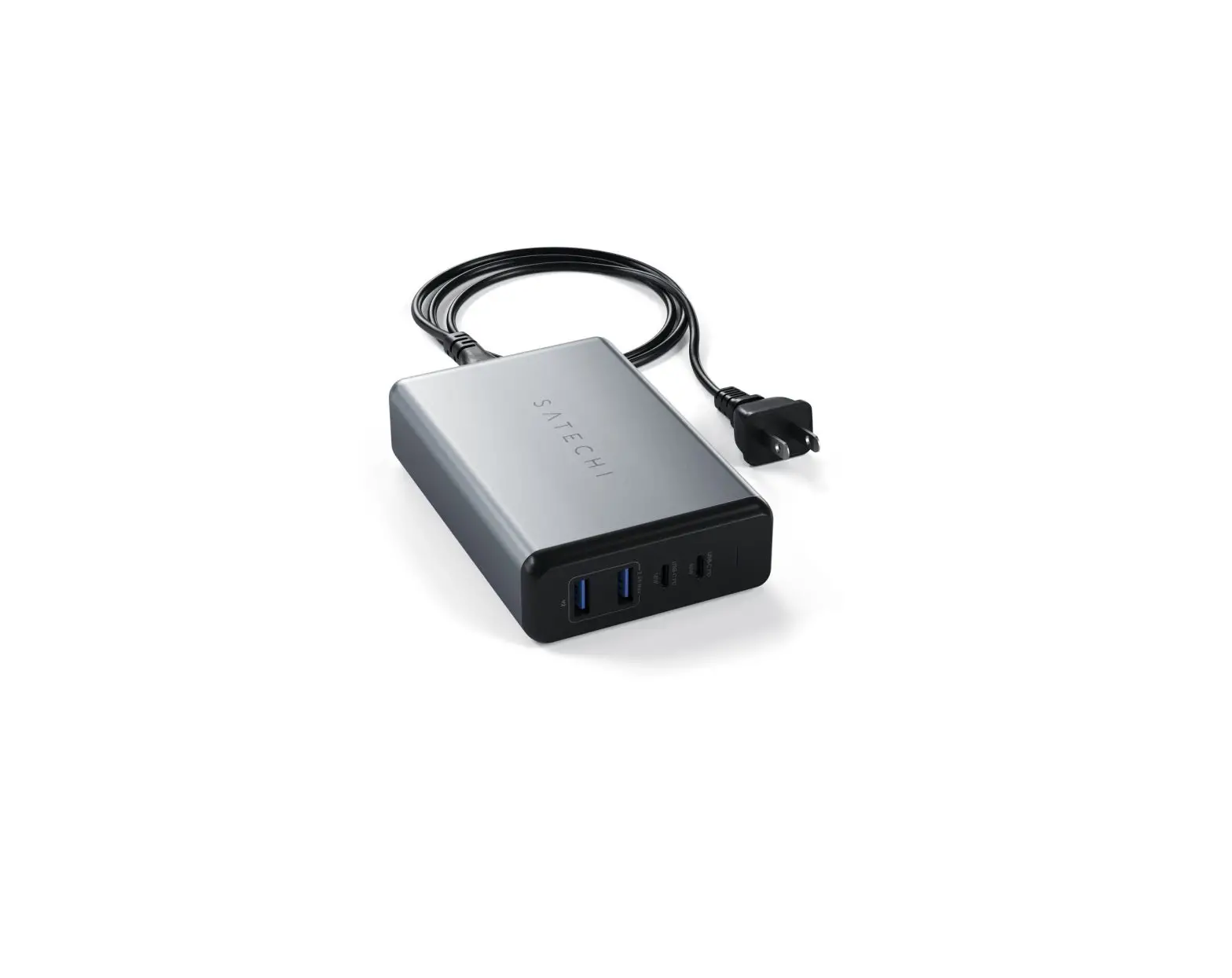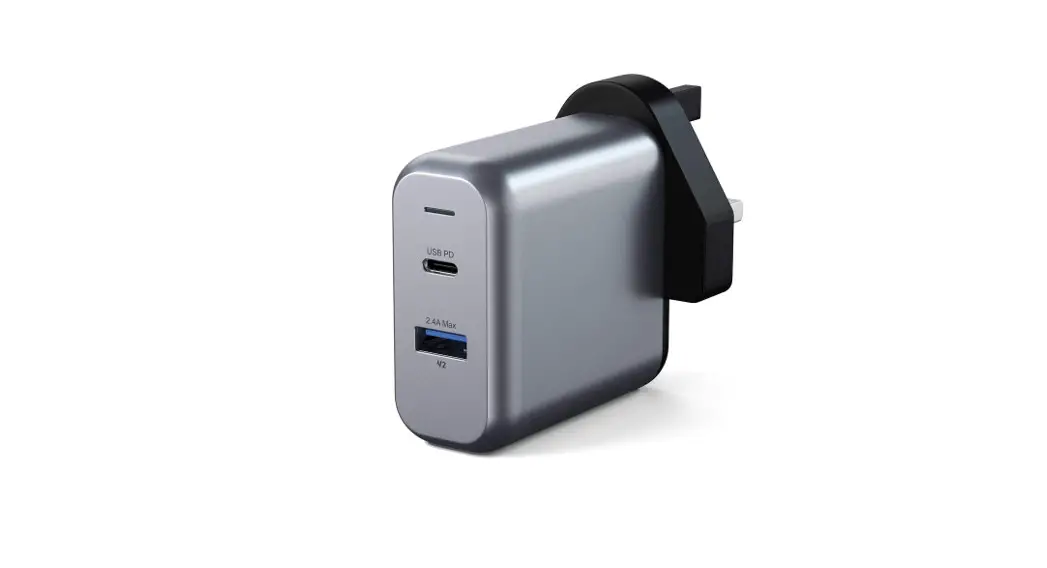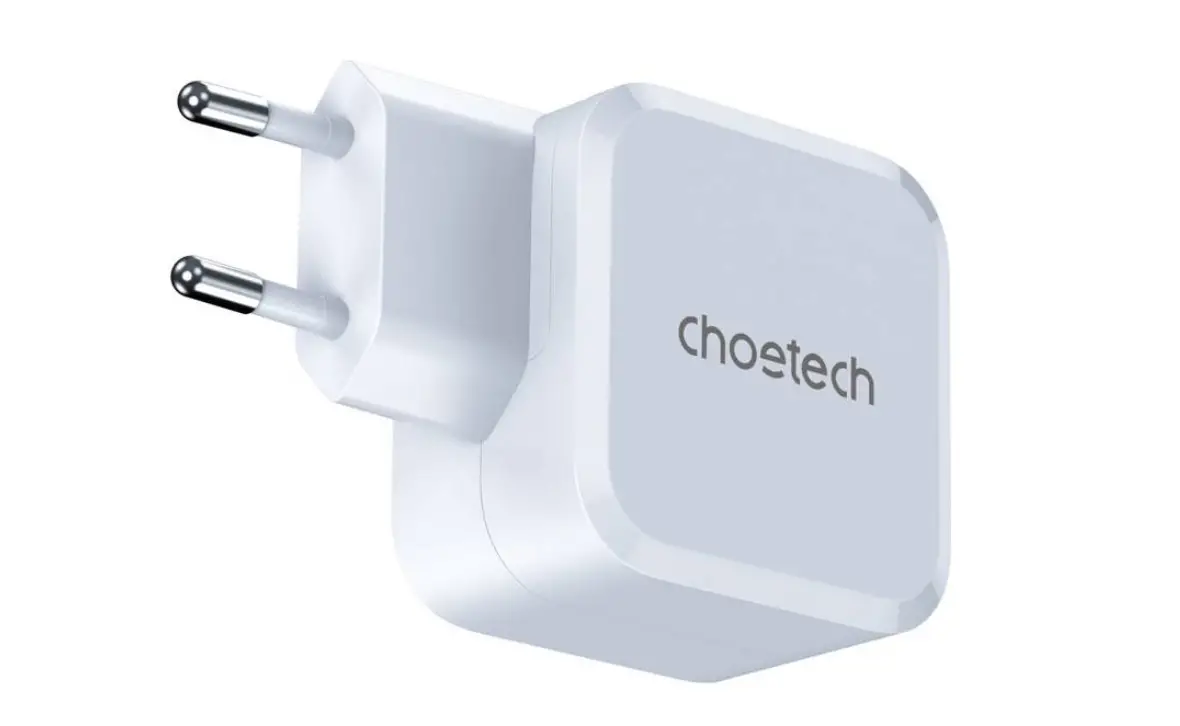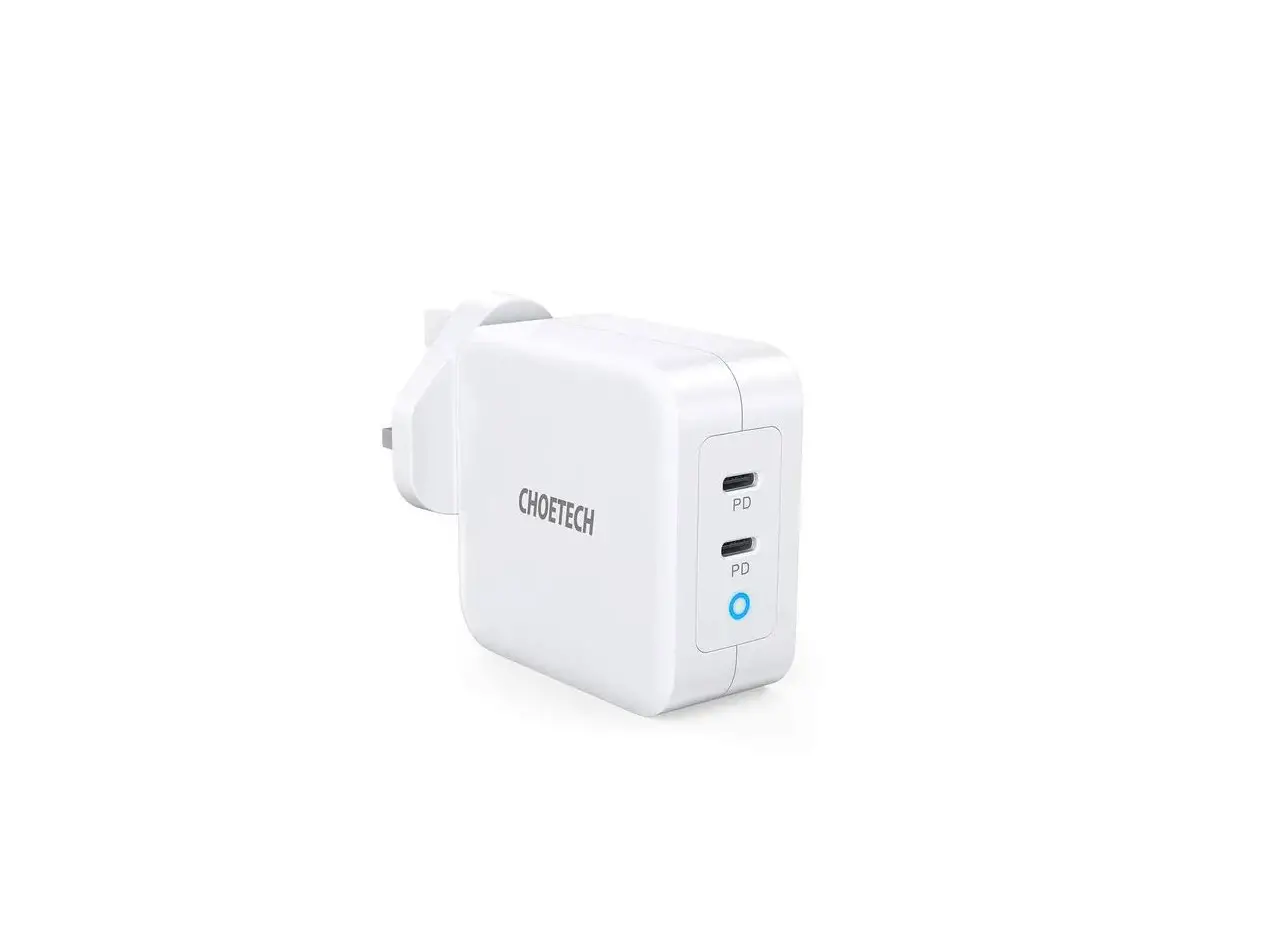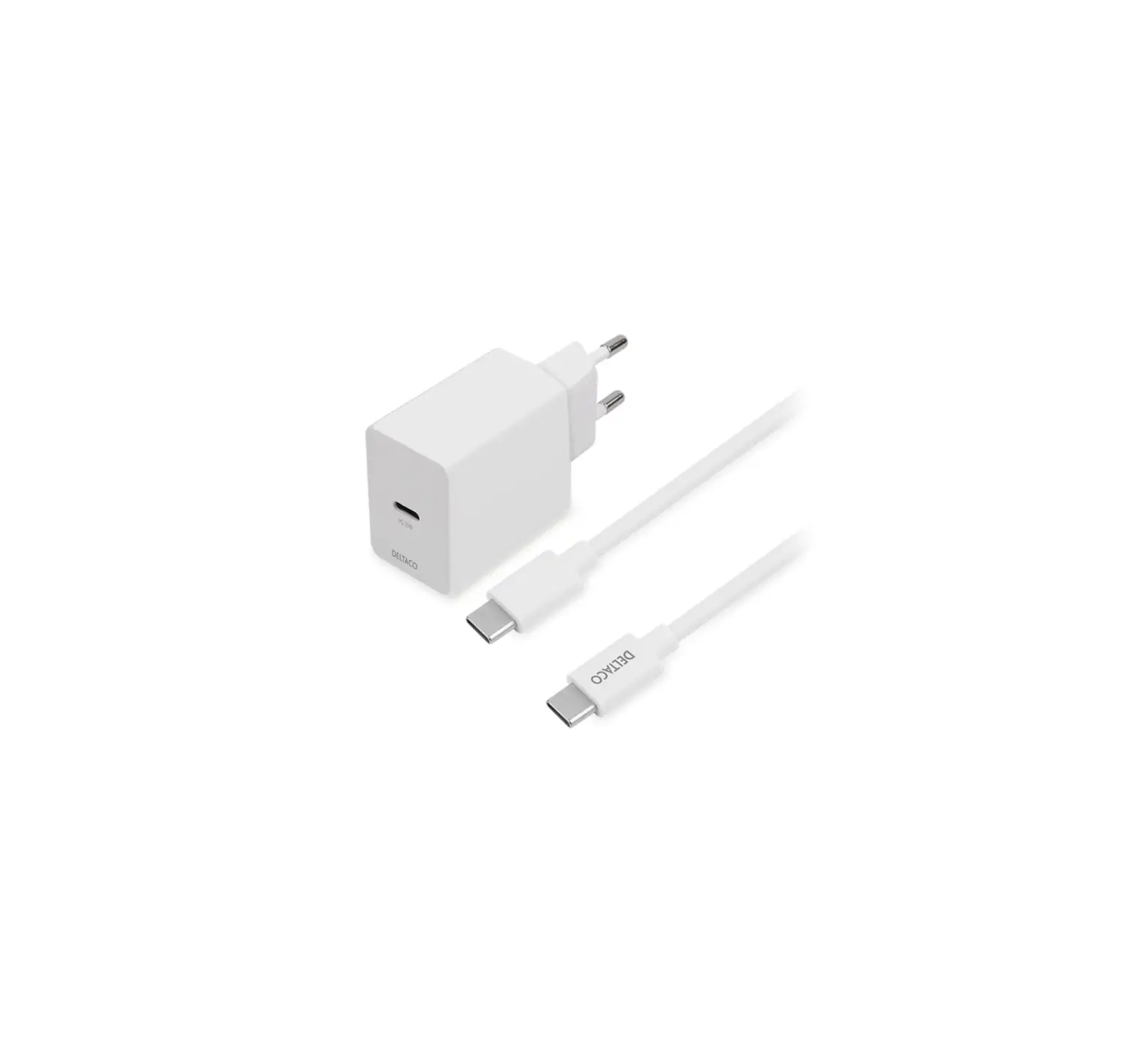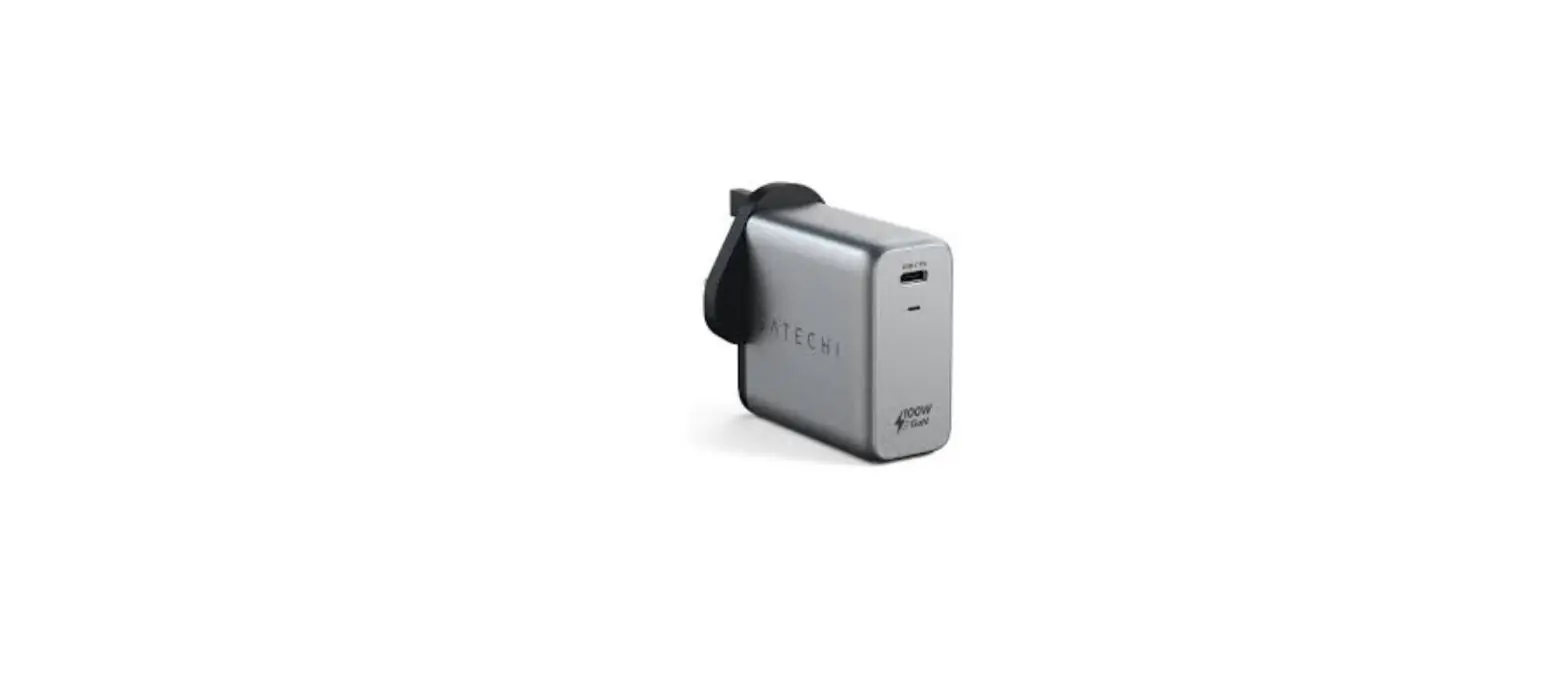

Satechi St-uc100wsm 100w Usb-c Pd Wall Charger Installation Guide

Satechi St-uc100wsm 100w Usb-c Pd Wall Charger Installation Guide

SATECHI-logo

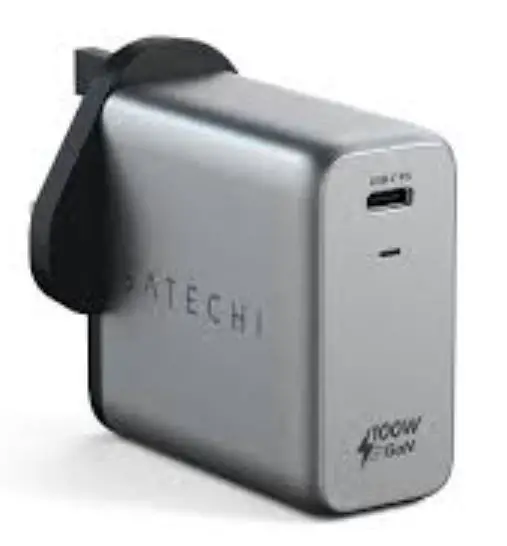
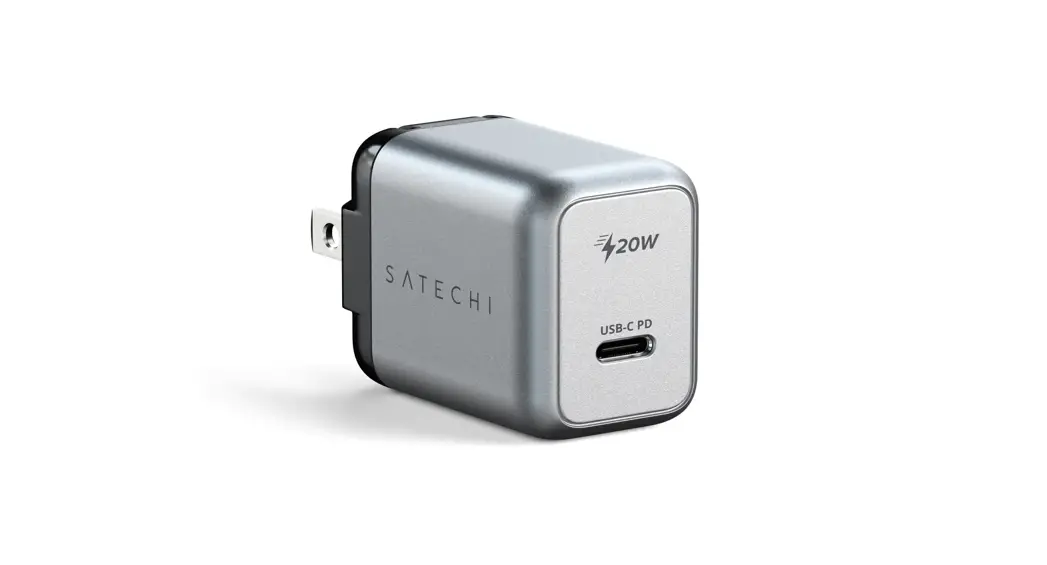
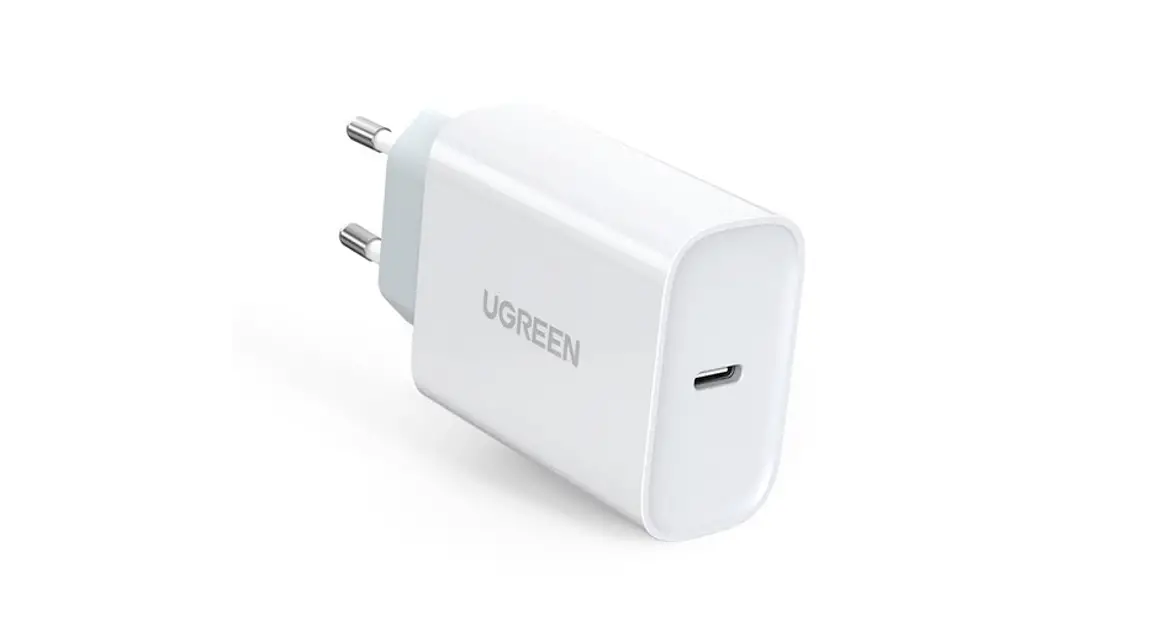
SATECHI ST-UC100WSM 100W USB-C PD Wall ChargerSATECHI-ST-UC100WSM-100W-USB-C-PD-Wall-Charger-product

INSTRUCTIONAL GUIDE

100W USB-C PD WALL CHARGER

  1. Plug the charger directly to a power outlet.SATECHI-ST-UC100WSM-100W-USB-C-PD-Wall-Charger-fig-1
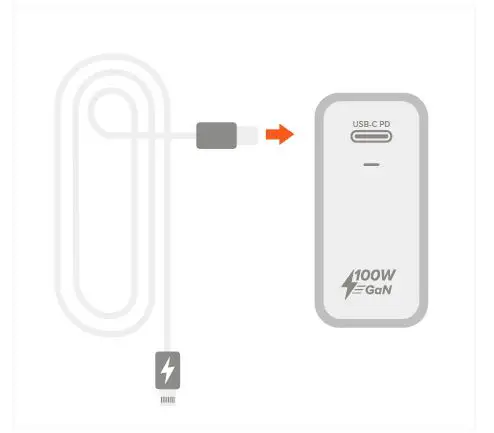
  2. Plug in cable (sold separately) to charger’s USB-C PD port. We always recommend using certified charging cables.SATECHI-ST-UC100WSM-100W-USB-C-PD-Wall-Charger-fig-2
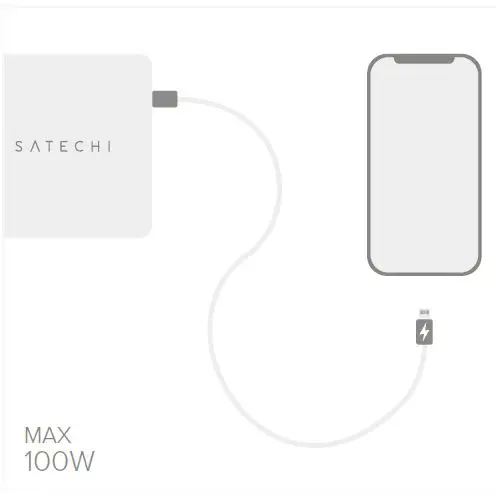
  3. Connect and charge an USB-C laptop, tablet, or smartphone – up to 100W. SATECHI-ST-UC100WSM-100W-USB-C-PD-Wall-Charger-fig-3
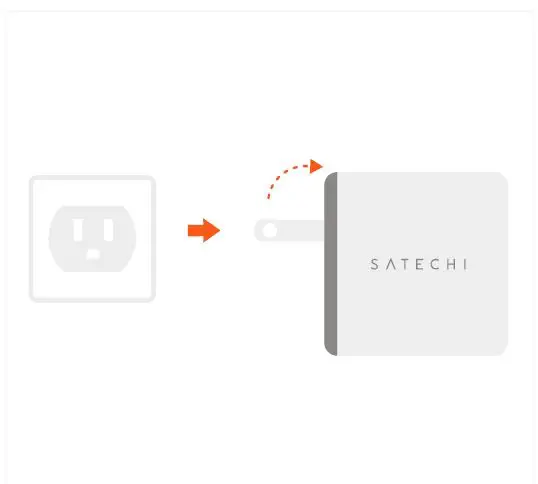
  4. Disconnect devices and remove charger from outlet after use.SATECHI-ST-UC100WSM-100W-USB-C-PD-Wall-Charger-fig-4

Documents / Resouces

Download manual
Here you can download full pdf version of manual, it may contain additional safety instructions, warranty information, FCC rules, etc.


Related Manuals