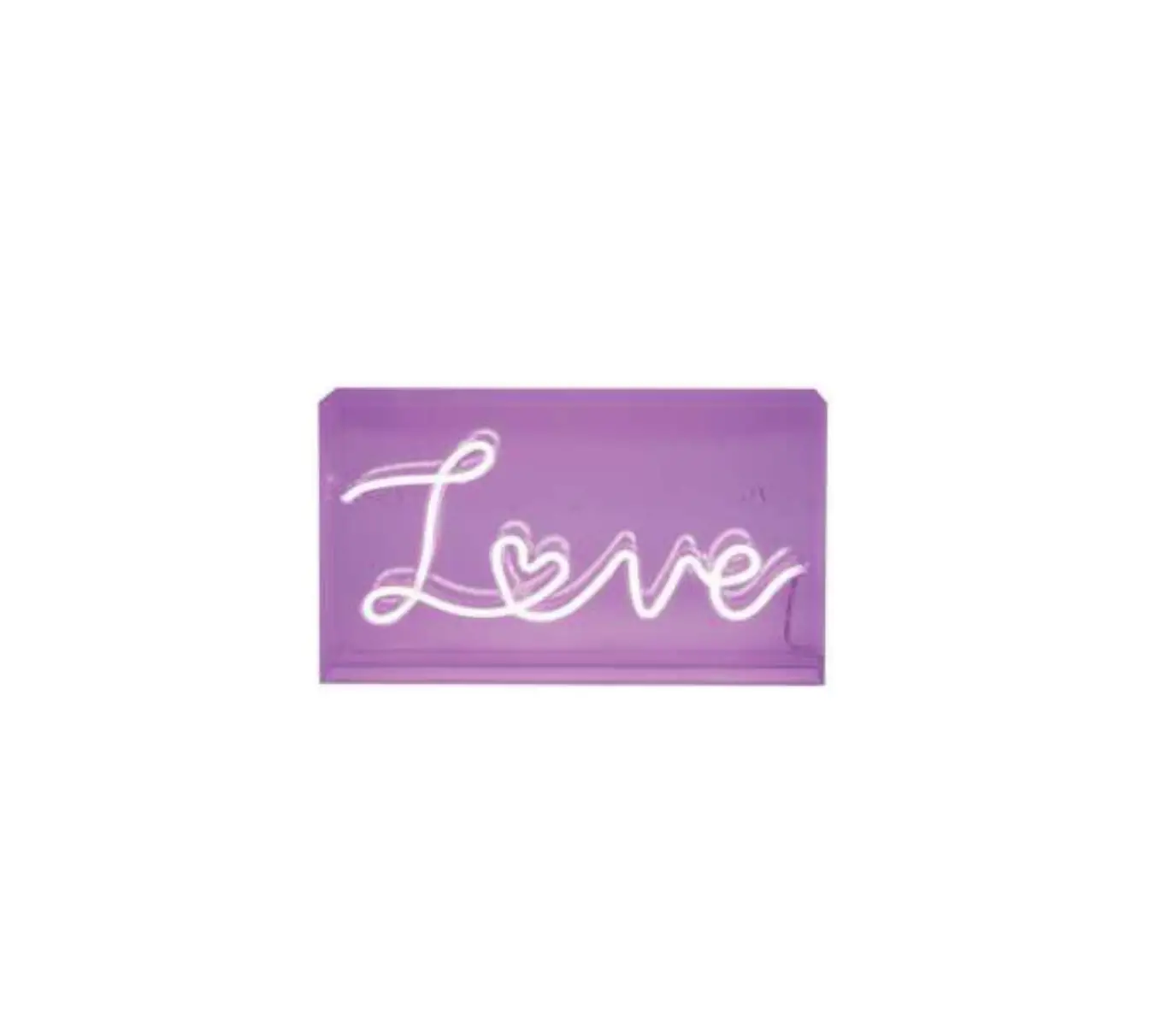
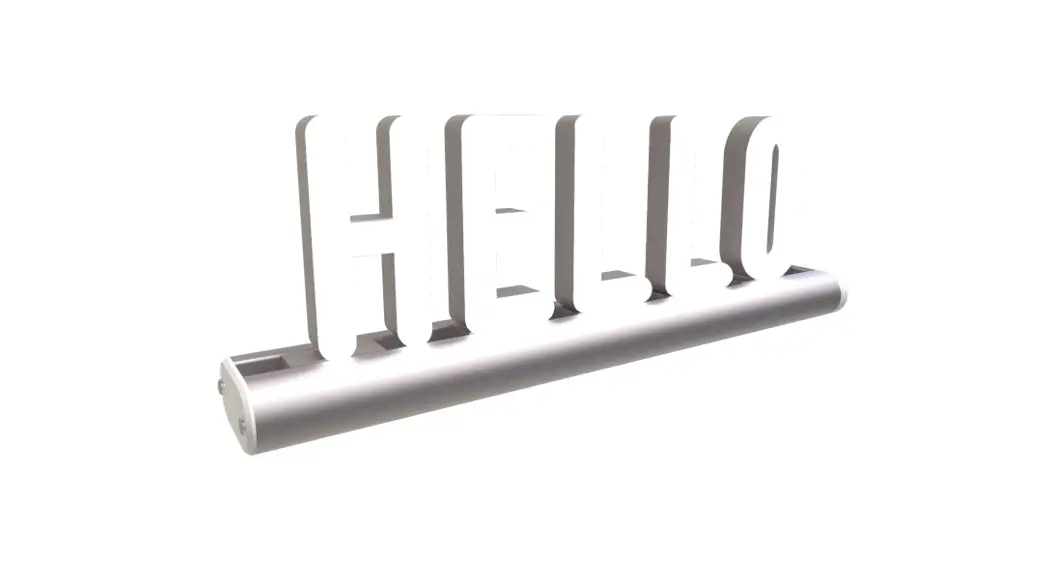
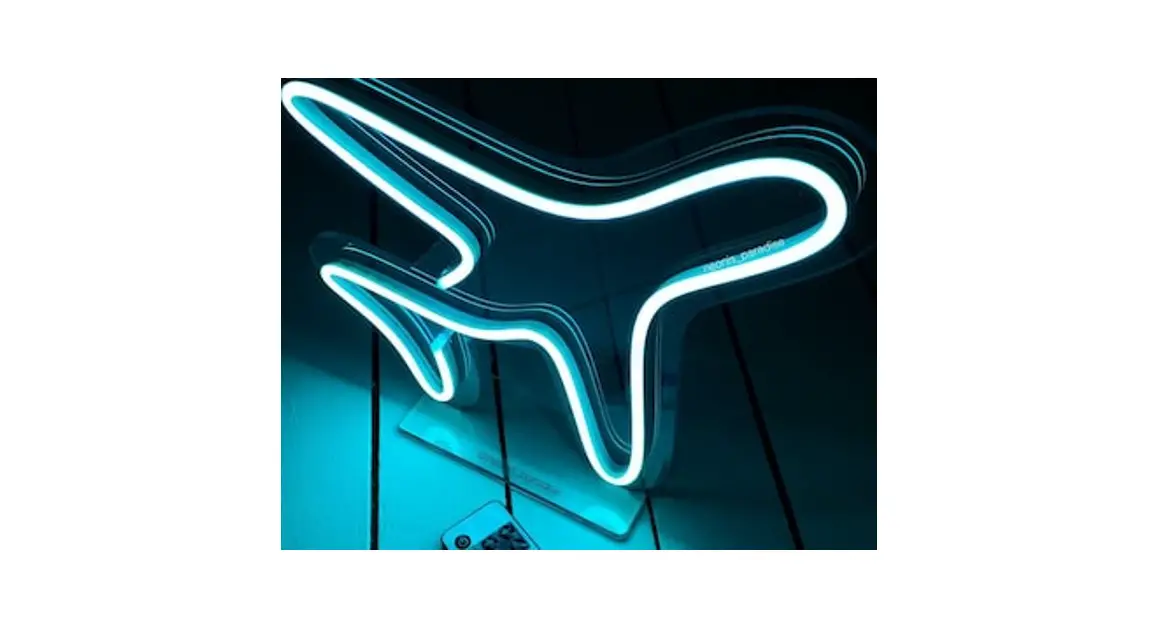
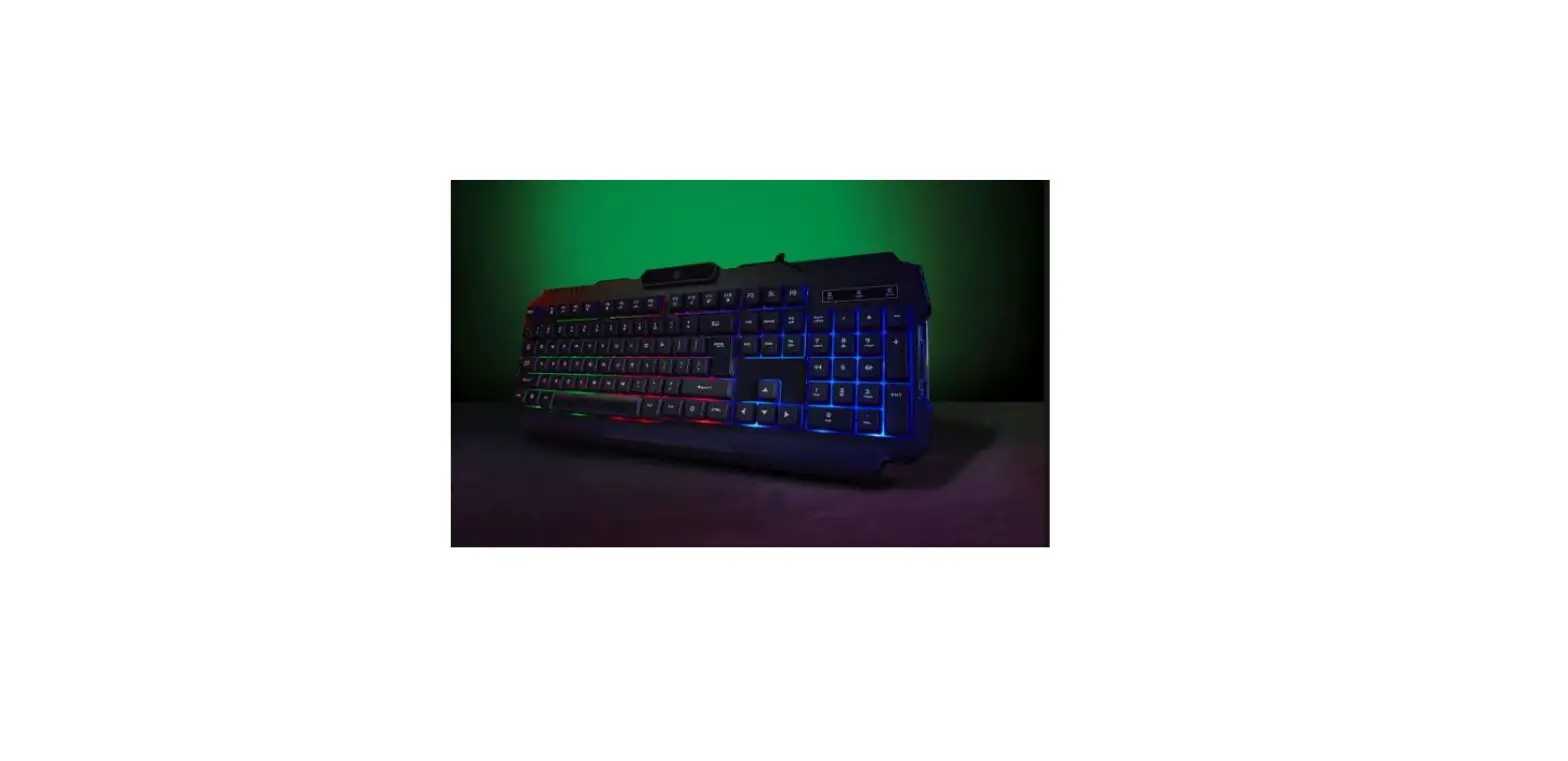
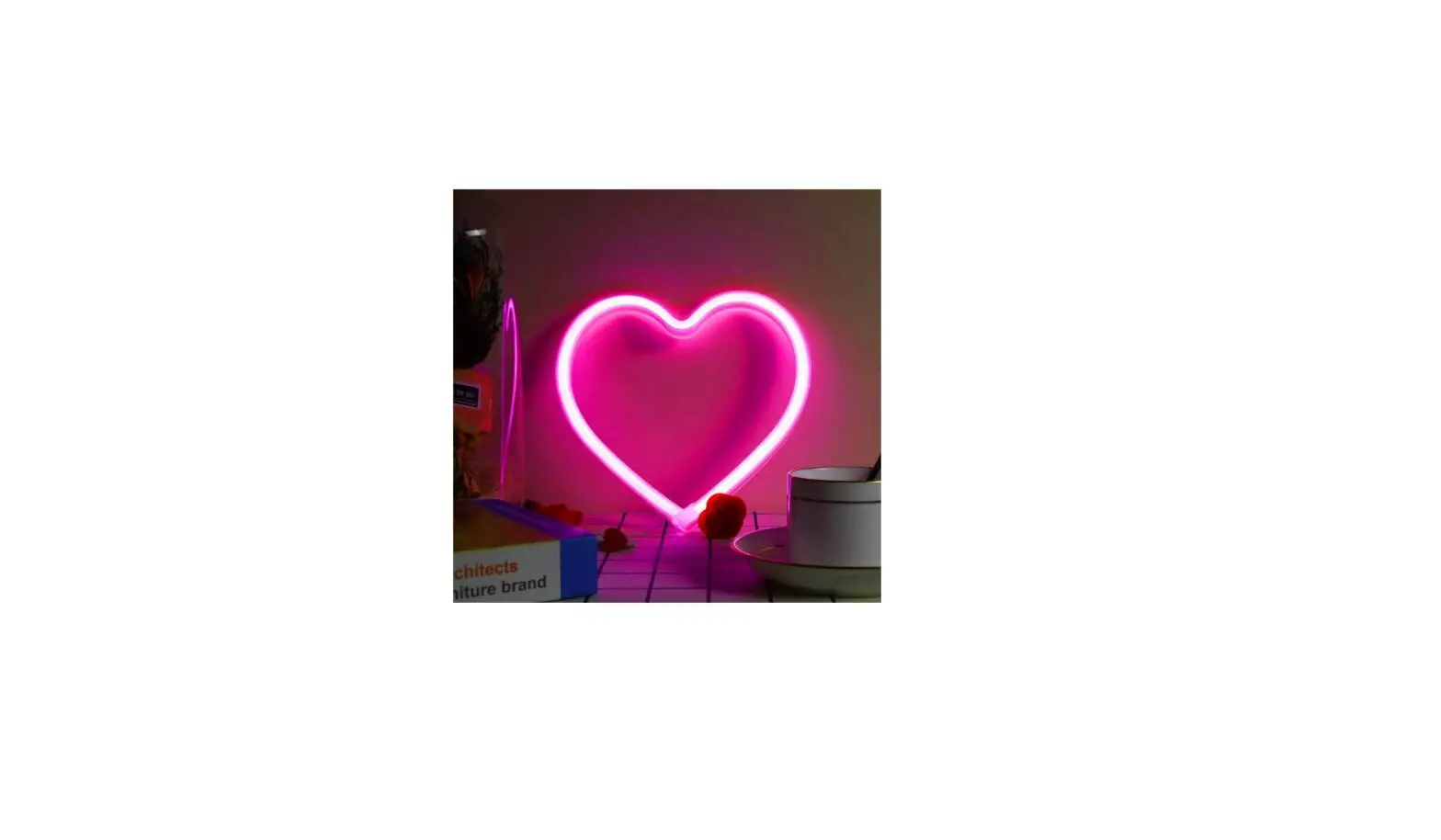
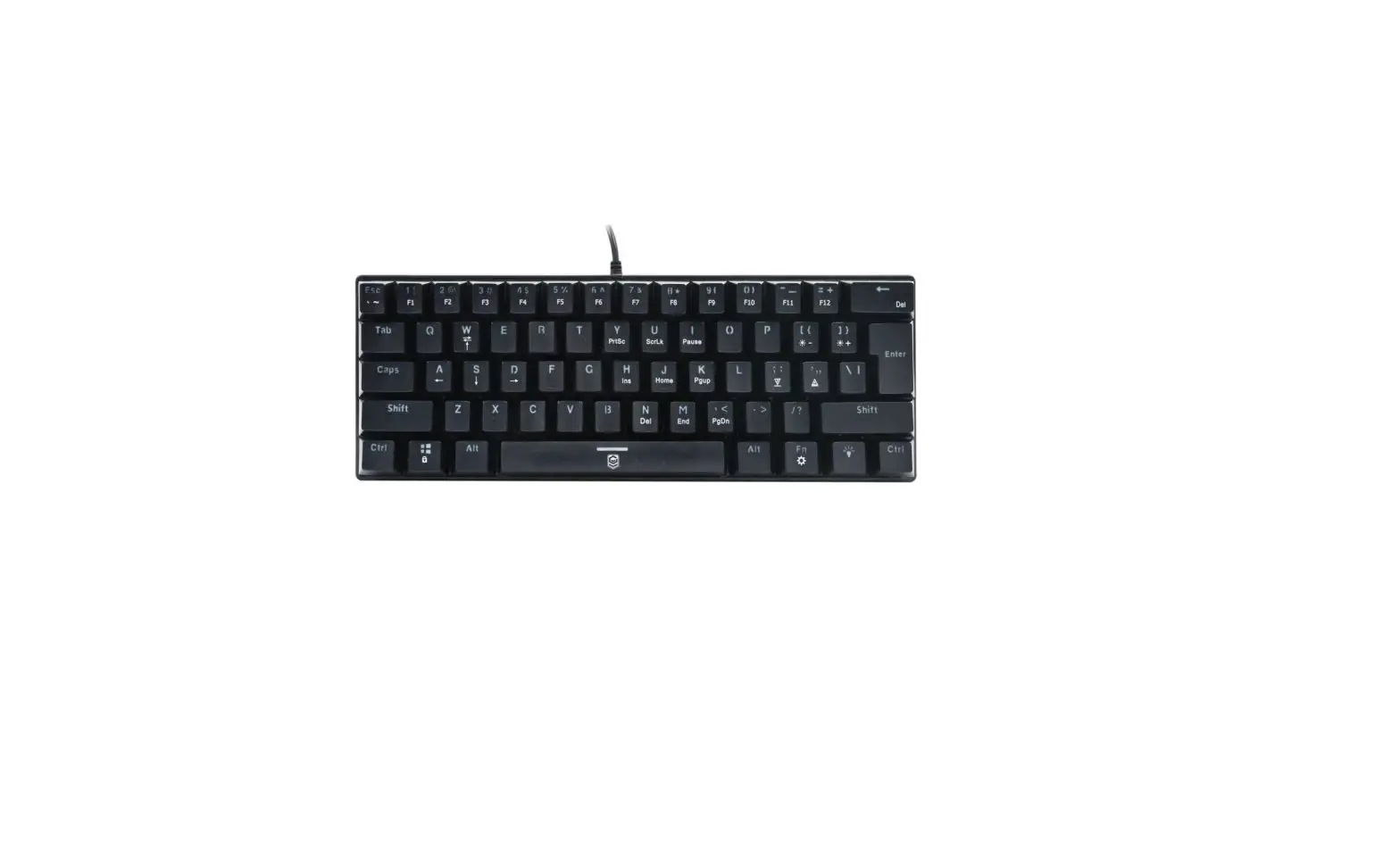
43277643 Gaming Neon Sign
GAMING NEON SIGN
Product Information
Keycode: 43277643
The GAMING NEON SIGN is a stylish and vibrant neon sign designed
specifically for gaming enthusiasts. It adds a fun and eye-catching
element to any gaming setup or room, creating an immersive gaming
atmosphere.
Product Usage Instructions
1. Unboxing:
Open the packaging carefully and remove the GAMING NEON SIGN and
all accompanying accessories.
2. Mounting:
Choose a suitable location to mount the sign. It can be placed
on a flat surface or easily hung on a wall using the pre-drilled
holes. Ensure the sign is securely attached to prevent accidental
falls.
3. Power Connection:
Plug the provided power cord into the designated port on the
GAMING NEON SIGN. Connect the other end to a power outlet. Make
sure the power outlet is easily accessible and meets the required
voltage specifications.
4. Power On/Off:
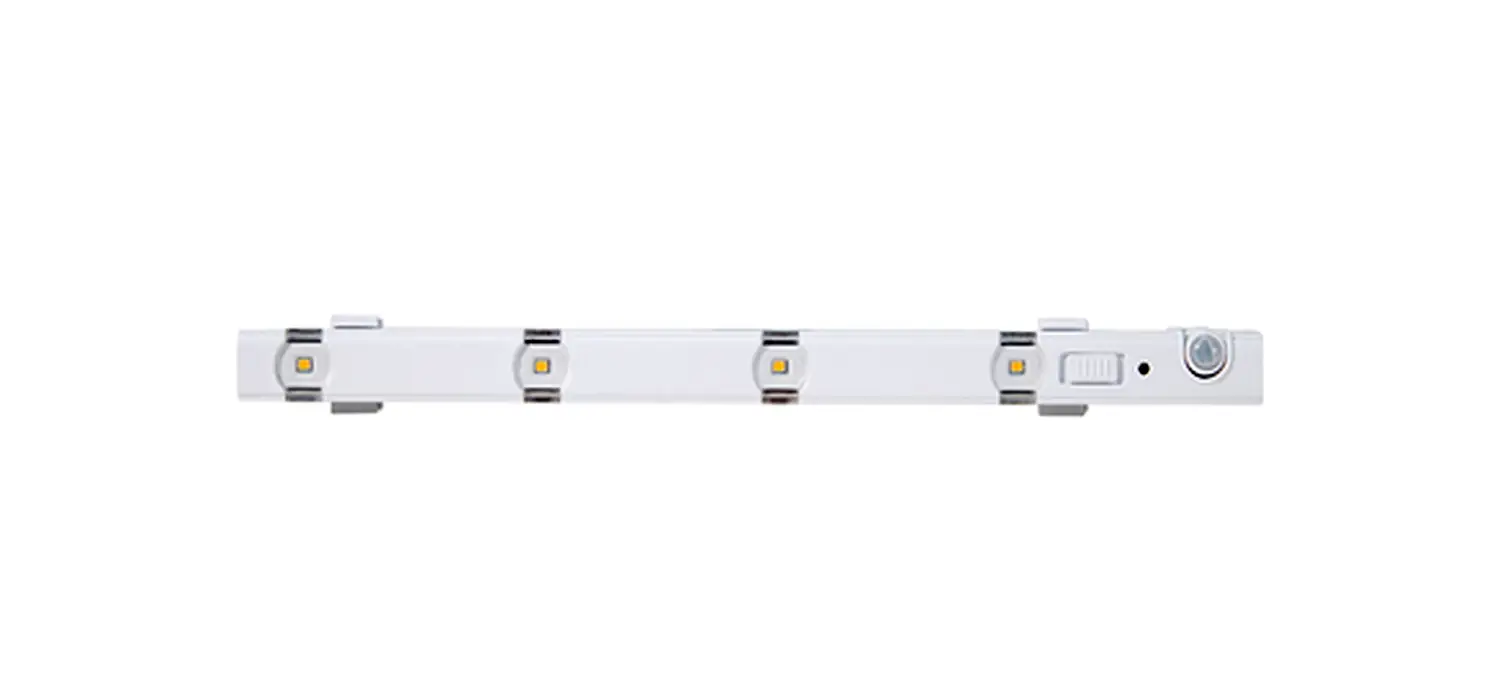
Locate the power switch on the sign and toggle it to the “On”
position to activate the neon lights. To turn off the sign, simply
switch the power button to the “Off” position.
5. Adjusting Brightness:
The GAMING NEON SIGN features adjustable brightness levels. Use
the provided remote control or buttons on the sign itself to
increase or decrease the brightness according to your
preference.
6. Maintenance:
To keep your GAMING NEON SIGN in optimal condition, avoid
exposing it to extreme temperatures, moisture, or direct sunlight.
Clean the sign using a soft, dry cloth to remove any dust or
fingerprints. Do not use any abrasive cleaners or solvents.
7. Troubleshooting:
If you encounter any issues with the GAMING NEON SIGN, refer to
the troubleshooting section in the provided instruction manual or
contact our customer support for assistance.
8. Safety Precautions:
Ensure the GAMING NEON SIGN is used in a safe environment and
away from flammable materials. Do not attempt to disassemble or
modify the sign yourself. Always unplug the sign from the power
outlet when not in use or during maintenance.
For further information and detailed safety instructions, please
refer to the instruction manual.
GAMING NEON SIGN keycode: 43277643
Instruction manual
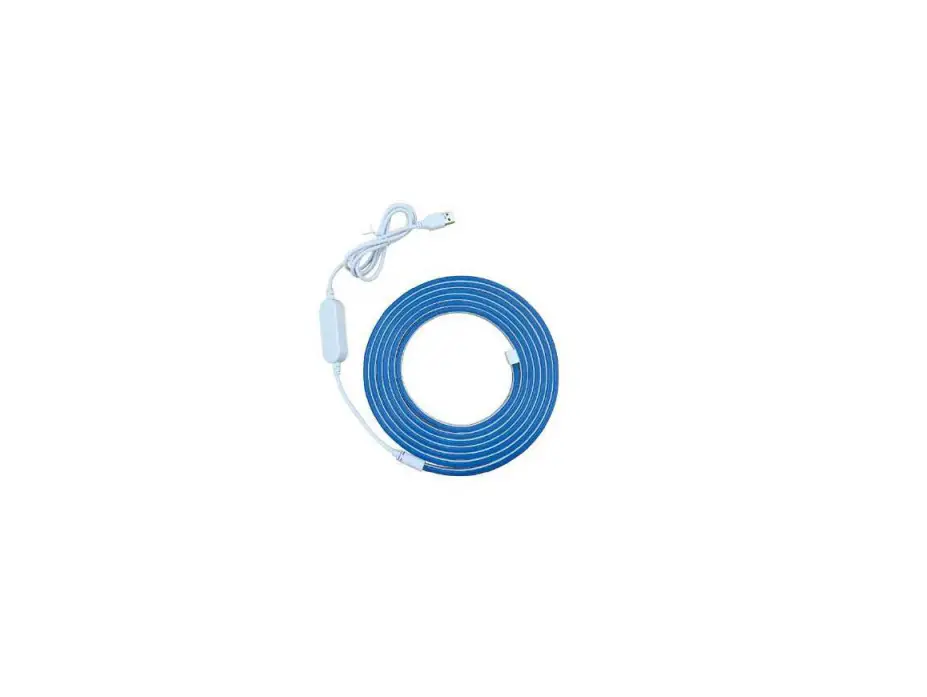
Instructions: Please read this product manual carefully. Read all warnings and follow all instructions in this product manual. Use only a microfiber and dry cloth for cleaning the product. Operate carefully to not cause any damage by dropping or physical shocking it. Do not leave the product in excessive heat, high temperatures can cause the product to malfunction. The light source of this luminaire is not replaceable. For indoor use only Connecting the light: 1. Plug the USB cable into a free USB port or USB wall charger with 5V 1A output. 2. Switch to turn on/off the light. 3. There are 2 handling holes, you can put the light on the desk or wall. (Installation pack is not included)