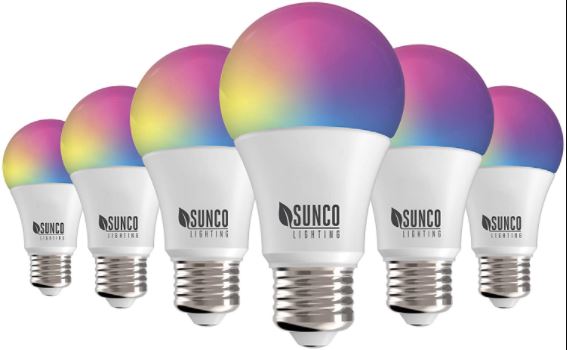
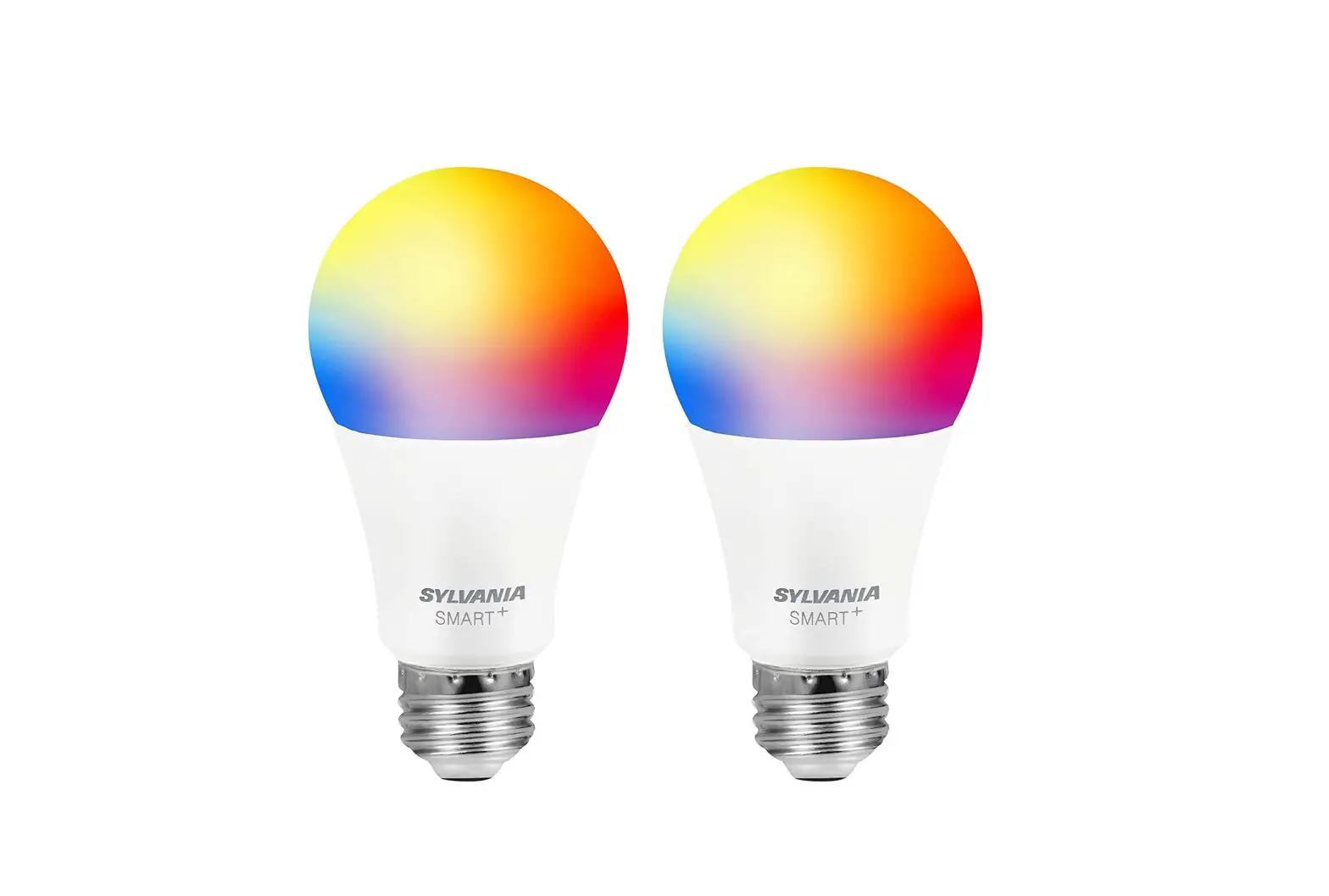
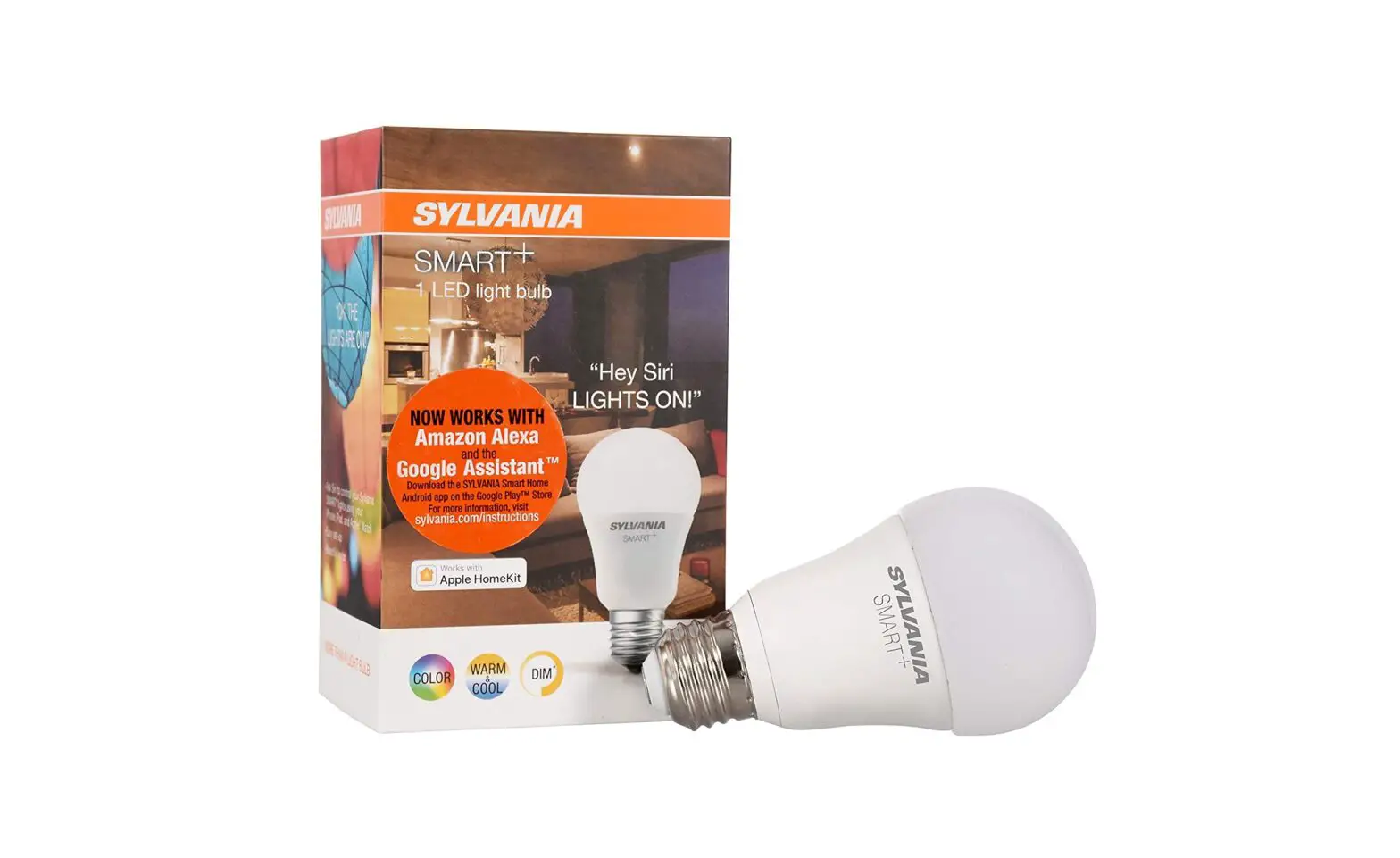
Bask In 16 Million plus Shades Smart Bulb
Product Information
The Syska Smart Bulb allows you to bask in over 16 million
shades of light. With its smart features, you can easily control
and customize the lighting in your home.
Product Usage Instructions
- Download the Syska Smart Home App.
- Sign in and register your account on the app.
- Fix the Smart Bulb into the power socket and switch it on.
- Tap on (+) Add Device > Light
Source (Wi-Fi). - If the bulb is not blinking, follow the reset instructions on
the app or refer to the user manual. - Once the bulb starts blinking rapidly, enter the Wi-Fi Password
and confirm. - Open the Syska Smart Home App and tap on Smart
Bulb. - Tap on the top right icon.
How to Connect Your Smart Light to Echo
- Download the Alexa App and sign in.
- Tap on More.
- Select Skills & Games.
- Tap on the search icon.
- Search for ‘Syska Smart Home’.
- Tap on ‘Enable to Use’ to operate the Syska Smart Home skill
via Alexa. - Tap on ‘Agree and Link’ to complete the setup.
- Your account is linked and you can now close the screen.
- Tap on ‘Discover Devices’.
Voice Commands for Alexa
Select ‘Lights’ from the list of discovered devices and you’re
ready to go!
- Alexa, turn/switch on the light.
- Alexa, turn/switch off the light.
- Alexa, make/set light to cool white.
- Alexa, make/set light to warm white.
- Alexa, make/set light to blue.
- Alexa, change/set the light color to red. (Color command is
optional) - Alexa, dim the light.
- Alexa, brighten the light.
- Alexa, set/turn the light to 10 or 10% brightness.
- Alexa, set/turn the light brightness to 50 or 50%.
BASK IN 16 MILLION+ SHADES OF THE SMART BULB.
LET IT GLOW
Here’s how you can set up your Syska Smart Bulb.
SET UP YOUR SYSKA ACCOUNT
STEP 1
Download the Syska Smart Home App.
STEP 2
Sign in and register your account on the app.
STEP 3
Fix the Smart Bulb into the power socket and switch it on.
STEP 4
Tap on `(+) Add Device’ > `Light Source (Wi-Fi)’
STEP 5
Follow the reset instructions on the app if the bulb is not blinking.
STEP 6
Once the bulb starts blinking, confirm that the light is blinking rapidly. Enter the Wi-Fi Password and Confirm.
(Follow the reset instructions on the app or refer to the user manual if the bulb is not blinking)
STEP 7
Open the Syska Smart Home App > tap on `Smart Bulb’
STEP 8
Tap on at the top right.
HOW TO CONNECT YOUR SMART LIGHT TO ECHO
STEP 1
Download the Alexa App and sign in.
STEP 2
Tap on More.
STEP 3
Select Skills & Games.
STEP 4
Tap on the search icon.
STEP 5
Search for ‘Syska Smart Home’.
STEP 6
Tap on ‘Enable to Use’ to operate the Syska Smart Home skill via Alexa.
STEP 7
Tap on ‘Agree and Link’ to complete the setup.
STEP 8
Your account is linked and you can now close the screen.
STEP 9
Tap on ‘Discover Devices’.
STEP 10
VOICE COMMANDS FOR ALEXA
Select ‘Lights’ from the list of discovered devices and you’re ready to go!
“Alexa, turn/switch on the light.” “Alexa, turn/switch off the light.” “Alexa, make/set light to cool white.” “Alexa, make/set light to warm white.” “Alexa, make/set light to blue.” “Alexa, change/set the light color to red.” (Color command is optional) “Alexa, dim the light.” “Alexa, brighten the light.” “Alexa, set/turn the light to 10 or 10%.” “Alexa, set/turn the light brightness to 50 or 50%.”