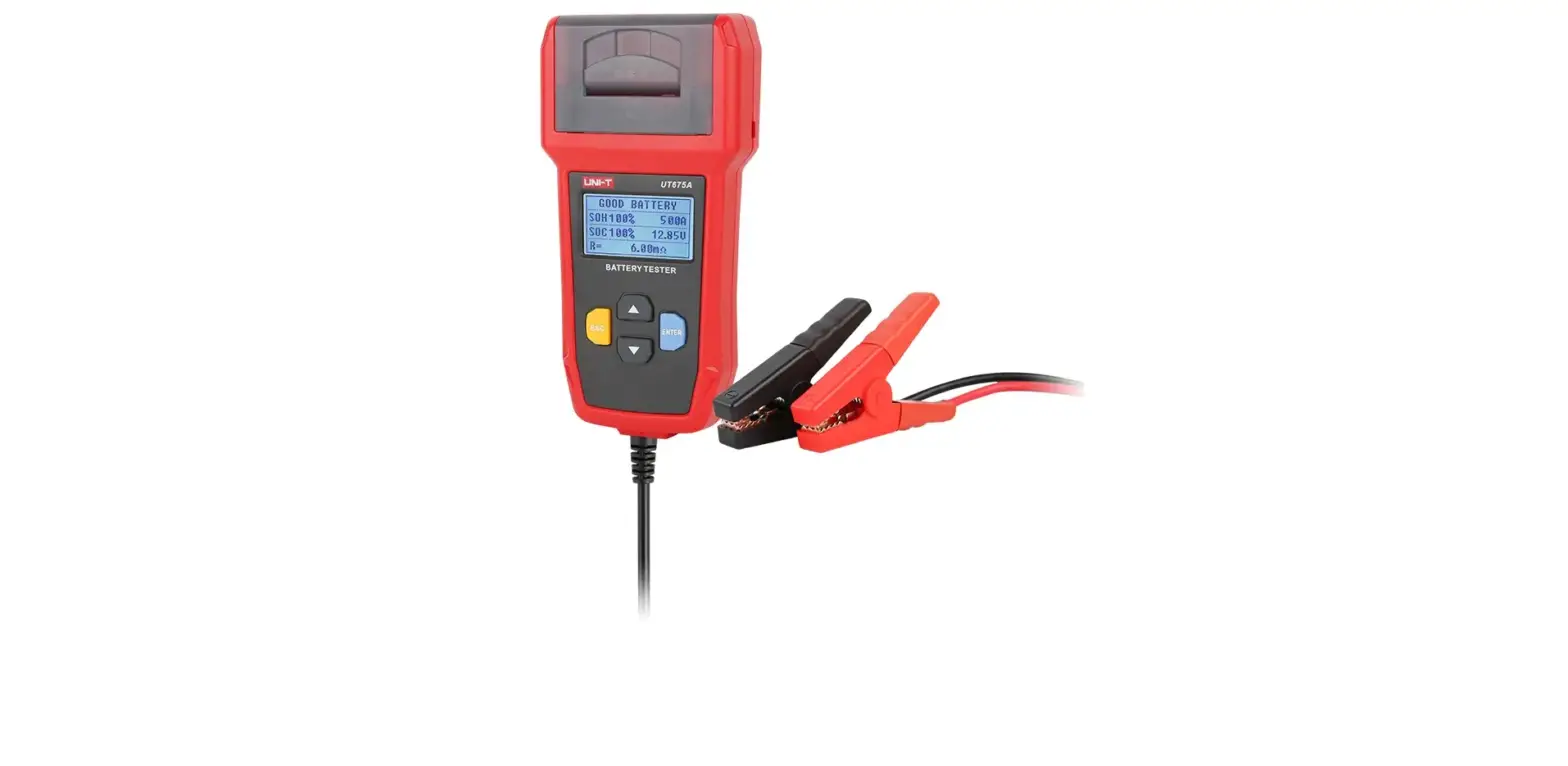
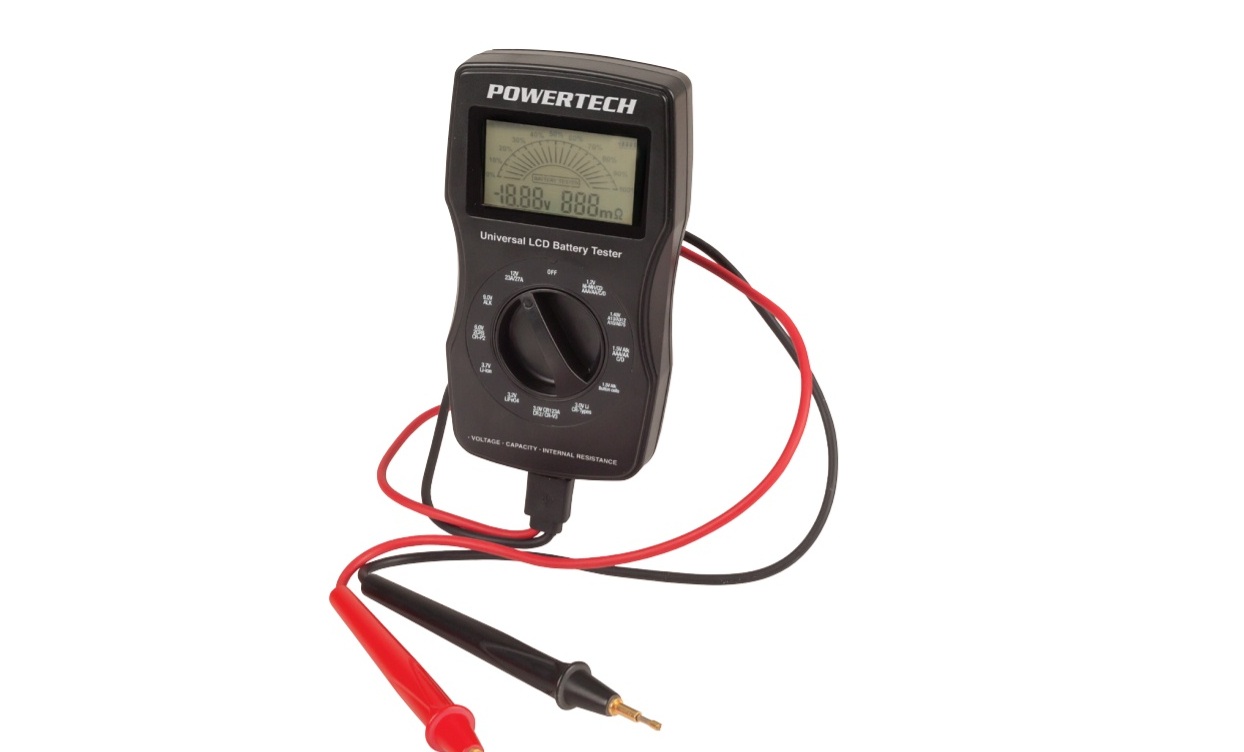
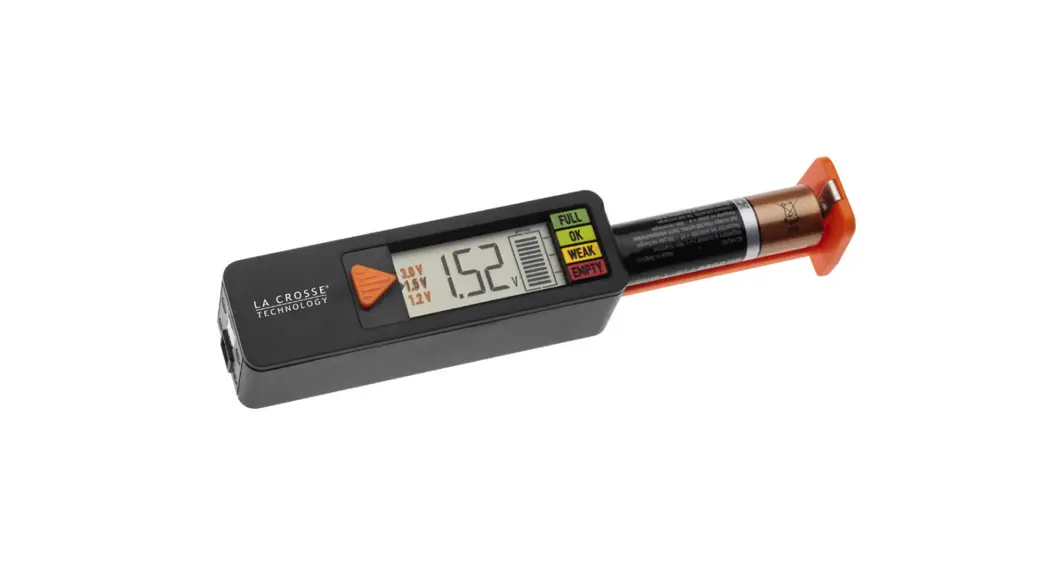
BA106 Battery Tester
Product Information
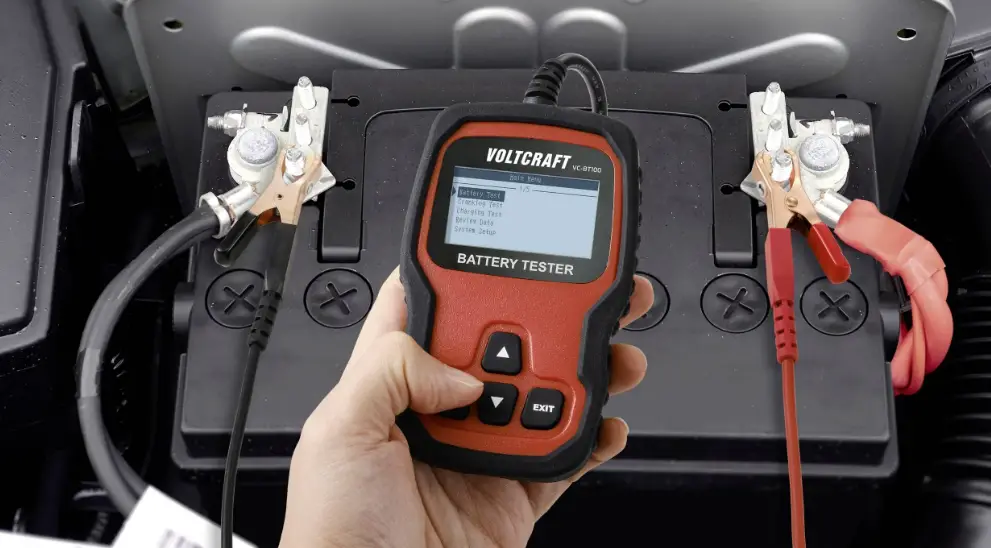
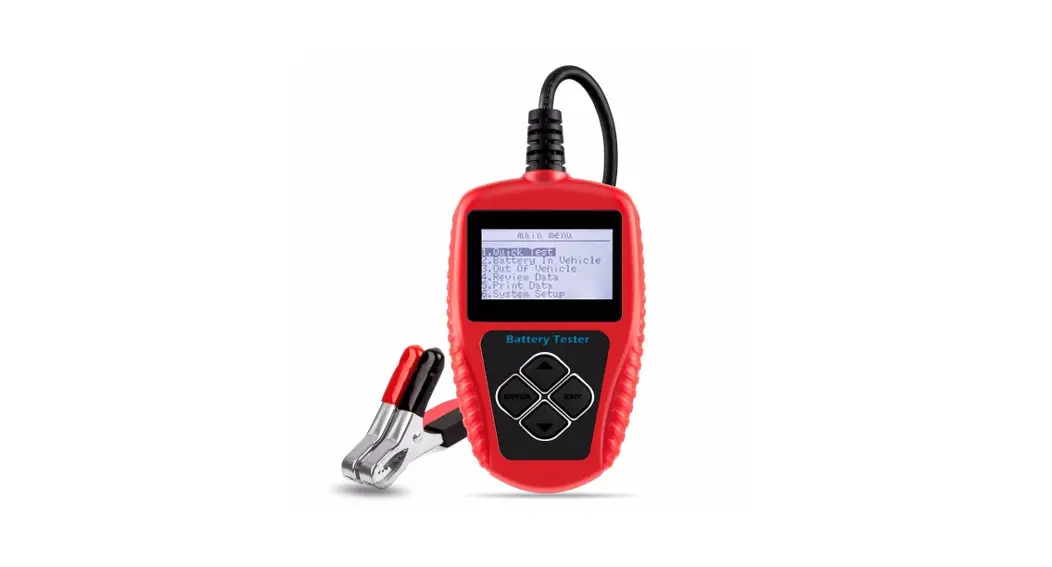
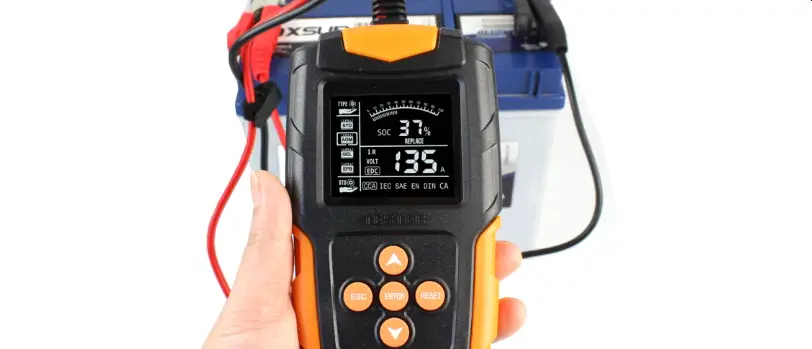
The Battery Tester BA106 is a portable device designed for
testing vehicle batteries. It features a large, easy-to-read LCD
display with backlighting. The device is powered by the vehicle
battery and comes with a mini-USB socket for connecting to a
computer for printing purposes. The dimensions of the device are
126mm (length) x 76mm (width) x 28mm (height), and it weighs
200g.
The Battery Tester BA106 is capable of measuring cold cranking
amps (CCA) for various types of batteries, including Lithium Ion,
Regular Flooded, AGM Gel, and EFB batteries. It supports different
battery standards and rating systems such as CCA, BCI, CA, MCA,
JIS, DIN, IEC, EN, SAE, and GB. The measure range for CCA varies
depending on the battery type.
The product also includes accessories such as a user manual for
instructions on tool operations, a USB cable for connecting to a
computer, and a CD with print software.
Product Usage Instructions
- To connect the Battery Tester BA106 to a computer for printing,
use the mini-USB socket located on the side of the product and
connect it using a USB cable. - To perform a battery test:
- Connect the Battery Tester BA106 to the vehicle battery.
- The tester will display the tester model, version, and battery
voltage. - Press any key to proceed.
- Select the battery type by using the UP/DOWN keys to navigate
and the ENTER key to confirm. - Select the battery system standard and rating by using the
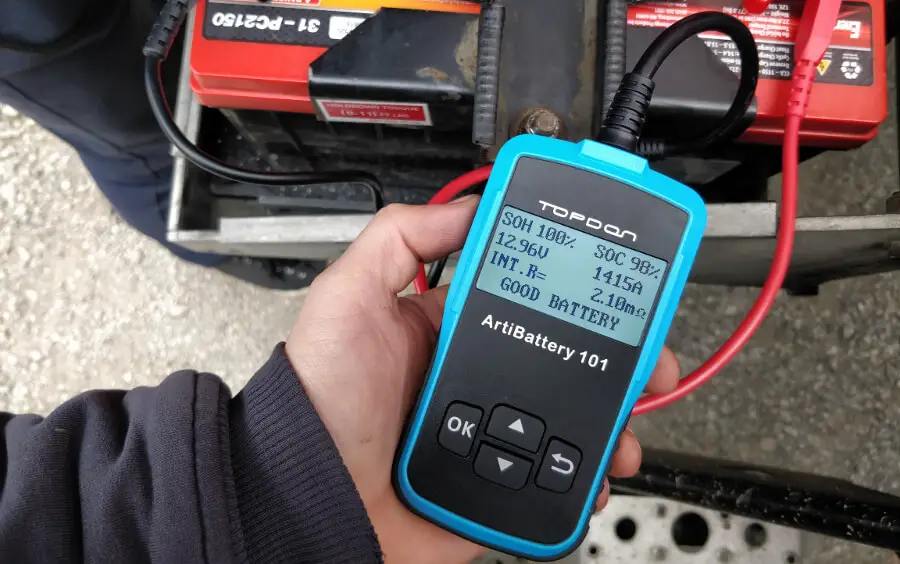
UP/DOWN keys to navigate and the ENTER key to confirm. - The tester will display the battery test result, including
information such as battery health, CCA, voltage, and internal
resistance.
- To access the system setup menu:
- From the main menu, select “System Setup” and press ENTER.
- In the system setup menu, you can adjust the language, contrast
of the LCD display, and view tool information.
- To navigate through menus and options, use the UP/DOWN
keys. - To confirm selections, use the ENTER key.
- To exit to the previous menu, use the EXIT key.
LEAGEND
1.1 Tool Description Up / Down keys: Select upwards or downwards via white UP and DOWN keys. Exit key: Exit to previous menu via blue EXIT key. ENTER key: Confirm the selection via green ENTER key Mini-USB Socket (in the side of the product):
Connect to computer for print via USB cable.
Battery Tester BA106 User Manual
1.2 Product Specifications
1). Display: large, 128*64 easy to read LCD, backlit
2). Operating Temperature: 0 to 50°C (32 to 122 F°)
3). Storage Temperature: -20 to 70°C (-4 to 158 F°)
4). Power–provided via vehicle battery(8-30V DC)
5). Dimensions:
Length
Width
Height
126 mm ( 4.9″) 76 mm ( 3″) 28mm (1.1″)
6). Weight: 200g
1.3 Cold Cranking Amps Measure Range:
Lithium Ion Battery:
Measure Standard
Measure Range
CCA BCI CA MCA JIS DIN IEC EN SAE
20-1000 20-1000 20-1000 20-1000 26A17–150F51 20-700 20-700 20-1000 20-1000
GB
2-120
2.3 Accessories Included
1) User Manual — Instructions on tool operations 2) USB cable — Provides link to tool and computer for print.. 3). CD— Print software inside.
Regular Flooded ,AGM Gel battery, EFB battery:
Measure Standard
Measure Range
CCA BCI CA MCA JIS DIN IEC EN SAE
100-2000 100-2000 100-2000 100-2000 26A17–245H52 100-1400 100-1400 100-2000 100-2000
GB
30-220
1 BA106
LEAGEND
2.4 Product Setup
The tool allows you to make the following adjustments and settings: 1) Language: Selects desired language. 2) Contrast adjustment: Adjusts the contrast of the LCD display. 3) Tool information: The tool show the version.
To enter the system setup menu
From main menu, select the System Setup and press ENTER.
System Setup Language Contrast Tool Information
Battery Tester BA106 User Manual
3 Operation and Test
After connect the tool to vehicle battery, tester displays the tester model , version and batter voltage.
Voltmeter: 12.40V
Tester will display the following contents after press any key.
3.1 Battery test
Main Menu
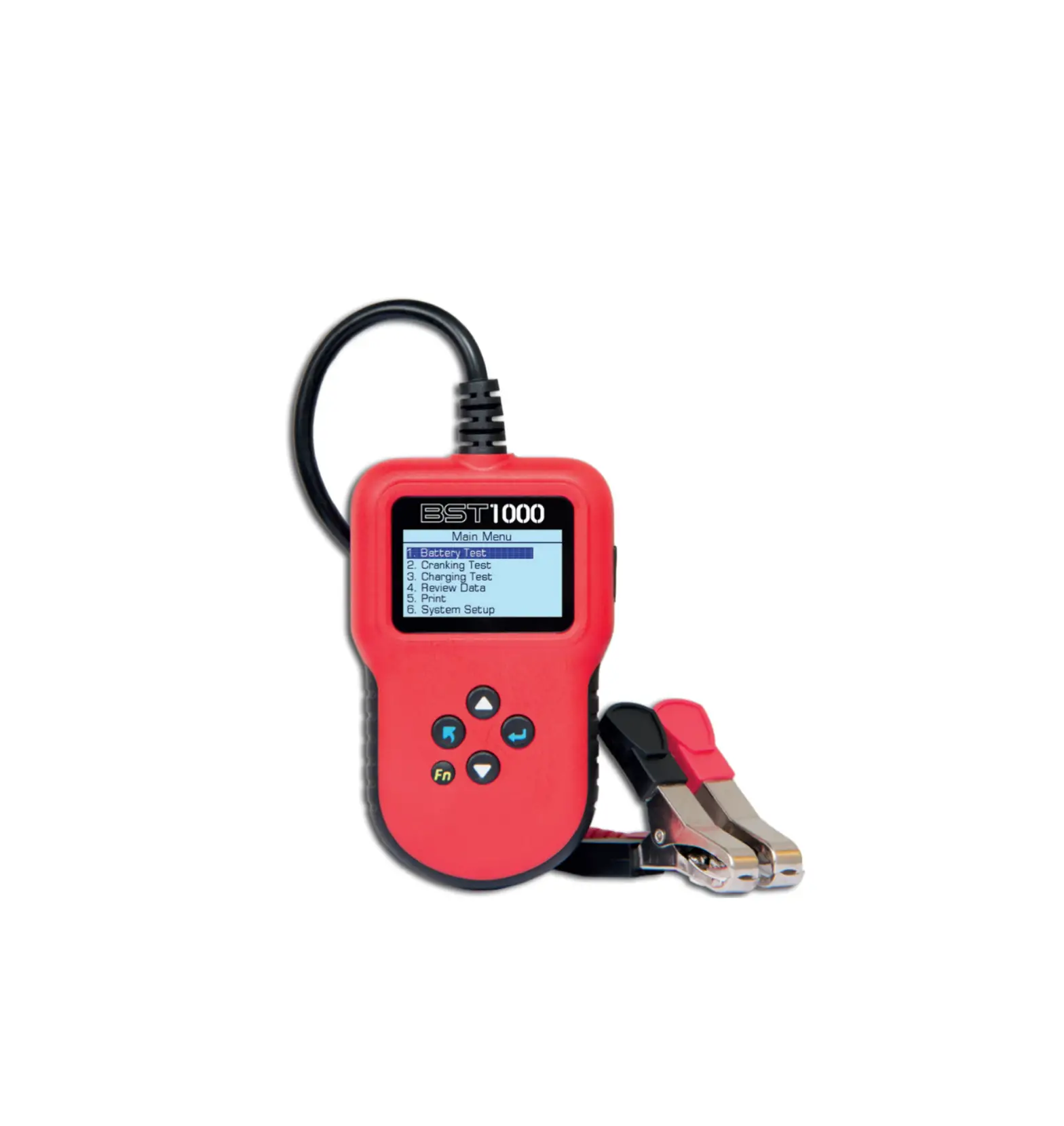
1.Battery Test 2.Cranking Test 3.Charging Test 4.Review Data 5. Print 6.System Setup
Now the tester detects the surface charge has been eliminated, turn lights off as prompted, then press ENTER key. The tester will recover automatic test
Select Battery Type After the battery charge status selected, tester will prompt to select battery type, i.e. Regular Flooded, Lithium Ion ,AGM Flat Plate or AGM Spiral, Gel and EFB battery. Press UP/DOWN key to select battery type, then press ENTER key to confirm
Battery Type
1.Regular Flooded. 2. Lithium Ion 3. AGM Flat Plate. 4.AGM spiral 5.GEL 6.EFB
2 BA106
LEAGEND
Battery Tester BA106 User Manual
Battery System Standard and Rating
BA106 battery tester will test each battery according to the selected system and rating. Use UP/DOWN key to select according to the actual system standard and rating marked on the battery. Use UP/DOWN key to select according to the actual system standard and rating marked on the battery. See in the below picture, the arrow indicated location.
CCA: Cold Cranking Amps, specified by SAE&BCI, most frequently used value for starting battery at 0°F (-18°C). BCI: Battery Council International standard CACranking Amps standard, effective starting current value at 0°C MCA: Marine Cranking Amps standard, effective starting current value at 0°C. JISJapan Industrial Standard, displayed on the battery as combination of the numbers and letters, e.g. 55D23,80D26. DINGerman Auto Industry Committee Standard IECInternal Electro technical Commission Standard EN European Automobile Industry Association Standard SAE: Society of Automotive Engineers Standard GBChina National Standard
Select Input CCA
Setting Rate
500 CCA
It takes around 3 seconds to display the battery test result.
Battery Test Result
Battery test result includes 5 types as following:
1) Good Battery
2) Good, Recharge
Health:96%
490CCA
Charge:98%
12.64V
Internal R=6.1m
Rated: 500A
GOOD BATTERY
4) Bad Cell, Replace
Health:78%
440CCA
Charge:30%
12.20V
Internal R=7.2m
Rated: 500A
GOOD, RECHARGE
5) Charge, Retest
Health:0%
0CCA
Charge:20%
10.64V
Internal R=45.2m
Rated: 500A
BAD CELLREPLACE
Health:39%
310CCA
Charge:20%
12.08V
Internal R=30.1m
Rated: 500A
CHARGE-RETEST
3) Replace
Health:46%
490CCA
Charge:80%
12.68V
Internal R=18.1m
Rated: 500A
REPLACE
3.2. Cranking Test
Tester prompts as following:
BA106
Cranking Test Start Engine
Cranking Test RPM3 Detected
Cranking Test
Time
780ms
Cranking Normal
10.13V
LEAGEND
3.3 Charging System
Tester prompts as following:
Charging Test
Loaded Testing ****
Increasing RPM to 2500 r/min,keep it 5 seconds. Press ENTER to continue.
Battery Tester BA106 User Manual
Charging Test
Testing ****
Charging Test
Loaded Unloaded Replace
Charging
14.16V 14.39V 15mV
Normal
3.4 Review Data
Choose the function of Review Data and review the history of battery testing result
Health:96%
490CCA
Charge:98%
12.64V
Internal R=6.1m
Rated: 500A
GOOD BATTERY
3.5 Print Data
Choose the function of Print and press ENTER.
Before choose the print data function, it is necessary to connect the tool to the computer via USB cable. Once all are available, please kindly insert the CD to the computer 1. Install the USB driver firstly.
2. Then open the Print software
3. Choose the COM Port NO.
If there are some data history in print software, please kindly clear them.
4.The Printer of computer will print the testing result via PC
4 BA106